If you own or are considering a used Tesla Model X, you’ll eventually run into the phrase “low voltage battery” or “12V battery replacement.” Unlike the big high‑voltage pack that drives the car, this small battery quietly powers the computers, locks, contactors, and safety systems that make everything work. Understanding Tesla Model X 12V battery replacement, when it’s needed, what it costs, and whether you should DIY, can save you stress, money, and even a tow bill.
Low‑voltage vs. high‑voltage
How the Tesla Model X 12V battery actually works
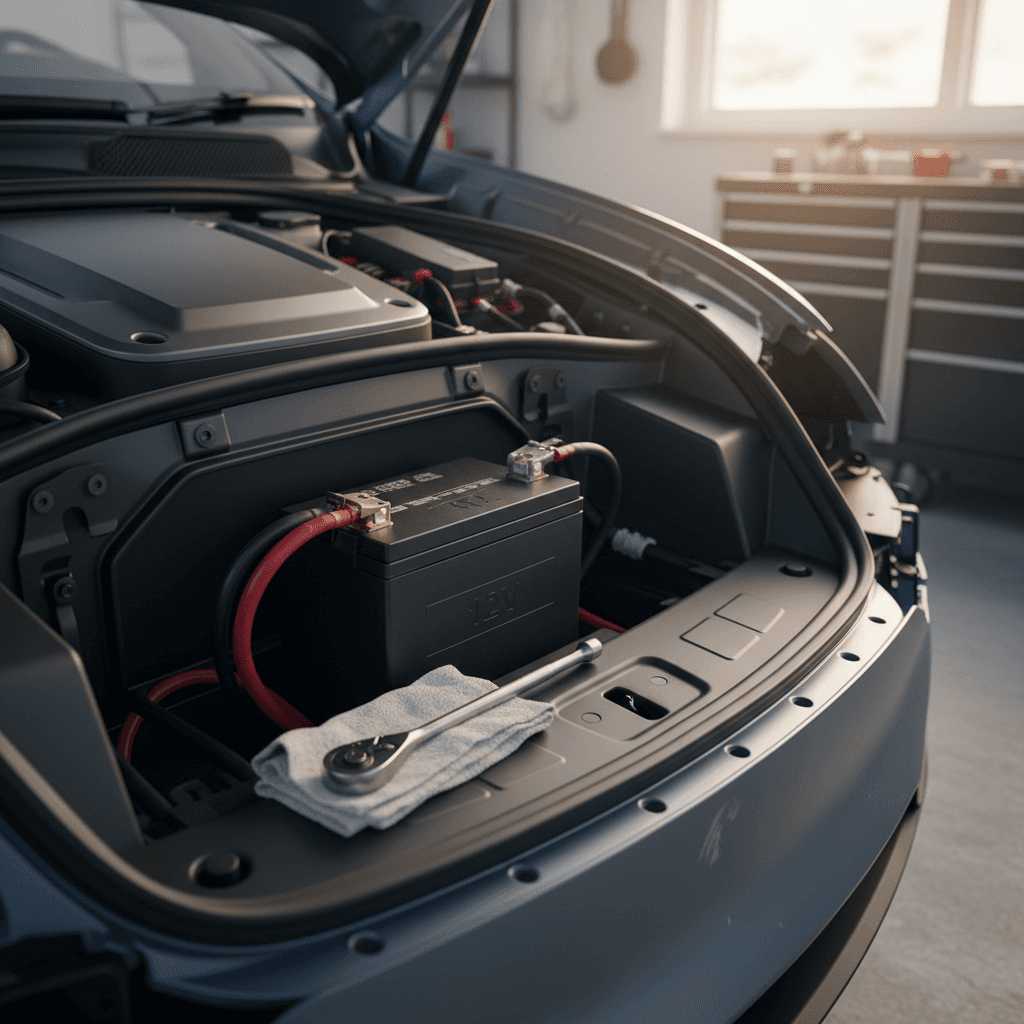
Even in a modern EV, the 12V system is familiar old‑school technology. On most Model X years, Tesla uses a lead‑acid auxiliary battery similar in size and function to what you’d find in a gas car. Newer revisions may use an updated low‑voltage chemistry, but the job is the same: keep the car’s computers and accessories alive.
- The high‑voltage pack charges the 12V battery through DC‑DC converters while you drive or charge.
- The 12V battery powers control units, door latches, lights, airbags, and the high‑voltage contactors that let the main pack wake up.
- If the 12V battery fails, the big battery pack can’t even connect, and the car may refuse to shift into Drive or even unlock normally.
Because the 12V battery is constantly cycling, charging, discharging, and supporting many small loads, it typically wears out faster than the main pack. That’s why you’re far more likely to replace a 12V battery than a traction battery over the life of a Model X.
Typical Model X 12V battery reality
Common signs your Model X 12V battery needs replacement
Tesla does a better job than most legacy cars at warning you when the low‑voltage battery is on its way out. Still, many owners ignore early hints until the car throws a hard warning. Here are the most common signs your Model X 12V battery is near the end of its life:
- Dashboard or app message: “Low voltage battery – schedule service” or similar language.
- Car takes noticeably longer to wake up when you open the door or use the app.
- Random warning lights or accessory glitches that vanish, then return (especially in cold weather).
- HVAC, seat heaters, or other loads are limited while the warning is active.
- After sitting parked for several days, the car is slow to power up or needs a jump/12V support to wake.
Don’t ignore low‑voltage warnings
Tesla Model X 12V battery lifespan and when to replace it
There’s no fixed expiration date on a 12V battery, but patterns have emerged from service data and owner reports:
What affects Model X 12V battery life?
Same vehicle, very different outcomes depending on how it’s used.
Extreme temperatures
Very hot or very cold climates are hard on lead‑acid batteries. Heat accelerates chemical aging; cold reduces effective capacity and makes failures more obvious in winter.
Short trips & idling
Frequent short drives and long parked periods with high accessory use force the DC‑DC system to top up the 12V battery often, wearing it faster.
Age more than miles
Years matter more than odometer. A lightly driven 7‑year‑old 12V battery can be more at risk than a 4‑year‑old one with twice the mileage.
Most Model X owners can expect roughly 3–5 years from a 12V battery under typical conditions. Some fail earlier, some last longer, but if your battery is past its fourth birthday, you’re living on borrowed time.
Track your 12V battery age
Tesla Model X 12V battery replacement cost in 2026
Compared with the main battery, Model X 12V battery replacement is relatively inexpensive. The total bill depends on whether Tesla covers it under warranty, whether you use Tesla Mobile Service, and whether your vehicle uses the older lead‑acid style or a newer low‑voltage design.
Typical Model X 12V battery replacement costs (U.S., 2026)
These are ballpark ranges to help you budget. Exact pricing varies by region, model year, and service center.
| Scenario | What’s Included | Estimated Total Cost* |
|---|---|---|
| Under basic or extended warranty | Battery and labor often covered when fault is confirmed | $0 (deductible may apply on some plans) |
| Tesla Service Center, out of warranty | Genuine Tesla 12V battery + labor + shop fees | ~$200–$450 |
| Tesla Mobile Service, out of warranty | Same as above, with on‑site convenience | Similar to service center; sometimes small mobile fee |
| DIY with Tesla‑supplied battery | Buy battery from Tesla parts counter; owner performs labor | ~$120–$220 for battery alone |
| DIY with aftermarket battery (where compatible) | Third‑party 12V battery and owner labor | Varies widely; be cautious about compatibility and warranty impact |
Use these numbers as planning tools, not quotes, always confirm current pricing in your Tesla app.
About these cost estimates
Model X 12V battery location and basic access steps
On the Model X, the 12V battery lives under the front trunk (frunk) area, mounted in a cage near the bulkhead. Tesla has revised exact layouts over the years, but the general principles are similar.
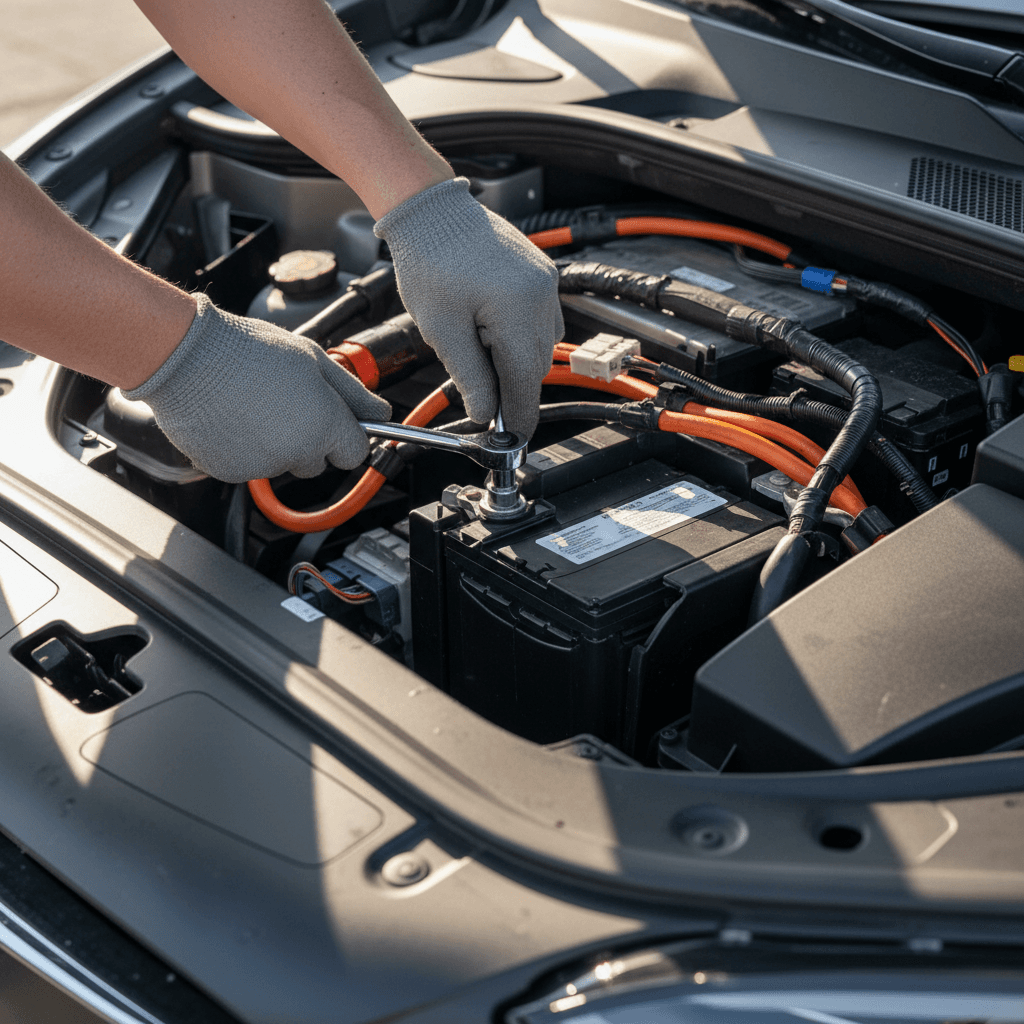
- Open the front trunk and remove the plastic trim panels and seals that cover the area near the windshield.
- Remove the HEPA filter or cabin filter housing (on vehicles equipped) to expose the 12V battery cage.
- The battery sits in a metal cage or bracket assembly, with positive and negative cables routed from the side or top.
- High‑voltage components are nearby, so proper procedures and safety precautions are essential.
Respect the high‑voltage system
DIY vs Tesla service for 12V battery replacement
Reasons to let Tesla handle it
- Safety and software: Tesla techs follow the official low‑voltage and high‑voltage disablement steps, and they know how to clear any fault codes properly.
- Warranty and goodwill: If the car is under warranty or just outside, Tesla may cover part of the cost or check for related issues.
- Speed and convenience: A routine 12V swap can take 20–40 minutes, and mobile service can come to your driveway in many areas.
- Correct parts: You get the latest‑revision battery that Tesla intends for your VIN.
When DIY might make sense
- Out of warranty, rural location: If you’re far from the nearest service center and comfortable with tools, DIY can be appealing.
- Experience with EVs or Teslas: Seasoned owners who follow the service manual closely can manage the procedure.
- Cost sensitivity: You might save $100–$200 in labor doing the work yourself.
- Non‑urgent timing: If the car still drives and you have time to plan, DIY is less stressful than emergency roadside work.
If you do consider DIY, always review the official Tesla service documentation for your exact model year and follow every electrical precaution.
A word of caution on DIY
Step-by-step overview: Model X 12V battery replacement
Tesla’s official procedure for Battery – Auxiliary – 12V (Remove and Replace) in the Model X service manual is several pages long and includes torque specs, tool recommendations, and safety warnings. Here’s a simplified, high‑level overview so you understand what’s involved. This is not a substitute for the official manual, but it will help you decide whether you want to attempt it.
High‑level 12V replacement sequence (for awareness, not a full how‑to)
1. Prepare the vehicle safely
Park on a flat surface, engage Park, and keep the car powered down. Open the driver’s window fully before disconnecting 12V so you don’t get locked out when the power goes down.
2. Remove front trim and HEPA filter
Open the front trunk, remove the weatherstrips and plastic trim panels, and pull out the HEPA or cabin filter assembly to gain access to the 12V battery cage.
3. Disconnect 12V power correctly
Follow Tesla’s low‑voltage disconnect procedure, typically removing the negative terminal first and observing warnings about not operating doors with the glass fully closed while 12V is disconnected.
4. Unbolt the battery cage and hold‑down
Remove the bolts that secure the battery cage to the body, then remove the small bracket that clamps the battery in place. Take care not to pinch nearby wiring.
5. Lift out the old 12V battery
Lift the battery straight up and out of the cage. These batteries are heavy, use two hands and proper lifting posture.
6. Install and secure the new battery
Verify the new battery’s open‑circuit voltage is healthy (typically above about 12.6V), ensure any vent plugs are correctly installed, then reinstall the battery, bracket, and cage to Tesla’s torque specs.
7. Reconnect and test
Reconnect the 12V terminals (positive first, then negative), reinstall trim and filters, then wake the car. Tesla may require calibration steps, like re‑calibrating the falcon wing doors after a full 12V disconnect.
Don’t work from memory or YouTube alone
How to avoid premature 12V battery failure
You can’t make a 12V battery last forever, but you can avoid abusing it. The same habits that are good for your high‑voltage pack often help the auxiliary battery, too.
Habits that help your Model X 12V battery last longer
Simple routines that reduce strain on the low‑voltage system.
Keep it plugged in
When parked at home, leaving your Model X plugged in allows the car to manage both the main pack and 12V system more gently than frequent deep discharges.
Be kind in extreme cold
In winter, avoid letting the car sit for many days unplugged in sub‑freezing temperatures. Precondition while plugged in to reduce the 12V load during cold starts.
Limit long “accessory only” sessions
Sitting in the car using climate, music, or Sentry Mode for hours while parked off‑charger can stress the 12V system over time.
Use the app as your early warning system
What Model X used buyers should ask about the 12V battery
If you’re shopping for a used Tesla Model X, the 12V battery is a small but important part of the ownership story. It’s rarely a deal‑breaker, but it can be a negotiating point and a useful indicator of how the car was maintained.
Key 12V questions to ask before you buy a used Model X
1. When was the 12V battery last replaced?
Ask for dates and invoices. A battery replaced in the last 12–24 months is a plus. A 6‑ or 7‑year‑old original battery is a sign you should budget for a replacement soon.
2. Was the replacement done by Tesla?
A Tesla‑performed 12V replacement suggests the correct part and procedure were used, and you can often see this in the digital service history.
3. Any recurring low‑voltage warnings?
Ask the seller if they’ve seen repeated low‑voltage alerts, odd electrical behavior, or unexplained 12V drains, these could hint at wiring or accessory issues, not just an aging battery.
4. How is the vehicle typically stored?
Cars kept plugged in in a garage generally treat their 12V systems more gently than those stored outdoors, unplugged, in harsh climates.
5. Can I see a recent health report?
If you’re buying through <strong>Recharged</strong>, every vehicle includes a <strong>Recharged Score Report</strong> with verified battery health, pricing analysis, and service insights to help you anticipate items like upcoming 12V replacement.
FAQ: Tesla Model X 12V battery replacement
Frequently asked questions about the Model X 12V battery
The 12V battery in your Tesla Model X is small, but it’s a big part of how livable the car feels day to day. Treat low‑voltage warnings as early invitations to act, not background noise, and you’ll usually be rewarded with a fast, relatively inexpensive fix. If you’re already an owner, get familiar with your 12V battery’s age and service history so you can plan your next replacement instead of being surprised. And if you’re shopping for a used Model X, a transparent inspection and a detailed Recharged Score Report can tell you not just how the main battery looks, but also which smaller items, like the 12V battery, are likely to appear on your to‑do list in the next few years.