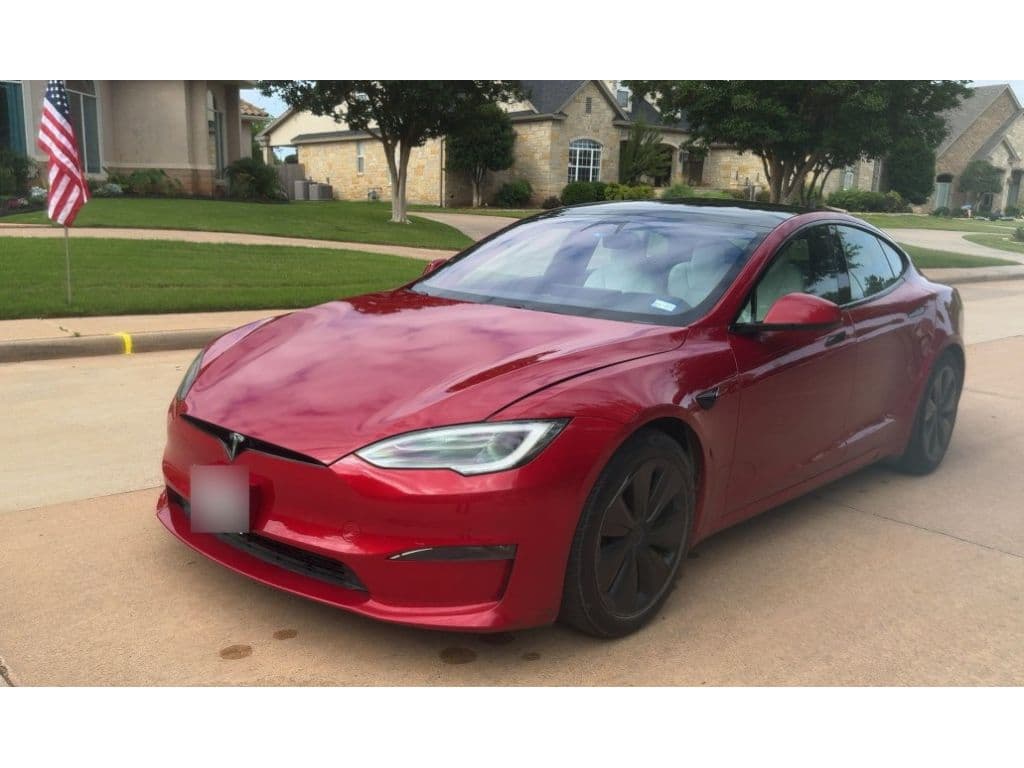
If you own, or are shopping for, a Tesla Model S, its software update history is almost as important as its mileage. Since the Model S launched in 2012, Tesla has treated the car like a rolling smartphone, layering in range tweaks, Autopilot, Full Self-Driving (FSD) features, new interfaces, games, and entire charging behaviors through over-the-air (OTA) updates. Understanding that Tesla Model S software update history helps you know what your car can actually do today and what a used Model S is truly worth.
Quick take
Why the Model S software update history matters
Most cars change once a year with a new model year. The Model S changed every few weeks as software rolled out. That means two seemingly identical 2016 cars on a used lot can feel wildly different depending on their software version, Autopilot hardware, and how diligently previous owners installed updates.
Three big reasons to care about software history
Especially if you’re buying a used Model S
Features & capability
Software determines whether your car has features like Navigate on Autopilot, Sentry Mode, newer visualizations, or modern media apps.
Safety & recalls
Many safety fixes and recall remedies arrive as OTA updates, everything from brake behavior to Autopilot safeguards.
Resale value
Up-to-date software, modern UI, and active driver-assistance can make a used Model S more desirable and valuable.
Used-buyer tip
How Tesla Model S software updates work
Over-the-air like a phone
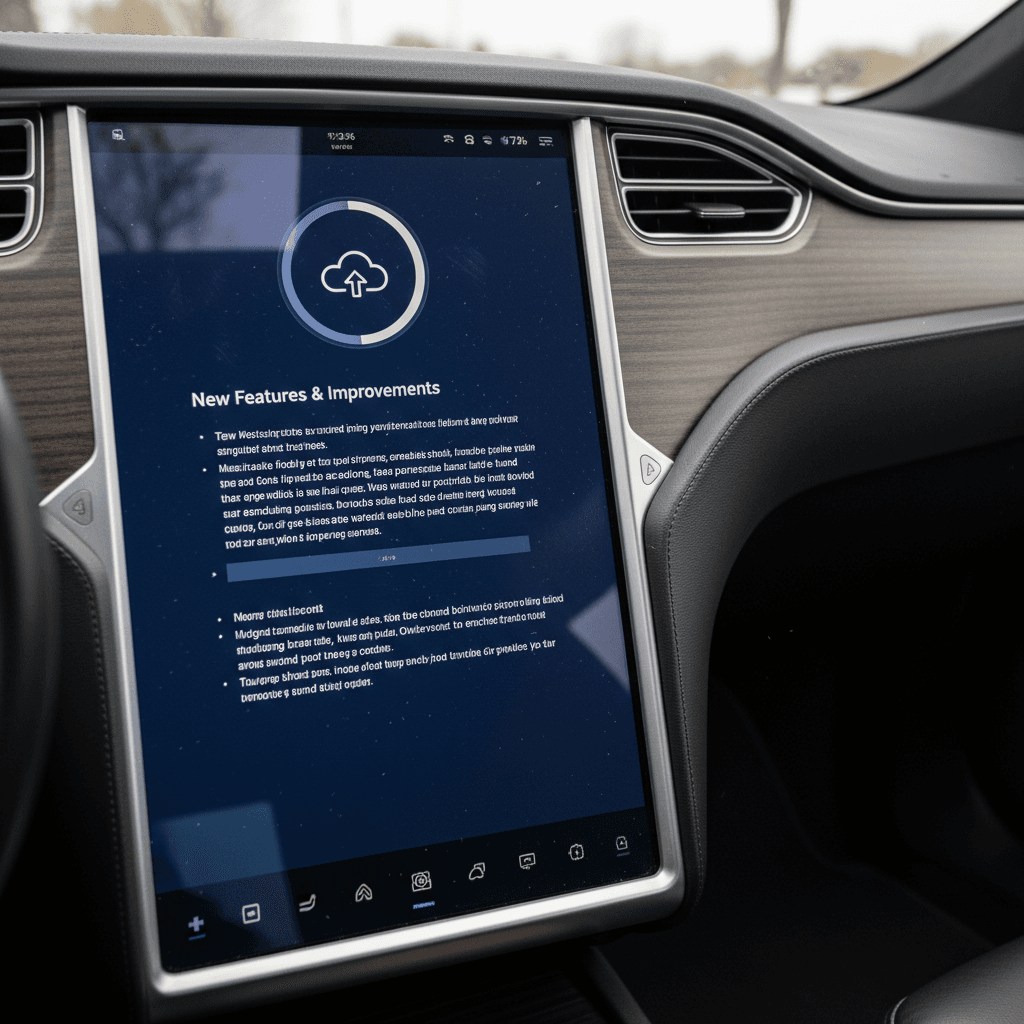
Tesla pushes updates over Wi‑Fi or cellular, so your Model S rarely needs a service visit for new software. You’ll see a notification on the center screen and in the Tesla app when an update is available. You pick an installation time, park, and the car handles the rest.
Version numbers look like 2025.45.9.1 (year.week.revision.patch). Not every car gets every minor patch, Tesla staggers rollouts to keep the fleet heterogeneous and to catch bugs before they hit everyone at once.
Update preferences and timing
In the Software menu you can choose Standard or Advanced update preferences. Advanced tends to get new builds earlier, assuming you’re regularly on Wi‑Fi. Most cars see an update every 30–60 days, with larger feature drops a few times a year.
During installation you can’t drive. If the car is charging when an update starts, charging will pause and resume when it finishes.
You can’t go back
Early years 2012–2014: Laying the software foundation
When the Model S arrived in 2012, OTA updates in a car were practically science fiction. Tesla used those first years to fix bugs and quietly add the basics we now take for granted.
Key Model S software milestones, 2012–2014
The earliest updates focused on Supercharging, basic comfort features, and powertrain behavior.
| Year | Approx. version | Headline changes | Why it matters |
|---|---|---|---|
| 2012 | v3.x | First OTA updates; Supercharger compatibility added; basic driver profile storage; range estimate recalibrated from 300 to 265 miles EPA | Enabled DC fast charging and more realistic range, critical for early adopters. |
| 2013 | v4.0 | Improved throttle response, early voice commands, Sleep Mode to cut vampire drain | Made the car feel quicker and reduced idle energy loss. |
| 2014 | v5.x | Navigation and charging route refinements; connectivity and media app tweaks | Started turning the big 17-inch screen into a truly modern infotainment hub. |
These early changes set the pattern: meaningful new capability delivered without a dealer visit.
What this means for older cars
Autopilot era 2014–2017: Driver assist goes mainstream
From late 2014 on, software and hardware became tightly intertwined. Tesla started shipping cars with forward radar and cameras (AP1), then a more ambitious sensor suite (AP2). Software updates over the next several years unlocked those capabilities bit by bit.
Autopilot by the numbers (rough timelines)
- AP1 (2014–2016): First-generation Autopilot delivered Traffic-Aware Cruise Control (TACC), Autosteer on highways, and basic lane-change assist. Updates steadily improved lane tracking and speed control.
- AP2 (2016 onward): New cameras and computing initially shipped with more limited Autopilot capability, then gradually caught up and surpassed AP1 as software matured.
- Autopilot safety and nagging: As regulators pushed for guardrails, Tesla used updates to change steering-wheel nag timing, visual/audible alerts, and how easily the system disengages.
Important safety note
Major UI and feature upgrades 2018–2020
By 2018, Tesla began treating software as a way to keep older Model S sedans feeling fresh. This was the age of Easter eggs, new apps, and the first big interface overhaul.
Highlights from the 2018–2020 software era
The years that made the Model S feel like a constantly evolving gadget
New look & better maps
V9 and early V10 brought a cleaner UI, improved map rendering, and better trip planning with automatic Supercharger routing. For long-distance drivers, this changed how you plan every trip.
Games, streaming, and quality-of-life
Updates added Tesla Arcade games, Netflix/YouTube streaming (when parked), Sentry Mode, Dog Mode, and more climate and charging refinements.
Charging intelligence
Smarter Supercharger routing, better charge-rate predictions, and early versions of battery preconditioning before fast charging improved real-world trip times.
Summon and smart features
Enhanced Summon, better mobile-app control, and tweaks to keyless entry made the car easier to live with day to day.
Good news for older owners
Palladium refresh and FSD push 2021–2023
In 2021, Tesla launched the so‑called Palladium refresh for the Model S. The hardware changes made headlines, Plaid power, new interior, yoke steering, but software tied it all together. At the same time, Full Self-Driving (FSD) became Tesla’s flagship software product, with frequent updates for those who opted in.
New interior, new interface
The Palladium cars shipped with a refreshed horizontal center screen, rear display, and a V11-style software interface. OTA updates refined everything from the yoke steering feel to HVAC controls and visualizations.
Tesla also continued to backport UI and app improvements to older Model S cars where hardware allowed, though the experience is always best on the latest chips and screens.
The FSD Beta years
From roughly 2021–2023, FSD Beta rolled through dozens of versions, with updates altering lane selection, unprotected left turns, city-street behavior, and how the car responds to complex intersections. Owners on FSD saw more frequent and sometimes more dramatic software changes than those sticking with basic Autopilot.
As training data grew and Tesla’s Dojo supercomputer came online and evolved, software refined how confidently and smoothly the car drove, though always with the driver responsible.
FSD and used cars
Recent changes 2024–2026 and the end of the Model S line
By the mid‑2020s, Tesla’s software cadence is mature: small patches every month or two, sprinkled with bigger drops that unify the interface across S, 3, X, and Y, tweak Autopilot and FSD, and add subscription hooks. At the same time, Tesla announced that 2026 would be the final model year for the Model S and X, moving the flagship sedan into legacy territory even as software support continues.
- Ongoing UI alignment: Frequent updates keep the Model S interface broadly consistent with newer Teslas, so hopping between models feels natural.
- Autopilot to FSD shift: Tesla has gradually emphasized FSD subscriptions over included Autopilot capability, especially on newer vehicles.
- Continuous safety updates: As regulators scrutinize driver-assistance and crash data, Tesla uses software updates to adjust warnings, disengagement rules, and how aggressively automation operates.
- End-of-line reality: Even as Model S production winds down, the software pipeline remains active, extending the sedan’s usable life for current and future owners.
What updates you can expect by Model S year
High-level Model S software expectations by build era
Exact features depend on hardware (Autopilot version, MCU generation, battery, etc.), but this gives you a realistic starting point when you’re evaluating a car.
| Build years | Typical hardware | Software highlights (if fully updated) | Buyer notes |
|---|---|---|---|
| 2012–2014 | No Autopilot (pre‑AP), early MCU1 | Solid OTA foundation, Supercharger support, improved throttle and range estimates, early UI upgrades | Great for EV pioneers and budget shoppers; no modern Autopilot/FSD no matter the software. |
| Late 2014–2016 | AP1 hardware, MCU1 | Mature AP1 Autopilot on highways, V9/V10 interface, early Sentry/Dog Mode on some builds | AP1 is simpler and often praised for lane-keeping feel, but won’t get the latest FSD-style features. |
| 2016–2018 | AP2/AP2.5, MCU1 or early MCU2 | Rapidly improving Autopilot, some FSD benefits if purchased, expanding media apps and games | Transitional cars, feature set depends heavily on whether MCU was upgraded and FSD was bought. |
| 2019–2020 | AP2.5/AP3, MCU2 | V10 UI, rich media ecosystem, better visualizations, frequent Autopilot and FSD refinements | Sweet spot for value: lots of modern software capability without Palladium pricing. |
| 2021–2026 (Palladium) | Latest Autopilot/FSD hardware, new interior | V11+ UI, advanced visualizations, three‑screen cabin, continuous FSD evolution, best app and game support | Most future‑proof; software experience aligns closely with current 3/Y cars. Higher purchase price but strongest long‑term support. |
Use this as a cheat sheet when you’re cross-shopping used Model S listings.
How to use this chart
How software updates affect battery, range, and charging
If you talk to long-time Model S owners, you’ll hear plenty of stories about range changing after an update, for better or worse. That’s because software touches everything from how the car estimates remaining miles to how fast it’ll charge at a Supercharger.
Three ways software shapes energy and charging
Range estimates
Tesla has adjusted how the Model S estimates range more than once, often to reflect real-world conditions better and manage owner expectations.
Charging curves
Updates can change how quickly the pack accepts power at different states of charge. Some updates improve warm‑pack speeds; others dial back peak rates on certain batteries to protect longevity.
Preconditioning & efficiency
Improvements in thermal management, cabin preconditioning, and route‑based battery warming can cut winter range loss and shorten fast‑charge stops.
Recharged’s angle on battery health
How to check your Model S software version and release notes
Step-by-step: See exactly what software you have
1. Open the Software screen
On the center display, tap <strong>Controls > Software</strong>. You’ll see the current version number (for example, 2025.45.9.1) and whether an update is available.
2. Read the release notes
Still in the Software tab, tap <strong>Release Notes</strong> to see what changed in the current and recent updates. This is where you’ll find new features, behavior tweaks, and bug fixes.
3. Check update preferences
Under <strong>Software Update Preference</strong>, choose <strong>Advanced</strong> if you want to receive new builds as soon as Tesla rolls them out to your configuration, or Standard to stay on the conservative track.
4. Compare to community trackers
Sites like Teslascope and Not a Tesla App track released versions and features. Matching your version to their timelines can give you a clearer picture of what’s typical for your car.
5. Verify in the Tesla app
Open the Tesla mobile app and look for a <strong>Software Update</strong> banner. You can start or schedule the install from your phone once the car is parked.
For fastest updates
Buying a used Model S: What to look for in its software history
Software history doesn’t show up on a traditional vehicle history report, but it should absolutely be on your checklist when you’re evaluating a used Model S. Think of it as the invisible service record, how carefully the previous owner kept the car current and what hidden value you’re getting.
Software questions to ask before you buy
1. What software version is the car on today?
Check the version number on the touchscreen. If it’s significantly behind what other owners report for the same timeframe, ask why the car hasn’t been updating.
2. Which Autopilot or FSD package is active?
Confirm whether the car has no Autopilot, basic Autopilot, Enhanced Autopilot, or FSD, and whether those features are tied to the VIN or to the seller’s account. This can dramatically change value.
3. Does everything that should work actually work?
On a test drive, try Autopilot (if equipped), Summon, Sentry Mode, and media apps like Spotify or Netflix. Mismatches between the advertised spec and reality can signal deeper issues.
4. Has the MCU been upgraded?
Older MCU1 cars can feel sluggish with modern software. Many owners have upgraded to MCU2, which improves speed, app support, and overall smoothness. Ask for documentation.
5. Are there open software-based recalls?
Tesla often handles recalls via OTA updates. Ask the seller, or check in the car, whether all recommended software-based recalls and safety updates have been applied.
6. Who’s backing the data?
If you’re buying through a marketplace like <strong>Recharged</strong>, look for a transparent battery-and-software health report. Recharged’s Score Report bundles charging, range, and software status so you’re not taking anyone’s word for it.
Why shop a used Model S through Recharged
Ready to find your next EV?
Browse VehiclesTesla Model S software history: FAQ
Common questions about Model S software updates
Bottom line: Why software history should be part of every Model S purchase
A Tesla Model S is not a static car. From its 2012 debut through the final 2026 model year, it has evolved through hundreds of software updates that touched everything from Supercharging compatibility and throttle response to Autopilot behavior and the entire user interface. That’s fantastic news for owners, your car can genuinely get better over time, but it also means you need to pay attention.
If you already own a Model S, staying current on software and reading release notes is part of smart ownership, just like checking tire pressures. If you’re shopping used, treating software and battery health as core parts of your inspection will help you avoid surprises and find the cars that have been loved, not just driven.
And if you’d rather not decode all of this alone, a specialist like Recharged can help. With the Recharged Score Report, expert EV advisors, and nationwide delivery, you can zero in on the Model S that has the right hardware, the right software history, and the right price, so you get the flagship Tesla experience you’re expecting, without the guesswork.