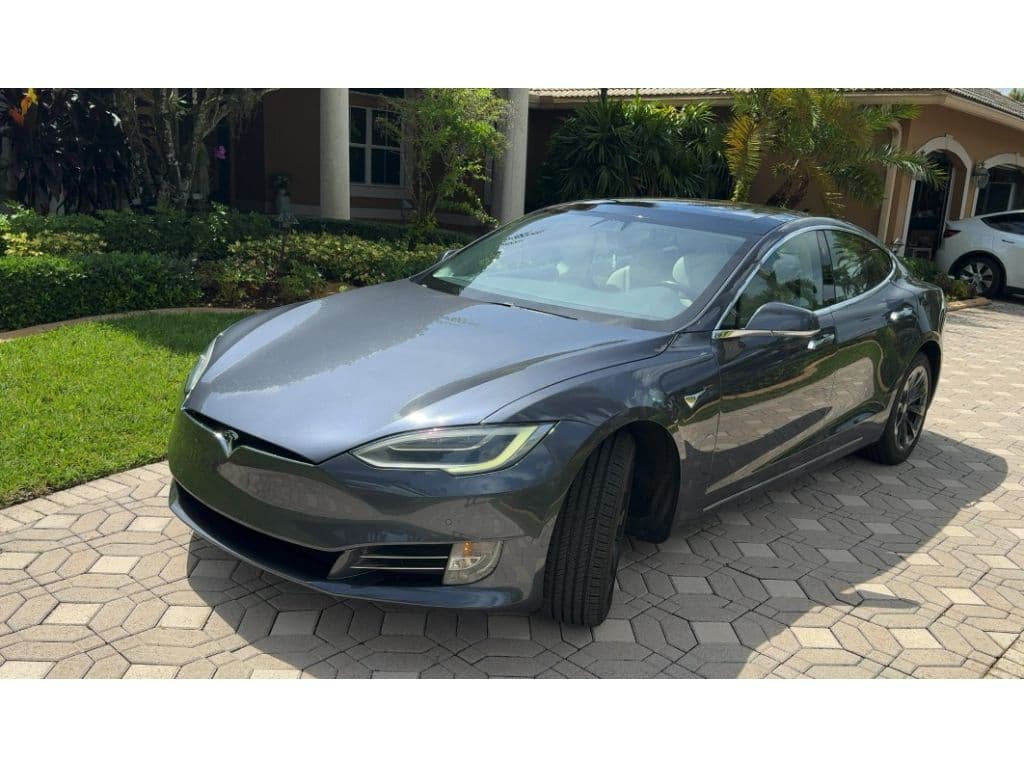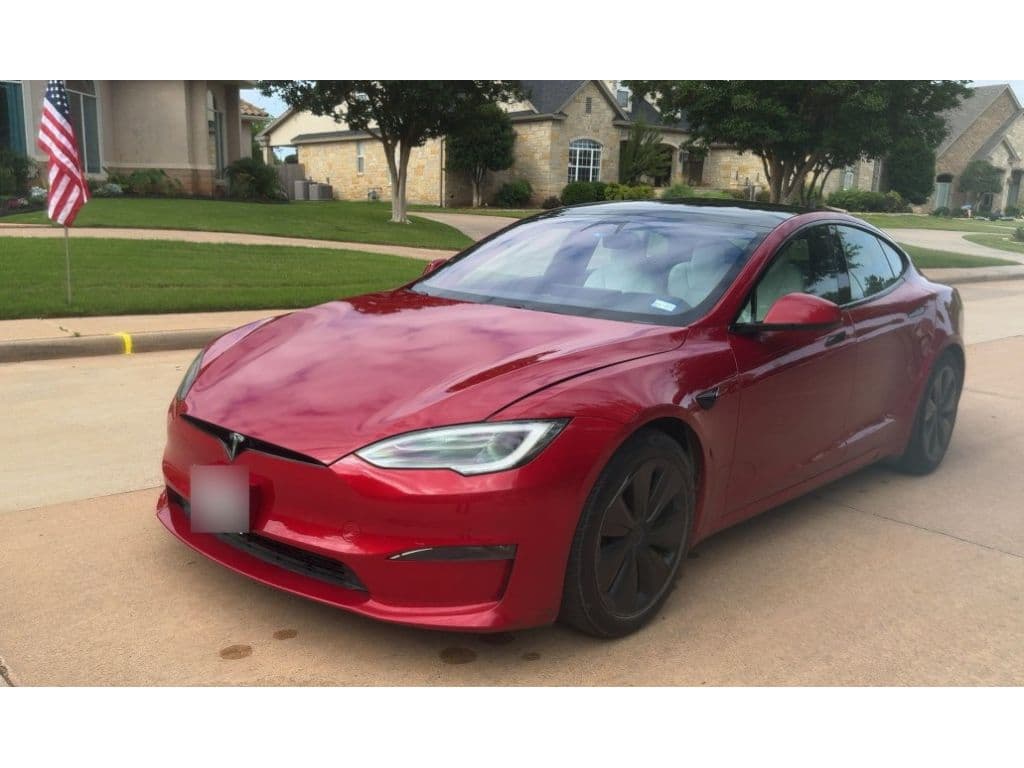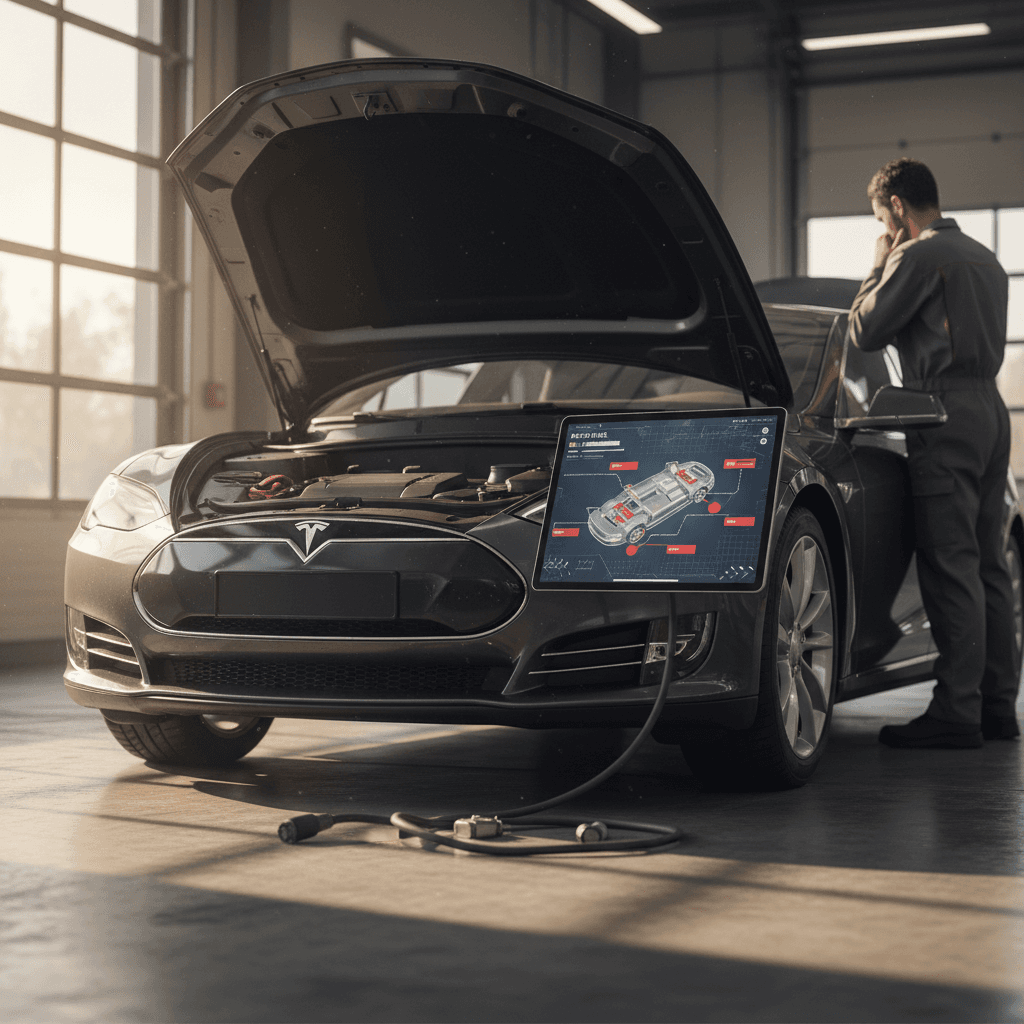
If you’re considering a used Tesla Model S, you’ve probably discovered two things at once: it’s one of the most influential EVs ever built, and it has lived through a blizzard of recalls and safety updates. You might be looking for one clean “Tesla Model S recalls list” that tells you exactly what’s been fixed and what hasn’t. The reality is messier, but you can still get clear, practical answers before you buy or sell.
Quick take
Tesla Model S recalls in context
Tesla, as a brand, sits at or near the top of U.S. recall statistics by vehicle count in recent years. That sounds alarming until you realize two things: first, Tesla sells a lot of cars; second, many of its recalls are software changes pushed over the air rather than mechanical defects that park your car at a service center for weeks.
Tesla recalls and over‑the‑air fixes
For the Model S specifically, recalls span the whole production run, from early cars built in 2012–2013 to late 2020s refresh models. Some campaigns affect a narrow batch of VINs; others cover nearly every Tesla built within certain model years. That’s why the only recall list that really matters is the one tied to your car’s VIN.
Why there’s no single official “Tesla Model S recalls list” PDF
If you go hunting for a downloadable, up‑to‑date “Tesla Model S recalls list,” you’ll come up empty. Recalls are created, amended and sometimes superseded over time. The National Highway Traffic Safety Administration (NHTSA) and Tesla both treat recalls as VIN‑specific: what applies to a 2015 P85D may not apply to a 2022 Long Range, even though both are Model S sedans.
- New recalls can be issued at any time, including years after a car was built.
- Existing recalls can be expanded to cover more VINs as more data comes in.
- Some campaigns are global service bulletins rather than NHTSA safety recalls.
- Tesla sometimes bundles multiple software fixes into a single over‑the‑air update.
Don’t rely on generic lists
Major Tesla Model S recall campaigns to know about
While there’s no single master list, some high‑profile Model S recalls come up again and again in owner forums and used‑car inspections. Think of the following as a guided tour through the greatest hits, not an exhaustive legal record, but enough to recognize the big tickets and ask smart questions.
Selected Tesla Model S recall campaigns
Examples of notable recalls that have affected large numbers of Model S vehicles over the years. Exact VIN ranges and dates vary, always confirm against your specific car.
| Recall theme | Approx. model years affected | Type of issue | Typical remedy |
|---|---|---|---|
| Front trunk (hood) latch detection | 2021–2024 Model S | Primary latch may not properly detect hood open state, risking blocked forward visibility | Software update plus inspection; Tesla reprograms and, if needed, services latch components. |
| Steering assist motor bolts | Early Model S (roughly 2012–2016) | Corrosion or loosening of power steering bolts in certain climates | Tesla replaces bolts and applies improved corrosion protection. |
| Seat belt anchor / first‑row seat belts | Multiple years, depending on campaign | Potentially improper seat belt anchor installation or retention | Inspection of anchor points; re‑torque or replacement of components as required. |
| eMMC / center screen memory | Many pre‑refresh Model S vehicles | Embedded memory chip in the MCU can wear out prematurely, causing display failure | Replacement of the affected control unit or memory card with updated hardware. |
| Automatic window reversal system | Later‑model S vehicles with updated windows | Power windows may not reverse correctly when detecting an obstruction | Over‑the‑air software update plus functional check if needed. |
| FSD / Autopilot behavior updates | Model S with FSD or specific ADAS packages | Driver‑assistance behavior may not meet updated safety expectations | Over‑the‑air software changes to how features operate; no hardware swap required. |
This table is illustrative, not exhaustive. Use it to understand the types of issues involved, then verify your own VIN.
Where to see the official list
Software vs. hardware recalls on the Model S
One thing that makes Tesla recall coverage confusing is the split between hardware recalls and software‑only campaigns. With most traditional brands, a recall means a trip to the dealer. With Tesla, sometimes the “trip” is just your Wi‑Fi router and a pot of coffee.
Software‑only recalls
These are the recalls that made headlines when regulators said Tesla had to "recall" millions of vehicles for things like warning icons that were too small or Autopilot behavior that needed tweaking.
- Fixed over the air while the car is parked and connected.
- Can affect a huge number of VINs at once.
- No physical parts changed, but behavior can be very different.
- Examples: FSD Beta driving operations updates, “rolling stop” removal, instrument‑panel warning font size.
Hardware‑related recalls
These are the old‑fashioned kind: bolts, belts, electronic modules, or latches that need inspection or replacement.
- Usually involve service center or mobile service appointments.
- Often limited to specific build dates, suppliers, or climates.
- More relevant to long‑term durability and resale value.
- Examples: steering assist motor bolts, seat belt anchor inspection, eMMC memory replacement, hood latch detection checks.
How this affects you as a buyer
How to check Tesla Model S recalls by VIN
Now to the part that actually affects your wallet: figuring out whether a specific car, maybe the used Model S you’ve been eyeing, is up to date. The good news is that you don’t need special access. You just need the 17‑character VIN from the dashboard or registration.
Step‑by‑step: run a Model S recall check
1. Grab the VIN
Find the 17‑character VIN on the lower driver‑side windshield, the driver‑door jamb sticker, or the registration/insurance card. Take a clear photo so you don’t transpose digits.
2. Check Tesla’s recall page
Go to Tesla’s official support section and look for the vehicle recall or recall information tool. Enter the VIN to see <strong>open recalls</strong> and any campaigns that have already been completed.
3. Cross‑check with NHTSA
Visit the federal NHTSA recall lookup tool and enter the same VIN. This shows open <strong>safety recalls reported to the U.S. government</strong>. It’s a good double‑check against Tesla’s own records.
4. Look inside the Tesla app (if you have access)
If the car is already in your Tesla account, the app and the car’s touchscreen will typically show recall notifications or required service actions. Don’t ignore yellow or red alerts.
5. Ask for documentation on older work
When you’re buying used, ask the seller for <strong>service invoices</strong> or Tesla service history screenshots showing that key campaigns, like steering bolts or eMMC replacements, have been done.
6. Time your purchase around fixes
If the VIN check shows an open hardware recall, you can either ask the seller to complete it before the sale, or budget time to schedule service right after you take delivery.
Good news on cost
Ready to find your next EV?
Browse VehiclesWhat Model S recalls mean if you’re shopping used
A glance at the recall headlines might make you think every Model S is a rolling recall notice. In practice, recalls are just one piece of the used‑EV puzzle, alongside battery health, cosmetic condition, and how the car was driven and charged.
How recalls change the used‑Model S equation
Think of recalls as context, not a verdict.
Perception vs. reality
Yes, a long recall list looks ugly on paper. But many Tesla campaigns are software changes that other brands would quietly ship as running production changes.
Battery > recall count
For long‑term ownership costs, battery health usually matters more than how many recall IDs pop up. A well‑maintained, recall‑complete car is what you want.
Paper trail matters
When in doubt, documentation wins the day. Copies of Tesla service invoices or a third‑party diagnostic report can turn a nervous maybe into a confident yes.
At Recharged, every vehicle comes with a Recharged Score Report that includes verified battery health diagnostics and a review of open safety recalls at the time of listing. That way you’re not piecing together the car’s story from screenshots and seller promises.
Model S recalls, battery health and real‑world safety
Tesla’s first‑generation Model S put big‑battery EVs on the map, and naturally it collected some war stories along the way, early fire investigations, underbody shield changes, steering‑bolt campaigns in salty‑road states. The pattern you see over time is iterative safety hardening more than a single fatal flaw.
Battery recalls vs. battery wear
That’s where the used market gets interesting. A 2016 Model S that is recall‑complete but saddled with a tired battery may be a worse buy than a 2018 car that has seen gentler use and careful charging. Recalls tell you that minimum safety and compliance boxes have been ticked; battery diagnostics tell you how the car will feel to live with.
Recall checklist for Model S buyers and owners
Essential recall checklist for a Tesla Model S
Confirm all open recalls by VIN
Run the VIN through both Tesla’s recall tool and the NHTSA database on the same day you plan to buy. Screenshots are your friend.
Prioritize hardware fixes
Make sure steering‑bolt, seat belt, and latch‑related campaigns are complete. Those have the most direct implications for crash safety and vehicle control.
Verify eMMC / screen repairs on older cars
For pre‑refresh Model S vehicles, ask if the eMMC or MCU has been replaced under recall or goodwill. A dying screen can be more than an annoyance, it can affect access to key controls.
Check for recent OTA updates
If the software version is years out of date, assume <strong>multiple software recalls</strong> may still be outstanding. Factor in time to connect the car to Wi‑Fi and let it catch up.
Review service history with a critical eye
Patterns matter. Repeated visits for the same issue could hint at a deeper problem, while a clean, consistent maintenance record builds confidence.
Pair recall checks with battery diagnostics
Before committing, combine recall verification with a proper <strong>battery health report</strong>, either from Tesla or a third‑party tool like the Recharged Score.
FAQ: Tesla Model S recalls list & ownership
Frequently asked questions about Tesla Model S recalls
Bottom line: how worried should you be?
A long “Tesla Model S recalls list” makes for dramatic headlines, but as an owner or shopper, your concern should be more precise: Which recalls apply to this exact car, and are they done? Once you answer that, recalls become less a red flag and more like software patch notes, important, but manageable.
If you’re buying used, combine a VIN‑level recall check with a serious look at battery health and service history. That’s the trio that will really define your ownership experience. And if you’d rather not assemble the puzzle yourself, a marketplace like Recharged can do the heavy lifting with verified diagnostics, transparent pricing, and EV‑specialist support from first click to delivery.