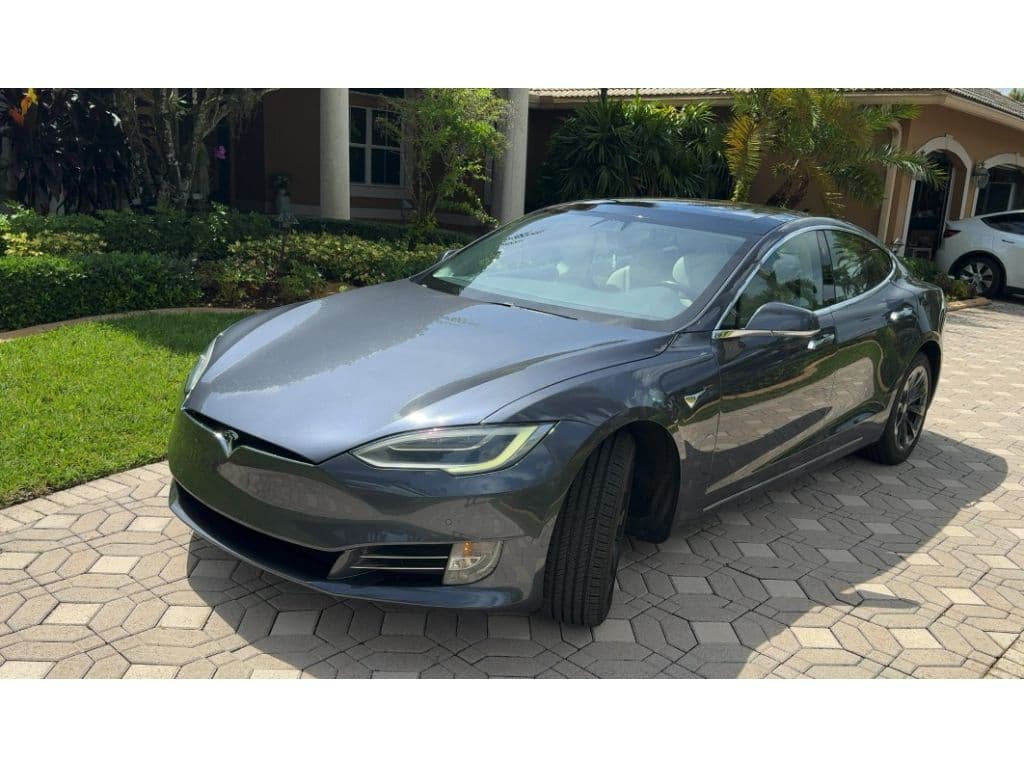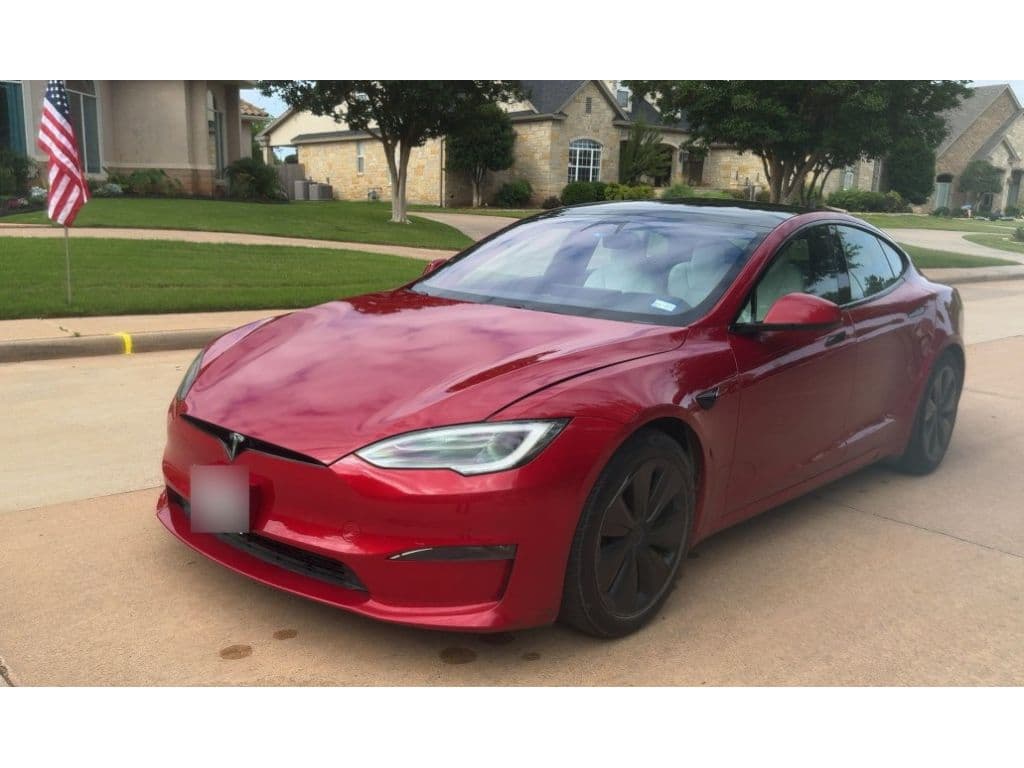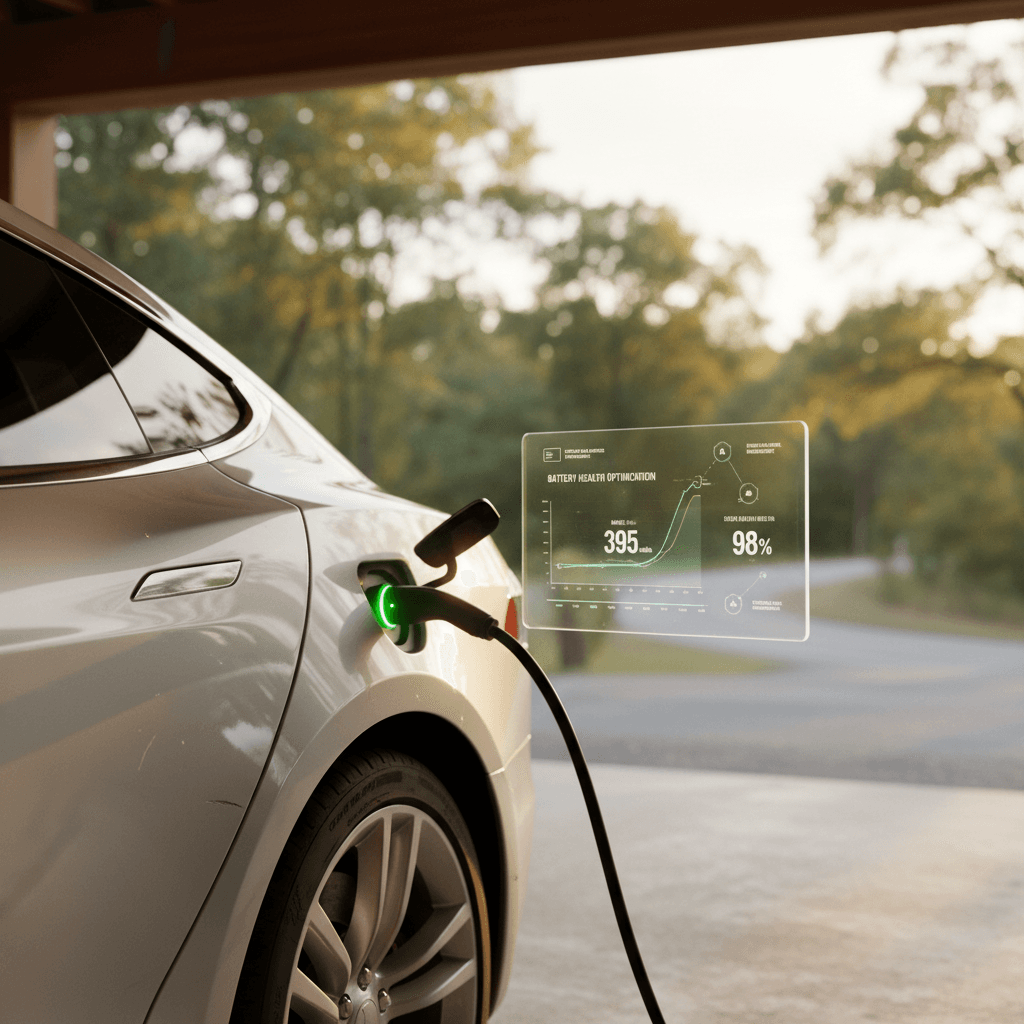
If you drive a Tesla Model S, or you’re shopping for a used one, battery life is the single most important part of the car’s value. The good news: with the right charging, driving, and storage habits, you can maximize your Model S battery life and keep real‑world range surprisingly close to what it was when the car was new.
Key takeaway
Why battery care matters for the Tesla Model S
The Model S battery pack is the most expensive component in the car. It’s also what makes a 7‑, 8‑, or 10‑year‑old Tesla either a smart buy or an expensive gamble. A well‑cared‑for pack can still deliver strong range well past 100,000 miles. A neglected one can turn a bargain into a headache, especially once you’re out of warranty.
Real‑world Tesla battery behavior (big picture)
You can’t change how old your battery is, and you can’t rewrite its history. But from today forward, you can control the three things that matter most: charging habits, temperature exposure, and how hard you push the pack while driving.
How the Tesla Model S battery works in plain English
What’s actually under the floor?
The Model S uses a large lithium‑ion battery pack made up of thousands of small cells, grouped into modules. All of that lives in an aluminum case under the cabin floor, protected by a cooling system and software that manage temperature and charging.
Every time you charge or drive, tiny chemical changes occur inside those cells. Over thousands of cycles, those changes add up to permanent loss of capacity, what you see as lower rated range at 100% charge.
What actually wears the battery out?
- Time at high state of charge (SOC), especially near 100%.
- Deep discharges down to very low SOC.
- High temperatures, sitting hot and full is the worst combination.
- High charge power (fast charging) done very frequently.
Tesla’s management system protects you from the worst abuse, but your habits can make the difference between a healthy pack and a tired one.
Think of it like a phone battery, only more valuable
Daily charging habits that maximize Model S battery life
If you only change one thing, make it your daily charging routine. Tesla’s software gives you more control than most EVs; use that to your advantage.
Core charging principles for a healthy Model S battery
Apply these most days and you’ll already be ahead of the curve.
1. Live in the middle
For daily use, keep your charge limit around 60–80% unless you truly need more. Avoid sitting near 100% for long periods, charge to full right before a trip instead.
2. Prefer AC over DC
Use home or workplace Level 2 charging as your default. Supercharging is fine for trips, but relying on DC fast charging every day adds stress to the pack over time.
3. Time your charging
Use scheduled charging so the car finishes charging shortly before you leave. That way, the pack doesn’t sit at a higher state of charge any longer than necessary, especially near 100%.
Suggested daily charge targets by driving pattern
These are general guidelines for preserving long‑term battery health while keeping everyday use convenient.
| Daily driving profile | Typical daily miles | Recommended charge limit | Notes |
|---|---|---|---|
| Light commuter | 0–30 miles | 60–70% | Plenty of buffer; you rarely need more unless weather is extreme. |
| Average driver | 30–70 miles | 70–80% | Sweet spot for most owners; good balance of range and longevity. |
| Heavy driver | 70–120 miles | 80–90% | Use higher limits on busy days, then drop back down when possible. |
| Road‑trip / occasional | Varies | 90–100% (trip days only) | Charge to full shortly before departure; don’t leave it at 100% overnight. |
Adjust for your real‑world range and comfort level, especially in extreme weather.
Don’t chase 100% every day
Smart driving habits to protect range and battery health
How you drive your Model S affects battery life in two ways: short‑term energy use (range) and long‑term cell stress. Aggressive driving and repeated hard launches are fun, but they spike heat and current draw, both enemies of battery longevity.
- Use Chill Mode for daily errands and commutes; save Ludicrous/Insane launches for occasionally showing off.
- Smooth out your inputs, steady throttle and gentle braking reduce peaks in current and heat.
- Use regenerative braking instead of friction brakes when possible; it’s more efficient, though it still cycles the pack.
- At highway speeds, back off 5–10 mph when you can. Once you’re above ~70 mph, aero drag rises sharply, and so does energy use.
- Avoid long, high‑speed runs right after DC fast charging, when the pack is already warm.
Small changes, big impact
Temperature management: keep your battery in the comfort zone
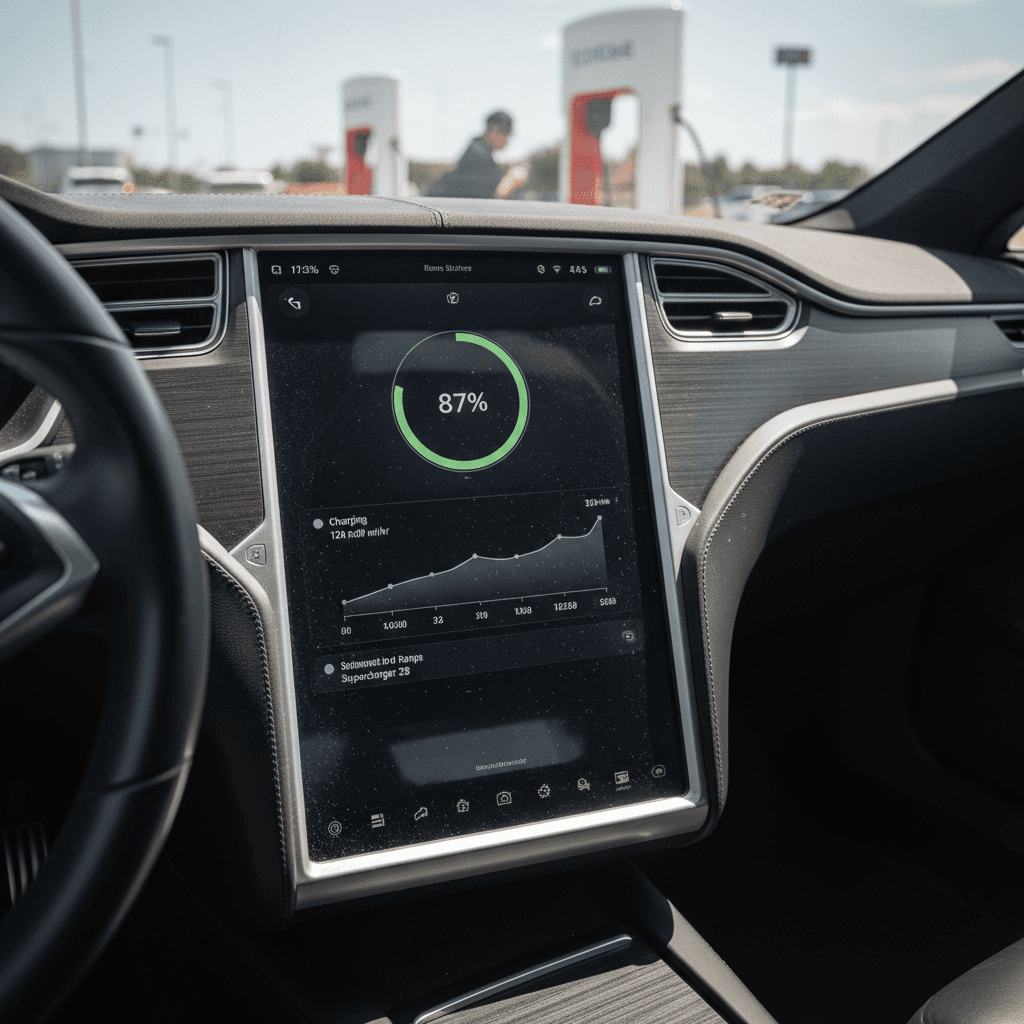
Tesla’s liquid‑cooled battery pack and thermal management system do a lot of heavy lifting, but they can’t rewrite physics. Heat accelerates chemical aging, especially when the battery is full or very low. Cold doesn’t damage the pack the same way, but it does temporarily reduce power and usable energy.
Best practices by temperature situation
Focus on where and how the car sits, not just how you drive.
Hot weather (summer & heat waves)
- Whenever possible, park in shade or a garage. A cooler cabin usually means a cooler pack.
- Avoid leaving the car at a high state of charge in heat, aim for 50–70% if it will sit for many hours.
- Use Cabin Overheat Protection if interior temps are extreme, but remember it uses energy.
Cold weather (winter & freezes)
- Precondition the car while plugged in; it warms the pack and cabin using grid power instead of your battery.
- Expect lower range in the cold. Don’t panic, capacity returns as temperatures rise.
- Try not to Supercharge on a completely cold battery; use built‑in preconditioning on the way to the station.
Worst‑case scenario for battery aging
Long‑term storage and road‑trip strategies
Most owners worry about degradation either when they park the car for long stretches or when they pound out road‑trip miles. The good news is you can handle both scenarios with a few simple rules.
If your Model S will sit for weeks
- Leave the battery around 40–60%, not full.
- If you can, keep the car plugged in with a conservative charge limit so it can manage its own temperature.
- Turn off or reduce Sentry Mode, third‑party apps, and high‑drain features that wake the car often.
- Avoid storing long‑term in blazing sun or in sub‑freezing outdoor conditions.
If you’re road‑tripping regularly
- Use trip‑day 90–100% charges only when needed; otherwise stay lower for daily use.
- Let the car precondition the pack before Supercharging for faster, more efficient sessions.
- Between Superchargers, it’s fine to arrive with 10–20%, that’s what the car is designed for.
- Back home, drop your charge limit back into your normal daily window.
Tesla designed the car for road trips
Software settings in your Model S that help your battery
The car already has tools that quietly protect the pack. A few minutes in the menus can align those tools with how you actually use the car.
Model S settings to review for battery life
1. Set a realistic daily charge limit
Open the charging screen and drag the slider to your normal target (often 70–80%). Only move it up for special days when you truly need the extra range.
2. Use scheduled departure or charging
Set a scheduled departure so the car finishes charging and preconditions right before you leave. This helps in both hot and cold weather and avoids sitting at high SOC.
3. Turn on energy saving features
In older Model S vehicles, enable energy‑saving or sleep features. Limit always‑connected apps that constantly wake the car and slowly drain the pack.
4. Adjust climate preferences
Use seat and steering‑wheel heaters before cranking up cabin heat in winter, they use less energy. In summer, use preconditioning while plugged in instead of cooling on battery power.
5. Try Chill Mode for daily driving
Unless you regularly need max acceleration, Chill Mode smooths out power delivery and reduces stress on the battery and drivetrain during routine trips.
6. Monitor rated vs. real‑world range
Use the trip and energy graphs to see how your driving style, speed, and climate settings affect consumption. That feedback makes it easier to adopt better habits.
Battery health myths vs. reality for Tesla Model S owners
Common Model S battery myths, debunked
Understanding what actually matters helps you focus on the right habits.
Myth 1: “You must always charge to 100%.”
Reality: Tesla built in a buffer, but that doesn’t mean 100% is benign. Daily 100% charges increase stress, especially in heat. Aiming for 60–80% for normal use is a better long‑term strategy.
Myth 2: “Supercharging kills the battery quickly.”
Reality: Frequent DC fast charging isn’t ideal, but occasional use, especially on road trips, is fine. The car manages current and temperature carefully. Home Level 2 should still be your default.
Myth 3: “Letting it go to 0% is no big deal.”
Reality: Tesla protects the pack from truly hitting zero, but repeatedly running down into the red forces deep cycles and increases risk. Try to recharge once you’re in the 10–20% range when possible.
Myth 4: “Balanced cells mean no degradation.”
Reality: Cell balancing can clean up small range display quirks, but it doesn’t reverse chemical aging. If you’ve lost real capacity, no software trick is putting it back.
What you should actually watch
Used Tesla Model S: what to look for in battery health
If you’re shopping used, battery health is the line between a great deal and an expensive surprise. The challenge is that you can’t see pack condition just by kicking the tires.
Questions to ask and data to review
- Current displayed range at 90–100% and how it compares with the original EPA rating for that pack.
- Charging history: mostly home Level 2, or daily Supercharging?
- Climate history: Has the car lived its whole life in very hot or very cold regions?
- Service records: Any battery‑related repairs, software limits, or warnings?
Why independent battery diagnostics matter
Most shoppers don’t have the tools to pull detailed pack data themselves. That’s where third‑party diagnostics and marketplaces focused on EVs can help.
Every used EV sold through Recharged includes a Recharged Score report with verified battery health, so you’re not guessing about the most expensive part of the car. If you’re comparing multiple used Model S listings, that kind of report can help you confidently choose the car with the stronger pack.
Be careful with “too cheap to be true” Model S deals
Checklist: daily, weekly, and seasonal battery care
Simple habit checklist to extend Model S battery life
Daily: Keep charge limit moderate
Set your daily limit to roughly 60–80% for routine driving. Only raise it for long trips or unusually long days behind the wheel.
Daily: Park smart
Whenever you can, park in shade or an indoor garage. Avoid leaving the car sitting for hours at high SOC in direct sun, especially during summer heat.
Weekly: Use Supercharging thoughtfully
Bundle fast‑charging into trip days rather than using it as a daily crutch. Rely on home or workplace Level 2 most of the time.
Weekly: Check your consumption
Glance at the energy graph and trip meters to see how your driving, speeds, and climate control are affecting efficiency. Adjust where it’s easy.
Seasonal: Adjust for extreme temperatures
In winter, build in extra range buffer and precondition while plugged in. In summer, aim for slightly lower storage SOC and use scheduled charging to avoid sitting hot and full.
Occasional: Review software settings
After big software updates, or a change in how you use the car, revisit charging limits, scheduled charging, and climate settings to be sure they still match your routine.
FAQ: Tesla Model S battery life and degradation
Frequently asked questions about Tesla Model S battery life
Bottom line: how to make your Model S battery last
You can’t freeze your Tesla Model S battery in time, but you can absolutely control how quickly it ages. Keep your daily charge limit modest, avoid long stretches at high state of charge in hot weather, lean on home Level 2 charging instead of constant fast‑charging, and treat full‑throttle acceleration as an occasional treat rather than a daily habit.
If you already own a Model S, these tweaks don’t require new hardware, just a few changes in how you charge, park, and drive. If you’re shopping for a used car, paying attention to battery history and getting a verified health report, like the Recharged Score every vehicle on Recharged comes with, can help you find a car that will deliver solid range for years to come.
In a used‑EV market that’s getting more competitive by the month, understanding how to maximize Tesla Model S battery life isn’t just a technical curiosity. It’s one of the sharpest tools you have for protecting your money, your range, and your long‑term ownership experience.