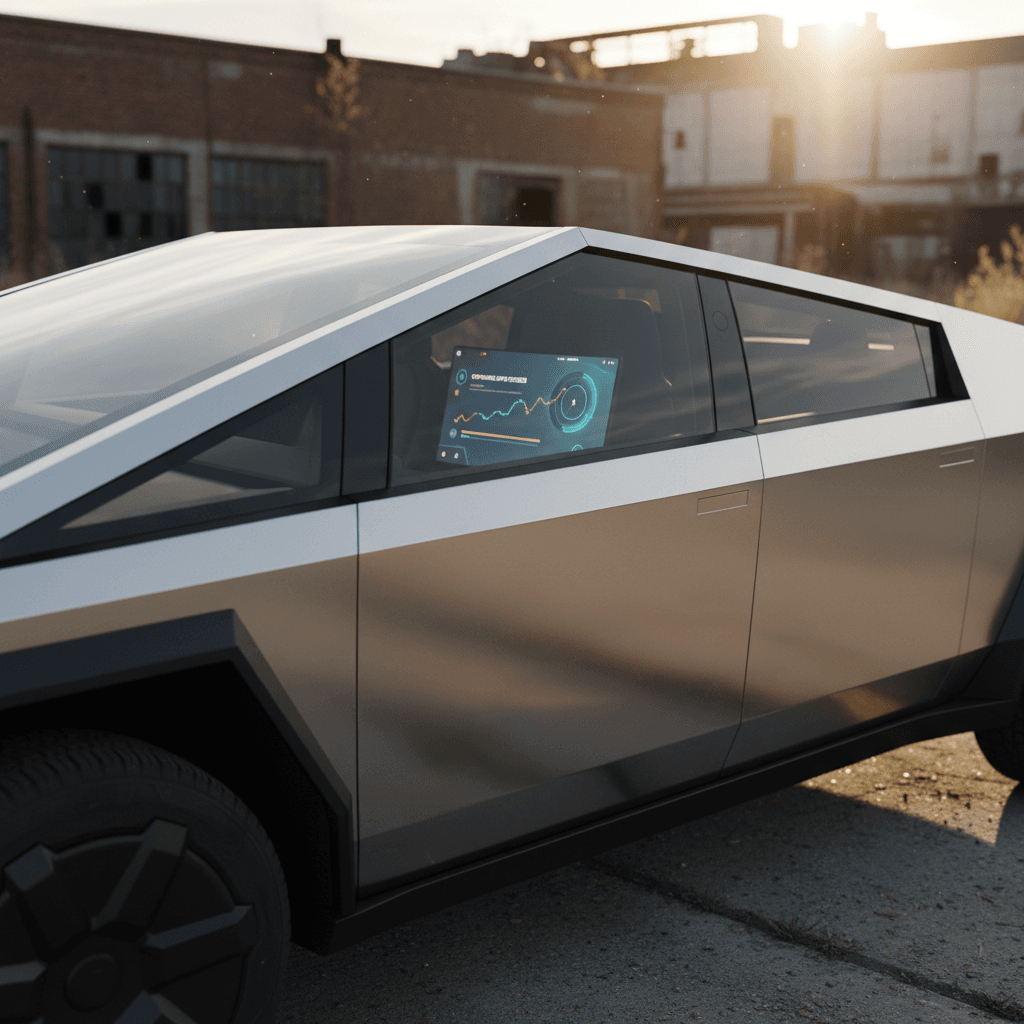
The Tesla Cybertruck didn’t just arrive as a stainless‑steel spectacle; it arrived half‑finished by design. Tesla always intended to ship the hardware early and let software catch up. If you follow the **Tesla Cybertruck software update history**, you’re really watching a rolling beta program for an electric pickup that keeps changing personality in your driveway.
OTA-first pickup truck
Why Cybertruck software updates matter
On a Cybertruck, software is not garnish; it’s the main course. OTA updates can change how quickly the truck accelerates, how it rides over broken pavement, how confidently it auto‑parks, or how efficiently it tows. That matters whether you’re cross‑shopping new trucks or hunting for a used Cybertruck with the right feature set.
What Cybertruck software can actually change
It’s more than new games and Easter eggs
Driving dynamics
Updates can tweak steering feel, damping, traction control and regen tuning. Cybertruck’s on‑road personality is not set in stone.
Off-road behavior
Software controls ride height, locker behavior, off‑road modes, and stability systems. Later builds typically have more polished trail manners.
Parking & automation
Features like Tesla Vision Park Assist and Vision Autopark appeared post‑launch, dramatically changing how easy the truck is to maneuver and park.
How Tesla numbers Cybertruck updates
If you’re trying to track Tesla Cybertruck software update history, the version numbers look like secret code. They’re not. For the main vehicle firmware, Tesla uses a simple pattern: Year.Week.Revision. So a build labeled 2024.32.5 is the fifth revision of a branch first released around week 32 of 2024. Separate from that, **FSD (Full Self‑Driving)** uses its own numbering, such as FSD v14.1.5.
- Main firmware: 2024.32.5 → year 2024, roughly week 32, minor revision .5
- FSD stack: v13.x / v14.x → major and minor changes to the neural‑network driving software
- Cybertruck often shares the same firmware branch as other Teslas, but gets truck‑specific features inside that build
Quick way to compare Cybertrucks
Early Cybertruck updates in 2024
Deliveries started in late 2023 with software that, frankly, felt rushed. Owners got a spectacular truck with a beta personality: stiff‑legged ride in some modes, quirky driver‑assist behavior, and a UI still being wired together. Through the first half of 2024, Tesla pushed a series of updates focused on **stability, comfort and basic truck usability** rather than headline features.
Illustrative early 2024 Cybertruck software themes
Not a complete changelog, but a snapshot of the kinds of changes owners saw in the first major update waves.
| Theme | What changed on Cybertruck | Why it mattered |
|---|---|---|
| Ride & handling tweaks | Refined damping curves and steering assist in certain modes. | Made the truck feel less like a concept car and more like a daily driver. |
| UI & controls | Menu reshuffles, clearer off‑road and towing settings, better trip info. | Reduced hunting through menus while driving a very wide vehicle. |
| Driver assistance | Small Autopilot behavior changes and vision‑based lane‑keeping polish. | Improved confidence on highways and wide suburban streets. |
| Bug fixes | Bluetooth quirks, phantom alerts, screens freezing or rebooting. | Essential for building trust in a truck run by a giant touchscreen. |
Tesla doesn’t publish a cleaned‑up Cybertruck‑only changelog, so most of this comes from release notes plus owner reports.
Vision Park Assist and Vision Autopark
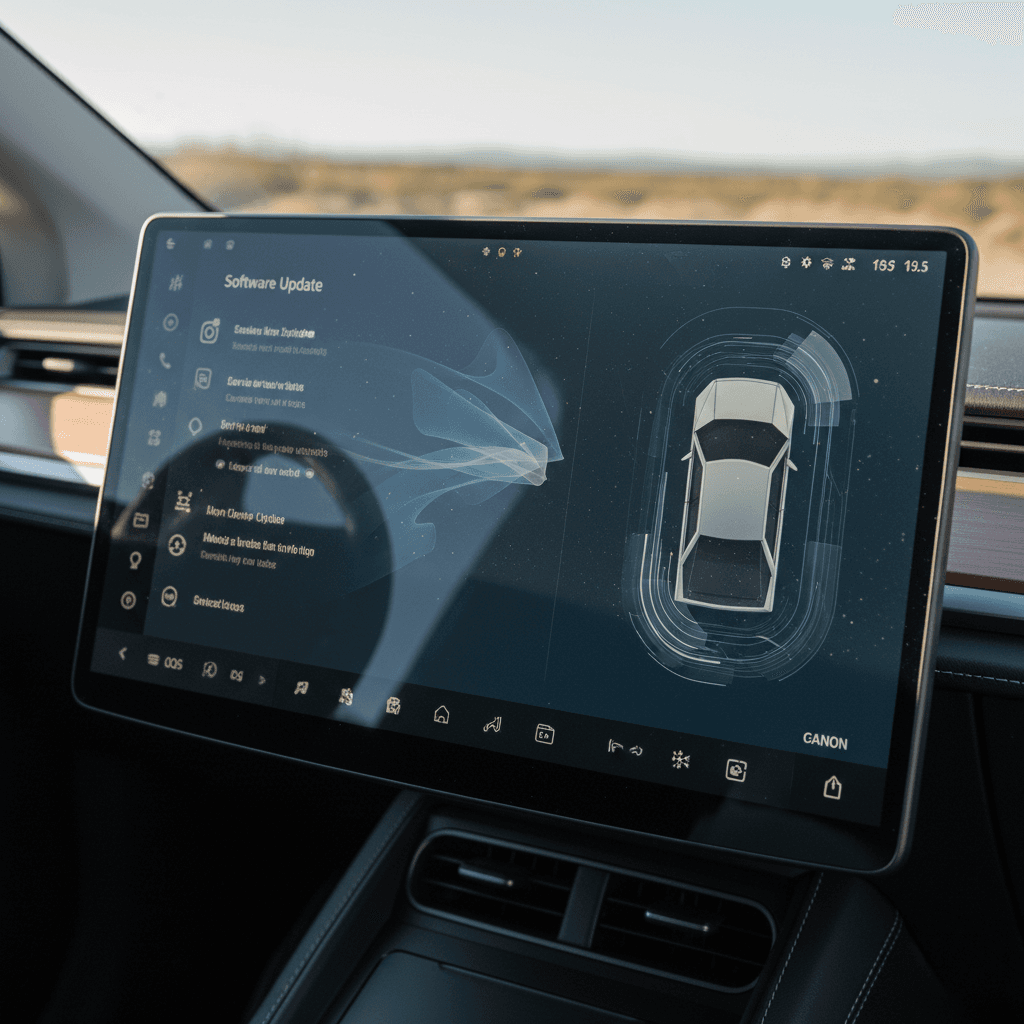
The first truly transformative wave in the Tesla Cybertruck software update history was parking assistance. Early trucks shipped without classic ultrasonic sensors; everything was **camera‑only**. That meant software had to grow into the hardware.
Key Cybertruck parking‑assist milestones
With Vision Park Assist, the truck finally started telling you how much room you had as you nosed up to a wall or backed toward a planter. Then the 2024.32.5 update began rolling out Vision Autopark, which lets Cybertruck spot an open bay, box it in on the screen, and park itself. It’s less magic than methodical, but in a vehicle roughly the size of a starter home, it’s a major quality‑of‑life improvement.
Parking still isn’t magic
Off-road, towing and work‑truck software
Cybertruck is part pickup, part video game, and nowhere is that clearer than in its off‑road and towing modes. Software controls ride height, damping, traction control, even how the rear steer behaves at low speed. Through 2024 and into 2025, Tesla has steadily sharpened the truck’s **trail and tow manners**.
Off-road modes
- Terrain‑specific presets for dirt, sand, snow and rock, adjusting ride height and traction control.
- Improved pedal mapping in later builds for better low‑speed control when crawling.
- Updates to how quickly the suspension raises/lowers, making transitions less herky‑jerky.
Towing & hauling
- Better range estimates while towing based on recent trip data.
- Refined trailer sway control and stability programming.
- Smoother low‑speed brake‑regen transitions so the truck feels more predictable backing a trailer.
Why later software matters off-road
Camping and CyberTent features
From the first reveal, Tesla pitched Cybertruck as a kind of stainless Swiss Army knife, tow rig, toy hauler, and **electric campsite** in one. That promise has been fleshed out in software as much as hardware, with features tuned for overnighting in or around the truck.
How software turned Cybertruck into a campsite
Camping tricks depend heavily on firmware version
Camp & tent modes
Climate‑control tweaks, power‑management updates and UI changes have made overnight cabin use more predictable and efficient.
Bed outlets & power
Updates refined how the truck manages 120V/240V outlets in the bed, including protections when powering tools or a campsite.
Noise & comfort tuning
Later builds quietly adjusted HVAC fan behavior and compressor cycling so the truck is less intrusive while you’re trying to sleep.
Cybertruck’s software roadmap has also brushed up against the much‑teased **CyberTent** accessory and more elaborate camping UIs. Some of that is still in flux, but the general trajectory is clear: the truck is being taught to behave like a very large, very smart battery‑powered RV.
Good news for overlanders
FSD and Autopilot on Cybertruck
Cybertruck ships on Tesla’s newer **HW4 (AI4) compute platform**, which runs Autopilot and FSD differently from older Teslas. What’s confusing is that Tesla often pushes the same base firmware to both HW3 and HW4 vehicles, but with **different FSD stacks baked in**. That’s why two Cybertrucks on the “same” firmware may behave slightly differently, and why some trucks briefly ran an FSD build others never saw.
- Main firmware (2025.xx.y): mostly shared across S, 3, X, Y, and Cybertruck.
- FSD builds (v13, v14): rolled out in waves and sometimes skipped on Cybertruck if Tesla isn’t happy with truck‑specific behavior yet.
- Some Cybertrucks received early FSD v14.x builds in limited beta; most owners instead got a stability‑focused update with no new FSD features but improved underlying firmware.
Don’t buy a truck *only* for promised FSD
Recent 2025 Cybertruck update milestones
By 2025, the Cybertruck’s software rhythm started to look more like the rest of Tesla’s lineup: big feature drops followed by small cleanup builds that say little more than “minor fixes and improvements” in the release notes. Under the surface, though, owners reported everything from smoother GPS and lane‑keeping to more consistent phone key behavior and less glitchy infotainment.
Illustrative 2025 Cybertruck software highlights
Examples of what 2025‑series updates tended to include for Cybertruck owners.
| Version family | Focus areas | Owner‑visible impact |
|---|---|---|
| 2025.2.x | Early‑year bug fixes, stability, prep for bigger branches. | Fewer random reboots, cleaner Bluetooth behavior, foundation for future features. |
| 2025.8.x | More "minor fixes", but with reports of better GPS, phone key reliability, and occasional UI refinements. | Truck felt less like a beta product, more like an appliance you can trust. |
| 2025.38.x | Late‑year branch that folded Cybertruck into a broad fleet update with more polished Autopilot/FSD integration. | Subtle but important improvements to lane‑keeping, nag timing, and high‑speed confidence. |
Exact contents vary by build and by whether the truck had FSD enabled.
Don’t sleep on the boring updates
How to check and manage Cybertruck updates
Tesla makes the mechanics of updating easy; understanding what changed is harder. On Cybertruck, there are two key places you’ll live: the **vehicle touchscreen** and the **Tesla app**.
Step‑by‑step: managing Cybertruck software updates
1. Stay on Wi‑Fi whenever possible
Cybertruck can download some updates over cellular, but large builds generally need Wi‑Fi. Parking where the truck can see your home network means you get updates sooner and faster.
2. Choose your update preference
On the touchscreen, go to <strong>Controls > Software</strong> and choose <strong>Standard</strong> or <strong>Advanced</strong>. Advanced usually gets you builds earlier; Standard waits until the kinks are worked out.
3. Watch for the clock icon
When an update finishes downloading, you’ll see a clock icon on the display. Tap it to install now or schedule it for later. The truck must be in Park and you can’t drive during installation.
4. Use the Tesla app for scheduling
The Tesla app will ping you when an update is ready. From there you can kick off installation without sitting in the truck, helpful if you want it done overnight.
5. Read the release notes
After installation, tap <strong>Controls > Software > Release Notes</strong>. This is where Tesla explains new features, when they bother to explain them at all.
6. Verify critical features
After a big update, sanity‑check your must‑haves: towing behavior, off‑road modes, Autopilot on your commute. If anything feels off, note the version number before contacting Tesla.
One‑way street
What this means if you’re buying a used Cybertruck
On the used market, a Cybertruck isn’t just a VIN and a mileage figure; it’s a software story. Two trucks built a month apart can feel dramatically different if one has been diligently updated on Wi‑Fi and the other has been languishing on an early build because its owner never bothered.
Questions to ask the seller
- “What software version is it on right now?” Take a photo of the screen.
- “Has it been kept on Wi‑Fi?” A yes here usually means a healthier update history.
- “Any issues after recent updates?” Listen for recurring bugs that might hint at unresolved hardware problems.
Why it matters for value
- Trucks on current software tend to have better driver aids, more polished off‑road modes, and fewer gremlins.
- Consistent updates suggest the owner was engaged and careful, not absentee.
- Future‑critical features, like refined parking and towing behavior, live in software, not on the original window sticker.
How Recharged approaches Cybertruck software
Ready to find your next EV?
Browse VehiclesIf you’re shopping beyond Tesla’s own used inventory, working with an EV‑focused retailer like Recharged gives you an independent view of both the **battery health** and the **software maturity** of a used Cybertruck, not just whether the stainless is polished.
Cybertruck software update FAQ
Frequently asked questions about Cybertruck updates
The bottom line on Cybertruck’s software history
The Tesla Cybertruck software update history is really the story of the truck finding itself. The launch trucks were wild, fascinating, slightly half‑baked things. Each update since, Vision Park Assist, Vision Autopark, refinements to off‑road modes, towing logic, and driver assistance, has moved the Cybertruck away from concept art and toward credible tool.
If you own one, staying current on software isn’t optional; it’s how you unlock the behavior Tesla actually intended. If you’re shopping used, you’re not just comparing miles and motors, you’re comparing software maturity and support history. That’s where an EV‑focused partner like Recharged, with battery‑health diagnostics and a careful eye on software behavior, earns its keep, helping you find a Cybertruck that’s not just visually futuristic, but future‑proof enough for your real life.