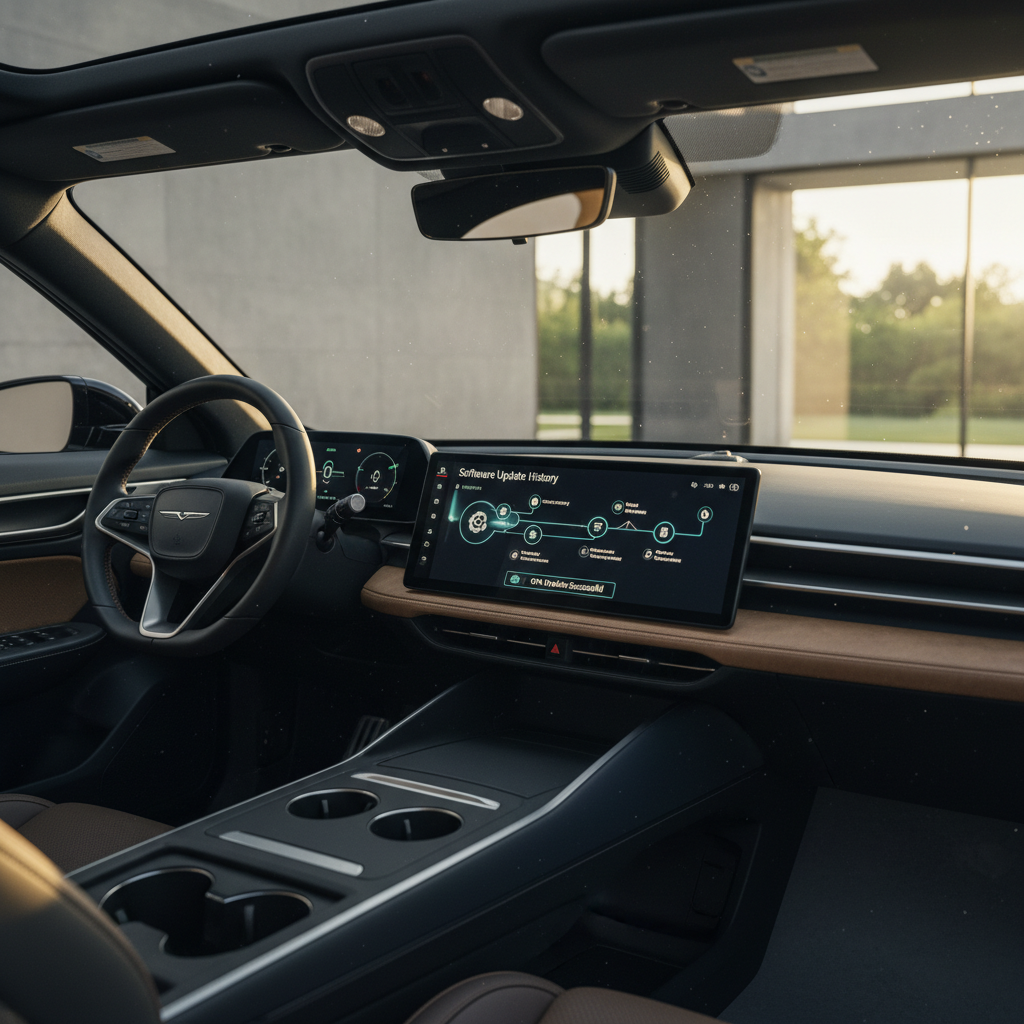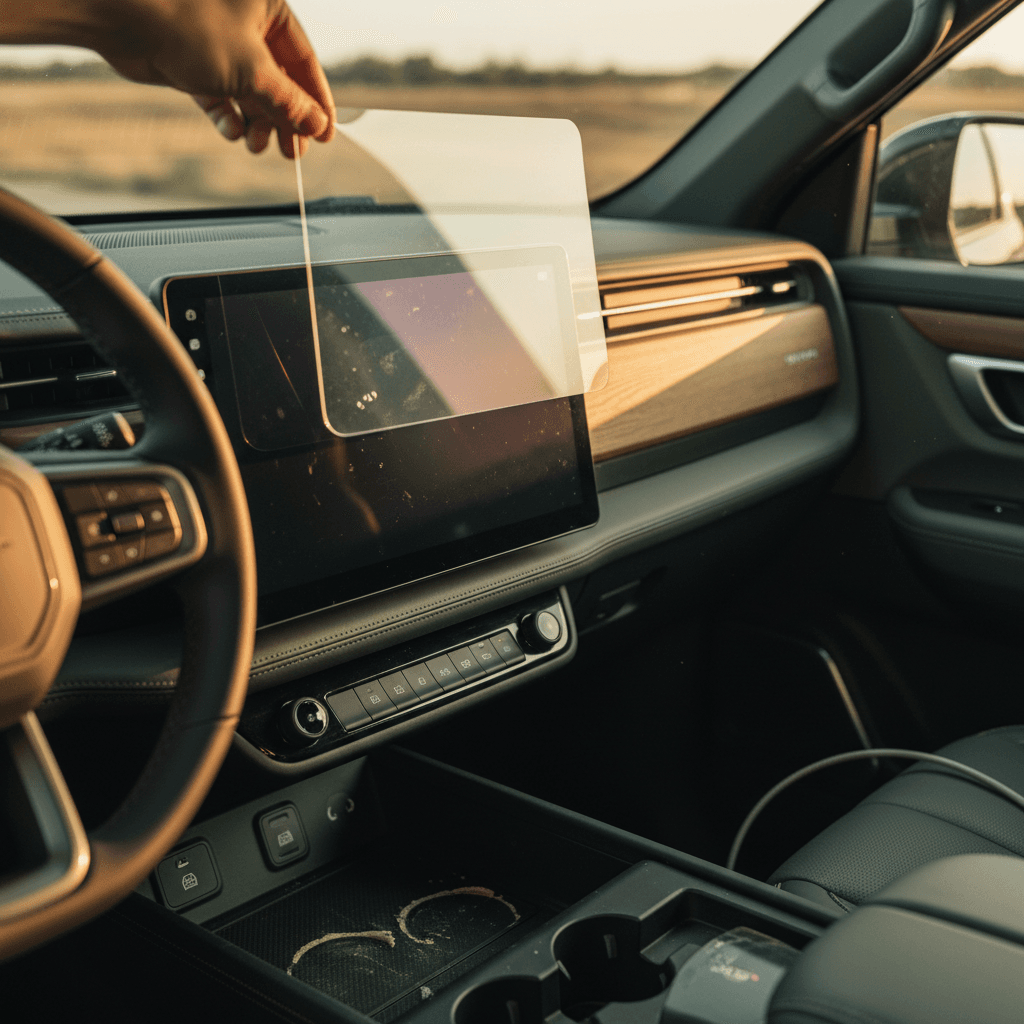
The Rivian R1T’s interior is dominated by glass: a 15.6‑inch center touchscreen, digital driver display, and a rear console screen. They look gorgeous and feel expensive, because they are. That’s why so many owners ask the same thing: is a Rivian R1T screen protector actually worth it, or just one more accessory you’ll regret after a week of glare and fingerprints?
Quick answer
Should you protect your Rivian R1T screens at all?
Rivian uses high‑quality glass from a top‑tier display supplier for the R1T’s screens. The native glass is already scratch‑resistant and optically tuned, and many owners happily run without a protector for tens of thousands of miles. But “scratch‑resistant” doesn’t mean “scratch‑proof,” and the realities of daily life, rings, grit on microfiber towels, over‑enthusiastic detailers, can leave permanent marks.
Unlike a phone, you’re not slipping the truck in and out of your pocket all day, so deep gouges are rare. What you’re mostly protecting against is micro‑scratching and hazing that only shows up when the sun hits the screen just wrong, and that you can’t polish out once it’s in the OEM glass.
So the first question isn’t “Which protector should I buy?” but “What am I actually worried about?” Glare? Scratches? Fingerprints? Resale value? Once you know that, it becomes much easier to decide whether a protector is worth it for you personally.
Your Rivian R1T’s three key screens
Pros and cons of Rivian R1T screen protectors
What a screen protector helps, and hurts
The tradeoffs are real; understanding them keeps you from buying the wrong one.
Main benefits
- Scratch buffer: The protector takes the abuse from dust, jewelry, and cleaning cloths instead of the OEM glass.
- Easier cleaning: Many protectors have oleophobic coatings that shed fingerprints and smudges more easily than bare glass.
- Glare control: Matte or anti‑glare films can tame harsh reflections from the big, flat Rivian screen.
- Low‑stakes replacement: If it does get scratched, you peel it off and replace it for a fraction of what a screen repair would cost.
Main drawbacks
- Reduced clarity: Matte and some films visibly soften text and graphics compared with the bare LG glass.
- More brightness needed: With some matte protectors, owners report turning the brightness up to cut through the haze.
- Touch feel: Poor‑quality film can feel rubbery or add lag; cheap tempered glass can create edge halos or bubbles.
- Install anxiety: Dust specks, misalignment, and bubbles are easy to see on a huge 15.6‑inch display.
The matte backlash
Matte vs glossy vs film on the R1T
Most Rivian‑specific kits for the R1T fall into three camps: tempered glass (matte or glossy) and polymer film. They all promise protection, but they behave differently in the real world.
1. Matte tempered glass
- Goal: Kill glare and fingerprints.
- Feel: Slightly textured, like premium matte phone glass.
- Upside: Can dramatically reduce sharp reflections from the big center screen.
- Downside: Softens sharpness and contrast; several Rivian owners report the display looks "washed out" and harder to see, especially with polarized sunglasses.
2. Glossy tempered glass
- Goal: Add a sacrificial glass layer with OEM‑like clarity.
- Feel: Very close to the original display, smooth and hard.
- Upside: Best for preserving Rivian’s sharp UI and colors while protecting from scratches.
- Downside: Doesn’t fix glare; cheap glass can create rainbowing or edge halos.
3. Clear / anti‑glare film
- Goal: Thin, flexible protection that can be more forgiving to install.
- Feel: Slightly softer than glass under your finger.
- Upside: Can combine light anti‑glare with decent clarity; easier to replace.
- Downside: Not as hard as glass; can pick up light swirls over time if you’re rough with cleaning.
A sensible mix for many owners
How much protection do you really get?
A screen protector will not save your R1T if someone swings a metal buckle into the display. What it does extremely well is absorb the small, cumulative abuse that slowly ages interior glass: tiny grains of sand on a cleaning cloth, kids tapping with toy cars, fingernails, watchbands, and the occasional dropped key fob.
What a protector will, and won’t, protect against
Think of the protector as a sacrificial lens, not an indestructible shield.
| Scenario | Bare screen | With quality protector |
|---|---|---|
| Dry dust + microfiber wipe | Low risk, but years of cleaning can create micro‑swirls | Protector takes the wear; peel and replace if hazed |
| Ring or watchband taps the screen | Can leave visible scratch if enough pressure | Often scuffs the protector instead of OEM glass |
| Kid’s toy dragged across rear screen | High risk of permanent mark | Much better odds the protector absorbs it |
| Aggressive detailer with dirty rag | Wild card; could scratch OEM glass | More likely to mark the protector first |
| Hard impact (phone, metal, tools) | May crack or chip the glass | Protector may crack; severe hits can still reach the glass |
Always treat your screens like expensive camera lenses, even with a protector installed.
Don’t let a protector make you careless
When a Rivian R1T screen protector is worth it
You’re a great candidate for a screen protector if…
You have kids, pets, or a busy rear seat
Rear climate and media controls are irresistible to little hands. A simple protector on the rear console screen can prevent deep gouges from toys, zippers, and claws.
You detail the truck often or use third‑party shops
Every cleaning is a chance for grit to get dragged across the glass. A protector gives your detailer a margin of safety, especially if they aren’t Rivian‑savvy.
You plan to keep the R1T for 5–10 years
Minor wear that’s invisible at 10,000 miles can be obvious at 80,000. A $30–$60 kit is cheap insurance over a decade of ownership.
You care about resale value
On a future trade‑in or sale, especially with a platform like <strong>Recharged</strong> that scrutinizes condition, clean, scratch‑free screens are a small but visible sign the truck’s been loved.
You’re buying a used R1T
If you’re taking delivery of a used Rivian through a marketplace like <a href="/">Recharged</a>, adding a protector right away locks in the clean state of the displays you just paid for.
You live in dusty or sandy climates
Fine grit is the enemy of glossy surfaces. In desert or coastal areas, having a sacrificial layer between airborne sand and your screen is a smart move.
When you can skip the screen protector
There is a rational case for not bothering with a screen protector at all. If you treat the cabin gently, keep a clean microfiber in the door pocket, and don’t have kids machine‑gunning Goldfish crackers at the rear console, the factory glass may look great for the life of the truck.
Owners who are usually happy without a protector
If most of this sounds like you, your money may be better spent elsewhere.
Careful solo commuter
Garage‑kept, low‑miles truck
You hate anything that softens clarity
A middle‑ground strategy
Installation issues and how to avoid them
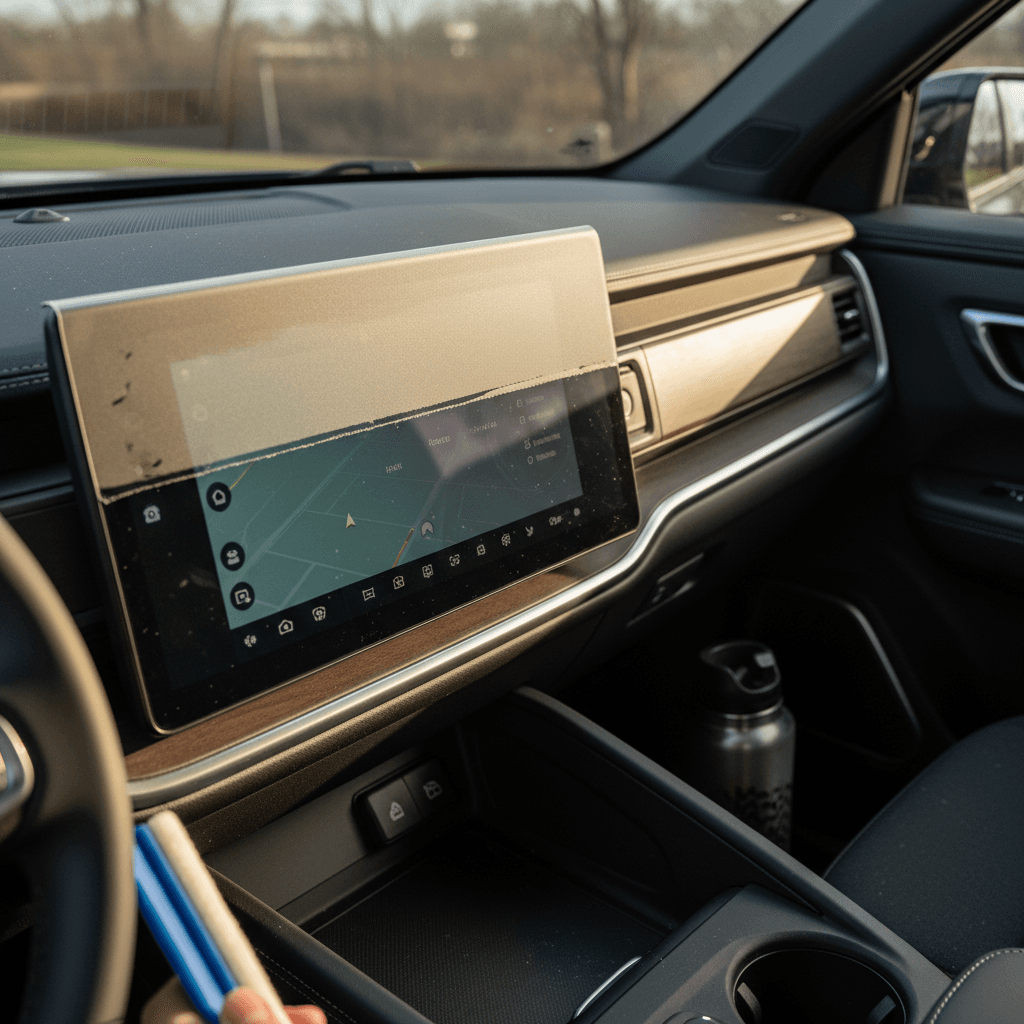
On a 6‑inch phone, a tiny off‑center install is annoying. On a 15.6‑inch Rivian screen, it’s all you’ll see. That’s why the best R1T‑specific kits include alignment guides, cleaning tools, and wet‑install options to chase out bubbles.
- Install in a clean, dust‑controlled space, closed garage, doors shut, HVAC fan off.
- Thoroughly clean the glass with the supplied wipes, then go over it with a fresh microfiber.
- Use the alignment guides or edge of the bezel; don’t eyeball the placement.
- If it’s a film kit, lightly mist the screen (per instructions) so you can squeegee out bubbles.
- Work from center outward with a squeegee or card wrapped in microfiber.
- If you trap a big speck of dust, many kits include extra pieces, use them rather than living with a crater.
Pay a pro if you’re picky
Costs, accessory options, and used R1T value
The good news: compared with the cost of the truck, R1T screen protectors are cheap. Rivian‑specific tempered‑glass bundles for all three screens often run in the $30–$60 range, while PET/film kits can be in the $25–$50 neighborhood, depending on brand and whether you choose anti‑glare or HD clear.
Typical Rivian R1T screen protector kit prices
Approximate price ranges as of early 2026 for full‑vehicle kits.
| Type | Coverage | Typical price (USD) | Best for |
|---|---|---|---|
| Tempered glass, matte or glossy | All three screens | $35–$70 | Maximum scratch resistance, solid feel |
| Clear PET / HD film | Center + driver, sometimes rear | $25–$50 | Subtle look, lighter anti‑glare, easier replacement |
| Rear‑screen‑only glass | 6.5–6.8" console | $15–$25 | Families focused on protecting the kid zone |
Prices vary by brand, finish, and whether you’re getting one or multiple full sets.
If you’re considering a used Rivian R1T, a clean, unscarred interior makes a difference. On Recharged, every vehicle comes with a Recharged Score Report that calls out condition details most listings gloss over, screens included. A truck whose owner cared enough to protect the interior glass often shows that same care in battery health and overall maintenance.
How this ties into total ownership cost
FAQ: Rivian R1T screen protectors
Frequently asked questions
Bottom line: is a Rivian R1T screen protector worth it?
If you love the R1T for its futuristic cabin, treat those screens like the expensive hardware they are. For most owners, a good, clear screen protector on the center display, and optionally the rear screen, is absolutely worth it: cheap, reversible insurance that keeps daily wear off the OEM glass. Matte glass is more of a taste decision; it can tame reflections but at the cost of Rivian’s gorgeous clarity.
If you’re meticulous, drive mostly solo, and can’t stand any loss of sharpness, you can skip the protector and focus on gentle cleaning. But if you’re buying a used R1T, hauling a family, or simply want to preserve that fresh‑truck feeling, adding the right protector early is one of those small decisions that quietly pays off every time you tap the screen.
And when you’re ready to step into a used R1T, or move on from the one in your driveway, Recharged is built around that same philosophy of thoughtful ownership. With battery health diagnostics, fair pricing, and transparent condition reports, you’ll know exactly what you’re getting or handing off, right down to the screens.