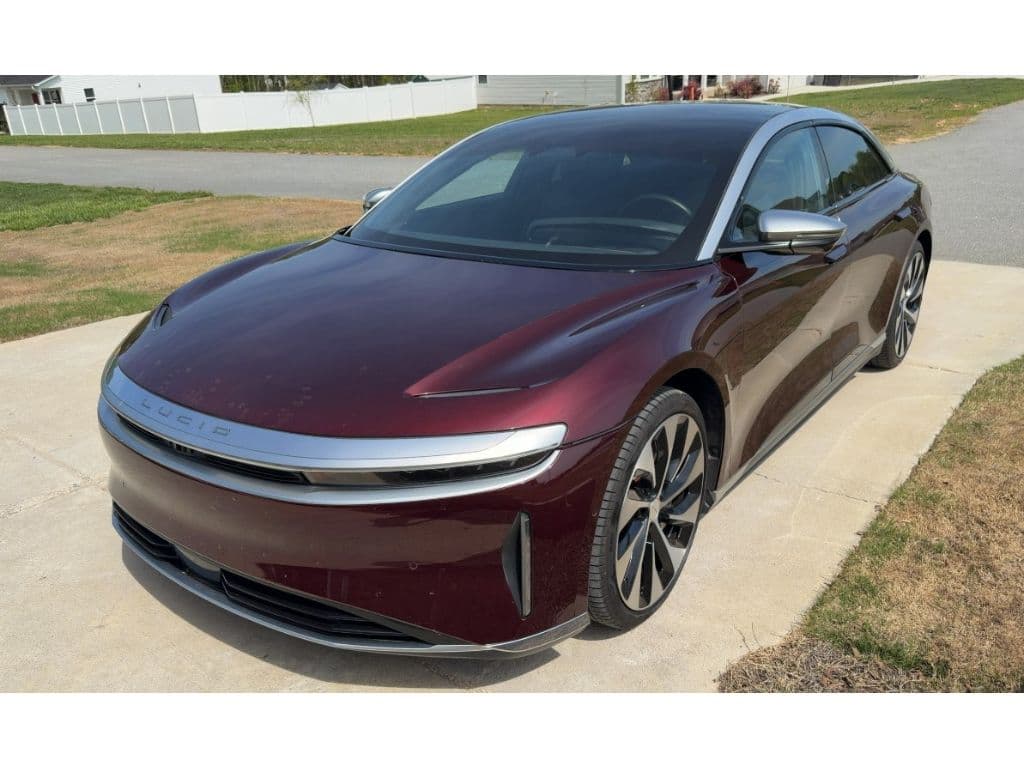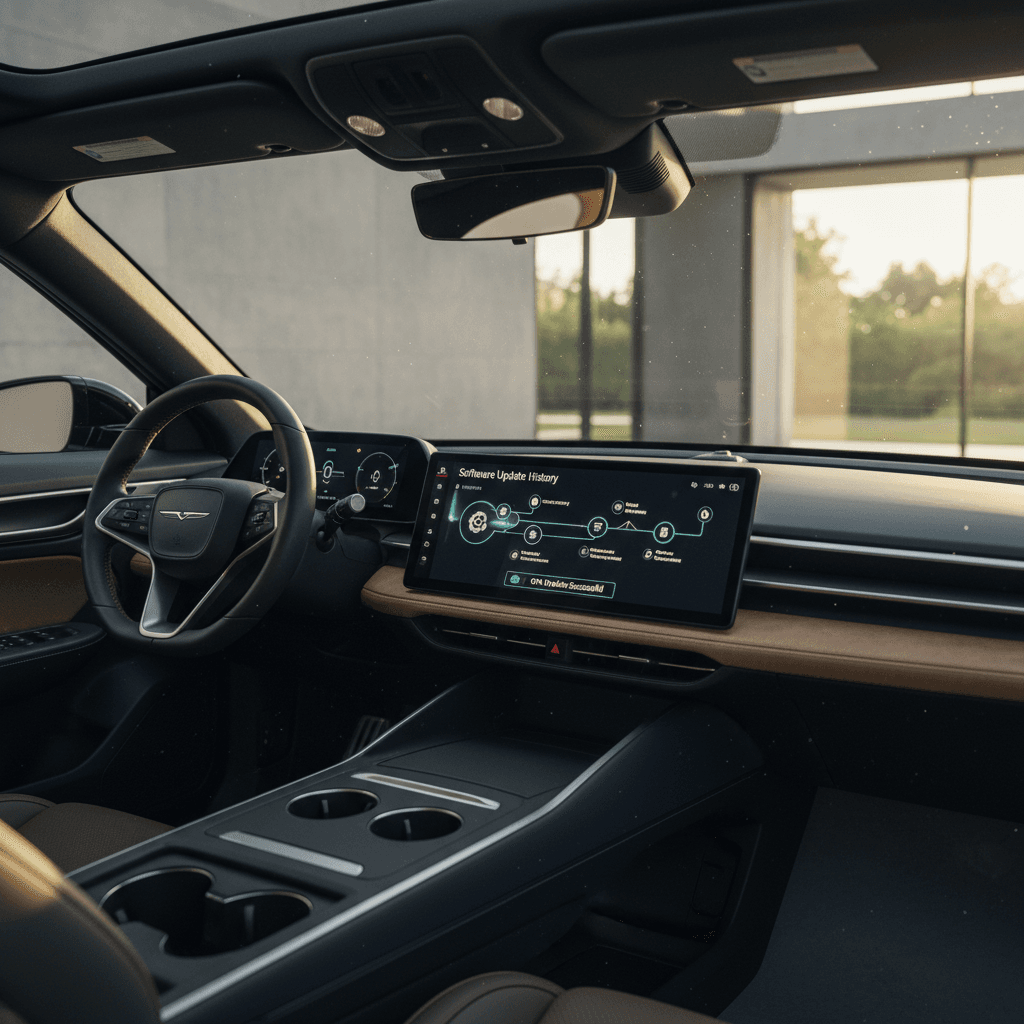
Before you fall for a Lucid Air’s gorgeous lines and huge range numbers, you should know its other personality: the software. The Lucid Air has been evolving quickly via over‑the‑air (OTA) software updates, and understanding that software update history tells you a lot about how early quirks turned into today’s polished luxury EV, and what you should check if you’re considering a used Lucid Air.
Quick take
Why Lucid Air software history matters
If you’ve ever driven an early‑software EV, you already know: the hardware can be brilliant while the software feels like a beta test. The Lucid Air launched with ambitious software, multiple displays, advanced driver assistance (DreamDrive), rich navigation, but also its share of rough edges. Over the last few years, Lucid’s OTA updates have steadily reshaped how the car feels to drive every day, sometimes for fun new features, sometimes to fix serious safety issues.
For you as a current owner or used‑EV shopper, the Lucid Air’s software update history matters in three big ways: comfort and usability (UX), safety and reliability, and long‑term value. At Recharged, we look at all three when we inspect used Lucid Airs and generate each car’s Recharged Score battery and software report, so buyers can see exactly what they’re getting.
- Daily experience: Every major UX release has changed how menus, climate, navigation, and voice control work.
- Driver assistance: DreamDrive and DreamDrive Pro have gained (and sometimes re‑tuned) Highway Assist, lane changes, and visualization features over time.
- Safety fixes: Several recalls, including sudden loss of power and a rear camera failure, have been addressed with specific software versions.
- Resale confidence: A car that’s routinely updated, with a clean recall history, simply has a stronger story when it’s time to sell or trade in.
How Lucid Air over-the-air updates work
Every Lucid Air ships as a software‑defined vehicle. That’s not just marketing; it means core systems, infotainment, driver assistance, some powertrain behavior, can be changed without replacing hardware.
Lucid OTA update basics
What actually happens when your Lucid Air updates
1. Download
2. Schedule
3. Install & reboot
Pro tip for owners
Lucid Air software update timeline at a glance
Lucid Air OTA activity snapshot*
About this timeline
Early years (2021–2022): Stability and connectivity first
Lucid delivered the first customer Airs in late 2021, and the initial software reflected that "first‑edition" reality. The hardware was extraordinary, but many owners reported glitches: frozen screens, Bluetooth weirdness, flaky phone app connections. Lucid spent most of 2022 chasing down those gremlins.
Key early Lucid Air software updates (2021–2022)
The versions below are representative highlights, not every micro‑release.
| Approx. Release | Notable Version | What It Focused On | What Owners Felt |
|---|---|---|---|
| Early 2022 | 1.x series | Core bug fixes, screen stability, basic DreamDrive tuning | Fewer random reboots and freezes, slightly smoother driver assistance. |
| Mid–late 2022 | 2.0.18 | Launch of Highway Assist within DreamDrive, better sensor calibration; required the car not be plugged in during install. | Hands‑on lane‑centering on highways, less ping‑ponging in the lane. |
| Late 2022 | 2.0.24 / 2.0.25 | Connectivity and diagnostics upgrades, improved wireless comms for future OTAs. | Updates started to download more reliably; fewer "update failed" messages. |
Exact version numbers on a specific car can vary, but this gives you a sense of what changed when.
The Air’s early software felt like an overachieving prototype, brilliant ideas, but not all of them nailed on the first try. By late 2022, the car was a noticeably calmer companion on the road.
If you’re looking at a 2022 Lucid Air today, the good news is that almost none of those early bugs are permanent. As long as the car has kept up with OTA updates, it will behave much more like a 2024–2025 car than the reviews you might have read from launch week.
2023: Lucid UX 2.x, Highway Assist and Apple CarPlay
By 2023, Lucid was confident enough to start adding features instead of just putting out fires. The Lucid UX 2.x era brought meaningful user‑experience improvements, deeper DreamDrive capability, and a big one many owners had been begging for: Apple CarPlay.
UX 2.x: The Air starts to feel mature
- Refined interface: Tweaks to the main home screen layout, fonts, and contrast made it easier to live with day and night.
- Quicker responses: Shorter lag when switching between navigation, media, and climate screens.
- Better phone integration: Connectivity updates laid the groundwork for more reliable app control and data sharing.
Highway Assist & DreamDrive growth
- Highway Assist refinements: The lane‑centering system became smoother and more predictable over multiple 2.x updates.
- Traffic jams: Stop‑and‑go behavior and automatic resume were tuned so the car felt less jumpy in heavy traffic.
- Smoother alerts: Lucid adjusted the frequency and tone of driver warnings to reduce false alarms.
Apple CarPlay arrives
If you’re shopping a 2022–2023 Lucid Air, you’ll want to verify that the car has a 2.x or newer build with CarPlay enabled if that’s important to you. Earlier demo units and some lightly‑used cars sat on dealer lots without updates, so don’t assume "newish" automatically means "latest software." At Recharged, our technicians confirm that modern infotainment features are live before a car ever hits our listings.
2024: UX 2.4 and refinement of DreamDrive
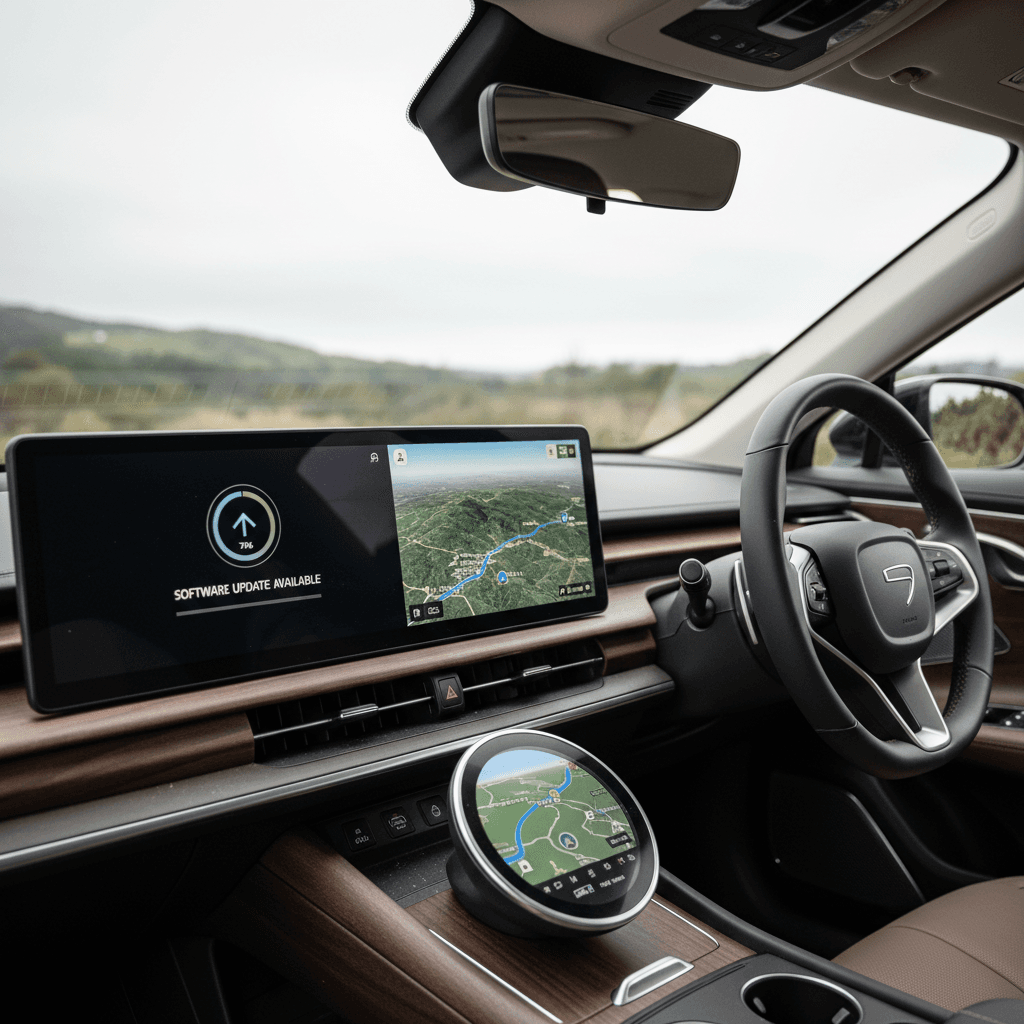
In September 2024, Lucid launched Lucid UX 2.4, a headline update that did two important things at once: it deepened the Air’s advanced driver assistance and overhauled how you talk to the car.
Lucid UX 2.4 highlights
This is where the Air really started to feel like a software‑forward luxury EV.
DreamDrive Pro upgrades
- Highway Assist on HD maps with clearer support for HOV lanes, merges, and splits.
- Driver‑initiated Lane Change Assist, hold the turn signal and the car assists the maneuver.
- Extended stop‑and‑go behavior so the car can resume after longer pauses in traffic.
3D lane visualization
"Hey Lucid" voice assistant
UX 2.4 also bundled a set of smaller but meaningful quality‑of‑life changes: more legible maps, HomeLink controls that appear in reverse gear, cleaner camera behavior at low speeds, and a snappier Lucid mobile app that connects faster and can update user profiles remotely.
Check DreamDrive configuration
2025 and beyond: 2.8.x, recalls, and hands-free driving
By 2025, Lucid’s over‑the‑air story split in two directions. On one side, you had genuinely impressive new capabilities, including hands‑free driving on certain roads. On the other, you had a few high‑profile recalls and even some failed updates that temporarily sidelined cars. Both sides matter if you’re trying to read a used Lucid Air’s history.
Recent Lucid Air software milestones (2024–2025)
Here are the versions most worth asking about on a 2024–2026 Lucid Air.
| Approx. Date | Version Family | What Changed | Why It Matters |
|---|---|---|---|
| Mid 2024 | 2.6.x | High‑voltage interlock logic updated to prevent sudden loss of power; pushed as part of a safety recall for 2022–2023 cars. | Reduces risk of the car unexpectedly losing drive power at speed, critical for highway safety. |
| Late 2024 | UX 2.4 | DreamDrive Pro Highway Assist overhaul, lane change assist, curve speed control, Lucid Assistant voice, upgraded maps, app improvements. | Transforms the day‑to‑day driving and control experience; your Air feels like a more expensive car overnight. |
| Mid 2025 | 2.8.0 & later 2.8.x | Rear‑camera behavior fix, addressing blank or laggy backup camera issues on certain 2022–2025 cars; delivered OTA as a recall remedy. | Ensures your rear camera shows a timely, accurate image when reversing, both for convenience and safety. |
| Mid‑late 2025 | 2.8.x + DreamDrive Pro | Hands‑Free Drive Assist and Hands‑Free Lane Change Assist begin rolling out on supported DreamDrive Pro cars, starting with mapped highways. | Enables hands‑off driving in specific conditions, while still requiring eyes‑on supervision, Lucid’s answer to Super Cruise and BlueCruise. |
Exact timing varies by region and VIN, but these are the updates your future car should have seen.
When a software bug becomes a recall
Not every 2.8.x update has been smooth. A subset of owners reported failed 2.8.0 installs that left their cars temporarily undriveable until Lucid pushed a recovery package or physically serviced the vehicle. That’s the double‑edged sword of modern EVs: software can fix a safety issue overnight, but it can also sideline a 5,000‑pound luxury sedan if an update goes sideways.
What Lucid Air software history means for used buyers
Reading the Lucid Air’s software history is a little like reading an owner’s diary. Has the car been kept current, with each major recall and feature drop applied? Or did it spend long stretches on old builds, maybe sitting off‑line in a garage? That tells you a lot about how the previous owner treated the car, and how the car will treat you.
Used Lucid Air software checklist
1. Confirm the current software version
From the center display, find the vehicle or software info screen and note the exact version (for example, 2.4.x or 2.8.17). Compare it to publicly available update trackers and recall bulletins.
2. Verify recall remedies are installed
Ask for records, or a report from a marketplace like <strong>Recharged</strong>, showing that high‑voltage power‑loss and rear‑camera recall versions have been applied.
3. Check DreamDrive hardware vs. software
Confirm whether the car has <strong>DreamDrive</strong> or <strong>DreamDrive Pro</strong>, and which software features are actually enabled (Highway Assist, lane change assist, hands‑free modes on supported roads).
4. Test infotainment and phone integration
Pair your phone, test Apple CarPlay or Android Auto, flip between screens, and see how quickly everything reacts. A properly updated Air should feel modern and snappy, not like an old tablet.
5. Inspect update behavior
With the seller’s permission, check for pending updates in the Lucid app or in‑car menu. A car that hasn’t seen an update in many months is a red flag; it may have connectivity or account issues.
6. Lean on a third‑party report
On a platform like <strong>Recharged</strong>, every used EV gets a <strong>Recharged Score Report</strong> with battery diagnostics and software/recall checks, so you don’t have to piece it all together yourself.
How Recharged helps
Ready to find your next EV?
Browse VehiclesHow to check software version on a Lucid Air
Whether you’re test‑driving at a seller’s house or poking around in your own driveway, it only takes a minute to see where a Lucid Air stands in the software timeline.
- From the driver’s seat, tap the car or settings icon on the main center screen.
- Navigate to the Settings or About section, Lucid labels have changed slightly over time, but you’re looking for a vehicle information page.
- Find the line that shows the software or UX version (for example, “Lucid UX 2.4.x” or a 2.8.x build number).
- Check for an available update notice, if one is pending, ask why the owner hasn’t installed it yet.
- If you have access to the Lucid mobile app tied to that car, compare what the app shows to what the car reports. They should match or be very close.
Compare against a tracker
Tips for living with Lucid Air software day to day
Once you own a Lucid Air, software becomes part of regular life, mostly in the background, occasionally front and center. A few habits can keep that relationship healthy.
Owner habits that keep Lucid software happy
Little routines that pay off in fewer surprises.
Give it good Wi‑Fi
Schedule overnight installs
Read the release notes
Be cautious with day‑one updates
FAQ: Lucid Air software updates
Frequently asked questions about Lucid Air software
Bottom line: Is a used Lucid Air software-safe?
Take the whole Lucid Air software update history together and you see a familiar EV story: a young brand that launched an ambitious car before the code was fully baked, then spent several years layering on stability, features, and the occasional hard‑earned lesson. The result, today, is a sedan whose software finally matches its world‑class hardware, if you make sure the car in front of you has actually taken that journey.
If you’re eyeing a used Air, treat software version and recall status with the same seriousness you’d give battery health. Ask for documentation, test the features that matter to you, and don’t be shy about walking away from a car that’s badly out of date. Or let Recharged do the heavy lifting: every Lucid Air we list comes with a Recharged Score Report, expert EV guidance, and options for financing, trade‑in, and nationwide delivery, so you can enjoy the Air’s evolution without reliving its most frustrating chapters.