For a Rivian R1S owner, the most important upgrades don’t happen in a service bay, they arrive over the air. Understanding the Rivian R1S software update history helps you know which features your SUV should have today, what’s coming next, and how to evaluate a used R1S before you buy.
Quick takeaway
Why Rivian R1S software update history matters
Rivian treats the R1S like a rolling software platform. Early owners have watched their SUVs gain entirely new capabilities, sometimes months or years after delivery. If you’re shopping new, that means your R1S will likely get better during ownership. If you’re shopping used, it means software history is as important as service history.
- New features (like Camp Mode, dashcam recording, or enhanced driver assistance) can arrive via software without hardware changes.
- Driving experience changes over time as Rivian refines ride quality, drive modes, regenerative braking and UI layout.
- Battery management and charging behavior can improve with updates, which matters for range and fast‑charging speed.
- Resale value is tied not just to mileage and condition, but also to which major software generations the R1S has received.
Tip for used shoppers
How Rivian handles OTA updates on the R1S
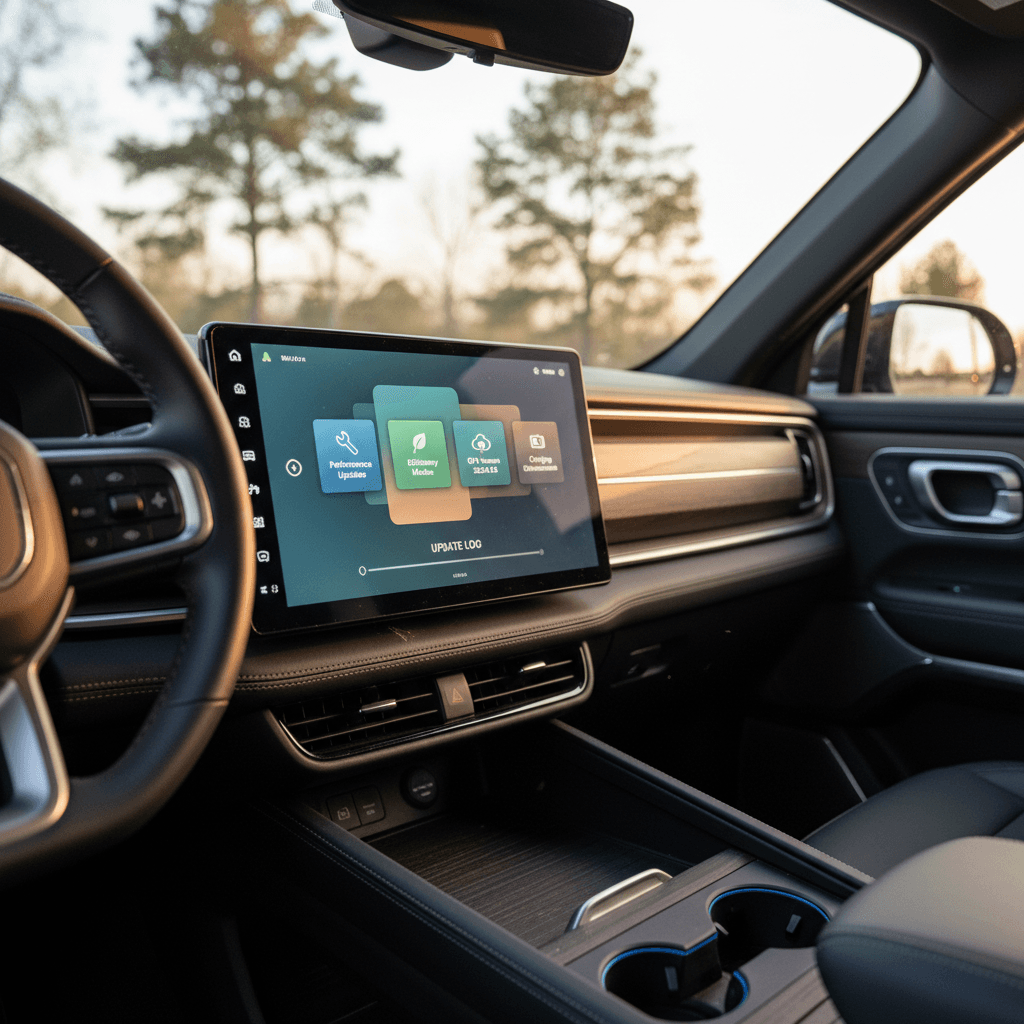
Rivian pushes OTA updates to the R1S much like your smartphone. Updates download over a data connection, then install while the vehicle is parked. You’ll usually see a notification in the center screen and mobile app, with an option to install now or schedule for later.
Rivian R1S OTA update basics
What to expect when your R1S gets new software
Delivery over the air
Scheduled installs
Release notes
Don’t ignore updates
Major Rivian R1S software updates by era
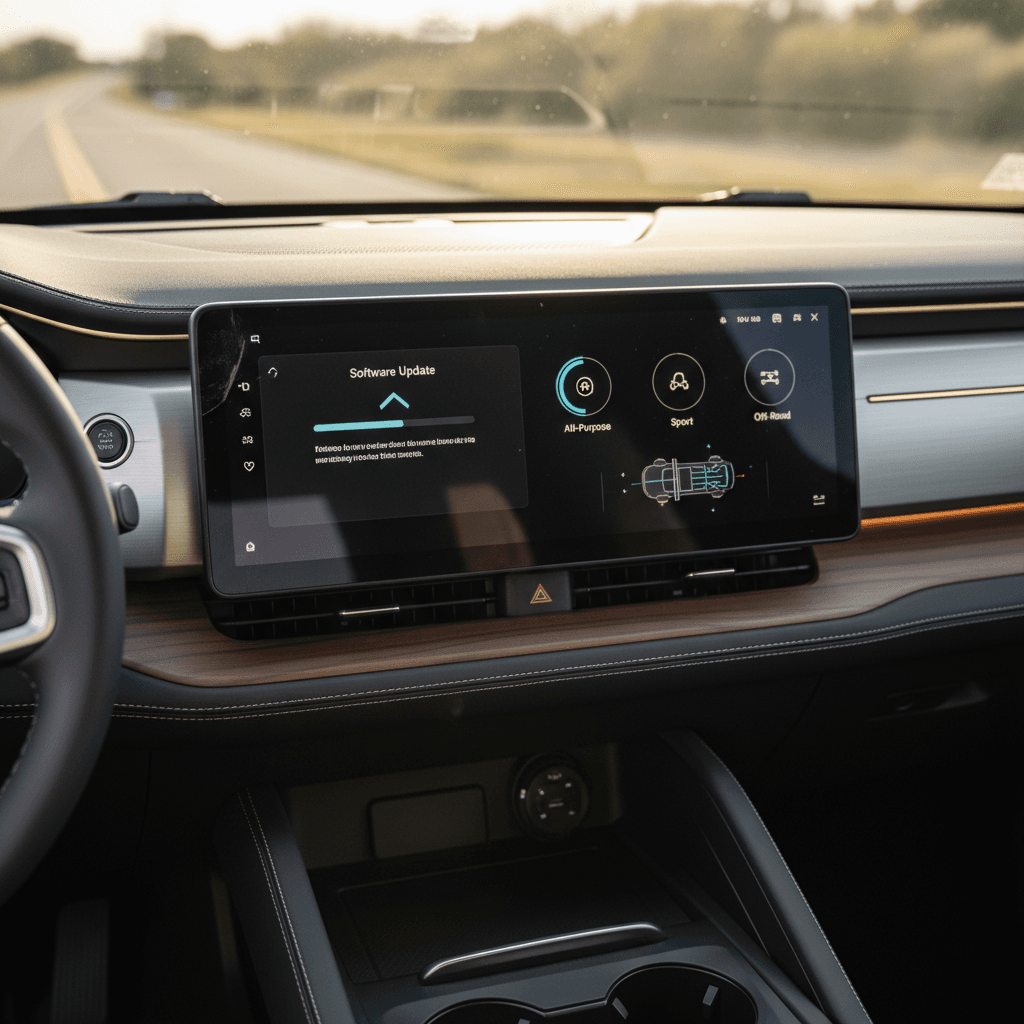
Rivian’s software versioning has evolved, but owners generally talk about updates in terms of model‑year eras and headline features. Below is a high‑level look at some of the most notable Rivian R1S updates, not a complete changelog, but a practical guide to what mattered most.
Rivian R1S software update highlights by era
Key over‑the‑air updates that shaped how the R1S drives, tows, charges and entertains.
| Period / Version | Applies To | Headline additions | What it means for you |
|---|---|---|---|
| 2022: Early OTA releases | Launch‑era R1S (Gen 1) | Frequent bug fixes, UI polish, early Driver+ tweaks | Laid the groundwork, important for stability but less about splashy new features. |
| Late 2022: Camp Mode rollout | Gen 1 R1S | Camp Mode with auto‑leveling, camp‑friendly lighting, climate and outlet controls | Turned the R1S into a seriously capable camping rig with smart overnight energy management. |
| Spring 2023: Dashcam & charge limit | Gen 1 R1S | Gear Guard driving/incident recording, custom charge limits, vehicle naming | Brought built‑in dashcam functionality and better daily‑charging control for battery health and public charging etiquette. |
| Fall 2023: 2023.38.x UI & towing update | Gen 1 R1S | Reworked drive mode interface, dedicated gauge page, smarter trailer tools and range estimates | Made towing easier and the UI more intuitive by grouping drive settings and surfacing useful gauges. |
| 2024 Halloween release (2024.39.x) | Primarily Gen 1, plus early Gen 2 | Seasonal “costumes,” spooky UI themes, new lock sounds, Camp Mode visuals | Mostly fun cosmetics, but a handy marker that a vehicle is on relatively recent 2024 software. |
| Mid‑2024: Gen 2 launch baseline | 2025‑model R1S (Gen 2) | New hardware platform, refined interface, more efficient powertrain controls | Foundation software for second‑gen vehicles; later updates build on this. |
| Late 2024–2025: Enhanced/Universal Hands‑Free | Gen 2 R1S, some functionality on Gen 1 | Enhanced highway assist on ~150,000 miles, expanding to millions of miles on Gen 2 | Transforms long‑distance driving with robust hands‑free capability on mapped highways. |
| 2025.x energy & Halloween updates | Gen 1 & Gen 2 R1S | Reimagined Energy app, Halloween “costumes,” smarter Gear Guard, UI polish | Makes it easier to understand energy use and adds seasonal personality. |
| Late 2025: .46 digital key update | Primarily Gen 2 R1S | Native Apple, Google and Samsung Wallet keys using UWB and NFC | Lets you unlock and start the R1S with your phone or watch, even if the phone battery is nearly dead. |
This timeline focuses on broadly reported, feature‑rich software releases relevant to most R1S owners.
Not a full changelog
Feature highlights from Rivian R1S updates
Instead of memorizing version numbers, it’s more useful to know the big features Rivian has delivered to the R1S through software, and which era they belong to. Here are some of the most impactful additions.
Big features Rivian delivered by software
Why many R1S owners say their SUV feels “new” every year
Camp Mode evolution
Gear Guard dashcam & incident recorder
Smarter towing tools
UI and drive‑mode refresh
Enhanced / Universal Hands‑Free
Digital keys and app integration
The key idea
Gen 1 vs. Gen 2 R1S: what changes in software?
Rivian’s second‑generation R1S (roughly the 2025 model year onward) uses an updated hardware platform, motors, battery packs, sensing and compute, that changes what software can do. Understanding the distinction matters if you’re comparing a used Gen 1 to a newer Gen 2 R1S.
Gen 1 R1S (earlier build years)
- Launched with Quad‑Motor and later Dual‑Motor powertrains.
- Received Camp Mode, dashcam/incident recording, towing UI overhaul, Halloween themes, and repeated UI refinements via OTA.
- Driver+ and later Enhanced Highway Assist features depend on camera and radar hardware; coverage and performance may lag Gen 2.
- No native Apple/Google/Samsung Wallet keys; digital key relies more heavily on the Rivian app over Bluetooth.
Gen 2 R1S (roughly 2025‑on)
- New motors, batteries and processing hardware designed for faster charging and richer driver‑assist features.
- Hands‑free highway driving coverage expanding to millions of miles of mapped roads via OTA updates.
- Digital key upgrade enabling native Wallet support with UWB and NFC for more seamless, secure access.
- Future‑facing platform for more advanced driver assistance and AI‑based voice assistant features.
What this means when you’re buying
How to check an R1S software update history
Whether you already own an R1S or you’re inspecting a used one, you should confirm both the current software version and the vehicle’s broader update history. Here’s how to do that in a structured way.
Step‑by‑step: reviewing a Rivian R1S software history
1. Check the current version on the center screen
From the main screen, open Settings → Software (or Vehicle → Software, depending on version). Note the installed version number and the date it was installed.
2. Review in‑vehicle release notes
Scroll through past release notes if available. Rivian typically lists significant features and fixes, which can give you a high‑level history even if you don’t see every minor patch.
3. Ask the seller for app screenshots
For a used R1S, ask the seller to share screenshots from the Rivian app showing recent update notifications and install dates. Consistent updates signal a more attentive owner.
4. Look for gaps in update timing
If you see big jumps (for example, nothing between early 2023 and late 2024), ask why. Long gaps might mean the SUV sat unused or the owner delayed installs, which could hide unfixed bugs.
5. Cross‑check with service records
Some service visits include software campaigns or forced updates. Confirm with the seller or service records whether any updates were installed by Rivian directly, especially after major repairs.
6. Use a third‑party inspection and report
If you’re not comfortable interpreting version numbers, work with an EV‑focused retailer. At Recharged, we pair a comprehensive inspection with our Recharged Score Report, so you see battery health, software status, and pricing context in one place.
Beware of factory‑reset surprises
Used Rivian R1S: which updates should you look for?
If you’re evaluating a used R1S, think in terms of capability, not just version numbers. You want the SUV to have the major feature sets that matter for how you’ll use it. Here’s a simple framework.
Prioritizing software features by use case
Match the R1S update history to how you’ll actually drive
Adventurers & campers
Daily commuters & road‑trippers
Towers & haulers
When a missing update is a deal‑breaker
- If a Gen 2 R1S doesn’t yet have hands‑free highway driving enabled and the seller can’t explain why, treat that as a red flag and investigate before signing.
- If a vehicle is multiple major releases behind and the seller says they “never update it,” budget time for a large update and assume some of your early days will involve relearning behavior.
When it’s just a negotiation point
- Seasonal features (like Halloween themes) are fun, but their absence shouldn’t be a deal‑breaker. Use them as soft evidence the owner stayed reasonably current.
- Minor UI tweaks and cosmetic changes are nice‑to‑have. If a used R1S is priced right and has strong battery health and major feature updates, small cosmetic gaps shouldn’t scare you off.
How Recharged bakes software into value
Ready to find your next EV?
Browse VehiclesCommon questions and misconceptions
Rivian’s fast‑moving software cadence can create some confusion, especially for shoppers coming from more traditional brands. Here are a few common misconceptions about Rivian R1S software update history and how things actually work.
- “Older R1S models can’t get the good features.” – Many of the best features, Camp Mode, dashcam, towing UI refinements, arrived on 2022–2024 R1S models via OTA. Hardware‑dependent features like broad hands‑free coverage or Wallet keys do favor Gen 2, but Gen 1 is far from left behind.
- “If the version numbers match, the vehicles are identical.” – Two R1S SUVs on the same version can behave a bit differently due to hardware differences, wheel/tire setups or owner‑level settings. Always test‑drive.
- “Skipping updates preserves range or performance.” – In practice, Rivian updates often improve efficiency, charging behavior or thermal management. Skipping updates can leave you with avoidable bugs or sub‑optimal range.
“With the R1 platform, we’re treating vehicles less like static model years and more like continuously improving products.”
FAQ: Rivian R1S software update history
Frequently asked questions
Bottom line: why software history belongs in every R1S shopping checklist
Rivian has built the R1S to evolve quickly. From Camp Mode and dashcam recording to hands‑free highway driving and digital keys, many of the SUV’s best traits arrived long after the first customers drove away. That makes the Rivian R1S software update history central to how the vehicle feels today, whether it’s a 2022 launch‑era truck or a brand‑new Gen 2.
If you already own an R1S, staying current on updates protects your investment and keeps you in step with Rivian’s latest safety and convenience features. If you’re shopping used, don’t stop at paint, miles and tires; insist on seeing software status, update cadence and how the SUV behaves on the road.
And if you’d rather not decode version numbers alone, consider shopping through Recharged. Our Recharged Score Report combines verified battery health, a look at software status, and transparent pricing so you can compare R1S candidates with confidence, and pick the one that will feel the most “future‑proof” in your driveway.