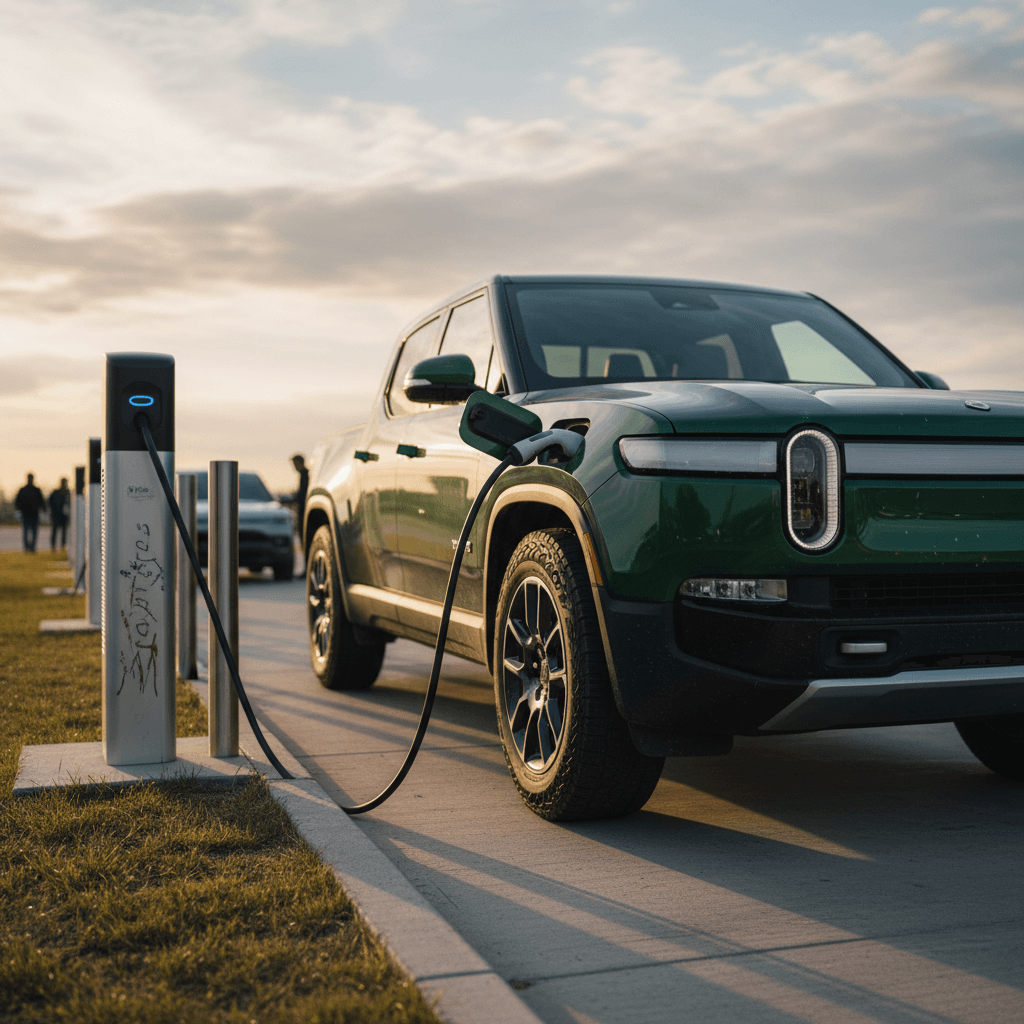
Rivian charge times aren’t just a spec-sheet curiosity; they dictate how you live with the truck. How long you’re plugged in determines whether the R1T or R1S feels like freedom machine or four-wheeled to-do list. In this 2025 guide we’ll break down real-world Rivian charge times, from a wall outlet to 200+ kW DC fast chargers, and show you how to quickly find charging stations for electric cars near me anytime you need a top-up.
The 30-second version
Why Rivian charge times matter in the real world
On paper, Rivian likes to talk about adventure, tents, trails, kayaks. In practice, your experience comes down to how fast you can get electrons back into a battery that can be as large as 149 kWh. That’s a lot of energy, and even modest improvements or mistakes in charging can swing your day by hours.
- Daily life: Will your truck reliably go from 20–80% while you sleep?
- Weekend escapes: Can you add 150+ miles of range over lunch instead of a half day parked?
- Road trips: Are you stacking 25–40‑minute coffee breaks, or 70‑minute marathons at sketchy highway chargers?
Think in "from X% to Y%"
Rivian battery packs & charging basics
R1T & R1S battery packs at a glance
Different packs, similar charging behavior
Standard ~106 kWh
Good for shorter commutes and lighter towing.
Standard Plus ~121 kWh
Popular all-rounder for mixed driving.
Extended ~135 kWh
Great for road‑trippers and frequent towers.
Max ~149 kWh
Huge pack; longest range, also longest full charge time.
All modern Rivians use DC fast charging and Level 2 AC charging the way most EVs do: they pull hard at lower states of charge, then taper off to protect the battery as they get closer to full. The newer Gen 2 Large Pack can peak around 210–215 kW on a capable DC fast charger, while AC charging is limited by the onboard charger, about 11.5 kW on a properly wired 48‑amp Level 2 unit.
Specs vs reality
How long does a Rivian take to charge?
Typical Rivian R1T/R1S charge times (2025 real-world)
Rivian R1T & R1S approximate charge times by pack
These are ballpark times assuming healthy hardware, moderate temps, and a capable charger. Think of them as planning numbers, not promises.
| Battery pack | Charge type | Typical use | Approx. time |
|---|---|---|---|
| Standard ~106 kWh | Level 1 (120V, 12A) 0–100% | Emergency, cabin or garage outlet | ≈ 90 hours |
| Standard ~106 kWh | Level 2 (240V, 48A) 0–100% | Occasional deep refill | ≈ 16 hours |
| Standard ~106 kWh | Level 2 (240V, 48A) 20–80% | Daily home charging | ≈ 7–9 hours |
| Standard Plus ~121 kWh | Level 2, 0–100% | Larger pack full refill | ≈ 18 hours |
| Standard Plus ~121 kWh | DC fast, 10–80% | Road-trip stop | ≈ 40–45 minutes |
| Extended ~135 kWh | Level 2, 0–100% | Big-pack deep refill | ≈ 21 hours |
| Extended ~135 kWh | DC fast, 10–80% | Most road-trip stops | ≈ 45–50 minutes |
| Max ~149 kWh | Level 2, 0–100% | Largest pack full refill | ≈ 24 hours |
| Max ~149 kWh | DC fast, 10–80% | Long-range pack on trip | ≈ 50–55 minutes |
Approximate Rivian R1T/R1S charge times by battery pack and charger type.
Cold weather penalty
Fast-charging a Rivian on road trips
On the open road, DC fast charging is where the math really matters. Rivian has steadily improved its charging curve via software, nudging peak power into the low‑200‑kW range on newer packs and sharpening battery preconditioning so you spend less time parked beside the gas-station taquitos.
What you can expect on a good DC fast charger
- 10–80% in ~40–55 minutes on a healthy charger.
- Sweet spot is typically 10–60%; that’s where charge rates are highest.
- After ~70–80%, power tapers sharply, great for battery life, bad for your schedule.
If you don’t need the extra range, it’s often faster overall to unplug at 60–70% and drive to the next charger.
Where you can plug in a Rivian
- Rivian Adventure Network: DC fast chargers focused on key routes and outdoor hubs.
- Third‑party networks: Electrify America, EVgo, ChargePoint and others; most support 150 kW+ stalls.
- Tesla Superchargers (with adapter): As more sites add CCS/NACS access, your options expand further.
Availability will vary by region, but in much of the U.S. you can now string together fast chargers comfortably on major interstates.
Aim for "drive 2 hours, charge 25–35 minutes"
When the charger, not the truck, is the problem
Home charging options and realistic overnight times
The best way to make a big‑battery truck feel ordinary, in the good sense, is to treat your driveway like your personal fuel station. You plug in when you get home, you leave with the range you need. Everything else is just details.
Three ways to charge a Rivian at home
Good, better, and "don’t do this unless you must"
1. Level 1 (120V outlet)
- ~1–2 miles of range per hour.
- Useful at cabins, friends’ houses, emergencies.
- 0–100% on a big pack can take 4–5 days.
2. Level 2 (240V, 32–40A)
- ~20–25 miles of range per hour.
- Fine for moderate commuters.
- 20–80% typically in 9–12 hours on larger packs.
3. Level 2 (240V, 48A) "Full fat"
- ~30–35 miles of range per hour.
- Uses Rivian’s 11.5 kW AC capacity.
- 20–80% overnight (≈8–10 hours) even on big packs.
Home charging setup checklist for Rivian owners
Confirm your panel has capacity
A 48‑amp Level 2 charger typically needs a 60‑amp breaker. Have a licensed electrician verify you’ve got room in the panel before you buy hardware.
Choose the right amperage
If your wiring or panel can’t comfortably support 48 amps, a 32–40‑amp charger is still a huge upgrade over Level 1, and easier on older homes.
Use a dedicated circuit
Your EV charger should sit on its own breaker and circuit, not shared with dryers, welders or that ancient extra fridge in the garage.
Enable scheduled charging
In the Rivian app or your charger app, schedule charging for off‑peak utility hours to save money and reduce grid stress.
Set a daily charge limit
For daily driving, many owners choose 70–80% instead of 100%. You preserve a little more long‑term battery health and still have plenty of range.
Where a used Rivian fits in
Ready to find your next EV?
Browse VehiclesHow to find charging stations for electric cars near me
You don’t need to memorize which strip malls have CCS plugs. Your phone and truck already know; the trick is using the right tools and cross‑checking when it matters.
Best ways to find EV charging stations near you
Stack these tools for maximum confidence
1. Rivian navigation & app
- Built‑in routing to compatible DC fast chargers.
- Battery preconditioning when you set a charger as destination.
- Shows predicted arrival state of charge.
2. Third‑party apps (PlugShare, etc.)
- Community reviews, photos and live status where available.
- Filter by connector type, speed, and network.
- Great for planning hotel stays and backup options.
3. Google Maps & Apple Maps
- Search "EV charging stations near me" in the maps app.
- Shows locations, hours, and in some cases live availability.
- Nice for quick in‑town charges when you already know the area.
Use filters like a pro
Which app to use, and when
You don’t need all the apps all the time, but having a few loaded can save a road trip.
| Tool | Best for | Why it’s useful |
|---|---|---|
| Rivian in‑car navigation | Daily driving & trips | Automatically routes via chargers and preconditions the battery. |
| Rivian app | Pre‑planning & monitoring | Start/stop sessions, check status while you’re in the coffee line. |
| PlugShare | Scouting new areas | Crowdsourced reviews and photos help avoid broken or blocked stations. |
| ChargePoint / Electrify America apps | Network‑specific stops | Unlock price details, promotions and live stall status. |
| Google Maps / Apple Maps | Quick local searches | You’re already using it for navigation; searching "EV charger" is second nature. |
Typical use cases for popular charging tools.
Planning Rivian road trips with charging in mind
Road‑tripping an EV used to feel like a social experiment. In 2025, with Rivian’s own Adventure Network growing and third‑party providers blanketing major corridors, it’s more about doing light homework upfront so you’re never staring at 3% state of charge and a "charger unavailable" icon.
Rivian road‑trip charging game plan
Map primary and backup chargers
For every planned DC stop, identify a second option within 20–30 miles. Apps like PlugShare make this easy with map overlays.
Arrive low, leave high enough
Try to arrive in the 5–20% range and unplug around 60–80%. It shortens each stop and keeps you in the fast part of the charging curve.
Reserve time, not exact minutes
Plan your day around "25–35 minute" stops, not surgery‑grade schedules. Give yourself a cushion for slow chargers or queues.
Check station reviews the day before
Recent comments will tell you if a site has been flaky, has blocked stalls, or is temporarily offline.
Watch weather and elevation
Cold temps, big hills, and headwinds all eat range. If the forecast looks ugly, add an extra stop rather than gambling.
Don’t ignore the last 10%
Battery health, charge speed, and used Rivians
A Rivian with a tired battery will still charge; it may simply hold slightly less energy and, in edge cases, negotiate a different charge curve with the station. That’s where battery health matters for shoppers: you’re buying not only today’s range, but tomorrow’s charge behavior.
How battery health affects charge times
- Mild degradation mainly reduces total range, not peak charging speed.
- Severe issues (defective modules, repeated overheating) can cause the truck to limit charge rates or refuse DC fast charging until repaired.
- Software updates tweak the charge curve over time, often improving real-world performance.
Buying a used Rivian wisely
When you shop used, insist on transparency around battery condition and charging history.
- Look for a verified battery health report, not just a "seems fine" statement.
- Ask whether DC fast charging has ever failed or required service.
- Confirm the truck charges normally on both Level 2 and DC fast chargers.
How Recharged helps here
FAQ: Rivian charge times and charging stations
Frequently asked questions
Key takeaways for stress-free Rivian charging
- Expect 40–55 minutes for a Rivian 10–80% DC fast charge when conditions and chargers cooperate.
- A strong Level 2 home charger turns your driveway into a reliable fuel station and makes even big packs feel easy to live with.
- When you search "charging stations for electric cars near me", cross‑check promising options in EV‑specific apps for speed, compatibility, and recent reviews.
- Plan trips around arriving low and leaving in the fast‑charge window, typically 10–70%, instead of obsessing over 100%.
- If you’re shopping used, focus on verified battery health and charging behavior. A good report today is your best insurance for painless road trips tomorrow.
Done right, charging a Rivian doesn’t feel like a science project, it feels like a rhythm. Plug in at home, top up on the road where it makes sense, and let the truck’s software and your phone do most of the worrying. Whether you’re eyeing your first used R1T or already living with an R1S, dialing in your charging setup, and knowing exactly where to find stations near you, turns a big electric truck into the easiest vehicle you’ve ever owned.