If you own or are shopping for a Porsche Taycan, battery health is the single most important factor behind real‑world range, performance and long‑term value. Knowing how to check a Taycan’s battery health, and what the numbers actually mean, helps you avoid nasty surprises and negotiate confidently on a used car.
Good news for Taycan owners
Why Porsche Taycan battery health matters
For current owners
Battery health determines how far you can drive between charges and how often you’ll need to stop on road trips. A healthy pack maintains strong DC fast‑charging speeds and keeps the Taycan’s trademark acceleration consistent over time.
For used‑EV shoppers
Two Taycans with the same model year and mileage can have very different battery health. One may have been fast‑charged daily from 0–100%; another may have lived its life carefully between 20–80% state of charge (SOC). A proper battery health check reveals the difference and can shift a deal by thousands of dollars.
Don’t rely only on the dash range estimate
Taycan battery basics: packs, range and warranty
- Most Taycans use a large high‑voltage lithium‑ion pack mounted in the floor, typically in the mid‑70s to low‑90s kWh usable capacity depending on trim and year.
- EPA‑rated range varies widely by model and wheels. For many trims, new‑car ratings fall roughly in the 200–270‑mile zone, with some variants above or below that band.
- Porsche’s high‑voltage battery warranty in the U.S. generally covers you for 8 years or 100,000 miles (whichever comes first) against defects and excessive capacity loss below a specified threshold. Exact terms can vary by model year, always confirm against the car’s documentation.
- Like all EVs, the Taycan’s range is highly sensitive to speed, temperature, wheel/tire choice and driving style. That means you should compare your car not to marketing numbers, but to realistic owner benchmarks and your conditions.
What “SOH” means
Typical Taycan battery health signals
Quick at‑home Porsche Taycan battery health check
You don’t need dealer tools or third‑party software to get a first read on your Taycan’s pack. Here’s a simple at‑home battery health check you can do with just the car and a bit of planning.
Basic DIY Taycan battery health checklist
1. Start from a known state of charge
Pick a starting SOC that’s easy to repeat, many owners use 80% because it’s a common daily‑charge limit. Charge to your chosen level using AC or DC, then let the car sit for 30–60 minutes so the estimate stabilizes.
2. Note ambient temperature
Cold weather can temporarily reduce range and displayed capacity. Record outside temperature (and whether the pack is preconditioned) so you can compare apples to apples in future tests.
3. Reset or track trip data
Use the Taycan’s trip computer to start fresh before your test drive. Clear an existing trip or create a new one so you can track miles driven and efficiency (mi/kWh) over your check drive.
4. Drive a consistent route
Choose a loop or route you can repeat later, ideally a mix of city and highway, 20–50 miles. Drive normally, aim for similar speeds to your typical use, and avoid aggressive launches that skew results.
5. Record SOC drop vs miles driven
At the end of the route, note miles driven, SOC used and average consumption. For example: 36 miles driven, 18% SOC used, 2.2 mi/kWh. This gives you real‑world energy use you can compare over time.
6. Repeat over time
The power of this DIY check is in trendlines. Repeat the same route at the same charge level and similar temperatures every few months. If range or efficiency suddenly fall off a cliff, that’s a signal to dig deeper.
Step‑by‑step: simple range check you can do today
A structured range check takes the quick checklist a step further. You’re not trying to run the pack to 0%, you’re simply using real‑world energy use to estimate usable capacity and spot any obvious issues.
- Charge the car to a repeatable SOC (for example, 90%) on a Level 2 charger. Let it balance and rest for 30–60 minutes.
- Set your drive mode to a normal setting (like Normal or Range), turn off unnecessary loads (heated seats, max AC) for the test if possible, and reset a trip meter.
- Drive a 40–60 mile route that includes the highway speeds you actually use. Try to keep your speed steady and avoid sudden bursts of acceleration.
- At the end of the route, record: starting SOC, ending SOC, miles driven and average mi/kWh from the trip computer.
- Use the numbers to estimate usable energy. For example, if you used 25% SOC to cover 50 miles at 2.5 mi/kWh, you consumed about 20 kWh (50 ÷ 2.5). That suggests the full pack might still deliver near its expected usable capacity.
- Repeat the same procedure in similar conditions in a few months. A small change is normal; a dramatic, sudden drop is not and deserves a professional look.
Log it like a scientist
Reading the data like a pro: SOH, kWh and degradation
Once you’ve gathered a few sets of data, you’ll want to translate them into something easy to understand: how healthy is this battery compared with when it was new?
Key Taycan battery health metrics to understand
Turn raw numbers into a simple story about your pack
State of Health (SOH)
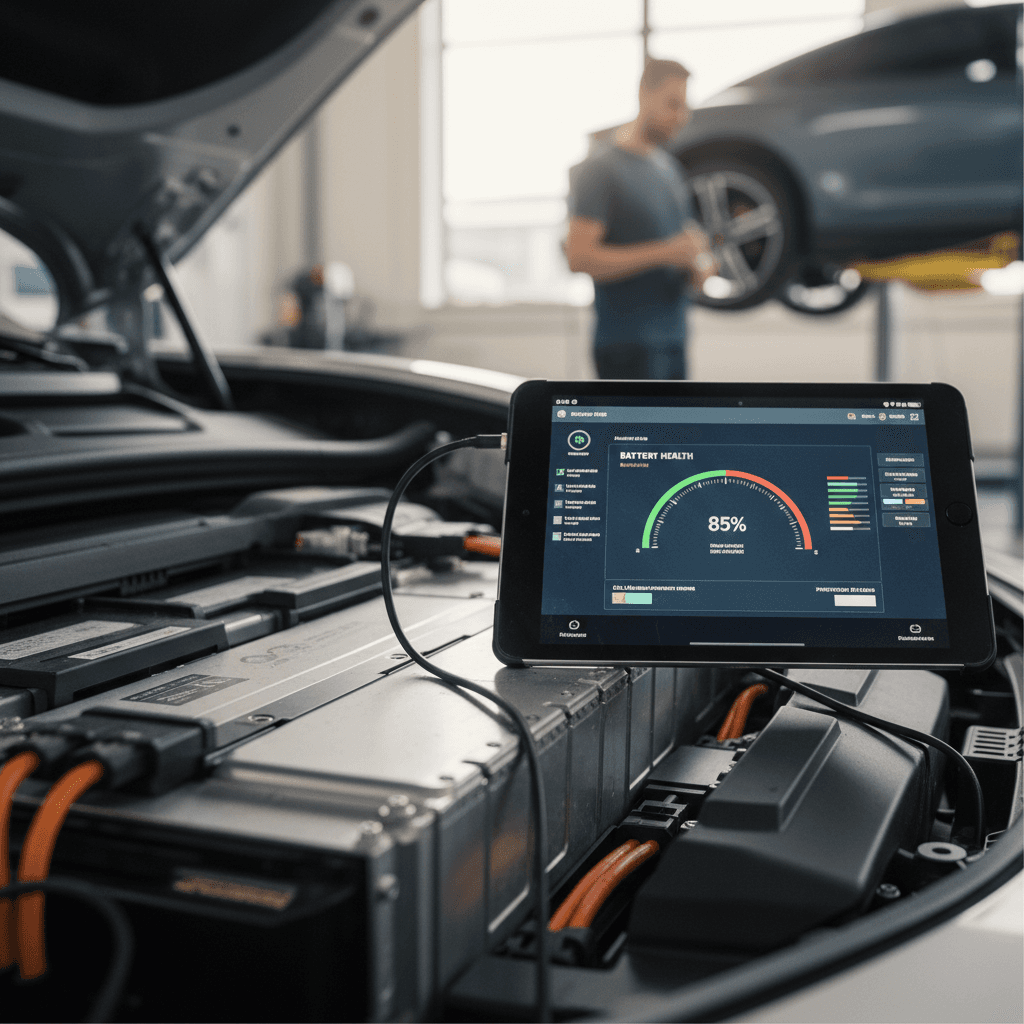
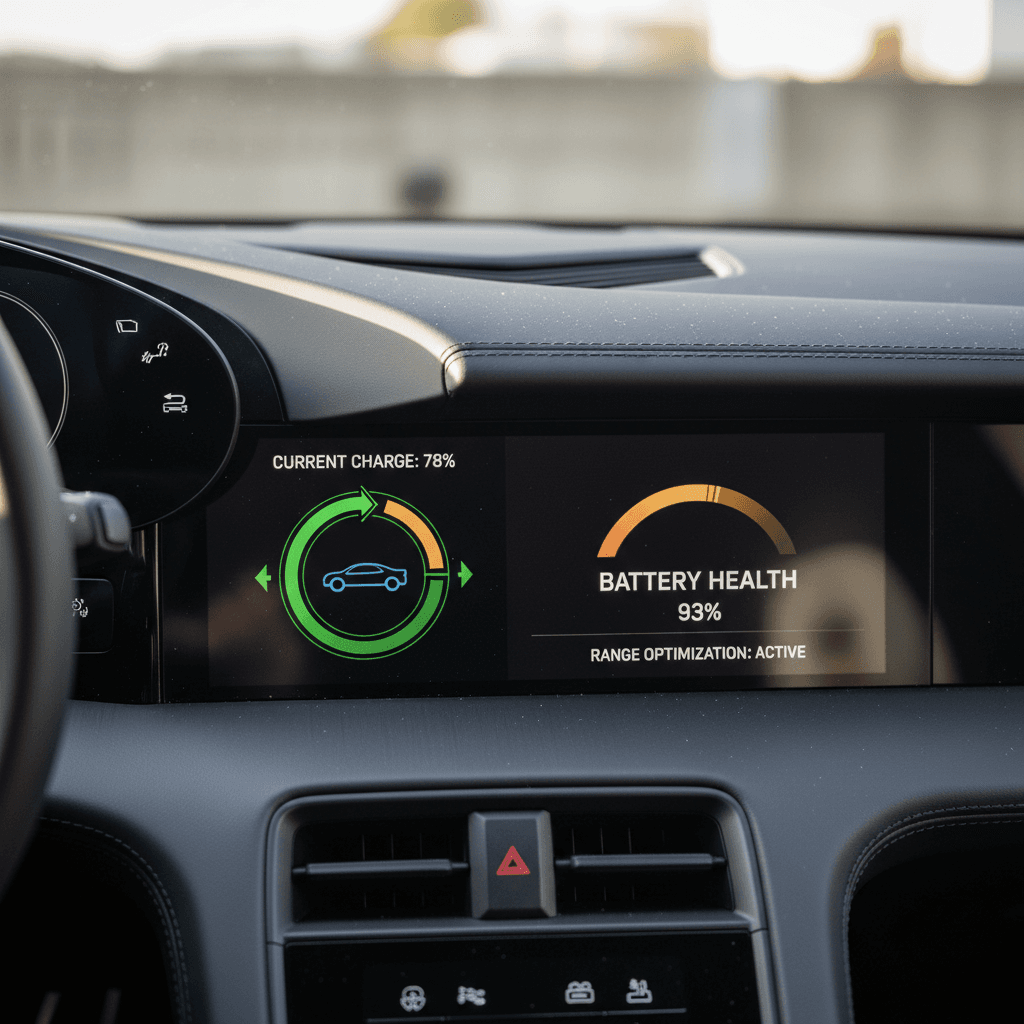
SOH is the headline number many owners look for, often available only via dealer‑level diagnostics or specialized battery tools. A car at 93–97% SOH after several years of normal use is typically healthy. A big outlier, say, 80% while still relatively young, warrants investigation.
Usable kWh estimate
Your range‑check drives give you an approximate sense of usable energy. If your consumption and miles suggest you can still access most of the original usable kWh, the pack is likely aging normally.
Real‑world range trend
Owners care less about kWh and more about how far they can drive. If your repeated tests show similar range under similar conditions, you’re in good shape, even if your winter commute looks worse than a summer road trip.
Red flags to watch for
When to get a professional Taycan battery health test
DIY checks are a great start, but there are times when you’ll want an expert reading on your Taycan’s pack, especially as the car ages or if you’re about to spend serious money on a used one.
When an expert Taycan battery check is worth it
Situations where a professional diagnostic or third‑party battery report can save you money and stress.
| Scenario | Why it matters | What to do |
|---|---|---|
| Buying a used Taycan | Battery health drives value more than most other features. | Request a recent battery report or have a professional EV inspection done before you sign. |
| Range suddenly drops | Could indicate a cell group issue, software change or charging problem. | Schedule a diagnostic with a Porsche dealer or EV‑specialist shop. |
| Frequent DC fast‑charging history | High‑power fast charging is convenient but can accelerate wear if abused. | Ask for a detailed battery health readout to verify SOH and thermal history where possible. |
| High‑mileage Taycan (80k+ mi) | Normal aging adds up; you want to know where you stand vs warranty and expectations. | Order a third‑party battery health report or have a dealership run a comprehensive test. |
Use this table to decide when it’s time to move beyond DIY checks.
Where Recharged fits in
Ready to find your next EV?
Browse VehiclesBattery health tips for used Porsche Taycan shoppers
If you’re shopping for a used Taycan, treat the battery like the engine and transmission combined on a gas car. It’s the heart of the vehicle, and the most expensive component to replace if something’s wrong.
Used Taycan buyer battery‑health checklist
Ask for documentation, not just words
Don’t settle for “the range seems fine.” Ask the seller for service records, any past battery tests and recent photos of the instrument cluster showing SOC and predicted range at a known charge level.
Test drive from a known SOC
Start your test drive with the car at a documented SOC (for example, 80%), drive at least 20–30 miles, then check remaining SOC and trip efficiency. Wildly low efficiency or unexpected range loss should prompt more questions.
Compare to realistic benchmarks
Search for owner‑reported ranges for the same Taycan trim, wheel size and climate. If the car you’re driving is dramatically below those numbers in similar conditions, dig deeper.
Look for battery warnings in the history
Scan for any high‑voltage system warnings, repeated DC‑fast‑charge errors or thermal management issues in the vehicle history or inspection report.
Understand the remaining warranty
Check in‑service date and mileage to see how much high‑voltage battery warranty is left. A car with several years of coverage remaining offers extra peace of mind.
Consider a third‑party EV inspection
For high‑value Taycans or cars with ambiguous history, a professional EV‑specific inspection, including a battery health check, can be money well spent. Vehicles listed on Recharged already have this step built into the Recharged Score report.
How to protect Taycan battery health long‑term
Checking battery health is only half the story. The other half is caring for the pack so your Taycan delivers strong range and performance for years to come. The good news: most of it comes down to a few simple habits.
Simple habits that help your Taycan battery age gracefully
You don’t have to baby it, just avoid the extremes.
Stay out of the extremes when you can
Try not to live at 0% or 100% SOC. Charging to around 80–90% for daily use and avoiding running below about 10% on a regular basis is kinder to lithium‑ion cells.
Be mindful of heat
Heat is harder on batteries than cold. Whenever possible, park in shade or a garage, and avoid leaving the car at a high SOC in very hot conditions for days at a time.
Favor AC charging for daily use
DC fast charging is great for trips, but Level 2 AC charging is easier on the pack. Use home or workplace AC charging for most energy, and save high‑power DC sessions for when you really need them.
Update software and monitor behavior
Keep your Taycan’s software current; updates can refine battery management and range estimates. If you notice sudden changes in behavior after an update, document them and talk to your service center.
Drive it regularly
Porsche Taycan battery health FAQs
Common questions about Taycan battery checks
Key takeaways on Porsche Taycan battery checks
The Porsche Taycan’s battery pack is engineered to last, but it deserves the same scrutiny you’d give an engine on a high‑performance gas car, especially in the used market. A smart mix of DIY checks (repeatable range tests, trip‑data logging) and professional diagnostics when the stakes are high will give you a clear picture of how healthy a given pack really is.
If you’re already a Taycan owner, good charging habits, sensible SOC limits and attention to temperature will help your battery age gracefully. If you’re shopping, prioritize vehicles with documented battery health reports and transparent history. That’s exactly why Recharged includes a Recharged Score battery‑health report, fair‑market pricing and EV‑specialist support with every used EV we sell, so you can enjoy Taycan performance without guessing what’s happening under the floor.