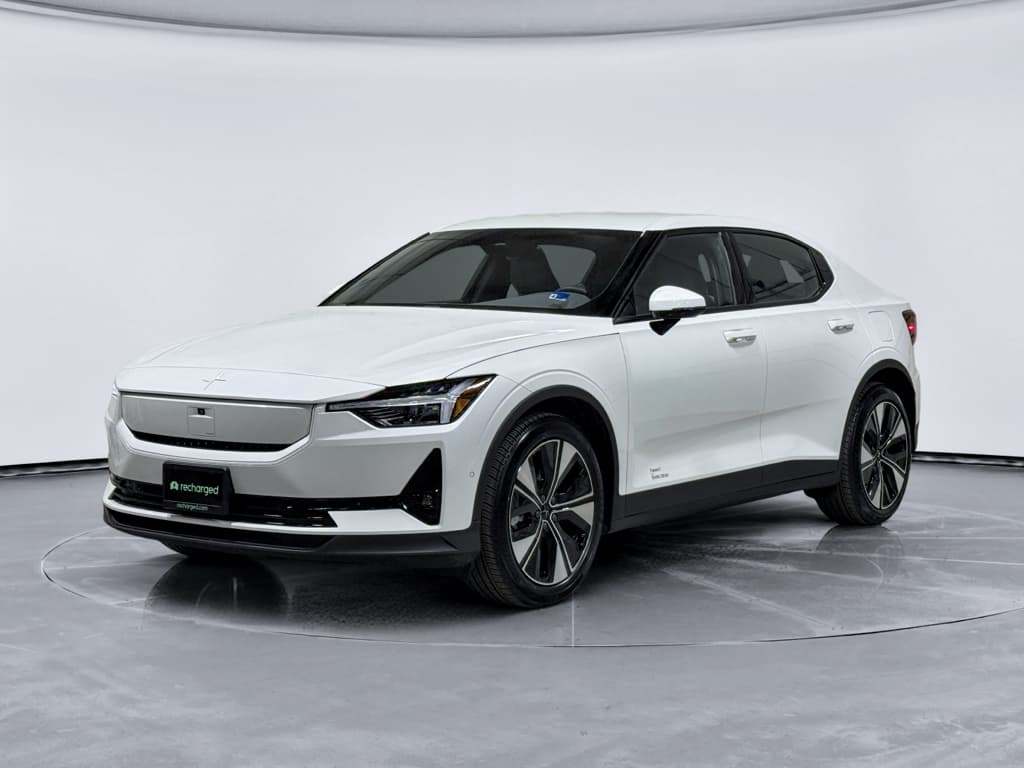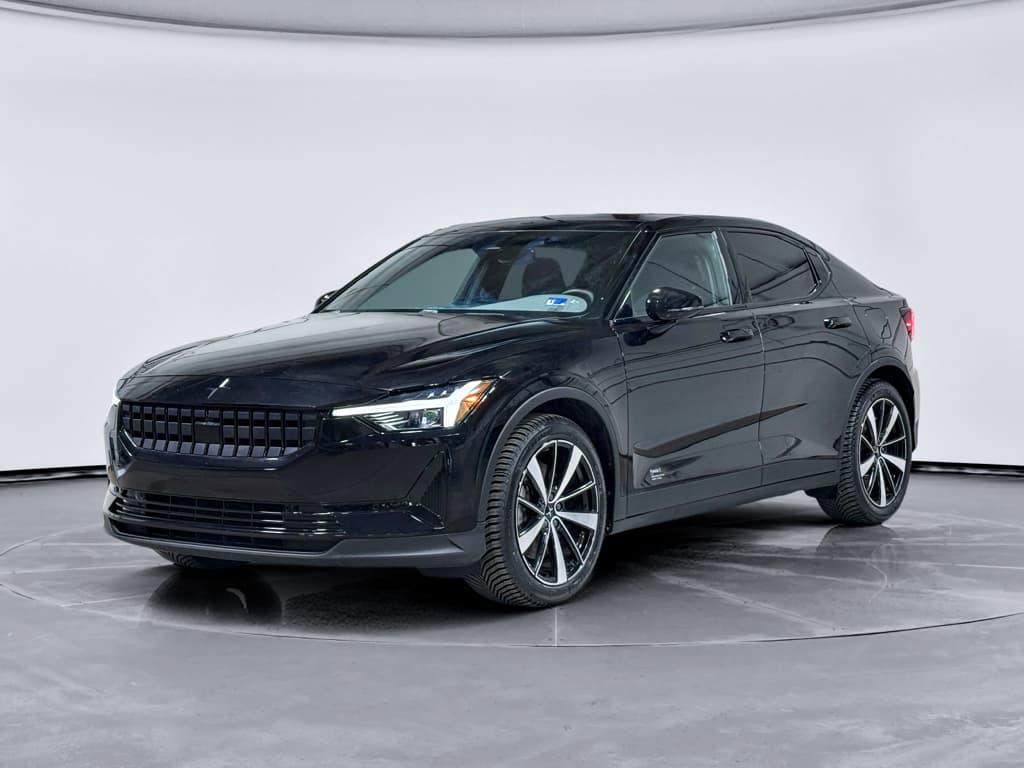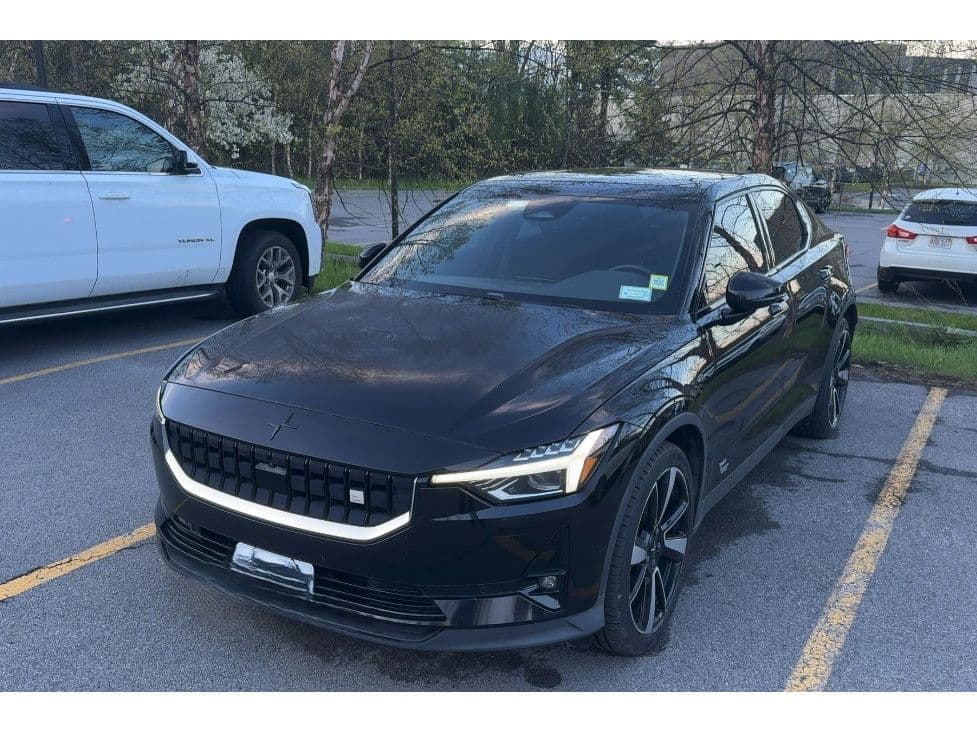
If you’re eyeing a used Polestar 2 in 2026, you’ve probably heard two very different stories. On one side, owners rave about the minimalist cabin, strong performance, and built‑in Google infotainment. On the other, forums are full of tales of glitchy software, axle clicks, and the odd recall. This guide pulls together the most common Polestar 2 problems through the 2026 model year, plus what’s been improved, what’s a dealbreaker, and what you can live with if you find the right car.
Model years covered
Polestar 2 reliability in 2026: big picture
Polestar 2 reliability by the numbers
Overall, the Polestar 2’s fundamentals are solid. Motors, high‑voltage battery packs, and core safety systems have a decent record by 2026. Where reliability tends to slip is around the edges: software stability, connectivity hardware, certain suspension components, and the 12‑volt system. Those are annoying rather than catastrophic, but they can sour ownership if you live far from a Polestar service point.
Later cars are generally better
Most common Polestar 2 problems across 2021–2026
- Infotainment, connectivity, and app glitches (reboots, lag, blank screens, Bluetooth/CarPlay issues).
- Axle and suspension noises, especially rear‑axle clicks, clunks on low‑speed turns, or “wheel of fortune” sounds.
- Battery‑adjacent annoyances: DC fast‑charging quirks, inconsistent home charging behavior, and sensitive 12V batteries.
- HVAC and comfort issues: noisy fans, inconsistent cabin temperatures, and odd clicks behind the dash.
- Legacy recall items on early cars (fixed with software and hardware campaigns, but worth verifying on used examples).
Not every car will show every symptom, and plenty of owners report virtually no problems. But if you’re shopping used, this short list is exactly what you want to probe on a test drive and in the service history.
Problem 1: Infotainment and connectivity glitches
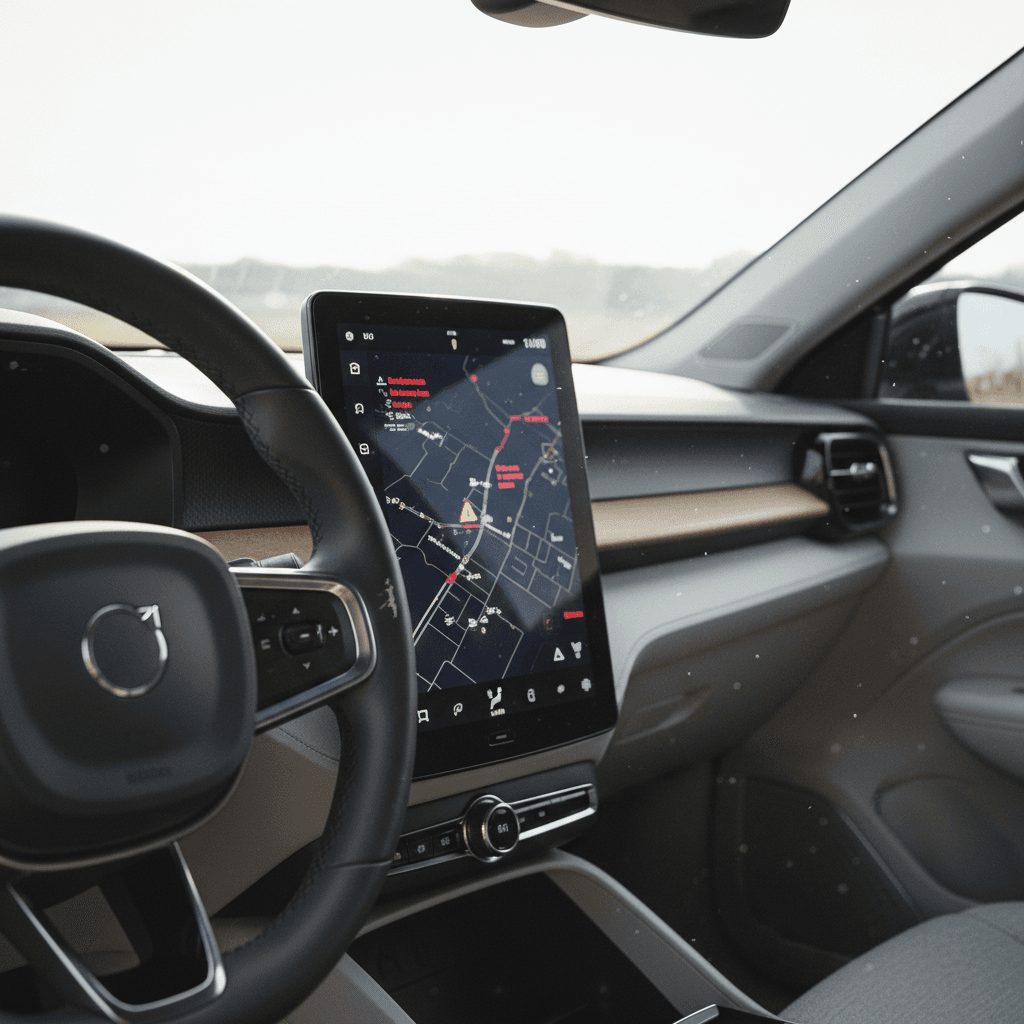
The Polestar 2 is a software‑heavy EV built around Android Automotive OS. That’s great when everything behaves: Google Maps in the driver display, native apps like Spotify and YouTube, and deep integration with the Polestar app. The price of that sophistication is complexity, and owners across 2021–2025 model years report a familiar mix of glitches.
Typical infotainment and connectivity issues
What 2026 Polestar 2 shoppers should watch for
Slow or laggy system
Delays opening apps, 5–10 second input lag, frozen maps, or audio controls that don’t respond until you restart the screen.
Black or rebooting screen
Center display randomly goes black, shows a green flash, or restarts during driving. Often tied to earlier software or TCAM issues.
Bluetooth & CarPlay bugs
Phones failing to reconnect, calls dropping, Apple CarPlay sessions crashing after a recent software update, or missing audio from some apps.
Polestar has pushed a steady stream of over‑the‑air (OTA) updates through 2024 and into 2026, including upgrades to Android 13 and targeted fixes for rear‑view cameras, digital keys, climate controls, and Bluetooth/CarPlay behavior. In many cars, these updates genuinely improve things; in others, a failed or partial update can create new problems and require a dealer visit to straighten out.
When an update fails
Quick infotainment test on your test drive
1. Cold boot test
Start the car after it’s been sitting and see how long the center screen takes to become responsive. Lag of a few seconds is normal; 10+ seconds and repeated freezes are not.
2. Map & camera behavior
Open Google Maps, then shift into reverse and back into drive. Make sure the backup camera appears quickly and the map comes back without error messages or blank screens.
3. Bluetooth and CarPlay
Pair your phone, stream music, and place a call. If CarPlay is available, run it for at least 10 minutes. Watch for audio cutouts, random disconnects, or CarPlay crashes after a recent update.
4. Infotainment reset history
Ask the seller or dealer how often they need to reboot the system. A reboot once a month is livable; having to reboot daily points to deeper issues.
The good news
Problem 2: Suspension, axle noises, and ride issues
Another recurring Polestar 2 talking point is axle and suspension noise. You’ll see owners describe rear‑axle clicks, front‑end clunks over low‑speed bumps, or a rhythmic “wheel of fortune” sound from the back of the car. A few also complain of a firm, noisy ride on rough pavement, especially on Performance Pack cars with 20‑inch wheels and Öhlins dampers.
Common Polestar 2 suspension and axle complaints
What the noise sounds like, what might be causing it, and why it matters.
| Symptom | When it happens | Possible cause | Why you should care |
|---|---|---|---|
| Rear‑axle clicking or “clack‑clack” | Low‑speed acceleration/deceleration, especially in parking lots | Axle splines or rear drive unit play | Can indicate wear in expensive components if severe or persistent. |
| Front‑end clunk over bumps | Speed bumps, driveway entries, tight turns | Strut mounts, control arm bushings, or sway bar links | Annoying on a daily basis; parts are relatively affordable but labor adds up. |
| Harsh, crashing ride | Broken pavement at city speeds, expansion joints | Low‑profile tires and stiff dampers, especially on Performance models | Not a defect, but if you hate firm rides it’s a real quality‑of‑life issue. |
| Uneven tire wear | Visual inspection, vibration at highway speeds | Alignment out of spec, worn bushings, or aggressive driving | Prematurely worn EV‑rated tires are expensive to replace. |
Use this as a cheat sheet during your test drive, this is where an attentive ear can save you thousands later.
How to listen for trouble
Problem 3: Battery, charging, and 12V behavior
The heart of the Polestar 2, its high‑voltage battery pack and motors, has generally held up well by 2026. True battery pack failures are rare. Instead, owners most often complain about charging quirks, range expectations, and 12‑volt battery behavior rather than catastrophic failures.
Typical battery‑related complaints
Less about total failure, more about day‑to‑day behavior
DC fast‑charging quirks
Charging sessions that ramp slowly, taper earlier than expected, or abort at public fast chargers. Sometimes fixed by software updates or trying a different station brand.
Real‑world range vs EPA
Owners in cold climates often see significantly less range than the EPA number, especially on highway drives. This is typical of many EVs but catches new owners by surprise.
Sensitive 12V battery
Occasional 12V warnings or failures after software updates or long idle periods. Some owners pre‑emptively replace the 12V around the 3‑year mark to avoid surprises.
12V battery: small part, big headache
Battery and charging checks before you buy
1. AC home‑style charging test
If possible, plug into a Level 2 charger and see if the car takes and holds a charge without random stops or errors. Watch for charge speed that’s in line with the onboard charger spec.
2. DC fast‑charge test
A 10–20 minute fast‑charge session at a reputable station can reveal handshake or taper issues. If charging aborts repeatedly, budget time for diagnosis.
3. Range assistant sanity check
Use the car’s range/consumption tools on a mixed drive. A used EV with severely inflated consumption numbers may have tire, alignment, or driving‑style issues.
4. 12V history
Ask for records of any 12‑volt warnings, replacements, or jump‑starts. A fresh 12V battery is a small but meaningful plus on a used car.
Problem 4: HVAC, comfort, and cabin irritations
Compared with infotainment or axle issues, HVAC and comfort complaints are more about annoyance than safety. Owners of 2021–2024 cars sometimes report clicking behind the dash when the climate system adjusts, noisy fans, or inconsistent temperatures between driver and passenger sides. A few have dealt with A/C performance issues that required compressor or component replacements.
- HVAC clicking or tapping behind the dash when changing temperature or airflow modes.
- Blower fans that get louder or develop rattles over time.
- One side of the cabin warmer or cooler than the other, especially in extreme weather.
- Occasional bug where preconditioning times or seat heating don’t behave as scheduled until the next software update.
Comfort vs. defect
Recalls and software updates affecting Polestar 2 in 2026
Polestar has used both traditional recalls and over‑the‑air updates to chase early Polestar 2 problems. The biggest scare was an early software defect that could cause a sudden loss of power, addressed via recall campaigns and software fixes long before 2026. More recent campaigns focus on targeted electronics, lighting, and safety systems.
Polestar 2: recalls and campaigns to verify
This isn’t an exhaustive list, but it covers the major categories you should confirm on a used car in 2026.
| Recall type | Model years mainly affected | System involved | What you should do |
|---|---|---|---|
| Early power‑loss software recalls | 2021 | Inverter/ECU software | Verify that all early software recalls have been completed. Any untouched early‑build car should visit a dealer before daily use. |
| TCAM / connectivity campaigns | 2021–2023 | Telematics and connectivity module | Confirm that TCAM updates or replacements have been done if the car shows app, LTE, or SOS faults. |
| Lighting / safety‑system updates | Various through 2024 | Exterior lighting, warning systems | Check for open campaigns even if the car seems to work fine, these often improve safety edge‑cases. |
| Infotainment & camera fixes via OTA | 2021–2025 | Infotainment, rear‑view camera | Make sure the car is on a reasonably recent software level; ask for update logs or service paperwork if OTA history is fuzzy. |
Always run the VIN through NHTSA’s recall lookup and Polestar’s own recall checker for the latest status.
Don’t skip the VIN check
What to check if you’re buying a used Polestar 2 in 2026
By 2026, there are plenty of 2021–2024 Polestar 2s on the used market, along with a growing trickle of refreshed 2024–2025 cars. The right one can be a fantastic value, but you need to inspect it with its known weak spots in mind.
Used Polestar 2 pre‑purchase checklist
1. Software version and update history
From the center screen, dig into Settings → System → Software and note the version. Recent versions (including those labeled 3.x or 5.x) suggest the car has been kept current. An early version on a 2021–2023 car is a red flag.
2. Infotainment and camera behavior
Run through navigation, audio, backup camera, and phone pairing. Any black screens, crashes, or long lags deserve a pre‑purchase inspection or an agreement that the seller addresses it at Polestar before you buy.
3. Suspension noises and tire wear
Drive on both smooth and rough roads, listen for clunks and clicks, and inspect all four tires for cupping or uneven wear. A car that chews through tires may have alignment or bushing issues.
4. Charging test
If the seller allows, plug into both Level 2 and DC fast chargers. You’re looking for consistent connection, expected charge speeds, and no random stop‑and‑go behavior.
5. Warranty and recall status
Ask for a printout of completed recalls and warranty work. Confirm remaining basic and battery warranty coverage by in‑service date, not just model year.
6. Independent EV health report
A third‑party battery health or EV inspection, like the Recharged Score, can give you a clearer picture of pack health, charging behavior, and overall condition than a quick test drive.
How Recharged can help
Repair costs, warranty coverage, and long-term ownership
Polestar 2 parts pricing and labor times land broadly in line with other premium European EVs. Software fixes and recalls tend to be free, but out‑of‑warranty hardware replacements can sting, especially if you’re far from a Polestar service partner and face towing or travel costs on top.
Typical Polestar 2 repair scenarios and cost ballparks
Actual costs vary by region, dealer, and warranty status, but this gives you a sense of what’s at stake if you’re buying a higher‑mileage car in 2026.
| Issue | Likely fix | In‑warranty cost | Out‑of‑warranty ballpark |
|---|---|---|---|
| Infotainment glitches, minor | Software updates, resets, configuration | $0 | $0–$200 if diagnosis time is billed |
| Persistent black screen / reboots | TCAM module or infotainment hardware replacement | Usually $0 | $800–$2,000 depending on parts and labor |
| Rear‑axle clicking or clunks | Re‑grease or replace axle components, possible drive‑unit work | Often $0–$300 | $500–$2,500+ if major components are replaced |
| 12V battery warning | 12V battery test and replacement | $0–$200 | $250–$500 |
| HVAC performance issues | Compressor or component replacement, refrigerant service | $0 under warranty | $1,000–$2,500+ depending on parts |
Use these ranges as negotiation tools, not hard quotes, when evaluating a used Polestar 2.
Understanding Polestar’s warranties
How Polestar 2 problems compare with other used EVs
If you’ve shopped other used EVs, Tesla Model 3/Y, Hyundai Ioniq 5, Kia EV6, or Chevy Bolt, you’ll notice some familiar themes. EVs tend to be very strong on powertrain durability and weaker on software and electronics. The Polestar 2 fits that pattern squarely.
Where Polestar 2 is similar
- Software complaints: Like Tesla and Volkswagen’s EVs, owners talk more about software than motors or batteries.
- Range reality: Real‑world range sits below EPA numbers, particularly at highway speeds and in cold weather.
- Tire wear: Strong torque and heavy curb weight can chew through tires quickly if you drive hard.
Where Polestar 2 is different
- Google‑native infotainment: Some shoppers prefer this to proprietary systems; others find it less polished than Tesla’s all‑in‑one approach.
- Service network: Polestar’s smaller footprint means longer trips for some owners compared with brands tied into existing dealer networks.
- Brand maturity: As a newer brand, Polestar is still refining updates and parts logistics, later‑year cars tend to benefit most.
A sweet spot for value
FAQ: Polestar 2 common problems in 2026
Frequently asked questions
Bottom line: Is a Polestar 2 worth it in 2026?
The 2026 story of the Polestar 2 is not that it’s a disaster, or a paragon of perfection. It’s a lovely‑to‑drive EV with software and refinement that are still catching up. If you crave a calm, Scandinavian cabin, clean design, and a Google‑native cockpit, a sorted Polestar 2 can be deeply satisfying. But you have to buy with your eyes, and ears, wide open.
Focus your search on cars with clean recall histories, up‑to‑date software, quiet axles, and tidy tires. Don’t rush the test drive, and don’t be afraid to walk away from a car that feels glitchy or noisy. And if you’d rather have experts do the worrying, shopping for a Polestar 2 through Recharged means you get a verified battery‑health report, transparent pricing, and EV‑savvy support from the first click to delivery.