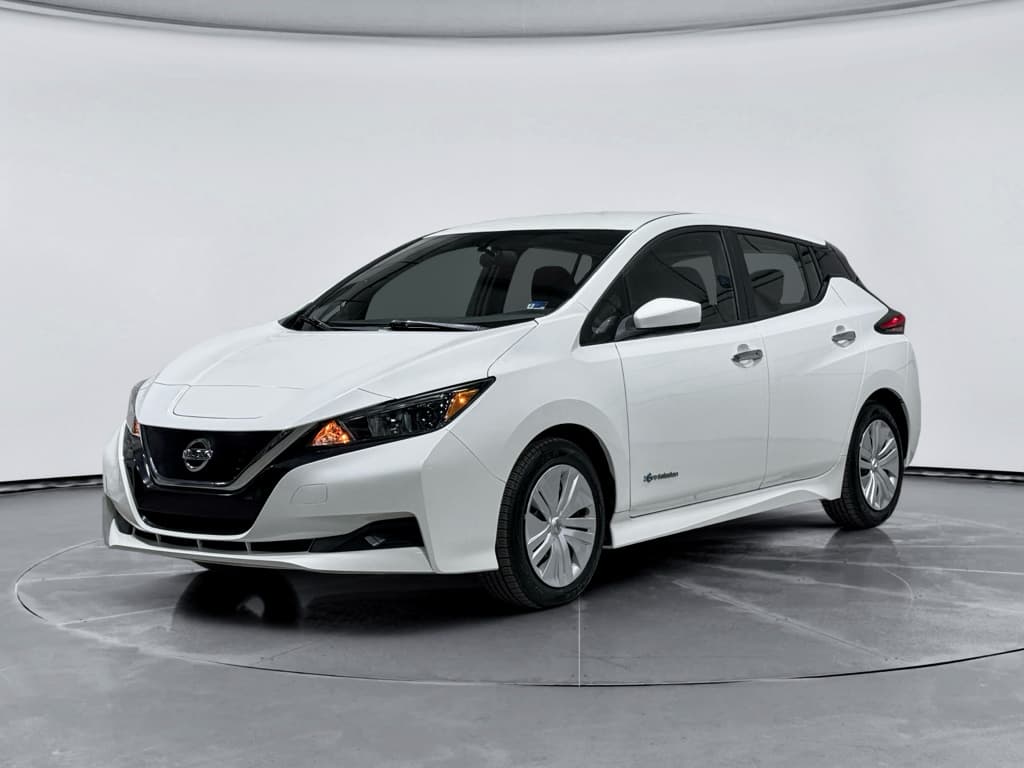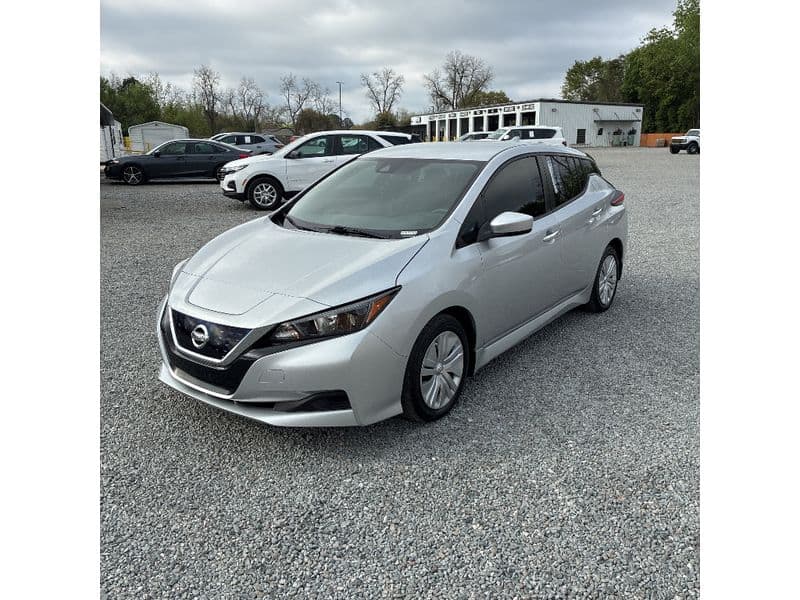
If you own (or are eyeing) a Nissan Leaf, battery health is everything. Range, resale value, and day‑to‑day confidence all come down to how well that high‑voltage pack ages. The good news: with smart habits, you can **maximize Nissan Leaf battery life** and slow the degradation the Leaf is known for, especially in hot climates and with frequent fast charging.
Quick context: why Leaf batteries are different
Why Nissan Leaf battery care matters
Lithium‑ion batteries naturally lose capacity over time, but the Leaf’s passive cooling and long production run mean real‑world results vary widely. A cool‑climate Leaf with gentle usage can still feel strong after a decade, while a hot‑climate car fast‑charged hard from new might lose multiple capacity bars in just a few years. Thoughtful ownership habits can be the difference between a Leaf that still comfortably covers your commute in year 10 and one that becomes range‑limited halfway through your loan.
Nissan Leaf battery & degradation at a glance
What actually wears out a Leaf battery
Before you change your habits, it helps to know what really hurts a Nissan Leaf battery and what’s mostly internet folklore. Three factors dominate the Leaf degradation story: **heat**, **time spent at high or very low state of charge (SoC)**, and **power extremes** (hard driving or repeated fast charging that drives pack temperatures up).
Key battery stress factors in the Nissan Leaf
Focus on the left column to preserve capacity over the long term.
High temperature
Hot packs age faster. Parking in the sun, frequent DC fast charging, and hot‑climate road trips all raise pack temperature.
Best practice: Shade or covered parking when possible, and avoid back‑to‑back fast charges on very hot days.
High state of charge
Keeping the battery near 100% for long periods stresses the chemistry.
Best practice: For daily use, aim to arrive home around 20–40% and charge back to ~70–85%, not 100% every night.
Very low state of charge
Letting the pack sit near 0% (or repeatedly driving to turtle mode) also accelerates aging.
Best practice: Treat 10–15% as your practical “empty” and recharge soon after.
Older vs newer Leaf packs
Daily charging habits to maximize battery life
Charging is where you have the most day‑to‑day control over Leaf battery life. You don’t need to obsess over every percent, but dialing in a few basic rules will pay off over years of ownership.
Daily Nissan Leaf charging checklist
1. Aim for a 30–80% daily SoC window
For routine commuting, try to keep the battery between roughly 30% and 80%. Many Leafs don’t expose a configurable charge limit, but you can time your charging so it stops near 80% close to departure instead of sitting full all night.
2. Only charge to 100% when you need the range
Charging to 100% for a big trip or rare long day of errands is fine. Just avoid leaving the car parked at or near 100% for days at a time, especially in hot weather.
3. Prefer Level 2 (or even Level 1) for daily use
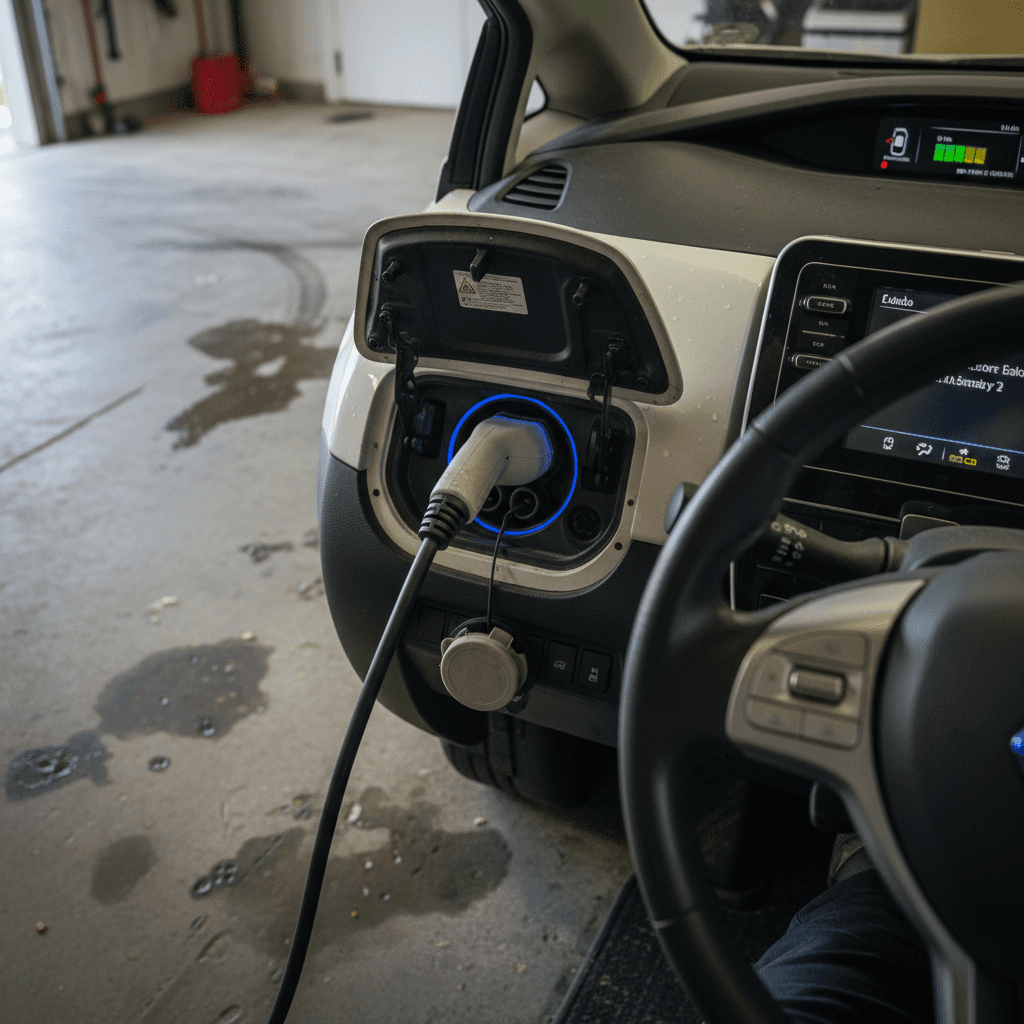
Slower AC charging, either Level 1 (120V) or Level 2 (240V), is gentler on the pack than constant DC fast charging. If you can install or access a Level 2 charger, that’s ideal for nightly top‑ups.
4. Avoid “charging on a hot battery” when you can
If you’ve just finished a long highway drive on a hot day and the battery temperature bars are high, giving the car a short cool‑down before you plug in will reduce stress. Even 30–60 minutes parked in the shade helps.
5. Don’t obsess over tiny top‑ups
Topping from 50% to 60% on Level 2 is not going to kill your pack. Focus more on <strong>temperature</strong> and avoiding long periods at very high or very low charge, not on whether you added 5% twice in one day.
6. Use charging timers when available
If your Leaf or charger lets you schedule charging, start late at night so the battery reaches your target state of charge shortly before you leave. This avoids sitting full for hours while you sleep.
Practical formula for most Leaf owners
Fast charging (CHAdeMO & NACS): how careful do you need to be?
The Leaf’s CHAdeMO fast‑charging port, and, on the newest models, NACS access, makes road trips possible. But because the Leaf doesn’t have liquid cooling, repeated DC fast charging in hot conditions can accelerate degradation more than it would in actively cooled EVs.
Smart ways to use fast charging
- Use DC fast charging for trips, not daily life. Occasional fast charges, say a few times a month on road trips, are unlikely to dramatically shorten battery life.
- Stop around 70–80%. Charging slows past 70–80% anyway, and the upper end of the pack sees more stress, especially when hot.
- Watch battery temperature bars. On very hot days, one or two bars from the top should be a signal to back off more charging if you can.
- Plan legs around Level 2 where possible. Mixing in AC charging keeps pack temps down over long journeys.
Habits that hurt long‑term battery life
- Using DC fast charging as your primary fuel source. If you live next to a CHAdeMO or NACS DC charger and plug in daily, expect faster degradation than with home Level 2.
- Back‑to‑back fast charges in summer. Driving hard, then fast‑charging from a low state of charge up to high repeatedly on a 95°F day is about the worst‑case scenario.
- Regularly charging to 100% on DC. It’s fine when you truly need the range, but try not to make it a weekly habit.
Don’t let fear of fast charging strand you
Temperature management and climate considerations
Because the Leaf lacks active liquid battery cooling on many model years, climate plays a huge role in how the pack ages. Owners in Phoenix or Miami face a different reality than drivers in Seattle or Toronto. You can’t control the weather, but you can control how your Leaf sits in it.
- Whenever possible, park in a garage, carport, or shaded area, especially in summer.
- Avoid leaving the car fully charged in the hot sun for days at a time. If you’re going to the airport for a week in July, 40–60% is a better parking SoC than 100%.
- After a long, hot drive, avoid immediately fast‑charging to 100% unless absolutely necessary; a short cool‑down reduces thermal stress.
- In very cold climates, precondition the cabin while plugged in so the battery and interior warm up together without big range hits.
Cold hurts range more than long‑term health
Driving style and range management
How you drive your Leaf affects both day‑to‑day range and, at the extremes, battery life. Aggressive acceleration, heavy sustained high‑speed driving, and frequent full‑throttle launches all increase pack temperature and cycle stress.
Driving habits that help your Leaf battery
Small changes add up over tens of thousands of miles.
Drive smoothly
Gentle acceleration and anticipating stops reduce peak current draw. You’ll see better range and slightly less heat buildup.
Moderate highway speeds
70–75 mph is significantly harder on range, and battery temp, than 60–65 mph. If time allows, ease off a bit on long highway stretches.
Use Eco & regeneration wisely
Eco mode and B‑mode regeneration help manage power flow smoothly. Don’t be afraid to use them; they’re part of the car’s efficiency toolkit.
The combination of eco‑driving and avoiding high‑temperature extremes can deliver noticeable battery‑life improvements over the life of an EV.
Long-term storage and seasonal use
If your Leaf will sit for weeks or months, maybe you’re a snowbird or you only use it seasonally, setting it up correctly before storage can preserve battery health.
Storing your Nissan Leaf the battery‑friendly way
1. Park at 40–60% SoC
For storage longer than a couple of weeks, a mid‑range SoC is ideal. Avoid leaving the pack near 0% or 100% for long periods.
2. Keep it cool and dry
A garage or sheltered spot is ideal. If you must park outside in a hot climate, try to avoid full‑day direct sun and consider a car cover.
3. Disable or adjust timers
Turn off any daily charging schedules that would otherwise refill the battery to 100% while you’re gone.
4. Check in monthly if possible
If you can, check the car every few weeks. As long as the main pack stays above ~20% and the 12V battery is healthy, you’re fine.
5. Don’t worry about tiny self‑discharge
The main battery loses charge slowly when parked. Dropping a few percent over a month or two is normal and not harmful.
Monitoring battery health: Leaf Spy, bar loss & reports
Maximizing battery life isn’t just about good habits, it’s also about **knowing where you stand** today. The Leaf gives you some basic tools (like the capacity bars on the dash), and third‑party tools fill in the gaps.
Ways to track your Nissan Leaf battery health
Use one or more of these to get a clearer picture of degradation over time.
| Method | What it shows | Pros | Considerations |
|---|---|---|---|
| Dash capacity bars | 12 bars when new, decreasing as the pack loses capacity. | Simple, built‑in, easy to understand at a glance. | Each bar corresponds to a range of capacity; you don’t see exact % state of health. |
| Leaf Spy app | State of health (SoH), usable kWh, cell balance, temperature, more. | Very detailed view of pack health and behavior over time. | Requires a compatible OBD‑II adapter and some setup; data can be overwhelming at first. |
| Dealer or service report | Nissan battery usage/health reports, warranty eligibility checks. | Official documentation, helpful when selling or evaluating warranty coverage. | Quality and depth vary by dealer; may require a service visit or fee. |
| Independent EV inspection (like Recharged Score) | Third‑party battery diagnostics, capacity assessment, and driving/charging history analysis. | Objective perspective, great when buying or selling a used Leaf. | Availability depends on provider; some services are tied to specific marketplaces. |
Data from different sources can vary slightly. Look at trends, not single readings.
Track trends, not single readings
Used Nissan Leaf shopping: battery checklist
If you’re shopping for a used Leaf, maximizing battery life starts **before** you sign anything. Two cars with the same model year and mileage can have very different real‑world range because of climate, charging habits, and prior use.
Battery‑focused used Leaf buying checklist
1. Check capacity bars and approximate SoH
Start with the dash: how many of the 12 capacity bars are left? If possible, pair Leaf Spy to view more granular SoH (state of health) and pack temperature during your test drive.
2. Ask about charging history
Did the previous owner mostly use home Level 2, or did they fast‑charge daily at a nearby CHAdeMO station? Heavy DC use in a hot region is a red flag for long‑term capacity.
3. Consider climate history
A Leaf that spent its life in a very hot region will typically show more degradation than one from a mild coastal climate, even with similar mileage.
4. Test real‑world range
On an extended test drive, start around a known SoC (say 90%) and drive a mix of city and highway. Compare the remaining SoC and miles driven to what you’d expect from that model’s original range.
5. Review any battery reports or diagnostics
Ask the seller for dealer battery health reports, Leaf Spy screenshots, or third‑party inspection results. These give you additional confidence, or leverage if capacity is clearly reduced.
6. Factor battery condition into price
A Leaf that’s down a couple of bars but still meets your daily needs can be a great value if it’s priced accordingly. Severe degradation should show up as a clear price discount or be a reason to walk away.
How Recharged helps with Leaf battery health
Because battery health is so central to Nissan Leaf ownership, Recharged builds it into every part of the experience. When you buy or sell a used Leaf through Recharged, you don’t have to guess how the pack is doing.
Recharged tools for smarter Leaf ownership
Designed to take the mystery out of used EV batteries.
Recharged Score battery diagnostics
Every Leaf on Recharged comes with a Recharged Score Report that includes verified battery health, not just odometer readings. Our diagnostics go deeper than the dash bars to give you a clear picture of usable capacity.
Fair pricing based on real battery health
Because we factor battery condition into pricing, shoppers can quickly see how a specific Leaf’s range and degradation stack up against similar cars.
EV‑specialist support
Our EV‑focused team can help you understand Leaf‑specific issues, like CHAdeMO support, climate history, and practical daily range, before you commit. Whether you’re buying online or visiting our Experience Center in Richmond, VA, you get expert guidance.
Ready to find your next EV?
Browse VehiclesFAQ: Nissan Leaf battery life & degradation
Frequently asked questions about maximizing Nissan Leaf battery life
Bottom line: build “battery-friendly” habits
Maximizing Nissan Leaf battery life isn’t about perfection or never touching a fast charger. It’s about stacking a handful of **battery‑friendly habits** in your favor: keeping the pack away from heat and extremes of charge, using Level 2 for daily fueling, and planning fast‑charge sessions thoughtfully. Do that consistently and your Leaf, new or used, will deliver more usable range for more years, and hold its value better when it’s time to sell or trade in.
If you’re already driving a Leaf, you can start implementing these changes tonight. If you’re shopping for one, tools like battery health diagnostics, real‑world range tests, and the Recharged Score Report will help you pick a car whose pack still has plenty of life ahead. Either way, treating the battery like the heart of the vehicle is the surest way to keep your Leaf feeling fresh well into its second decade.