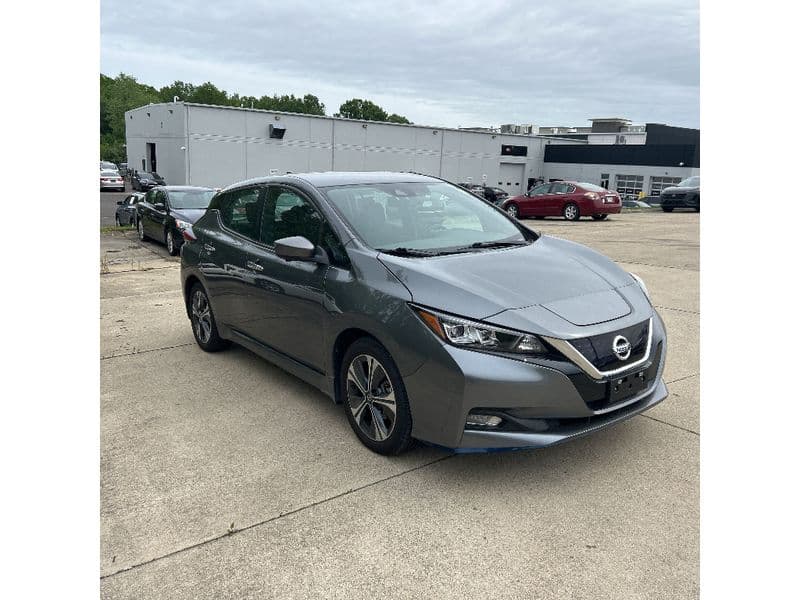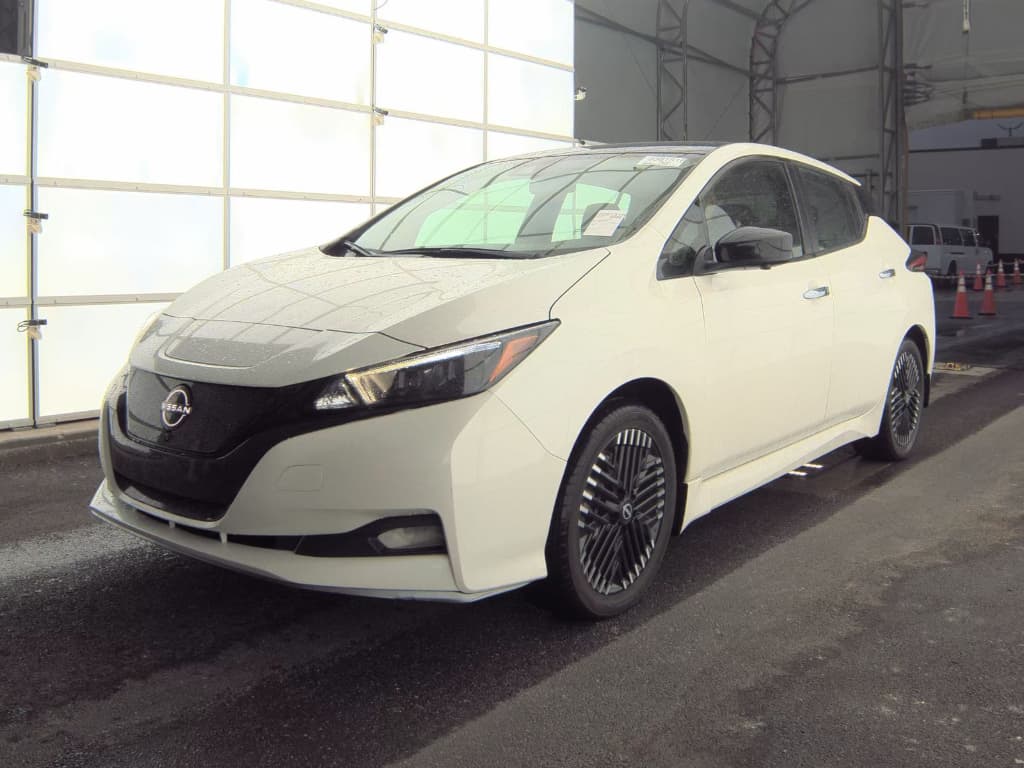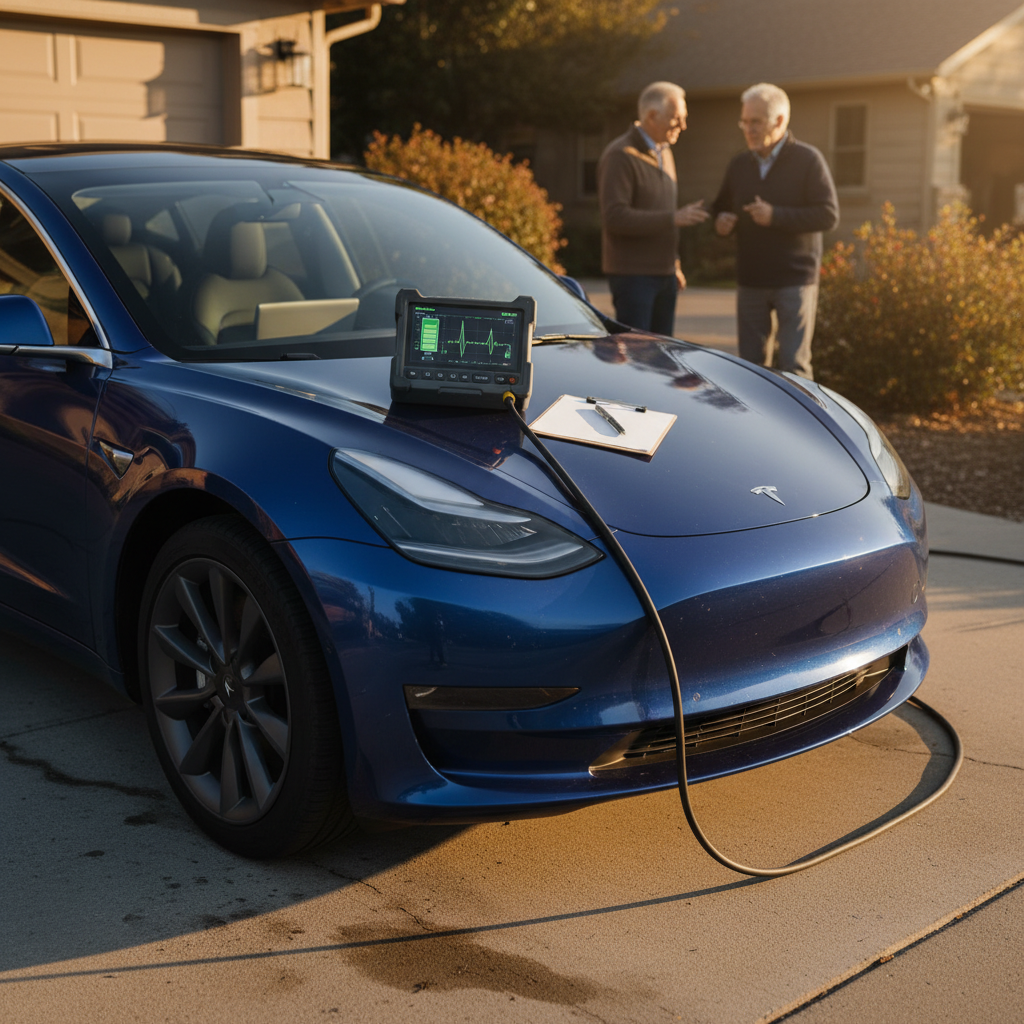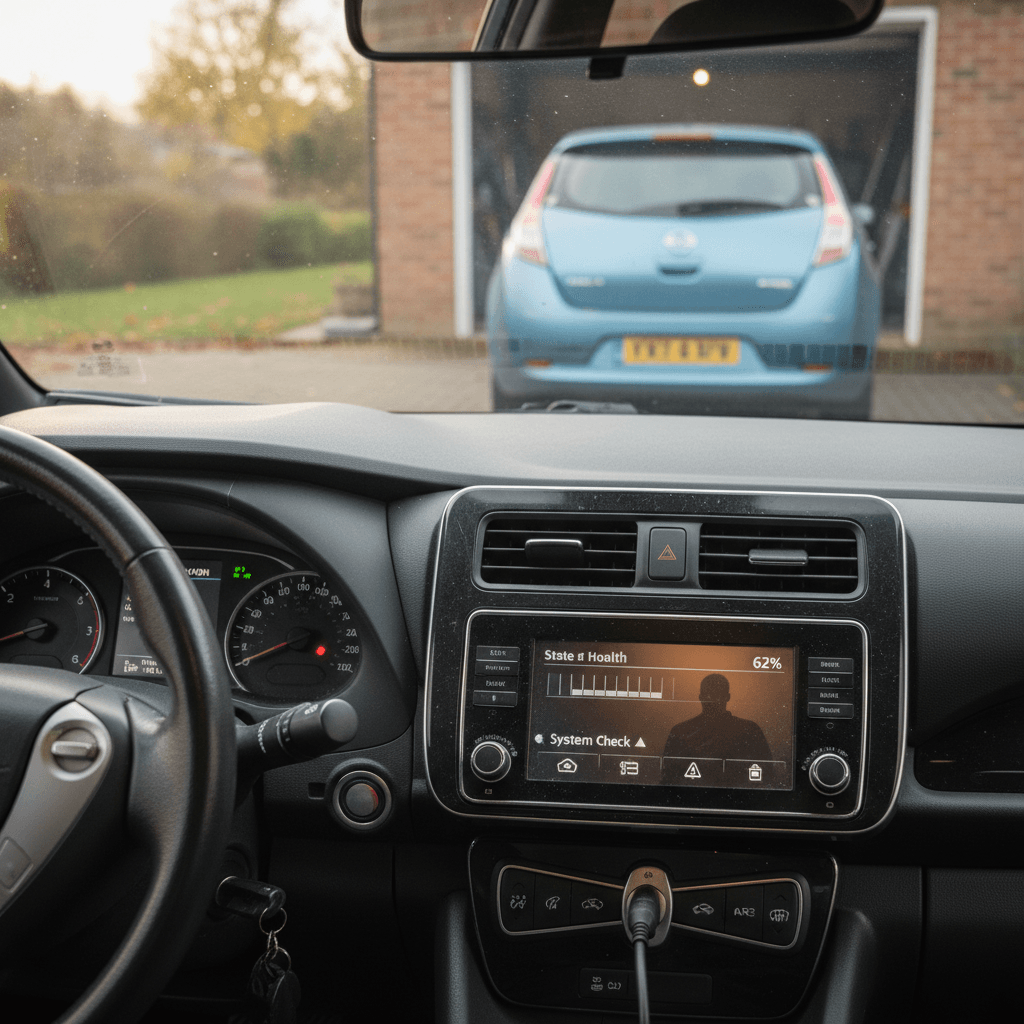
If you’re shopping for a used Nissan Leaf, you’re not alone. It’s one of the most affordable ways to get into an EV, but it also has some well-known quirks. Understanding Nissan Leaf common problems and fixes, especially around battery health, can be the difference between a great cheap EV and a daily headache.
Key takeaway
Nissan Leaf overview: strengths, weaknesses, and who it’s for
Where the Leaf shines
- Simplicity: No engine, no transmission, fewer moving parts than a gas car.
- Low running costs: Electricity is cheaper than gas, and there’s no oil changes or smog checks.
- City/commuter sweet spot: Even a degraded early Leaf can cover short commutes, school runs, and errands.
- Used pricing: Older Leafs are among the least expensive EVs on the used market.
Where the Leaf struggles
- Battery cooling: Early models lack liquid cooling, so heat and fast charging can accelerate degradation.
- Limited fast charging standard: Older Leafs use CHAdeMO, which is slowly disappearing in North America.
- Range expectations: A 2011–2017 Leaf may have half the range it had when new.
- Some model-year-specific issues: Early brake software bugs, inverter recalls, and airbag recalls you’ll want to confirm are handled.
Early vs. later Leaf generations

Battery degradation and range loss
Battery degradation is the single most important Nissan Leaf problem, because it directly determines how far you can drive. Early Leafs (2011–2015 24 kWh, some 2016–2017 30 kWh) use an air-cooled pack. In mild climates, many owners see roughly 2–3% loss per year; in hot, high-heat use or with heavy DC fast charging, capacity can fall much faster, shrinking real-world range from 70–100 miles when new to 45–75 miles after a decade of use.
- 2011–2014 24 kWh: most vulnerable to heat; many have lost several capacity bars in hot states.
- 2015 24 kWh “lizard” battery: improved chemistry; often holds 11–12 bars even at higher mileage if kept in mild climates.
- 2016–2017 30 kWh: more range, but some packs showed faster-than-expected degradation and had software updates/extended warranties in certain markets.
- 2018+ 40 kWh/62 kWh: better from the factory, but still air-cooled, so climate and use patterns still matter.
Quick way to gauge Leaf battery health
Common Leaf battery issues and practical fixes
What you’ll actually see in day-to-day use, and what you can do about it
Noticeably shorter range than advertised
Symptom: A 2013 Leaf shows only 50–60 miles at 100% charge, or you’re stopping to charge more often than expected.
Fix: Confirm capacity bars and use a scan tool (LeafSpy) or a Recharged Score report to see State of Health (SoH). If SoH is very low, treat the car as a short-range city EV, or negotiate a lower price and budget for a future pack replacement.
Range collapses in heat or winter
Symptom: Range drops dramatically on hot days or in freezing temps.
Fix: Some of this is normal: EVs lose range in extreme temperatures. Mitigate by preconditioning while plugged in, parking in shade or a garage, and avoiding repeated DC fast charges on hot days. For cold climates, plan a bigger buffer into your daily range needs.
Battery warranty concerns
Symptom: A 2016–2017 30 kWh Leaf with many bars missing, or an owner mentioning a prior pack replacement.
Fix: Ask for battery warranty paperwork or service history. For U.S. cars, some 30 kWh Leafs received extended capacity warranties and software updates; verify the VIN in Nissan’s system and make sure any campaigns were completed.
When to walk away on battery health
12V battery failures and “won’t start” issues
Like every EV, the Leaf still has a traditional 12V battery that powers computers, relays, and safety systems. When it’s weak, the car can throw scary warnings, “Service EV System,” refusals to go into READY, or random error lights, that masquerade as major high-voltage problems.
Typical Leaf 12V battery problems and fixes
Most no-start or dashboard-warning dramas on an otherwise healthy Leaf trace back to a tired 12V battery or poor charging use.
| Symptom | Likely cause | DIY fix | When to see a shop |
|---|---|---|---|
| Car won’t go into READY, lots of warning lights | Weak or dead 12V battery | Jump-start or charge the 12V, then test/replace | If new 12V doesn’t fix it or errors return quickly |
| “Service EV System” after sitting for weeks | 12V discharged while parked | Charge the 12V fully; install a maintainer if stored long-term | If trouble codes remain after a healthy 12V is installed |
| Intermittent ABS/VDC errors plus no other issues | Marginal 12V voltage under load | Load-test the 12V at a parts store; replace if borderline | If errors persist with a fresh battery and clean terminals |
Rule of thumb: check and replace the 12V before assuming an expensive high-voltage failure.
Preventative care for the Leaf’s 12V battery
Brake and ABS problems
Overall, the Leaf’s braking system is robust, but there are two distinct classes of problems: normal EV brake quirks and a smaller number of genuine brake system faults, including issues addressed by recalls and service campaigns.
- Early Leaf model years had brake software issues where, in very cold weather, the brake booster could fail to build proper pressure, leading to a hard pedal and weak braking until rebooted or repaired.
- Some owners report a momentary “lurch” when braking over bumps, as the ABS and regenerative braking hand off to each other, this can feel unsettling but is often a calibration quirk rather than a hardware failure.
- A subset of cars, especially around the mid-2010s, have seen failures of the electronic brake control unit or booster assembly, which can be expensive if not covered by goodwill or warranty.
Brake issues: what you’ll feel and what to do
Differentiate between normal EV behavior and problems that need attention
Weak brakes in extreme cold
Symptom: On a very cold morning, the pedal suddenly goes soft or feels inconsistent, with ABS and brake warning lights lit.
First steps: Safely stop using the parking brake if needed. Power the car off and on to see if the issue clears. If it recurs, have a dealer check for open recalls and update brake control software.
Jolt over bumps while braking
Symptom: When braking over potholes or bumps, you momentarily feel the car surge forward as ABS kicks in and regen cuts out.
Fix: Often normal ABS behavior, but get the system inspected if it feels severe. Good tires and correct air pressures help minimize the effect.
Persistent brake warnings or no pedal pressure
Symptom: Brake, ABS, and stability control lights stay on, and the pedal may go to the floor with little braking.
Fix: Don’t drive the car in this condition. Have it towed. Diagnosis may point to a failing brake control unit, pump, or booster. Inquire about prior recall work and potential goodwill coverage if the car is just out of warranty.
Non-negotiable safety rule
Charging system and onboard charger faults
Compared to many newer EVs, the Leaf’s charging setup is simple: an onboard AC charger (3.3 kW or 6.6 kW depending on trim/year) and, on most U.S. cars, a CHAdeMO fast-charge port. True hardware failures are not extremely common, but when they happen they can be expensive and confusing.
Charging-related Leaf issues at a glance
Common Leaf charging problems and likely fixes
Always rule out the simple stuff before assuming a dead onboard charger
Won’t charge at home
Symptom: Leaf won’t charge on a specific home outlet or EVSE, but may charge elsewhere.
Fix: Try another Level 2 station to confirm the car is OK. Check your EVSE for error lights, inspect the outlet for heat/discoloration, and test on a different circuit. Often the culprit is a weak or incorrectly wired 240V outlet, not the Leaf.
Slow Level 2 charging
Symptom: Charge rate is much lower than expected.
Fix: Confirm whether you have the 3.3 kW or 6.6 kW onboard charger (earlier base trims are slower). Check the EVSE’s amp setting and any in-car timers or charge limits. Cold batteries or very hot packs will also charge more slowly.
True onboard charger failure
Symptom: Car refuses AC charging everywhere, but still fast-charges via CHAdeMO (or vice versa), with relevant trouble codes stored.
Fix: This usually requires professional diagnosis. Used chargers from recyclers can keep costs down. Always verify wiring, relays, and fuses before replacing major hardware.
Pre-purchase test for charging health
Suspension, tires, and wheel problems
Mechanically, the Leaf rides on a fairly conventional suspension. It tends to do well in steering and body integrity, but data from British MOT tests show that mid-generation Leafs, like the 2018 model, can have a slightly higher-than-average rate of suspension, wheel, and axle faults compared with similar-age cars. That’s not catastrophic, but it’s a cue to pay attention to these wear items on a test drive.
- Clunks or knocks over speed bumps often point to worn sway-bar links or bushings.
- Uneven tire wear at the inside edges may indicate alignment issues or tired suspension components.
- Corroded wheels or hubs are more common in rust-belt or coastal regions; they’re usually fixable but worth noting.
Quick suspension and wheel health check
Listen over rough roads
On your test drive, deliberately go over some rough pavement at low speed with the windows cracked. Any metallic clunks, rattles, or knocking over small bumps warrant a suspension inspection.
Inspect tire wear patterns
Look for even tread depth across the width of the tire. Excessive wear on one edge can signal alignment issues or worn components, and gives you a sense of how carefully the previous owner maintained the car.
Look underneath for rust
In snowy or coastal regions, glance under the car at suspension arms, bolts, and brake lines. Surface rust is normal; heavy flaking or perforation can be a red flag.
Airbag, inverter, and recall-related concerns
Beyond wear-and-tear, some Leaf problems were serious enough to prompt recalls. These are usually one-time fixes, but you want to confirm they were actually done on any used example you’re considering.
Major Leaf recall themes to be aware of
Most of these are already fixed on many cars, but you should verify by VIN
Inverter/propulsion shutdown (early–mid 2010s)
Some 2014-era Leafs had inverter issues that could lead to loss of propulsion. Nissan addressed this with recalls and updated hardware/software. When shopping, ask for recall documentation and look for any history of inverter or power electronics replacement.
Passenger airbag/occupancy sensor faults
2013–2017 Leafs had various airbag-related recalls, including seat occupancy sensors and airbag modules that might not deploy correctly. Confirm the VIN is clear of airbag recalls before buying, especially if you’ll carry passengers frequently.
Brake software and safety campaigns
Some early Leafs received updates to brake control software and related hardware to address cold-weather brake issues. A dealer can pull a campaign history by VIN to confirm that all safety-related campaigns are complete.
How to check recall status
Checklist: inspecting a used Nissan Leaf before you buy
Because the Leaf’s value is so tightly tied to battery health and basic safety systems, a structured inspection goes a long way. Here’s a simple, Leaf-specific checklist you can bring to a test drive or use to compare multiple cars.
Used Nissan Leaf inspection steps
1. Confirm capacity bars and estimated range
With the car fully charged, note how many battery capacity bars are lit (right-side gauge) and what range estimate the Guess-O-Meter shows. Think about your real daily use, commute, detours, winter, and build in a buffer.
2. Scan battery health where possible
If you can, use a tool like LeafSpy with a Bluetooth OBD-II dongle to read the battery’s State of Health. If you’re buying through <strong>Recharged</strong>, review the <strong>Recharged Score</strong> battery report for that specific car instead, no extra hardware required.
3. Test AC and CHAdeMO charging
Plug into a Level 2 charger and confirm the car starts charging normally. If the car has a CHAdeMO port and there’s a nearby fast charger, even a short session can reveal error codes or handshake issues.
4. Check for warning lights and stored codes
On startup, make sure ABS, brake, airbag, and EV system lights come on for a bulb check and then go out. Any persistent warning lights should be investigated before purchase, particularly brake, airbag, and “Service EV System” messages.
5. Evaluate brakes and suspension on a drive
Pay attention to pedal feel, straight-line braking, and how the car behaves over bumps or during turns. The Leaf should feel stable and confidence-inspiring; any pulling, vibration, or clunks warrant further inspection.
6. Ask for service history and recall verification
Request records showing brake work, 12V battery replacements, and any recall or campaign completion (airbags, inverter, brake software). When you buy from Recharged, this due diligence is done for you and summarized in the listing.
How Recharged helps you shop for a Leaf with confidence
Because the Nissan Leaf’s main risk is buying more, or less, battery than you think you’re getting, transparency is everything. That’s exactly what Recharged is built to provide for used EVs.
Why a used Leaf from Recharged is different
Battery clarity, fair pricing, and EV-specific support
Verified battery health
Every Leaf on Recharged includes a Recharged Score Report with independently verified battery health, so you’re not guessing based on capacity bars alone. You see usable range in real-world terms, not just brochure numbers.
Fair market pricing
We price Leafs based on actual battery condition, mileage, and market data, not just model year. That means a strong-battery 2015 can be valued accordingly, and a more degraded car is priced with its limitations in mind.
End-to-end EV specialist support
From online browsing to financing, trade-in, and nationwide delivery, our EV specialists walk you through whether a given Leaf fits your use case. If your daily drive is right on the edge of the car’s usable range, we’ll talk about that honestly before you buy.
Ready to find your next EV?
Browse VehiclesTry a Leaf the low-stress way
Nissan Leaf common problems FAQ
Frequently asked questions about Nissan Leaf problems
The Nissan Leaf is a perfect example of how EVs change the used-car equation: instead of worrying about timing belts and oil leaks, you’re thinking in terms of usable range, battery health, and charging behavior. Get those right, and a used Leaf can be one of the smartest, most economical ways to go electric. Whether you’re browsing locally or considering a Leaf from Recharged with a verified battery report and nationwide delivery, take the time to understand these common problems and fixes, and you’ll know exactly which cars to chase, and which to leave on the lot.