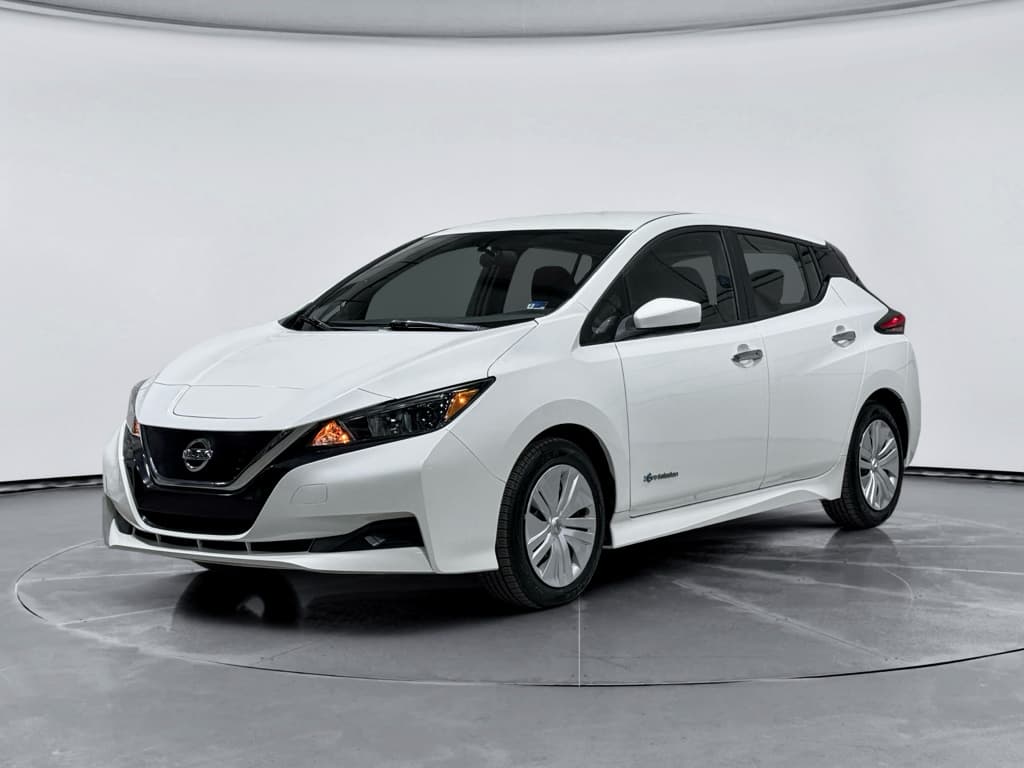
If you own a Nissan Ariya, or you’re shopping for a used one, knowing how to do a **Nissan Ariya battery health check** is just as important as checking the tires or brakes. The high‑voltage pack is the most valuable part of the car, and a little detective work now can save you thousands of dollars and a lot of range anxiety later.
Good news about Ariya batteries
Why Nissan Ariya battery health matters (especially used)
Think of the Ariya’s battery like the fuel tank *and* the engine rolled into one. If it’s healthy, you get the range and performance Nissan promised. If it’s tired, you’ll see shorter range, longer charging stops, and a much lower resale value. That’s why a structured **battery health check** is critical, especially if you’re looking at a 2023–2025 used Ariya that’s already logged some miles.
Nissan Ariya battery basics at a glance
Watch the warranty clock
Quick Nissan Ariya battery health check from the driver’s seat
Start with the simplest tools you already have: the Ariya’s own displays. They won’t give you raw State of Health (SOH) in percent, but they’ll show you **capacity bars, range, and any warning messages**, the basic health “vitals” for a fast first pass.
- Power the car on and let everything boot fully. Don’t rely only on the phone app, sit in the driver’s seat.
- Look for any warning lights such as “EV System,” “Service EV System,” or battery icons on the cluster. Walk away from a used car that shows unresolved high‑voltage warnings.
- Check the main battery gauge and estimated range at your current state of charge (SOC). A healthy Ariya should show realistic range for its battery size and trim, not a wildly low estimate.
- Browse the driver information screens (using the steering‑wheel buttons) for a dedicated **battery health or capacity page** if your software version still includes it. Newer updates lean more on the 12‑bar gauge.
Do the check at stable temperature
Interpreting Ariya battery bars vs real battery health
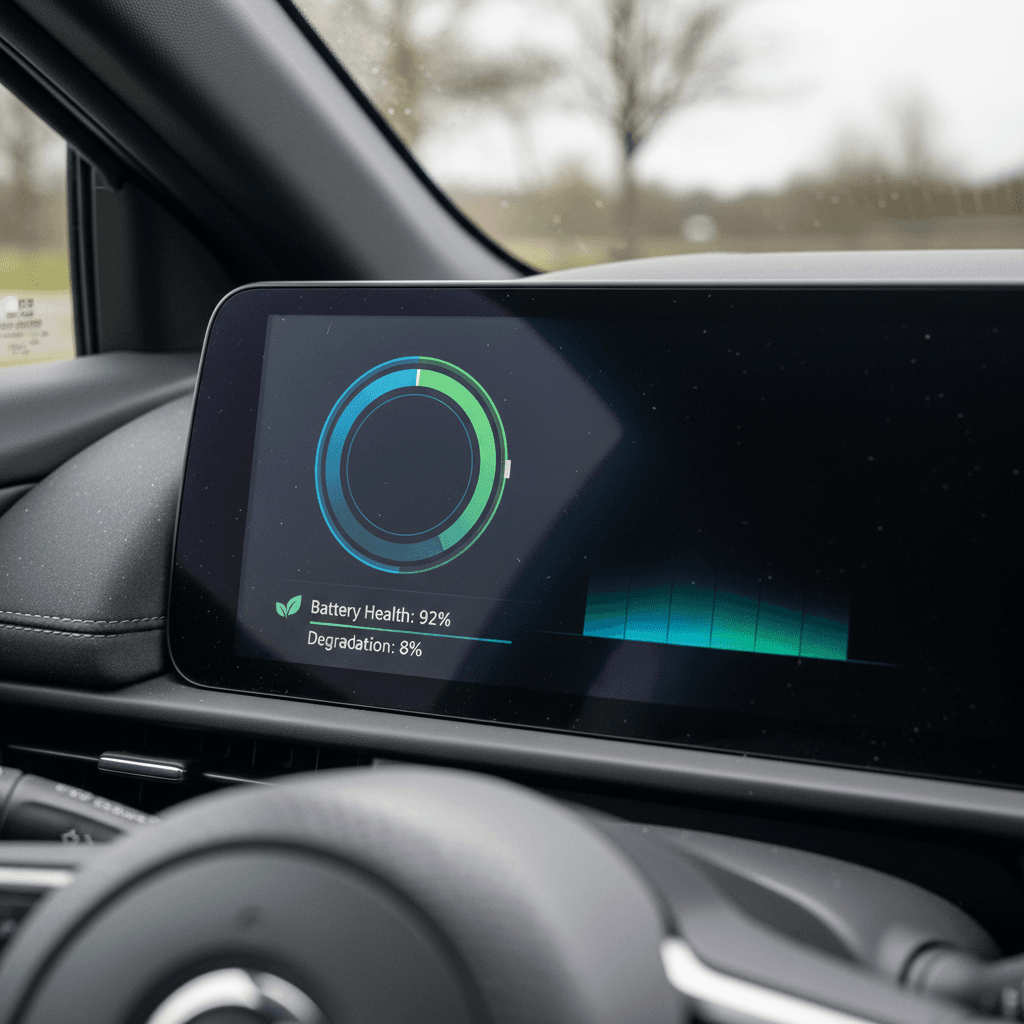
The Ariya uses a **12‑segment capacity gauge** similar to the Leaf’s, but with better thermal management behind it. You’ll usually see those bars alongside your normal battery charge gauge. They tell you how much capacity the car *thinks* the pack still has compared with new, but they don’t move in fine little 1% steps.
How to read Nissan Ariya battery capacity bars
Use this table as a rough guide when you’re looking at a used Ariya’s capacity gauge. Bars are coarse, not precise, to go deeper, you’ll want an OBD2 app.
| Bars lit | What it roughly means* | What you should do |
|---|---|---|
| 12 / 12 | Battery still within Nissan’s top health band; often somewhere around mid‑80s% to 100% of original usable capacity. | Great news, but don’t stop here, combine this with range, mileage, and an OBD2 check if possible. |
| 11 / 12 | Noticeable but still modest capacity loss vs new; many drivers won’t see a dramatic change day to day. | Ask about charging habits and climate; consider a deeper scan if you’re buying used. |
| 9–10 / 12 | Meaningful degradation; daily range may be 10–25% lower than when new. | Budget for reduced range on road trips and insist on a full diagnostic before purchase. |
| 8 or fewer | Battery has crossed Nissan’s capacity warranty threshold if still within time/mileage limits. | If under warranty, have a dealer open a case. If out of warranty, negotiate price aggressively or walk away. |
Bars are approximate; Nissan’s warranty considers the pack degraded if it drops below 9 of 12 bars within 8 years/100,000 miles.
Don’t rely on bars alone
Deeper Nissan Ariya battery health check with an OBD2 app
If you want a much clearer view, especially before buying a used Ariya, pair a **Bluetooth OBD2 dongle** with an EV‑aware app. You’re essentially asking the Ariya’s battery management system how healthy it thinks the pack is, rather than guessing from bars and range.
What you need for an Ariya OBD2 battery check
A simple toolkit that fits in your glovebox
1. Compatible OBD2 dongle
Look for a low‑profile Bluetooth OBD2 adapter known to work well with modern Nissans. Avoid ultra‑cheap, no‑name hardware that can drop connection mid‑scan.
2. EV‑aware app
Use an app that can read State of Health (SOH), pack voltage, and usable kWh, not just generic engine codes. Check the app’s documentation for Ariya support.
3. Safe connection habit
Always plug the dongle in with the car off, then power up. Never yank it out while an app is actively writing or updating settings.
Step‑by‑step: Nissan Ariya battery health check with OBD2
1. Confirm you have permission
If this isn’t your Ariya (for example, at a dealer lot), ask before plugging into the OBD2 port. A reputable seller will be comfortable with a non‑invasive scan.
2. Locate the OBD2 port
On most Ariyas, the OBD2 port sits under the dashboard near the steering column. Use a flashlight and look for the trapezoid‑shaped connector.
3. Connect the dongle and pair the app
With the car off, plug in the dongle. Then power the Ariya to the "On" or "Ready" state, open your app, and pair via Bluetooth or Wi‑Fi per the dongle’s instructions.
4. Select the correct vehicle profile
Some apps need you to choose Nissan Ariya or a compatible Nissan EV profile. Follow the prompts so the app can map data correctly.
5. Read State of Health (SOH) and usable kWh
Navigate to battery or EV‑specific data. Note the **SOH percentage** and the pack’s usable capacity. Compare it to your Ariya’s original battery size to see how much has faded.
6. Save screenshots or a report
If you’re test‑driving a used Ariya, keep screenshots of SOH and key readings. They’re useful for price negotiations and for your records if you buy the car.
What’s a “good” SOH for an Ariya?
Road-test: check how the Ariya battery behaves on the move
Numbers on a screen are helpful, but nothing replaces a **good road test**. The way an Ariya’s range estimate and state of charge drop while driving will tell you a lot about both battery health and how the previous owner used the car.
Watch the range and SOC together
- Start your test drive with the car at a stable SOC, ideally somewhere between 60% and 90%.
- Note the displayed range and SOC before you set off. Snap a quick photo if you can.
- Drive a mixed route (city + highway) for at least 15–20 miles, driving normally, not hypermiling, not racing.
- Compare miles driven vs. range lost. On a healthy pack in mild weather, the math should roughly line up, not show 2–3 miles of range disappearing for every mile you drive.
Listen and feel for trouble
- The Ariya should pull smoothly and quietly. Sudden power limits or warnings (“Service EV System”) under modest throttle are red flags.
- After a DC fast‑charge stop, the car may limit power briefly to protect the pack, but this should resolve as temperatures normalize.
- If you can, repeat a shorter drive the next day. Consistent results are a good sign that the battery is behaving predictably.
Cold weather can fool you
Charging habits that protect your Ariya battery health
Once you know the battery’s in good shape, the next step is keeping it that way. Nissan designed the Ariya with a **built‑in buffer**, so seeing 100% on the dash doesn’t always mean the pack is truly at 100% chemically, but your habits still matter a lot over 8–10 years.
Simple habits that extend Ariya battery life
Small changes add years of healthy range
Live between ~20–80% for daily use
You don’t need to micromanage every charge, but avoiding long stretches parked near empty or at full display charge is easier on lithium‑ion cells.
Use charge scheduling
When you can, schedule home charging so the car reaches your target SOC just before you leave, instead of sitting at high charge all night.
Protect from extreme heat
On very hot days, park in shade or a garage and avoid repeated DC fast charges back‑to‑back unless you’re truly on a tight road‑trip schedule.
Save DC fast charging for trips
Occasional fast charging is fine, but daily DC use at high power will age the pack faster than slower Level 2 home or workplace charging.
Invest in solid home charging
A reliable 240‑volt Level 2 setup makes it easier to stop micromanaging and just plug in overnight, which keeps you in healthy SOC ranges without stress.
Drive smoothly when possible
Hard acceleration isn’t evil, but frequent full‑throttle launches and high sustained speeds create more heat and stress for the pack over time.
Ariya is already ahead of the old Leaf
When to get a professional battery health report
There are moments when “DIY plus an app” isn’t enough. If you’re about to sign paperwork on a pricey used Ariya, or you’re worried your own car is degrading too fast, it’s worth getting a **formal battery health report** from experts who live and breathe EV diagnostics.
Your options for a formal Ariya battery check
From dealer tests to independent marketplaces
Nissan dealer battery capacity test
If your Ariya is still under the 8‑year/100,000‑mile battery warranty and you suspect an issue, a Nissan dealer can run factory diagnostics and submit data to Nissan for capacity‑warranty review.
Ask for printed results and clarification on what, if anything, is covered if capacity is below spec.
Third‑party or marketplace reports
Some used‑EV specialists, including Recharged, provide a detailed battery health and degradation report with every car they sell. Recharged’s Score Report includes verified SOH, range expectations, and fair‑market pricing based on actual battery condition.
If you’re nervous about decoding OBD2 data yourself, buying a car with this kind of report already included removes a lot of guesswork.
Battery health can make or break resale value
Nissan Ariya battery health checklist for used buyers
Shopping for a used Ariya? Bring this condensed checklist with you. It’ll keep you focused on what actually matters, even if you’re staring at a shiny paint color and a big touchscreen.
Used Nissan Ariya battery health checklist
1. Confirm build year and in‑service date
Write down the VIN, build date (on the door jamb), and the original in‑service date if available. This tells you how much battery warranty time is left.
2. Check for warning lights or error messages
Turn the car fully on and scan the cluster for “EV System” or battery warnings. If anything high‑voltage‑related is lit or has a history in the service records, proceed very carefully.
3. Look at battery capacity bars
Verify the 12‑bar capacity gauge. A healthy younger Ariya should still show 12/12 bars. Anything below 11 bars on a low‑mileage car calls for deeper questions and diagnostics.
4. Review service and charging history
Ask how often the car was fast‑charged, whether it lived in extreme heat, and if it was usually parked at 100% or left sitting nearly empty. Honest answers here matter more than a salesman’s assurances.
5. Run an OBD2 SOH scan (if allowed)
With permission, plug in your OBD2 dongle and read SOH and usable capacity using an EV‑aware app. Compare the result to the car’s age and mileage and keep screenshots.
6. Take a proper road test
Drive at least 15–20 miles, watching how range and SOC drop. The experience should feel consistent and drama‑free, no sudden power cuts or rapid range collapse.
7. Get a formal report or walk away
If anything doesn’t add up, odd SOH reading, inconsistent range, sketchy history, either insist on a dealer or marketplace battery report or be ready to walk. There are plenty of good Ariyas out there.
Nissan Ariya battery health FAQ
Common Nissan Ariya battery health questions
Bottom line: how to trust an Ariya battery
A Nissan Ariya with a healthy battery is a quiet, quick, long‑legged EV that should serve you well for years. The trick is not to take the dash at face value. Combine a **visual check of the bars and range**, a **short road test**, and, when it really matters, an **OBD2 scan or professional report** and you’ll know exactly what you’re getting into.
If that sounds like a lot to juggle on your own, you don’t have to go it alone. When you shop a used Ariya through Recharged, every car comes with a Recharged Score Report that spells out verified battery health, realistic range, and fair pricing, plus EV‑savvy support from first click to delivery. Whether you’re buying, selling, or just getting to know the Ariya already in your driveway, understanding its battery health is the key to enjoying everything this EV does well.