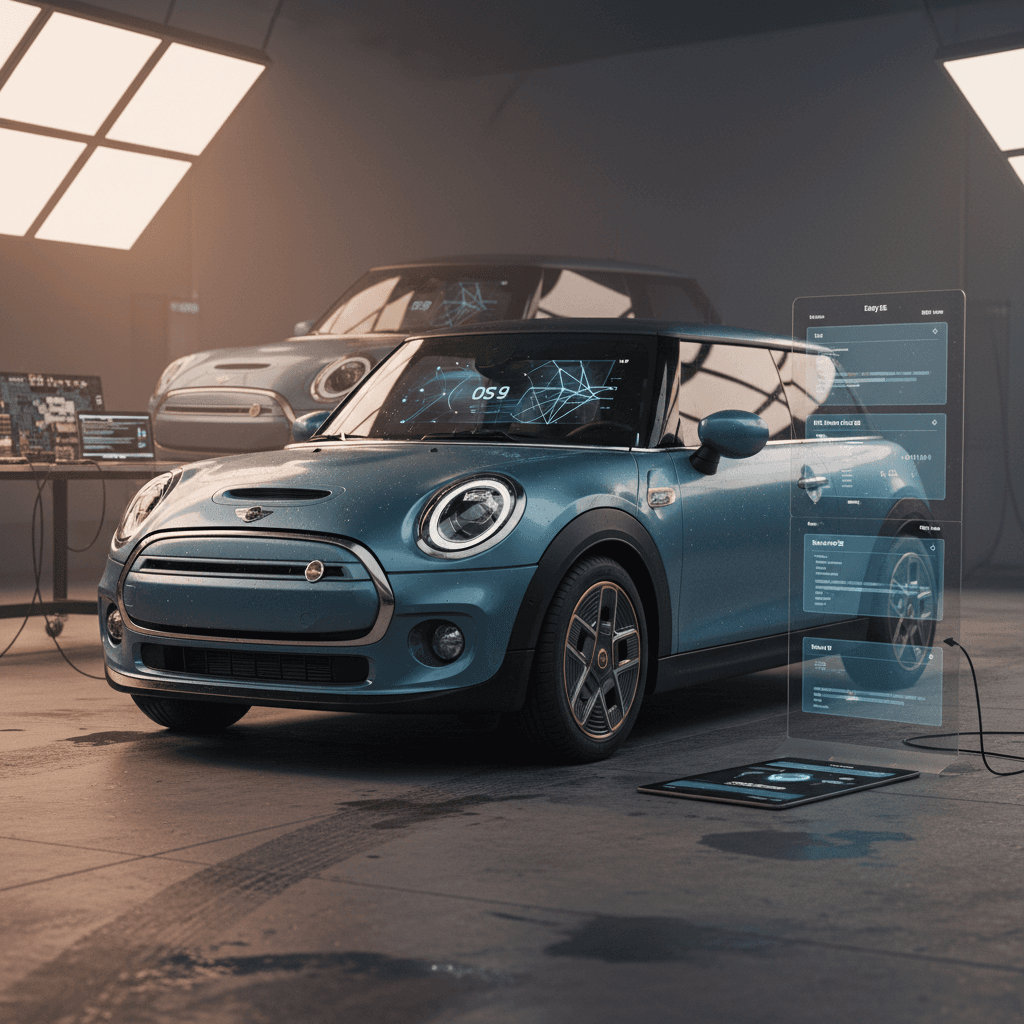
If you’re shopping for a Mini Cooper Electric or already own one, the software update history matters almost as much as mileage and tire tread. Early Mini Cooper SE models relied on dealer flashes, while the latest 2025 Mini Cooper Electric runs Mini Operating System 9 with full over‑the‑air (OTA) updates. Understanding how those eras differ will tell you what features you get today, and what you might be missing.
Why Mini software history matters
Mini Cooper Electric software update history: overview
Mini’s electric hatchback has gone through two clear software eras so far, with a short transition in between. For shoppers, each era behaves differently when it comes to updates:
- 2020–2023 Mini Cooper SE (F56): Traditional BMW/Mini architecture, software updates almost always done at the dealership, usually bundled into regular service visits.
- Late 2023–2024 SE with Connected enhancements: Same basic platform, but with more polished Mini Connected services and occasional feature tweaks; still mainly dealer‑installed updates.
- 2025+ Mini Cooper Electric (J01) and new Cooper family: All‑new infotainment running Mini Operating System 9 on the round OLED “Mini Interaction Unit,” designed from day one for Remote Software Upgrade over the air.
The rest of this guide walks through each generation, how updates work, and what you should check before buying a used Mini EV from a marketplace like Recharged.
Mini EV generations and software platforms
Mini Cooper Electric generations at a glance
Software platforms change what updates you can expect
Gen 1: F56 Mini Cooper SE
Model years: 2020–2023 (U.S.)
Platform: BMW/Mini legacy infotainment
Updates: Primarily dealer‑installed software flashes, plus map and Connected services updates.
Transition: Late SE with Connected focus
Model years: Some 2023–2024 builds
Platform: Refinements on F56 tech
Updates: Limited feature additions, stability fixes, Connected services tweaks, still mostly at the dealer.
Gen 2: J01 Mini Cooper Electric
Model years: 2025+
Platform: Mini Operating System 9 on the “Mini Interaction Unit” OLED display
Updates: Regular Remote Software Upgrades over the air with new experience modes, voice assistant upgrades, and charging‑related improvements.
First-wave Mini Cooper SE (F56, 2020–2023): dealer-driven updates
The original Mini Cooper SE launched for the 2020 model year as a battery‑electric spin on the familiar F56 three‑door hatch. Under the skin, it shared much of its infotainment and control architecture with gasoline Minis and contemporary BMWs. That has big implications for software updates.
- No true OTA vehicle software: Early SEs did not regularly receive full vehicle software updates over the air. Some Connected and map data could be refreshed, but core control units still relied on the dealer.
- Updates tied to service visits: When owners came in for scheduled service or for a specific issue, say, quirky Bluetooth or odd charging behavior, dealers often installed the latest software "campaign."
- Improvements were subtle: Many updates focused on bug fixes, charging‑curve refinements, and small user‑interface tweaks rather than headline‑grabbing new features.
- Release notes were opaque: Owners rarely saw detailed release notes. You might notice slightly better range prediction or more stable DC fast charging without ever knowing which version number you were on.
Used F56 Mini SE? Don’t assume it’s current
Transition era: 2024 Mini SE and Connected services
As Mini geared up for its next‑generation Cooper Electric, late‑run SE models saw refinements in Mini Connected services and app integration. The core limitations remained, no full, consumer‑initiated OTA vehicle updates, but owners benefited from a slightly more polished experience.
- More consistent Connected features: Remote lock/unlock, climate pre‑conditioning, and charging status in the Mini app became more reliable as back‑end services matured.
- Limited feature back‑ports: A handful of small infotainment and driver‑assist improvements trickled back through dealer updates, but the hardware platform capped what Mini could deliver without a clean‑sheet design.
- Dealer still in the loop: Even when the car and app claimed software was "up to date," some owners only saw major changes after a dealer manually pushed a newer package during a service appointment.
Why this matters to buyers
New generation 2025 Mini Cooper Electric: OS 9 and OTA
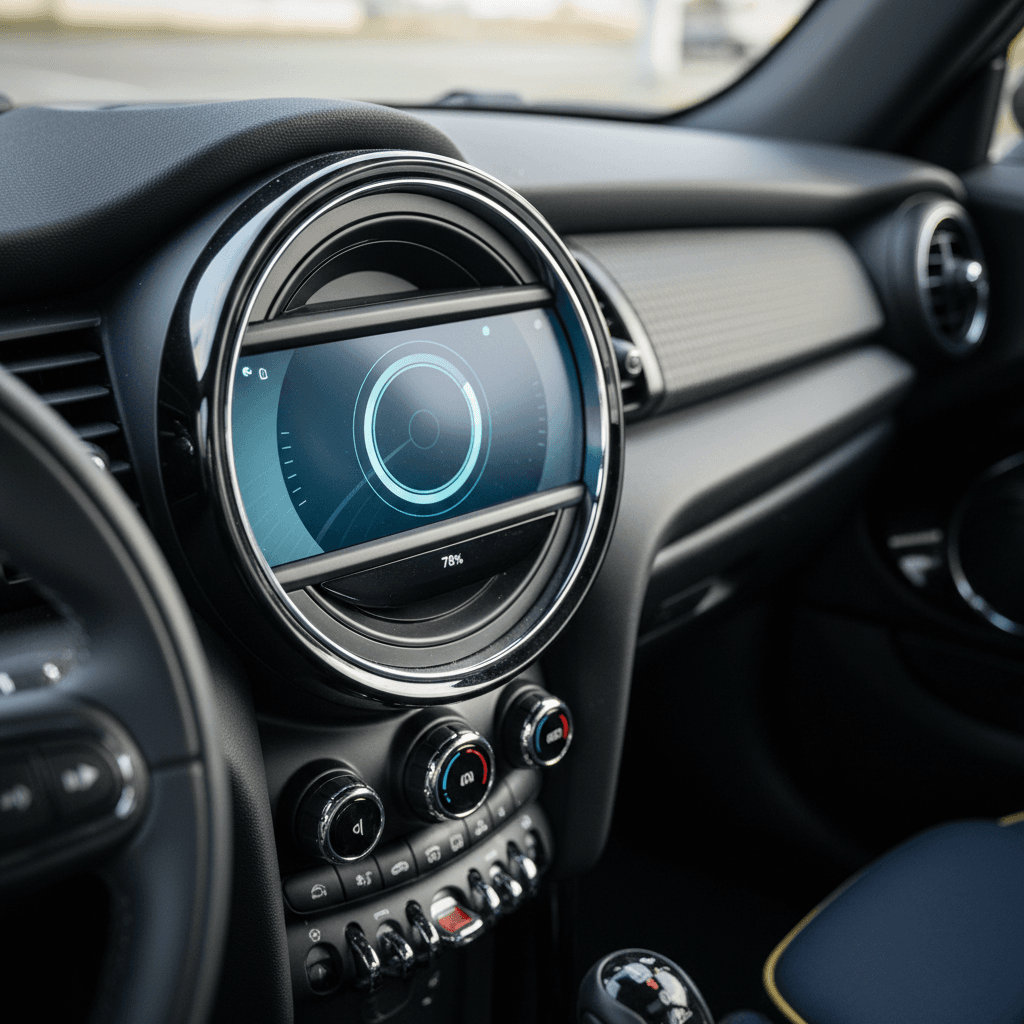
The 2025 Mini Cooper Electric (J01) marks a clean break. Instead of reusing legacy hardware, Mini built an all‑new digital cockpit around the Mini Interaction Unit, a circular OLED touchscreen in the center of the dash, running Mini Operating System 9.
Key Mini Operating System 9 features for EV owners
Why OS 9 is a turning point in Mini Cooper Electric software history
Designed for OTA from day one
Every OS 9 Mini, including the new Cooper Electric, supports Mini Remote Software Upgrade. Updates are downloaded via the built‑in SIM or Mini App and installed while the car is parked, typically in about 20 minutes.
New voice assistant
OS 9 adds a natural‑language voice assistant, either a stylized Mini avatar or "Spike", that responds to "Hey Mini" and can handle navigation, climate, media, and some vehicle settings.
Experience modes
Up to eight experience modes coordinate drive settings, ambient lighting, and even sound design. Future software drops can add modes or refine how they behave on the electric powertrain.
Connected navigation upgrades
Optional navigation packages build on OS 9 with augmented‑view guidance, richer traffic data, parking availability and, in some markets, in‑car payment options for parking and charging.
Because OS 9 is based on a modern, Android‑derived software stack, it’s structured for iterative updates. Instead of waiting years for a new model, Mini can roll out new themes, assistant capabilities, and charging‑related refinements several times a year.
What Mini promises with Remote Software Upgrade
Mini Remote Software Upgrade: how it actually works
On OS 9 cars like the 2025 Mini Cooper Electric, Remote Software Upgrade is the backbone of the update story. Here’s how the process typically plays out in the real world:
Steps to install a Remote Software Upgrade on a Mini Cooper Electric
1. Get the notification
When new software is available, you’ll see a notification on the Mini Interaction Unit and, if your car is linked, in the Mini app on your phone.
2. Review what’s changing
From either the in‑car screen or the app, open the upgrade notification to read the release notes. Mini summarizes new features, functional improvements, and quality fixes.
3. Download the update
Software can be downloaded automatically during driving over the built‑in SIM connection, or via the Mini app over Wi‑Fi or cellular data.
4. Park and start installation
To install, the car must be parked safely and not needed for about <strong>20 minutes</strong>. Follow the prompts on the Mini Interaction Unit to begin; the vehicle will not be drivable during installation.
5. Wait for the confirmation
When the installation finishes, the screen will confirm success. You can then explore any new features and revisit the release notes if you want the fine print.
6. If you skip an update
If you ignore a particular release, later upgrades are cumulative, they carry forward the quality fixes and features from earlier versions.
Pro tip for busy owners
Known OS 9 update cycles and what they tend to add
Mini doesn’t publish a long, public changelog for every build, but OS 9 owners are already seeing a pattern: several named releases per year focused on stability, digital‑experience upgrades, and, increasingly, charging‑related features.
Typical themes in Mini Operating System 9 updates
What OS 9 Remote Software Upgrades usually change on Mini Cooper Electric models
| Update focus area | What usually changes | What EV owners notice |
|---|---|---|
| Stability & bug fixes | Crashes, random reboots, Bluetooth drops, and display glitches get addressed. | Fewer random screen resets, more reliable phone pairing and media streaming. |
| User interface & themes | New or refined experience modes, updated icons, and smoother animations. | Cabin feels fresher; some owners notice cleaner layouts and better visibility for EV data. |
| Voice assistant | Better speech recognition, new supported commands, and extra languages or voices. | "Hey Mini" or "Spike" understands more natural phrases and handles more in‑car tasks. |
| Navigation & maps | Improved traffic data, updated maps, and more accurate routing, sometimes with AR enhancements. | More reliable ETA, better routing to charging stations, and clearer on‑screen guidance. |
| Charging behavior & range | Fine‑tuned DC fast‑charging profiles, improved range prediction, charge‑limit settings, and charge‑port behavior. | More realistic remaining‑range estimates and less variability in charging‑session times. |
Exact version numbers and timing vary by country, model, and equipment, but most OS 9 Mini EV updates cluster around these themes.
Version numbers vs. real‑world impact
Tesla Supercharger and NACS-related updates
As North America shifts toward the North American Charging Standard (NACS), Tesla’s connector, software is becoming just as important as hardware adapters. On OS 9 Minis, certain software updates prepare the car to talk nicely to Tesla’s network once the physical adapter is in place.
- Backend prep for NACS: Some recent OS 9 updates for Mini EVs in North America include back‑end changes that pave the way for Tesla Supercharger access, even before owners receive an adapter.
- Charge‑station data improvements: Expect navigation and charging POI data to evolve as more non‑Tesla cars, including Mini, gain Supercharger access. Software updates will be the mechanism for pulling this into the car.
- Adapter‑aware charging logic: As support rolls out, software must recognize when a NACS adapter is connected and manage charging‑session handshakes and safety checks accordingly. Those changes arrive via OTA updates, not just hardware shipments.
Don’t assume Supercharger access
How to check your Mini Cooper Electric’s software version
Whether you’re verifying a recent OTA update or evaluating a used Mini Cooper Electric at a dealership, you should know how to check the software version. The exact steps differ slightly between generations.
On a 2020–2023 F56 Mini Cooper SE
- From the central screen, open Settings or Vehicle info.
- Look for a Software version, Integration level, or similar entry; naming can vary by year.
- Note the version string and date, then ask a Mini dealer if any newer campaigns are available for that VIN.
- If you’re shopping used, snap a photo of the software screen to reference later.
On a 2025+ Mini Cooper Electric with OS 9
- Tap the circular Mini Interaction Unit to bring up the main menu.
- Open All Apps → System settings → Remote Software Upgrade.
- You’ll see the currently installed version and, if applicable, an available update.
- You can also check the Mini app under vehicle details for software‑version information and update prompts.
What Recharged checks for you
Ready to find your next EV?
Browse VehiclesSoftware questions to ask when buying a used Mini EV
Software isn’t as visible as a scratch on the door, but it can make or break your ownership experience. Here are targeted questions you can use with a private seller, franchise dealer, or online marketplace.
Essential software questions for used Mini Cooper Electric buyers
When was the last software update performed?
Ask for a date and, if possible, the version identifier. On F56 cars, updates may coincide with a service invoice; on OS 9 cars, you may see it listed in the in‑car release notes.
Was the update done OTA or at a dealer?
Dealer‑installed updates can include deeper control‑unit changes. OTA is more convenient but sometimes focuses on infotainment and digital‑experience improvements.
Any issues before or after the update?
Listen for mentions of screen freezes, random reboots, Bluetooth problems, or charging quirks. If an update was meant to fix a problem but didn’t, you’ll want to know.
Is the Mini app fully linked and working?
A healthy app connection makes future updates and remote features easier. If the seller never used the app, expect a short setup process once you own the car.
Has the car received all recall and campaign work?
Software campaigns often travel under recall or service‑campaign labels. Ask for a printout or screenshot from a Mini dealer showing that everything is up to date.
Is the car ready for upcoming charging‑network changes?
For 2025+ cars, ask whether recent updates mention NACS or Tesla Supercharger readiness, and whether the adapter process has been explained by a dealer.
Troubleshooting stuck or missing updates
Owners of both early SEs and new OS 9 cars sometimes report seeing "No update available" on the screen even when online chatter suggests a newer version exists. There are a few reasons this happens, and several ways to respond.
Common Mini EV software‑update issues and fixes
What to try before, and after, you call the dealer
"No update available" but others have it
Why it happens: Mini staggers rollouts by region, model, and build date. Your VIN may not be flagged yet, even if the software exists.
What to do: Wait a few days, then check again. If weeks pass with no change and you suspect a bug fix is needed, call a Mini service department and ask them to check campaigns for your VIN.
Update won’t download via app
Why it happens: Mini app/vehicle pairing issues or weak data connections can block downloads.
What to do: Make sure the app is logged in, the car is added correctly, and your phone has a stable connection. If necessary, unpair and re‑add the vehicle to the app, then try again on strong Wi‑Fi.
Installed version seems very old
Why it happens: Prior owners may have ignored update prompts, or the car spent long stretches parked or off the network.
What to do: For OS 9 cars, try triggering an OTA update from the Remote Software Upgrade menu. For F56 cars, book a service appointment and ask for all available software updates.
When to stop DIY and see a dealer
FAQ: Mini Cooper Electric software updates
Frequently asked questions about Mini Cooper Electric software updates
Bottom line for used Mini Cooper Electric shoppers
Software doesn’t show up in listing photos, but it shapes your daily experience in a Mini Cooper Electric. Early F56‑generation SEs live in a world of dealer updates and opaque version strings; the latest 2025+ Cooper Electric on Mini Operating System 9 moves to frequent, over‑the‑air Remote Software Upgrades that can quietly improve everything from infotainment to charging.
If you’re comparing cars, treat software update history as a checklist item alongside battery health and tires. Ask sellers for documentation, learn how to check the installed version, and budget a dealer visit if a car seems behind. And if you’d rather not piece that story together yourself, buying through Recharged means every used EV comes with a Recharged Score Report and expert guidance on the vehicle’s digital health, not just its hardware.