If you own, or are thinking about buying, a Mercedes EQS, the **software update history** is almost as important as the battery and tires. The EQS is a software-heavy flagship with the MBUX Hyperscreen, advanced driver assistance, and evolving charging capabilities. Understanding how Mercedes has updated that software over time helps you judge reliability, features, and long‑term ownership costs, especially if you’re shopping the used market.
Quick take
Why EQS software updates matter
Four reasons EQS software history is worth your time
Especially relevant if you’re buying a used EQS in 2026 and beyond
Range & efficiency
Updates can refine energy management, adjust HVAC logic, and optimize regen, all of which impact real‑world range. An EQS on a newer software package may go farther on the same battery.
Drive assistance behavior
ADAS features like adaptive cruise, lane‑keeping and traffic‑sign recognition are heavily software‑driven. Updates can smooth out false warnings, or occasionally introduce new quirks.
Infotainment & apps
MBUX updates affect Apple CarPlay and Android Auto stability, voice control, and the Hyperscreen UI. Many EQ owners specifically chased updates to cure wireless CarPlay drops.
Charging & compatibility
Recent updates have focused on charging reliability, navigation‑to‑charger logic, and in some regions, groundwork for access to wider fast‑charging networks.
On a used EQS, an outdated or partially applied update can mean more glitches, fewer features, and even trouble with public charging. That’s why the **software update line item** should sit right next to "battery health" on your evaluation checklist.
How Mercedes EQS over-the-air updates work
Mercedes promotes its EQ lineup as **upgradeable over the air**, much like a smartphone. In practice, the EQS uses a mix of OTA updates and dealer‑installed packages. Here’s how it’s supposed to work:
- Mercedes pushes an update to your vehicle’s communication module; you’ll see a notification in the car and often in the Mercedes me app.
- You accept the update and agree to install it later, typically when the car is parked, locked, and meets certain conditions (battery charge level, parking brake set, all doors/windows closed).
- The EQS installs the update while parked, then restarts the relevant systems or the entire vehicle software stack on the next drive.
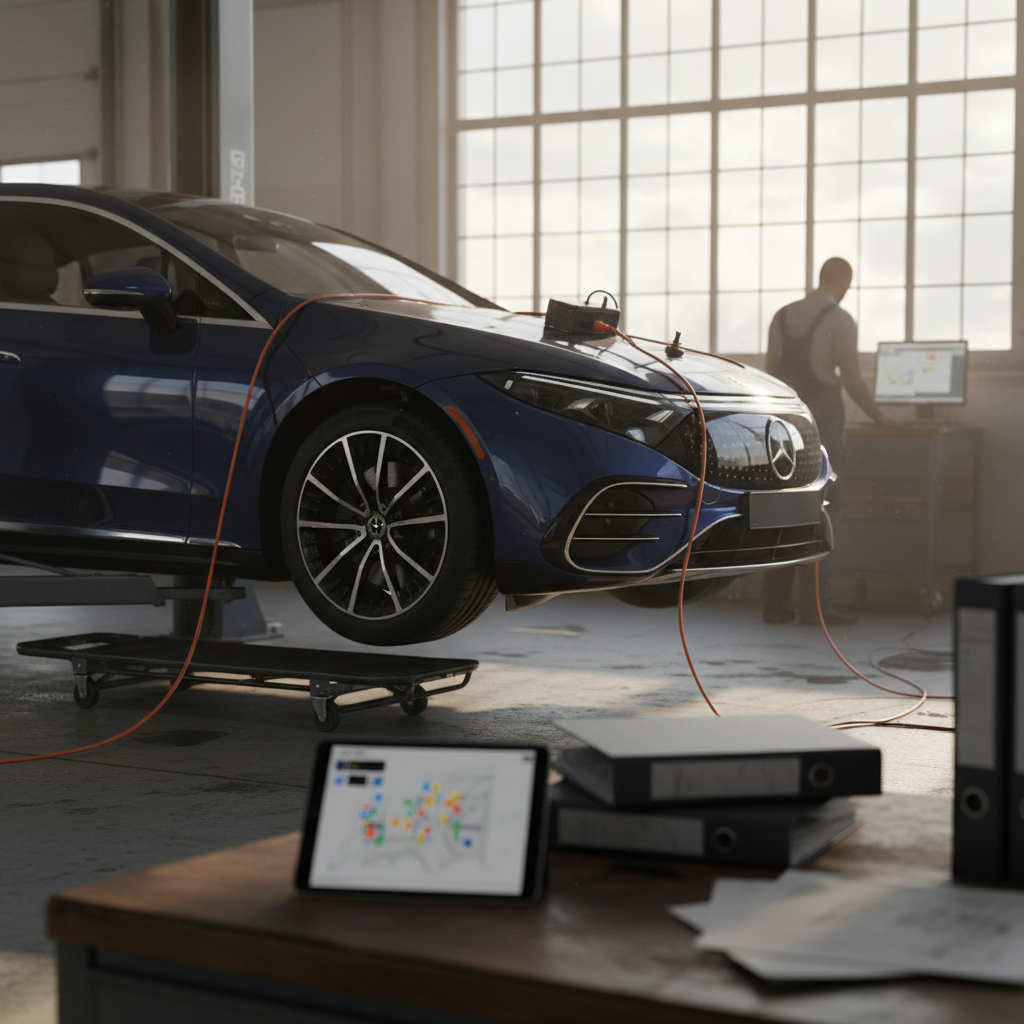
- Critical safety or stability updates may still require a **dealer visit** where the car is connected to workshop systems for a full flash.
Installation conditions matter
Mercedes EQS software update history: high-level timeline
EQS software evolution at a glance
Mercedes doesn’t publish consumer‑friendly, EQS‑specific release notes the way some EV makers do. Instead, changes arrive as **generic MBUX and “system update” labels**, sometimes with a single line like “improvements to charging” or “enhanced stability.” That makes owner reports especially important when you’re trying to reconstruct **EQS software update history**.
Approximate Mercedes EQS software update history
This table summarizes how EQS software has evolved. Exact roll‑out timing can vary by market, trim, and even individual VIN.
| Period / Version | How you’d see it | Typical delivery | Highlights (EQS-relevant) | Owner feedback themes |
|---|---|---|---|---|
| 2021–early 2022: Launch builds | Early MBUX NTG7 versions, pre‑2.x | Factory or dealer only | Initial Hyperscreen UX, early ADAS tuning, basic OTA infrastructure | Some lag, occasional Hyperscreen freezes, navigation quirks |
| Late 2022–2023: Stability updates | Minor MBUX increments; system info IDs below E500 | Mix of OTA and dealer | Bug fixes, better navigation guidance, improved voice control and phone integration | Perceived as modest improvements; still occasional glitches |
| 2024–early 2025: MBUX 2.x era | MBUX 2.x; system info around E505 for many cars | Mostly dealer for big jumps, some OTA | UI refinements, more responsive Hyperscreen, map and data updates | Owners chase these updates for smoother CarPlay/Android Auto and faster UI |
| Mid–late 2025: 2.6 / 2.6.1 packages | Shown simply as "Software Update" or MBUX 2.6 / 2.6.1 | OTA for some, dealer install for many | Charging‑related improvements, wireless CarPlay/Android Auto reliability, streaming and in‑car entertainment additions | Mixed: some smooth installs, many stalled OTA updates, a few cases of new bugs like flickering speed‑limit display |
| 2026: Cleanup & patch cycle | Later 2.6.1 builds, minor hotfixes | Dealers and selective OTA | Patch for earlier 2.6.1 issues, incremental map and app updates | Still uneven OTA experience; dealer often recommended for peace of mind |
Use this as a guide, not an official changelog, always verify the current version on the vehicle you’re considering.
Timeline is indicative, not official
Key MBUX and EQS software versions explained
The EQS uses the **NTG7 / MBUX generation** that also underpins the EQE and other recent Mercedes models. In the menus you’ll typically see a combination of an MBUX version (like 2.4 or 2.6) and an internal software identifier (for example something ending in E505). Here’s what those labels generally imply for EQS drivers.
What different EQS software labels usually mean
Examples based on common owner reports across EQ models
Launch to pre‑2.x builds
Where you see it: Early EQS sedans and SUVs (2021–2022).
What it means: First‑generation tuning for the Hyperscreen, route planning, driver assistance, and OTA plumbing.
Owner impact: The car works, but you may see slower UI response, occasional freezes, and minor bugs that later updates clean up.
MBUX 2.3–2.4 range
Where you see it: Many 2023–2024 EQS models after at least one dealer or OTA update.
What it means: Noticeably smoother Hyperscreen behavior, more stable Bluetooth and CarPlay, better voice commands.
Owner impact: Feels more "mature"; most drivers are content if everything is functioning correctly.
MBUX 2.6 / 2.6.1
Where you see it: 2024–2025 EQS and EQE models, especially after a recent service visit.
What it means: Focus on charging reliability, infotainment tweaks, and wireless CarPlay/Android Auto stability.
Owner impact: When installed cleanly, it can improve charging and connectivity. But many owners report greyed‑out "Continue" buttons, stuck updates, or small side effects like flashing speed‑limit icons.
Why you often don’t see detailed release notes
Charging and Tesla Supercharger–related updates
As more automakers adopt the **North American Charging Standard (NACS)** and negotiate Supercharger access, EQS owners have rightly focused on updates that affect public charging. For the EQ family, several mid‑cycle software packages have quietly tweaked charging behavior.
What charging‑focused updates typically do
- Improve handshake reliability with certain DC fast‑charging stations.
- Refine how the car preconditions the battery when you navigate to a charger.
- Update charging‑station metadata in the navigation system.
- Smooth out bugs where the car incorrectly flags an error during a normal charge.
In owner reports, some of these changes are simply labeled as “improvements to charging” or “implementation of charging” with no further explanation.
Supercharger and NACS context
By 2025–2026, many non‑Tesla brands were rolling out NACS‑compatible hardware and software updates so their EVs could use portions of the Tesla network. For Mercedes EQ models, relevant updates are still rolling out by region and model, and may require both a software package and physical adapter.
If Supercharger access is important to you, don’t just assume the car is ready. Ask the seller or dealer to confirm software compatibility and adapter availability for that specific VIN.
On a test drive, check charging prep
Common OTA issues reported by EQS owners
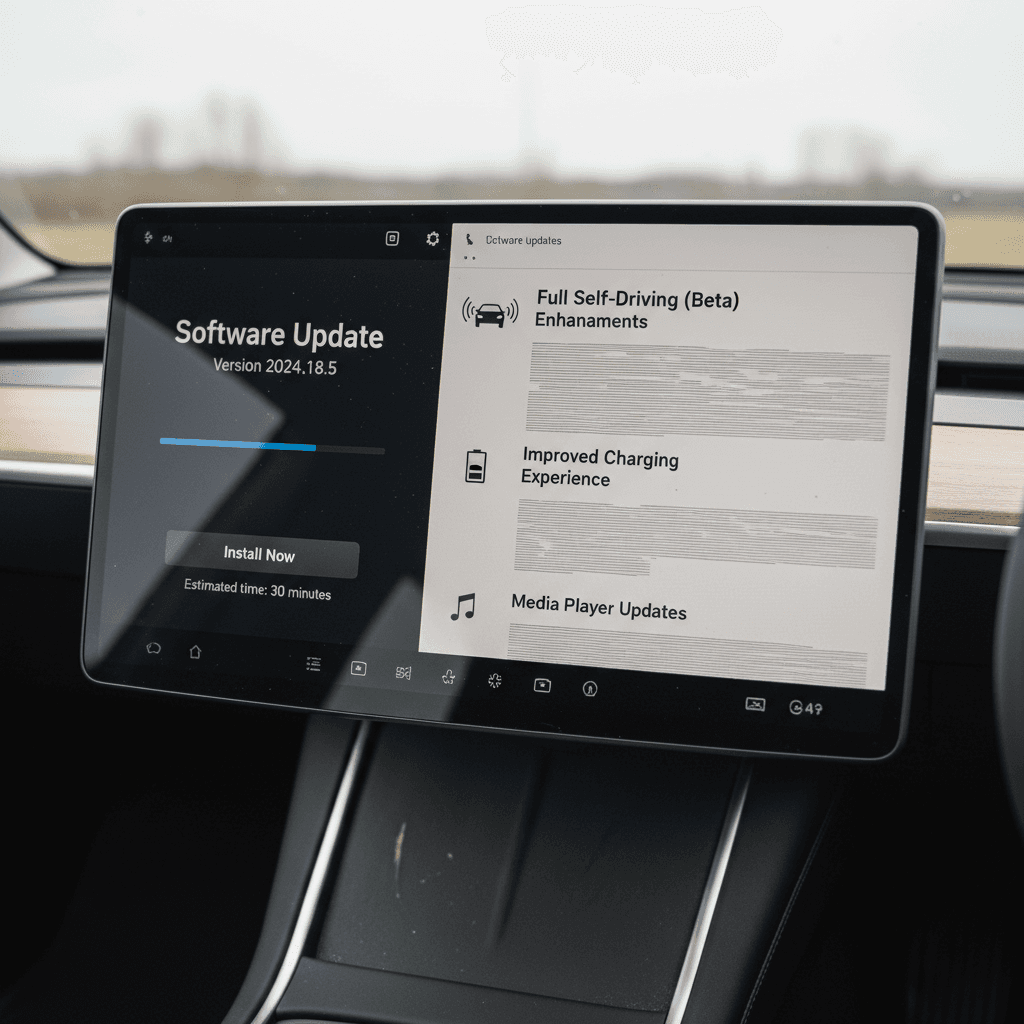
Across EQS and its close sibling EQE, owner forums paint a consistent picture: the **idea** of OTA is great, but the execution can be finicky. If you’re evaluating EQS software history, it helps to know the most common complaints.
Typical EQS / EQ OTA headaches
What you’re likely to read in owner communities
Updates that never actually install
Owners see a message like “Update will be installed after your journey,” but nothing ever happens, even with the battery well charged and the car parked for days.
Often tied to MBUX 2.6 or 2.6.1 packages. Mercedes support sometimes advises simply waiting weeks for the background conditions to line up.
Greyed‑out “Continue” button
The update screen appears at startup, but the Continue button is greyed out, making it impossible to proceed. Toggling Wi‑Fi, driving more, and trying again doesn’t always help.
12V battery sensitivity
Dealers and support teams occasionally blame stalled updates on a weak 12‑volt battery, even when the high‑voltage traction battery is well charged. In some cases, a fresh 12‑volt battery or dealer‑performed update resolves the issue.
New quirks after updating
Most updates are benign, but a few owners report side effects, like a flashing speed‑limit icon on the HUD or minor infotainment glitches that only appeared after a specific update.
Don’t ignore safety‑related updates
How to check your EQS software version
Whether you already own an EQS or you’re inspecting one at a dealer, you can quickly see what software it’s running. The exact menu names vary slightly by model year, but the process is similar.
Step-by-step: Checking EQS software and update status
1. Start the car safely
Sit in the driver’s seat, press the brake, and start the EQS so the full MBUX system boots. For a vehicle on a lot, make sure a salesperson is present and okay with you cycling the system.
2. Open the settings menu
On the central screen, tap <strong>Settings</strong> (gear icon). Depending on the build, you may see separate tabs for Vehicle, System, and Assistance.
3. Navigate to System → Software
Look for <strong>System</strong> or <strong>Information</strong>, then a submenu like <strong>Software Update</strong>, <strong>System Information</strong>, or <strong>Version</strong>. There you’ll usually find the MBUX version (e.g., 2.x) and an internal ID such as E505.
4. Check for available updates
If the car is online, there may be a button for <strong>Check for Updates</strong> or a message indicating an update is ready. In many cases, EQS owners can’t manually force a download; the car or Mercedes me app must offer it.
5. Confirm with service records
Ask the seller or dealer for <strong>service documentation</strong> listing any software campaigns. Look for notes about MBUX updates, communication‑module updates, or specific version jumps like 2.6/2.6.1.
6. Take a short test drive
Software is more than a version number. On the drive, test navigation, voice commands, CarPlay/Android Auto, and driver assists. A car on slightly older but stable software can be a better bet than one that just had a problematic update rushed in.
How Recharged helps here
Ready to find your next EV?
Browse VehiclesBuying a used Mercedes EQS? Software checklist
Used luxury EVs like the EQS can be tremendous values, but software is one of the big wild cards. Here’s a concise checklist to use when you’re comparing cars.
Used EQS software checklist for shoppers
Verify current MBUX / system version
Use the steps above to find the MBUX and system identifiers. You don’t necessarily need the latest possible build, but avoid cars that are clearly on very early 2021–2022 software and have never been updated.
Ask about 2.6 / 2.6.1 history
If the seller mentions recent software work, ask whether they’ve had any issues with <strong>stuck updates, greyed‑out buttons, or flashing icons</strong>. A car that needed dealer intervention but is now stable may be fine; one still stuck in update limbo is a red flag.
Request service records with software notes
Look for wording about "software campaign," "communication module update," "MBUX update," or similar. That paper trail shows the car isn’t being used as a guinea pig for half‑finished OTA packages.
Test infotainment thoroughly
Pair your phone, run wireless CarPlay or Android Auto, stream audio, and jump between apps on the Hyperscreen. Watch for random disconnects or freezes, issues several owners say were the main reason they sought updates.
Test charging behavior if possible
If the seller allows, plug into a Level 2 charger and, ideally, a DC fast charger. You’re looking for clean start/stop behavior, accurate charge‑time estimates, and no persistent error messages.
Confirm recall and campaign status
Ask the dealer or seller to run the VIN for open recalls and software campaigns. On a private sale, you can also call a Mercedes dealer with the VIN and ask if any mandatory updates are outstanding.
Lean on third‑party evaluations
When to visit the dealer vs. wait for OTA
Owners often wrestle with a simple question: **should I keep fighting with OTA updates, or just book a service appointment and let the dealer flash the car?** There’s no one right answer, but a few rules of thumb can help.
Situations where waiting on OTA is reasonable
- The update is clearly labeled as minor or “comfort / convenience.”
- Your EQS is running smoothly today, no recurring crashes, no charging errors.
- The only symptom is a stuck notification, not a driveability problem.
- Local dealers have long waits and no EV‑savvy loaners, so the hassle outweighs the benefit.
In these cases, it can be rational to ignore the nag for a while, or wait until your next scheduled service visit.
Times to involve a dealer sooner
- The car has an open safety recall or mandatory software campaign.
- Charging is unreliable, sessions stop randomly, or the car throws repeated errors.
- Updates repeatedly fail or the car becomes partially unusable after an install.
- Your 12‑volt battery may be weak and OTA installs never complete.
Here, a dealer can connect the EQS to workshop systems, perform a complete flash, and check the low‑voltage system at the same time.
Budget time, not just money
FAQ: Mercedes EQS software updates
Frequently asked questions about EQS software update history
Bottom line for current and future EQS owners
The **Mercedes EQS software update history** is a story of steady improvement wrapped in sometimes‑clumsy delivery. Early cars gained smoother Hyperscreen performance, better navigation and more stable phone integration as MBUX matured. Later updates like the 2.6 and 2.6.1 packages folded in important charging and connectivity fixes, but also left some owners battling stuck OTA installs and new quirks.
If you already own an EQS, your best move is to treat major software updates the way you’d treat a service visit: understand why you’re doing it, confirm the car meets install conditions, and test everything you care about afterward. If you’re shopping used, fold software into your due diligence, confirm version information, ask for documentation, and spend real time exercising the tech on a test drive.
Working with an EV‑specialist retailer like Recharged can simplify this dramatically. Our Recharged Score doesn’t just look at battery health; it also surfaces software status, charging behavior and any open campaigns, so you know exactly where that EQS stands before you sign anything. In a luxury EV this complex, that kind of transparency isn’t a bonus, it’s essential.