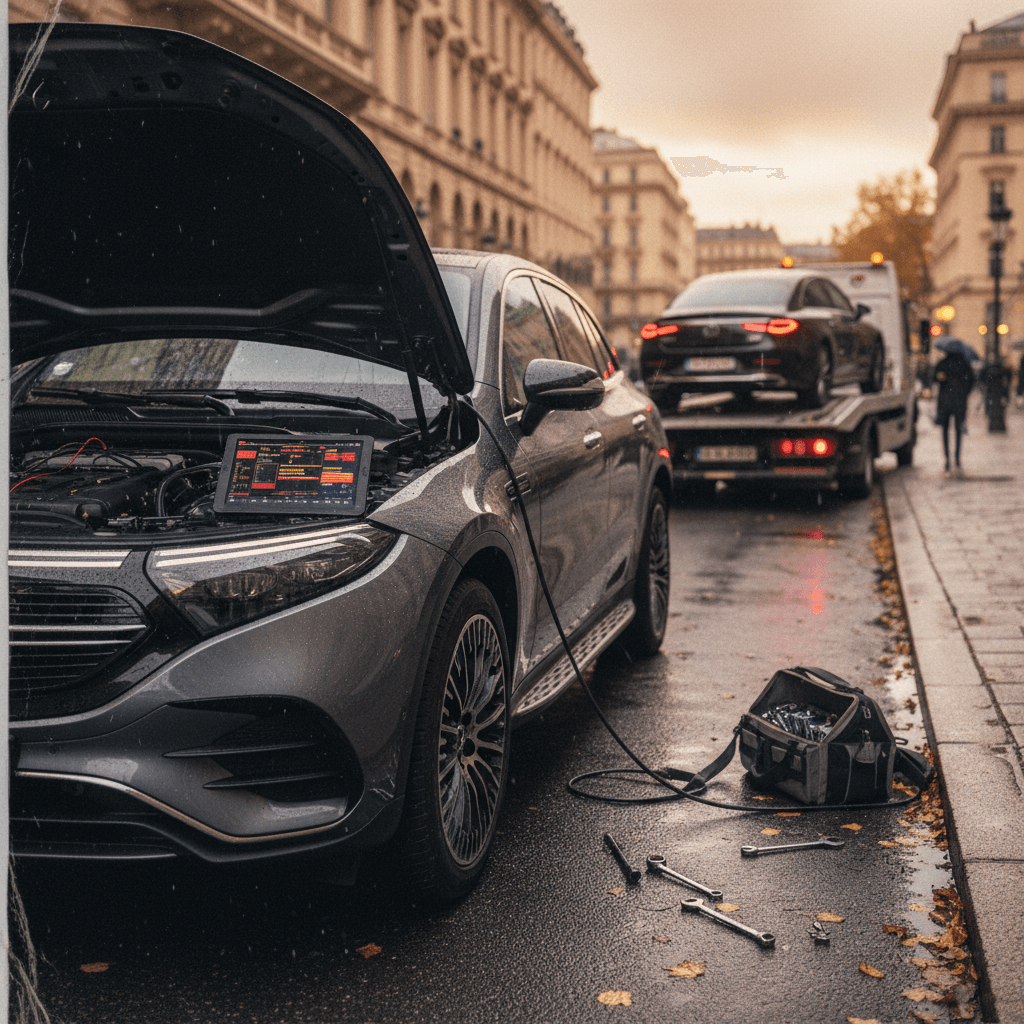
The Mercedes EQS is the S‑Class of EVs: silent, plush, and stuffed to the headliner with tech. It’s also, in classic modern‑Mercedes fashion, a rolling software project. If you’re shopping for a used EQS, or already own one, you’re probably wondering what the common Mercedes EQS problems and fixes actually look like in the real world, beyond the brochure gloss.
What this guide covers
Mercedes EQS reliability in the real world
On paper, the EQS is a technological chef’s‑tasting menu: air suspension, rear‑axle steering, gigantic MBUX Hyperscreen, advanced driver assists, and big‑pack batteries. In practice, that complexity is exactly where most of the trouble shows up. Mechanically, the motors and battery chemistry have been solid so far; it’s software, electronics, and wear items that generate most owner complaints.
Where EQS complaints tend to cluster
Model year matters
Drivetrain software glitches and power loss
One of the more serious early issues on the EQS family wasn’t physical at all; it was code. Mercedes issued recalls on certain 2022–2023 EQS and EQE models for drivetrain software bugs that could, under specific conditions, deactivate the electric drive unit and cause a sudden loss of propulsion with warning messages flooding the cluster.
- Typically affects early production EQS 450 and EQS 580 models (sedan and some SUV variants).
- Triggered by fault‑management logic reacting to connector contact issues in the drive unit.
- Fix is a software update at a Mercedes dealer; no hardware replacement in most cases.
- Once updated, the bug should not return on the same control unit software branch.
Good news on powertrain durability
How to check an EQS for drivetrain issues
1. Scan for recalls and campaigns
Run the VIN through Mercedes’ recall lookup or ask a dealer service advisor to print a campaign history. Any open drivetrain or high‑voltage software campaigns should be resolved before you drive away.
2. Look for stored drivetrain faults
On a pre‑purchase inspection, have a shop or dealer run a full diagnostic scan. You’re looking for stored or intermittent high‑voltage system, inverter, or drive unit fault codes, even if no warning lights are on right now.
3. Test full‑throttle acceleration
On a safe road, accelerate briskly from a stop and again from highway speed. Watch for sudden power dropouts, error messages, or limp‑mode behavior. A healthy EQS should deliver smooth, uninterrupted torque.
4. Ask for service history
If the car has already had a drivetrain software update under recall, that’s a positive sign, as long as there are no repeat complaints logged afterward.
MBUX Hyperscreen bugs, freezes, and OTA updates
If the EQS has an Achilles’ heel, it’s not the battery pack. It’s the vast, glass MBUX Hyperscreen and the software that animates it. Owners routinely report infotainment crashes, frozen screens, missing features after purchase, and over‑the‑air (OTA) updates that hang indefinitely or fail, sometimes requiring the car to spend days at the dealer for a manual update.
Common MBUX/Hyperscreen complaints on the EQS
Most are annoying rather than dangerous, but they can sour the ownership experience.
System freezes or reboots
Center or passenger displays suddenly go black or reboot while driving. Audio may cut out; navigation can disappear mid‑route.
Buggy OTA updates
Software updates that won’t download, get stuck at 80–90%, or claim they’ll install "after the next journey" but never do.
Settings that won’t stick
Ambient lighting, seat/massage, driver profiles, or driving mode preferences occasionally reset to defaults without explanation.
Earlier safety‑related MBUX glitch
Quick fixes you can try yourself
- Soft reset MBUX: Hold the power/volume button until the screen goes black, then release to reboot the system.
- Check connectivity: OTA downloads need solid data, verify the car has a good LTE signal or park with strong Wi‑Fi.
- Lock‑to‑install behavior: Some updates only install when the car is off, locked, and empty. Follow the on‑screen instructions exactly.
- Factory‑reset profiles: If only one driver profile is glitchy, delete and re‑create it from scratch.
When you need the dealer
- Stuck updates: If an update fails repeatedly or sits "deferred due to technical reasons" for weeks, a dealer can cancel and re‑push it or flash the car manually.
- Persistent crashes: Frequent reboots, loud speaker pops, or recurring error messages for ambient light, blind‑spot, or digital lights often require updated MBUX firmware.
- Feature activation: Some options (e.g., digital key, certain driver‑assist packages) live behind back‑end flags; the hardware may be in the car but not activated. Dealers can verify what’s on your build sheet versus what’s unlocked.
Buying used? Treat software like mileage
Driver‑assistance and sensor issues
Like every modern flagship, the EQS leans heavily on cameras, radar, and ultrasonics to enable adaptive cruise, lane‑keeping, road‑sign assist, and automated parking. The hardware is generally robust, but owners report recurring messages like “Road sign assist inoperative” or intermittent failures of blind‑spot monitoring and front sensors, often fixed temporarily with a software update, only to recur later.
- Road‑sign assist or lane‑keeping that only works on some drives, then throws an inoperative warning on others.
- Adaptive cruise canceling itself because a radar module thinks it’s blocked.
- Parking sensors going offline after heavy rain or a minor bumper tap.
- Features enabled in the brochure but mysteriously greyed‑out in the menus until a dealer resets the car’s backend registration.
Many issues are calibration, not failure
How to evaluate EQS driver‑assist systems on a test drive
1. Test adaptive cruise and lane assist
On a clear highway, set adaptive cruise and active lane‑keeping. The car should track smoothly, read lane markings, and respond predictably to traffic without constant warnings or self‑canceling.
2. Watch for warning chimes
Multiple overlapping warnings, "driving assistance system malfunction," "blind spot inoperative," "road sign assist unavailable", suggest software or sensor communication issues.
3. Check after bodywork
If the EQS has accident or body‑repair history, verify that radar and camera calibrations were done. Misaligned sensors can make the car nervous and twitchy, or simply switch off the systems entirely.
4. Verify feature list vs. reality
Match the build sheet to what you see in menus. If options like Drive Pilot packages, augmented‑reality navigation, or active steering assist aren’t appearing, the car may need a digital re‑provisioning at the dealer.
Air suspension, ride quality, and tire wear
The EQS rides on air suspension with adaptive dampers, tuned for first‑class comfort. It’s also a very heavy car. That combination means a gorgeous ride when everything’s fresh, and some predictable weak points as miles add up, especially on rough roads.
Typical chassis and suspension complaints
Most show up as the car ages or on rougher pavement.
Clunks and knocks
Owners report low‑speed clunks over speed bumps or sharp edges. Often traced to worn sway‑bar links, control‑arm bushings, or loose hardware rather than failed air springs.
Floaty or busy ride
Some early EQS models felt overly floaty or oddly disconnected, while others felt too firm in Sport. Mercedes has refined damper tuning in later model years.
Uneven tire wear
Heavy curb weight and rear‑axle steering can punish tires if alignment is off. Inside‑edge wear on performance tires is common if you skip annual alignments.
Air suspension isn’t cheap
DIY checks for EQS suspension health
1. Listen over speed bumps
With the windows down, drive slowly over a speed bump or into a driveway. Clunks, creaks, or metallic knocks suggest worn bushings or links that need attention.
2. Check ride height and level
Park on flat ground and step back. The EQS should sit level left‑to‑right and front‑to‑rear. A sagging corner could mean a leaking air spring or valve issue.
3. Inspect tire wear
Uneven or cupped wear on front or rear tires points to alignment issues or worn suspension components. Budget for new tires and an alignment at minimum.
4. Cycle height settings
Raise and lower the suspension through its modes. It should respond promptly and evenly; slow operation or warnings about ride height can indicate compressor or valve‑block trouble.
Battery, range, and charging complaints
On the plus side, there are relatively few reports of outright EQS battery pack failures. On the minus side, owners do have gripes about real‑world range falling short of EPA numbers, inconsistent DC fast‑charging behavior, and the way software manages charging speeds as the pack warms or cools.
- Real‑world highway range below expectations, especially at U.S. interstate speeds with big wheels and winter tires.
- DC fast‑charging speeds that look great on paper but taper early if the pack isn’t preconditioned or if the charger itself is underperforming.
- Public‑network compatibility hiccups, particularly when using new NACS (Tesla‑style) access, which depends heavily on up‑to‑date software and billing backends.
- Normal but unnerving range loss in cold weather, where the EQS, like any EV, spends energy heating the cabin and battery.
Range loss vs. battery health
Signs your EQS battery and charging are (or aren’t) healthy
Use this as a quick sense‑check before you panic about range, or overpay for a used car.
| Scenario | Green flag – probably fine | Red flag – needs attention |
|---|---|---|
| Highway road trip | 20–30% less range than city driving at 75–80 mph | Huge, unpredictable swings in range estimate; sudden drops in state of charge |
| DC fast charge (200 kW station) | Peak speeds near spec when starting low (10–20% SOC), then tapering as you pass 60–70% | Can’t exceed ~60–80 kW even at low SOC on multiple chargers, or repeated charging errors |
| Cold weather use | Noticeable range hit and slower initial charging, improving as the pack warms | Persistent low range and poor charging even in mild temps, with high‑voltage system warnings |
| Daily Level 2 charging | Car takes expected time to go from 20–80% at a known kW rate | Charging frequently aborts, connector overheats, or wallbox trips breakers |
Green flags mean "probably normal". Red flags deserve a deeper inspection.
Interior electronics and comfort gremlins
Beyond the headline‑grabbing stuff, Hyperscreen, battery pack, air suspension, the EQS has a constellation of smaller electronic quirks. None are unique in the luxury‑EV world, but together they can make the car feel less than bulletproof if they start stacking up.
Little things that drive EQS owners crazy
Individually minor; collectively annoying if not fixed.
Lighting settings reset
Ambient and exterior lighting preferences occasionally revert to default, forcing you to rebuild your mood lighting from scratch.
Intermittent data connection
In‑car data drops that kill live traffic, streaming, or online search, even with good cell coverage on your phone.
Seats & comfort functions
Massage or heating functions that don’t always respond on first tap, or behave inconsistently between profiles.
Many cabin issues are profile‑specific
How to check a used Mercedes EQS before you buy
If you’re considering a used EQS, think like a service advisor and a software tester, not just a luxury‑car shopper. The goal is to separate normal EV quirks from red‑flag issues that could become thousand‑dollar problems out of warranty.
Eight must‑do checks on a used EQS
Combine these with a professional inspection for maximum peace of mind.
1. Run recall & campaign history
Ask a Mercedes dealer to print the VIN’s recall and service campaign status. All safety and high‑voltage software campaigns should be completed.
2. Scan all control units
Have a qualified shop or Mercedes dealer run a full diagnostic, not just read the dash. Intermittent faults in drivetrain, airbags, and driver‑assist systems matter.
3. Abuse the Hyperscreen
Pair your phone, run navigation, change themes, adjust settings, and scroll around. Look for lag, crashes, missing features, or stuck software updates.
4. Test driver‑assist on highway
Try adaptive cruise, lane‑keeping, blind‑spot, and road‑sign assist. Intermittent faults are often software, but they still cost time and hassle to resolve.
5. Check charging behavior
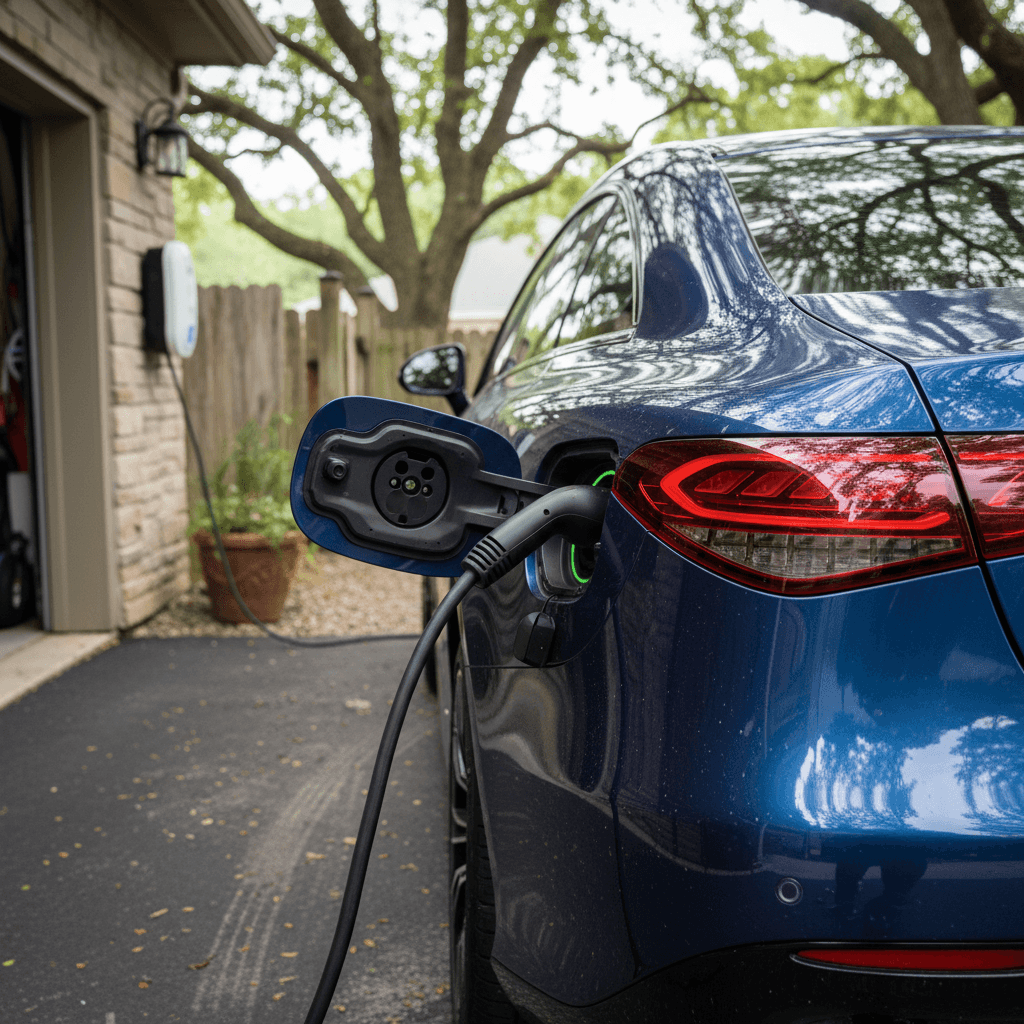
If possible, fast‑charge once and Level 2 charge once. Confirm charge rates, watch for errors, and check that charging ports and cables look clean and undamaged.
6. Evaluate battery health
Compare current usable range to original spec, considering your climate and driving style. A data‑driven battery health report, like Recharged’s Score, gives a far clearer picture than the gauge alone.
7. Inspect suspension & tires
Look for uneven tire wear, listen for clunks, and make sure ride height is even across all four corners. Budget for alignment and fresh rubber if there’s doubt.
8. Verify options & subscriptions
Match the window sticker or build sheet to what’s actually live in the car. Some digital options require ongoing subscriptions or software activation.
How Recharged helps de‑risk a used EQS
Ready to find your next EV?
Browse VehiclesFrequently asked questions about Mercedes EQS problems
Mercedes EQS common problems and owner questions
Bottom line: Is the Mercedes EQS worth it used?
If you want a luxury EV that feels more like a private jet than a smartphone, the EQS still delivers an experience few rivals can match: a hushed cabin, effortless torque, and a sense of occasion every time you close the door. Its problems are real but mostly manageable and predictable: software gremlins, occasional driver‑assist hiccups, and the long‑term cost of maintaining a complex air‑suspended luxury car.
The key is not to buy blind. Verify software and recall status, test every major system, and get objective battery‑health data before money changes hands. That’s exactly what Recharged was built for, making used EV ownership simple and transparent. With the right inspection and expectations, a sorted EQS can be a spectacularly comfortable, tech‑rich used EV rather than an expensive science‑fair project in your driveway.