If you’re eyeing a Mercedes EQB, or you already own one, you’ve probably heard mixed things about reliability. Early models have faced high‑voltage battery recalls, charging hiccups and a few frustrating software quirks. This guide breaks down the most common Mercedes EQB problems and fixes in plain language so you know what’s serious, what’s annoying, and what’s easy to live with, especially if you’re shopping used.
Which EQB are we talking about?
Overview: Mercedes EQB Reliability at a Glance
Mercedes EQB Reliability Snapshot
Broadly, the EQB feels solid and well‑built, and many owners report trouble‑free driving. The biggest red flags aren’t squeaks and rattles, they’re high‑voltage battery recalls, some range loss after software updates, and fussy DC fast charging behavior. On the positive side, Mercedes has been addressing these with recalls, software updates and warranty coverage. Your job as an owner, or shopper, is to verify what’s been done and test how the car behaves in the real world.
Safety first with any recall
High-Voltage Battery Recalls, Fire Risk and Range Loss
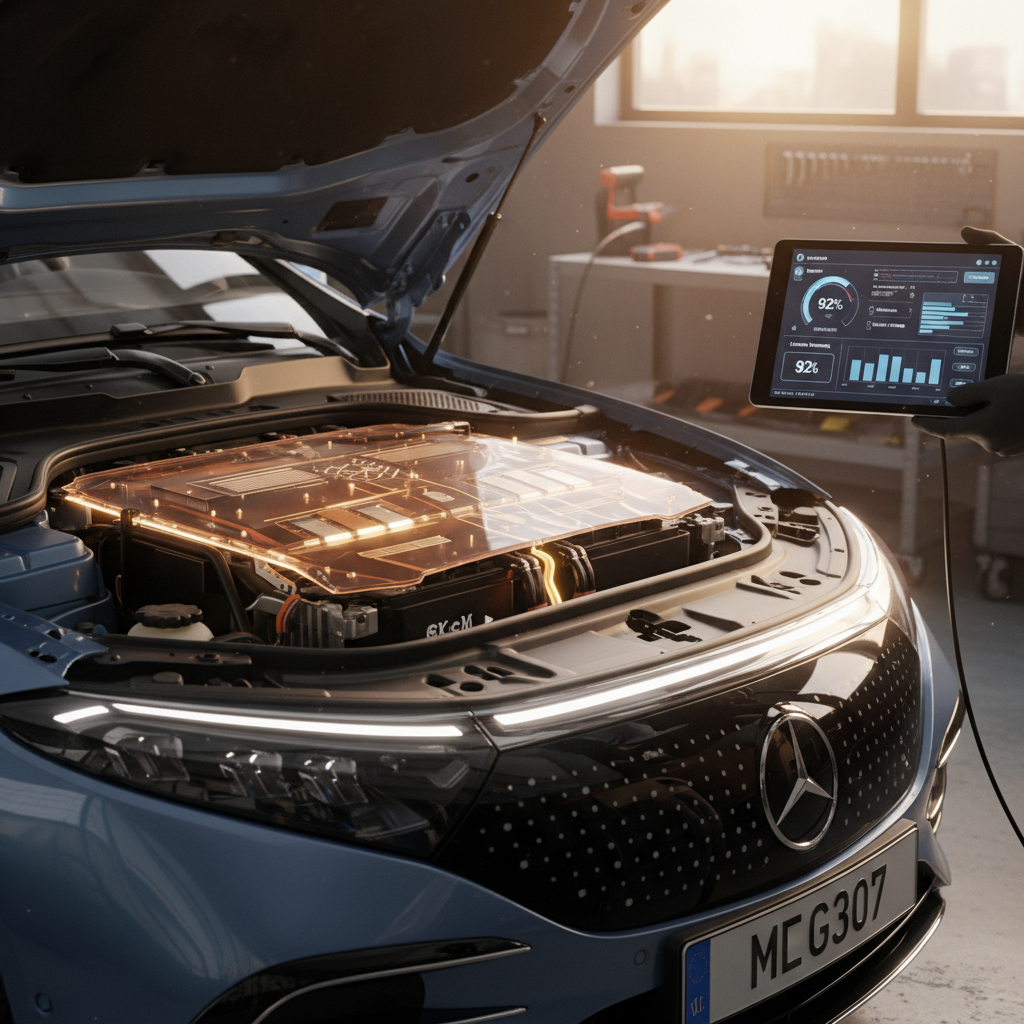
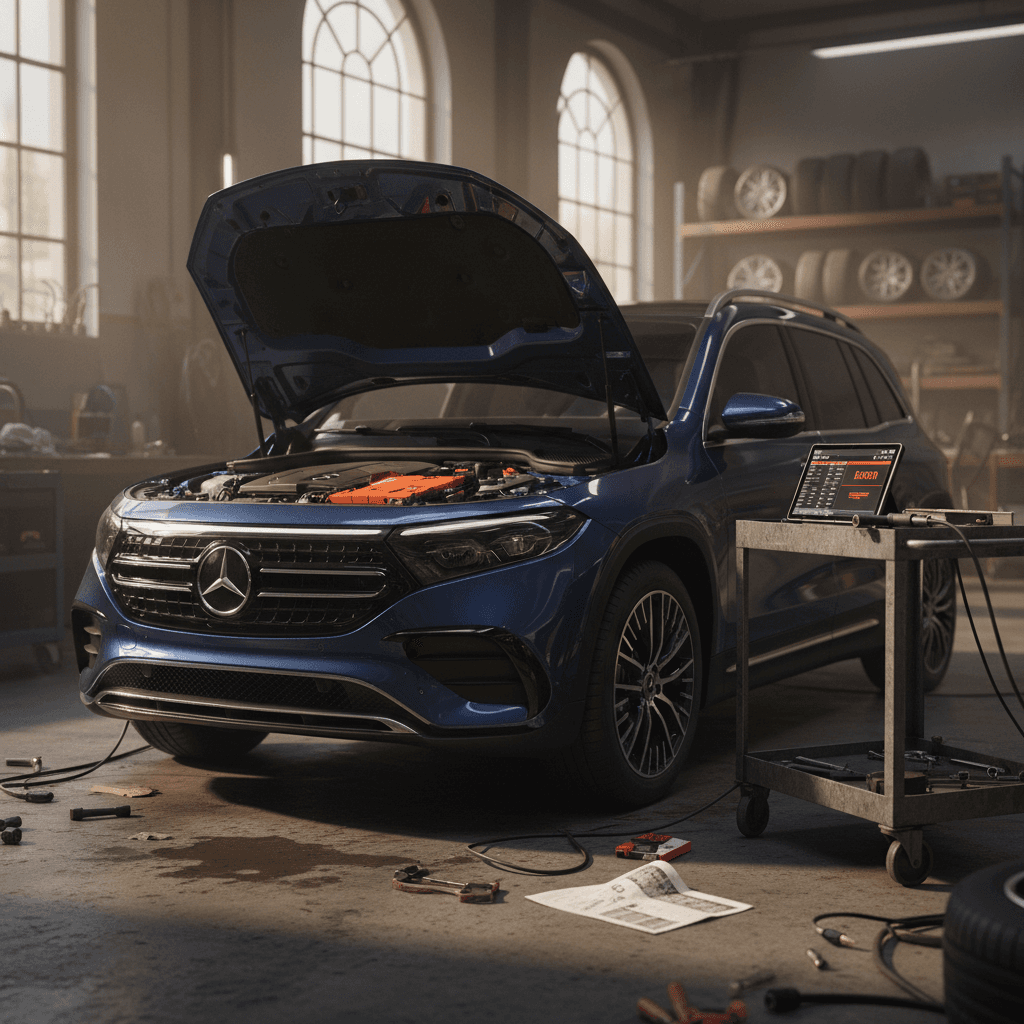
The most serious EQB issue isn’t a nuisance at all, it’s the set of high‑voltage battery recalls that began hitting 2022–2024 EQB SUVs. Certain packs supplied for EQB 250+, 300 4MATIC and 350 4MATIC models built roughly from December 2021 through early 2024 were found to be at risk of internal failure that could lead to a fire, whether parked or driving. Owners are advised to charge only to 80% and park outside until repair or replacement is complete.
- 2022–2024 EQB 250+, EQB 300 4MATIC and EQB 350 4MATIC are the primary focus of the U.S. battery recalls.
- Some vehicles are receiving a battery management software update that temporarily limits state‑of‑charge and may reduce displayed range.
- Others will receive a complete high‑voltage battery replacement if the pack is deemed at risk.
- There is also a separate campaign for incorrect fasteners on the battery’s internal bus bar, which can cause unexpected loss of drive power.
Battery fire risk: follow the instructions
Common owner complaints around the battery fixes
How Battery Fixes Feel to Owners
What people actually experience after recall work
Sudden Range Drop
Slower DC Charging
Confusing Messaging
The key thing to understand is that Mercedes is trying to protect the pack while engineers sort out the underlying cell issues. That can mean conservative software that reduces usable capacity or charge speed for a while. On a commuter car that mostly fast‑charges rarely, this may be livable. On a road‑trip machine, it’s a bigger compromise.
Battery Recall and Range Loss: What You Should Do
1. Run the VIN through NHTSA and Mercedes
Look up the EQB’s VIN on the NHTSA recall site and in the Mercedes Me app or at a dealer. Confirm <strong>which recalls are open</strong> and which have been completed.
2. Ask exactly what work was done
If a recall is closed, ask the service advisor whether the car received <strong>software only</strong> or a <strong>new high‑voltage battery pack</strong>. Get it in writing on your service invoice.
3. Track range over several full charges
After a software update, monitor range over 3–5 full charge cycles from low state of charge to 100%. Some EQB owners see the estimate rebound as the system relearns the pack.
4. Document dramatic permanent loss
If your usable range drops and never recovers, keep a log of odometer, charge percentage and displayed range. That record helps if you pursue warranty support or buyback discussions.
5. For shoppers, request documentation
When you’re considering a used EQB, ask for <strong>recall completion proof</strong> and any battery‑related warranty work. A transparent paper trail is worth real money.
How Recharged helps here
Ready to find your next EV?
Browse VehiclesDC Fast Charging: Slow Speeds or Unreliable Sessions
When EQB owners complain about charging, they’re usually talking about DC fast charging. The headline issues are slower‑than‑expected speeds and sessions that error out or drop into turtle mode, especially after recall‑related software updates or on finicky third‑party networks.
- Charging power stuck around 30–40 kW on a high‑power station rated at 150–350 kW.
- Longer 20–80% charging sessions after a recall update, adding 10–20 minutes compared with pre‑update behavior.
- Fast‑charge attempts triggering a cluster of warning lights (turtle mode, limited power, no towing) that only clear after a full restart.
- Inconsistent results between networks, some Electrify America or supermarket chargers work fine, while others won’t even start a session.
Match your expectations to the car
DIY checks before blaming the car
1. State of charge and preconditioning
Most EVs, including the EQB, charge fastest when the battery is warm and at a lower state of charge. If you plug in at 70–80%, the charger will naturally hold low power no matter what the screen advertises.
- Arrive at fast chargers around 10–40% when possible.
- After a long highway drive, the pack is usually at a good temperature.
- Back‑to‑back fast charges on a hot day can cause thermal limiting.
2. Station quality and software
Plenty of DC chargers, especially older or free supermarket units, have their own issues. If your EQB misbehaves at one site, try a different brand before assuming the car is at fault.
- Check recent reviews for that station in apps like PlugShare.
- Test another DC site to see if behavior changes.
- Make sure your EQB has the latest software loaded, which can improve communication with newer chargers.
Fast-Charging Problems: Practical Fixes
1. Get all software updates
Ask the dealer to confirm your EQB has the latest <strong>battery management and charging software</strong>. Outdated firmware can cause handshake failures and conservative charge curves.
2. Reboot before you panic
If you see multiple warnings during a DC session, stop charging, lock the car and let it sit for a few minutes before restarting. Many owners find the errors clear after a proper “power down.”
3. Test multiple networks
Try at least two different DC fast‑charging networks. If the EQB misbehaves only with one operator, report the issue in that network’s app and avoid relying on that site for critical trips.
4. Use AC for everyday charging
For daily use, stick with <strong>Level 2 AC charging</strong> at home or work. It’s easier on the battery and typically more reliable than public fast charging.
5. Document repeat DC failures
Repeated DC charging errors at multiple sites, especially if they trigger limp mode, deserve a <strong>warranty visit</strong>. Capture photos of the instrument cluster and charger screen for your records.
AC Home Charging and Charge Port Issues
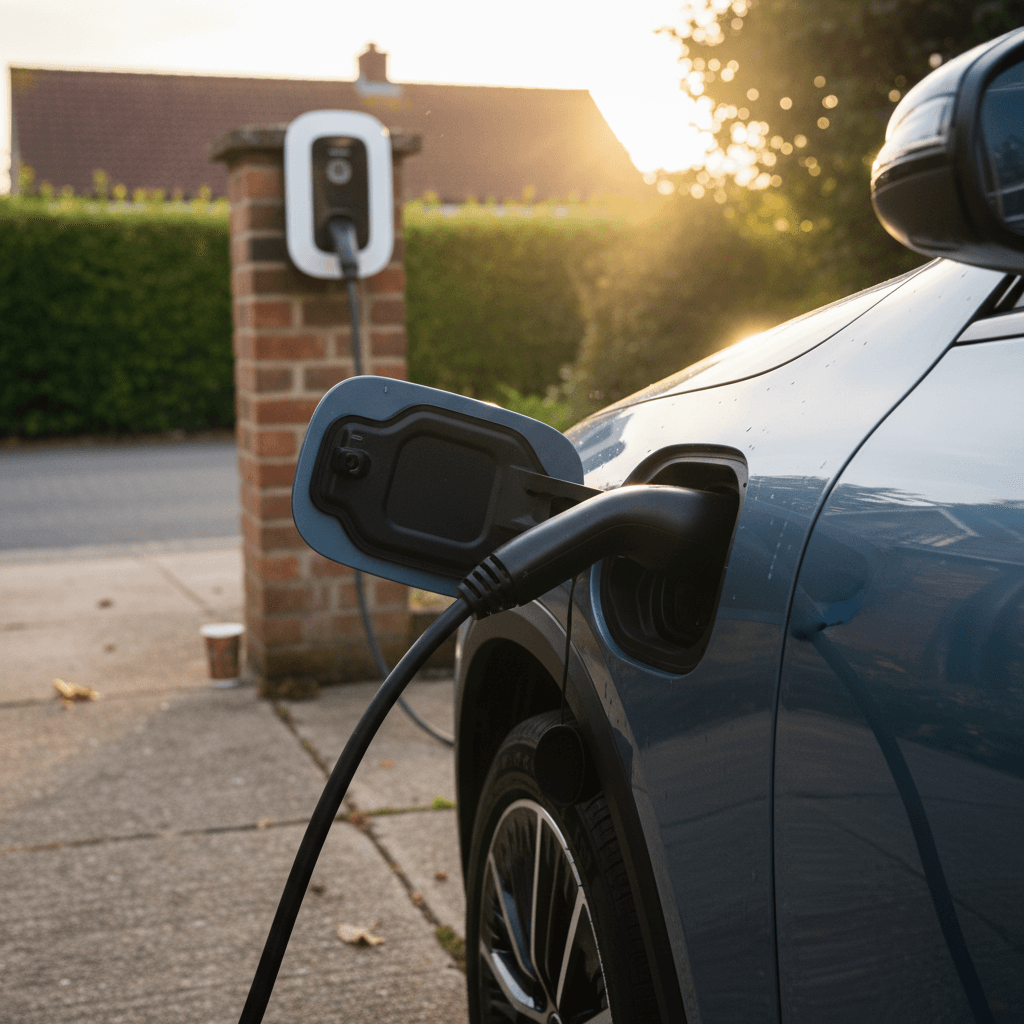
Compared with DC fast charging, home and Level 2 AC charging on the EQB is usually drama‑free. When owners do run into problems, they tend to be simple: the car won’t start charging, the session stops randomly overnight, or the car logs an error about the on‑board charger.
- Loose or dirty charge port contacts causing intermittent connection.
- Worn or damaged home charging cable (especially after being pinched in a garage door or run over).
- Software confusion after a timer or departure‑time setting is changed in the MBUX system or app.
- Occasional communication hiccups between the EQB and certain "smart" home EVSE units.
Quick port and cable hygiene
Troubleshooting AC Charging Problems
1. Simplify the setup
If you’re using a smart charger with Wi‑Fi, schedules and load balancing, temporarily disable all extras. Set the EQB to <strong>charge immediately</strong> and confirm basic charging works first.
2. Try a different cable or outlet
Swap to another J1772 cable if you have one, or try a different Level 2 station. If the problem disappears, you’ve found your culprit, and it’s not the car.
3. Inspect the port and handle
Look for corrosion, discoloration or bent pins on both the EQB’s port and the connector. Anything that looks cooked or crooked deserves professional attention before you keep using it.
4. Hard reset the wall unit
Power‑cycle the home EVSE at the breaker (if safe to do so) and re‑test. Some units behave like Wi‑Fi routers: they just need a reboot now and then.
5. Involve the dealer when errors persist
If the EQB logs on‑board charger faults or refuses to charge on multiple good stations, book a dealer visit while the car is still under warranty. Bring photos of any error messages and a list of the chargers you tested.
Software Glitches: MBUX, Apps and Driver Assistance
The EQB uses Mercedes’ MBUX system and a full suite of connected services. When it’s working, it’s slick. When it’s not, you can see dropped Apple CarPlay phone calls, random infotainment pop‑ups about battery temperature, flaky app‑based charging sessions and nav‑to‑charger routing that doesn’t quite sync with what the car actually does.
Typical EQB Software Complaints
Most are fixable with updates and resets
CarPlay / Android Auto Drops
Random Warning Pop‑ups
App & Charging Integration
MBUX reset: the modern battery pull
Best Practices for Software-Related EQB Issues
1. Keep everything updated
Ask your dealer to confirm the car is on the latest <strong>MBUX and battery management firmware</strong>. Accept over‑the‑air updates promptly when you’re on reliable Wi‑Fi and don’t need the car for an hour.
2. Clean‑install your phone connection
Delete the EQB from your phone’s Bluetooth and CarPlay/Android Auto list, and delete your phone from the car. Then re‑pair from scratch with the latest iOS or Android version.
3. Use the simplest app workflow
If the Mercedes Me app is fussy with a specific charging network, start the session directly at the station when allowed. Use the app mostly for monitoring, not initiating, until you trust the workflow.
4. Log repeatable glitches
If a warning message appears regularly under the same conditions, write down time, temperature, speed and what you were doing. That pattern helps technicians reproduce and fix the issue instead of just clearing codes.
Clicks, Warnings and Random “Limp Mode” Events
Let’s talk about the gremlins, the clicking noises, sudden cascades of warning lights and rare but unnerving events where the EQB drops into a very low‑speed limp mode until it’s restarted.
- Exterior clicking or clacking sounds during unlocking, startup or low‑speed maneuvering, often normal actuator noise, but sometimes louder or more persistent than it should be.
- Interior clicks or rattles around the passenger seat or rear area that may be trim‑ or seat‑rail related.
- Random full‑dashboard error trains where ABS, stability control, drive system and driver‑assist warnings all illuminate, occasionally forcing the car into a crawl until it’s shut down and restarted.
- Isolated cases tied to faulty ABS sensors, wheel‑speed wiring or 12‑volt batteries rather than the big high‑voltage pack.
Don’t ignore repeat limp‑mode events
Diagnosing Noises and Random Warnings
1. Record the sound or cluster
Use your phone to record videos of the clicking noise or the dashboard when warnings appear. Audio and visual proof is gold when a service advisor says, “We couldn’t replicate it.”
2. Note speed and conditions
Jot down whether the issue appears only at low speeds, after rain, on rough roads or during/after charging. These details can point toward trim, suspension or electrical causes.
3. Ask for ABS and 12V checks
For recurring limp mode with multiple warnings, ask the dealer to inspect <strong>wheel‑speed sensors, ABS wiring and the 12‑volt battery</strong>. Problems here can mimic high‑voltage failures.
4. Insist on warranty coverage
If the car is within the 4‑year/50,000‑mile basic warranty, these diagnostic steps and resulting repairs should generally be covered. Push back politely if you’re told “that’s normal” without evidence.
Interior, Trim, Glass and Other Wear Issues
Mechanically, the EQB isn’t plagued with the squeaks and rattles you might expect from a tall, boxy SUV. But there are some costly cosmetic and trim pain points worth knowing about, especially if you’re buying used or live in an area with bad roads.
EQB Interior and Trim Complaints
Mostly minor, but sometimes expensive
Glass Panel Above Windshield
Seat and Cabin Clicks
Soft‑Touch Wear
Protect what’s expensive to replace
Preventive Maintenance for a Healthier EQB
EVs don’t need oil changes, but they do need attention. A little preventive care on your EQB can head off many of the most common complaints owners share in forums and service bays.
Simple Habits That Pay Off
Small routines, fewer headaches
Battery-Friendly Charging
Port & Cable Care
Scheduled Inspections
Long-Term EQB Health Checklist
1. Monitor real‑world range yearly
Once a year, log a full charge and a consistent highway loop to see how many miles the EQB realistically delivers. A gentle decline is normal; a sudden big drop is not.
2. Watch for uneven tire wear
The EQB’s weight and torque are hard on tires. Uneven wear can hint at alignment issues that affect efficiency, ride comfort and safety.
3. Keep the 12‑volt battery happy
Ask the dealer to check the health of the auxiliary 12‑volt battery during routine visits. A weak 12‑volt can cause bizarre electrical issues that resemble bigger failures.
4. Store records in one place
Keep a digital folder with all service invoices, recall letters and software‑update notes. It helps technicians diagnose issues and boosts value if you sell later, or trade it to a marketplace like Recharged.
Buying a Used Mercedes EQB: What to Watch For
If you’re considering a used EQB, you’re in a sweet spot: you can let the first owner take the depreciation hit while you focus on finding a well‑sorted example with clean recall history. But this is not a car you want to buy blind from a classified ad three states away.
Used Mercedes EQB Problem Checklist
Key areas to inspect before you sign anything
| Area | What to Check | Red Flags | Ideal Outcome |
|---|---|---|---|
| Battery & Recalls | Run VIN for open recalls, read service history for battery work. | Active fire‑related recall, parked‑outside warnings not yet addressed. | All recalls closed, clear explanation of software vs. pack replacement. |
| Real Range | Full charge followed by mixed driving; compare to original EPA rating. | Range down 30%+ vs. spec without clear explanation. | Moderate, documented range consistent with age and mileage. |
| Charging Behavior | Test Level 2 and at least one DC fast charger if possible. | Repeated charge errors or turtle mode on multiple stations. | Starts and stops sessions cleanly, reasonable DC speeds for SOC. |
| Software & Apps | CarPlay/Android Auto stability, random warnings, app connectivity. | Frequent unexplained error messages, dealer shrugs them off. | Clean instrument cluster, stable infotainment and responsive app. |
| Noises & Trim | Clicks, rattles, glass condition, seat tracks, soft‑touch surfaces. | Loud structural clunks, cracked glass, badly worn interior. | Minor squeaks at most, intact glass and trim, good cosmetics. |
Print or save this table as a quick inspection guide for test drives and pre‑purchase inspections.
Why shop a used EQB through Recharged?
FAQ: Mercedes EQB Common Problems
Frequently Asked Questions About Mercedes EQB Problems
Bottom Line: Is the Mercedes EQB a Good Used EV?
The Mercedes EQB is not a perfect EV, but it’s also not the horror story some comment sections make it out to be. The biggest headlines, battery fire‑risk recalls and post‑update range quirks, are real, and you should treat them seriously. The good news is that they’re known issues with known fixes, and Mercedes is obligated to address them under recall and battery‑warranty coverage.
If you verify recall completion, confirm healthy charging behavior and live with its modest DC fast‑charging performance, the EQB delivers a quiet, practical, premium driving experience in a footprint that’s easy to park. Do your homework, lean on tools like a Recharged Score Report to take the mystery out of battery health, and the EQB can be a smart, comfortable way into electric Mercedes ownership, without paying new‑car money.