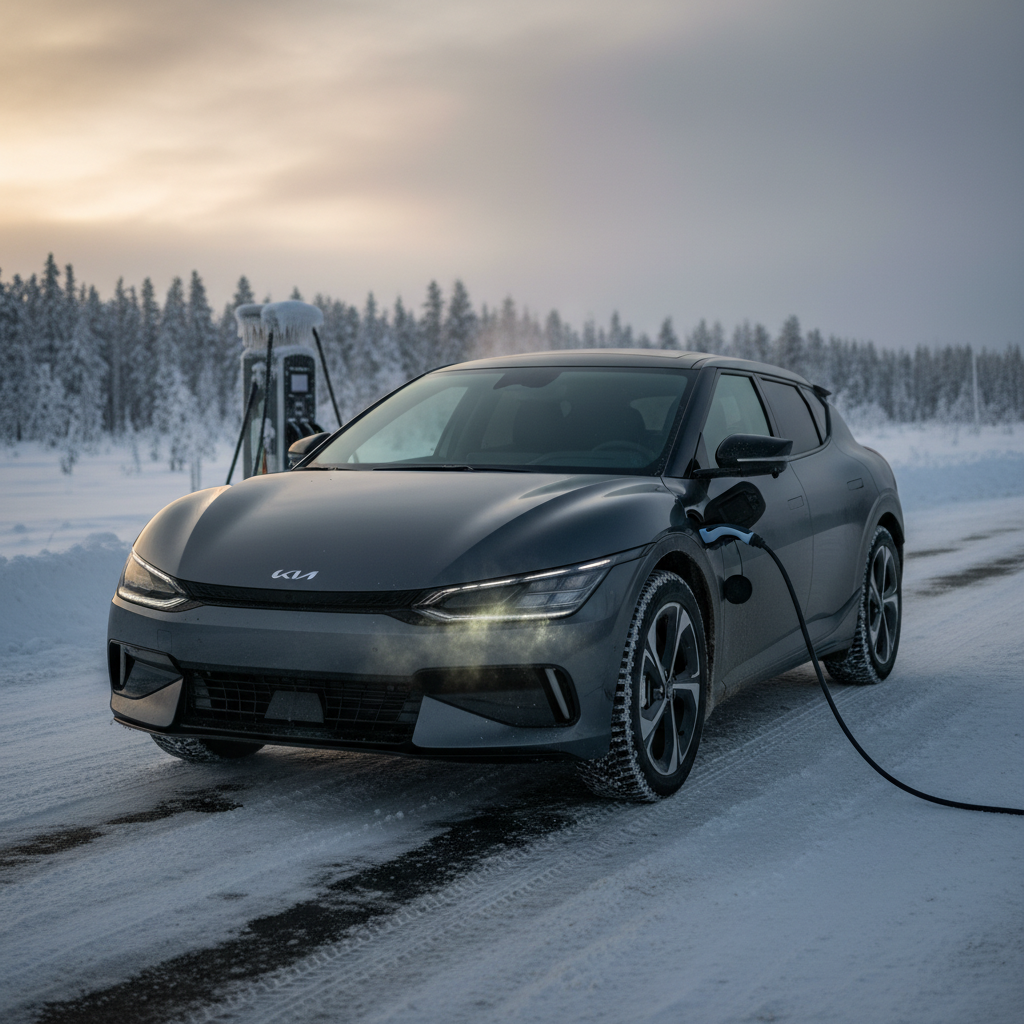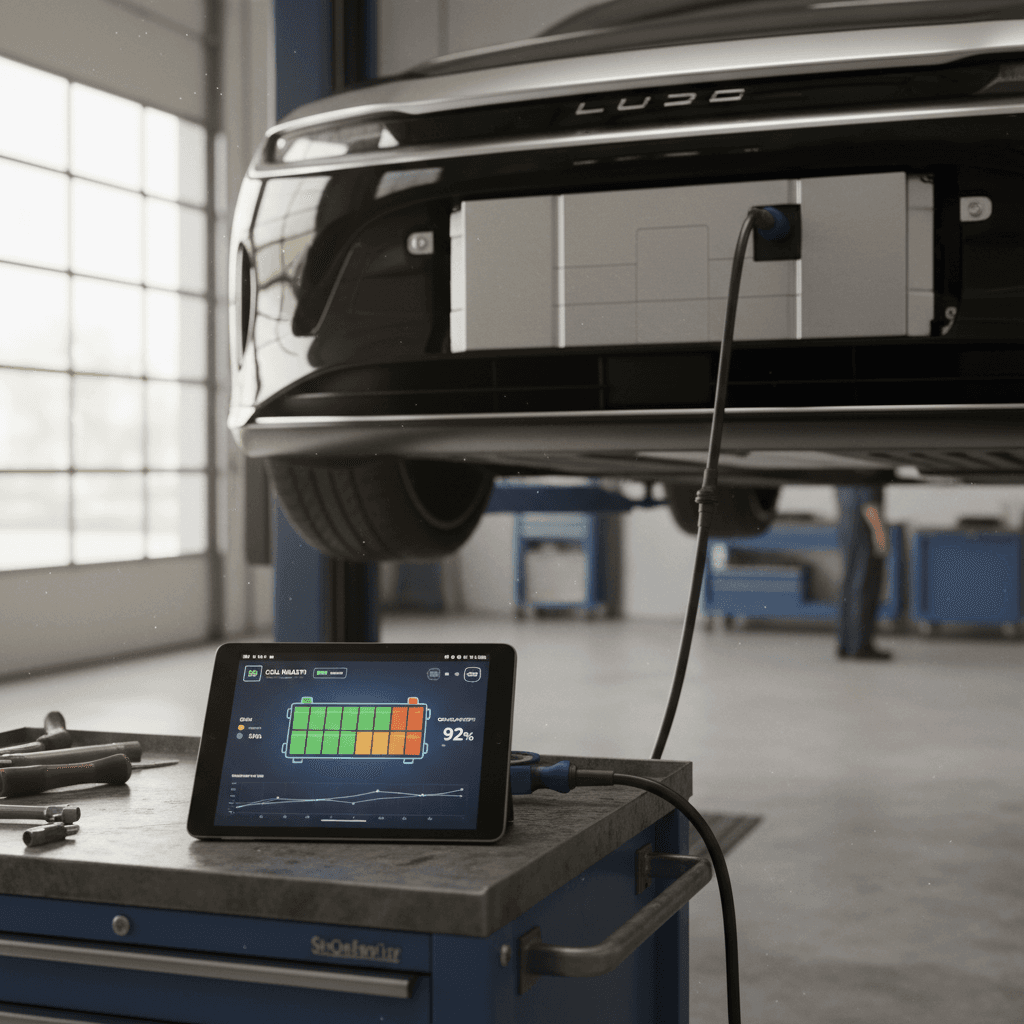
If you own, or are thinking about buying, a Lucid Air, the single most valuable component in the car is its high‑voltage battery. Knowing **how to do a Lucid Air battery health check** gives you confidence about current range, future degradation, and whether a specific car is a smart long‑term bet.
Good news up front
Why Lucid Air battery health matters
Battery health influences three things that matter to every Lucid Air owner: **usable range**, **resale value**, and **warranty protection**. The Lucid Air’s huge pack and efficiency give you standout range today, but degradation over time will slowly trim that number. Understanding where your pack stands helps you plan road trips, decide when to fast‑charge, and evaluate whether a particular new or used Air is priced fairly.
What “battery health” really affects in a Lucid Air
Three areas where state of health quietly runs the show
Real‑world range
Resale value
Warranty leverage
How Lucid defines battery health and warranty limits
Lucid doesn’t expose a raw “state of health” (SoH) percentage in the in‑car UI the way some OEMs do. Instead, you infer health through range and, in edge cases, Lucid can read detailed pack data via service tools. What Lucid is explicit about is **warranty coverage**.
Core Lucid Air battery‑related warranty terms (U.S.)
Typical coverage for recent‑model Lucid Air vehicles sold in the United States. Always confirm your own warranty booklet by model year.
| Coverage area | Duration | Key battery‑related detail |
|---|---|---|
| Basic vehicle | 4 years / 50,000 miles | General defects in materials and workmanship |
| Powertrain | 8 years / 100,000 miles | Covers drive units and related components |
| High‑voltage battery | 8 years / 100,000 miles | Lucid commits to the pack retaining around 70% of its original capacity within this window |
| Corrosion perforation | 10 years / unlimited miles | Rust‑through protection for body panels |
High‑voltage battery coverage is separate from basic and powertrain warranties.
Warranty threshold vs. normal wear
Quick at‑home Lucid Air battery health check
You don’t need special tools to get a **rough, practical read** on your Lucid Air’s battery health. The car’s own range estimates, when used carefully, are enough to tell you if things look normal or if you should dig deeper.
5‑step Lucid Air battery health check you can do today
1. Look up your original EPA range
Start by confirming the original rated range for your exact trim and wheels, Air Pure, Touring, Grand Touring, etc. Lucid publishes this, and window stickers or Lucid’s site can be good references. Write that number down.
2. Fully charge once in mild weather
On a day that’s roughly 60–80°F, charge to 100% using AC (home Level 2 if possible). This gives the battery management system time to balance cells and provide a stable estimate of maximum range.
3. Record the displayed max range at 100%
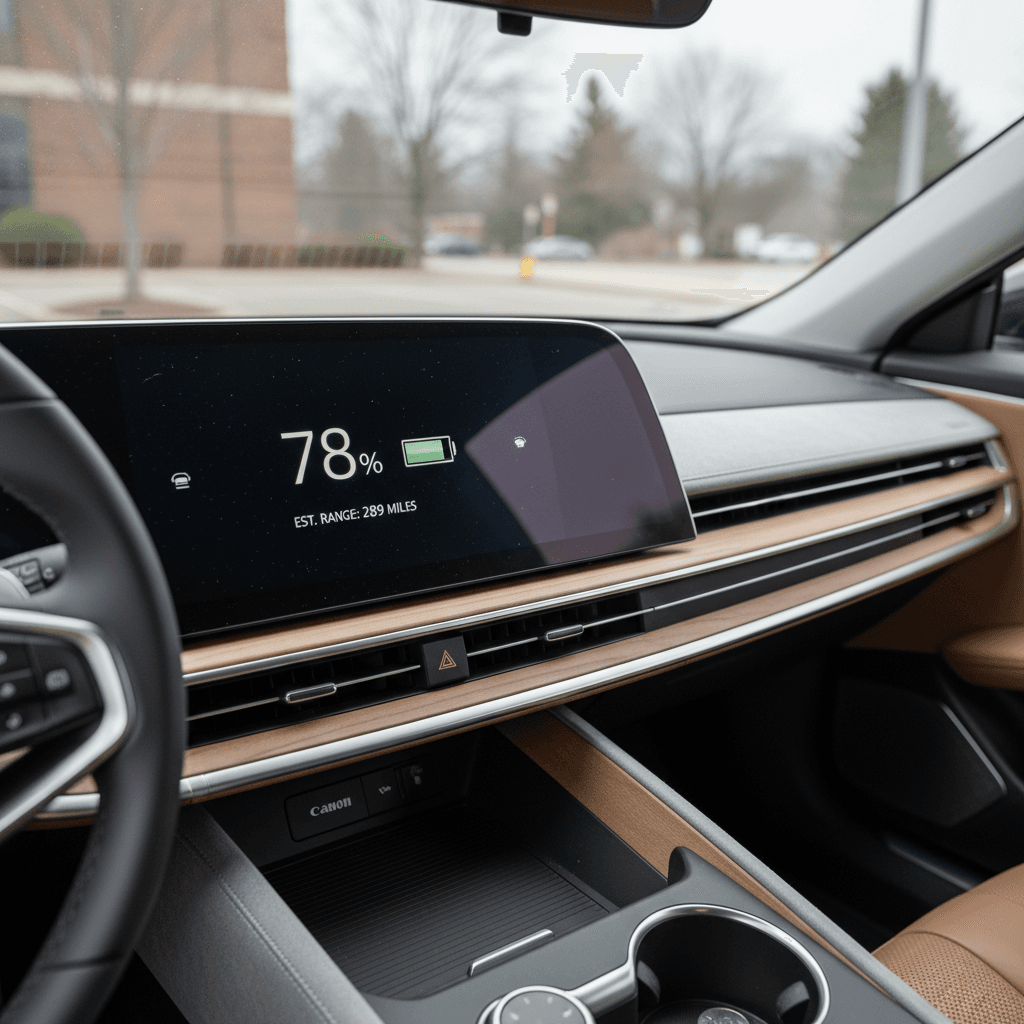
When the car hits 100% and stabilizes, note the **predicted range** on the instrument cluster. This is the car’s best estimate of how far you’ll go given recent driving and current conditions.
4. Compare displayed range to original EPA figure
Divide displayed 100% range by the original EPA figure. For example, if your Air Touring was rated at 425 miles and now shows 395 at 100%, that’s about a 7% gap. Some of that is degradation; some is driving style and temperature.
5. Repeat a few times over several months
A single reading can be noisy. Repeating this check a couple of times per year, under similar conditions, will show whether your pack is holding steady or losing range meaningfully over time.
Normalize your comparison
Deep‑dive methods to estimate Lucid Air degradation
If you want to go beyond a simple eyeball check, there are more analytical ways to approximate **state of health** for a Lucid Air, especially helpful if you’re evaluating a used car or you suspect abnormal degradation.
Method 1: Long, controlled drive from 100% to low state of charge
On a consistent highway route, reset a trip meter and drive from near 100% down to around 10–15% at a steady speed (for example 65–70 mph). Record:
- Starting and ending state of charge
- Total miles driven
- Average consumption (Wh/mi) for the trip
From this you can back into an estimated usable kWh and compare it to the pack’s nominal size to infer degradation. Just remember that wind, elevation, temperature, and speed all influence results.
Method 2: App/API‑based SoH estimates (with caution)
Third‑party tools and unofficial API calls can sometimes surface an internal energy capacity estimate for your Lucid Air. Owners on enthusiast forums use these numbers as a rough proxy for battery health. Treat these as **ballpark figures**, not gospel, the most authoritative reading still comes from Lucid’s own diagnostic tools.
Don’t access the high‑voltage pack yourself
How Lucid service performs a battery health check
When you take your Lucid Air to a service center and ask for a **battery health check**, technicians aren’t guessing from your dashboard range number. They hook into the car’s internal diagnostics, which track the pack at the module and sometimes even cell‑group level.
- Pack voltage and current characteristics under load and at rest
- Module‑level voltages to spot any weak or imbalanced sections
- Internal resistance trends, which rise as cells age
- Recorded DC fast‑charging history and temperature events
- Software‑calculated remaining capacity estimates
You typically won’t get a raw engineering SoH printout, but service can tell you if your pack looks healthy for its age and mileage, and whether it’s anywhere near Lucid’s warranty floor. If you’re worried about a sudden drop in indicated range, this is the most authoritative way to separate **software quirks** from genuine degradation.
Use the warranty you paid for
Real‑world Lucid Air battery degradation: what owners see
Lucid Air is still a relatively young platform, but owner reports across forums and communities paint a consistent picture that’s broadly in line with other long‑range EVs.
Owner‑reported Lucid Air degradation snapshots
First‑year drop is normal
Charging habits that protect your Lucid Air battery
The fastest way to ruin an EV battery is to abuse it; the fastest way to keep it healthy is to be boring. The Lucid Air’s thermal management and software do a lot for you, but daily habits still matter.
Simple Lucid Air charging rules of thumb
If you remember these five, you’re already ahead of the curve
Live at ~50–80%
Save 100% for trips
Favor AC over DC
Avoid extreme heat when you can
Don’t live near empty
Let software do its job
Efficiency doubles as a health habit
Checking battery health on a used Lucid Air
If you’re shopping used, battery health isn’t an abstract engineering concern, it directly affects what you should pay and how long the car will meet your range needs. A clean Carfax and shiny paint are nice, but a strong pack is where the real value hides.
Used Lucid Air battery health checklist
1. Verify in‑service date and mileage
Battery warranty runs from the original in‑service date, not the model year. A 2022 Lucid Air first sold in early 2023 will typically have warranty coverage into 2031, assuming mileage is still under 100,000.
2. Ask for recent 100% range screenshots
If the seller can’t or won’t share a screenshot of the car at 100% with the projected range, that’s a red flag. You’re not looking for perfection, just consistency with age and mileage.
3. Look at charging history (if available)
Heavy reliance on DC fast charging isn’t an automatic deal‑breaker, but a car that lived on highway fast chargers from day one deserves a little extra scrutiny and, sometimes, a price adjustment.
4. Watch for software vs. hardware clues
Random jumps in indicated range after updates, or big swings with seasons, often point to **estimation quirks**, not catastrophic degradation. Consistently low range in mild weather is more concerning.
5. Consider a professional health report
If you’re serious about a specific car, ask whether the seller would authorize a **Lucid service battery health check** as part of a pre‑purchase inspection. It’s the closest you’ll get to a true SoH report today.
Where Recharged fits in
Ready to find your next EV?
Browse VehiclesWhen to worry, and when not to
Signs your Lucid Air battery is probably fine
- Indicated range at 100% is within about 5–10% of original EPA rating in mild weather.
- Degradation appears to have slowed after the first year or ~15,000 miles.
- Range swings track logically with seasons, speed, and terrain changes.
- No charging faults, warnings, or persistent thermal‑management alerts.
Signs you should dig deeper, or open a ticket
- Sudden, persistent loss of a large chunk of range without any clear cause.
- Car refuses to fast‑charge properly across multiple stations and cables.
- Repeated high‑voltage battery or drivetrain warning messages.
- Capacity estimate from Lucid service approaching warranty floor well before 8 years/100k miles.
In these cases, document dates, mileage, photos of the screen, and charging sessions. That record will be invaluable if you need to pursue warranty coverage.
Document before and during service
Lucid Air battery health FAQ
Lucid Air battery health FAQ
Bottom line on Lucid Air battery checks
You don’t need proprietary tools to stay on top of **Lucid Air battery health**. A couple of 100%‑charge snapshots per year, attention to how your real‑world range feels, and sensible charging habits will tell you whether your pack is aging normally. When you do need more certainty, because you’re staring at a worrying drop or comparing used cars, that’s when Lucid’s service diagnostics or a marketplace like Recharged with baked‑in battery testing earns its keep.
Treat your Lucid Air’s battery like the long‑term asset it is: avoid extremes, track trends instead of obsessing over single data points, and leverage the 8‑year/100,000‑mile warranty when something doesn’t add up. Do that, and your car’s enormous pack should remain an asset, not a liability, for many years and miles.