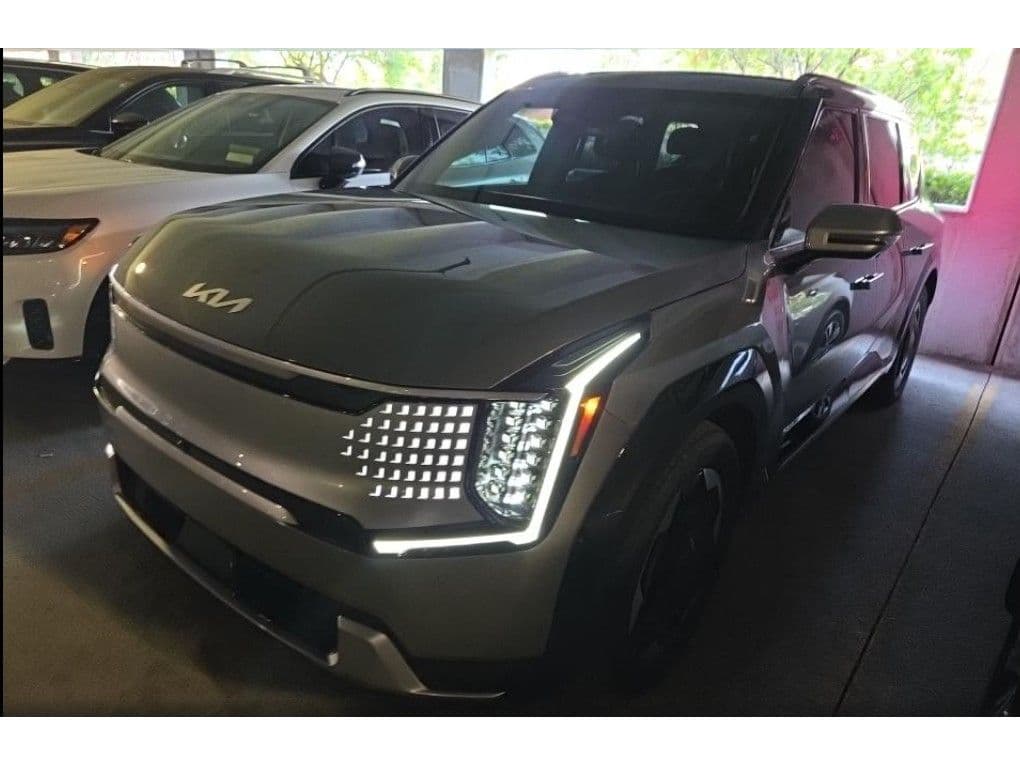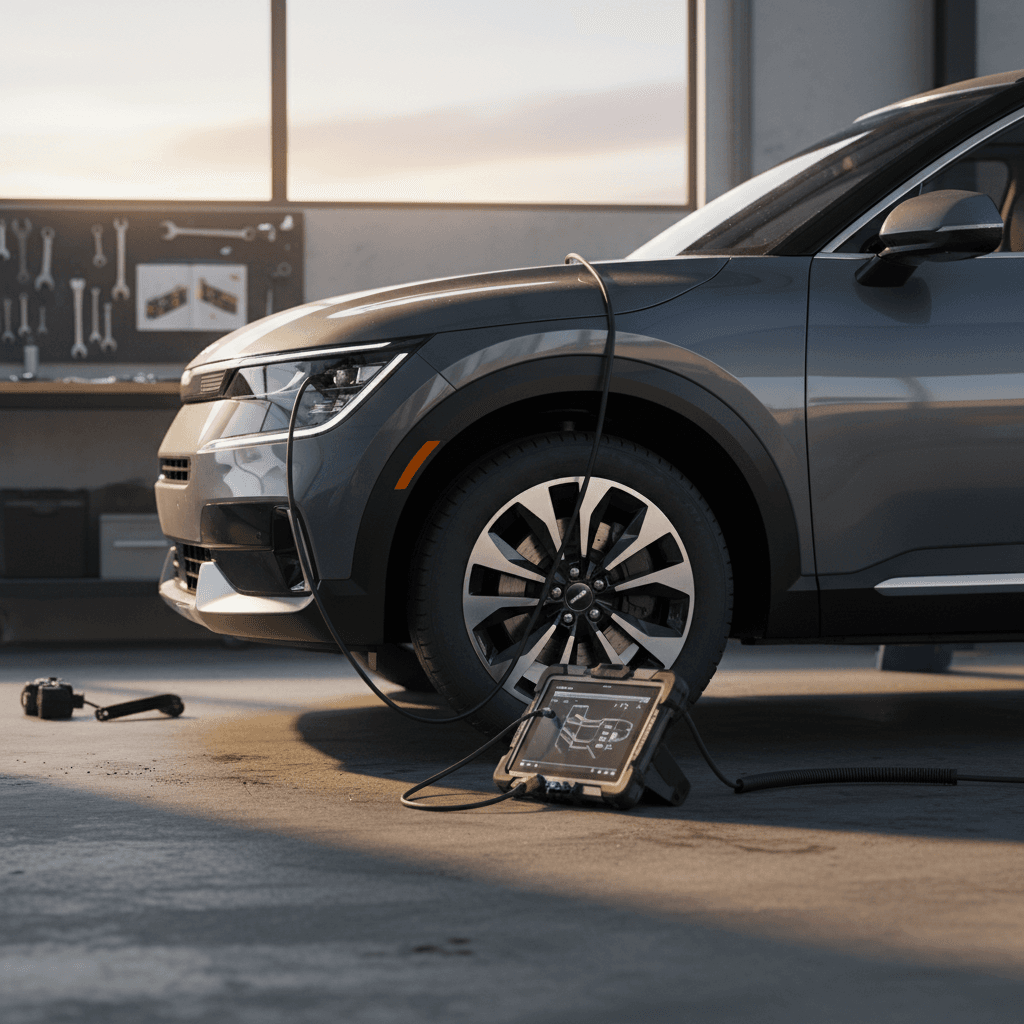
If you’re eyeing a Kia EV9, or you already have one in the driveway, you’re probably wondering what real-world problems owners are seeing and, more importantly, how to fix them. The EV9 is one of the most compelling three-row electric SUVs on the market, but like any first‑generation EV, it has its share of quirks. This guide walks you through the most common Kia EV9 problems and fixes, with practical advice for both current owners and used‑EV shoppers.
What this guide covers
Kia EV9 reliability at a glance
The EV9 is still a relatively new model, so long‑term data is limited. Early owner reports paint a familiar EV picture: the big-ticket hardware (battery pack, motors, high‑voltage system) is generally solid, while most headaches come from software, charging behavior, and convenience features. The good news is that many of these problems can be fixed with over‑the‑air (OTA) updates or straightforward dealer work under warranty.
How EV9 issues typically break down
How Recharged can help
Software bugs and over-the-air updates
Modern EVs are rolling computers, and the EV9 is no exception. Owners have reported issues tied to specific software versions: strange 12V charging behavior after updates, notifications disappearing from the app, warning lights blinking on after an OTA and then vanishing, and the occasional frozen infotainment screen. The upside is that many of these are exactly the kind of problems Kia can fix over the air.
Common software-related EV9 problems
What owners experience and what usually fixes it
Inconsistent Kia Access app alerts
Some owners report that door‑lock or charging notifications suddenly stop working or arrive in batches overnight.
Likely cause: App update or backend change, not the car itself.
Fix: Sign out/in, delete and reinstall the app, then re‑enable notifications in both the app and your phone’s OS. If remote commands still work, it’s almost always a software/notification bug, not a vehicle fault.
Frozen or laggy infotainment
Occasional reports of the center screen freezing, navigation lagging, or cameras taking a long time to appear when shifting into Reverse.
Fix: Use the infotainment reset (hold the power/volume button or follow the menu reset), then check for a pending OTA update. If it recurs frequently, document it with photos/videos and schedule a dealer visit.
Random warning lights after update
Owners sometimes see brief 12V battery icons or system warnings right after an OTA, especially when the car is awake for a long time.
Fix: Drive the vehicle for 15–20 minutes to let systems reinitialize and the DC‑DC converter top off the 12V. If any warning stays lit after multiple key cycles, book a service appointment and reference the timing with your update.
Don’t ignore repeated warnings
Charging problems: home, public, and Tesla Superchargers
Charging is where EV9 owners talk the most. The issues range from mild nuisance, like an email every few minutes saying there was a “charge request error” when the car is already full, to more serious behavior, such as sessions stopping at a specific state of charge or failing to start at all on a particular Level 2 or DC fast charger.
On-board charger & ICCU issues (AC charging)
The EV9 uses an Integrated Charging Control Unit (ICCU) to manage Level 1 and Level 2 AC charging and the 12V system. On earlier E‑GMP vehicles like the EV6, ICCU faults could cause AC charging to fail entirely. A handful of EV9 owners have reported similar behavior, AC charging sessions that stop prematurely or won’t start, while DC fast charging still works.
Common AC charging symptoms and what they usually mean
Use this as a starting point before assuming something major has failed.
| Symptom | Likely Cause | Owner-Level Fix | When to See Dealer |
|---|---|---|---|
| Charging stops at a specific % (e.g., ~80–85%) | Charge limit set in car or charger; occasionally a software glitch | Check both the car’s AC charge limit and the wallbox/app limit. Raise to 90–100% and test again. | If it repeatedly stops well below your set limit on multiple chargers. |
| Car shows “Charging unsuccessful” on AC but DC fast charging works | Communication fault between EVSE and vehicle; rare ICCU issues | Try another Level 2 station and a different cable; power‑cycle the wallbox; reset the car’s infotainment. | If the car fails AC charging on multiple chargers, reference any related TSBs and schedule service. |
| Rapid start/stop cycling on cold nights at home | Cold‑weather protection or finicky home EVSE | Lower the max current in the EV9’s charging menu (e.g., from 48A to 32A) and precondition the car. | If it continues on mild days or across multiple chargers, have the dealer check logs and ICCU. |
| Tons of “charge error” emails after it’s already full | Notification logic bug, not an actual charging fault | Disable and re‑enable notifications in the Kia app; check for app updates. | If errors appear while the car is still actively charging or if range is not increasing. |
Always verify with a qualified technician; this table is for orientation, not a formal diagnosis.
A quick way to isolate the problem
DC fast charging quirks (including Tesla Superchargers)
On DC fast charging, the EV9 can be fussy about communication. Owners have reported sessions that won’t initiate on certain networks, abrupt charging stops, or charge curves that drop faster than expected once the battery warms up. As of 2025, Kia also began enabling access to Tesla’s Supercharger network using a CCS–to–NACS adapter and compatible software.
- Some 2024–2025 EV9s needed a specific OTA update to address rare session drop‑outs at Tesla Superchargers caused by signal interference with the rear motor inverter. If your dealer mentions a bulletin relating to charging at Tesla stations, this is what they’re talking about.
- On non‑Tesla DC fast chargers, most failures are due to station faults, cable issues, or cold batteries. It’s worth trying a second stall, or even a second site, before assuming the EV9 is at fault.
- Charge speeds can vary widely by network and temperature. An EV9 on a 350 kW charger won’t always pull headline speeds, especially if the pack is cold or nearly full.
6 steps to troubleshoot DC fast charging issues
1. Start with the obvious
Confirm the stall isn’t marked as out of service and the cable is fully seated. On Superchargers, make sure you’ve properly initiated the session in the Tesla or Kia app.
2. Try a second stall
If the first stall won’t start or cuts off quickly, move to another stall. Many owner horror stories disappear when they switch posts.
3. Check state of charge and temperature
If you plug in above 70–80% or with a cold battery, expect slower speeds and occasional early stops. Precondition the battery if your route planner offers it.
4. Power-cycle the car
Shift to Park, power the car off fully, open and close the door, wait 30–60 seconds, then try again. This can clear a temporary handshake glitch.
5. If it’s just Superchargers, call Kia
If non‑Tesla chargers work fine but Superchargers fail or drop sessions, ask your dealer to check for the latest charging‑related software updates and bulletins for your VIN.
6. Document everything
Take photos of the charger screen, your dash, and the station ID. This evidence makes it much easier for Kia or the charging network to diagnose and fix the issue.
12V battery behavior and drain
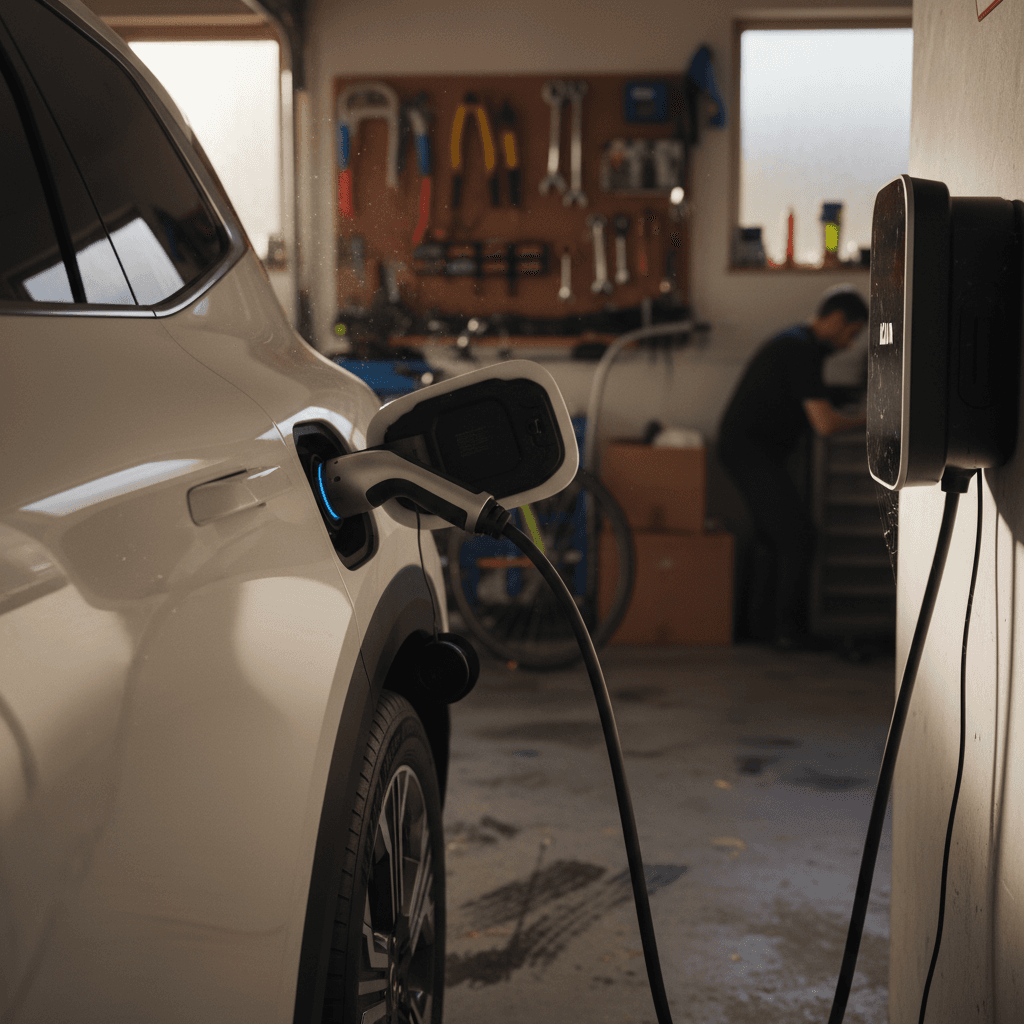
Like most modern EVs, the EV9 uses a small 12V battery to run computers, locks, and accessories. The high‑voltage pack keeps that battery topped up via a DC‑DC converter. Early software versions could wake the car too frequently, especially when wireless charging and digital key features were enabled, leading to frequent 12V charge cycles and, in worst cases, a depleted 12V battery.
What owners report
- 12V battery icon briefly appearing after an OTA update.
- The car running its 12V charge cycle more often than before.
- Rare cases of a no‑start condition after being parked for several days with all connected services active.
What typically fixes it
- Applying Kia’s wireless‑charger/digital‑key update, which reduces unnecessary wakeups.
- Turning off wireless phone charging and digital key when leaving the car parked for long trips.
- Keeping the high‑voltage battery above ~20% so the DC‑DC converter can actually recharge the 12V.
When 12V issues are urgent
Noise, fit-and-finish, and hardware niggles
Electric SUVs are quiet, which means every rattle and whistle gets a free microphone. Early EV9 owners have reported occasional wind noise around mirrors and roof rails, creaks from the panoramic roof area, and the odd trim piece that doesn’t sit perfectly flush. These aren’t unique to Kia, but they are worth noting if you’re picky about refinement.
Common physical and noise complaints
Annoying? Yes. Deal‑breakers? Usually not.
Wind noise at highway speeds
Reported around A‑pillars, mirrors, or roof rails at 65–75 mph.
Fix: Check door seals for damage or misalignment, and confirm windows are closing fully. Dealers can often adjust seals or apply updated parts if Kia releases a TSB.
Creaks from seats or panoramic roof
More noticeable on rough pavement or when the body flexes slightly.
Fix: Lubricate seat tracks and latches; for roof noises, have the dealer check for updated clips, pads, or adjustment procedures. Document when it happens (temperature, road type).
Loose or misaligned trim
Door moldings or interior panels that don’t sit perfectly flush.
Fix: Most cosmetic issues on a new EV9 are covered under the basic warranty. Point them out early so they can be logged and repaired while parts and labor are on Kia.
Driver-assistance and infotainment glitches
Kia stuffs the EV9 with driver‑assistance tech, adaptive cruise, lane‑keeping, highway driving assist, parking aids, and it all depends on clean sensors and stable software. Most problems fall into two buckets: systems that quit unexpectedly in poor conditions, and systems that feel too conservative or too aggressive depending on your taste.
- Lane‑keeping or Highway Driving Assist suddenly deactivating in heavy rain or snow, usually because sensors are obstructed or visibility is low.
- Overly sensitive forward‑collision warnings that chirp during tight city driving or while merging near guardrails.
- Occasional camera lag or a black screen when quickly shifting from Reverse to Drive or vice versa.
Quick resets that solve a lot of glitches
Recalls, TSBs, and warranty coverage
Because the EV9 is new, Kia has been actively refining it through recalls and Technical Service Bulletins (TSBs). Recalls are safety‑related and mandatory; TSBs are detailed repair or update procedures Kia shares with dealers to fix specific issues owners are seeing in the field.
How Kia typically handles EV9 problems officially
Use this as a guide when talking to your service advisor.
| Type | What it is | Examples for EV9 owners | What it costs you |
|---|---|---|---|
| Recall | Safety‑related defect; Kia must notify owners and fix it. | Items that could affect braking, steering, airbags, or high‑voltage safety. | Repairs are free, and you should schedule them promptly. |
| TSB | Guidance to dealers on how to diagnose or fix a known issue. | Charging session drop‑outs at certain Superchargers; wireless‑charger update to reduce 12V drain. | Covered if your car is under warranty and shows the symptom described. |
| Warranty repair | Dealer‑diagnosed fault covered under your vehicle warranties. | Failed ICCU, defective sensor, or malfunctioning infotainment unit. | Parts and labor are covered; you may pay for diagnostics if they don’t find a defect. |
Ask your dealer to check your VIN for open campaigns and TSBs before every service visit.
Know your EV9 warranty basics
Simple habits to prevent bigger EV9 problems
You can’t software‑update your way out of every issue, but a few consistent habits will keep your EV9 happier and reduce the odds of a big repair bill later. Think of this as low‑effort preventive maintenance tailored to a large electric SUV.
EV9 ownership habits that pay off later
Keep software reasonably up to date
Don’t ignore every OTA pop‑up. Many updates target charging communication, 12V behavior, and driver‑assistance bugs, exactly the pain points owners complain about.
Protect the 12V and high-voltage pack
Avoid leaving the car parked for weeks at a very low state of charge. Aim to park between 30–80% for daily use and charge to 90–100% only when you actually need the range.
Baby your connectors and cables
When plugging in, support the weight of heavy DC fast‑charge cables and don’t force the connector. A damaged inlet or latch is an expensive repair.
Log weird behavior early
If the car behaves strangely, charging stops, warnings flash, driver‑assist drops out, note the date, mileage, temperature, and what you were doing. This log is gold for service advisors.
Keep sensors and cameras clean
A bucket of water and a soft cloth solve a surprising number of advanced‑driver‑assist problems. Clean the front radar, bumper sensors, and windshield camera area regularly.
Schedule a check before warranty ends
Have a Kia dealer do a thorough inspection and pull diagnostic codes before your basic warranty expires. It’s your last chance to fix borderline parts on Kia’s dime.
Buying a used Kia EV9: problems to check for
Shopping for a used EV9 is where small problems can become big negotiation tools, or reasons to walk away. Because the model is new, most used examples will still be in warranty, but you still want to avoid someone else’s science experiment.
Red flags during a test drive
- Charging history is vague: Seller can’t explain where/how they usually charged, or they avoid talking about a home charger that “never really worked.”
- Persistent warning lights: Anything related to the battery, powertrain, or charging system should be resolved before you buy, not promised after.
- Harsh ride or odd noises: Clunks over bumps, rumbling, or a steering wheel that isn’t centered can hint at prior damage.
Paperwork and inspection checklist
- Ask for service records, especially for any charging‑system or 12V work, and proof that recalls/TSBs have been performed.
- Have a shop familiar with EVs perform a pre‑purchase inspection, including a charge test on both AC and DC if possible.
- Use a marketplace like Recharged where each EV9 includes a Recharged Score Report with verified battery health and digital inspection notes.
Why a structured report matters on a used EV9
Ready to find your next EV?
Browse VehiclesKia EV9 common problems: FAQ
Frequently asked questions about Kia EV9 problems
Bottom line: should EV9 issues scare you off?
Every new EV platform has a first few model years where software and hardware learn to live together. The Kia EV9 is right in that phase: most of its common problems are real but manageable, and a lot of them are solvable with updates, thoughtful charging habits, and attentive warranty service. If you understand the pattern, software tweaks, occasional charging quirks, sensitive driver‑assist systems, the EV9 remains one of the most compelling three‑row electric SUVs you can buy.
If you’re already an owner, treat small glitches as early warning lights and keep your dealer and Kia Access app in the loop. If you’re shopping used, don’t just fall for the big screen and bold styling; insist on battery health data, charging behavior verification, and documented recall/TSB history. That’s exactly where a platform like Recharged earns its keep, by turning all those hidden technical details into a clear Recharged Score Report so you can enjoy the EV9’s space, comfort, and tech without wondering what might be lurking under the surface.