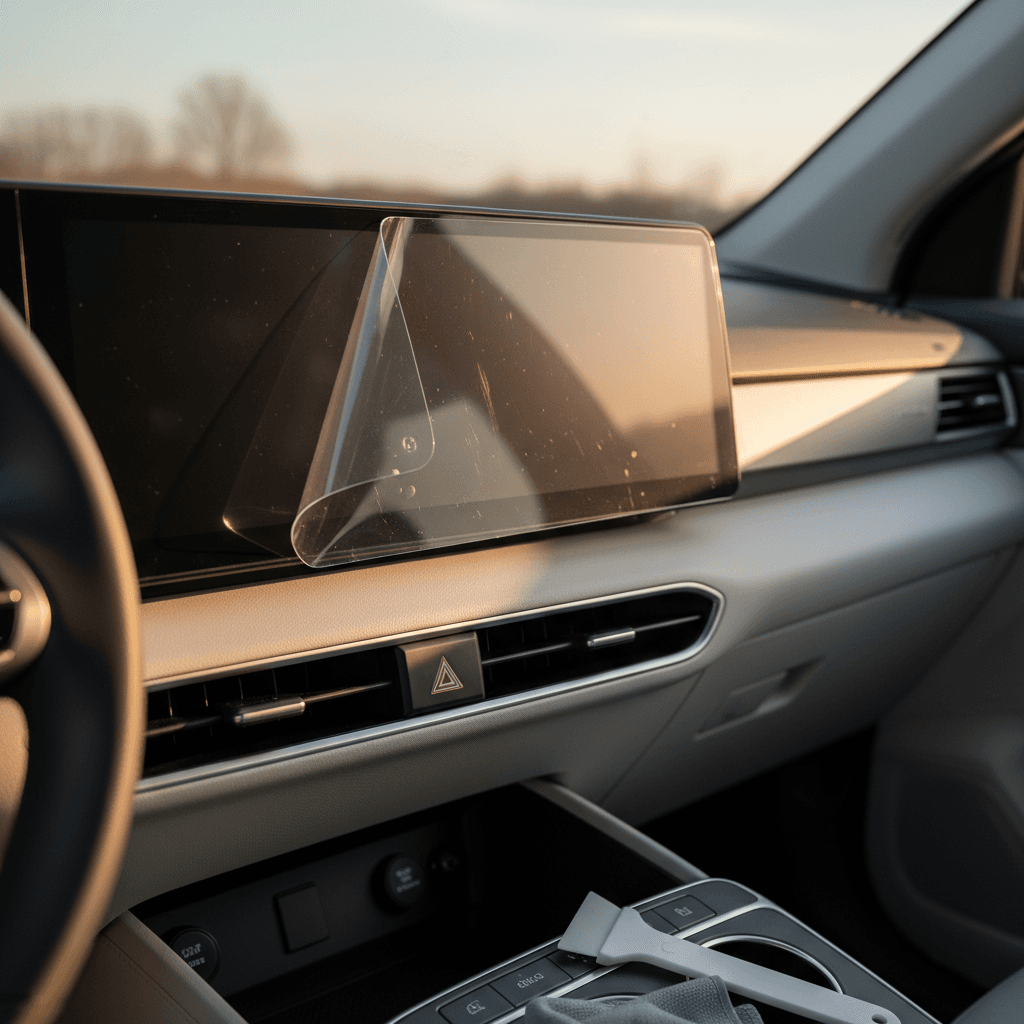
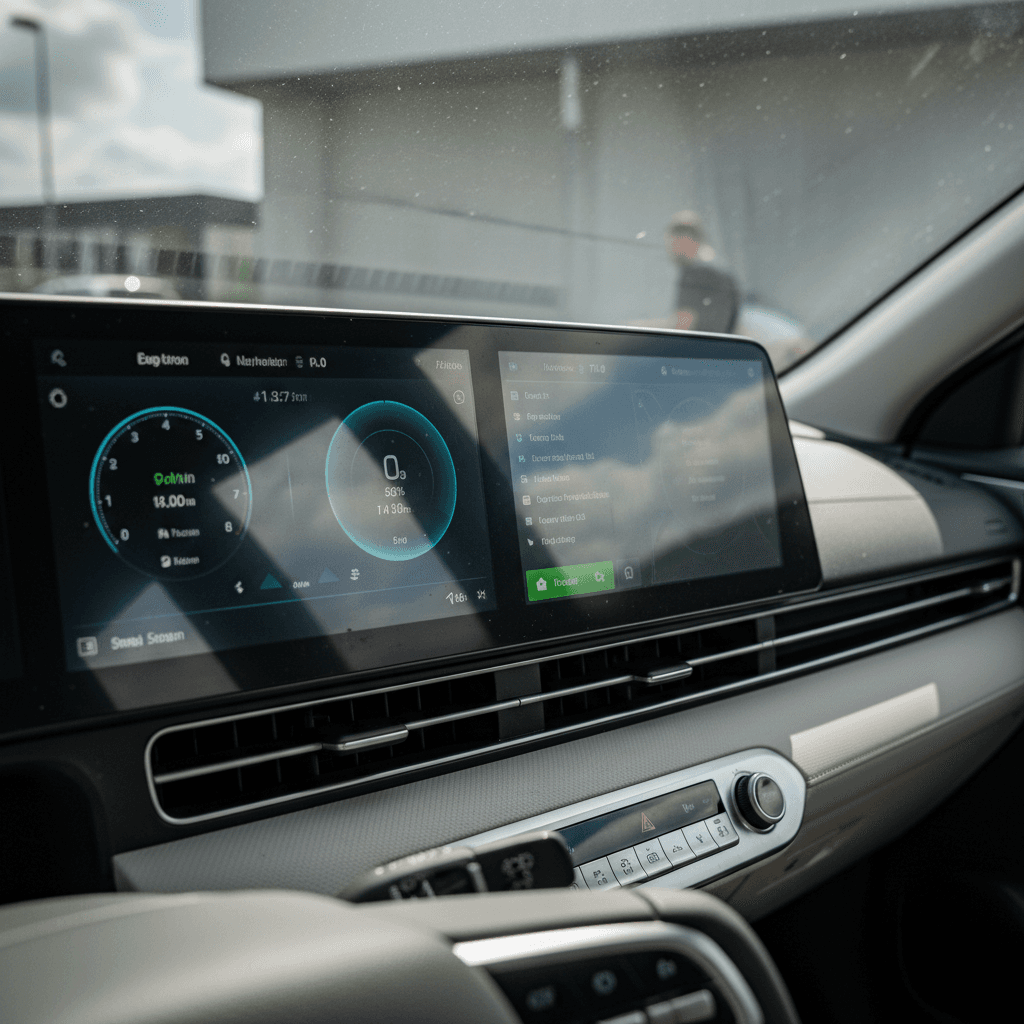
The Hyundai IONIQ 5’s twin 12.3‑inch displays are the centerpiece of the cabin, and they’re right in the firing line for fingerprints, glare, and the occasional scratch. If you’re wondering whether a Hyundai IONIQ 5 screen protector is worth it, you’re not alone. Owners are split between loving the clean factory glass and wanting some extra insurance.
Quick take
Should you protect your IONIQ 5 screens?
The IONIQ 5 clusters its 12.3‑inch digital gauge display and 12.3‑inch infotainment screen in a single glossy panel. That wide slab looks great in photos, but it also means one bump from a ring, a rogue zipper, or a gritty cleaning cloth can leave a mark. Owners have posted about hairline scratches that appeared after an innocent wipe‑down with a dusty rag or a magnet dragged across the glass, damage that’s basically impossible to polish out without replacing the whole unit.
At the same time, plenty of IONIQ 5 drivers report never using a protector and living happily ever after. So the real question isn’t "do you need one?" so much as "what’s your risk tolerance, and how do you use the car?" The rest of this guide will walk through the pros, cons, and which driver profiles actually benefit from adding a protector.
How tough are the IONIQ 5 screens from the factory?
Hyundai doesn’t publish a hardness rating for the IONIQ 5’s displays, but in practice they behave a lot like a modern tablet: reasonably resistant to light swirls, vulnerable to hard particles and point pressure. A wipe with a clean microfiber? Fine. A quick swipe with a dusty towel, a jacket zipper, or a ring? That’s where you see those faint hairline marks that catch the sun just so.
Two other realities of the IONIQ 5’s cockpit matter here:
- The screens sit high and close to your hands, so they’re easy to brush with keys, phone, or bags as you get in and out.
- The big white panel around the displays on some trims reflects light and makes any scratch or smudge more obvious than it would be on a darker dashboard.
Scratches are mostly permanent
Pros of a Hyundai IONIQ 5 screen protector
Why IONIQ 5 owners choose screen protectors
Real‑world advantages beyond just scratch resistance
Scratch & scuff protection
Reduced glare & reflections
Easier to keep clean
Hidden benefits: resale and peace of mind
Things you don’t think about until it’s time to sell
Helps resale value
Protection from cleaning mistakes
Set‑and‑forget peace of mind
Cons and trade‑offs of screen protectors
If screen protectors were all upside, every IONIQ 5 would have one. There are trade‑offs, and for some owners they’re deal‑breakers.
- Changes the look of the dash. Enthusiasts love the crisp, single‑panel factory glass. Even a clear tempered‑glass protector adds one more reflective surface; matte films add a slight haze that some people dislike.
- Can add subtle distortion. With cheaper protectors or imperfect installs, you may see light sparkle, rainbows, or "orange peel" texture on bright screens.
- Extra reflections if you choose the wrong finish. A glossy protector on an already glossy screen can make daytime reflections worse, not better.
- Dust and bubbles are possible. If you rush the install or don’t clean thoroughly, you’ll lock in dust specs or bubbles that you’ll notice every time the sun hits the screen.
- Cost and hassle. A decent IONIQ 5‑specific kit runs anywhere from around $30 up to well over $100 for branded tempered glass sets, cheap compared with a screen, but still an added expense.
Avoid harsh cleaners, protector or not
Are IONIQ 5 screen protectors worth it by driver type?
Great candidates for a screen protector
- Families with kids or pets
Little hands mean more fingerprints, surprise kicks from the back seat, and the occasional toy or snack flying forward. A protector takes the brunt. - Rideshare or delivery drivers
If your IONIQ 5 is a tool as much as a toy, the cabin simply sees more touches, bags, and devices moving around. - Rough‑and‑tumble use
Frequent road trips, outdoor hobbies, or lots of in‑and‑out with backpacks and gear increase the odds of accidental contact with the screen. - Owners who plan to sell in a few years
If you already know you’ll trade or sell the car, protecting the screens helps preserve top‑tier condition for future listing photos and inspections.
Who can probably skip it
- Careful solo commuters
If it’s just you, you’re tidy, and you rarely touch the screen beyond normal use, the risk of serious damage is low. - Drivers who hate any visual change
If you obsess over the original design and notice every speck of haze or change in reflection, a protector may bother you more than a slim chance of scratches. - Garage‑kept, low‑miles cars
For a weekend toy or short‑lease car that lives indoors and sees little use, the factory glass will likely look new for years with basic care.
How small issues add up on used EVs
What types of IONIQ 5 screen protectors exist?
The IONIQ 5’s display shape is unique, so you want something cut specifically for this car. Generic 12‑inch tablet protectors won’t follow the panel’s footprint or sensor cutouts correctly. Most products fall into three buckets:
- Tempered glass (typically 9H hardness) – Rigid, phone‑style glass panels that adhere to the infotainment and cluster screens. These feel the most like the factory glass, offer strong scratch resistance, and are easy to clean. If they crack, they sacrifice themselves instead of the screen beneath.
- Matte PET or TPU film – Flexible, thin films that prioritize anti‑glare and fingerprint resistance. They won’t feel quite as glassy under your finger, but they can dramatically cut reflections from the large window area and bright interior.
- Cosmetic overlay kits – Some products combine a screen protector with a surrounding trim change (for example, adding a black bezel to tone down the white factory panel). These are more about style and glare control than pure impact protection.
Match the protector to your biggest annoyance
Quick comparison table: glass vs film
Glass vs film screen protectors for Hyundai IONIQ 5
How the two main types of protectors stack up in daily driving.
| Feature | Tempered glass | Matte film (PET/TPU) |
|---|---|---|
| Scratch resistance | Excellent (9H hardness typical) | Good for light swirls, less for deep gouges |
| Glare reduction | Moderate (if glossy) | Strong (significantly cuts reflections) |
| Fingerprint resistance | Good with oleophobic coating | Very good; smudges less visible |
| Look & clarity | Closest to factory glass, high contrast | Slightly softer/"paper" look |
| Touch feel | Smooth, glassy, familiar | Silky, slightly more drag |
| Install difficulty | Medium (rigid but unforgiving alignment) | Medium (easier to reposition but bubbles more likely) |
| Typical cost (per car) | Mid–high | Low–mid |
Neither option is strictly "better", pick based on how you use your IONIQ 5 and what bothers you most.
Installation tips to avoid bubbles and crooked edges
Step‑by‑step: cleaner installs, fewer regrets
1. Work in a clean, shaded space
Park in a garage or shaded driveway where dust and wind are minimal. Direct sun can make the screens hot, which causes cleaning solution to evaporate too quickly and can trap streaks.
2. Power the car on, then dim or black out the screens
A dark background makes dust and bubbles easier to see as you line things up. On the IONIQ 5 you can reduce screen brightness or switch to a darker theme before you begin.
3. Use only screen‑safe cleaners and microfiber
Wipe with a clean, lint‑free microfiber and a screen‑safe spray, or a cloth barely dampened with distilled water. Avoid paper towels and aggressive household glass cleaners that can scratch or damage coatings.
4. Do a dry‑fit
Hold each protector up to the screen to understand orientation, cutouts, and any alignment marks. That 10‑second rehearsal saves a lot of frustration once you peel the backing.
5. Peel slowly and hinge from one edge
Many kits suggest creating a "hinge" with painter’s tape: line the protector up, tape one edge, then open it like a door, peel the backing, and close it onto the screen. This keeps alignment precise.
6. Chase bubbles immediately
Use the included squeegee or a wrapped credit card to push air from the center outward. Tiny bubbles caused by moisture often disappear in 24–48 hours; dust bubbles will not, and mean you may want to lift and re‑clean that spot.
Screen condition and resale value on a used IONIQ 5
When you’re buying or selling a used EV, the battery and high‑voltage system get top billing, but interior condition is right behind them. On a modern car like the IONIQ 5, the screens are the interior. Deep scratches, cloudy patches from bad cleaners, or obvious glare‑hiding hacks all raise questions about how carefully the car was treated.
At Recharged, every vehicle gets a Recharged Score Report that looks at battery health, fair market pricing, and cabin wear. A clean, unmarked display panel helps a car score better and supports stronger offers. If you’re cross‑shopping used EVs, clean screens are a good signal that a previous owner paid attention to the details, just like a tidy charge port or wheels without curb rash.
Selling or trading your IONIQ 5?
FAQ: Hyundai IONIQ 5 screen protectors
Frequently asked questions
Bottom line: are Hyundai IONIQ 5 screen protectors worth it?
For the Hyundai IONIQ 5, a screen protector is less about fixing a design flaw and more about protecting a centerpiece. The dual 12.3‑inch displays define the cabin. If you share the car, rack up miles, or plan to sell in a few years, a high‑quality, IONIQ 5‑specific protector, ideally matte if glare bugs you, tempered glass if you want the OEM look, earns its keep.
If you’re hunting for a used IONIQ 5, pay close attention to the screens when you evaluate a car online or in person. Clean, undamaged displays plus a healthy battery tell you a lot about how that EV has been treated. And if you’d rather skip the guesswork, Recharged can help you find a used IONIQ 5 with verified battery health, transparent pricing, and interior condition documented in a Recharged Score Report, so you know exactly what you’re getting before you ever touch the start button.