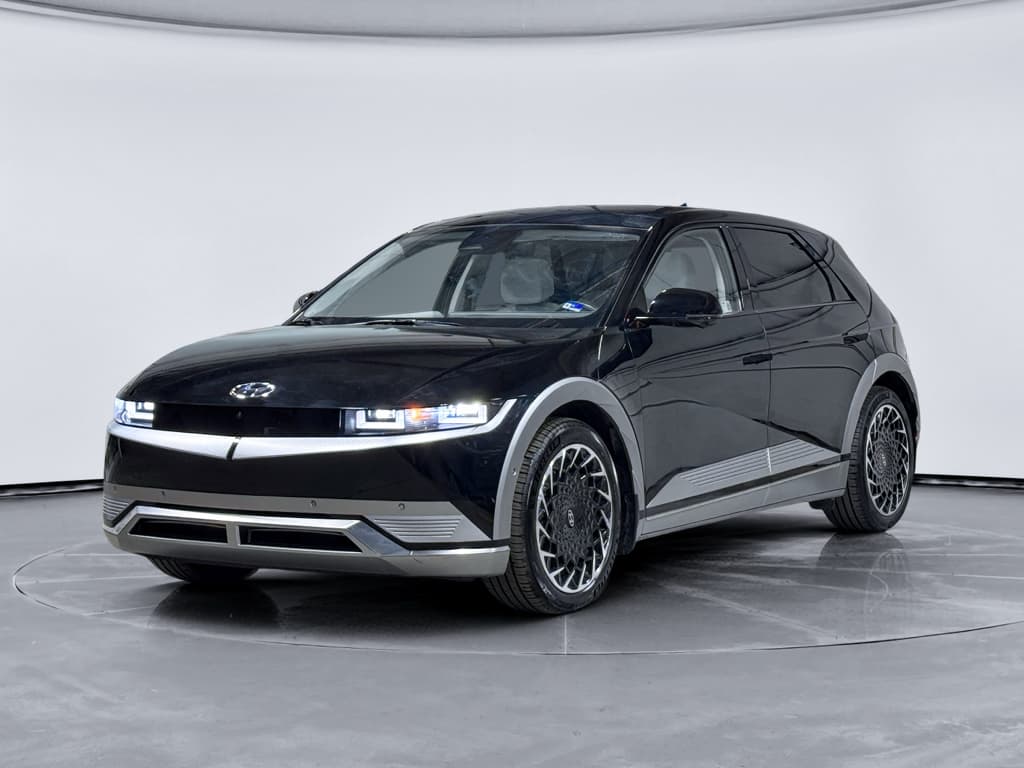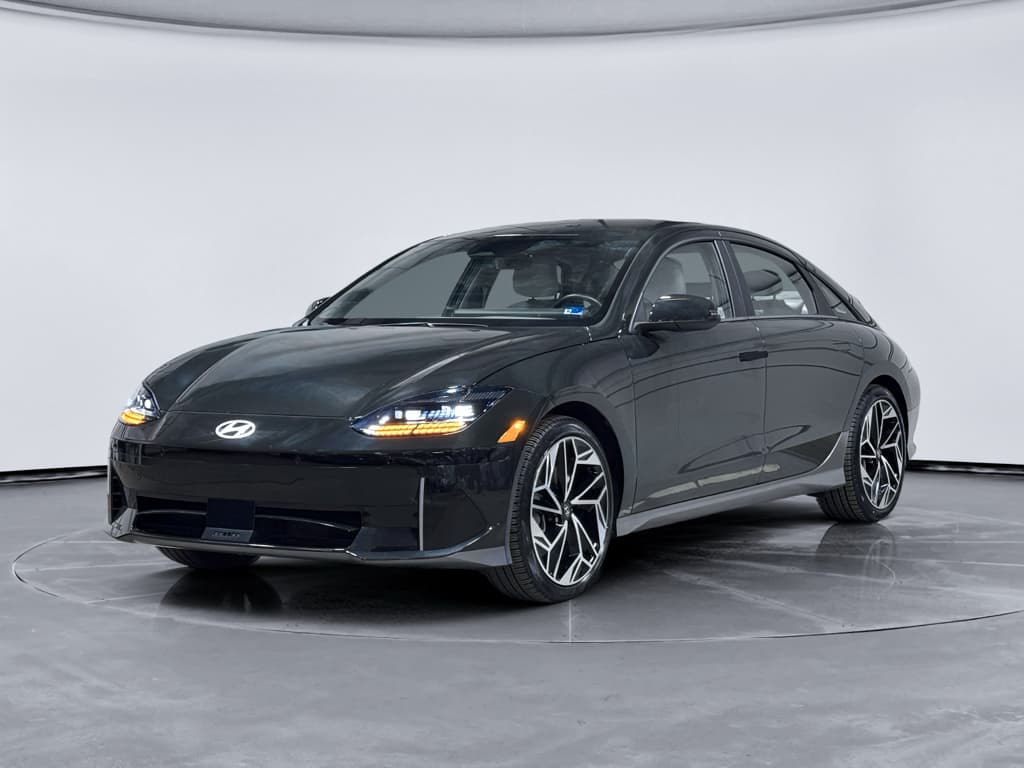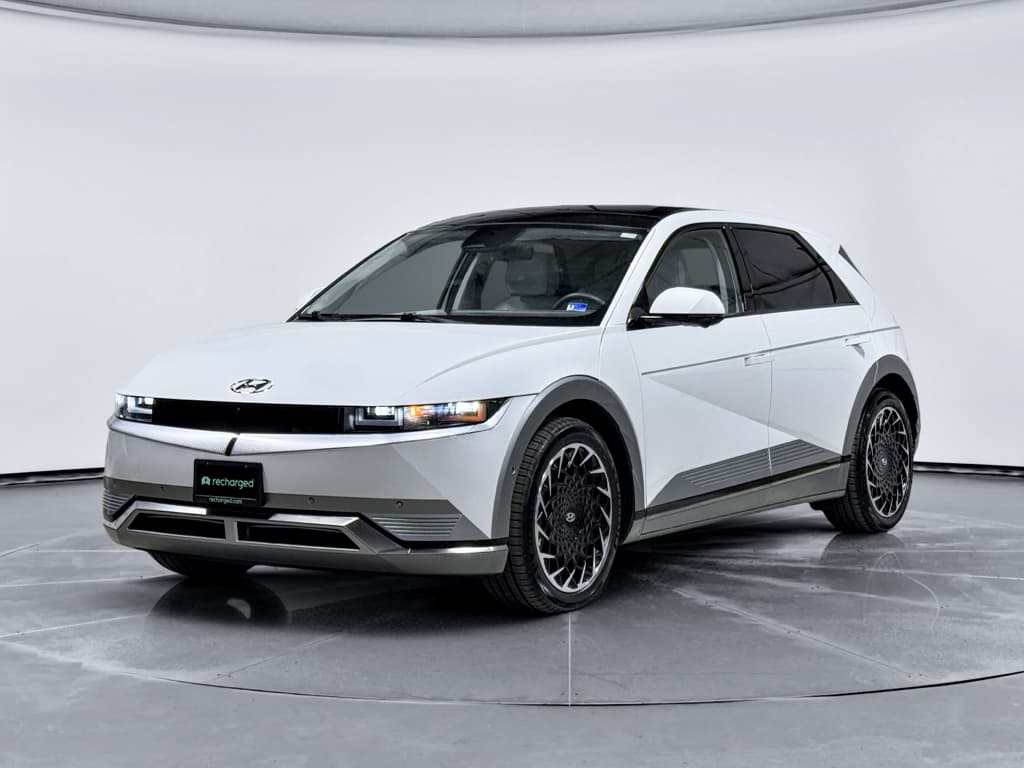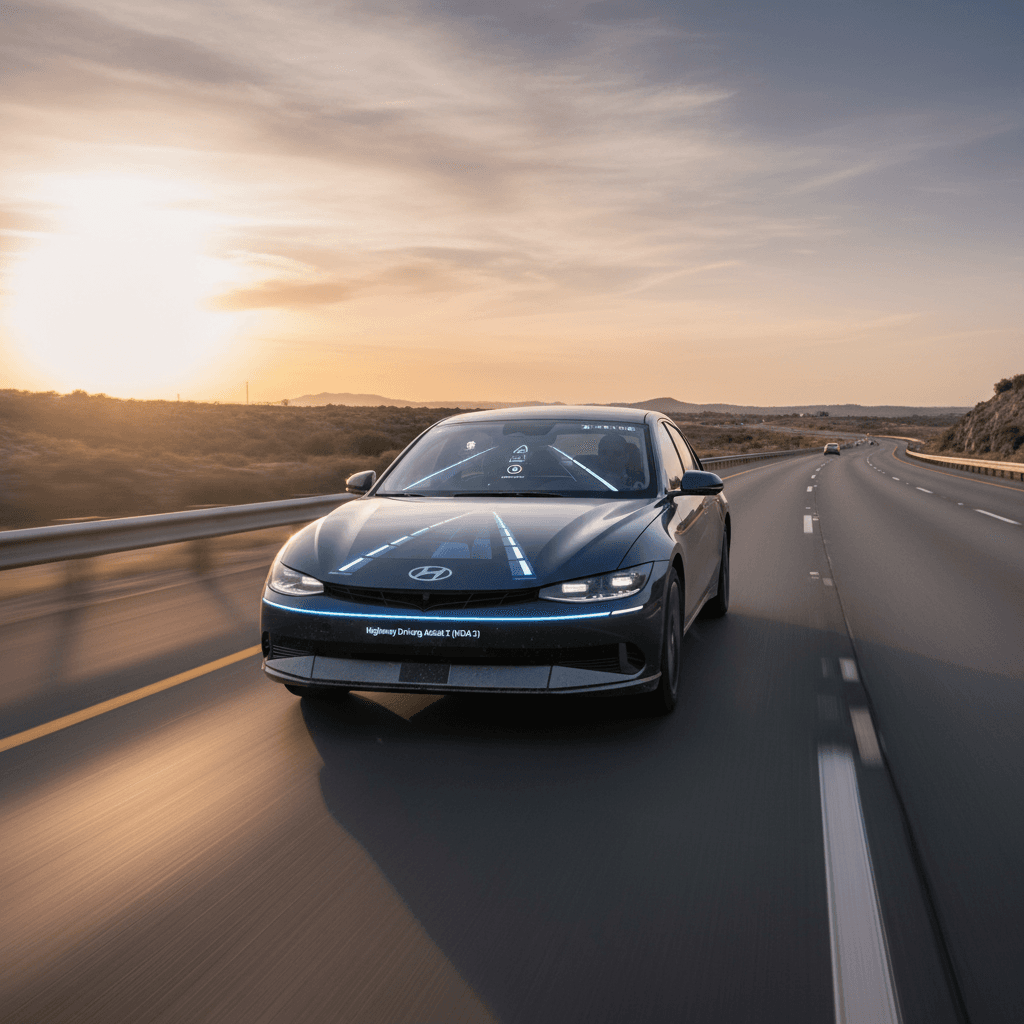
If you spend a lot of time on the highway, Hyundai’s Highway Driving Assist 2 (HDA 2) can take some of the grind out of long drives. It blends adaptive cruise control, lane-centering, and lane-change assist into one system designed to reduce fatigue, not to turn your Hyundai into a self-driving car.
Quick definition
What Is Hyundai Highway Driving Assist 2?
Under the Hyundai SmartSense umbrella, Highway Driving Assist 2 (HDA 2) is an evolution of the original Highway Driving Assist feature. Like HDA, it combines Smart Cruise Control (adaptive cruise with stop-and-go) and Lane Following Assist (lane centering) to keep a set distance from the car ahead and help keep you centered in your lane on divided highways. The “2” adds smarter lane positioning and lane-change assistance when you signal and the system judges it’s safe.
Hyundai, Kia, and Genesis all share this technology under various trim names. On Hyundai’s U.S. site, it’s listed as Highway Driving Assist 2 within SmartSense, described as maintaining speed and distance, centering the car in its lane, and providing lane-change assist when you activate the turn signal.
How HDA 2 Works: Core Features
Key functions of Hyundai Highway Driving Assist 2
What the system is designed to help with on the highway
Adaptive cruise with gap control
HDA 2 uses radar and cameras to maintain a set speed and a user-selected following distance from the vehicle ahead, even in stop‑and‑go traffic on the highway.
Lane centering & offset
The system applies gentle steering to help keep you centered in your lane. In some situations it can offset slightly within the lane to give space to vehicles drifting close to the lane line.
Assisted lane changes
On many newer models, when you hold the steering wheel and activate the turn signal, HDA 2 can assist with changing lanes if its sensors determine the adjacent lane is clear.
Sensor suite
HDA 2 draws on multiple sensors, typically a front radar, one or more forward cameras, and side or rear radar modules. These watch lane markings, traffic in front of you, and vehicles in adjacent lanes.
In newer Hyundai models, navigation data can also help HDA 2 anticipate curves or junctions and adjust speed more smoothly on approved, divided highways.
Driver monitoring
Because HDA 2 is classified as SAE Level 2, it requires continuous driver supervision. Steering-wheel torque sensors (and, in some markets, more advanced monitoring) check that you’re holding the wheel and paying attention.
If you ignore escalating alerts, the system can slow the vehicle and, in some applications, bring it to a controlled stop.
Not an autopilot
HDA vs HDA 2 vs higher-level systems
How Highway Driving Assist versions compare
A high-level look at how Hyundai’s various highway-assist systems stack up in capability.
| System | Hands-free? | Lane centering | Lane-change assist | Navigation-speed assist | Market availability (as of 2025) |
|---|---|---|---|---|---|
| Highway Driving Assist (HDA) | No | Yes | No | Limited or none | Widely available on Hyundai/Kia models |
| Highway Driving Assist 2 (HDA 2) | No | Yes, with lane offset | Yes, when you signal | Broader use of map data on newer models | Select Hyundai, Kia, Genesis trims in the U.S. |
| Highway Driving Assist 3 (HDA 3) | No (hands-on) | Enhanced | Enhanced | More advanced map integration | Primarily South Korea/limited markets |
| Highway Driving Pilot (HDP) | Some hands-off capability | Yes | Yes | Advanced | Not yet in U.S. passenger cars |
Features may vary by model year and market; always confirm details in the owner’s manual for your specific vehicle.
In U.S.-market vehicles today, HDA 2 is the top-tier Hyundai highway-assist system. It goes beyond basic HDA with automatic lane-change assistance, better lane-centering logic, and smarter behavior around other vehicles. It is still a hands-on system and doesn’t match the true hands-free zones offered by Ford BlueCruise or GM Super Cruise, but it provides meaningful help on long drives when used properly.
Which Hyundai and Kia models offer Highway Driving Assist 2?
Availability changes year by year, but if you’re shopping in 2025–2026, you’ll typically find HDA 2 on higher trims of newer Hyundai, Kia, and Genesis vehicles, especially larger crossovers and EVs. Examples commonly associated with HDA 2 (standard on some trims, optional on others) include:
- Hyundai: Select trims of recent Palisade, Santa Fe, Sonata, Elantra, Tucson, and dedicated EVs like the IONIQ 5/6 and larger IONIQ 9 as of the 2026 model year.
- Kia: Upper trims of models such as Telluride, Sorento, K5, Carnival, and EVs like EV6 and EV9, often bundled with premium driver-assistance packages.
- Genesis: Many mid‑ and upper‑trim G80, G90, and GV80 models feature HDA 2 or closely related systems as part of Genesis Highway Driving Assist.
Check the exact build
How to use Hyundai Highway Driving Assist 2 (step-by-step)
Step-by-step: Turning HDA 2 on and using it safely
1. Start on the right kind of road
HDA 2 is intended for <strong>divided highways with clear lane markings</strong>. Avoid using it on city streets, construction zones, or in poor visibility conditions such as heavy rain, snow, or dense fog.
2. Turn on Smart Cruise Control
Accelerate to your desired speed, then press the <strong>cruise control button</strong> on the steering wheel to activate Smart Cruise Control. Use the +/- controls to set your speed and the distance button to choose a following gap.
3. Engage Lane Following / HDA 2
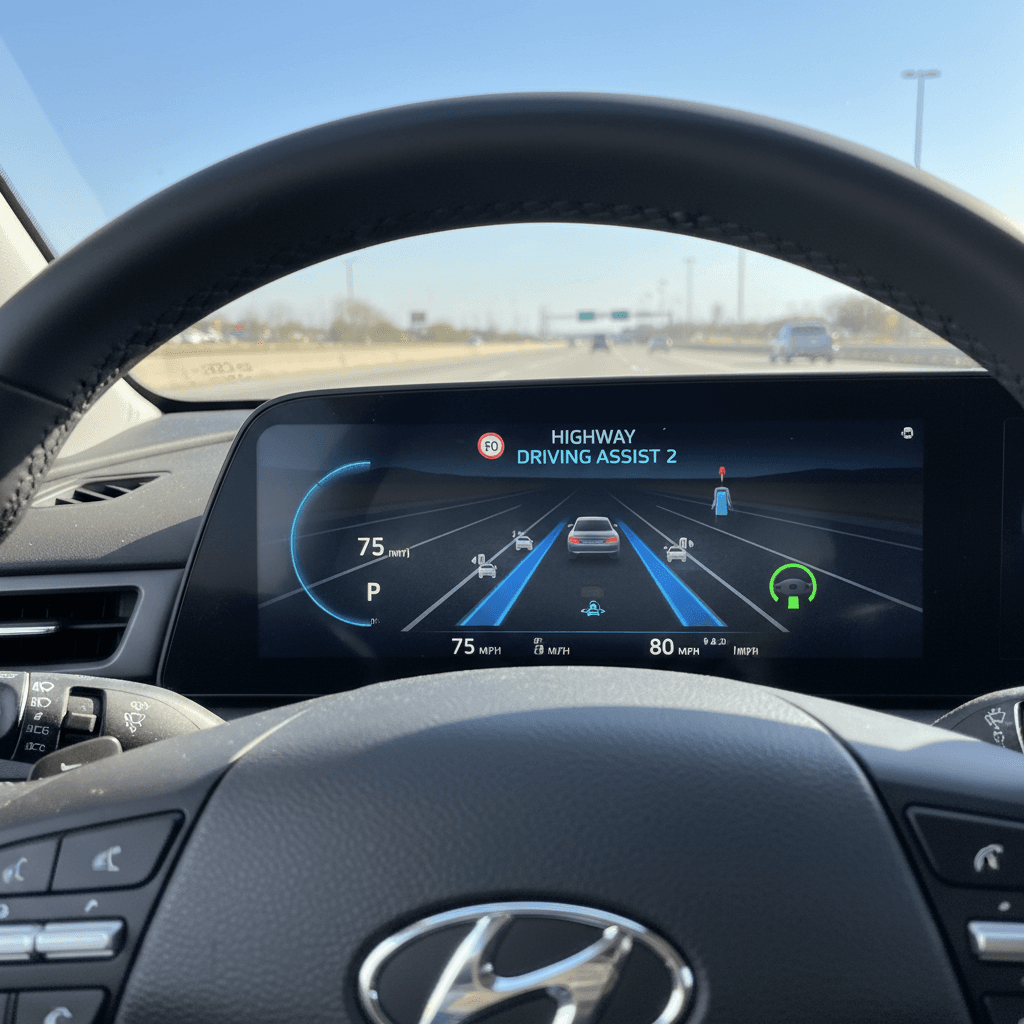
When the system detects lane lines, you’ll typically see a steering-wheel or lane icon in the cluster. Press the <strong>HDA or steering-assist button</strong> to enable Highway Driving Assist 2. The display will confirm when steering support is active.
4. Keep your hands on the wheel
Even with HDA 2 engaged, keep <strong>both hands lightly on the steering wheel</strong>. If you let go, the system will warn you and can eventually disengage or slow the vehicle if you ignore repeated alerts.
5. Use assisted lane changes
When traffic and markings allow, activate your <strong>turn signal</strong> in the direction you want to move. If HDA 2 judges that the adjacent lane is clear, it can assist with the lane change while you continue to supervise and be ready to intervene.
6. Be ready to take over instantly
If the system loses lane lines, encounters sharp curves, or detects conditions it can’t handle, it may beep and show a message. <strong>Immediately take full control</strong> of the steering and braking whenever you’re unsure what it’s doing.
Practice on a familiar route
Real-world benefits and limitations
Where HDA 2 shines, and where it struggles
Understanding both sides of the technology helps you use it wisely.
Everyday benefits
- Reduced fatigue on long highway commutes or road trips, especially in stop‑and‑go traffic.
- Smoother following distances than many human drivers manage, helping comfort and efficiency.
- Extra eyes on lane position and surrounding vehicles, which can back you up when your focus drifts.
Key limitations
- Performance depends heavily on clear lane markings and weather.
- Can be confused by construction zones, faded lines, or complex interchanges.
- Still requires full driver attention; misuse can be dangerous.
Know when to switch it off
Safety tips and common mistakes to avoid
- Don’t treat HDA 2 as self-driving. It’s an assistant, not a chauffeur. You’re still legally and practically responsible for everything the vehicle does.
- Avoid use in heavy rain, snow, or glare. Camera-based systems need to see lane lines; if you can’t see them clearly, neither can HDA 2.
- Keep sensors and windshield clean. Dirt or ice can block radar and camera views, leading to sudden disengagements or reduced performance.
- Watch for cut-ins. While HDA 2 can respond to vehicles merging ahead, it can’t predict every move. Be especially alert in dense traffic.
- Always confirm lane changes. Even when the system begins an assisted lane change, you must verify that the lane is clear and be ready to cancel if traffic conditions change suddenly.
Never do this
Shopping for a Hyundai or Kia with HDA 2 (new or used)
If you’re in the market for a Hyundai‑built vehicle, deciding whether to prioritize Highway Driving Assist 2 comes down to how much highway driving you do and how sensitive you are to fatigue. For many commuters and road‑trip fans, it becomes one of those features you don’t want to give up.
Checklist: Evaluating HDA 2 when you’re shopping
1. Confirm the exact system
Descriptions like “Highway Driving Assist,” “Lane Following Assist,” and “Smart Cruise Control” can blur together. Ask specifically whether the vehicle has <strong>Highway Driving Assist 2</strong>, not just HDA or basic lane-keeping.
2. Look at trim and packages
HDA 2 is often bundled with <strong>premium or technology packages</strong> on upper trims. On a used vehicle, confirm that those packages were actually added, not just mentioned in generic marketing copy.
3. Test it on the highway
On a thorough test drive, spend at least 10–15 minutes on a highway segment. Engage HDA 2, try a couple of assisted lane changes, and see how comfortable you feel with the system’s behavior.
4. Factor in long-term use
If you commute daily at highway speeds or take several long trips a year, HDA 2 may be worth paying extra for. If your driving is mostly in-town, you may prioritize other features instead.
5. For used EVs, check sensor health
On a used Hyundai EV, have a knowledgeable shop verify that <strong>cameras, radar sensors, and calibration</strong> are in good shape. A previous accident or windshield replacement can affect performance if not repaired correctly.
How Recharged can help
Ready to find your next EV?
Browse VehiclesHow Hyundai HDA 2 compares to rivals like BlueCruise and Autopilot
Where HDA 2 stands in today’s driver-assistance landscape
Versus Tesla Autopilot
- Both are Level 2 systems that handle steering and speed on highways.
- Hyundai tends to be more conservative about driver engagement prompts.
- Tesla offers more frequent over‑the‑air updates; Hyundai’s tuning evolves more with model years.
Versus Ford BlueCruise / GM Super Cruise
- BlueCruise and Super Cruise offer hands‑free zones on mapped highways, using driver‑monitoring cameras.
- HDA 2 requires hands on the wheel at all times, even where it works very well.
- Hyundai’s system is competitive on lane centering but lacks the true hands‑free convenience of those Level 2+ systems.
Versus Toyota, Nissan, Subaru systems
- HDA 2 is broadly comparable to Toyota Safety Sense, Nissan ProPILOT Assist, and Subaru EyeSight with lane-centering.
- Assisted lane change support on HDA 2 is a differentiator on some trims.
- Overall driving feel and smoothness vary more by calibration than raw capability.
FAQ: Hyundai Highway Driving Assist 2
Frequently asked questions about HDA 2
Bottom line: Is Highway Driving Assist 2 worth it?
For the right driver, Hyundai Highway Driving Assist 2 is absolutely worth seeking out. If your life involves long commutes or regular road trips, it can meaningfully reduce fatigue while adding an extra layer of safety, provided you treat it as an assistant and not a substitute for an attentive driver.
If you’re shopping used, especially for a Hyundai or Kia EV, it pays to compare trims carefully. At Recharged, every vehicle comes with a Recharged Score Report that makes features like HDA 2, battery health, and pricing transparency easy to understand. That way, you can decide whether paying a bit more for advanced driver assistance aligns with how, and how much, you actually drive.