If you’ve just bought your first EV, figuring out how to use an Electrify America charger can feel more intimidating than pumping gas ever did. The good news is that once you understand the steps, charging on this DC fast‑charging network is straightforward, and you’ll know how to avoid surprise fees and common headaches.
What is Electrify America?
Why Electrify America matters for EV drivers
Key reasons drivers rely on Electrify America
Especially useful if you don’t have home charging or you road‑trip often
Highway coverage
Fast charge speeds
App & tap‑to‑pay
Step 1: Check your EV and connector compatibility
Before you worry about apps or payment, make sure your EV can physically plug into an Electrify America charger. These are almost all DC fast chargers, not slow Level 2 units, so connector types matter.
- Most modern non‑Tesla EVs in the U.S. (Hyundai, Kia, Ford, VW, Mercedes‑Benz, BMW, Rivian and many others) use a CCS1 (Combined Charging System) DC fast‑charging port. This is fully compatible with Electrify America’s CCS cables.
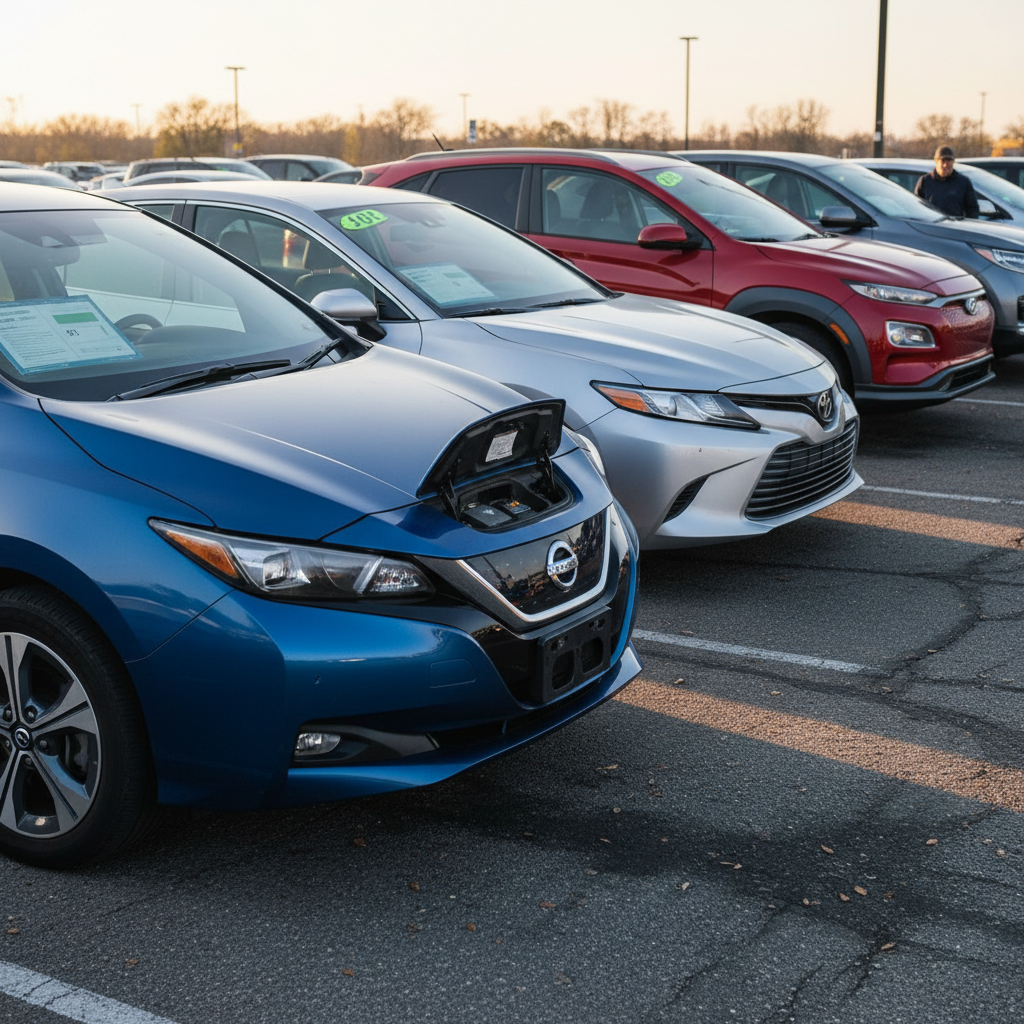
- Some older EVs like the Nissan LEAF use CHAdeMO. Electrify America has been phasing out CHAdeMO at many locations, so check the app to confirm a CHAdeMO plug is available before you drive there.
- Tesla vehicles can use Electrify America via a CCS1 adapter (if your Tesla supports it) or newer NACS‑to‑CCS adapters from automakers and third parties. Always confirm your adapter is rated for DC fast charging and supported by your vehicle.
Double‑check connector type before you drive
Quick compatibility checklist
Confirm your DC fast‑charging port
Open your charge port door and compare it to photos in your owner’s manual. Look for CCS1 (two large DC pins under a J1772‑style AC plug) or CHAdeMO on older cars.
Check your max DC charge rate
Knowing whether your EV peaks at 50 kW, 100 kW, or 240 kW will help you choose the right Electrify America stall and set realistic expectations for charge time.
Review adapter limitations
If you’re using a CCS or NACS adapter, confirm it supports <strong>DC fast charging at your car’s max rate</strong>, not just Level 2 AC charging.
Step 2: Set up the Electrify America app
You can start a charge directly from the charger screen using tap‑to‑pay, but using the Electrify America mobile app gives you more control, better visibility into pricing, and often lower costs through memberships or automaker‑bundled plans.
- Download the app from the Apple App Store or Google Play and create an account using your email.
- Add a payment method (credit/debit card or supported digital wallet). This is required even if you have free kilowatt‑hour promotions from your automaker, because idle fees or overages are billed separately.
- Choose a plan: the standard Pass plan has no monthly fee, while Pass+ typically offers roughly 25% lower per‑kWh pricing for a small monthly subscription. Run the math based on how often you DC fast charge.
- If your EV came with an Electrify America promo (for example, a certain number of free kWh or months), follow your automaker’s instructions to link that plan inside the app.
- If your car supports Plug&Charge with Electrify America, enable it in the app under your plan so that future sessions can start just by plugging in your vehicle.
Save time with Plug&Charge
Step 3: Find and choose the right Electrify America charger
Once your account is ready, you need to pick the right station and stall. Electrify America sites can have a mix of power levels and connector types, and the app makes it easier to see what’s available in real time.
What you can see in the Electrify America app
- Open the Electrify America app and allow location access so nearby stations appear on the map.
- Tap a station pin to open its detail page. Review:
- Connector types (CCS, CHAdeMO).
- Power levels (e.g., 150 kW vs. 350 kW).
- Current pricing and whether your plan or promo applies.
- Available vs. in‑use stalls and any reported issues.
- Consider your trip needs. For a quick highway stop from 10–60%, prefer a higher‑power stall (up to your vehicle’s max). For a top‑off near 80–90%, the benefit of 350 kW over 150 kW is usually small.
- Use your car’s navigation, Google Maps, Apple Maps, or Android Auto/CarPlay to route to the exact address. Some automaker nav systems can even pre‑condition the battery for faster DC charging when a fast‑charge station is set as the destination.
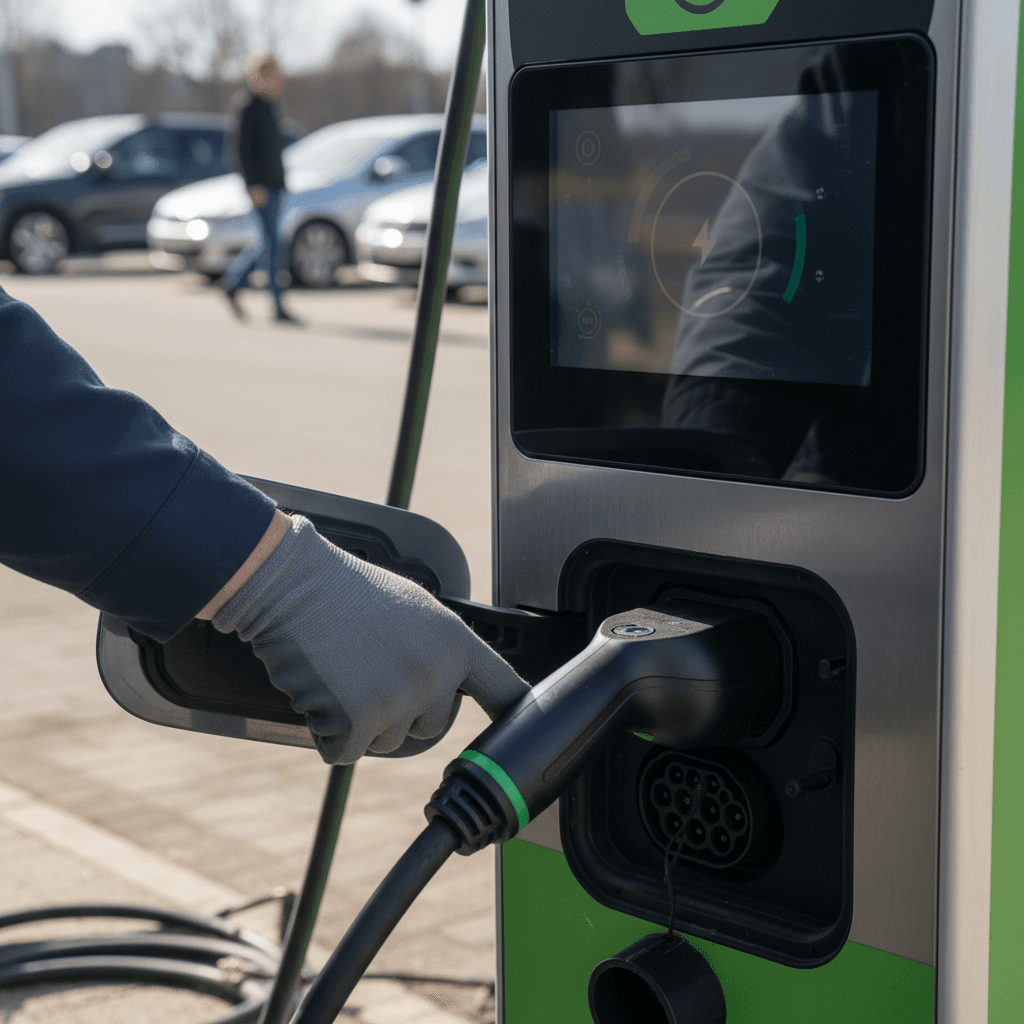
Step 4: How to start a charge at Electrify America
Here’s the core of how to use an Electrify America charger. You can start a session in several ways: through the app, via Plug&Charge, with a membership RFID card, or by using tap‑to‑pay at the charger.
A. Start from the Electrify America app
- Park so the cable comfortably reaches your charge port without stretching or blocking other stalls.
- Open the app, tap the station you’re at, and then select the charger number that matches the small ID number printed on the unit above the screen.
- Confirm your payment method or membership plan, then tap Start Charging in the app.
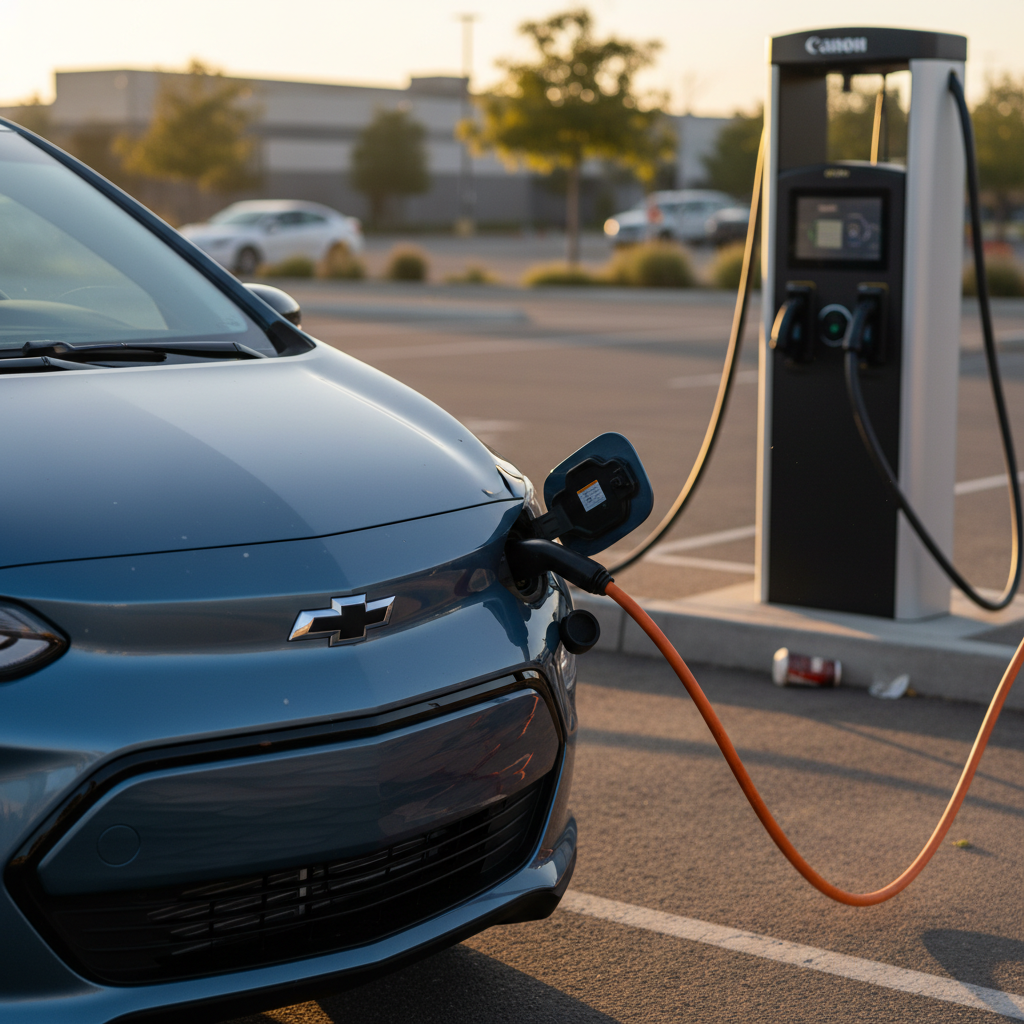
- When prompted on the charger screen, remove the connector using two hands, align it with your charge port, and firmly push until you hear and feel a click.
- Watch the charger screen and app. It can take 10–60 seconds for your car and the charger to handshake and ramp up to full power.
B. Plug in first, then start in the app or at the charger
- With your EV in Park, open the charge port door.
- Remove the CCS connector from the holster and plug it into your car until it latches.
- In the app, select the correct charger number and tap Start Charging — or follow the on‑screen prompts to start using tap‑to‑pay or your RFID card.
- Again, allow up to a minute for the car and charger to establish communication and begin delivering power.
- If the session errors out immediately, cancel, reseat the connector firmly, and try once more before switching stalls.
App vs tap‑to‑pay: which should you use?
Step 5: Monitoring, stopping, and unplugging safely
Once charging starts, you’ll see progress on both the charger screen and inside the app. This is where you decide how long to stay and when to unplug so you’re not wasting time, or battery health.
- Most EVs charge fastest between about 10% and 60–70%. Above that, your car intentionally tapers power to protect the battery.
- Use the charger screen or app to monitor current power (kW), energy delivered (kWh), cost, and state of charge.
- You can usually stop charging from the app, the charger screen, or the stop button in your car’s charging interface, use whichever is most convenient and reliable for your model.
- When you’re finished and the session has fully ended, press your car’s port release (if required), then firmly pull the connector straight out and return it to the holster.
- Check that the session shows as complete in the app with a final cost before you drive away. This also helps document any billing issues later.
Don’t sit on a finished fast‑charge
Understanding pricing, memberships, and idle fees
Electrify America pricing is station‑specific, and rates can vary meaningfully by state, utility, and even host site. Some states bill per kWh, others per minute based on power level. The exact price is always shown on the station’s screen, and usually in the app when you tap a location.
Electrify America pricing basics
Always verify current pricing on the charger screen or in the app before you start a session.
| Pricing Factor | What It Means | What You Should Do |
|---|---|---|
| Plan type | Pass (no fee) vs Pass+ (monthly fee with lower energy rates). | If you DC fast charge more than a few times a month, compare Pass+ savings to the subscription cost. |
| Billing method | Per kWh where allowed; per minute in some states or special sites. | Pay attention to how your car’s charging speed changes, per‑minute billing is more expensive if your charge rate tapers early. |
| Idle fees | Extra per‑minute charge once your session is finished and grace period (if any) ends. | Set an alarm or use app notifications so you can unplug as soon as you’re done. |
| Site‑specific pricing | Some host locations, like certain travel plazas, can set their own EA pricing and may not honor promos. | Always check the charger screen; don’t assume your free‑charging promo or Pass+ discount applies everywhere. |
Actual rates and idle fees vary by location, plan, and any site‑specific agreements (for example, certain travel plazas).
Promotions from automakers
Common Electrify America problems and how to fix them
Even experienced drivers occasionally struggle with public fast chargers, and Electrify America is no exception. The key is to have a simple troubleshooting playbook before you get frustrated on the road.
Quick fixes for common charging issues
Try these in order before you call support or give up on a station
Charger won’t start
- Confirm you selected the correct charger number in the app.
- Unplug, reseat the connector firmly until it clicks, then restart the session.
- Try the opposite sequence: plug in first, then start in the app, or vice versa.
- If it still fails, move to another stall at the same site.
Slow charging speed
- Check your current state of charge, above ~70–80%, tapering is normal.
- Battery may be cold or hot; speeds will improve once it’s in its ideal temperature range.
- Make sure you’re on the highest‑power stall your EV can use (150 vs 350 kW).
- Compare your rate to your EV’s published max DC charge power; you may already be near its limit.
Payment or billing errors
- Verify your card hasn’t expired and that your billing address matches your bank record.
- Refresh the app and check Charge History for the final session details.
- If something looks off, save a screenshot and contact Electrify America support with station ID, time, and your receipt.
App glitches or stuck sessions
- Force‑quit and reopen the app, or log out and back in.
- If the app shows a session as active but you’re not plugged in, call support so they can close it on their end.
- In a pinch, you can often start a new charge using tap‑to‑pay at the charger instead of the app.
Keep the support number handy
Battery health: fast‑charging best practices
DC fast charging is a powerful tool, but like anything powerful, you want to use it wisely. Occasional fast‑charging on Electrify America won’t ruin a modern EV battery, but smart habits will help preserve range and resale value over time.
Fast‑charging do’s and don’ts
Use fast charging for road trips, not every day
Where possible, rely on home or workplace Level 2 charging for routine use, and save Electrify America DC fast charging for long drives or when you’re genuinely low.
Stay in the mid‑range when you can
Charging from <strong>10–60% or 15–70%</strong> is usually fastest and easiest on the battery. Topping to 90–100% at a DC fast charger should be reserved for when you need every mile.
Let your car manage the charge curve
Modern EVs automatically reduce power at high states of charge or extreme temperatures. Don’t fight it, this is how they protect the battery.
Pre‑condition when available
Many EVs can warm or cool the battery before a fast‑charge stop if you set the Electrify America station as your nav destination, improving both speed and consistency.
Avoid long sits at 100% when hot
If you must charge to 100% on a hot day, try to begin driving soon afterward rather than letting the car sit full in direct sun for hours.
How Recharged can help you go electric confidently
If you’re reading a guide on how to use an Electrify America charger, there’s a good chance you’re either shopping for your first EV or trying to decide whether a used EV makes sense for your lifestyle. That’s exactly where Recharged comes in.
Know your battery before you buy
Every used EV sold through Recharged comes with a Recharged Score Report. That means verified battery health, real‑world range estimates, and transparent market pricing—critical if you plan to rely on DC fast charging during road trips.
You’ll see how the car has been used, how its current capacity compares to when it was new, and what that means for fast‑charging performance on networks like Electrify America.
End‑to‑end EV help, not just a listing
Recharged offers financing, trade‑in options, instant offers or consignment, and nationwide delivery, all guided by EV specialists who understand real‑world charging. You can do the entire purchase digitally or visit the Recharged Experience Center in Richmond, VA.
If you’re unsure which used EV will fit your charging reality—home, workplace, Electrify America, or Tesla Superchargers—Recharged advisors can help you compare options before you commit.
Electrify America charging FAQ
Frequently asked questions about using Electrify America chargers
Once you’ve done it a time or two, using an Electrify America charger is no more complicated than swiping a card at a gas pump, just quieter, cleaner, and usually cheaper per mile. Set up the app, learn how your specific EV behaves at different states of charge, and always arrive with a backup option in mind. If you’re still shopping for the right EV for your charging reality, Recharged can help you compare used options with verified battery health so your next road trip stop at Electrify America is predictable instead of stressful.