If you’re wondering how to check a used Tesla before buying, you’re already ahead of most shoppers. Teslas hold their value well, their batteries age more slowly than many people fear, and software features can add thousands of dollars in value, but only if you know what you’re looking at. This guide walks you step‑by‑step through everything to inspect so you don’t inherit someone else’s problems.
Good news for used Tesla shoppers
Why checking a used Tesla is different from a gas car
What matters most on a used Tesla
- Battery health and capacity instead of engine compression or oil leaks.
- Software and options (Autopilot, FSD, Premium Connectivity) that stay with or leave the car.
- Charging history, heavy Supercharger use or poor charging habits can accelerate wear.
- Warranty status on the battery and drive unit, often 8 years from original in‑service date.
What matters less than on a gas car
- No engine, transmission, or exhaust to fail, fewer fluids and moving parts.
- Brake wear is often low thanks to regenerative braking.
- Routine maintenance is cheaper, but out‑of‑warranty electronics and body work can be pricey.
- Range and charging convenience matter more than minor cosmetic issues for many buyers.
Tesla battery longevity at a glance (2025 data)
Fast checklist: how to check a used Tesla before buying
10‑step used Tesla inspection game plan
1. Confirm exact trim and options
Use the VIN and on‑screen menus to verify whether it’s Standard Range, Long Range, or Performance, and which Autopilot/FSD features are actually enabled.
2. Get a real battery health report
Ask for a recent battery State of Health report or diagnostic from Tesla or a third‑party service. Avoid cars where the seller refuses to share this.
3. Check odometer and charging habits
High miles aren’t a dealbreaker, but daily Supercharging or letting the car sit at 0% or 100% often is. Ask direct questions about how it was charged.
4. Verify software version and connectivity
On the center screen, check that software updates are current and note whether Premium Connectivity is active or trial‑only.
5. Confirm Autopilot/FSD status
In the Autopilot menu, confirm whether Basic Autopilot, Enhanced Autopilot, or Full Self‑Driving Capability is actually purchased and active.
6. Inspect for accident and paint repair
Review a Carfax/AutoCheck, then visually check panel gaps, overspray, windshield, cameras, and radar for signs of prior damage.
7. Review service and warranty history
Ask for Tesla service records and check remaining battery and drive‑unit warranty based on in‑service date and mileage.
8. Inspect tires, brakes, and suspension
Look for uneven wear, curb rash on wheels, suspension noise, and any alerts on the instrument cluster.
9. Do a full road test
Test acceleration, braking, Autopilot, HVAC, audio, and charging behavior (if possible) to surface hidden issues.
10. Compare price to market value
Cross‑check the ask price against similar year/mileage Teslas and factor in battery health, options, and warranty. Use tools or marketplaces like <strong>Recharged</strong> for transparent pricing and battery data.
Battery health: the number one thing to check on a used Tesla
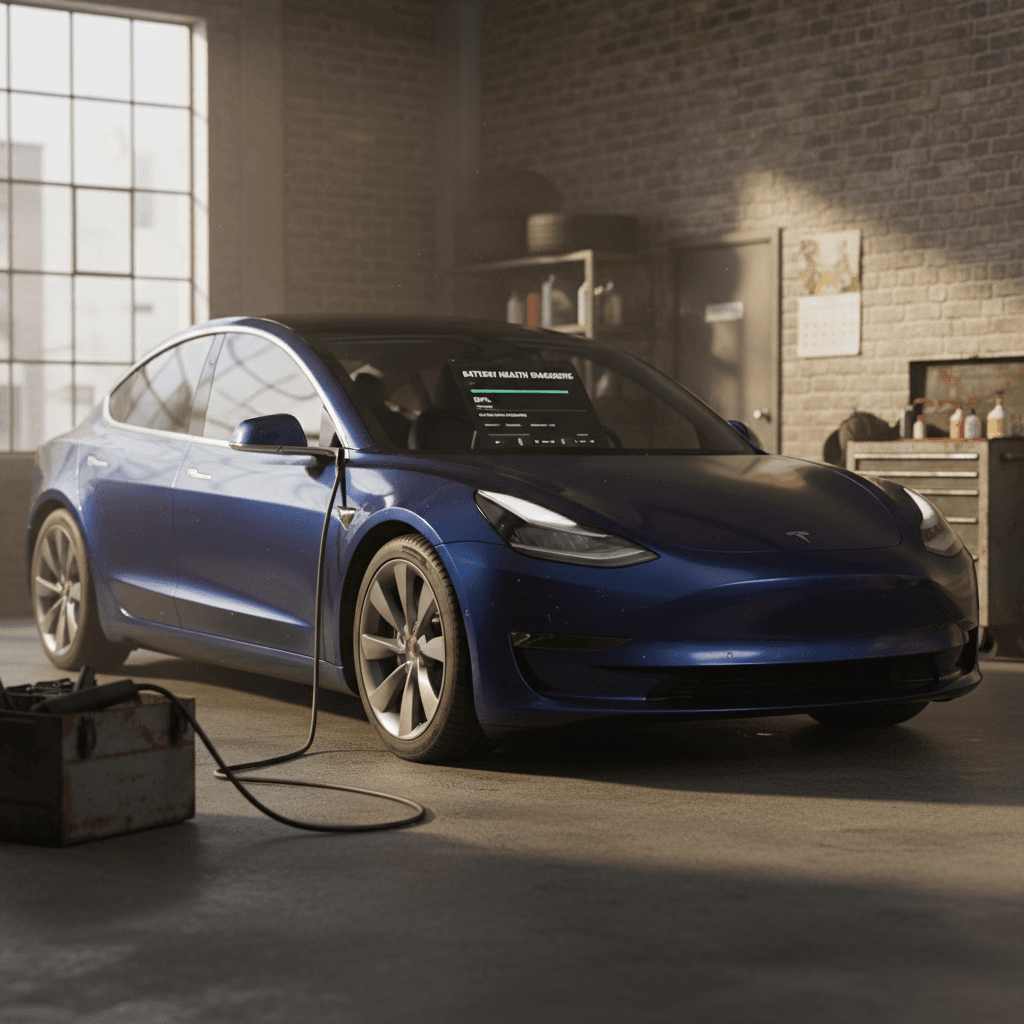
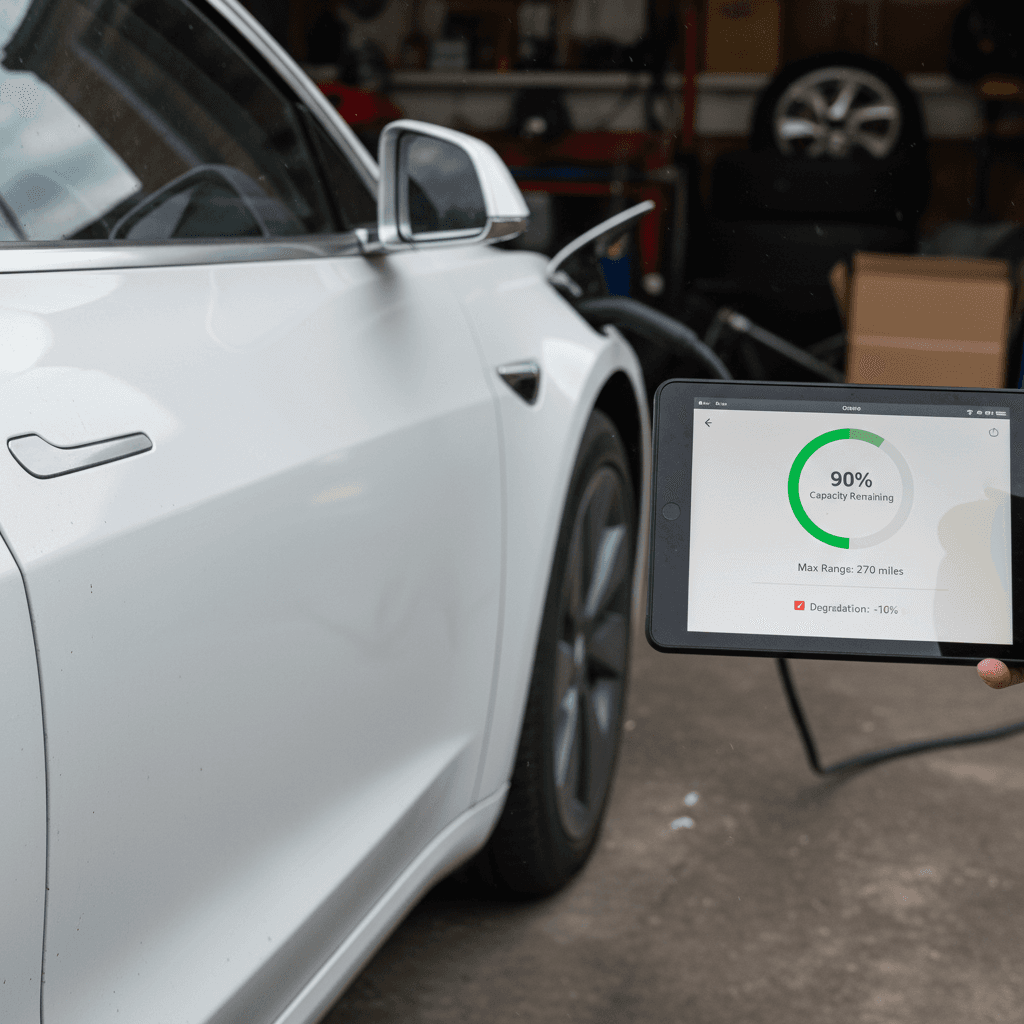
On a used Tesla, battery health is the new engine condition. Replacement packs can cost $7,000–$13,500 for Model 3/Y and even more for Model S/X, so you need more than a gut feel. The good news is that most Tesla packs degrade slowly; the bad news is that it’s hard to judge by mileage alone. You want objective data.
Three ways to evaluate used Tesla battery health
Stack these methods for the clearest picture
1. Range at 100% charge
Ask the seller to show the car at or near 100% charge and note the estimated range on the main screen.
- Compare it to the original EPA range for that trim.
- A 2019 Model 3 LR (310–322 mi original) showing ~280–290 mi is typically in a normal range.
- Numbers that are 25%+ below spec can be a red flag.
2. In‑car energy screen
On the Energy or Trips screen, look at recent efficiency (Wh/mi) and projected range.
- Very high Wh/mi can point to aggressive driving, bad tires, or weather, but may also hide degraded capacity.
- Compare different trip lengths for consistency.
3. Professional battery report
The gold standard is a verified battery State of Health (SoH) report.
- Tesla can provide service‑center diagnostics in some cases.
- Third‑party tools and marketplaces (including the Recharged Score) use pack data to estimate SoH.
- Walk away if no one will share any battery data.
What’s “normal” degradation?
- Check that the battery charges normally without error messages.
- Look for alerts about “battery cooling” or “reduced power” on the dash, these can hint at thermal or pack issues.
- Ask directly about any prior battery or drive‑unit replacements; they’re not necessarily bad but should be documented.
Software, Autopilot, and paid features that affect value
A used Tesla is part car, part software product. Two identical‑looking cars can differ by thousands of dollars in value based purely on which software‑locked features are active. Never assume options based on badges or seller descriptions, verify everything on the screen.
Key Tesla software and feature checks
Use this table to verify what’s actually enabled on the car you’re considering.
| Feature | Where to check | Why it matters | What to watch for |
|---|---|---|---|
| Basic Autopilot | Autopilot settings menu | Standard on most newer Teslas; traffic‑aware cruise and lane keeping. | If missing on an older car, value should be lower than comparable cars that have it. |
| Enhanced Autopilot | Autopilot settings | Adds automatic lane changes, Navigate on Autopilot, and more. | More valuable than Basic Autopilot but less than FSD, don’t pay FSD prices for EAP. |
| Full Self‑Driving (FSD) Capability | Autopilot / Upgrades screen | Historically cost $6,000–$15,000 and stays with the car when sold. | Confirm FSD shows as “Included” or “Installed,” not just “Available to purchase.” |
| Premium Connectivity | Software → Additional vehicle information | LTE streaming, satellite view maps, live traffic. | It’s a subscription; a free trial ending soon shouldn’t justify a big price premium. |
| Acceleration / Boost upgrades | Upgrades / software menu | Some Model 3/Y have paid acceleration boosts. | Nice‑to‑have, but make sure the price premium is reasonable. |
| Free unlimited Supercharging (legacy S/X) | Tesla account or vehicle info screen | Very rare and highly valuable on older Model S/X. | Confirm it is explicitly labeled as “free unlimited Supercharging for life of vehicle,” not just temporary. |
Feature availability can change over time; always confirm on the vehicle’s software menus.
Beware of account‑level features
Supercharging: access, history, and hidden risks
Supercharging is one of Tesla’s biggest advantages, especially for road‑trippers. On a used Tesla you want to confirm two things: that Supercharging access is active, and that the car hasn’t been abused with constant DC fast charging that could accelerate wear.
Supercharging checks before buying
Access is valuable, overuse can be a red flag
Confirm Supercharging access
- Ask the seller to plug in at a Supercharger or show recent Supercharger sessions in the Tesla app.
- Make sure the car starts charging normally and authorizes payment.
- If access is disabled (rare), you’ll see errors or blocked sessions.
Ask about charging habits
- Ideal: home or workplace Level 2 charging with only occasional Supercharging on trips.
- Less ideal: daily use of Superchargers for local driving.
- Combine this info with the battery health report to judge risk.
What about non‑Tesla charging?
Accidents, service history, and remaining warranty
Like any used car, a Tesla can hide prior accident damage or incomplete repairs. But with so many cameras, sensors, and aluminum body panels, sloppy work is more likely to affect how the car drives and how its driver‑assist systems perform. Pair a report with a careful in‑person inspection.
- Pull a Carfax or AutoCheck report for accidents, title issues, or odometer discrepancies.
- Walk the car and look at panel gaps, paint texture, and any overspray in door jambs or under the hood.
- Check that all cameras are clean, matched in color, and mounted straight, misaligned cameras can break Autopilot.
- Look for warning lights on the dash: airbag, ABS, Autopilot or safety system errors.
- Test every door handle, window, mirror, seat function, and wiper setting; Tesla parts and labor are not cheap.
- Ask for Tesla service invoices or a PDF history export from the owner’s Tesla account, if available.
Don’t ignore salvage or branded titles
Typical Tesla warranty coverage on a used car
Always verify with VIN and in‑service date
Battery & drive unit
- Most Model 3/Y: 8 years / 100,000–120,000 miles to at least 70% capacity.
- Most Model S/X: 8 years / ~150,000 miles.
- Check the in‑service date; a 2018 car could be near the end of this coverage in 2025.
Basic vehicle warranty
- Typically 4 years / 50,000 miles from new.
- Most used Teslas older than 4 years will be out of basic warranty but may still have battery/drive‑unit coverage.
- Use remaining warranty as a pricing lever, more coverage supports a higher price, and vice versa.
Physical inspection and road test on a used Tesla
What to test‑drive and inspect on a used Tesla
1. Start‑up and instrument cluster
When you press the brake and shift into Drive, the car should wake up quickly with no error messages. Note any warnings about battery, Autopilot, airbag, or tire pressure.
2. Low‑speed maneuvering
In a parking lot, listen for clunks or pops from the suspension, steering, or half‑shafts. These can indicate worn components that are expensive to chase down.
3. Highway behavior
On a safe stretch of road, check for straight tracking, wind noise, and vibration. Try a full‑throttle acceleration once to confirm power delivery feels consistent and smooth.
4. Autopilot test (if equipped)
Engage Autopilot where legal. The car should maintain lane position without ping‑ponging, and prompts to apply torque to the wheel should feel normal. Any “Autopilot limited” messages deserve investigation.
5. HVAC and comfort
Test heating, cooling, heated seats, steering wheel heater, and defrost. HVAC repairs on EVs can be surprisingly expensive, especially if refrigerant or heat pump parts are involved.
6. Charging test (if possible)
Even a short Level 2 or Supercharger session can reveal charging errors. If you can’t test in person, ask for screenshots or app logs of recent charging sessions.
Pricing, depreciation, and resale value
By 2025, used Tesla prices have cooled from their pandemic peak but remain stronger than many other EVs. The trick is understanding how battery health, options, and trim should move the number up or down compared with similar listings.
Factors that justify a higher price
- Above‑average battery health (for example, 90%+ capacity at 80,000–100,000 miles).
- Desirable options: Long Range or Performance trim, FSD or Enhanced Autopilot, premium audio, tow package.
- Clean history: no accidents, no paintwork, one‑owner vehicle with documented service.
- Remaining battery and drive‑unit warranty with several years and tens of thousands of miles left.
Factors that should lower the price
- Below‑average battery health or unclear battery history.
- Missing or removed features the listing promises (e.g., FSD not actually active).
- Accident history, structural repairs, or multiple panels repainted.
- Heavily worn tires, curb‑rashed wheels, noisy suspension, or cracked glass.
Use real‑world ranges, not just stickers
How Recharged simplifies buying a used Tesla
Doing all of this homework on your own can be time‑consuming, and most private sellers can’t give you deep battery data even if they want to. That’s where platforms built specifically for used EVs, like Recharged, change the game.
What you get with a used Tesla from Recharged
Built around battery health and transparency
Recharged Score battery report
Fair pricing & financing
Nationwide, EV‑savvy support
Ready to find your next EV?
Browse VehiclesFrequently asked questions about checking a used Tesla
Used Tesla inspection FAQ
Bottom line: how to walk away confident
A used Tesla can be one of the safest bets in the EV market, if you treat battery health, software, and history with the same seriousness a mechanic gives to engines and transmissions on gas cars. Verify the pack’s condition, confirm which features are really active, dig into accident and service records, and price the car against similar listings with those facts in hand.
If that sounds like a lot to juggle, you don’t have to go it alone. Marketplaces like Recharged bake battery diagnostics, transparent pricing, and EV‑specialist support into every listing, so you can choose a used Tesla based on clear data instead of guesswork. Whether you buy through a platform or privately, using the checklist in this guide will help you spot the winners, avoid the problem cars, and drive away confident in your decision.