If you own, or are shopping for, a Rivian R1T, figuring out how to charge your R1T at home is just as important as choosing battery size or wheels. The truck’s big battery and 11.5 kW onboard AC charger reward owners who set up the right home solution, but you don’t have to overcomplicate it. Let’s walk through the options, wiring, costs, and day‑to‑day routine so your R1T is topped up every morning without drama.
Key takeaway
Rivian R1T home charging basics
Every R1T is built with an 11.5 kW onboard AC charger. That number is the ceiling for how fast the truck can take power from any Level 2 home charger. Actual speed depends on the charger’s amperage and your home wiring, but in broad strokes you have two choices at home: slow and simple (Level 1, 120V) or fast and convenient (Level 2, 240V).
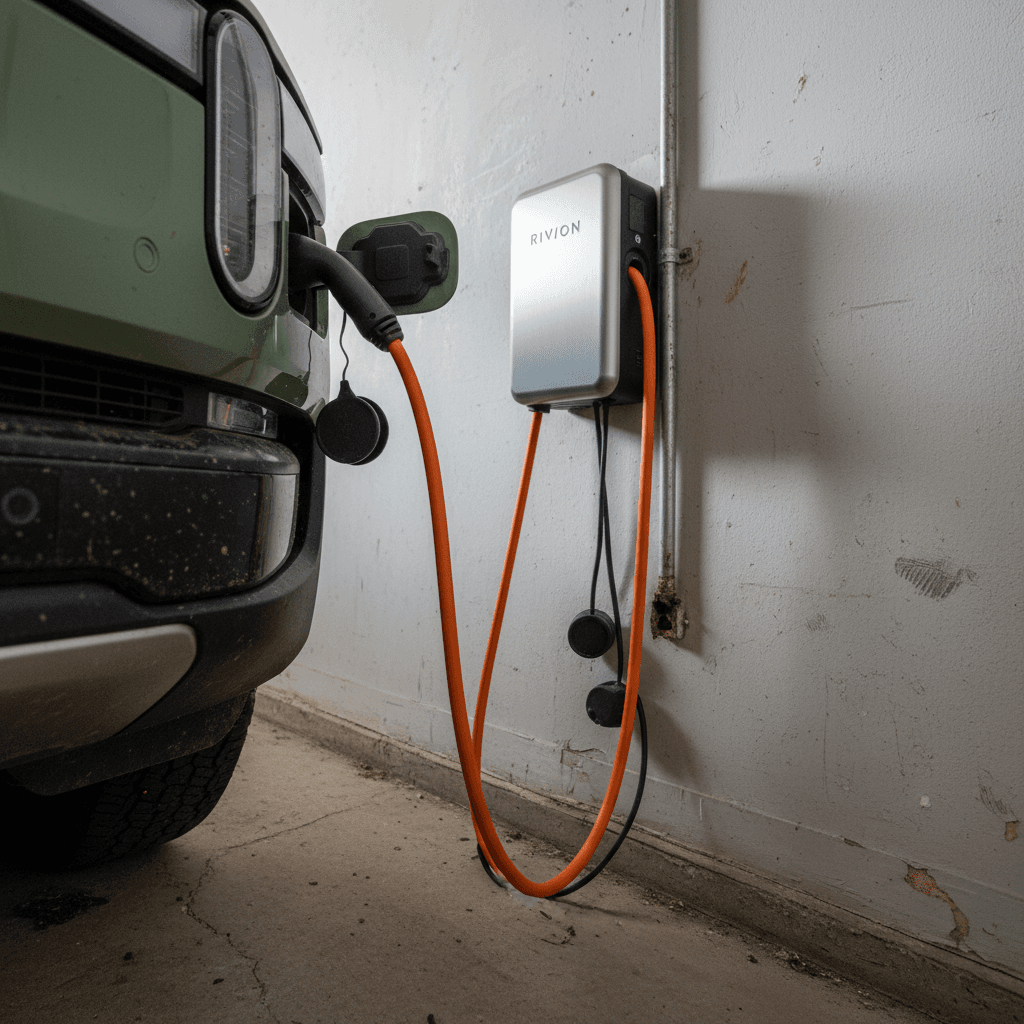
- Connector standard: Recent R1T models in North America are moving to NACS (Tesla‑style) ports; earlier trucks use CCS/J1772 for AC. Your home charger simply needs a plug that matches your truck, or an adapter Rivian approves.
- Onboard AC limit: 11.5 kW. There’s no point installing more than a 48‑amp (on 60‑amp breaker) Level 2 charger, because the truck can’t pull more than that on AC.
- Charging behavior: The R1T is happiest when you plug in often and let it manage the battery state of charge in the background. Think of it like your phone: plug in when you’re home and don’t worry about hitting 100% every night.
2026+ buyers: check for a portable charger
Level 1 vs. Level 2: Which home charging speed do you need?
Level 1: 120V standard outlet
Level 1 uses the same household outlet you’d plug a lamp into. It typically adds 2–4 miles of range per hour on a large‑battery truck like the R1T. That can work if you drive very little, say 10–20 miles per day, and have all night (or all weekend) to recover miles.
- Best for apartment/condo situations with no 240V option.
- Useful as a backup when traveling.
- Very low hardware cost but very slow.
Level 2: 240V dedicated circuit
Level 2 uses a 240V circuit, similar to an electric dryer or range, and can deliver 20–35+ miles of range per hour, depending on amperage and battery pack. That means you can arrive home nearly empty and still be ready to go by morning.
- Ideal for most R1T owners, especially with longer commutes or towing.
- Requires a dedicated breaker and, often, an electrician visit.
- Higher upfront cost, but dramatically more convenient long‑term.
Rule of thumb
Home charging equipment options for your R1T
Three common home charging setups for R1T owners
Pick the one that matches your driving and your electrical panel, not your neighbors’ Instagram feed.
1. Portable (mobile) charger
A portable charger plugs into an outlet and then into your truck. Earlier R1Ts shipped with one; newer builds may require you to buy it separately.
- Can support 120V and 240V (NEMA 14‑50) if you have the right outlet.
- Flexible, take it on trips or between homes.
- Limited to lower amperage (often 32A), but that’s plenty for many owners.
2. Hard‑wired wall charger
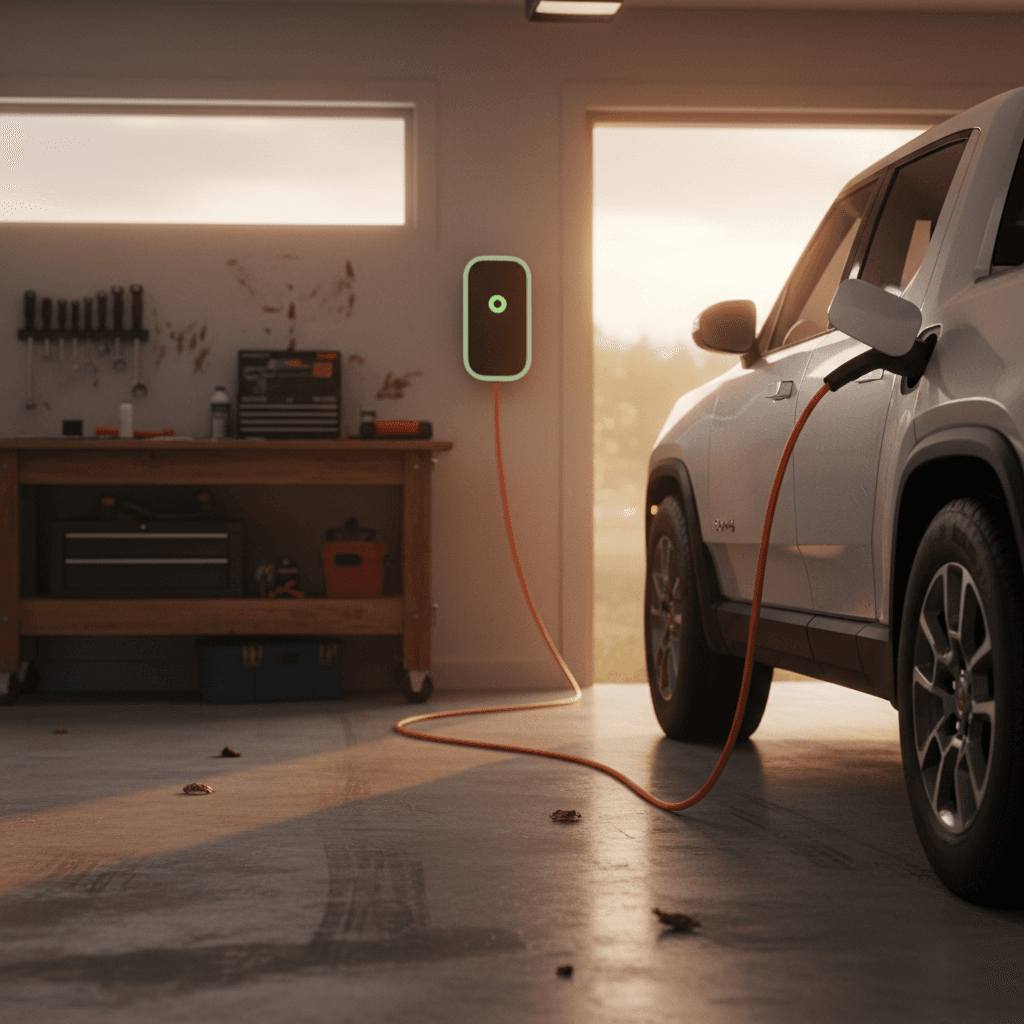
A wall‑mounted Level 2 charger (like Rivian’s Wall Charger) is wired directly to a dedicated 240V circuit, often at 40–48 amps.
- Cleanest look and easiest daily use, leave the cable hanging, plug in and walk away.
- Typically offers Wi‑Fi/app control and scheduled charging.
- Higher installation cost, but fully uses the R1T’s 11.5 kW AC capability.
3. 240V outlet + plug‑in Level 2
Instead of hard‑wiring a charger, an electrician can install a NEMA 14‑50 or 6‑50 outlet and you plug a compatible Level 2 unit into it.
- Gives you flexibility to upgrade or move the charger later.
- Still requires a dedicated 240V circuit sized for the charger.
- Make sure the charger’s plug and the outlet type match.
NACS vs. CCS/J1772 at home
Electrical requirements and panel checklist
Before you order a high‑powered wall unit, you need to know what your home’s electrical system can safely support. The R1T doesn’t care whether your charger is 32 amps or 48 amps, it will just pull what’s available up to 11.5 kW, but your panel and wiring definitely care.
Home electrical checklist for R1T charging
1. Find your main panel rating
Open the panel door and look for the main breaker. Many U.S. homes are 100A or 200A. If you’re at 100A and already have electric heat, range, and dryer, you may not have headroom for a 48A charger without a panel upgrade.
2. Decide your target charger size
Common home setups are 32A (on a 40A breaker) or 40–48A (on 50–60A breakers). A 32A Level 2 still adds healthy range overnight; 48A gets you closest to the R1T’s 11.5 kW potential.
3. Plan the charger location
Shorter runs of wire cost less and waste less power. Ideally, place the charger near where the R1T’s charge port sits when you back into the garage or driveway. Check cable length on the unit you’re considering.
4. Get a licensed electrician quote
For any 240V work, especially outdoors or in older homes, hire a licensed electrician. Ask for a written quote that includes permits, materials, and any trenching or conduit work.
5. Ask about load management options
If your panel is marginal, an electrician may suggest load‑sharing devices or smart panels instead of a full service upgrade. Those can let your EV charger back off automatically if the house is using a lot of power.
Safety first
Step-by-step: how to charge your Rivian R1T at home
- 1. Set your charge target in the Rivian app or in‑truck menu. For daily use, many owners pick 70–80% as their everyday limit and raise it before road trips.
- 2. Park where the cable naturally reaches the charge port. On the R1T, the charge port is on the front left fender. Backing into your space usually makes life easier.
- 3. Make sure the outlet or wall unit is ready. For a wall charger, that means the breaker is on and any status lights are normal. For a portable unit, confirm the plug is fully seated in the outlet and the cord is not coiled tightly.
- 4. Plug the connector into the R1T. Line up the connector with the port, insert it firmly, and wait a second. You should see the charge indicator ring light up to show it’s communicating and then charging.
- 5. Confirm charging in the Rivian app. Within a few seconds, check the app or the in‑truck screen to verify charge rate (kW) and estimated time to your target state of charge.
- 6. Let the truck manage the rest. The R1T will automatically taper charging near the top of the pack and stop at your preset target. You don’t have to unplug it exactly at that moment, it’s fine to leave it connected overnight.
- 7. Unplug before you drive. In the morning, tap the button on the connector (if equipped) or unlock the truck, remove the plug, and stow the cable so you don’t drive over it.
Make it seamless
How long does it take to charge a Rivian R1T at home?
Exact times depend on your battery pack (Standard, Large, or Max), your starting state of charge, temperature, and charger amperage. But we can put some practical brackets around what to expect with typical U.S. home setups.
Approximate Rivian R1T home charging times
Rough estimates from near empty to about 80–90% in mild weather. Your results will vary, but this gives you a planning baseline.
| Home setup | Power to truck | Approx. miles added per hour | Near‑empty to ~80–90% |
|---|---|---|---|
| Level 1, 120V, 12A | ~1.4 kW | 2–4 mi/hr | 2+ days on a large pack |
| Level 2, 240V, 32A | ~7.7 kW | 15–22 mi/hr | 10–14 hours |
| Level 2, 240V, 40A | ~9.6 kW | 20–28 mi/hr | 8–11 hours |
| Level 2, 240V, 48A (max AC) | ~11.5 kW | 25–35+ mi/hr | 7–10 hours |
Times assume the truck can pull the listed power continuously; real‑world sessions may be slower in cold weather or at high states of charge.
Why “80–90%” matters
How much does it cost to charge an R1T at home?
Cost depends on two variables you can’t change, the R1T’s battery size and efficiency, and one you often can: your electricity rate. In simple terms, you multiply the energy you add (kWh) by your price per kWh.
Back‑of‑the‑napkin math
Suppose you have a Large or Max‑pack R1T with roughly 135–149 kWh usable capacity and your utility charges $0.15/kWh off‑peak.
- Adding 100 kWh at home costs about $15.
- If that nets you ~250–300 miles, you’re at roughly 5–6 cents per mile.
- That compares favorably with a gas truck even at modest fuel prices.
Ways to keep your bill in check
- Use time‑of‑use (TOU) rates: Many utilities offer cheaper overnight power. Schedule your R1T or charger to start during off‑peak hours.
- Dial back amperage if needed: In some markets, demand charges or higher tiers kick in at certain loads. A 32A charge might be cheaper overall than 48A.
- Watch vampire loads: Roof racks, big tires, and frequent preconditioning all eat into efficiency. Keep an eye on your Wh/mi in the Rivian app.
Tip for solar homes
Battery health best practices for home charging
The R1T’s battery pack is designed to handle daily charging without babysitting, but a few simple habits will help preserve capacity over the long haul, especially if you plan to keep the truck for many years or later sell it to another owner.
- Use a moderate daily target. For routine commuting, set your charge limit around 70–80%. Bump it up closer to 100% only when you need maximum range for a trip.
- Avoid sitting at 0% or 100% for long periods. It’s fine to hit either end occasionally, but try not to leave the truck parked fully empty or full for days at a time.
- Let the truck manage temperature. In very hot or cold weather, the R1T may precondition the pack while plugged in. That’s normal and uses shore power instead of drawing down the battery while you drive.
- Plug in regularly. Rivian, like most EV makers, generally prefers you keep the vehicle plugged in when parked so the battery management system can do its job and maintain a healthy state of charge.
Cold‑weather reality check
Troubleshooting common R1T home charging issues
Quick fixes for common home charging hiccups
Most problems trace back to either the outlet, the charger, or the truck’s settings.
Charger won’t start or keeps stopping
- Confirm the breaker feeding the outlet or wall unit isn’t tripped.
- Check the charger’s indicator lights or app for error codes.
- Inspect the plug and cable for damage, corrosion, or a loose fit.
- Try a different outlet (for portable units) to rule out a bad receptacle.
Charging is much slower than expected
- Verify amperage settings in the charger app and in the R1T; someone may have capped it at a lower current.
- Cold weather can significantly limit power until the battery warms.
- If you’re on a shared or undersized circuit, the charger may intentionally limit current for safety.
Breaker trips when charging starts
- Stop using that outlet until a licensed electrician inspects it.
- You may have a loose connection, too‑small wire, or a circuit that already has other heavy loads.
- Often the fix is a dedicated circuit sized correctly for your chosen charger.
App shows odd charge estimates
- Firmware updates can change how the R1T reports range and timing; give it a few cycles to settle.
- If estimates remain wildly off, contact Rivian support through the app, occasionally a reset or software update is needed.
Keep documentation handy
Why home charging matters when you’re buying a used R1T
If you’re shopping for a used R1T, home charging shouldn’t be an afterthought. It’s part of the total ownership picture, right alongside tire wear and battery health. You want to understand both how the previous owner charged and what it will take to charge conveniently at your home.
Questions to ask about the truck
- Did the owner mostly charge at home on Level 2, or fast‑charge on road trips a lot?
- Is the original portable charger included, and is it in good condition?
- What charge limit did they typically use for daily driving?
Answers like “charged at home most nights and rarely DC fast‑charged” are encouraging for long‑term battery health.
Where Recharged fits in
Every EV we sell comes with a Recharged Score Report that includes verified battery health and charging history insights. That helps you separate a well‑cared‑for R1T from one that’s lived its life on a fast‑charger.
Our EV specialists can also talk through your home setup and daily driving to help you decide whether you need a 32A or 48A solution, and what that might cost to install in your specific situation.
Bundle your plan
Ready to find your next EV?
Browse VehiclesRivian R1T home charging FAQ
Frequently asked questions about charging a Rivian R1T at home
Bottom line: setting up a home charging plan that fits your life
A Rivian R1T is an outstanding electric truck, but it really shines when you pair it with a sensible home charging setup. For light‑duty use, you can limp along on a 120V outlet, yet most owners are far happier with a dedicated Level 2 solution that restores a full day’s driving in a single night. The right answer for you depends on your electrical panel, your mileage, and whether you tow or venture far from home.
If you’re already an owner, consider this your nudge to have an electrician look at your panel and get a real quote. If you’re still shopping, especially for a used R1T, build home charging into your decision from day one. At Recharged, we combine verified battery health data, fair‑market pricing, and EV‑savvy guidance so you know not just which truck fits, but how you’ll keep it charged for years to come.