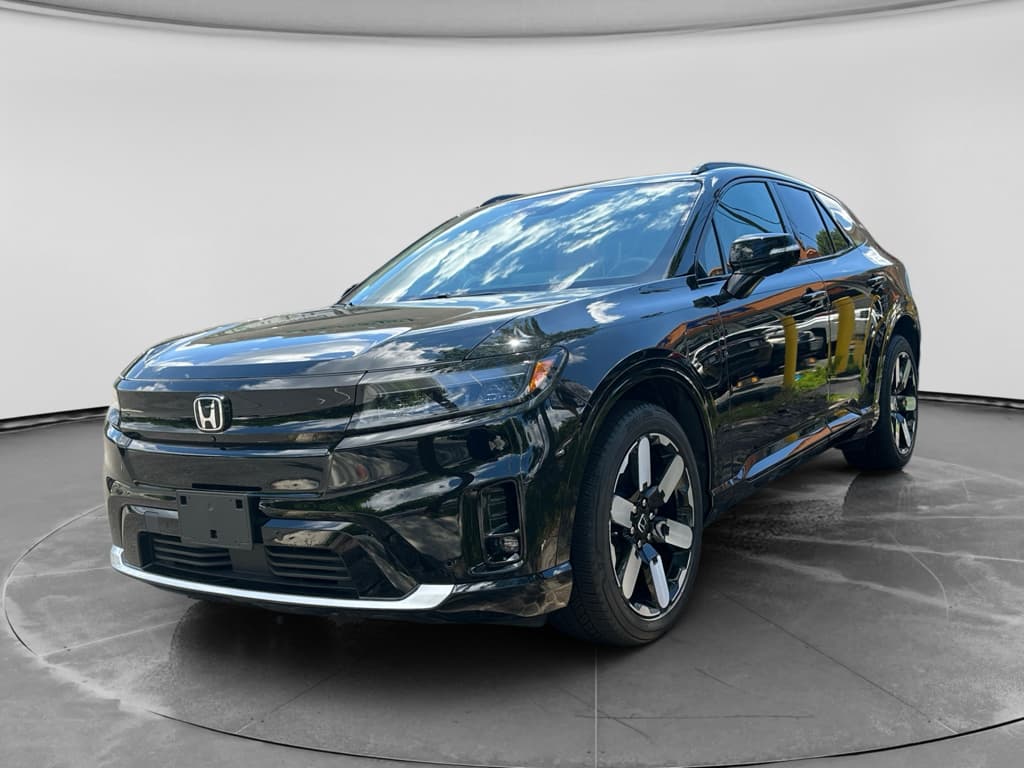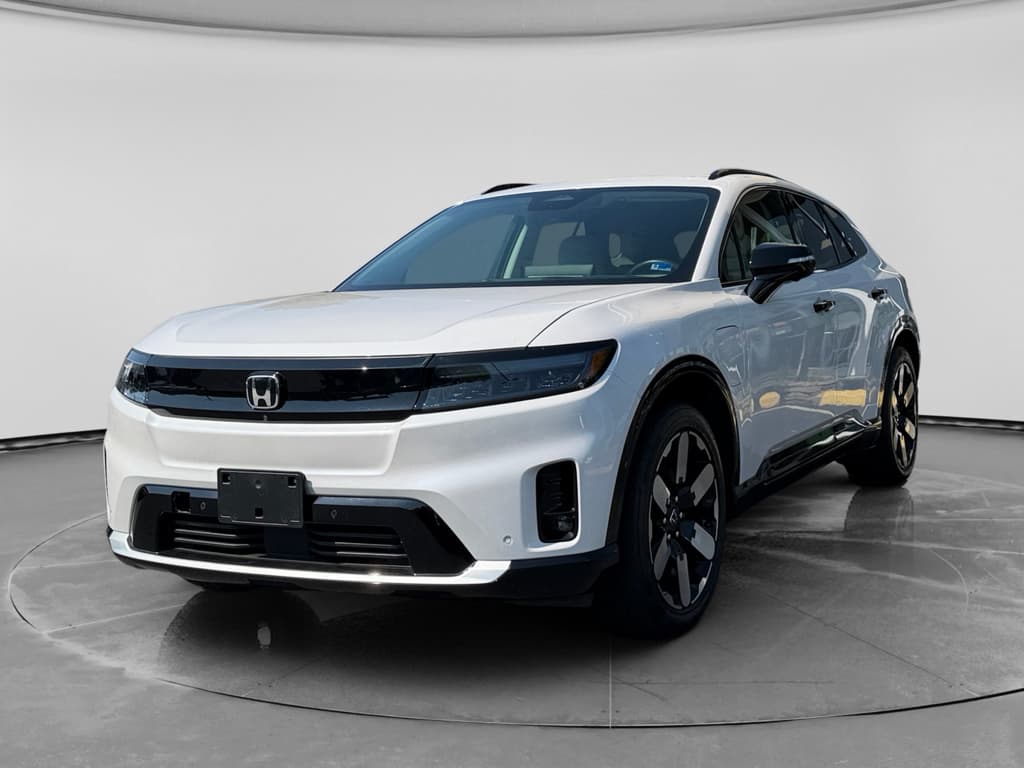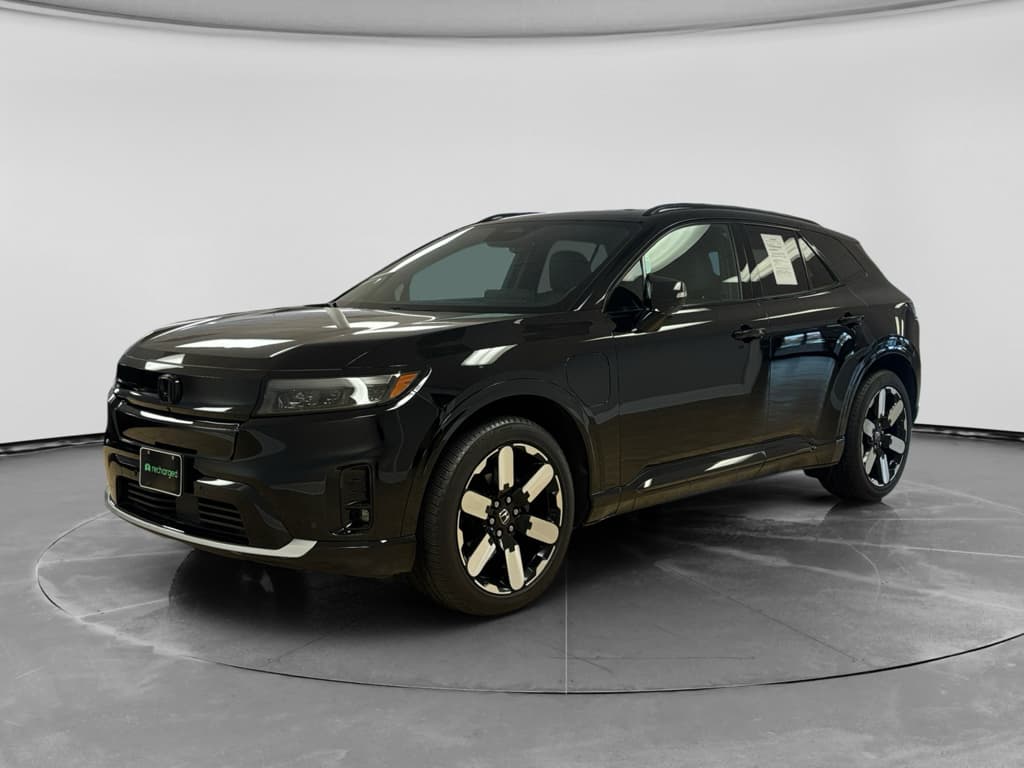
If you own, or are shopping for, a Honda Prologue, you’re not just buying an EV. You’re buying into a living, changing piece of software. Understanding the Honda Prologue software update history is the key to knowing which features you have today, which you can expect tomorrow, and which headaches you might dodge entirely.
Quick take
Why Honda Prologue software updates matter
On a gas CR‑V, a software update might fix a Bluetooth hiccup and call it a day. On the Honda Prologue, software can change how the car feels and what it can do, from navigation and apps via Google built-in to range estimates, charging behavior, and hands‑free driver assistance. In a car this digital, staying current is part of basic maintenance.
- Features: Google Maps, Assistant and Play Store live on the car and evolve over time.
- Comfort: HVAC, seat heaters and drive modes can get recalibrated through software.
- Efficiency: Range estimates and energy‑management logic can be refined without touching the battery.
- Safety & ADAS: Super Cruise–based driver assistance relies heavily on software maps and control logic.
EV reality check
Honda Prologue software platform: the basics
1. Vehicle & battery software
This is the low‑level code that manages the Ultium battery pack, charging, traction motors and braking. It affects range estimates, thermal management, DC fast‑charging behavior and drive feel. Updates here tend to be rare and often require dealer equipment.
2. Infotainment & Google built‑in
The 11.3‑inch center screen runs Android Automotive OS with Google built‑in, giving you Google Maps, Assistant and the Play Store without plugging in your phone. This layer sees more frequent updates and, in theory, can be updated over the air or during dealer service visits.
On top of that you’ve got the app layer, HondaLink, remote functions, and third‑party apps from the Play Store. When people talk about the Honda Prologue software update history, they’re usually conflating all three layers, which is why owner experiences can sound wildly different.
High-level Honda Prologue software update history
Honda Prologue software timeline: 2024–2026 (high level)
It’s important to separate model‑year changes, 2024 vs 2025 Prologue, from software campaigns applied to existing cars. A 2024 Prologue that’s been through Honda’s 2025 update bulletins can behave very differently from one that’s still on original software.
Model year vs software version
Major infotainment & Android Automotive updates
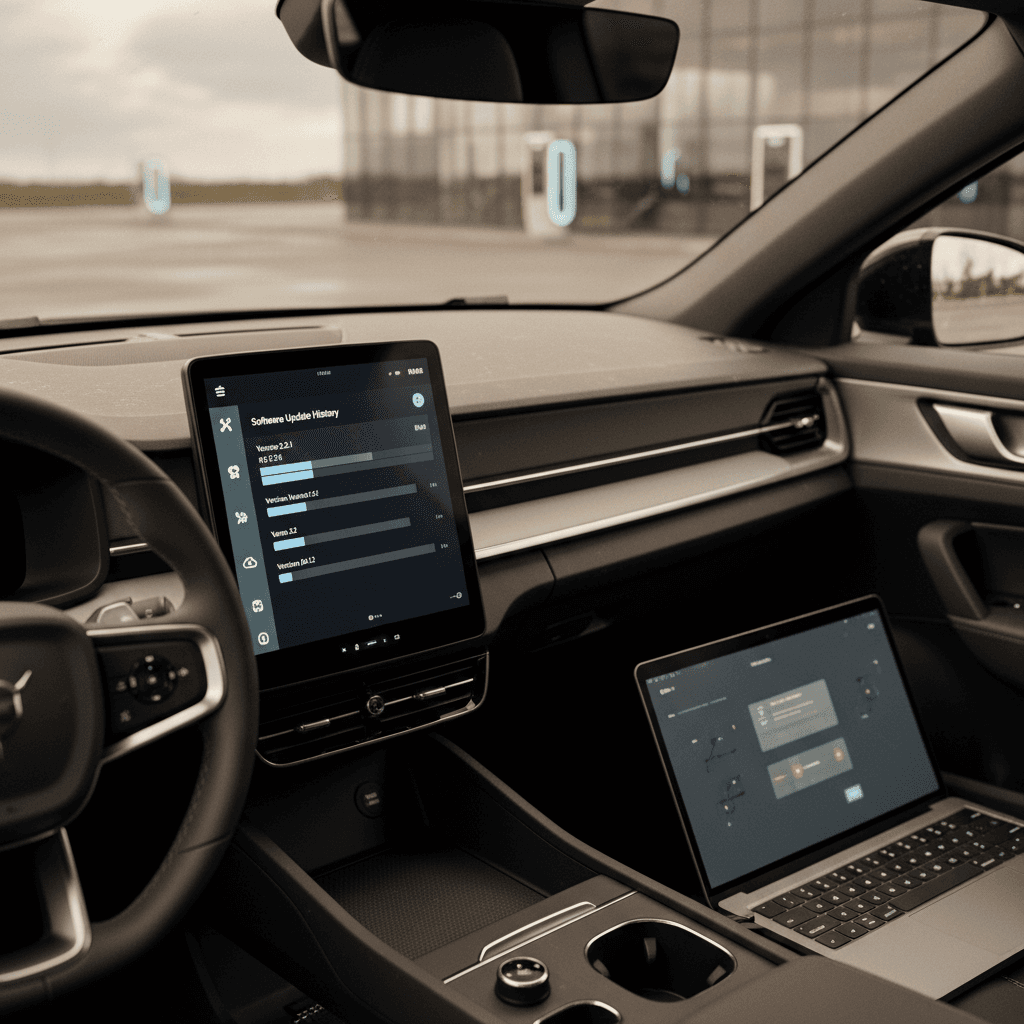
Because the Prologue runs Android Automotive OS for its main interface, owners tend to track updates the way smartphone geeks track Pixel releases. The headline change so far has been the move from Android 12 to Android 14 on many cars.
Honda Prologue infotainment & Android OS history
Approximate progression of Android Automotive versions on the Prologue in North America.
| Timeframe | Model years mainly affected | Android Automotive version | How it arrived | What changed in practice |
|---|---|---|---|---|
| Launch through late 2024 | 2024 | Android 12 | Factory + small OTA patches | Baseline Google built‑in experience with Maps, Assistant and Play Store; some owners report minor security/stability updates. |
| Early–mid 2025 | 2024 (select), early 2025 | Android 12 w/ incremental updates | OTA + dealer for some | Under‑the‑radar fixes for app stability, voice issues and connection hiccups; not a major version jump. |
| Mid–late 2025 | 2024 (via campaigns), 2025 | Android 14 | Dealer software bulletin campaigns | Major OS bump; refreshed UI details, improved app support, smoother performance. Often bundled with other control‑unit updates and performed only at the dealership. |
| By early 2026 | Primarily 2025; some updated 2024 | Android 14 (with patches) | Dealer + occasional OTAs | More refined behavior, but still uneven rollout. Some owners remain on older versions if they haven’t had the campaign applied. |
Exact timing and availability can vary by VIN and region, but this table captures the broad pattern owners are reporting.
Why many Android 14 updates aren’t OTA
OTA vs dealer visits: how updates actually arrive
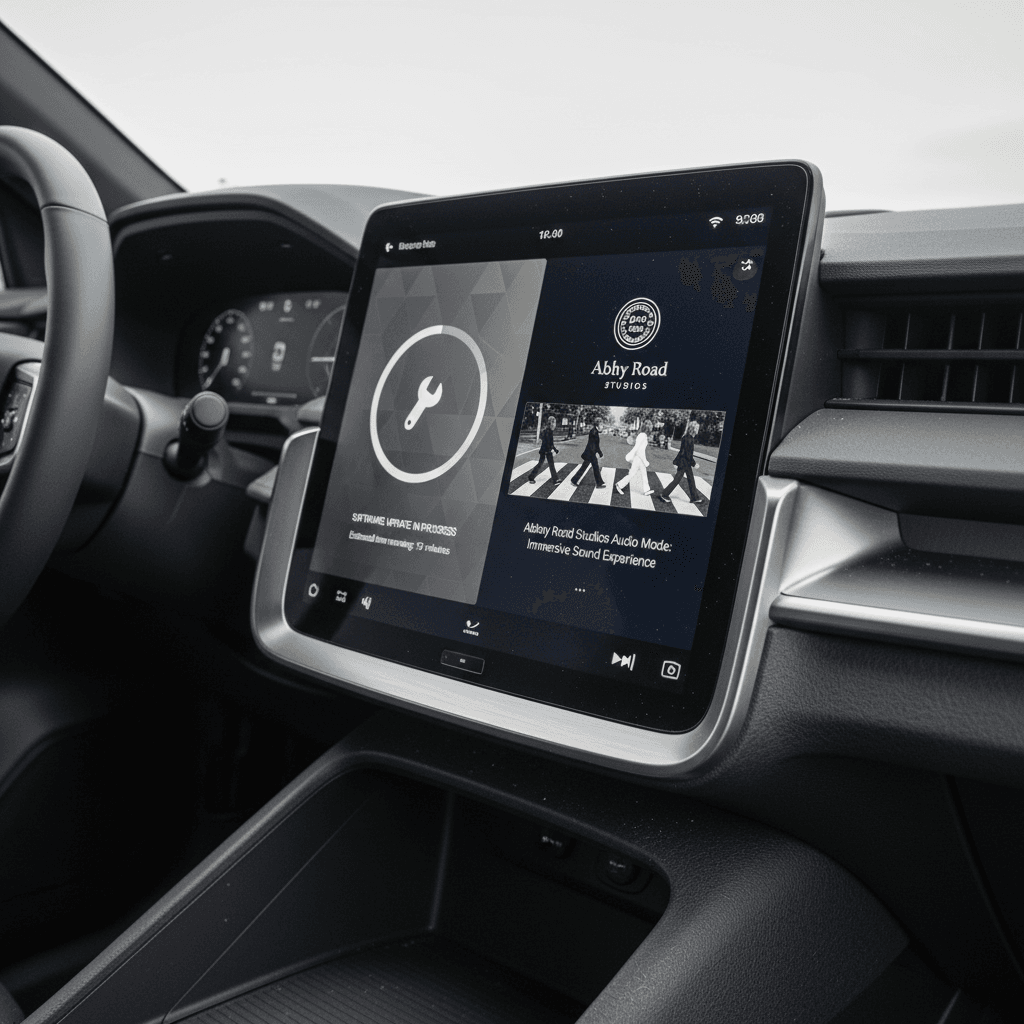
On paper, the Prologue supports over‑the‑air updates. In reality, owners have seen a patchwork of experiences: a few quick updates downloaded in the driveway, long periods of radio silence, and then a big, disruptive dealer visit when Honda rolls out a major campaign.
Two very different paths for Honda Prologue updates
Why your neighbor’s Prologue may be on different software than yours
Over‑the‑air (OTA) updates
- What they are: Smaller packages pushed to the car via cellular/Wi‑Fi.
- Typical content: Security fixes, minor bug patches, tiny feature tweaks.
- Owner experience: A few minutes parked with enough battery; may show as a simple "system update" notification.
- Reality so far: Infrequent, inconsistent, and sometimes failing mid‑install for early owners.
Dealer-performed campaigns
- What they are: Large software bulletins flashed with Honda diagnostic tools.
- Typical content: Android version jumps, firmware for control modules, deeper bug fixes.
- Owner experience: Hours or days in the shop; sometimes multiple visits if the dealer isn’t familiar with the procedure.
- Reality so far: Essential for the Android 14 jump and some drivability updates, but occasionally rough around the edges.
When to say yes to a dealer update
Driver-assistance, Super Cruise & safety updates
Under the skin, the Prologue borrows heavily from GM’s Ultium ecosystem, including the hardware and mapping backbone for Super Cruise–based hands‑free driving on certain trims and packages. That means some of its most important updates are invisible: new map data, expanded road coverage and refinements to the hands‑free logic.
- Map & coverage updates: GM has been steadily expanding Super Cruise coverage to hundreds of thousands of miles of roads in the U.S. and Canada; Prologue owners benefit as those maps and rules filter into Honda’s variant of the system.
- Calibration tweaks: Subtle software changes can adjust how assertive lane centering feels, how quickly the system disengages, or how smoothly it hands control back to you.
- Safety bulletins: Any time Honda or GM uncovers an edge‑case safety issue, false warnings, camera misreads, braking quirks, you may see a dealer bulletin that quietly includes ADAS module updates alongside more publicized infotainment fixes.
How this affects used shoppers
Bug fixes, complaints, and what owners are seeing
If you lurk in Prologue owner groups, you’ll see a few recurring themes. They paint a picture of a solid EV wrapped in a software experience that still feels very 1.0.
Common Prologue software issues owners talk about
And how updates have, or haven’t, helped
Failed or missing OTAs
Some early owners reported the car announcing an update, failing mid‑install, and then claiming there were no updates available. In several cases, the only real fix was a dealer visit where technicians forced the update or reset modules.
HondaLink app instability
After larger backend or in‑car updates, owners have seen HondaLink fail to load vehicle status or remote commands. Often this resolves only after server‑side fixes or another patch, there isn’t much the owner can do beyond reporting and waiting.
Infotainment "bricks"
There are reports of dealer‑applied updates crashing the central display or radio unit, requiring replacement hardware and a second round of software installation. This is part of why Honda is cautious about pushing these big packages OTA.
Choose your dealer carefully
How to check your Honda Prologue software version
Honda’s menus vary slightly with software version, but checking the guts of your Prologue is still straightforward once you know where to look. It’s worth doing this before any long trip, before buying used, and after every dealer visit.
Step-by-step: Check software on a Honda Prologue
1. Park safely and power on
Put the Prologue in Park with enough charge and time to poke through menus. Software details are easier to read when you’re not trying to leave a parking lot.
2. Open the system settings menu
On the center screen, tap the settings or gear icon. Look for a section labeled System, About, or Vehicle information.
3. Find the Android / Google built-in version
In the infotainment or system sub‑menu, look for entries like Android version, Google built‑in, or Software information. Note the Android version (12, 13, 14) and build number.
4. Look for vehicle and ADAS software info
Some sub‑menus list firmware or calibration IDs for modules like the drive unit, battery management, or driver‑assist. Screens differ by version, but if you see obviously old dates relative to your build, ask a dealer about bulletins.
5. Check for available updates
Back out to the main settings menu and find Updates or System update. If the car says an update is available, it will usually offer details, timing and any parking/charging requirements.
6. Record everything
Snap photos of the version screens or jot down build numbers. If you later take the car to a dealer, or you’re evaluating a used Prologue, those details are gold when you’re trying to confirm that campaigns were applied.
Pro move for used shoppers
Best practices before, during and after an update
The Prologue is still new enough that each big software release feels a little experimental. Treat updates with the same respect you’d give to a laptop firmware flash: straightforward when it works, tedious when it doesn’t.
Playbook for smoother Honda Prologue updates
Confirm what’s actually being updated
If you get a dealer notice, ask them to email or print the bulletin. Is it just infotainment, or does it include EV system, ADAS or battery management updates?
Schedule updates around your life
Large dealer campaigns can strand the car for days if the service department is learning on the job. Avoid scheduling right before a road trip or a busy week.
Document pre‑update behavior
Note any quirks you’re hoping the update will fix, laggy maps, random reboots, odd driver‑assist behavior. That gives you a baseline for judging whether the new software helped or hurt.
Ask for a post‑update walkthrough
When you pick up the car, have a service advisor or tech show you the update details on screen and demonstrate that key functions, navigation, audio, driver‑assist, are working as expected.
Keep your own mini change log
After each update, write down the date, mileage and any immediate impressions. Over years of ownership, or when you sell, that history becomes a story of how well the car has been cared for.
Escalate persistent problems
If HondaLink, the head unit or driver‑assist systems stay broken after an update, escalate through Honda corporate support and log everything. Software issues documented early are easier to argue under warranty.
Shopping used: how software history affects value
With a used Prologue, you’re not just buying mileage and battery health, you’re inheriting someone else’s software decisions. A car that has never seen a dealer campaign, never had its Android OS updated and still runs on launch‑year firmware is a different ownership experience from one that’s been kept current.
Why software history matters for value
- Feature parity: Updated cars may support newer apps and better Google built‑in behavior.
- Refined drivability: Later calibrations can smooth throttle response, range predictions and charging curves.
- Fewer headaches: Getting caught up on old bulletins after you buy can eat weekends and goodwill.
What to ask a private seller or dealer
- "Has this Prologue received the Android 14 update yet? If so, when?"
- "Can you share service records for any software or control‑module campaigns?"
- "Would you mind walking me through the software info screens on the infotainment?"
How Recharged helps with used EV software
Ready to find your next EV?
Browse VehiclesFAQ: Honda Prologue software updates
Frequently asked questions about Honda Prologue software updates
Bottom line on the Honda Prologue software story
The Honda Prologue software update history is exactly what you’d expect from Honda’s first volume Ultium‑based EV: a capable electric SUV whose hardware outpaces its software polish. The fundamentals, range, refinement, Google built‑in, hands‑free cruising, are strong, but you earn your stripes as an owner by staying on top of updates and choosing competent dealers.
If you already own a Prologue, treat software with the same seriousness you’d give tires or brakes: check versions, read bulletins, and keep a paper trail. If you’re shopping used, make software part of the conversation, not an afterthought. And if you’d rather have someone else sweat the details, a used Prologue from Recharged comes with expert‑guided support and transparent reporting, so you know exactly which bits and bytes you’re getting along with the battery and paint.