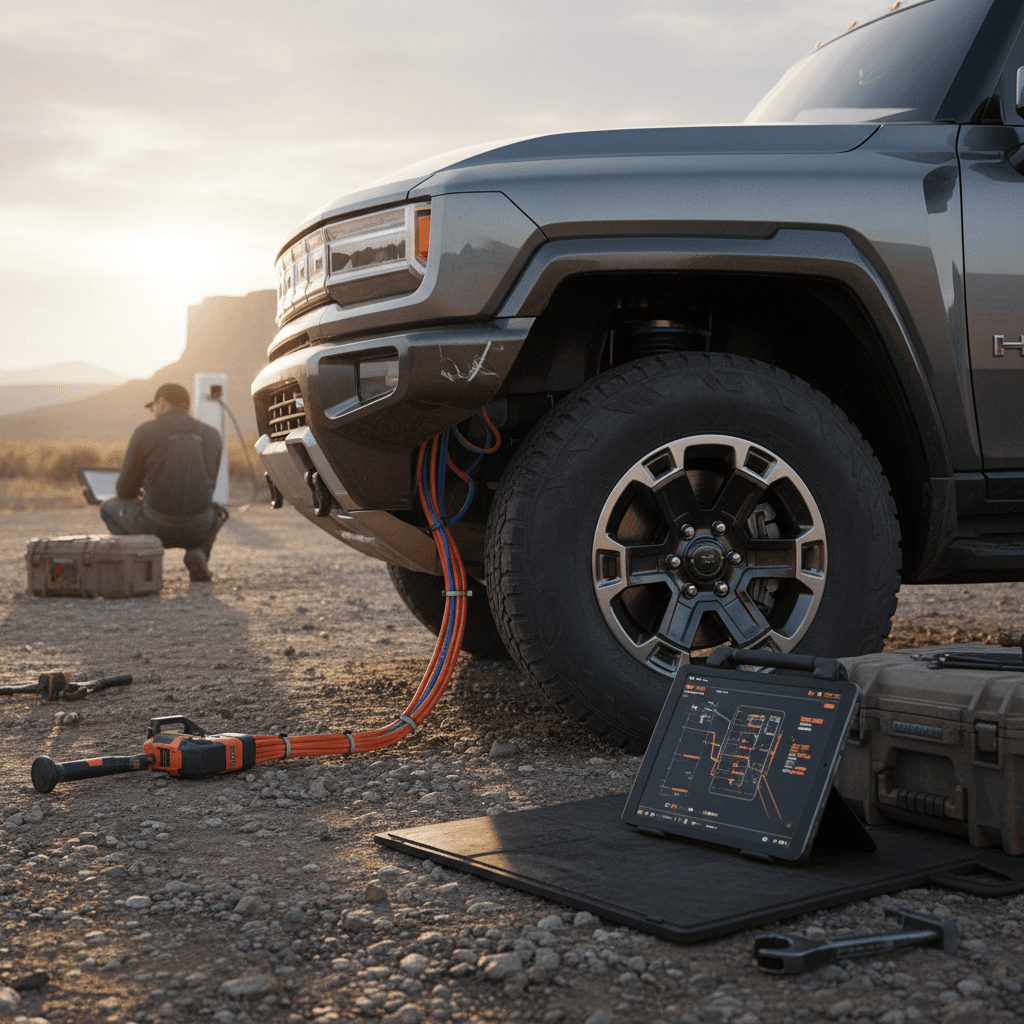
The GMC Hummer EV is one of the most extreme electric trucks on the road, massive power, wild off‑road hardware, and a price tag to match. But like every first‑generation halo EV, it’s also had its share of teething issues. If you’re trying to understand GMC Hummer EV common problems and fixes, especially before buying used, this guide breaks down what actually goes wrong, how serious it is, and what you can do about it.
Quick take
Overview: How Reliable Is the GMC Hummer EV?
The big picture
Owner reports are mixed but not catastrophic. Many drivers report few or no issues over the first year, while others have dealt with water leaks, warning lights, or software bugs that require dealer visits or over‑the‑air updates.
The truck’s sheer complexity, CrabWalk, four‑wheel steering, adaptive air suspension, locking differentials, and a huge Ultium battery, means more systems that can complain or misbehave.
What tends to cause trouble
- Early high‑voltage battery connector sealing issues on some 2022 models.
- Water intrusion at pillars and wiring connectors causing electronic gremlins.
- Isolated drive unit and axle problems on later trucks.
- Frequent but usually minor software and infotainment glitches.
The good news: most of the serious problems have clear dealer fixes or recalls, and the high‑voltage battery and drive units are covered by long warranties.
GMC Hummer EV ownership context
High-voltage battery and charging issues
Because the Hummer EV rides on GM’s Ultium platform with a massive pack, anything that touches the high‑voltage system gets your attention fast. Most owners will never see a true pack failure, but there are a few key patterns worth knowing.
- High‑voltage warning messages or "Service High Voltage Battery" alerts
- Early‑production battery connector corrosion and water intrusion (2022 trucks)
- Intermittent DC fast‑charging failures or reduced charging speed
- 12‑volt system glitches that masquerade as big battery problems
Symptom: High‑voltage battery warning or won’t go into Drive
Some owners report a "high voltage battery fault" message on startup, sometimes paired with the truck refusing to shift into Drive. In mild cases, the warning clears after a restart or 12‑volt reset; in severe cases, the vehicle needs to be towed, and dealers diagnose a failed pack component or control module.
What to do if you see a high-voltage battery warning
1. Don’t keep driving hard
If the truck will still move, drive gently and avoid highway speeds or long distances. A true high‑voltage fault can escalate under heavy load or heat.
2. Check the GMC app and messages
Open the app and read the detailed fault text. Look for phrases like <strong>"Service High Voltage Lithium‑Ion"</strong> or temperature/thermal warnings, and screenshot them for the dealer.
3. Power cycle safely
Park, shut the truck down fully, lock it, and give it several minutes. If it restarts cleanly and the warning disappears, document the incident but you may not need immediate service.
4. Avoid DIY high-voltage work
Unlike a 12‑volt reset on a gas truck, you should not attempt to access or disconnect high‑voltage components yourself. That’s technician territory only.
5. Call roadside and your dealer
If the truck won’t go into Drive or the warning persists, use GM roadside assistance and schedule service. High‑voltage failures should be covered under the EV warranty.
Early Hummer EV battery connector issue
Symptom: DC fast charging won’t start or is very slow
Another recurring complaint is DC fast charging sessions that fail to initiate or stall at much lower power than expected. On a healthy Hummer EV and capable charger, you should see triple‑digit kW rates when the pack is warm and under 60% state of charge.
- Public charger issues (faulty cable, station derated, or network bug)
- Hummer EV battery being too cold or too hot
- Temporary BMS (battery management system) derate after a fault
- Software bugs fixed via over‑the‑air or dealer updates
Charging troubleshooting checklist
Water intrusion, leaks, and corrosion risks
Big off‑road‑oriented trucks live hard lives: rain, mud, snow, and pressure washers. A recurring Hummer EV theme is water where it shouldn’t be, from the A‑pillars and roof to electrical connectors and underbody components. Left untreated, this can trigger warning lights, window and door issues, or in extreme cases contribute to high‑voltage or drive‑unit faults.
Common Hummer EV leak and moisture trouble spots
Where owners and techs most often find water causing problems
A-pillar & roof seams
Some trucks have reported water leaking at the A‑pillars or roof seams, especially after heavy rain or car washes. This can drip onto wiring harnesses or interior trim.
Electrical connectors
Moisture around charge adapters or underbody connectors can cause intermittent high‑voltage or charging faults, even if the pack itself is fine.
12-volt components
Water intrusion around the front compartment or poor sealing can lead to 12‑volt issues that present as random errors, warning lights, or no‑start conditions.
How to diagnose and fix water-intrusion issues
1. Reproduce the leak
If you notice damp carpets, fogging windows, or electrical oddities after rain, spray the truck with a hose while a second person looks for drips at pillars, roof seams, and the windshield edge.
2. Inspect door and window seals
Look for torn or mis‑seated seals around doors, windows, and the frunk area. Lightly tug on weatherstripping to ensure it’s fully seated and not trapping debris.
3. Dry and document quickly
Use towels and a fan or dehumidifier to dry visible moisture, then photograph water trails, damp areas, and any associated warning messages before they disappear.
4. Avoid pressure washing sensitive areas
Keep high‑pressure nozzles away from window seals, charge ports, and underbody connectors. Aggressive washing can force water past seals that would otherwise cope with normal weather.
5. Schedule a dealer leak test
Dealers can perform dye tests and pressure checks, then reseal seams, replace gaskets, and address any wiring damage. For newer trucks, this is usually warranty work.
Why moisture and high voltage don’t mix
Drive unit, suspension, and axle problems
The Hummer EV’s torque output is absurd, and it weighs more than many medium‑duty trucks. That’s a brutal combination for half‑shafts, differentials, hubs, and suspension components, especially if the truck sees serious off‑road use or big aftermarket wheels and tires.
- Rear drive‑unit insulation or motor issues on some later models (subject of recalls and service campaigns in certain years)
- Front locker actuator concerns reported by some owners causing incomplete lock engagement
- Potential clunks, vibrations, or leaks at front and rear half‑shafts, especially after off‑road use
- Accelerated bushing and joint wear on lifted or modified trucks
Edition 1 vs later trims
What to do if you hear clunks, whining, or feel vibration
1. Note when it happens
Pay attention to whether noises appear under hard acceleration, steady cruising, low‑speed turning, or during regenerative braking. This helps narrow down whether it’s a half‑shaft, bearing, motor, or suspension issue.
2. Inspect for leaks and damage
Safely look under the truck for <strong>fluid at axle seals</strong>, torn CV boots, or contact marks from rocks and off‑road obstacles. Photograph anything suspicious.
3. Check tires and wheels first
Given the truck’s weight and oversized tires, bent wheels, cupped tread, or poor balance are common and can mimic more serious driveline problems.
4. Get a road test with a technician
Ask the dealer to ride along so you can reproduce the exact noise or vibration. It’s much easier to get a correct diagnosis when the symptom is obvious on demand.
5. Push for warranty inspection on driveline faults
Drive units and axles are expensive. On a relatively young Hummer EV, most driveline problems should be evaluated and, if confirmed, repaired under warranty rather than treated as "wear and tear."
Brakes, steering feel, and tire wear
A nearly five‑ton truck sitting on huge all‑terrain tires is never going to feel like a compact EV. But some Hummer EV owners report specific issues beyond the expected heft: brake noises, uneven tire wear, and steering feel quirks.
Typical complaints, and what’s normal
Separating expected heavy‑truck behavior from fixable problems
Brakes feel grabby or noisy
The combination of regenerative braking and friction brakes can make low‑speed stopping feel inconsistent, and heavy trucks are more prone to minor rotor noise. Grinding, pulsing, or strong pulling under braking, however, warrants inspection.
Steering and tire wear
With wide tires and four‑wheel steering, some tramlining (following ruts) is normal. But rapid inside or outside shoulder wear or a crooked steering wheel typically means alignment is off, especially on trucks that have seen off‑road use.
Simple steps to reduce brake and tire problems
1. Rotate tires frequently
Given the weight and torque, following the standard 6,000–7,500‑mile rotation interval is the bare minimum. If you tow or off‑road often, rotate sooner.
2. Get a four-wheel alignment check annually
Hitting potholes or trails can knock alignment out just enough to eat expensive tires quickly. A yearly alignment check pays for itself in tread life.
3. Report any ABS or stability warnings immediately
Electronic brake and stability systems are tightly integrated with steering and suspension sensors. Don’t ignore lights, book service promptly.
4. Don’t skimp on tire quality
Cheap, load‑rating‑marginal tires can amplify vibration, noise, and range loss. Stick with tires that match or exceed factory load and speed ratings.
Software glitches and infotainment bugs
Modern EVs are rolling software platforms, and early Hummer EVs are no exception. Owners have reported intermittent bugs like frozen infotainment screens, random warning messages, or features like surround‑view cameras failing to load. Most of these are annoying rather than dangerous, but they undermine confidence when your dashboard looks like a Christmas tree.
- Infotainment screen freezing or rebooting mid‑drive
- Random error messages that clear on their own after a restart
- Cruise control or driver‑assist features temporarily unavailable
- Phone key or app control lagging or failing to connect
Soft reset vs hard fix
Best practices for dealing with Hummer EV software bugs
1. Keep software up to date
Accept over‑the‑air updates promptly and ask the dealer to verify you’re on the latest calibration for powertrain, charging, and driver‑assist systems.
2. Log dates and photos of errors
When a warning pops up, snap a photo of the screen and note time, mileage, weather, and what you were doing. Patterns help engineers reproduce and fix real bugs.
3. Avoid stacking aftermarket devices
Excessive OBD dongles, aggressive phone‑mirroring apps, or non‑OEM accessories tapping vehicle CAN lines can confuse modules. If you’re troubleshooting, remove them first.
4. Escalate persistent safety‑related glitches
If a software bug affects steering, braking, propulsion, or airbag systems, open a case with GMC support and document every visit. In rare lemon‑law cases, that paper trail is critical.
Major GMC Hummer EV recalls to know about
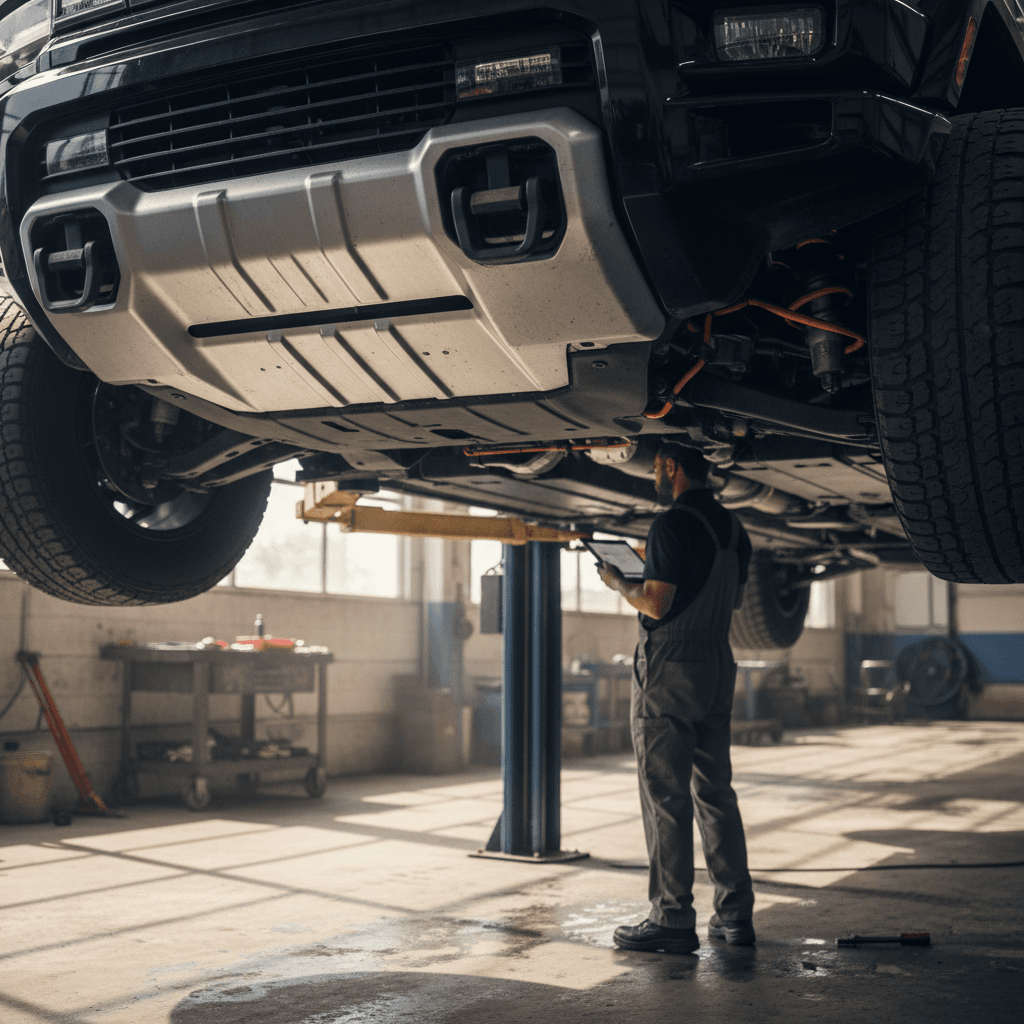
Recalls and service campaigns are part of life with any first‑generation EV truck. The important thing is to know which campaigns apply to a specific VIN and verify that the fixes have been completed.
Examples of notable Hummer EV recalls and service campaigns
Always run a fresh VIN check, this is only a sampling and may not include the latest actions.
| Issue | Model years affected (examples) | Typical symptom or risk | Usual fix |
|---|---|---|---|
| High-voltage battery connector sealing | Early 2022 | Potential corrosion or water intrusion at a pack connector, insulation faults | Dealer inspects and reseals or replaces the connector and related hardware |
| Oil cooler hose / underbody fluid leak | 2023–2024 (select builds) | Possible hose rupture, fluid leak, loss of propulsion, fire risk in extremes | Replace hoses with improved parts, inspect for damage |
| Seat belt bolt torque | 2023–2024 (some trucks) | Seat belt may not be anchored to spec, reduced crash protection | Inspect and re‑torque or replace hardware |
| Rear drive unit insulation | 2024 (select trucks) | Loss of propulsion if motor insulation fails | Replace or repair rear drive unit assembly |
| Labeling / airbag wiring recalls | Later model years incl. 2026 batches | Incorrect labels or harness wiring that could affect airbag performance | Relabeling and/or installing updated jumper harnesses and wiring |
Use the NHTSA website, GM’s recall portal, or a trusted retailer’s report to confirm completion status on any used Hummer EV you’re considering.
How to check recall status before you buy
Ready to find your next EV?
Browse VehiclesPreventive maintenance tips for Hummer EV owners
EVs avoid oil changes, but the Hummer EV is still a heavy truck. Thoughtful preventive maintenance can dramatically cut your risk of expensive surprises and minimize downtime while parts are on backorder.
Simple habits that pay off with a Hummer EV
Most of these are cheap or free, what matters is consistency.
Be kind to the battery
- Avoid living at 100% or 0% state of charge.
- For daily use, staying roughly between 20–80% is usually healthier.
- Don’t fast‑charge back‑to‑back on hot days unless you really need to.
Protect from water & dirt
- Wash underbody after off‑road trips.
- Avoid high‑pressure streams at seals and connectors.
- Inspect for packed mud around suspension joints and wiring.
Make inspection a routine
- Walk around monthly and look for leaks.
- Listen for new noises over bumps or while turning full lock.
- Schedule multi‑point inspections before warranty milestones.
Annual checklist to share with your service advisor
1. Full underbody and suspension inspection
Ask for photos of bushings, half‑shafts, shocks, and high‑voltage cabling shields. Off‑road use or winter salt can accelerate wear.
2. Alignment and tire‑wear report
Have the shop document tread depth at all four corners and provide a printout of alignment specs before and after any adjustment.
3. Brake system and regen feel
Explain any low‑speed brake quirks you notice. Calibrations can sometimes be updated to improve pedal feel and blending between regen and friction.
4. Software and campaign check
Confirm there are no outstanding software updates, recalls, or service campaigns on your VIN, even if you haven’t seen warning messages.
Buying a used GMC Hummer EV: what to check
Shopping used is where understanding GMC Hummer EV common problems and fixes really pays off. You’re not just buying an eye‑catching truck; you’re inheriting every decision the previous owner made about charging, off‑roading, and maintenance.
Red flags to approach cautiously
- Multiple high‑voltage or drive‑unit repairs in the history report.
- Evidence of severe water damage, musty interior, or repeated leak fixes.
- Non‑OEM suspension lifts or oversized wheels/tires with no supporting documentation.
- Open recalls or service campaigns that the seller can’t prove have been completed.
Positive signs and green flags
- Documented software and campaign updates with dealership invoices.
- Regular tire rotations and alignments noted on service records.
- Service history showing concern‑driven visits (rattles, noises) caught early.
- A recent, third‑party battery‑health report with clear remaining capacity metrics.
How Recharged approaches used Hummer EVs
Used Hummer EV test-drive checklist
1. Cold start and warning-light sweep
Start the truck after it has sat for several hours. Watch for any retained warnings about high voltage, airbags, stability control, or driver‑assist systems.
2. Low-speed maneuvering and full-lock turns
In a parking lot, listen for clunks or binding from the front and rear while turning the wheel fully left and right, both in Drive and Reverse.
3. Highway stability and vibrations
Drive at 60–75 mph on a smooth road. Feel for steering wheel shake, seat vibration, or droning noises that might indicate tire, wheel, or driveline issues.
4. Cabin leaks and wind noise
Run the truck through an automated wash or heavy hose test (with seller’s permission) and look immediately for drips at the pillars, roof, and footwells.
5. Charging demonstration
Have the seller show both home and DC fast charging in action, even if briefly. Note how quickly the session starts and whether any errors appear.
FAQ: GMC Hummer EV common problems
Frequently asked questions about Hummer EV issues
Bottom line: Making Hummer EV ownership easier
The GMC Hummer EV is less an appliance and more a rolling showcase of what electric trucks can do. That ambition comes with trade‑offs: more software, more weight, more systems to keep happy. Understanding the most common Hummer EV problems and fixes, from water leaks and driveline noise to high‑voltage warnings and recalls, puts you in a far better position, whether you already own one or you’re shopping used.
If you do decide the Hummer EV fits your life, treat documentation and inspections as seriously as you treat range or performance. Running VIN checks, confirming recall completion, watching for water and suspension issues, and insisting on a clear battery‑health report will dramatically improve your ownership experience. And if you prefer to let experts sweat those details, buying through an EV‑specialist marketplace like Recharged, with its Recharged Score battery diagnostics, transparent pricing, financing options, and nationwide delivery, can make owning one of the wildest EVs on sale a lot less stressful.