
If you own, or are shopping for, a Genesis GV60, keeping up with its software update history is almost as important as tracking oil changes were on a gas car. From over-the-air (OTA) fixes to dealer-installed campaigns, software controls everything from your GV60’s range prediction and charging behavior to safety alerts and the Genesis Connected Services app.
Software is the new “service history”
Why Genesis GV60 software updates matter
More than just bug fixes
The GV60’s software governs infotainment, navigation and charging routing, driver-assistance (ADAS), and Connected Services like remote climate and lock/unlock. Updates can add features, refine the user interface, or fix quirks you’ve learned to live with.
Safety and compliance
Recent years have seen several software-related recalls and service campaigns across the Genesis lineup, including the GV60. These updates can address issues such as display reboots, sensor logic, or connectivity that might affect how safely or confidently you drive.
Don’t ignore update prompts
Genesis GV60 software update history: high-level timeline
Genesis does not publish a single, consumer-friendly "changelog" for all GV60 software, but we can outline the major buckets of updates owners have seen since launch, and what they generally targeted.
GV60 software updates: what’s changed over time
A simplified view of the Genesis GV60 software update history by focus area.
| Period | Update type | What it mainly affected | How it was delivered |
|---|---|---|---|
| 2022–early 2023 | Early stability & feature tweaks | Initial infotainment refinements, navigation data, minor bug fixes | Mostly dealer-installed, some OTA |
| Mid 2023–2024 | Navigation & infotainment updates | Map data, routing, UI polishing, CarPlay/Android Auto stability | USB/SD update via official Genesis update site or dealer |
| Late 2024–early 2025 | Connected Services & OTA reliability | Fixes for OTA download issues, head-unit reboots, app connectivity | OTA plus dealer campaigns in some cases |
| 2025–2026 | Safety & display-related updates | Instrument cluster/infotainment reboot behavior, HD radio logic, ADAS logic refinements | Mix of recall campaigns and OTA where supported |
Exact timing and content of updates can vary by region, trim, and build date. Always confirm campaigns for your specific VIN.
Why history is fuzzy
OTA updates on the GV60: how they work
The GV60 supports over-the-air updates for some systems, especially the telematics and certain controller modules. That’s good news because it means many fixes no longer require a full day at the dealer.
Key facts about GV60 OTA updates
What most owners should know before hitting “Start Update.”
1. Download vs. install
Most OTA campaigns download in the background while you drive. The car will then prompt you to schedule an installation, usually when parked with the ignition off.
2. Battery & parking
Genesis typically requires the high-voltage battery and 12V system to have adequate charge, and the car must be in P (Park) with doors closed before installation can start.
3. Plan for downtime
Some updates complete in a few minutes, others can take 20–40 minutes. During that window you usually can’t drive the car, so pick an evening or early morning slot.
Tip: Don’t use the OBD port during updates
Recent GV60 OTA changes at a glance
Infotainment and navigation update history
Separate from OTA campaigns, the GV60’s navigation and infotainment software is updated through the Genesis update portal and dealer visits. These releases bundle map data changes with underlying software tweaks for the head unit.
- Genesis typically publishes major navigation/map updates a couple of times per year. For North America, owners can check the official update site by VIN or by choosing GV60 from the vehicle list.
- Map updates often include new charging locations, better routing logic for EV range, and POI information that’s critical if you road-trip your GV60.
- Head-unit software bundled with map releases may refine the user interface, improve Bluetooth or smartphone integration, and address minor stability issues like random reboots or laggy menus.
- Some owners prefer to let the dealer install the latest navigation/software package during a scheduled service visit, while others download it to USB and install at home. Both approaches are valid as long as the correct file set for your VIN is used.
Watch your source files
Connected Services and app reliability fixes
If there’s a sore spot in the GV60’s software story, it’s Connected Services and the Genesis app. Owners have reported periods where the app suddenly stops talking to the car, shows errors, or thinks the vehicle is parked hundreds of miles away.
Typical symptoms
- Remote start, lock/unlock, or climate commands time out or never reach the car.
- Vehicle status (doors, range, location) fails to refresh or shows wildly incorrect data.
- The in-car Connected Services icon is missing or stuck, even with an active subscription.
What usually fixes them
- Head-unit soft reboot via the physical buttons on the dash (holding Map + Setup together until the screen goes black).
- A more aggressive 12V battery disconnect that fully reboots the communication module, something many owners have used successfully when OTA and resets failed.
- Dealer-applied technical service bulletins (TSBs) or updated telematics firmware when Genesis acknowledges a wider issue.
Be careful with DIY resets
Safety recalls and critical software campaigns
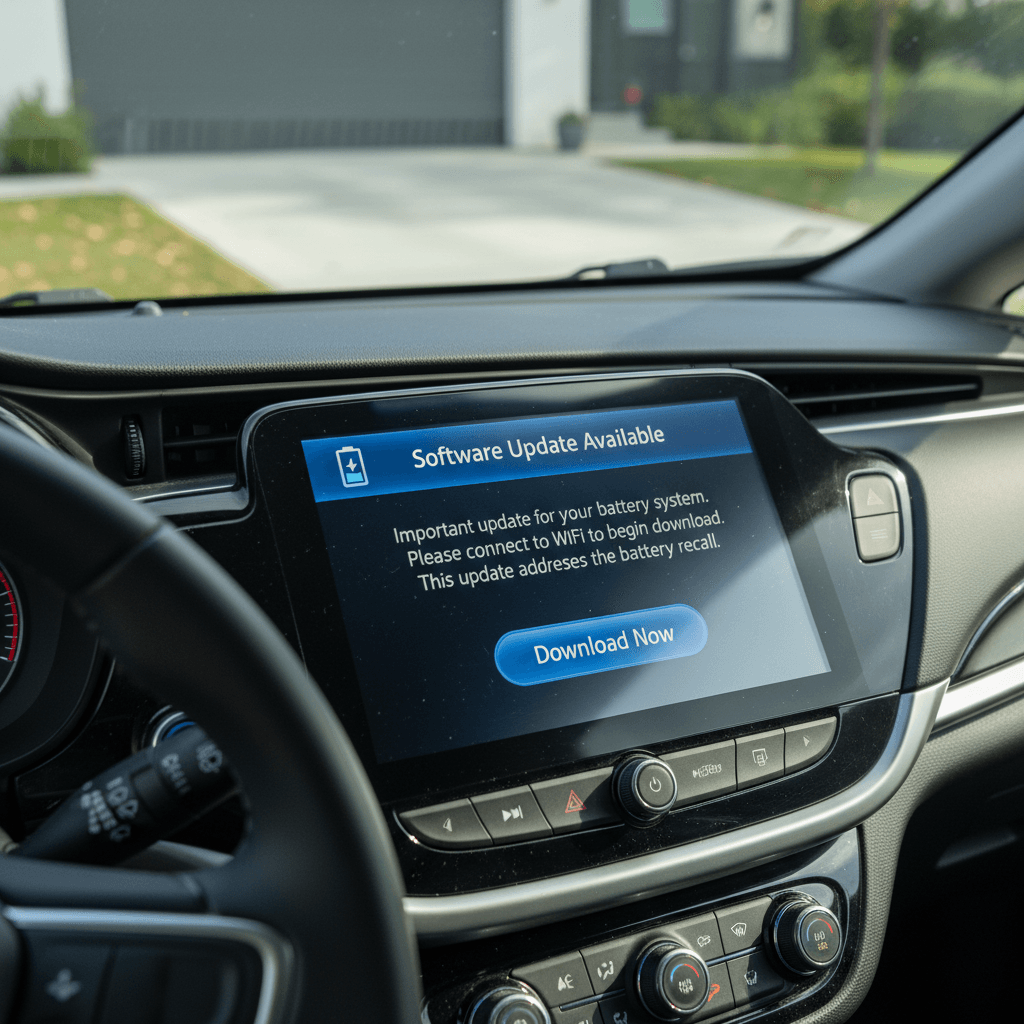
In addition to convenience updates, the GV60 has been part of broader Genesis software campaigns, including display and infotainment-related recalls. One high-profile example covers 2025–2026 Genesis models, including the GV60, where a software logic error in the HD radio memory can cause the instrument cluster and infotainment screens to reboot while driving, temporarily hiding speed and other key information.
- For affected vehicles, Genesis is rolling out a software remedy through dealers, and will use OTA where supported. Until the fix is applied, owners are advised to turn off HD radio.
- Separate service notices have addressed issues like OTA updates failing when an OBD device is plugged in under the driver’s seat, and behavior of exterior lights during system updates.
- Many software-related campaigns are handled as free repairs or recall actions, even if the car is otherwise out of basic warranty, because they’re safety- or compliance-related.
Quick recall checklist
How to check your GV60 software version
If you’re not sure where your GV60 stands in the software update history, you can get a snapshot in a few minutes from the driver’s seat and your browser.
Steps to see where your GV60 stands
1. Check infotainment version in the car
With the vehicle started, open <strong>Setup → General → System Info</strong> (or a similar menu, wording can vary by software generation). Note the software and map versions listed.
2. Compare to the Genesis update portal
On a computer, visit the official Genesis navigation/update website. Enter your VIN or select GV60, then compare your in-car version to the <strong>latest navigation and software package</strong> shown online.
3. Review Connected Services status
In the infotainment settings, open <strong>Connected Services</strong> and confirm that your subscription is active and the car is logged in. In the Genesis app, make sure the vehicle shows as active and commands aren’t failing repeatedly.
4. Run a recall/campaign lookup
Use the Genesis owner portal or NHTSA VIN lookup to see if your GV60 has any <strong>open recalls or service campaigns</strong>, especially those tied to software or connectivity.
5. Ask the dealer for a campaign printout
During your next visit, ask the service advisor for a report of completed and outstanding software campaigns. It’s an easy way to anchor your car in the broader GV60 software update history.
Best practices for installing GV60 updates
Whether you’re handling an OTA prompt in your driveway or a map update via USB, a few habits will make your GV60 software life much easier.
Owner-friendly update best practices
Reduce headaches and avoid failed installs.
Use a healthy power source
Make sure your traction battery and 12V system are in good shape before starting an update. If the car has been sitting for weeks, take a short drive first.
Follow the on-screen prompts
Don’t open doors, press start/stop, or move the car mid-update unless instructed. Interrupting an install can force a dealer visit.
Let dealers handle big campaigns
For recall-level software updates or anything that sounds complex, it’s reasonable to book a dealer appointment and let them apply the fix while you get a loaner or wait.
When to bundle updates
Buying a used GV60: software questions to ask
Software is critical when you’re evaluating a used Genesis GV60. Two cars with identical mileage can feel very different if one is current on software and the other is several campaigns behind.
Smart software questions for used GV60 shoppers
1. Are all software recalls and campaigns complete?
Ask the seller for documentation or have a Genesis dealer run the VIN. You want confirmation that all <strong>open campaigns</strong>, especially display, charging, and telematics fixes, have been performed.
2. What infotainment/map version is installed?
During a test drive, open the system info screen and compare it to the latest release shown on the Genesis update portal. Out-of-date software isn’t a deal-breaker, but it’s a useful negotiation point.
3. Does the Genesis app work reliably?
Pair the vehicle to a fresh Genesis Connected Services account when possible, and verify that <strong>remote lock/unlock and status updates</strong> work. Repeated failures can point to telematics issues that may need a dealer visit.
4. Has the car had connectivity or reboot issues?
Ask directly whether the owner has experienced <strong>screen reboots, lost Connected Services, or OTA failures</strong>. Occasional glitches happen, but chronic problems may hint at underlying hardware or software trouble.
5. Is there documentation of past service visits?
Software updates are often rolled into routine maintenance. Service invoices or a digital history help you see where the car sits in the broader <strong>GV60 software update history</strong>.
How Recharged approaches used GV60s
FAQ: Genesis GV60 software updates
Frequently asked questions about GV60 software updates
The bottom line on GV60 software updates
Genesis doesn’t hand GV60 owners a neat, public "software update history" the way smartphone brands do, but you can still stay ahead of the curve. By combining in-car version checks, the official update portal, recall lookups, and a good relationship with a Genesis dealer, you can keep your GV60’s software current and its features working the way they were intended.
If you’re considering a used Genesis GV60, treating software status as part of the vehicle’s service history is just smart shopping. That’s exactly how Recharged approaches EVs: every car comes with a Recharged Score Report, expert guidance, and support with financing, trade-ins, and delivery, so you’re not guessing about what’s been updated and what hasn’t. In a market where software can make or break the ownership experience, that extra transparency goes a long way.