If you’re eyeing a Genesis Electrified GV70, you’re shopping in one of the sweetest spots in the EV world: a compact luxury SUV with big range, big power, and a truly upscale cabin. But to make a smart purchase, especially on a used Electrified GV70, you’ll want a clear, EV-specific buying checklist, not just a quick test drive and a handshake.
At a glance
Why the Electrified GV70 Is Worth a Closer Look
On paper, the Electrified GV70 checks almost every box: stylish design, a beautifully finished interior, strong performance (Genesis quotes roughly 483 hp with “Boost” engaged), and a usable real‑world range. Later model years add an 84‑kWh battery and a slightly higher rated range, Genesis currently advertises up to about 263 miles on its U.S. site for the latest battery. Earlier U.S. models with a 77.4‑kWh pack carry an EPA rating around 236 miles of range, with DC fast charging up to about 240 kW.
The catch? It’s still a relatively low‑volume EV in the U.S., and it rides on a platform that also supports gas powertrains. That means there are a few packaging compromises (like a small frunk) and some model‑year differences you’ll want to understand before you buy. This checklist walks you step‑by‑step through what to look for so you don’t miss anything important.
Genesis Electrified GV70 quick facts
Quick specs to know before you shop
Core Electrified GV70 specs (U.S. market, representative figures)
Use these numbers as ballpark reference when comparing listings. Always verify exact specs by VIN and window sticker.
| Item | What to expect | Why it matters |
|---|---|---|
| Battery size | ~77.4–84 kWh usable capacity | Bigger pack generally means more range. |
| EPA range | ~236–263 miles | Check that the seller’s claims match official ratings. |
| Charging speed | Up to ~240 kW DC; ~10.9 kW Level 2 AC | Fast DC charging is great for road trips; AC rate matters at home. |
| Drivetrain | Dual‑motor AWD only | Great traction; no rear‑drive efficiency trim to shop for. |
| 0–60 mph | Low 4s seconds (tested ~3.7–3.8 sec) | Performance should feel brisk even in Comfort mode. |
| Max towing | Around 3,500 lbs (when properly equipped) | Good enough for small trailers; verify equipment and local regs. |
Exact range and equipment vary by model year and options.
Model-year note
Step 1: Clarify your use case and range needs
Before you fall in love with a specific Electrified GV70 in your favorite matte paint, get honest about how you’ll use it. This isn’t just about the EPA number on a sticker; it’s about whether the range and charging behavior fit your life in real conditions.
Match the Electrified GV70 to your driving life
Different patterns put different demands on range and charging.
Daily commuting
If you drive 30–60 miles a day and can charge at home, even the earlier ~236‑mile versions will feel effortless. You’ll likely only DC fast‑charge on road trips.
Weekend escapes
Plan for roughly 60–70% of rated range as your usable buffer, especially in cold weather. For a 236‑mile GV70, think 150–170 miles between comfortable stops.
Cold climates
EVs lose range in the cold, and the Genesis is no exception. Budget a 20–30% winter reduction in harsh climates, and pay extra attention to nearby fast‑charging options.
Pro tip: test your route on an app first
Step 2: Battery health and warranty checks
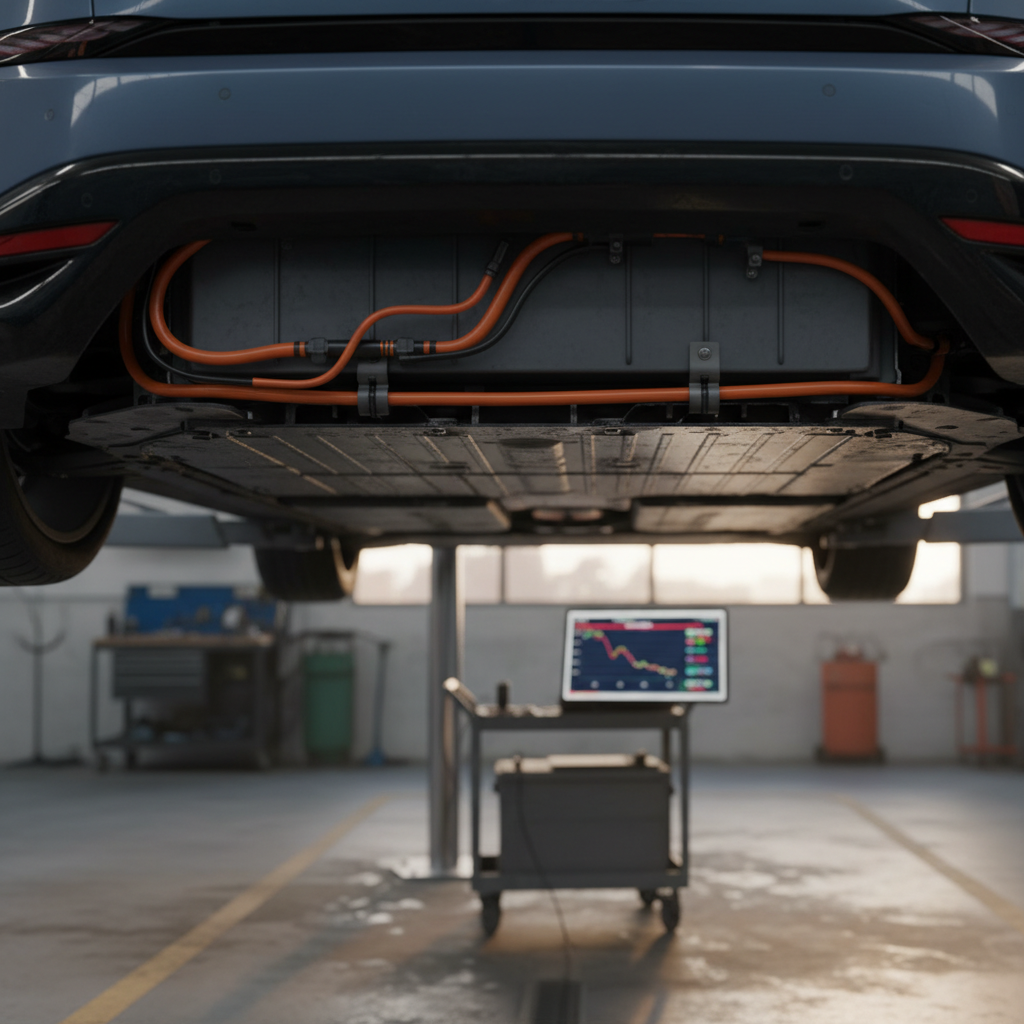
In a used Electrified GV70, the battery is the star of the show and the most expensive component to replace. The good news is that Genesis backs the high‑voltage pack with a long warranty (commonly 10 years/100,000 miles). Your job is to verify what’s left of that coverage and how the battery is actually performing today.
Battery and warranty checklist
1. Confirm battery warranty terms by VIN
Ask for the original warranty booklet or look up the vehicle by VIN through Genesis or a trusted dealer to confirm the exact battery and powertrain coverage and start date.
2. Compare odometer to warranty mileage
Note both age and mileage. A 3‑year‑old GV70 with 45,000 miles uses up miles faster than years; make sure you still have a comfortable buffer under the high‑voltage warranty cap.
3. Ask for recent service or battery reports
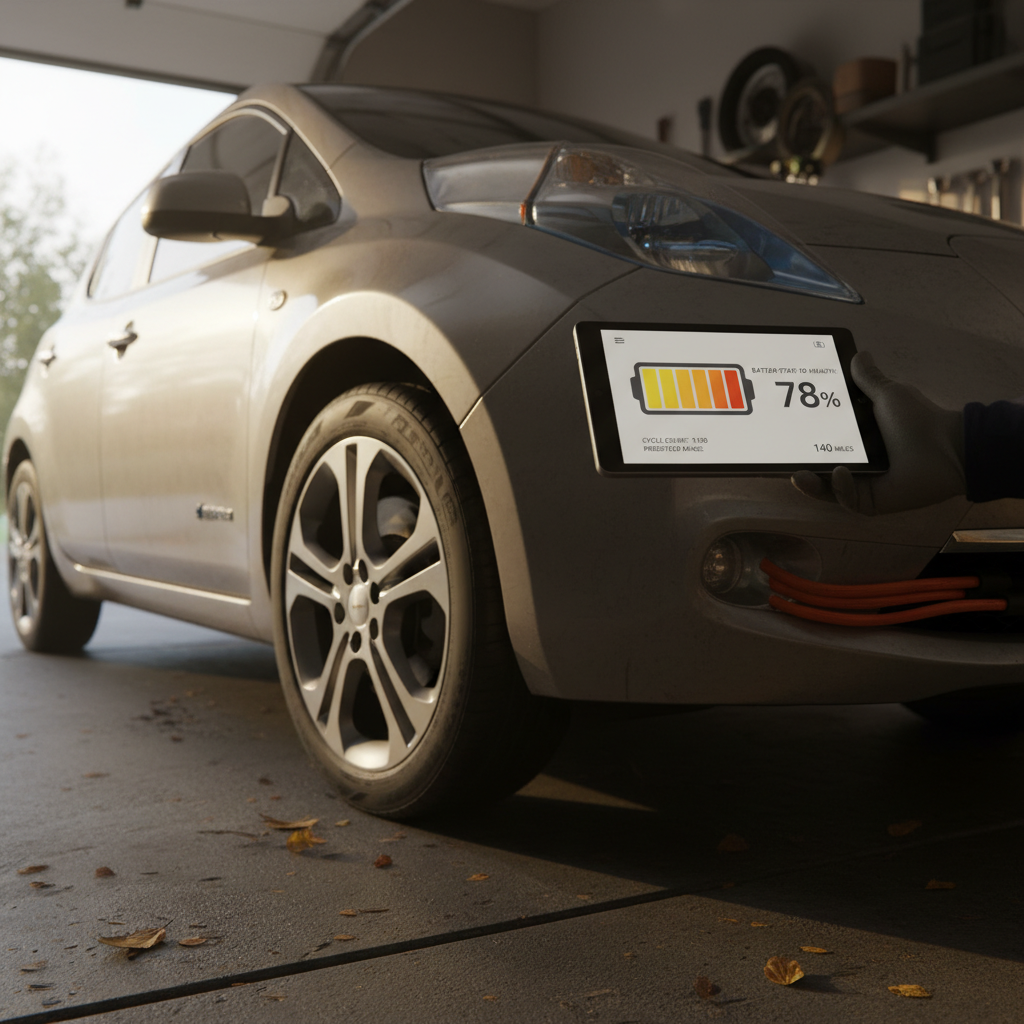
Some dealers can print battery health summaries or state‑of‑charge logs. Even simple data, like how much energy goes into a 10–80% fast charge, can hint at real‑world capacity.
4. Check range at 100% charge
On a test drive, see what the car predicts at 100% in its trip computer. If it’s dramatically lower than the EPA number, ask why. Climate settings, driving history, and wheel choice all play a role, but big gaps deserve questions.
5. Inspect for warning lights or messages
When you power the car up, look for battery, charging, or high‑voltage system warnings. Walk away from any car with unresolved EV‑system errors unless the seller can document a completed repair.
How Recharged helps on battery health
Ready to find your next EV?
Browse VehiclesStep 3: Charging speed, ports, and home setup
The Electrified GV70’s 800‑volt architecture and DC fast‑charging capability are big selling points. But your day‑to‑day satisfaction will depend just as much on your home charging setup and understanding which public chargers you’ll actually use.
Know your charging hardware
- DC fast charging: Earlier U.S. models use CCS; newer Genesis materials reference access to Tesla Superchargers via NACS compatibility. Verify which connector your specific GV70 has, and whether an adapter is included.
- Level 2 AC charging: Onboard charger around 10.9 kW gives you roughly 25–30+ miles of range per hour on a 40–48 amp home unit.
- Vehicle-to-load (V2L): Many Electrified GV70s offer a 110‑volt outlet (up to about 1.9 kW) to power tools, laptops, or small appliances.
Evaluate your home setup
- Do you have access to a 240‑volt outlet or the ability to install one in a garage or driveway?
- Is your electrical panel modern enough to handle a 40–50 amp circuit, or will you need an upgrade?
- If you rent, will your landlord approve a charger installation or allow a 240‑volt outlet?
- Apartment/condo dwellers should map out nearby public Level 2 and DC fast chargers before buying.
If any of this feels daunting, a specialist or electrician who understands EV loads can make it straightforward.
Safety reminder on home charging

Step 4: Trims, packages, and must-have features
Genesis keeps the Electrified GV70 lineup relatively simple in the U.S., typically centered on two well‑equipped trims, often called Advanced and Prestige, with a few color and wheel options on top. When you’re shopping used, you can’t reshuffle the options list, so it pays to know which features you care about most.
Common Electrified GV70 trim themes
Exact content varies by model year, verify with the window sticker or VIN report.
Advanced-style trims
- Strong baseline of driver‑assist tech (adaptive cruise, lane centering, blind‑spot monitoring).
- Heated front seats, power tailgate, premium audio, and large infotainment screen.
- Great if you value value, often the sweet spot on the used market.
Prestige-style trims
- Nappa leather upholstery, upgraded audio (e.g., Lexicon or B&O depending on year), head‑up display.
- Larger or fully digital instrument cluster, more ambient lighting and luxury touches.
- May include extra safety or comfort features like rear‑seat heaters and noise‑canceling tech.
Decide your non‑negotiables
Step 5: Driving experience and test-drive checklist
The Electrified GV70 is seriously quick for a family SUV. But a good test drive is about more than flooring it on a freeway on‑ramp. You’re looking for smooth transitions between regenerative and friction braking, predictable steering, and the ride comfort you’ll live with every day.
On-road test-drive checklist
1. Start with a cold start
Power the vehicle on from cold and listen for clunks, groans, or unusual high‑voltage system noises. Confirm there are no warning lights for the battery, charging system, or advanced driver‑assist features.
2. Test acceleration and Boost
In a safe, open stretch, run a few brisk launches in Normal or Sport mode. The Electrified GV70 should pull strongly and smoothly, with no shuddering or hesitation. Try the Boost function if equipped and confirm it engages cleanly.
3. Pay close attention to braking feel
Some early reviews dinged the GV70 for inconsistent brake‑pedal feel. During your drive, transition smoothly from light to heavier braking and see if it feels linear, without sudden grabby spots.
4. Check ride comfort on rough pavement
Find broken pavement or expansion joints and listen for rattles in the cabin. The structure should feel solid, with no harsh crashing from the suspension or buzzes from the interior trim.
5. Test highway manners and driver aids
On a freeway, engage adaptive cruise and lane‑keeping. Check that the car tracks straight, doesn’t ping‑pong between lane lines, and that steering‑assist nudges feel natural, not fighty or overly intrusive.
6. Try tight parking maneuvers
Use the cameras and parking sensors to slip into a tight spot. Make sure the surround‑view system, parking distance warnings, and any auto‑parking or remote‑parking features work as advertised.
Step 6: Infotainment, safety tech, and recalls
Genesis leans hard into tech, big screens, always‑on driver‑assist, digital keys, streaming apps, and that’s part of the Electrified GV70’s charm. But more tech also means more to verify. Recent news has highlighted a software recall affecting infotainment and instrument screens on certain 2025–2026 Genesis models, including the Electrified GV70, where screens can reboot and temporarily hide speed and other info. Make sure the car you’re considering has had any necessary updates.
Tech and safety checklist
1. Confirm recall and software status
Run the VIN on the NHTSA website or with a Genesis dealer to confirm all recalls and software campaigns are complete, including any screen‑related fixes. Ask for paperwork or screenshots as proof.
2. Test the screens and audio thoroughly
Cycle the main touchscreen through navigation, media, EV menus, and settings. Watch for glitches, lag, or unexpected reboots. Check the digital gauge cluster for clarity and brightness changes in sunlight and at night if possible.
3. Verify smartphone integration
Pair your phone and confirm <strong>Apple CarPlay or Android Auto</strong> works wirelessly or via USB as advertised for that model year. Test voice commands and steering‑wheel controls.
4. Inspect driver‑assist sensors and cameras
Walk around the vehicle and look for cracked or fogged camera lenses, damaged radar covers, or sensor misalignment from minor accidents. On the drive, confirm that lane‑keeping, adaptive cruise, and blind‑spot warnings activate without false alarms.
5. Check safety scores and equipment list
Many Electrified GV70s earn strong safety ratings and come with robust ADAS suites, but content can vary by trim. Verify features like Highway Driving Assist 2, Forward Collision‑Avoidance Assist, and rear cross‑traffic alert are present and functional.
Don’t ignore flaky screens
Step 7: Price shopping, total cost, and used value
The Electrified GV70 launched as a relatively pricey, low‑volume luxury EV. By 2025, typical U.S. MSRPs for new models often hovered in the high‑$60,000s for Advanced‑type trims and mid‑$70,000s for Prestige‑type trims, before destination and incentives. On the used market, prices move quickly with incentives, interest rates, and EV demand, so you’ll want to look at today’s numbers, not last year’s articles.
Questions to ask about pricing
- How does this asking price compare to at least three other comparable Electrified GV70s nationally?
- Is the dealer adding high markups, add‑ons, or mandatory packages?
- Does the vehicle still qualify for any federal, state, or utility incentives in your area?
- What’s the real out‑the‑door price including taxes, fees, and any dealer accessories?
Think in terms of total cost of ownership
- Factor in lower fuel and maintenance costs versus a gas GV70, no oil changes, fewer moving parts.
- Price in a home Level 2 charger plus any electrical upgrades you might need.
- Check insurance quotes; luxury EVs can cost more to insure.
- Consider resale value: well‑optioned colors and trims generally hold value better, especially Prestige‑style models with more tech.
How Recharged approaches pricing
Step 8: Paperwork, history, and dealer questions
A luxury badge and spotless paint can hide a rough history. EV‑specific issues, like repeated fast‑charging, poorly repaired front‑end damage around the charge port, or neglected software updates, don’t always show up on a quick walkaround. This is where paperwork and a little persistence pay off.
Paperwork and history checklist
1. Pull a full vehicle history report
Look for accident records, airbag deployments, title issues, mileage inconsistencies, or frequent auction appearances. Pay special attention to any damage to the front end where the charge port and many sensors live.
2. Ask for all available service records
Regular maintenance matters even on EVs, especially brake service, software updates, and any high‑voltage system work. A thick folder of receipts tells you the previous owner cared.
3. Verify charging gear is included
Confirm the car comes with the correct portable charging cable, any factory adapters, and, if claimed, a V2L adapter. Missing gear can cost hundreds of dollars to replace.
4. Confirm number of keys and digital access
Make sure you receive all physical keys and that any digital key features are correctly transferred or reset to your account for security.
5. Get a clear answer on buyback or lemon history
Ask the seller directly whether the vehicle has ever been repurchased under lemon laws or manufacturer goodwill. In some states this must also be disclosed in writing.
6. Clarify software update process going forward
Ask how software updates are delivered, over‑the‑air, at the dealer, or both, and whether there are any outstanding campaigns or optional updates you should plan to schedule.
Genesis Electrified GV70 buying checklist (printable-style summary)
One-page Electrified GV70 buying checklist
Confirm the basics
Match VIN, model year, trim, battery size, EPA range, and drivetrain (AWD) to the listing. Verify remaining factory warranty coverage for bumper‑to‑bumper, powertrain, and high‑voltage battery.
Assess battery health and range fit
Check predicted range at 100%, review any battery diagnostics, and make sure real‑world range fits your commute and trips, even with a winter margin.
Evaluate charging fit
Verify connector type (CCS vs NACS compatibility), test the charge port door and charging session, and ensure your home electrical setup can support a Level 2 charger.
Confirm features you care about
Identify must‑have equipment (HUD, premium audio, panoramic roof, Highway Driving Assist, etc.) and verify it’s present and working on the specific car.
Do a thorough test drive
Check acceleration, braking feel, ride comfort, noise levels, driver‑assist behavior, and parking aids. Watch for warning lights or software glitches, especially with screens.
Check tech, safety, and recalls
Test infotainment, smartphone integration, cameras, and ADAS. Verify all recalls and service campaigns, including any screen‑related software fixes, are complete.
Run the numbers
Compare pricing with similar Electrified GV70s nationwide, factor in incentives, charger installation, insurance, and energy costs, and calculate your real monthly cost.
Lock down the history
Pull a vehicle history report, review service records, confirm title status, and make sure you’ll receive all keys, charging gear, and owner documentation.
Genesis Electrified GV70 buying FAQ
Frequently asked questions about buying a Genesis Electrified GV70
Final thoughts: how Recharged can help
The Genesis Electrified GV70 is one of those rare EVs that feels like a true luxury SUV first and an electric car second, quiet, quick, and beautifully finished, with just enough range and charging speed to handle real life. The key to a smart purchase is going beyond the test‑drive grin to methodically check battery health, charging compatibility, tech, and history.
If you’d rather not do all of that alone, Recharged is built for exactly this moment. Our EV‑specialist team can help you compare Electrified GV70s to other luxury EV SUVs, understand the trade‑offs between trims and model years, and set up financing, trade‑in, or consignment without a stack of paper forms. Every vehicle includes a Recharged Score Report with verified battery diagnostics and fair market pricing, so you can focus on choosing the right Electrified GV70, not worrying what’s hiding under the surface.