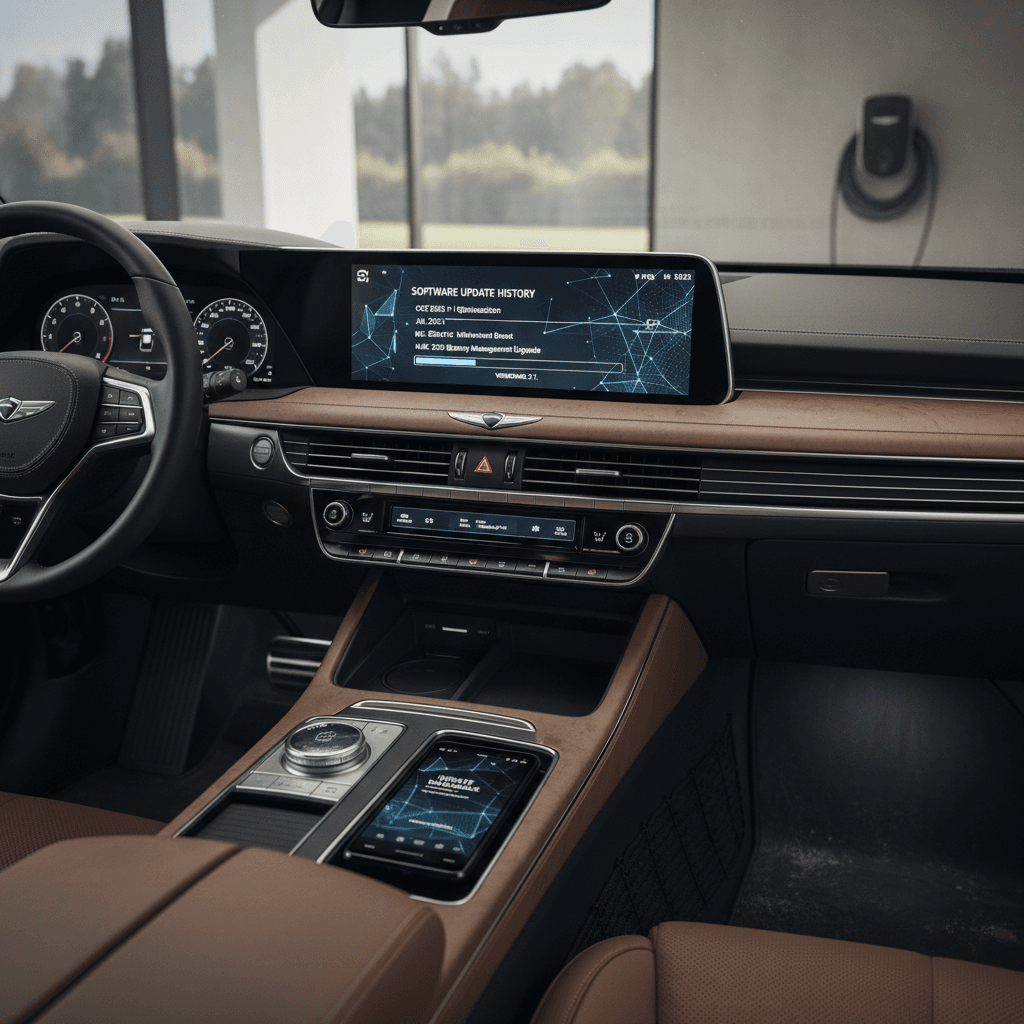
The Genesis Electrified G80 software update history is a little more complicated than a simple version list. Genesis has layered safety recalls, infotainment fixes, and over‑the‑air (OTA) tweaks on top of a car that already feels like a rolling smartphone. If you own, or are shopping for, an Electrified G80, knowing what’s been updated, and what still needs attention, matters for safety, convenience, and resale value.
Quick take
Electrified G80 software at a glance
Genesis Electrified G80 software snapshot
Genesis doesn’t publish a neat public changelog by VIN, but we can piece together the Electrified G80’s software story by looking at recall campaigns, navigation/infotainment releases, and owner reports. Think of software in three layers: safety‑critical control units, infotainment/screens, and Connected Services (apps, remote features, and maps).
Does the Genesis Electrified G80 get over-the-air (OTA) updates?
Yes, at least partially. Late‑model Genesis vehicles equipped with Genesis Connected Services support wireless updates for certain systems. Genesis’ official guidance describes OTA as a way to update your vehicle “automatically when you start your vehicle” instead of using USB or SD cards.
- Electrified G80 models with Genesis Connected Services and an SOS button in the overhead console can receive OTA updates for some modules.
- Navigation and map data are updated either over the air or via the Genesis Updater app on a PC/mac and a USB drive.
- Safety‑critical control units (like the Integrated Charging Control Unit and some instrument‑cluster functions) generally require a dealer visit, where updated software is flashed to the car.
Owner tip
Major software-related recalls that affect the Electrified G80
When people search for the Genesis Electrified G80 software update history, what they often really want to know is: which critical fixes has this car already seen, and are they done on my vehicle? Two big campaigns stand out for Electrified G80 owners in the U.S. market:
Key Electrified G80 software-related recall events
These campaigns span multiple Hyundai/Genesis EVs, but include 2023–2024 G80 electric models. Always confirm status by VIN with Genesis or NHTSA.
| Campaign / issue | Approx. timing | What it affects | What the fix includes |
|---|---|---|---|
| ICCU / 12‑volt battery power-loss issue | Filed late 2024, owner letters in Dec 2024–Jan 2025 | Integrated Charging Control Unit (ICCU). Defect can stop the 12‑volt battery from charging, leading to gradual loss of drive power. | Dealer inspection of the charging control unit and fuse, replacement if needed, plus an updated software strategy to prevent damaging over‑voltage conditions. |
| Instrument panel / screen visibility issue | Software revised in production by early 2024; recall notifications into 2025 | Instrument cluster software on G80/GV70/GV80 that can cause display problems or loss of cluster information. | Dealer flashes updated cluster software. Production cars after early 2024 already carry the revised logic. |
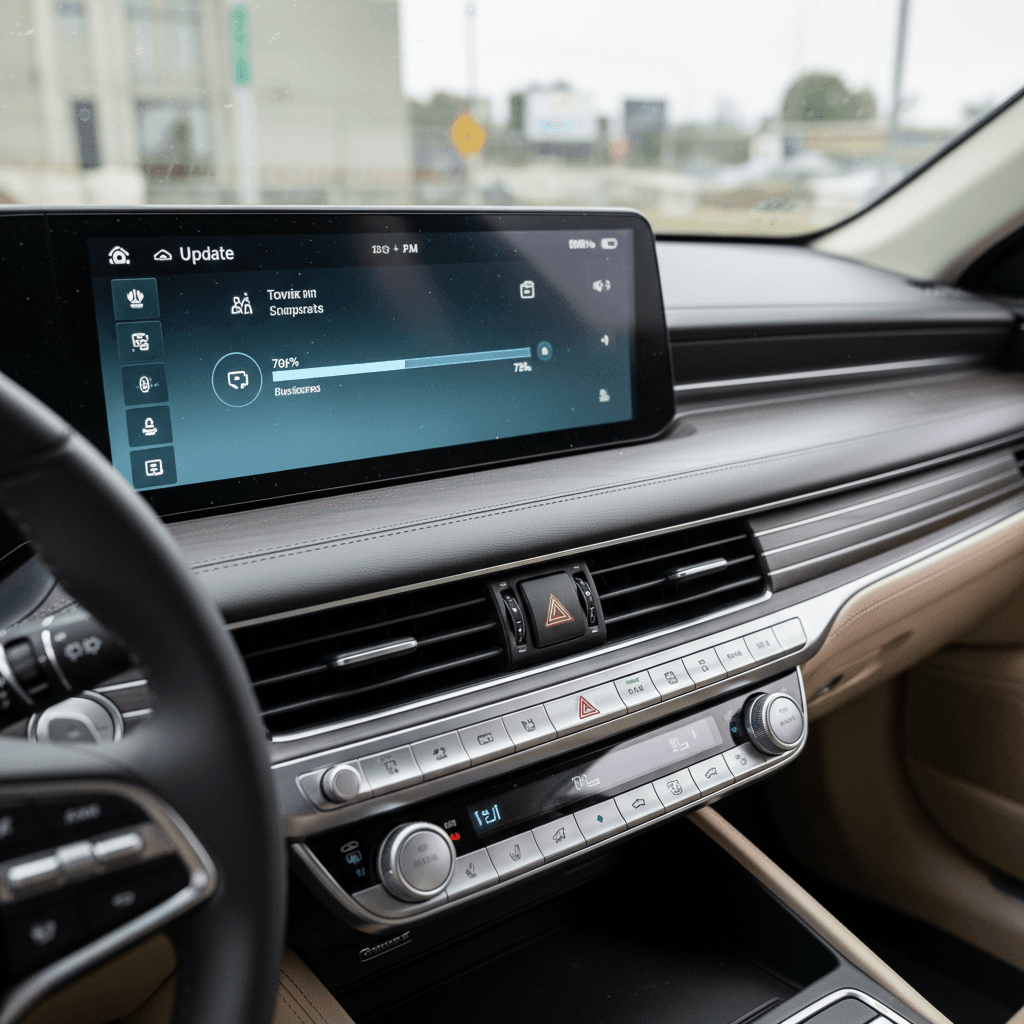
| HD radio / infotainment reboot issue | Software fix implemented starting Nov 26, 2025 | Infotainment and instrument screens can intermittently reboot while driving due to HD radio memory logic. | Owners are instructed to disable HD radio until a fix is applied. Remedy is a software update via dealer or OTA for compatible cars (including 2025–2026 G80 and Electrified G80). |
Dates and details may vary slightly by build date and market; use this as a guide, then verify your own car’s recall status.
Safety first
Infotainment and screen software issues on G80 and Electrified G80
The Electrified G80 shares its basic infotainment platform with gasoline G80 and GV80 siblings, so software changes often roll across the whole family. Owners have reported a few recurring themes when new software drops:
Common infotainment software behaviors on G80 and Electrified G80
Not every car will see every bug, but these are patterns owners talk about most.
Intermittent reboots
Lost profiles & settings
Connected Services glitches
Why HD radio matters here
Navigation, map, and Connected Services updates
Separate from recalls, the Electrified G80 sees regular navigation and Connected Services updates. Genesis typically pushes these in two ways: over‑the‑air if you’re subscribed to Genesis Connected Services, or via USB using the Genesis Updater tool you run on a computer.
Map OTA subscription note
Typical update cadence and version names
Genesis doesn’t advertise update schedules the way Tesla does, but owners have pieced together a rough pattern for G80‑family infotainment and control‑unit software:
- Two major navigation/infotainment releases per year on average, often labeled with a year/half code (for example, 2024 first‑half, 2024 second‑half) in the Genesis Updater tool.
- Intermittent smaller OTA patches pushed quietly in the background to address bugs, Connected Services connectivity, or compatibility issues.
- Recall‑driven flashes that happen only at the dealer and may not show up as a named “update” in the user‑facing menus, even though they change software in key modules like the ICCU or instrument cluster.
Don’t mix models when updating manually
How to check your Electrified G80 for software updates
You don’t need to be a technician to stay on top of your Electrified G80’s software. You just need a few minutes, your VIN, and a basic checklist.
Step‑by‑step: confirm your Electrified G80 is fully updated
1. Check recall status by VIN
Start with safety. Use NHTSA or the Genesis owner site to run your 17‑digit VIN and see if there are open recalls. Pay attention to campaigns mentioning the “ICCU,” “12‑volt battery,” “loss of power,” or “instrument panel displays.”
2. Review software and map versions in the car
With the car on and in Park, go to <strong>Setup → General → Software information</strong> (wording may vary) to see infotainment and map versions. If you’re many months behind what the Genesis Updater shows, you’re due.
3. Look for OTA prompts
If your Electrified G80 is OTA‑capable, the screen will occasionally prompt you to install a downloaded update when you start the car or shut it off. Choose a time when you can leave the car parked until the process is finished.
4. Use the Genesis Updater tool (optional)
If you’re comfortable with a PC or Mac, download the official Genesis Updater, enter your vehicle, and create a USB update drive for navigation and infotainment. Follow the on‑screen instructions exactly, don’t interrupt power during an update.
5. Ask the dealer to confirm control‑unit flashes
During service visits, ask the advisor to check for outstanding <strong>TSBs (Technical Service Bulletins)</strong> and control‑unit updates related to charging, the instrument cluster, or connected‑services connectivity. These may not appear as user‑visible version numbers.
6. Test remote features afterward
After any major update or dealer visit, test your Connected Services: remote lock/unlock, climate, and status. If something hangs or shows old data, a soft reset of the infotainment (holding the Map + Setup buttons until the screen reboots) often clears it.
Living with Electrified G80 software: common owner pain points
From owner stories across G80 and GV‑series models, a pattern emerges. The Electrified G80 drives beautifully; its software sometimes needs a nudge. Here are the themes you’re likely to see:
Where Electrified G80 software can trip you up
Most issues are fixable, if you know what you’re looking at.
Connected Services activation snags
Remote commands time out
Cluster and screen oddities
Sparse release notes
The upside of staying current
Shopping used: how software history impacts value
Because the Electrified G80’s U.S. run was short and sales were modest, every used example is a bit of a unicorn. That makes software and recall history a bigger part of the story than usual, especially if you’re buying from a private seller or a general‑market dealership that doesn’t live and breathe Genesis.
Questions to ask the seller
- Have all open recalls (ICCU, instrument cluster, display/HD radio) been completed? Ask for service records.
- When was the last navigation/infotainment update installed? Is the car on roughly current‑year software?
- Do Connected Services and the Genesis app work today, remote start, lock/unlock, vehicle status?
- Has the car ever needed a new head unit, cluster, or control module because of software issues?
How Recharged helps on used EVs
If you find an Electrified G80 through Recharged, you’re not guessing. Every car comes with a Recharged Score Report that verifies battery health and documents key diagnostics, plus expert EV‑specialist support to walk you through software and recall history.
You can also compare the Electrified G80 against other used luxury EVs if you’re still weighing your options.
Red flags on a used Electrified G80
FAQ: Genesis Electrified G80 software updates
Frequently asked questions about Electrified G80 software
Bottom line: keep your Electrified G80’s software current
The Genesis Electrified G80 may have had a brief U.S. run, but it’s a long‑lived luxury EV when you pay attention to its software. Instead of hunting for a perfect, public Electrified G80 software update history, focus on what you can control today: clear all recalls, get your infotainment and maps onto current builds, and make sure Connected Services actually works for the way you live.
If you’re already in an Electrified G80, that’s your maintenance schedule in the digital age. If you’re shopping used, those same steps become your due‑diligence checklist, and a big part of negotiating price. And if you’d rather not decode it all alone, Recharged’s battery‑health diagnostics, transparent pricing, and EV‑savvy support team are there to translate software history into simple, confident ownership decisions.