Owning a Ford F-150 Lightning means living with a truck that’s still very much a work in progress, in both good and bad ways. Ford’s over‑the‑air (OTA) “Power‑Up” system has quietly reshaped the Lightning since it launched in 2022, tweaking everything from DC fast‑charging speed to BlueCruise hands‑free driving and even how securely the truck stays in Park. Understanding the Ford F-150 Lightning software update history is the key to knowing what your truck can do today, and whether a used Lightning you’re eyeing has had the important fixes.
Software is the second powertrain
Why F-150 Lightning software updates matter
Traditional pickup owners think in model years: buy the truck, maybe get a recall or two, call it a day. The Lightning lives in a different universe. Ford can now adjust charging curves, BlueCruise behavior, brake logic, and infotainment features without you ever visiting a dealer. That’s great, until you realize two otherwise identical trucks can feel completely different on the road, just because one has applied its updates and the other hasn’t.
Three big reasons Lightning updates are a big deal
Every OTA package is more than just bug fixes
Real performance changes
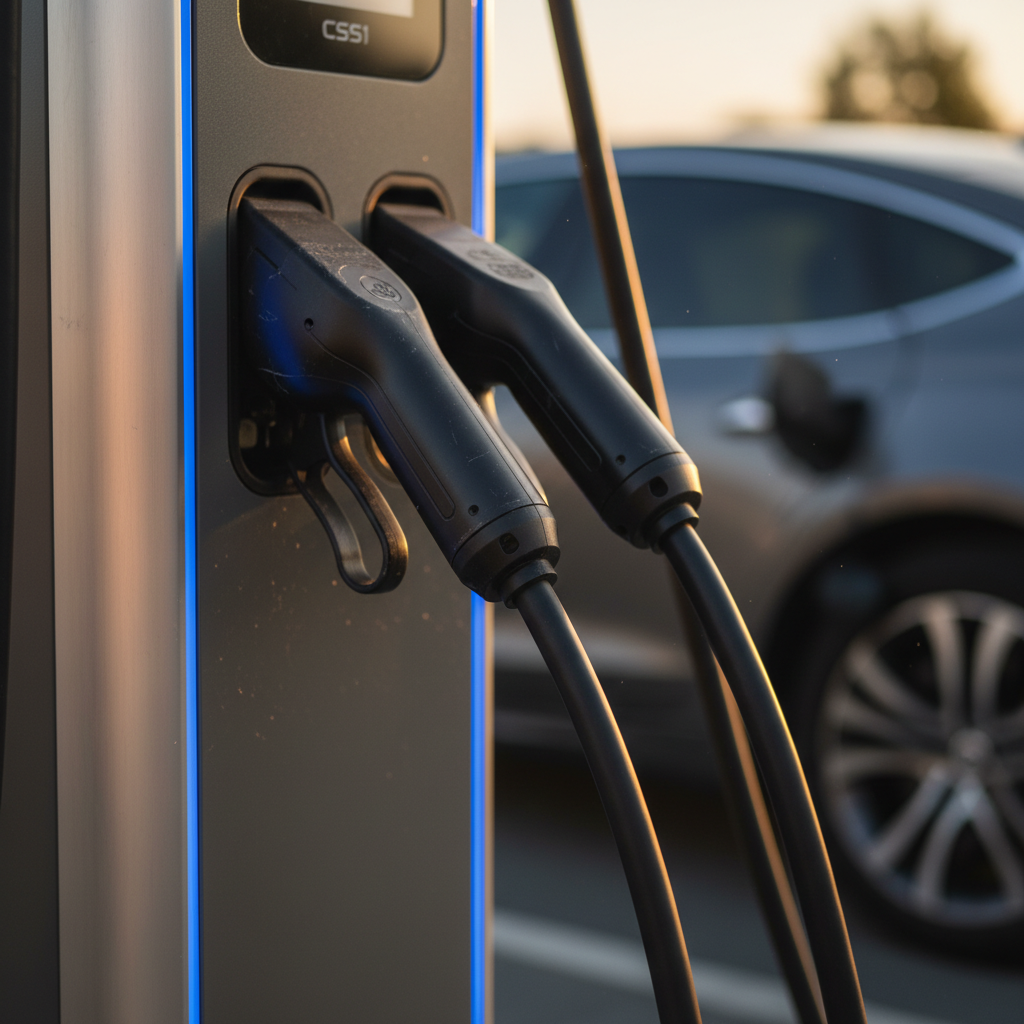
Updates have raised the Lightning’s DC fast‑charging current from 450A to 500A on earlier model years, cutting 10–80% charging times by several minutes in real‑world testing.
Safety and compliance
Recent recalls tied to the integrated park module and roll‑away risk are being fixed with software as much as hardware. Staying current isn’t optional if you care about safety.
Driving feel & comfort
BlueCruise 1.4 and related updates give smoother lane‑keeping, better behavior in curves, and fewer random disengagements, especially on curvy or weather‑challenged highways.
Used buyer caution
How Ford Power-Up works on the Lightning
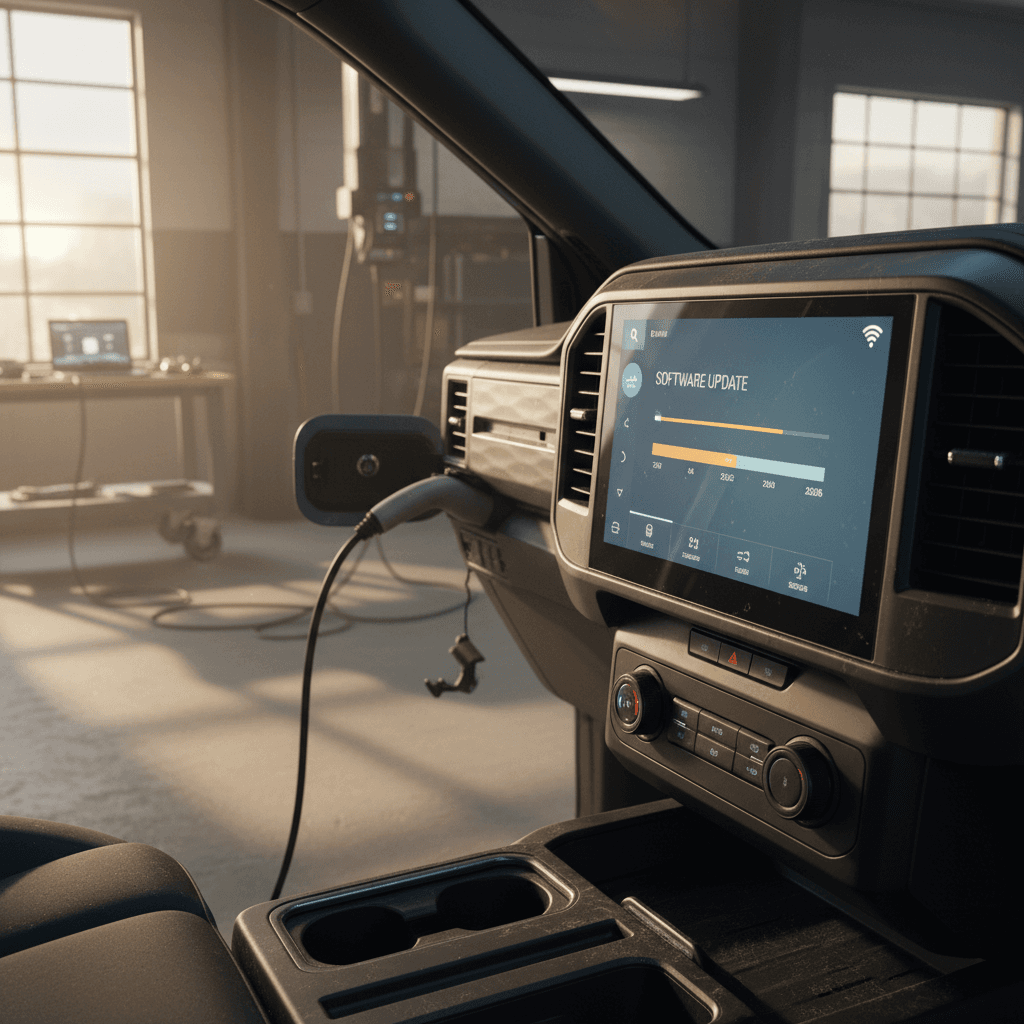
Ford bundles updates for the F‑150 Lightning into Power‑Up packages. Under the skin, dozens of modules, battery control, charging, BlueCruise, infotainment, brakes, receive their own firmware, but what you see in the truck is a single scheduled update with release notes.
- Most updates download in the background over LTE or Wi‑Fi, then install while the truck is parked.
- Some are “non‑drivable” updates that require you to schedule downtime; you can’t drive during installation.
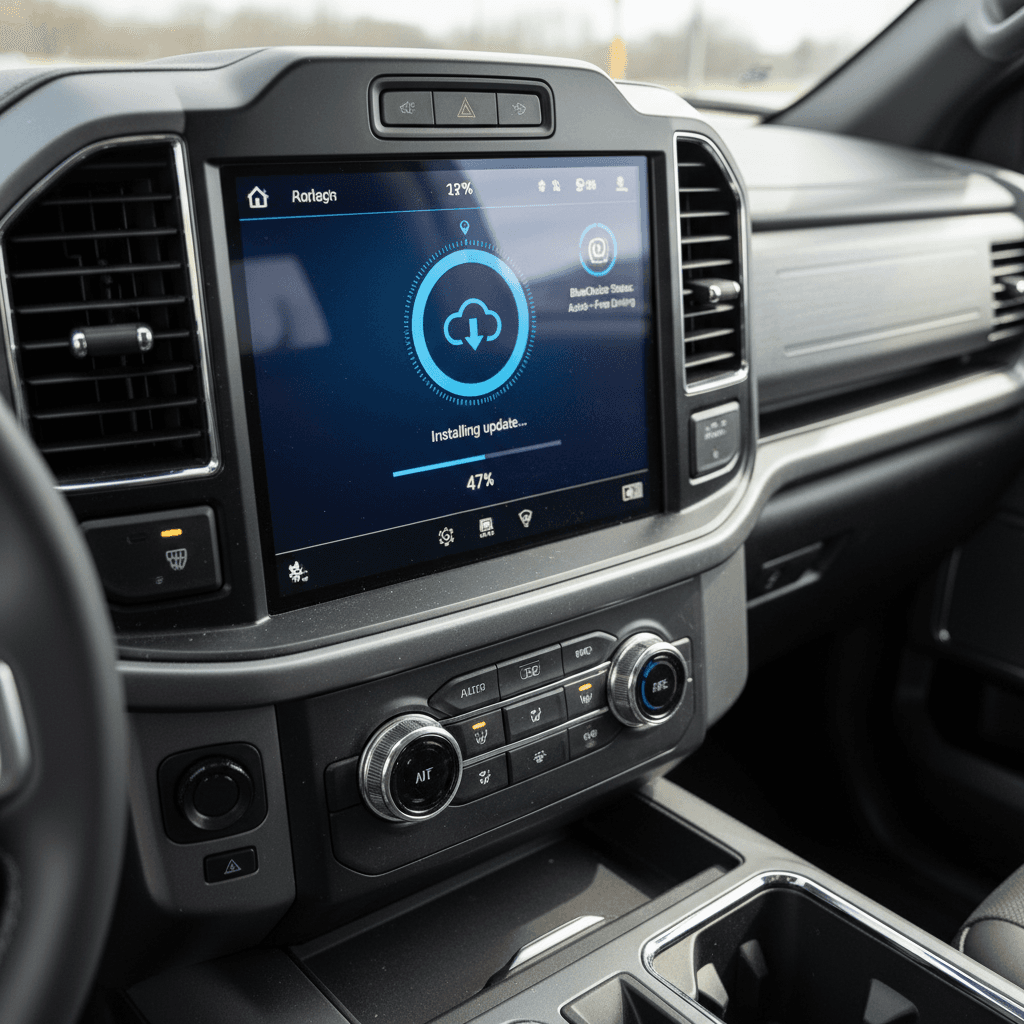
- Release notes show up on the SYNC 4 screen under Settings → Software Updates and in the FordPass app.
- Different trucks get updates in waves, so don’t panic if your friend’s Lightning sees a package a few weeks before yours.
Make friends with your home Wi‑Fi
F-150 Lightning software update timeline (2022–2026)
Ford doesn’t publish a single, neat changelog for the F‑150 Lightning, but we can sketch the major themes by model year. Exact timing will vary by VIN and region, and not every truck gets every feature (especially BlueCruise), but this is the broad arc.
High-level Ford F-150 Lightning software update history
Major OTA themes for 2022–2026 model years
| Model year | Launch software | Key OTA themes | Notable later additions |
|---|---|---|---|
| 2022 | Early Power‑Up builds, BlueCruise 1.0 (if equipped) | Initial bug fixes, charging‑curve refinements, SYNC 4 usability tweaks | Faster DC fast charging via higher current (500A) rolled back to 2022 trucks; BlueCruise refinements |
| 2023 | More mature Power‑Up, improved charging logic | Stability of OTA pipeline, app integration, early feature adds (Karaoke app, interface changes) | Charging‑speed update back‑ported from 2024+, BlueCruise improvements, various driver‑assist refinements |
| 2024 | Charging curve improvements from factory, newer BlueCruise builds | More polished infotainment, smarter lane‑keeping, better fast‑charging behavior out of the box | Eligibility for BlueCruise 1.4, more natural hands‑free driving, incremental bug fixes |
| 2025 | Faster DC charging baseline, updated BlueCruise | Broader rollout of BlueCruise 1.4, more in‑lane stability, improved alerts | Ongoing refinements to charging, brake logic, and app integration |
| 2026 (through early year) | Carried‑over BlueCruise 1.4 and charging logic, pending recall fixes | Focus on safety and compliance for integrated park module via OTA or dealer update | Future updates will likely focus on reliability, not radical new features as Ford transitions to next‑gen Lightning |
This table focuses on widely reported updates, not every infotainment tweak.
Why the history’s a bit fuzzy
BlueCruise software updates on F-150 Lightning
If the Lightning’s battery pack is its heart, BlueCruise is the part of its brain that handles long‑haul tedium. Ford’s hands‑free highway system has marched steadily from version 1.0 to 1.4, and that evolution has been especially important for truck owners who live on interstates.
How BlueCruise 1.4 changes the experience
BlueCruise 1.0–1.2: The early years
- Hands‑free in marked Blue Zones, but relatively quick to disengage.
- Lane centering could feel jittery on tight curves or in crosswinds.
- Occasional abrupt drop‑outs when lane markings or lighting were marginal.
BlueCruise 1.3–1.4: Growing up
- Lane Change Assist: tap the signal, the truck executes the pass when safe.
- In‑Lane Repositioning: gently nudges the truck away from semis in the next lane.
- 1.4 emphasizes longer, more stable hands‑free stretches and better feedback when it needs you back in control.
Check if your Lightning is eligible for BlueCruise 1.4
Charging-speed and battery-behavior updates
Ford launched the Lightning with respectable fast‑charging specs on paper, then discovered real‑world owners don’t live on spec sheets. Several charging‑focused software updates have quietly made the truck more usable on road trips, especially for early‑build 2022–2023 trucks.
Key charging-related software changes
Not all updates show up in splashy marketing copy, but they’re felt at the plug.
Higher DC fast‑charging current
An OTA update pushed to 2022–2023 Lightnings raises max DC fast‑charge current from roughly 450A to 500A, aligning them with later model years. In testing, 10–80% sessions dropped by roughly 4–6 minutes on extended‑range packs.
Slightly shorter 10–80% times
With the new curve, a 131 kWh Lightning that once lingered in the mid‑40‑minute range for a typical 10–80% fast charge can now land closer to high‑30s, assuming the charger can actually deliver the current and conditions are ideal.
Thermal and taper tweaks
Behind the scenes, updates refine how aggressively the truck pre‑conditions and how it tapers power as state of charge rises, balancing speed against long‑term battery health.
Know what won’t change
Safety recalls and issues addressed by software
As of late 2025, Ford has issued a significant recall campaign covering 2022–2026 F‑150 Lightnings tied to the integrated park module (IPM). The concern: under certain conditions the truck may not fully lock into Park, creating a potential roll‑away risk if the parking brake doesn’t do its job.
What the recall is about
- The IPM’s internal pawl can bind against a slider, preventing full engagement of the Park position.
- Drivers may see a wrench light and shift‑system fault message; the PRNDL indicator may be blank.
- In a worst‑case scenario, the truck can roll if the electronic parking brake doesn’t hold.
How Ford is fixing it
- Ford is providing a free software update to revise IPM behavior and related safeguards.
- Owners can accept the fix via OTA or have a dealer apply it using the factory diagnostic system.
- Letters to Lightning owners began rolling out in early 2026; the safest move is to get ahead of the mail and check your VIN now.
Don’t ignore the park-module recall
How to check your F-150 Lightning software version
One of the Lightning community’s ongoing gripes is that Ford doesn’t present a single, tidy “software version” like you’d see on a smartphone. Instead, you’re looking at update package numbers and a maze of individual module firmware versions. Still, there are practical ways to know where your truck stands.
Practical ways to see your Lightning’s update status
1. Use the in‑truck Software Updates menu
On the SYNC 4 screen, go to Settings → Software Updates. You’ll see your latest Power‑Up package, its date, and often release notes. Some builds also show a high‑level version like 10.1.x or 10.3.x.
2. Check the FordPass app
Open FordPass → Vehicle → Settings → Software Updates. This view lists your most recent OTA events and any pending installs. It’s often more reliable than the in‑truck log if the truck’s been offline.
3. Look up BlueCruise status
If you have BlueCruise, its status and subscription details appear under driver‑assist settings in the truck and in FordPass. If it lists BlueCruise 1.4, you’re on the latest major generation as of early 2026.
4. Ask a dealer to pull a module report
For the truly granular version list, a Ford dealer can plug in and see firmware levels for every module. This is also where they’ll see any outstanding campaigns or OTA failures that need a manual push.
5. Use third‑party tools (advanced owners only)
Enthusiasts sometimes use tools like FORScan and an OBD dongle to read module versions. That’s strictly at‑your‑own‑risk territory and unnecessary for most owners, but it exists.
If your updates seem “stuck”
FAQ: Common questions about F-150 Lightning software updates
Frequently asked questions
What this history means if you’re buying used
If you’re shopping for a used F‑150 Lightning, the software story is no longer a footnote. It’s part of the truck’s identity. Two 2022 Lariats can differ more in behavior than two gas F‑150s a decade apart, depending on how faithfully their owners let Ford push bits into them overnight.
Questions to ask about software
- “Has the truck received the latest charging‑speed update for DC fast charging?”
- “Is BlueCruise 1.4 installed, if equipped?”
- “Have all open recalls, including the integrated park module campaign, been completed?”
- “Can you show recent Software Updates screens or FordPass logs?”
How Recharged fits in
Buying a used EV shouldn’t feel like decoding firmware release notes. Every Lightning sold through Recharged includes a Recharged Score Report with verified battery health, fair‑market pricing, and documentation of critical updates and recalls. Our EV specialists can walk you through what software the truck is running, how it affects charging and BlueCruise performance, and what to expect down the road.
Turn software from mystery into leverage
The Ford F‑150 Lightning is one of the first full‑size pickups whose character can change meaningfully after it leaves the factory. The software update history of your truck, or the one you’re considering, tells you how much of Ford’s hard‑earned learning you actually get to enjoy. Before you hand over the keys or sign for a used Lightning, take a few minutes to confirm that the bits are as current as the badges. And if you’d rather let someone else sweat the details, working with an EV‑focused retailer like Recharged can turn the Lightning’s evolving software saga into a simple, transparent part of the deal.