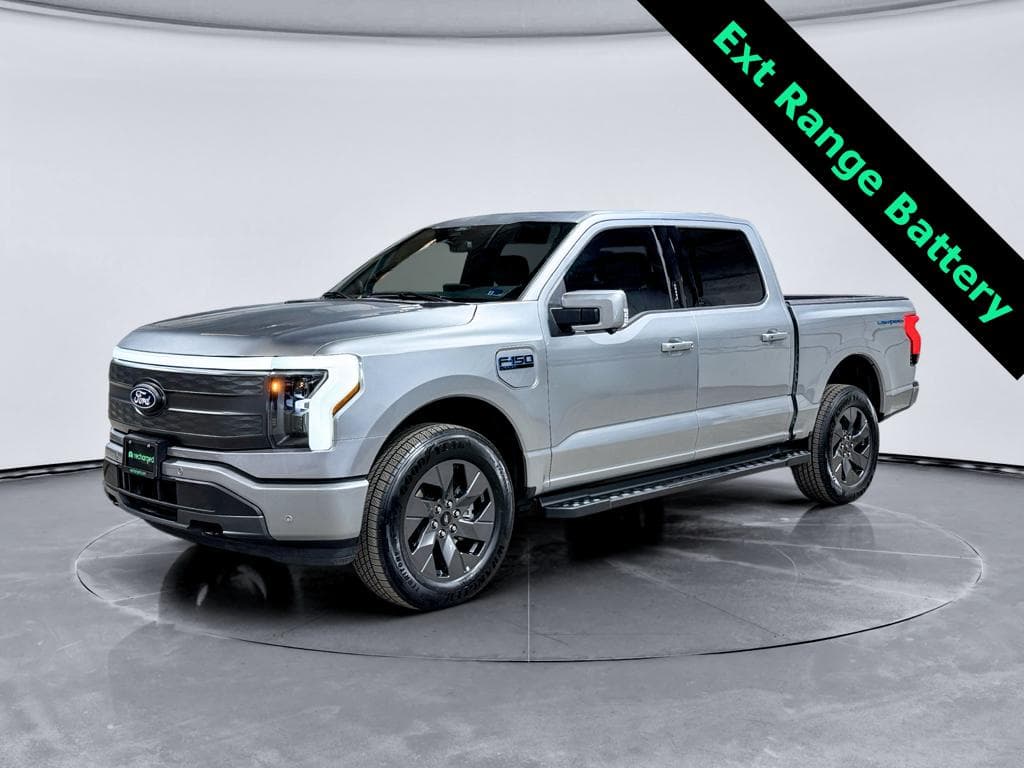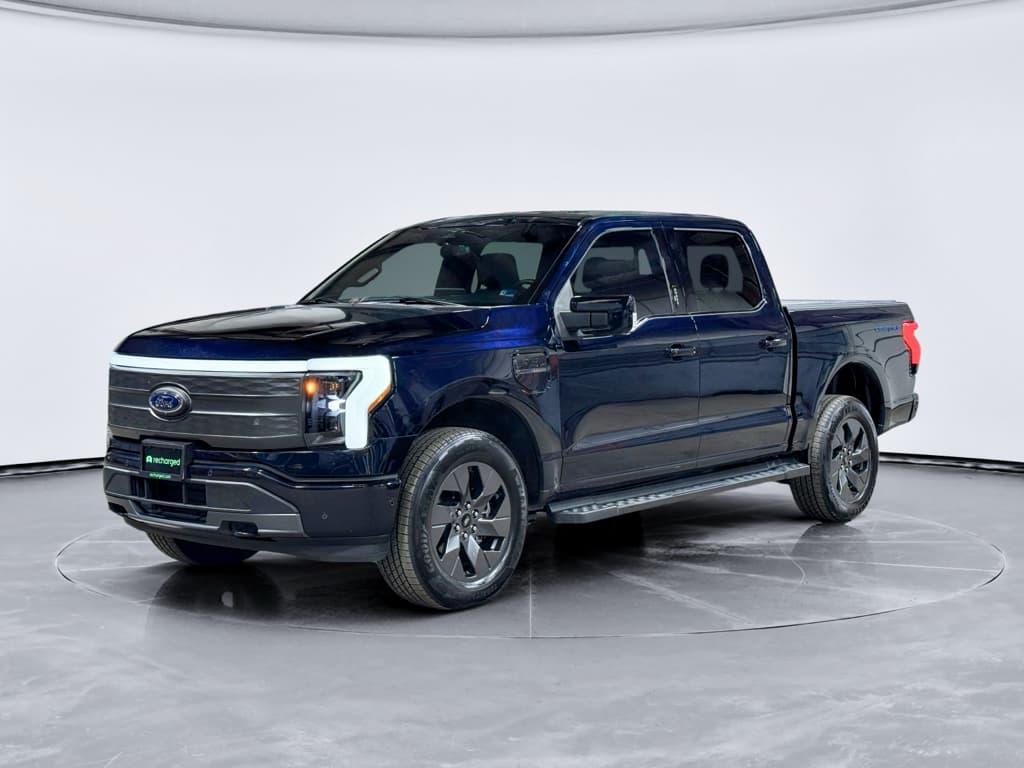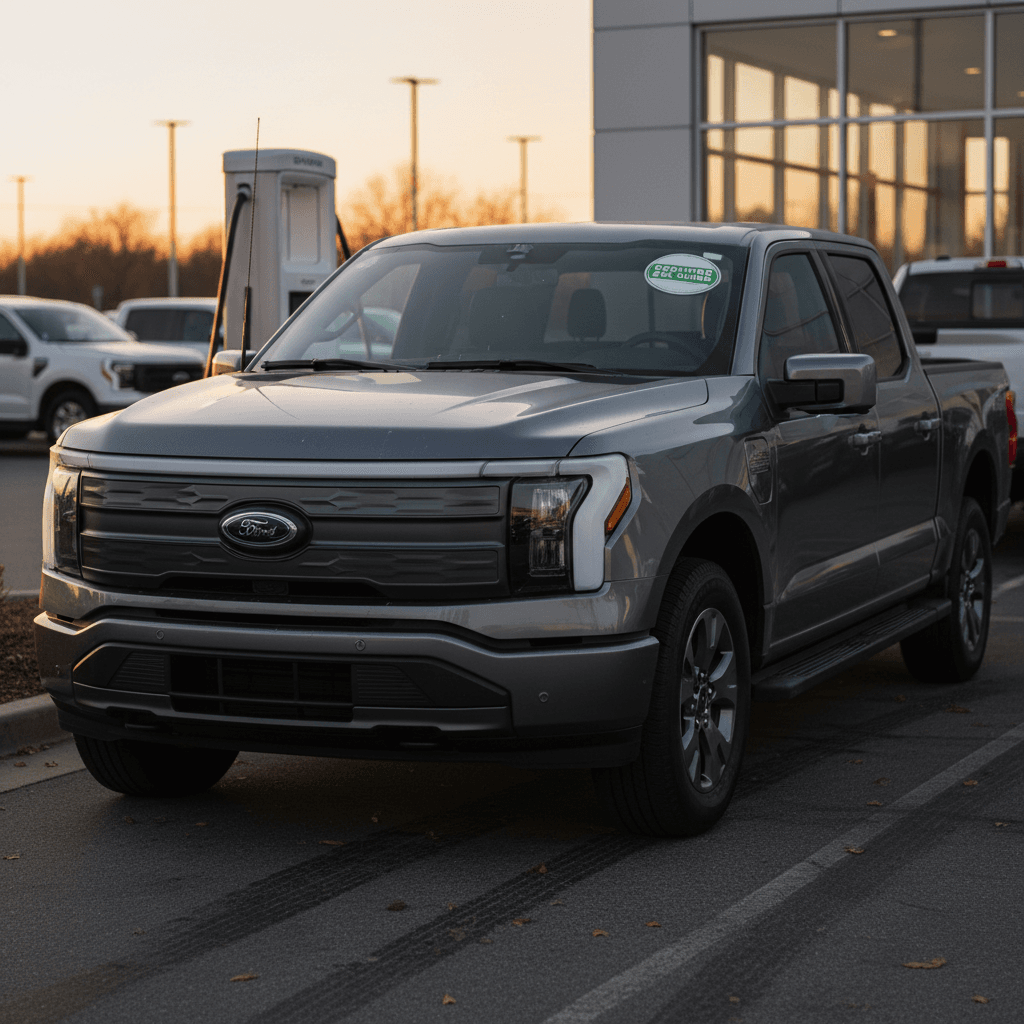
If you’re eyeing a Ford F-150 Lightning, you’re not just buying a pickup, you’re buying into a very specific kind of EV truck. The right Ford F-150 Lightning buying checklist will help you sort out trims, batteries, range, towing reality, software, and recalls so you don’t overpay for the wrong truck, especially in the used market.
Quick context: production and model years
Why a dedicated F-150 Lightning buying checklist matters
On paper, the Lightning looks simple: dual‑motor AWD, big battery, big power. In the real world, the details matter. Battery size, wheel choice, towing use, and software options can easily swing your usable range by more than 100 miles and your cost of ownership by thousands of dollars over time.
Ford F-150 Lightning: key numbers to keep in mind
How to use this checklist
Step 1: Clarify how you’ll use your F-150 Lightning
Match your Lightning to your life
Different use cases point you toward different trims, batteries, and options.
Daily commuter & family duty
Mostly city/suburban driving with occasional highway trips.
- Standard‑range battery can work if your daily round‑trip is under ~120 miles.
- Prioritize comfort options, driver‑assist, and winter performance.
- Look for trucks that haven’t towed or fast‑charged heavily.
Work truck & job sites
Hauling tools, short to medium drives, lots of idling.
- Pro or lower‑spec XLT/Flash trims are often enough.
- Pro Power Onboard is extremely valuable for tools and lights.
- Range matters less if you charge every night at a depot or home.
Towing & road‑trip truck
Frequent highway miles, campers, boats, or trailers.
- Focus on extended‑range battery trucks.
- Expect towing to cut range by 40–60% depending on load and speed.
- Interior comfort and BlueCruise can make long trips easier.
Be honest about your range needs
Step 2: Understand trims, batteries, and key options
The Ford F-150 Lightning trim structure evolved over the first generation, Ford replaced and renamed trims like XLT and Flash as it adjusted pricing. Don’t rely on the badge alone. Instead, use this checklist to decode what’s actually on the truck you’re considering.
Common F-150 Lightning trims and what they usually include
Always verify equipment on the actual truck, packages and running changes mean no two used trucks are exactly alike.
| Trim | Battery options | Typical features | Buyer profile |
|---|---|---|---|
| Pro (commercial / value) | Standard-range; ER rare | Basic cloth interior, smaller screen, fewer luxury touches; still dual‑motor AWD. | Work truck buyers, budget shoppers who mainly drive locally. |
| XLT / STX (midrange) | SR or ER | More comfort features, better seats, nicer interior, more options for tech and towing packages. | Families and mixed‑use owners wanting value and comfort. |
| Flash (newer mid‑high trim) | Often ER | More premium tech, larger screen, more driver‑assist and comfort equipment than XLT. | Tech‑focused buyers who don’t need top‑end luxury. |
| Lariat | Mostly ER | Leather, larger screen, more sound insulation, more packages available; popular sweet‑spot trim. | Daily drivers and road‑trippers who want comfort and range. |
| Platinum | ER only | Top luxury, 22‑inch wheels, every feature, slightly lower range rating than other ER trucks. | Buyers prioritizing luxury over absolute range and price. |
Trim availability and features vary by model year; use this as a starting point, not a substitute for the window sticker.
Wheel size affects range
Options to confirm on any used F-150 Lightning
1. Battery size on the window sticker or build sheet
Confirm whether the truck has the <strong>standard‑range (around 240 EPA miles)</strong> or <strong>extended‑range (up to ~320 EPA miles)</strong> battery. This affects price, towing, and resale value.
2. Pro Power Onboard configuration
Check the bed and frunk outlets, and verify the maximum power rating (for example, up to about 9.6 kW on higher trims). If you’ll power tools or a home during outages, this feature matters a lot.
3. Tow package and hitch rating
Confirm whether the truck has the Max Trailer Tow package, integrated trailer brake controller, and proper hitch rating for your needs. Don’t assume every Lightning can tow 10,000 pounds in practice.
4. Interior tech and screen size
Higher trims add a 15.5‑inch vertical screen, premium audio, and more connectivity. Decide what you care about now, retrofitting tech later is difficult or impossible.
5. Driver‑assist features present
Look for adaptive cruise, 360‑degree camera, and whether the truck is wired for <strong>BlueCruise</strong> (Ford’s hands‑free highway system). That affects both convenience and future subscription costs.
Step 3: Battery health and real-world range checklist
Battery health is the heart of any used EV purchase, and the F-150 Lightning is no exception. The truck’s 8‑year/100,000‑mile battery warranty is reassuring, but degradation, hard fast‑charging use, and heavy towing can still impact real‑world range and value.
Battery and range checks to perform
1. Review a third‑party battery health report
Ask for an objective assessment of usable battery capacity. At Recharged, every used EV includes a <strong>Recharged Score Report</strong> that quantifies battery health so you’re not guessing based on a dash estimate.
2. Compare displayed range to EPA numbers
With the truck at 100% state of charge, compare the indicated range to the original EPA figure for that trim and battery. A modest gap is normal; a very large gap can suggest degradation or an aggressive past driving history.
3. Ask how the truck was driven and charged
Frequent DC fast charging, regular towing near max capacity, and routinely charging to 100% can stress a pack over time. You can’t change the past, but you can factor it into pricing and expectations.
4. Consider your climate
Cold weather can temporarily knock 20–40% off effective range. If you live in a northern climate, prioritize extended‑range trucks and look for options like heated seats and steering wheel to rely less on cabin heat.
5. Verify remaining battery warranty
Confirm the in‑service date and mileage to see how much of the 8‑year/100,000‑mile battery warranty is left. On a 2022 truck, you may still have several years of coverage, but the clock is ticking.
Leverage the Recharged Score
Step 4: Towing, hauling, and using Pro Power Onboard
The Lightning’s towing and power‑export abilities are impressive, but they come with trade‑offs. Ignore the brochure numbers and focus on how you’ll use the truck day‑to‑day.
Towing reality check
- Extended‑range trucks can be rated to tow up to 10,000 pounds, but expect range to drop to around half of the EPA figure at highway speeds with a sizable trailer.
- Wind drag from campers and enclosed trailers hurts more than weight alone. A lower, more aerodynamic trailer is easier on range.
- Plan charging stops around trailer‑friendly fast‑charge locations and consider routes with multiple backup options.
Hauling & Pro Power Onboard
- Payload ratings vary by trim and battery; standard‑range trucks can carry slightly more than heavy extended‑range versions.
- Pro Power Onboard can supply serious power to tools, tailgates, or even home backup setups, verify the exact wattage on the truck you’re considering.
- Using Pro Power draws from the battery; for long job days, a home or depot Level 2 charger becomes almost mandatory.
Don’t buy only on max tow number
Step 5: Charging at home and on the road
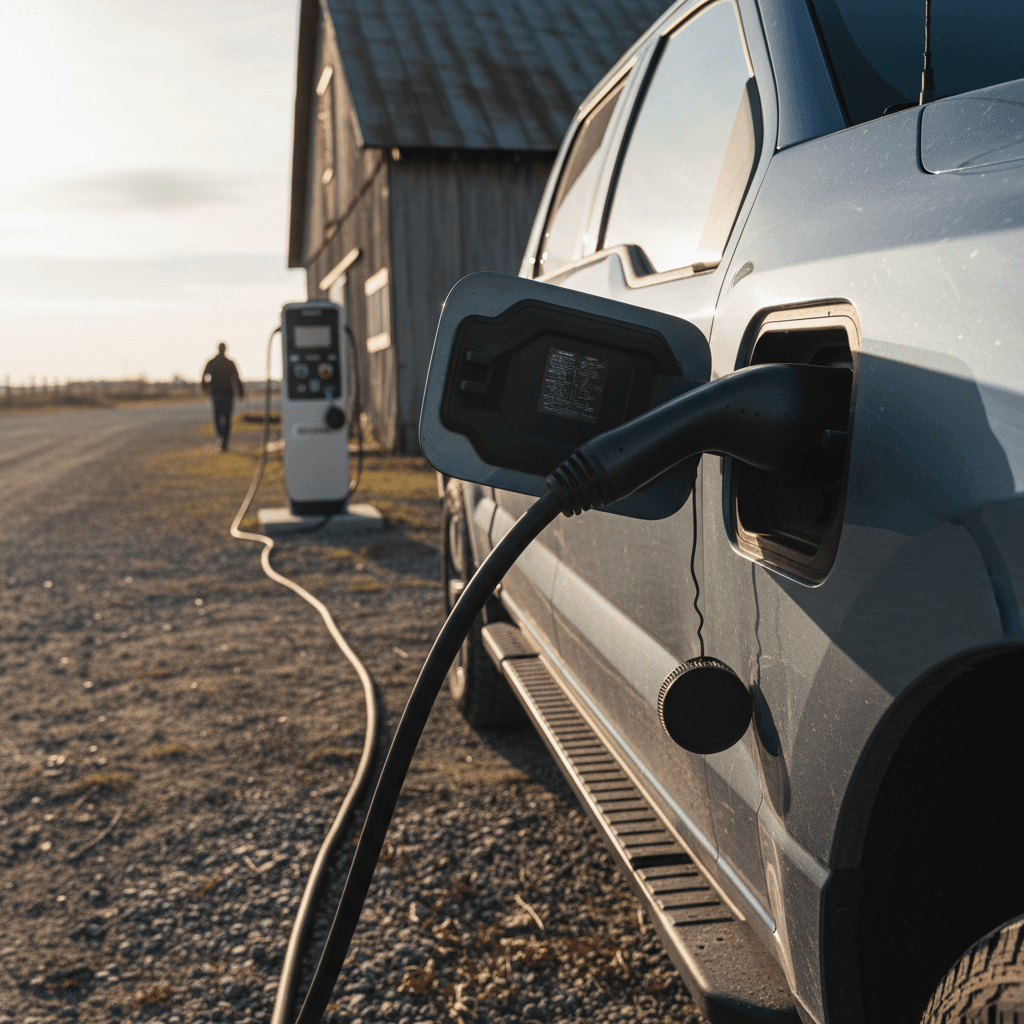
Before you sign for any EV truck, make sure you have a clear charging plan. The Lightning supports AC Level 2 charging at home and DC fast charging on the road, but your experience will depend heavily on your home setup and local infrastructure.
Charging questions to answer before you buy
Sort out home and public charging now so your Lightning feels convenient, not complicated.
Home charging readiness
- Can you install a 240V Level 2 charger where you park?
- Is your electrical panel sized to support an additional 40–80A circuit?
- If you rent, will your landlord approve an installation?
If not, look into portable Level 2 solutions and nearby public chargers.
Public charging availability
- Which DC fast‑charge networks are strong in your area?
- Are there trailer‑friendly stations if you tow?
- How many chargers are available along your regular routes?
Try mapping a weekly commute and a weekend trip before buying.
Hardware & adapters
- Confirm which connector your Lightning uses at delivery and what adapters are included.
- Check that the mobile charge cable and any wall box equipment are present and undamaged.
- Inspect the charge port door and pins for wear or corrosion.
240V work is not DIY
Step 6: Software features, updates, and BlueCruise
The F-150 Lightning is as much software product as pickup. Over‑the‑air updates can add features, improve charging behavior, and upgrade Ford’s BlueCruise hands‑free system on supported trucks. But not every used Lightning is equal here.
Software and BlueCruise items to verify
1. Does the truck support BlueCruise?
Not all Lightnings are built with the necessary hardware. In your Ford app or online account, you can confirm whether the vehicle is BlueCruise‑capable and which version it supports.
2. Is there an active BlueCruise trial or subscription?
Some used trucks will still have a hands‑free driving trial active. Understand when it expires and what it costs to renew annually or monthly so you’re not surprised later.
3. Check OTA update history
Ask when the truck last received a major over‑the‑air update. A truck that’s regularly updated is more likely to have the latest drive, charging, and safety refinements.
4. Verify app access and connectivity
Make sure you can pair the truck with the Ford app, see state‑of‑charge, schedule charging, and precondition the cabin. These features make day‑to‑day EV ownership much smoother.
Hands-free driving is nice, not mandatory
Step 7: Recalls, ownership history, and inspection points
Like any modern vehicle, the F-150 Lightning has seen its share of software updates and recalls, including campaigns around the park system and other electronics. You want a truck that’s been maintained and updated, not one that’s been ignored.
Used F-150 Lightning inspection checklist
1. Run a VIN check for recalls and title issues
Use Ford’s official recall lookup and a vehicle history report to confirm that all open recalls have been addressed and that the title is clean (no salvage or flood branding).
2. Inspect the charge port and cables
Look for bent pins, cracked housings, or worn latches. Confirm the mobile charge cord and any home charging equipment included in the sale works properly.
3. Check tires, wheels, and brakes
Electric trucks are heavy. Uneven tire wear or cheap replacement tires can signal hard use or corner‑cutting. Inspect brake rotors for rust bands that might indicate long periods of sitting.
4. Look for underbody and bed damage
Use a flashlight to inspect the underbody for scrapes, off‑road damage, or poorly repaired impacts. In the bed, look for heavy wear that might suggest chronic overloading.
5. Confirm all driver‑assist and safety systems
On a test drive, verify that adaptive cruise, lane‑keeping, parking sensors, 360‑degree camera, and emergency braking warnings behave as expected. Strange messages or disabled features may hint at underlying issues.
Inspection help from EV specialists
Step 8: Pricing, incentives, and total cost of ownership
Lightning pricing has moved around a lot since launch. New‑truck MSRPs climbed, then Ford trimmed prices and reworked trims as demand shifted. In the used market, that means similar‑looking trucks can be priced very differently depending on battery, options, and original sticker.
What drives used F-150 Lightning pricing?
Use this table to understand why one truck is thousands cheaper than another, and whether that discount is actually a good deal.
| Factor | Effect on price | What to watch for |
|---|---|---|
| Battery size | Extended‑range trucks usually command a notable premium. | A cheap extended‑range truck may have heavy towing or fast‑charge history, dig deeper. |
| Trim level | Platinum and Lariat command more money than Pro/XLT/Flash. | Luxury is nice, but a lower trim with better battery health can be the smarter buy. |
| Mileage & age | Higher mileage and older model years soften prices. | Balance savings against remaining warranty and likely degradation. |
| Options & tech | BlueCruise, Pro Power Onboard, max tow, and premium audio all add value. | Make sure you’ll actually use the feature before paying more for it. |
| Cosmetic condition | Dings, worn interiors, and bed abuse reduce price. | Some cosmetic issues are cheap to fix; structural or water damage is not. |
Use price differences to your advantage, but always connect them to battery, trim, equipment, and history.
Operating cost advantages
- Electricity is typically cheaper per mile than gasoline, especially if you can charge at home on off‑peak rates.
- Lightning owners avoid oil changes and many traditional maintenance items, though tires and brakes can still be pricey.
- Company or utility incentives may help offset home charger installation.
Financing and trade‑in help
- Used EV values can be volatile; work with lenders familiar with EVs and their resale dynamics.
- Recharged offers EV‑friendly financing, trade‑in options, and even consignment or instant offers if you’re moving out of a gas truck into a Lightning.
- Bundling financing and vehicle selection with one EV‑specialist retailer can simplify the entire transaction.
Let the numbers work for you
F-150 Lightning buying checklist summary
A Ford F-150 Lightning can be a fantastic truck, quiet, quick, and incredibly useful around town and on job sites, but only if it matches your real needs. Use this buying checklist to compare trucks on how you’ll drive, what you’ll tow, where you’ll charge, and how healthy the battery really is. If you’re shopping used, a structured evaluation and a transparent battery‑health report like the Recharged Score can turn an intimidating decision into a confident one.
One-page Ford F-150 Lightning buying checklist
1. Define your use case clearly
Daily driving, towing, road trips, or job‑site power? Your answer dictates which trim and battery configuration makes sense.
2. Choose the right trim and battery
Confirm standard‑ vs extended‑range battery, trim level, wheel size, and key options like Pro Power Onboard and max tow.
3. Verify battery health and range
Review an objective battery health report, compare indicated range to original EPA figures, and factor in your climate and driving style.
4. Confirm charging plan
Ensure you can support home Level 2 charging or have reliable public fast‑charge access where you live and travel.
5. Check software, updates, and BlueCruise
Confirm BlueCruise capability, trial/subscription status, and that the truck receives regular over‑the‑air updates.
6. Review recalls, history, and condition
Run a VIN check, inspect the underbody, charge port, tires, and bed, and test all safety and driver‑assist features.
7. Align price with value
Compare multiple trucks on trim, battery, options, condition, and battery health, not just mileage or model year. Use EV‑savvy pricing tools, like the analysis built into Recharged listings.