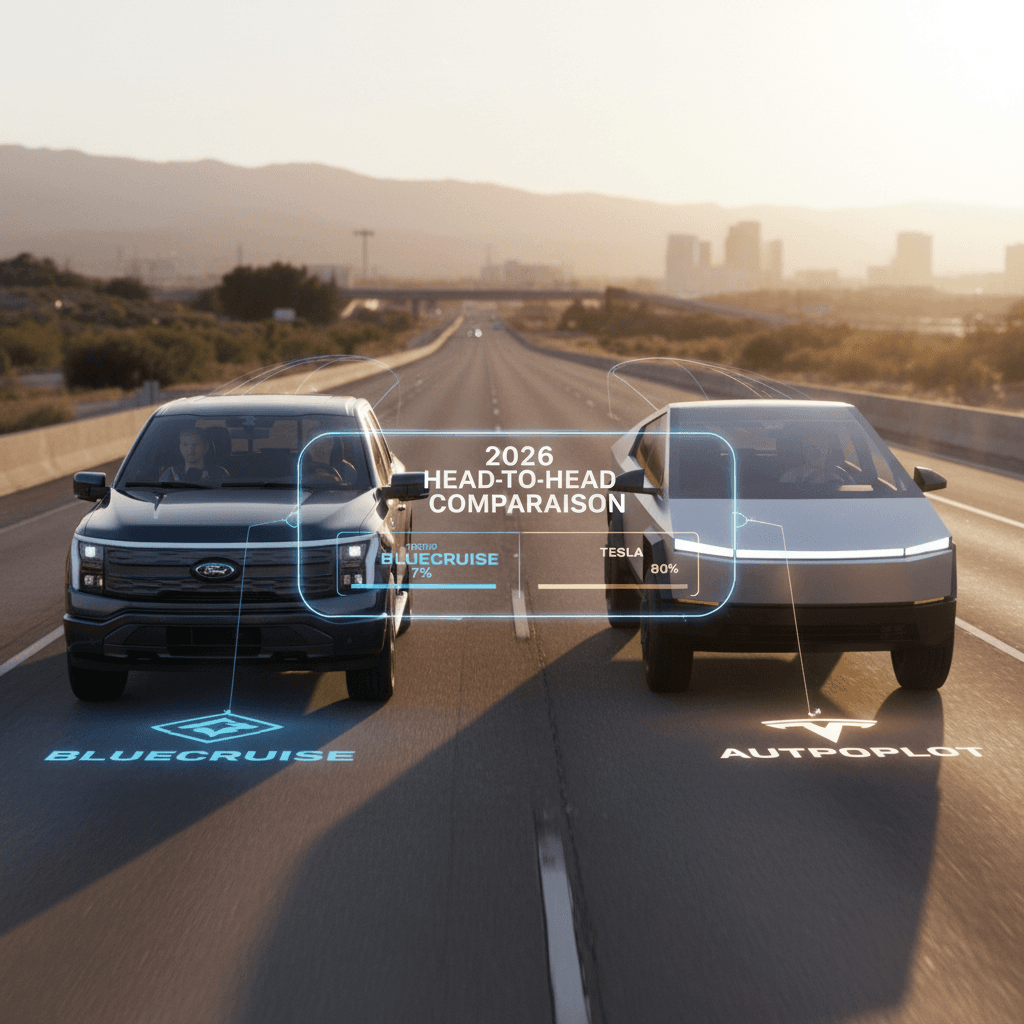
If you’re shopping for a modern EV or plug‑in SUV, you’re probably wondering how Ford BlueCruise vs Tesla Autopilot really stack up in 2026. Both promise stress‑free highway driving, constant lane keeping and smart cruise control, but they go about it in very different ways, with different costs and tradeoffs, especially once those vehicles hit the used market.
Level 2, not self‑driving
Why Ford BlueCruise vs Tesla Autopilot matters in 2026
Advanced driver‑assistance has shifted from a neat party trick to a core part of the EV ownership experience. Long freeway drives, daily commuting and even traffic jams can feel completely different with a well‑tuned system. At the same time, pricing has moved to subscriptions, and regulators are watching claims about “self‑driving” more closely than ever. In early 2026 California forced Tesla to drop the Autopilot branding and clarify that its systems are supervised driver aids, not self‑driving robots.
For you as a buyer, especially in the used EV market, that raises three big questions: 1. Which system actually reduces fatigue and makes driving easier? 2. How much will it cost you over several years? 3. Will the features you see on the window sticker still be active when you own the car?
Tip for used‑EV shoppers
BlueCruise and Autopilot in plain English
What each system actually does
Skip the marketing names, here’s how they behave on the road
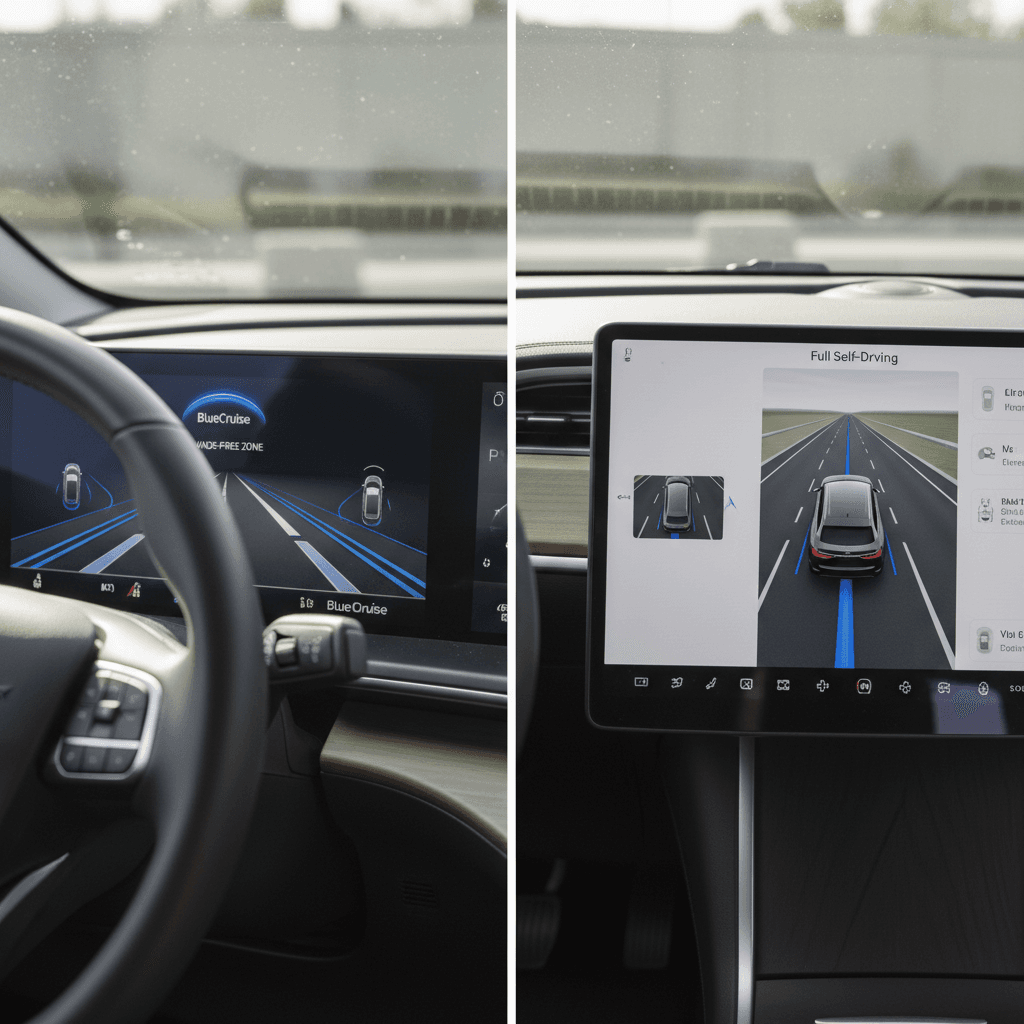
Ford BlueCruise
What it is: A hands‑free highway system on select Fords and Lincolns.
- Keeps your car centered in its lane
- Maintains speed and following distance
- Lets you take your hands off the wheel in mapped "Hands‑Free Blue Zones"
- Watches your eyes and head with a driver‑facing camera
Tesla driver‑assist suite
What it is: A stack of features that used to live under the Autopilot name and now sit behind Tesla’s Full Self‑Driving (Supervised) subscription.
- Adaptive cruise and lane centering on most highways
- Automatic lane changes with navigation
- Traffic‑light and stop‑sign response (where enabled)
- City‑street steering on some routes with FSD (Supervised)
The headline difference is simple: BlueCruise promises true hands‑free driving on specific pre‑mapped highways, while Tesla historically focused on giving you lane centering and navigation on a wider variety of roads, but with your hands technically expected to stay on the wheel and your attention locked on the road. In practice, both are still assistants, not chauffeurs.
Feature comparison: BlueCruise vs Autopilot vs FSD
Core feature comparison in 2026
High‑level view of what you get from Ford BlueCruise vs Tesla’s current driver‑assistance offerings in North America.
| Feature | Ford BlueCruise 1.2–1.5 | Tesla basic cruise / lane assist | Tesla FSD (Supervised) |
|---|---|---|---|
| Adaptive cruise control | Yes | Yes (Traffic‑Aware Cruise) | Yes |
| Lane centering on highways | Yes, in Blue Zones | Yes, on many divided highways | Yes |
| Official hands‑free use | Yes, on mapped highways | No, hands on wheel expected | No, hands on wheel expected |
| Automatic lane changes | Yes (v1.3+ / 1.5) on highways | Yes with navigation routing | Yes with navigation routing |
| Traffic‑light & stop‑sign response | No | No | Yes, where enabled |
| City‑street steering | No | Basic lane‑keeping only | Yes, on specific routes; still supervised |
| Driver‑monitoring camera | Yes, dedicated camera | Cabin camera used but wheel torque still matters | Cabin camera used; still supervised |
| High‑definition map dependence | Yes, Blue Zones only | Less map‑dependent | Uses maps plus vision and GPS |
All systems require active driver supervision and cannot handle every road, weather or traffic scenario.
BlueCruise “Blue Zone” coverage
Hands-free: where can you really let the car steer?
Ford BlueCruise: hands‑off, eyes‑on
When you’re in a Blue Zone, the instrument cluster highlights that hands‑free is available. Once engaged, you can rest your hands but must keep your eyes on the road; an infrared camera tracks your gaze even through many sunglasses. Look away too long and the system warns you, then disengages.
Newer versions (1.3–1.5) add smoother lane positioning, better performance in curves and automatic lane changes when you tap the signal or, in 1.5, under certain conditions on its own.
Tesla: supervised steering almost anywhere
Tesla’s strength is flexibility. With FSD (Supervised), the car can steer not just on freeways but on many surface streets, handle some turns, and respond to traffic lights in supported areas. But Tesla and regulators now emphasize that you must keep your hands ready and stay fully engaged.
Recent regulatory pressure has pushed Tesla to tone down the Autopilot branding and make clearer that this is driver‑assist, not autonomy. If you’re hoping for a fully self‑driving robotaxi out of the box, you’ll be disappointed, for now.
Don’t mix “hands‑free” with “self‑driving”
Safety and driver monitoring
How these systems try to keep you honest
From a safety perspective, the most important difference isn’t how fancy the lane‑keeping is, it’s how aggressively the car checks that you’re engaged. Ford leans heavily on its eye‑tracking camera. If your gaze drifts to your phone or the scenery for too long, you’ll get escalating warnings. Tesla has gradually added stronger camera monitoring too, especially in FSD (Supervised), but you still see the familiar “apply slight turning force” prompts on the wheel.
Critical safety reminder
Pricing and subscriptions: what you actually pay
On paper, Ford and Tesla both moved toward software‑style pricing, but they’ve taken different paths. That matters a lot for long‑term owners and especially for second owners who buy used.
BlueCruise vs Tesla FSD pricing snapshots (U.S., early 2026)
Approximate consumer‑facing prices; always confirm latest numbers with Ford or Tesla, as they change often.
| Item | Ford BlueCruise | Tesla basic assist | Tesla FSD (Supervised) |
|---|---|---|---|
| Upfront hardware/software | Often bundled in mid/high trims; sometimes a one‑time activation option around mid‑four figures on new vehicles | Included with car as basic cruise + lane keeping on most models | No hardware charge beyond vehicle cost; software unlock only |
| Ongoing subscription | Typical pricing around $49.99/month or $495/year after trial on recent models, with an optional multi‑year or one‑time purchase on some trims | No extra fee for basic cruise / lane keeping, though that has changed over time on some models | Trending toward subscription‑only; recent moves target ~$99/month in the U.S. for access |
| Free trial on new car | Yes, often 90 days–3 years depending on model year and promo | Historically some free Autopilot capability; structure is changing as Tesla unbundles features | Occasional FSD trials, but not guaranteed |
| Used‑car scenario | You must pay to continue or restart service once the included period ends, but pricing is relatively modest vs. loan payment | Basic features usually stay with the car, but verify on newer builds | Subscription typically follows the account, not the car; you’ll decide if monthly cost is worth it |
Subscription terms, promotions and availability can change without notice. These ballpark figures are meant as a starting point, not a contract.
Think in years, not months
Ownership experience in a used Ford vs used Tesla
Living with BlueCruise in a used Ford
A used Mustang Mach‑E, F‑150 Lightning, F‑150, Expedition or Explorer with BlueCruise can be a sweet spot. The hardware is already in the car, you usually get at least a short trial, and ongoing costs are in line with a streaming subscription rather than a car payment.
The catch: you must confirm which BlueCruise version the car has (1.0, 1.2, 1.3, 1.4, 1.5) and whether it’s eligible for over‑the‑air updates. Newer versions add noticeably smoother behavior and automatic lane changes, so a later‑build vehicle can feel much more polished.
Living with Tesla’s systems in a used Model 3/Y/S/X
On a used Tesla, the big question is whether the car has only basic assist or access to FSD (Supervised), and whether that access is tied to a previous one‑time purchase or an ongoing subscription.
Because Tesla has repeatedly changed how it sells Autopilot and FSD, sometimes bundling it, sometimes charging four‑ or five‑figure fees, and now pushing subscriptions, you can’t assume anything from photos or old listings. Always check the software page in the car, or the account screen, before you factor driver‑assist features into what you’re willing to pay.
How Recharged fits in
Which system is better for you?
Who should choose BlueCruise vs Tesla’s suite?
Match the system to your driving style and tolerance for subscriptions.
Choose Ford BlueCruise if…
- You do most of your driving on interstates and major divided highways.
- You like the idea of hands‑free cruising in clearly defined zones.
- You want strong eye‑tracking and guardrails that keep you honest.
- You’re considering a Mustang Mach‑E, F‑150/Lightning, Explorer or Expedition anyway.
Choose Tesla + basic assist if…
- You mainly want good adaptive cruise and lane centering.
- You don’t care about city‑street automation.
- You’d rather avoid another subscription if basic features meet your needs.
- You place a premium on Tesla’s charging network and ecosystem first.
Choose Tesla FSD (Supervised) if…
- You’re an early adopter comfortable with evolving software.
- You drive a lot in mixed city and highway environments.
- You’re willing to pay a monthly fee to try the latest capabilities.
- You understand you must still supervise the car at all times.
It’s not all‑or‑nothing
Buying a used EV with BlueCruise or Autopilot: checklist
Smart checklist for comparing BlueCruise and Tesla systems on a used EV
1. Verify exactly which package the car has
On a Ford, look for BlueCruise capability and version in the settings or the window sticker. On a Tesla, check the software screen to see if FSD (Supervised) or only basic assistance is active.
2. Ask how long the current coverage lasts
Many new Fords ship with an included BlueCruise trial period. A used car might be near the end of that window. Likewise, a used Tesla could be between FSD subscriptions.
3. Confirm subscription pricing in your region
Prices for BlueCruise and Tesla FSD can change and may vary by region. Before you decide one system is "cheaper," check what you’d pay today, not what the original owner paid in 2022.
4. Test the system on a real highway drive
A short urban test drive won’t tell you much. If possible, drive a stretch of freeway where BlueCruise or Tesla’s assist can fully engage so you can feel how natural, or uncomfortable, it is for you.
5. Evaluate your own comfort level
Some drivers love hands‑free cruising; others feel uneasy. There’s no wrong answer. Choose the system that leaves you relaxed and in control, not tense and second‑guessing the tech.
6. Look beyond the driver‑assist badge
Don’t let a BlueCruise or FSD logo distract you from fundamentals: battery health, range, charging speed, interior condition and fair pricing. Those matter more to your daily life.
FAQ: Ford BlueCruise vs Tesla Autopilot
Frequently asked questions
Bottom line: choose the system that fits how you drive
Ford BlueCruise and Tesla’s driver‑assistance suite are among the most advanced systems you can get in a mainstream EV today, but they serve slightly different priorities. BlueCruise focuses on calm, hands‑free highway cruising with strict driver monitoring, while Tesla aims for broader capability, from freeways to some city streets, at the cost of a higher learning curve and potentially higher subscription spend.
If you’re cross‑shopping a Mustang Mach‑E against a Model Y, or an F‑150 Lightning against a used Model X, look beyond the buzzwords. Ask what you really want from driver‑assist tech, what you’re willing to pay over time, and how comfortable you feel when the system is active. And if you’d like expert help weighing those tradeoffs on real used vehicles, with clear battery‑health data and transparent pricing, Recharged is built to make that decision simpler and more confident.