Shopping a used electric car at a dealership can feel like flying blind. Traditional used‑car checklists don’t cover battery health, charging hardware, software, and EV‑specific wear items. This EV dealer inspection checklist is built specifically for used EVs so you can walk the lot, and the finance office, with confidence.
Who this checklist is for
Why you need an EV dealer inspection checklist
With gas cars, most shoppers know to ask about oil changes, timing belts, and transmission service. With EVs, the stakes move to battery health, charging compatibility, and software support. A battery that’s lost too much capacity, or an orphaned fast‑charging standard, can turn a bargain into a headache.
Why a structured EV inspection matters
Don’t assume dealers are EV experts
How to use this EV dealer inspection checklist
Think of this as your EV pre‑purchase inspection playbook. You don’t need to memorize it. Screenshot the sections you care about most or print the condensed checklist below and bring it to the dealership.
- Start with the battery health section, if it fails here, save your time and move on.
- Then work through charging hardware, software, and brakes/tires during your test drive.
- Use the paperwork and warranty section at the end of the visit, before you agree on a price.
- If anything feels rushed or the seller can’t answer basic questions, that’s a data point, not a cue to speed up.
Pro move
Battery health: the non‑negotiable section
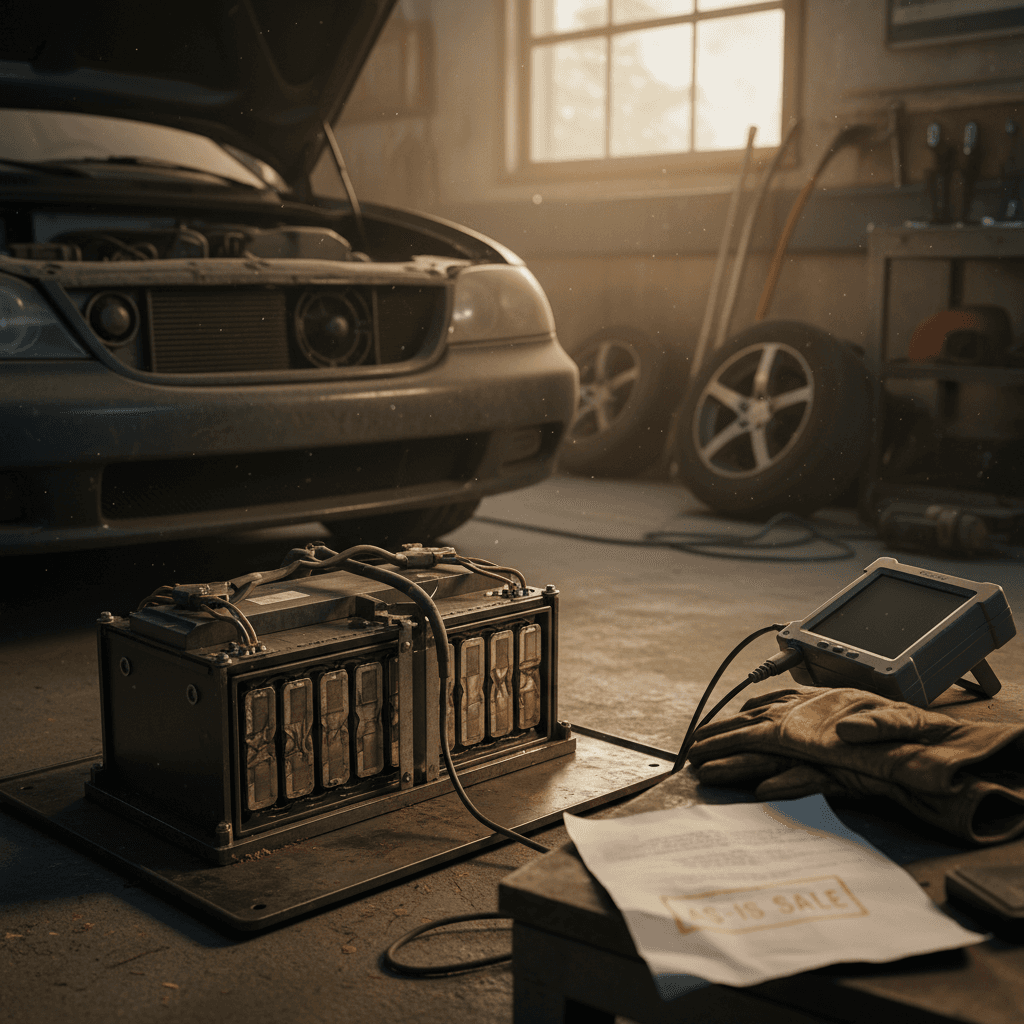
If you only use one part of this EV dealer inspection checklist, make it the battery section. Unlike a gas engine, an EV pack doesn’t give you smoky exhaust or strange noises as an early warning. Capacity quietly melts away, and range goes with it.
Battery health questions to ask the dealer
Get answers in writing whenever possible
1. What’s the battery State of Health (SOH)?
Ask for a recent battery health report from an OEM scan tool or trusted third‑party system. Many brands can display SOH directly in the infotainment system; others require a service tool.
Compare SOH to the model’s age and mileage. A modest drop is normal; a big drop is a negotiation lever, or a red flag.
2. Is the traction battery still under warranty?
Most EVs carry a separate battery warranty (often 8 years/100,000 miles). Ask for:
- Original in‑service date
- Mileage and time limits
- Whether capacity loss is covered (some brands replace if SOH drops below a threshold)
Watch for these battery red flags
- Huge range loss vs. original EPA rating. If a car rated for 250 miles can barely do 140 in mild weather, ask why.
- Battery warning lights or “turtle mode.” Any history of reduced‑power messages deserves follow‑up.
- Fast, unpredictable state‑of‑charge swings. For example, 60% to 15% in a few miles, then climbing back up.
Reasonable signs of normal aging
- 10–15% capacity loss over 5–7 years. For many EVs, that’s within the band of normal use.
- Slight winter range drop. All EVs lose range in cold weather; focus on warm‑weather behavior.
- Consistent charging times. A healthy pack should charge roughly the same way from week to week.
Deal‑breaker battery issues
Charging hardware, ports, cables, and charging speed
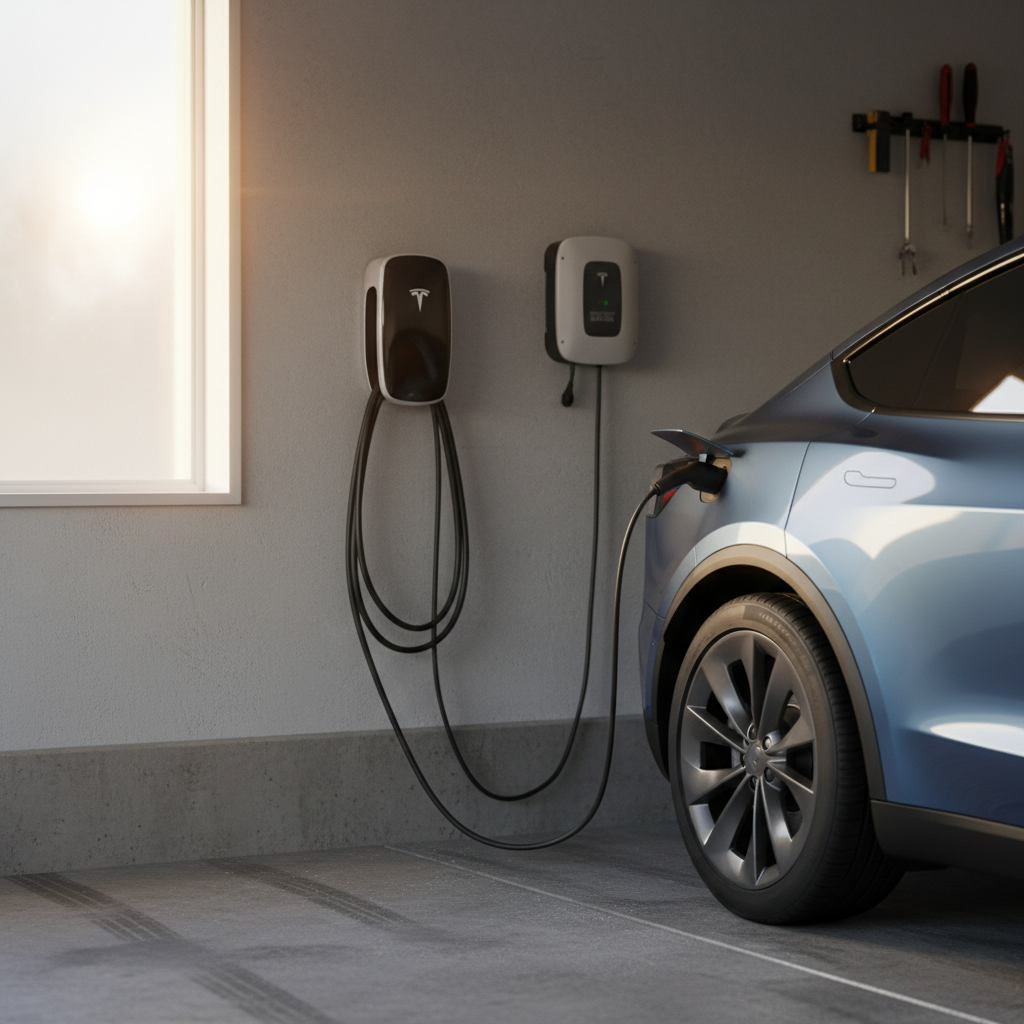
Once the battery checks out, make sure you can actually charge the thing the way you live. This part of the EV dealer inspection checklist focuses on charging ports, included equipment, and real‑world charging speed.
Charging inspection at the dealer
Use this as a quick reference while you stand next to the car.
| Item | What to check | What you want to see |
|---|---|---|
| On‑board charger rating | Look in the window sticker, owner’s manual, or spec sheet. | At least 6.6 kW for most daily drivers; 11 kW+ is ideal. |
| Charging port type | Open the charge door and visually confirm the connector standard. | J1772 or NACS for AC; CCS or NACS for DC fast charging in North America. |
| Included charging cable | Ask to see the portable EVSE or home cable. | No cuts or burns, correct plug type for your home outlets. |
| Public fast‑charging test | If possible, plug in at a nearby fast charger during the test drive. | Car reaches appropriate kW for its pack and tapers predictably, not stuck at very low power. |
| Physical condition | Inspect the port, pins, and door. | Clean contacts, door opens/closes smoothly, no corrosion or broken latches. |
Confirm what’s on the car, what’s included in the sale, and what you’ll need at home.
Test charge before you talk price
Software, updates, drive modes, and infotainment
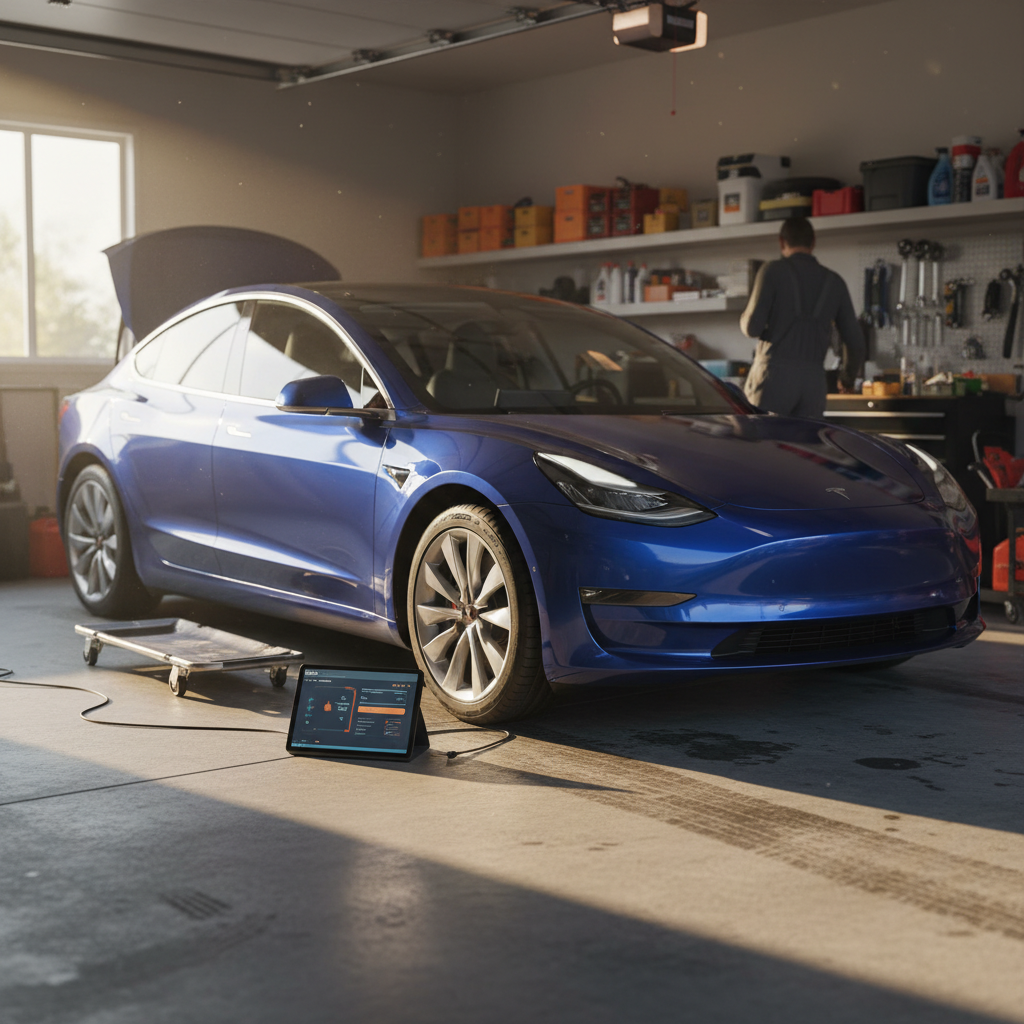
Modern EVs are rolling computers. Software updates can unlock more range, improve charging curves, or fix bugs that previous owners just lived with. During your inspection, treat software and connectivity like you would a mechanical system on a gas car.
EV software and tech inspection checklist
Confirm over‑the‑air (OTA) update status
In the settings menu, look for software version and last update date. Ask whether the car is on the latest release and if any updates require dealer visits.
Test drive modes and regen settings
Cycle through Eco/Normal/Sport and different regenerative braking levels. Make sure you’re comfortable with how the car responds and that no warning lights appear.
Pair your phone and test the app
Download the OEM app, pair the car, and test core functions like remote lock/unlock, charge status, and preconditioning. If the car won’t connect, ask why.
Check driver‑assist features
Activate adaptive cruise, lane keeping, parking cameras, and parking sensors if equipped. Look for smooth operation and clean camera images.
Review navigation and charging integration
If the car has built‑in navigation, plot a route that includes public chargers. A good EV will show <strong>realistic range estimates and charger stops</strong> based on your state of charge.
Software support is part of value
Brakes, tires, and suspension on an EV
EVs don’t drink oil, but they do eat tires, suspension bushings, and sometimes brakes in a different pattern than gas cars. Instant torque and extra weight put more stress on the rolling bits.
EV‑specific wear items to inspect
These tell you how the previous owner really drove the car
Tires
- Even wear? Cupping or one‑sided wear suggests alignment or suspension issues.
- EV‑rated tires? Some EVs ship with low‑rolling‑resistance rubber for range and noise.
- Brand and date code. Very cheap or very old tires on a newer EV are a negotiation point.
Suspension & steering
- Listen for clunks over bumps or knocking noises when turning.
- On a straight road, the car should track straight without constant correction.
- Check for leaks around shocks/struts if you can see them.
Brakes
- Light surface rust on rotors is normal; deep grooves or heavy pitting are not.
- During hard stops, the car should stay straight and stable.
- Ask when brake fluid was last changed, EVs still need this service.
Good news on EV brake wear
Body, interior, and water‑damage checks
Body and interior checks are similar to any used car, but EVs add one big worry: water intrusion around the battery and high‑voltage components. A flood‑damaged EV can look fine today and fail spectacularly later.
Body and water‑damage checklist for used EVs
Look for flood indicators
Lift floor mats and cargo‑area panels. Smell for mildew. Look for silt or rust in unusual places like seat rails, trunk wells, and under plastic trim near the charge port.
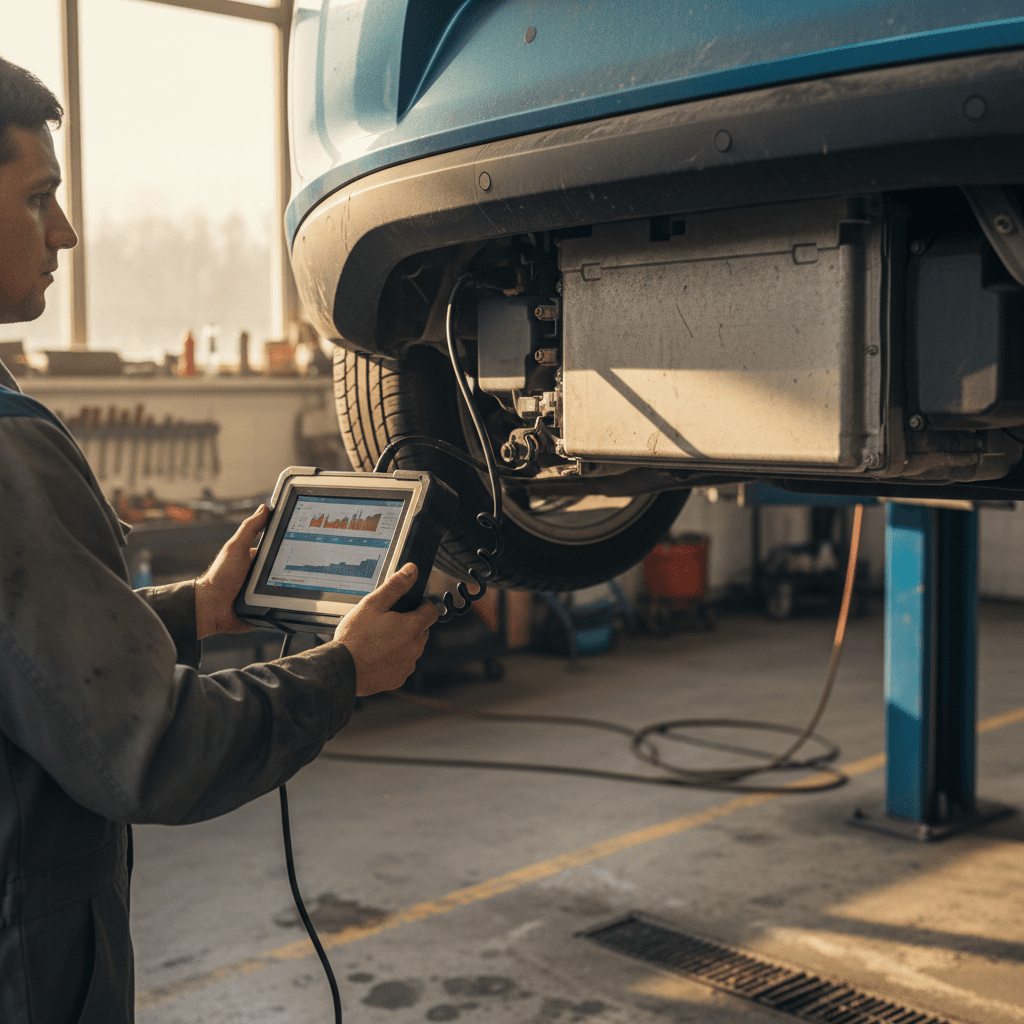
Inspect underbody if possible
If the dealer has a lift or a ramp slot, ask to see underneath. Look for <strong>impact damage to the battery pack casing</strong>, heavy corrosion, or crude skid‑plate repairs.
Check all doors, hatches, and charge doors
Everything should open and latch smoothly. A balky charge door or misaligned hatch can signal past collision damage near important wiring.
Evaluate interior electronics
Cycle all windows, seats, HVAC modes, and heated seats/steering wheel. Electrical gremlins inside can hint at larger wiring issues elsewhere.
Paperwork, warranty, and pricing transparency
Once the car itself passes your EV inspection checklist, it’s time to interrogate the paper trail. This is where you turn a good car into a good deal, or realize the numbers don’t make sense.
Paperwork and pricing items to verify
Don’t leave these lines blank or vague.
| Item | What to request | Why it matters |
|---|---|---|
| Full vehicle history report | Printed Carfax/AutoCheck or OEM history, plus recall printout. | Reveals accidents, lemon buybacks, title issues, and open recalls. |
| Service records | Oil changes for gearboxes, coolant swaps, brake service, recalls, battery work. | Shows how carefully the EV was maintained and any chronic issues. |
| Battery and powertrain warranty status | Original in‑service date and current mileage; written warranty summary. | Confirms how much time/mileage is left on the high‑voltage coverage. |
| Inspection report details | A copy of the dealer’s multipoint or EV‑specific inspection checklist. | Lets you compare their inspection with your own and spot gaps. |
| Out‑the‑door price breakdown | Itemized sheet with price, fees, taxes, add‑ons, and interest rate. | Prevents surprise junk fees and lets you compare offers fairly. |
Ask the dealer to walk you through each item and back it up with documents.
Ask for the checklist, not just the stamp
Printable EV dealer inspection checklist
Here’s a condensed, walk‑the‑lot version of the EV dealer inspection checklist you can print or save to your phone. Use it as a yes/no tool while you shop used EVs.
One‑page EV dealer inspection checklist
Battery & range
☐ Recent battery health/SOH report provided ☐ No active battery or high‑voltage warning lights ☐ Real‑world range (from previous owner or test drive) makes sense for your needs
Charging & ports
☐ AC port and DC fast‑charge port match networks you’ll use ☐ On‑board charger rating and charge times are acceptable ☐ At least one charging cable/EVSE included and in good condition
Software & tech
☐ Latest or supported software version confirmed ☐ Phone app pairs and core features work ☐ Driver‑assist systems (if equipped) operate smoothly
Tires, brakes, and ride
☐ Tires have safe tread and even wear ☐ No clunks, shudders, or pulling during the test drive ☐ Brakes stop straight with no grinding or severe vibration
Body & water history
☐ No obvious flood indicators or sour smells ☐ No severe rust or damage around the battery enclosure ☐ All doors, hatch, and charge door open/close correctly
Paperwork & price
☐ Clean title and consistent history report ☐ Battery/powertrain warranty terms explained in writing ☐ Clear out‑the‑door price with no surprise add‑ons
When to walk away vs. when to negotiate
Even great used EVs have quirks. The trick is knowing which ones are worth fixing, and which ones are telling you to walk. Your EV dealer inspection checklist becomes a simple decision tool once you’ve filled it out.
Walk away when…
- The dealer can’t or won’t provide any credible battery health information.
- There are active high‑voltage or battery warning lights on the dash.
- The car shows signs of flood damage or serious underbody battery impact.
- Software support is ending soon and features you care about already feel dated.
Negotiate when…
- You like the car but it needs tires, a brake service, or minor suspension work.
- The battery shows more capacity loss than average, but is still backed by warranty.
- The dealer’s inspection clearly missed EV‑specific items and you’ve done the homework.
- You’ll need to buy a home Level 2 charger and installation, those are real costs you can use in price talks.
Use your checklist as leverage
How Recharged handles EV inspections differently
If you’d rather not play detective at a traditional lot, Recharged was built around exactly the concerns in this checklist. Every used EV on our marketplace comes with a Recharged Score Report that puts the hard questions front and center.
What you get with a Recharged‑inspected EV
So you don’t have to build your own inspection from scratch
Verified battery health
Charging & hardware review
Transparent pricing & support
Whether you buy from a franchise dealer, a corner lot, or online, a used EV deserves more than a quick test drive. An EV‑specific dealer inspection checklist protects you from mystery batteries, orphaned software, and surprise charging headaches. Use this guide as your baseline, and if you’d like to see what a fully documented EV looks like, browse vehicles with a Recharged Score to compare your options side by side.