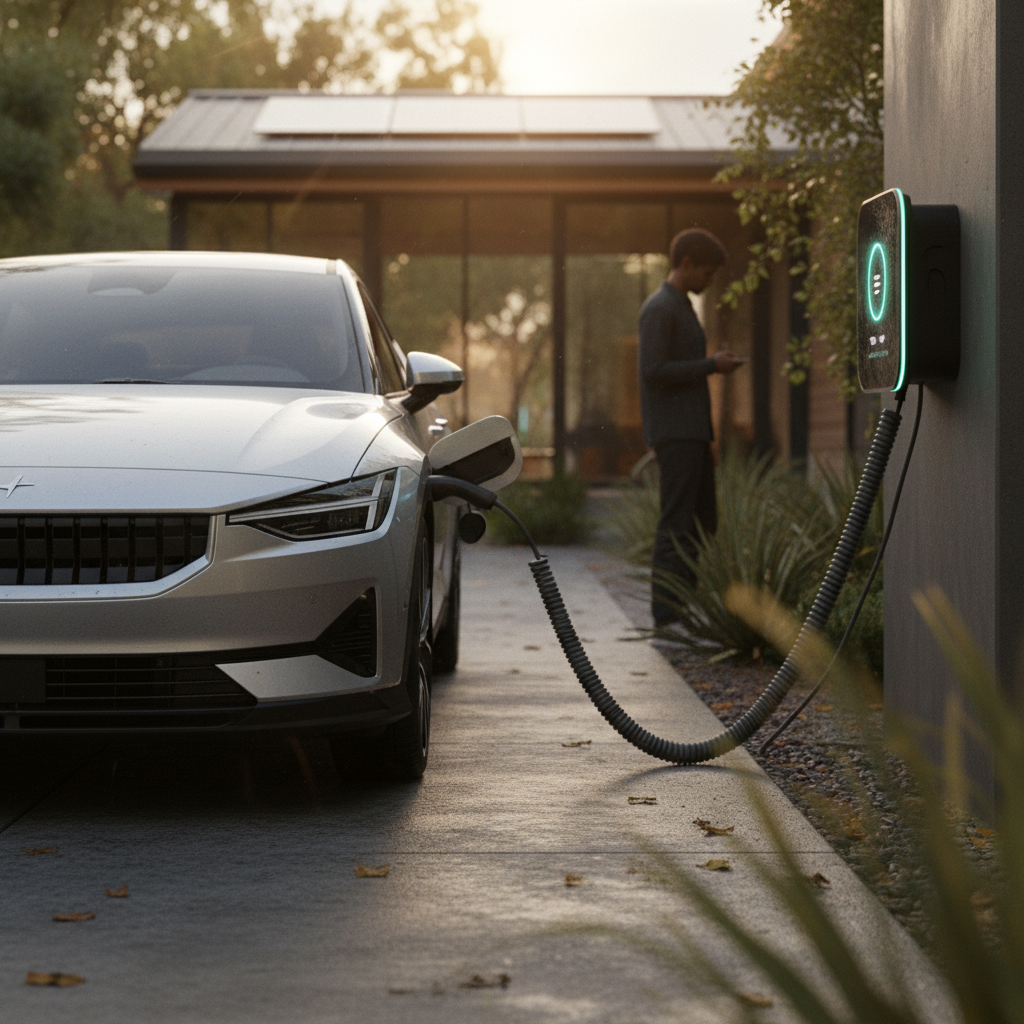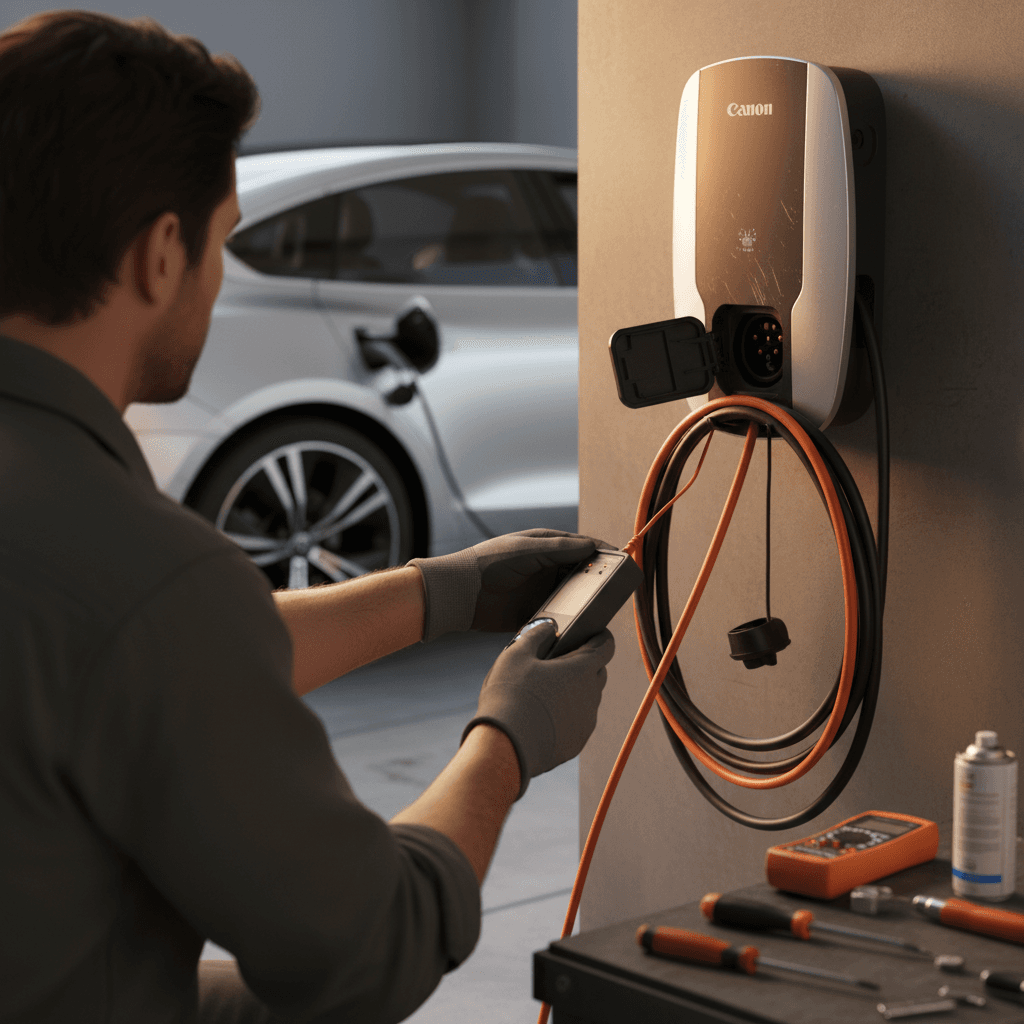
An electric car that won’t charge can turn a normal day into a logistics nightmare, especially if you’re counting on it for tomorrow’s commute. The good news: most charging issues are fixable without replacing the battery, and a systematic electric car won’t charge troubleshooting checklist can quickly separate simple fixes from serious problems.
First priority: your safety
Start here: stay safe and don’t panic
- Treat a charging problem like any other electrical issue: methodical, not emotional. Rushing and guessing can damage equipment or void warranties.
- If you’re at home, know where your electrical panel is and which breaker feeds your EV outlet or wallbox.
- If you’re at a public station, remember that the problem is often with the station, not your car, especially if the site looks busy or older.
- Have your phone handy for photos of error codes, screens, and your car’s instrument cluster; those details are gold for support teams and service advisors.
Good news for most drivers
Quick triage: what kind of “not charging” problem is it?
Three common charging failure patterns
Pin down the symptom so you can pick the right fix.
1. Won’t start charging at all
Your EV shows 0 kW, 0 mi/hr, or a "charging unavailable" message. The charger may click on and off or show an error code, but no energy flows.
2. Charges, but very slowly
Your car starts charging but at a much lower power than normal, say 1–2 kW on a Level 2 unit that normally delivers 7 kW.
3. Stops mid‑session
Charging begins normally, then stops after a few minutes or partway through, sometimes restarting repeatedly or showing a thermal or communication error.
Keep that pattern in mind as you move through the steps below. We’ll start with home charging troubleshooting, then tackle public stations, connectors, software, and finally potential battery or BMS issues.
Home charging troubleshooting (Level 1 and Level 2)
If your EV won’t charge at home, the culprit is often an outlet, breaker, wallbox, or configuration issue. Work through these in order, especially if you recently changed anything in your garage or electrical system.
Step‑by‑step: EV not charging at home
1. Confirm the basics in the car
Is the car actually unlocked, in Park, and showing that the charge port is ready? Many models won’t accept a connector if the car isn’t in Park or if a door is open. Check the dash or infotainment for any explicit charging error.
2. Inspect the cable and plug
Look for melted plastic, discoloration, cracks, kinks, or exposed wires on your Level 1 or Level 2 cable. A hot or damaged plug is a red flag, stop using it and contact an electrician or the charger manufacturer.
3. Check the outlet or wallbox power
For plug‑in chargers, try another heavy‑duty outlet if you safely can (for example, a different 120V outlet for a Level 1 charger). For hard‑wired wallboxes, check whether the unit’s status light is on or shows an error color.
4. Verify the breaker
Go to your electrical panel. Is the breaker for your EV outlet or wallbox in the ON position? If it has tripped, switch it fully OFF and then back ON once. If it trips again immediately when you start charging, stop and call an electrician.
5. Confirm you’re not overloading the circuit
If your EV charger shares a circuit with a dryer, welder, or other big appliance, starting both at once can trip the breaker. Ideally, EV charging should be on a dedicated circuit sized for continuous load.
6. Test a different charging level
If your Level 2 home charger won’t work but your portable Level 1 cord does (even slowly), that suggests the higher‑power circuit, wallbox, or wiring is the problem, not the car.
Don’t upsize breakers on your own
Why home troubleshooting is worth it
When a public charger won’t work with your EV
Public charging adds more players into the mix: your car, the station hardware, the payment network, cell coverage, even weather. If your EV won’t charge at a public Level 2 or DC fast charger, here’s how to narrow it down.
1. Rule out a bad stall
- Unplug, move to a different stall on the same site, and try again.
- If another stall works, the original unit is likely faulty, report it in the app if there’s an option.
- If none of the stalls work but another driver is charging fine, it may be a compatibility or account issue.
2. Watch the error messages
- On DC fast chargers, look for codes like “CCS fault,” “vehicle error,” or “handshake failed.”
- On your car’s display, note any messages about charging speed limits, battery conditioning, or connector faults.
- Take photos of the screen and your VIN or license plate for support.
Common public charging failure causes
Often it’s the station, not your battery.
Network or payment glitches
Cellular dead zones, app timeouts, or expired credit cards can block a session. Try a tap‑to‑pay card, RFID card, or different app if available.
Cold‑soaked battery
In winter, your EV may refuse fast charging until the pack warms up. Some cars show a snowflake icon or “battery cold, charging limited” warning.
Connector misalignment
Heavy DC plugs must be fully seated. Support the cable’s weight and push until you hear or feel a firm click, then start the session.
Test another brand of charger
Connector won’t latch, or is stuck to the car
Mechanical issues at the charge port can look like electrical problems. If the connector won’t click into place, or worse, won’t release, handle it gently. Forcing things is a good way to damage pins, seals, or your paint.
Fixing latch and stuck‑connector problems
1. Check for debris and damage
Look inside the car’s inlet and the plug’s end with a flashlight. Road grit, ice, or deformed pins can prevent proper contact. If you see bent pins or serious damage, stop and call for service.
2. Try reseating calmly, not forcefully
Line up the connector square to the port and push firmly until the latch engages. Twisting or levering the handle puts stress on the plastics and pins.
3. Use the vehicle’s unlock or release
Many EVs lock the connector while charging. To remove it, you might need to press unlock on the key fob, tap ‘Stop charging’ on the screen, or use a physical release tab inside the trunk or near the port.
4. Warm a frozen port
In freezing weather, ice can glue everything together. Gently warming the area (with the car’s preconditioning or a safe heat source, not an open flame) often restores normal operation.
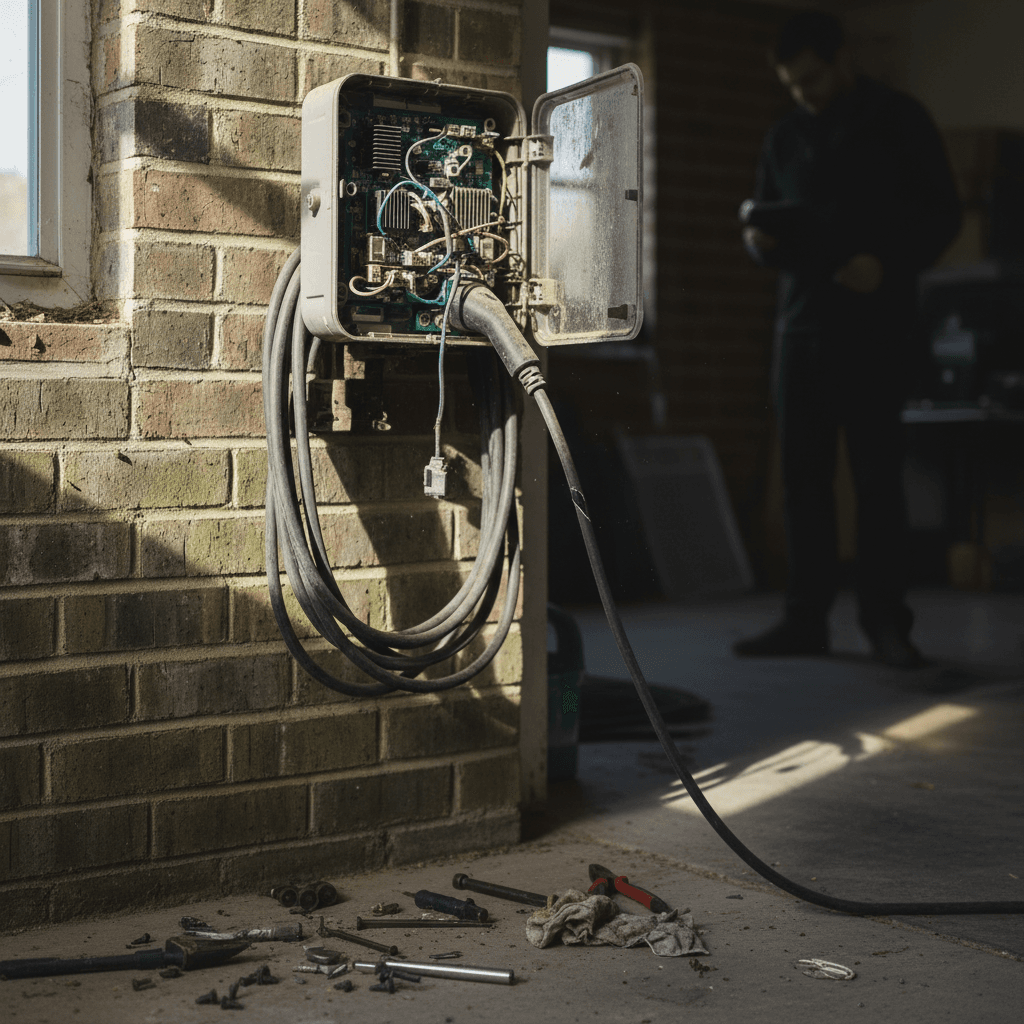
If the plug truly won’t come out
Software glitches, timers, and charging settings
A surprising number of “my EV won’t charge” calls trace back to software: scheduled charging, charge limits, GPS‑based rules, or buggy updates. Before you assume hardware failure, walk through the digital side.
Common software causes of charging failure
Many EVs and wallboxes have overlapping smart features. Conflicting settings can look like a broken charger.
| Symptom | Likely Cause | Where to Check |
|---|---|---|
| Car never starts charging overnight | Scheduled charging set to a different time or day | Vehicle charging menu; utility or wallbox app |
| Charges only to 60–80% then stops | Charge limit or “daily” setting enabled | Vehicle charge limit slider; app battery settings |
| Public session starts then cuts off | Station time limit, payment timeout, or idle fee rules | Charging network app or on‑screen prompts |
| Won’t charge at home but works elsewhere | Home‑only charging rule or GPS‑based profile | Vehicle location profiles or home‑charging mode |
| Sudden new issue after update | Software glitch post‑update | Check for additional updates or soft reset instructions |
Check both your vehicle and any connected charging apps for these hidden gotchas.
Don’t forget the charger’s own app
- Power‑cycle the wallbox or portable EVSE by unplugging it (if safe) for 30 seconds, then reconnecting.
- Soft‑reset your car’s infotainment system as described in the owner’s manual, this can clear temporary communication glitches.
- If you recently added a new phone, app, or key, make sure it’s not locking in a conflicting charging profile.
Could it be the battery or BMS instead of the charger?
Every EV battery pack is managed by a Battery Management System (BMS) that controls how fast and how far you can charge. When something looks risky, cell imbalance, abnormal temperatures, or mystery faults, the BMS may sharply limit or block charging to protect the pack.
Red flags that point to a battery or BMS issue
These patterns deserve professional diagnostics, not endless trial‑and‑error.
Charging fails across multiple locations
Your car shows errors and refuses to charge at home, at different public Level 2 stations, and at DC fast chargers, even after checking cables, outlets, and settings. That cross‑network pattern points back to the vehicle.
Thermal or battery warnings
You see repeated messages about battery temperature, limited power, or reduced performance, sometimes paired with restricted charging speeds or caps at low state‑of‑charge.
Sudden drop in usable range
Over a short window, the car reports much less range at 100% than before, and charging to 100% takes less time than it used to. That can signal pack degradation or a BMS calibration problem.
Permanent charge caps
Some automakers apply permanent or semi‑permanent limits after detecting repeated DC fast‑charging abuse or thermal events. If your top charge level and power are capped no matter what you do, you’ll likely need a dealer or specialist to investigate.
How Recharged helps here
Extra checks if you drive a used EV
Used EVs sometimes inherit charging quirks from previous owners: worn connectors, DIY wiring, aggressive fast‑charging habits, or half‑documented warranty repairs. When a pre‑owned electric car won’t charge reliably, a little detective work can protect you from expensive surprises.
Used EV charging checklist
1. Ask for charging history
If you bought privately, ask how often the car was DC fast‑charged vs. home‑charged. Heavy fast‑charging use isn’t automatically bad, but it can explain conservative limits or previous battery interventions.
2. Inspect all included charging gear
Look at every cable and adapter that came with the car. If the portable charger is an off‑brand unit or shows obvious wear, treat it as suspect until you test with known‑good equipment.
3. Confirm recall and warranty status
Check with a franchised dealer or the automaker’s app for open recalls or field actions related to charging or high‑voltage components. Some battery or BMS issues may be covered even out of basic warranty.
4. Get an independent battery health report
Before investing in major repairs, consider a third‑party battery health assessment. At Recharged, our <strong>Recharged Score</strong> uses pack diagnostics and real‑world driving data to put a clear, comparable number on battery health.
Shopping for a used EV?
When to stop troubleshooting and call for help
A patient, step‑by‑step approach solves many charging issues. But there’s a point where more experimentation just adds risk and frustration. Here’s when to put the tools down and lean on professionals.
Time to escalate: who to call, and when
Match the problem to the right expert.
Call an electrician when…
- Breakers trip repeatedly when you plug in at home.
- Outlets or plugs feel hot, smell burnt, or show discoloration.
- You suspect DIY or undersized wiring on a 240V circuit.
Call your dealer or EV specialist when…
- Charging fails across multiple stations and locations.
- The car shows persistent high‑voltage, BMS, or battery warnings.
- There’s a known recall or service bulletin on your model.
Use roadside or charging‑network support when…
- You’re stranded at a public charger that won’t start or won’t release a connector.
- The app or kiosk keeps failing payment or authorization.
- You need documentation of a failed session for reimbursement.
Stop immediately if you see or smell trouble
Charging is the heartbeat of EV ownership, and when it skips, it’s stressful. But a structured electric car won’t charge troubleshooting plan, starting with basic safety, then working through home hardware, public stations, software, and finally battery health, turns a scary mystery into a manageable checklist. If you’re shopping for your next EV, or trying to understand whether your current one is worth keeping, a transparent battery health report like the Recharged Score can make those decisions far clearer than any single frustrating night at a broken charger.