If you’re driving, or shopping for, a Chevrolet Bolt EV, battery health is the single biggest factor that determines real-world range, long‑term value, and peace of mind. The challenge is that the car never shows you a clean “battery state of health” percentage. This guide walks you through exactly how to check Chevrolet Bolt EV battery health, from quick driveway tests to deeper diagnostics, so you can tell a strong pack from a tired one before you sign anything.
Battery health vs. state of charge
Why battery health matters on a Bolt EV
Chevy Bolt EV battery health in the real world
On any EV, battery health determines how far you can go on a charge and how confident you feel using the last few percent of the pack. On a Bolt EV, that’s amplified for three reasons: it’s a relatively compact pack, it’s a long‑range daily driver for a lot of owners, and its history includes a large battery recall. That doesn’t mean Bolts are fragile, if anything, upgraded packs have proven to be robust, but it does mean you need to be systematic about how you assess them, especially when you’re buying used.
Think like a future buyer
Bolt EV battery basics and real-world degradation
Chevy Bolt EV battery: what you’re working with
Knowing the basics makes your health checks less mysterious.
Pack size & chemistry
Most 2017–2022 Bolt EVs use an LG Chem lithium‑ion pack with around 60–66 kWh usable capacity depending on model year and calibration.
Thermal management
The Bolt’s liquid‑cooled pack helps keep temperatures in check, which is one reason so many owners report low degradation even past 50,000 miles.
Degradation pattern
Like most EVs, Bolts tend to lose a little capacity early, then flatten out. Owner data often shows single‑digit or low‑teens % loss over tens of thousands of miles when treated reasonably well.
A healthy, upgraded‑pack Bolt EV that was originally rated for about 259 miles might realistically deliver something like 230–245 miles on the highway after several years, depending on climate and driving style. That’s not a failing battery, that’s normal physics. The goal of your health check is to answer two questions: has this car aged within that broad “normal” band, and are there any warning signs of abuse, defects, or mismatched expectations?
Don’t chase perfection
What the Bolt EV does, and doesn’t, tell you about battery health
A recurring frustration with the Bolt is that there’s no official, owner‑visible “battery health” gauge. What you do get are clues, most of them on the dash and infotainment system, that you can use to estimate health when you know what you’re looking at.
- Estimated remaining range (the “guess‑o‑meter”): Shown on the main cluster and energy screens. It adapts to your recent driving and conditions, not just battery size.
- Energy used (kWh) since last charge: The Energy Usage or Trip screens can show how many kWh you’ve used over a drive.
- Average efficiency (mi/kWh): Also on the energy screens; key for turning range into an implied battery capacity estimate.
- Warnings and messages: Things like “Propulsion Power is Reduced” at high state of charge can hint at pack or module issues.
- Charging behavior: If DC fast charging consistently tapers early (well before 55–60% SoC) on a warm battery, that can also be a clue.
Why there’s no simple SoH %
Quick driveway battery health check (15–30 minutes)
If you’re looking at a used Chevrolet Bolt EV and only have a short test drive, you can still gather meaningful battery clues. This isn’t as precise as a full range test, but it’s a lot better than judging health off a single range number on a dealer lot.
Driveway Bolt EV battery check: step-by-step
1. Start from a known state of charge
Aim to begin your evaluation near <strong>80–100%</strong> state of charge. If the car is at 30% on a lot, ask to charge it before you come back for a real inspection. Health is hardest to judge when the pack is nearly empty.
2. Note the projected range and conditions
On the main dash and energy screens, record the <strong>projected range</strong>, the current state of charge, outside temperature, and whether climate control is on. Cold weather and heavy HVAC use will legitimately drag the estimate down.
3. Take a mixed driving test
Drive 10–20 miles with a mix of city and highway, ideally at <strong>typical U.S. speeds (45–70 mph)</strong>. Avoid hypermiling or aggressive driving, you want a realistic snapshot of how you’ll actually use the car.
4. Track energy used (kWh)
After the drive, check the Energy or Trip screen to see how many <strong>kWh the car says you used</strong> and your average mi/kWh. Take photos so you can run the math later.
5. Look for warning messages or weird behavior
While driving, watch for any <strong>“Propulsion Power Reduced”</strong> messages, sudden power limits at moderate state of charge, or strange jumps in the remaining range estimate. Those are yellow flags, especially on a warm day and a pack above ~20%.
6. Check the charge limit and history
On the charging settings screen, see whether the previous owner routinely charged to 100% or used the <strong>“Target Charge Level”</strong> feature to stop lower. Occasional full charges are fine, but always sitting at 100% in heat isn’t ideal for longevity.
Document everything
Simple range test: The most honest Bolt EV battery check
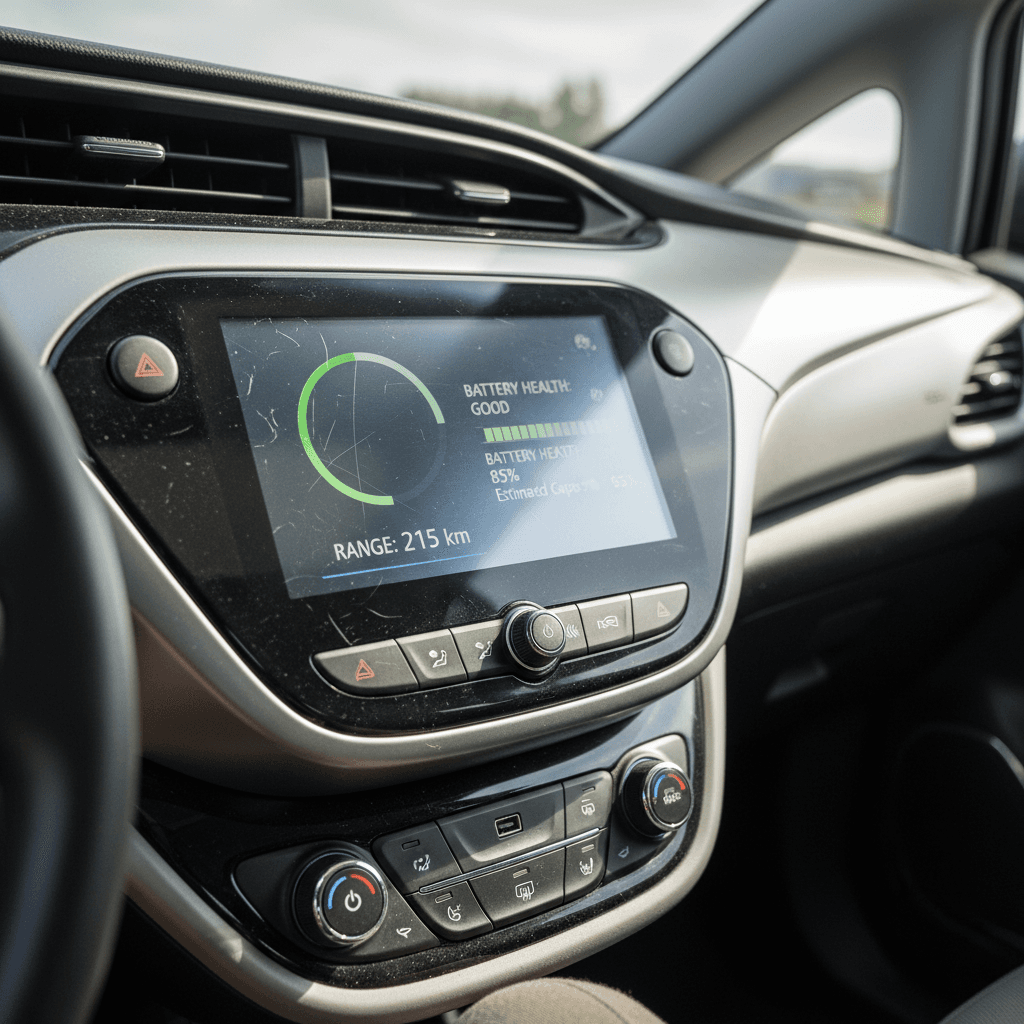
If you own the car already, or a seller is serious enough to give you a day with it, the most reliable way to check Bolt EV battery health at home is a controlled range test. You’re measuring how much energy you can actually pull from the pack, then comparing that to what a new car would reasonably deliver in similar conditions.
Bolt EV range-test ballparks (healthy pack)
These are rough, real‑world targets for a healthy, upgraded‑pack Bolt EV in mild weather with moderate driving. Your actual results will vary.
| Scenario | Speed & Conditions | Expected Efficiency (mi/kWh) | Healthy Usable Range from ~100% to ~5–10% |
|---|---|---|---|
| City/suburban | Stop‑and‑go up to 45 mph, 60–75°F | 4.0–4.5 | 240–270 miles |
| Mixed driving | Blend of city and 65–70 mph highway, 60–75°F | 3.5–4.0 | 215–245 miles |
| Mostly highway | 70–75 mph, light wind, 60–75°F | 3.0–3.5 | 185–220 miles |
| Cold weather | Freezing temps, heater on, mix of roads | 2.0–3.0 | 130–200 miles |
Use these numbers as sanity checks, not rigid pass/fail cutoffs.
How to run a Bolt EV range test at home
1. Pick a normal route and mild day
Choose a route that reflects how you’ll actually drive the car: your commute or a familiar loop. Aim for <strong>temperatures between ~55–80°F</strong> if possible to keep weather from skewing the results too much.
2. Charge to full and reset stats
Charge to 100%, then reset the trip meter and energy statistics right before you start driving. Note the projected range at 100%, outside temperature, and whether you’re using climate control.
3. Drive down to 5–10% state of charge
Drive normally until you reach around <strong>5–10% state of charge</strong>. You don’t have to run it to “turtle” or shutdown, in fact, you shouldn’t, but you do want to use most of the pack. Avoid huge elevation changes if you can.
4. Record total miles and efficiency
At the end of the drive, write down the <strong>total miles driven</strong> and <strong>average mi/kWh</strong> for the trip. Multiply miles ÷ mi/kWh to estimate how many kWh you actually used. If you went from (say) 98% to 7%, scale that to a full 0–100% equivalent.
5. Compare to healthy targets
A strong, recall‑replacement Bolt that was ~65 kWh usable when new might reasonably show <strong>low‑60s kWh usable</strong> several years in. If you’re seeing numbers in the low‑50s in mild weather with normal driving, that’s cause for follow‑up questions.
6. Repeat if something looks off
One weird result doesn’t prove a bad battery. If you see suspiciously low capacity, repeat the test on a different day and route if possible. If it still looks low, that’s when you talk to a dealer, independent EV shop, or a retailer like <strong>Recharged</strong> that can run deeper diagnostics.
Watch the weather
Using OBD2 and apps for deeper state-of-health data
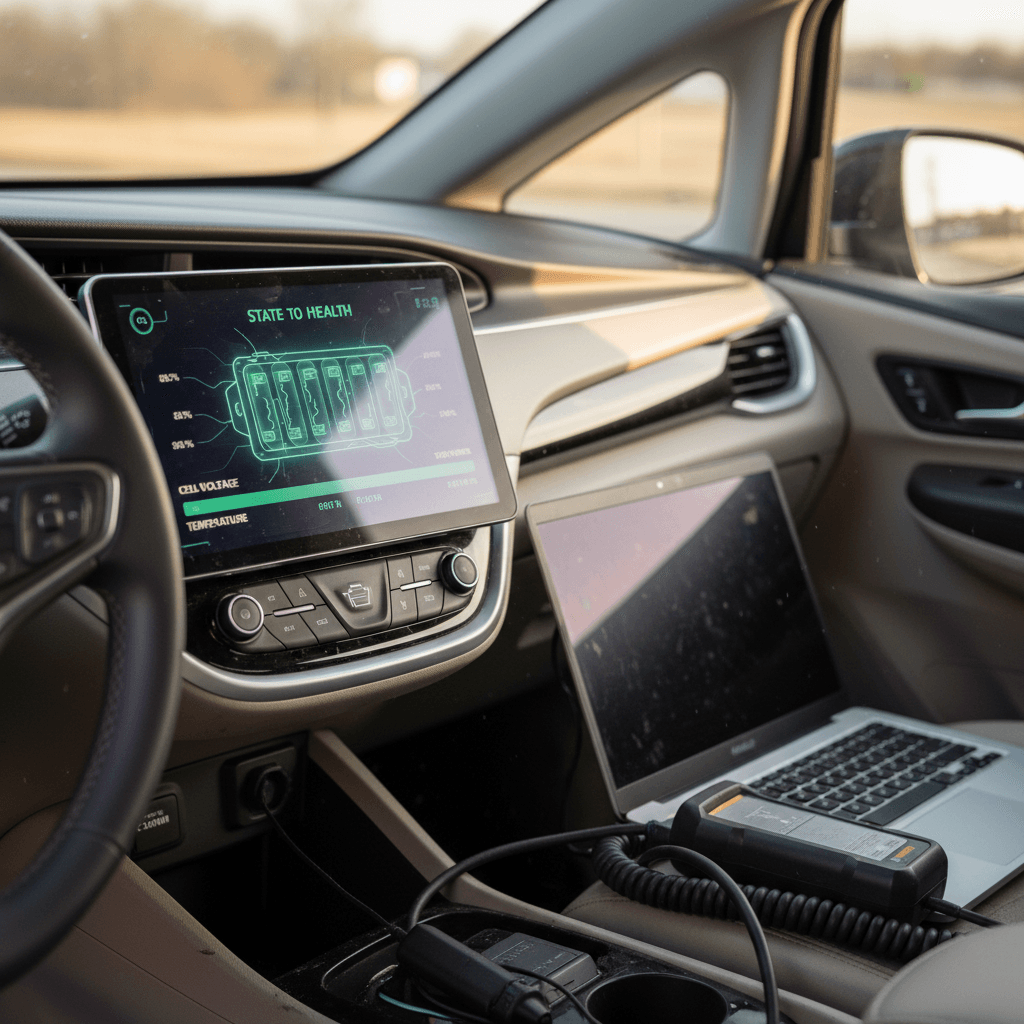
If you’re comfortable with a bit of tech, an OBD2 adapter and the right app can read data directly from the Bolt’s battery management system (BMS). This can surface values like estimated capacity and module voltages that you’ll never see on the dash. Just remember: these are still estimates, and they’re only as good as the app’s interpretation of GM’s data.
OBD2 battery check: what you’ll need and what to look for
This is optional but useful if you want more than a range test.
Hardware: OBD2 adapter
Use a reputable Bluetooth OBD2 dongle that supports EVs, ideally one known to work well with the Bolt EV. Avoid ultra‑cheap no‑name adapters; they can be flaky or even cause communication issues.
Software: EV‑aware app
Choose an app that explicitly supports the Chevrolet Bolt EV and exposes battery metrics like estimated capacity, cell voltages, and temperature. Read the developer’s documentation carefully; field names don’t always mean what you’d expect.
Data: How to interpret it
Look for values labeled along the lines of “usable capacity,” “Amp‑hour estimate,” or “state of health.” Compare what you see to your range‑test results. If the app claims 95% SoH but your controlled range test suggests 25–30% loss, trust the real‑world energy usage first.
A note on BMS estimates
Red flags when buying a used Bolt EV
Most used Bolts, especially those with recall‑replacement packs, will behave like solid, modern EVs. The ones to be wary of are cars with a combination of low range, inconsistent data, and owners or dealers who can’t explain the story. Here’s what to watch for.
- Projected range dramatically below expectations in mild weather, think 140–160 miles at 90–100% SoC on a pack that should be closer to 220+ miles for your driving style.
- “Propulsion Power Reduced” or power limits showing up above ~20% state of charge on a warm battery during a normal test drive.
- DC fast charging that throttles very early (well below 50% SoC) even after 20–30 minutes of highway driving in mild weather, suggesting the BMS is being unusually conservative.
- Big mismatch between OBD2 SoH and range tests, especially if the seller is leaning hard on a single impressive‑looking app screenshot.
- No documentation of battery replacement or warranty on a car built in the recall years, and a seller who gets vague when you ask about it.
- Dealers dismissing your concerns about range or health with “that’s how EVs are” without being willing to run diagnostics or let you perform meaningful tests.
Walk away when the story doesn’t add up
Battery warranty and recall replacements: What they mean for health checks
Because of the well‑publicized battery recall, a huge number of Bolt EVs on the road today are running newer replacement packs with fresh warranty clocks. That’s great news for buyers, but it also means you need to understand what you’re looking at when you pull a Carfax, dealer service record, or GM warranty printout.
Chevy Bolt EV high-voltage battery warranty basics
Exact terms can vary by model year and state law; always confirm specifics with GM or a dealer.
| Scenario | Typical Warranty | What it Means for Health Checks |
|---|---|---|
| Original factory pack | ~8 years / 100,000 miles | If the pack hasn’t been replaced, make sure the remaining term aligns with build date and mileage. Out‑of‑warranty isn’t automatically bad, but you’ll want especially strong range‑test results. |
| Recall‑replacement pack | Often a fresh 8‑year / 100,000‑mile parts warranty from replacement date | A car that got a new pack in, say, late 2023 may have more battery warranty left than a newer Bolt with original hardware. That can be a huge plus if your tests confirm the pack behaves like new. |
| CARB states (select years) | Up to 10 years / 150,000 miles on certain components | In California and some other states, emissions regulations can extend coverage. Still, never assume, get the car’s VIN and have a dealer print its exact EV and battery warranty status. |
Treat these as general patterns and verify details for any individual car.
Replacement pack = potential bargain
When to get a professional EV battery diagnostic
DIY tests will get you surprisingly far, but there are situations where it’s worth paying for professional diagnostics, especially on a car you don’t yet own. That’s where EV‑savvy dealerships, independent shops, or retailers like Recharged can save you from an expensive mistake.
When you should call in the pros
- You’re about to buy a used Bolt EV that looks perfect on paper but shows below‑average range in your tests.
- The car is near the edge of its battery warranty window and you want a clear picture before the clock runs out.
- OBD2 data or warning messages suggest module imbalances or pack faults, but you don’t speak fluent CAN bus.
- You’re weighing two used Bolts and want objective, apples‑to‑apples battery reports to decide which is the better long‑term bet.
What Recharged brings to the table
Every EV listed on Recharged includes a Recharged Score Report with verified battery diagnostics, real‑world range insights, and fair‑market pricing, so you’re not relying on guesswork or a generic dealer printout.
If you’re trading in or selling, Recharged can also give you an instant offer or consignment option built around that same data, plus nationwide delivery and EV‑specialist support. It’s a way to turn battery health from a mystery into a clear, shared metric between buyer and seller.
Turn the report into leverage
FAQ: Chevrolet Bolt EV battery health checks
Common questions about Bolt EV battery health
Bottom line: How to check a Bolt EV battery the smart way
You don’t need a lab or a PhD in electrochemistry to run a credible Chevrolet Bolt EV battery health check. Start with what the car already gives you, projected range, mi/kWh, and kWh used, then back that up with a sensible range test. If you’re comfortable with tech, pull BMS estimates via OBD2 as a cross‑check, not as a single source of truth. When you’re buying or selling, documentation and repeatable tests matter more than a one‑time snapshot.
If anything looks odd, or you simply don’t want to be the one doing the math, bring in professionals who live and breathe EV diagnostics. At Recharged, every used Bolt EV comes with a Recharged Score Report that distills pack health, range behavior, and pricing into one transparent snapshot, plus EV‑specialist support to talk through what it all means. Whether you’re sizing up a Bolt on a dealer lot or browsing online listings, the smart move is the same: trust the data, not the sales pitch, and let the battery’s real‑world performance guide your decision.