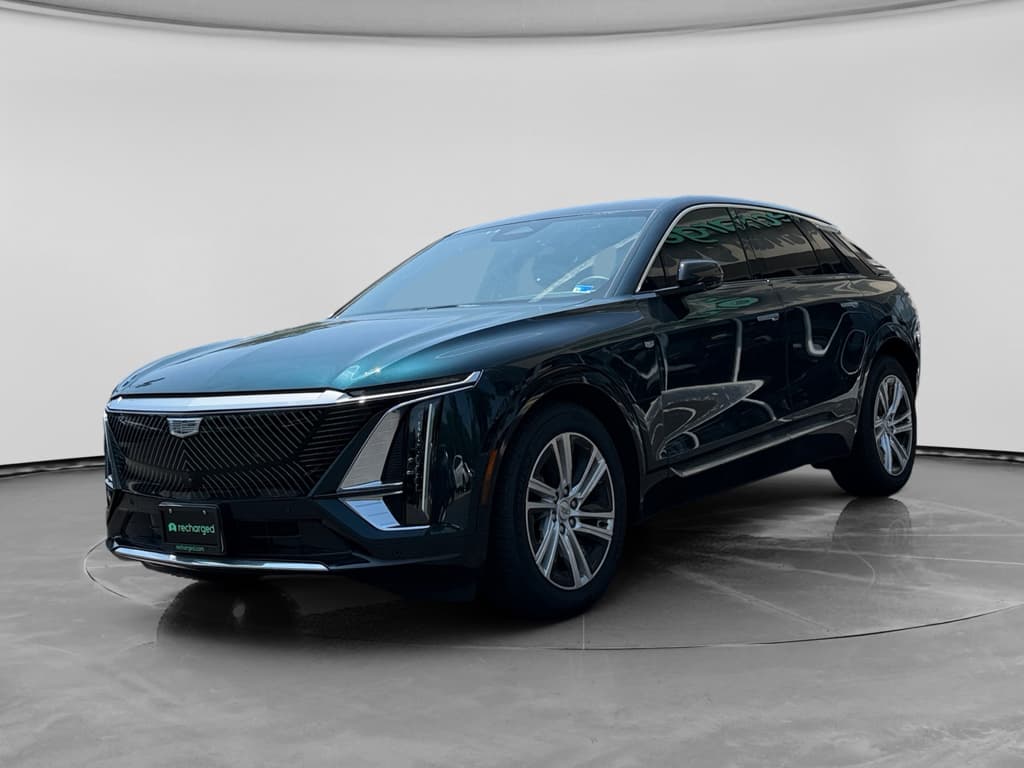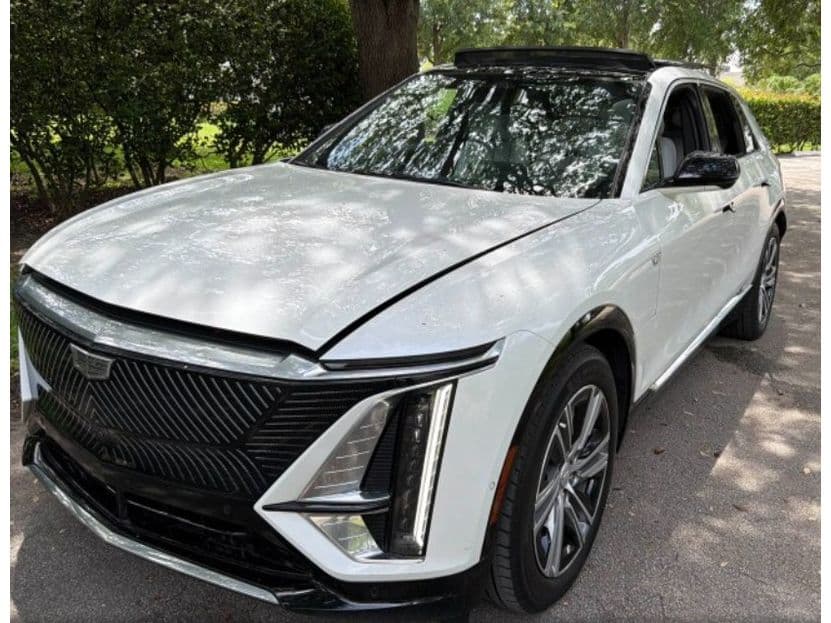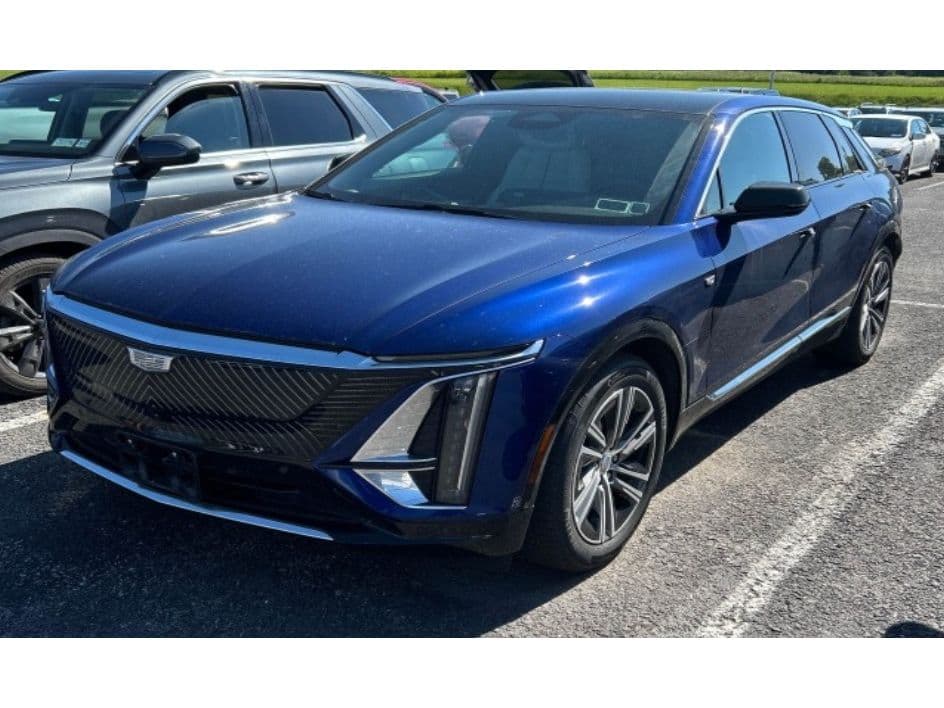
If you own, or are shopping for, a Cadillac Lyriq, the software update history isn’t just trivia. It affects how smoothly the infotainment works, how confident Super Cruise feels, and even how your warranty is handled. Because the Lyriq rides on GM’s latest software-defined platform, understanding its update story from 2023 through today is part of understanding the vehicle itself.
Quick take
Why Lyriq software updates matter
The Lyriq is a software-defined EV, which means much of what you experience day to day, screen responsiveness, driver-assistance behavior, even some charging logic, can change after you drive it off the lot. Updates can:
- Fix bugs in the center display, audio system, and digital cluster
- Improve charging communication and reliability at public stations
- Refine Super Cruise behavior and map coverage where equipped
- Address rare stability issues like frozen screens or no-start conditions
- Lay groundwork for future paid features or enhancements
For used shoppers
How Cadillac Lyriq software updates work
GM handles Lyriq software in two main ways: over‑the‑air updates you can install at home and deeper module programming performed at the dealership.
Two main update paths on the Lyriq
Both matter for keeping the software ecosystem healthy
Over‑the‑air (OTA) updates
These are the updates you see as pop‑ups on the Lyriq’s center screen or in the mobile app.
- Download over cellular or Wi‑Fi in the background
- Install while the vehicle is parked and turned off
- Usually take about 20 minutes
- Often focus on infotainment, UX polish, and minor bug fixes
Dealer-installed updates
Dealerships connect your Lyriq to GM’s service tools and update individual modules.
- Required for some recalls and deeper bug fixes
- May involve dozens of separate control modules
- Typically not visible in the in‑car “update history”
- Can take anywhere from an hour to multiple days if problems appear
Owner tip
Cadillac Lyriq software update timeline: 2023–2026
Cadillac doesn’t publish a public master changelog for every Lyriq software version. But based on owner reports, dealer bulletins and GM’s own documentation, you can sketch a useful timeline of how the Lyriq’s software has evolved.
High-level Lyriq software update history (simplified)
A model-year view of how software updates have shaped the Lyriq so far.
| Model year | Launch software behavior | Main software pain points | What later updates generally targeted |
|---|---|---|---|
| 2023 (early builds) | First Ultium-based Cadillac EV software stack | Infotainment lag, random reboots, screens staying on after exit, spotty OTA reliability | Stability fixes for center display, better sleep/wake behavior, initial polish to driver‑assist systems |
| 2023 (late builds) | Incrementally improved base image | Fewer obvious glitches but still inconsistent update experience between vehicles | Refinements to Bluetooth, audio and navigation; groundwork for more robust OTA pipeline |
| 2024 | More mature out of the box, but still variable by build month | Failed OTA installs, confusion around what was actually updated, several software-related recalls | Dealer programming campaigns for multiple modules, OTA patches aimed at responsiveness and reliability |
| 2025 | Newer base software and Linux kernel on many builds (e.g., W52E-176.1.2) | Owners report long dealer visits when updates fail, plus occasional bricking after bad packages | Consolidated update packages like GM N24-F172AE and GM N24-2442960, plus revised dealer procedures for module programming |
| 2026 (early) | Ongoing OTA campaign cadence; GM tightens policy on skipping updates | Persistent variability, some Lyriqs update flawlessly, others struggle with repeat failures | Refinements to the OTA process itself, plus more aggressive warranty language to encourage timely installs |
Exact version numbers vary by trim, build date, and market. Think of this as a practical, owner-focused overview rather than an official changelog.
Why histories differ from car to car
Key Lyriq update packages and version names
Lyriq owners rarely see a friendly, human-readable changelog. Instead, you’ll encounter a mix of package codes and build strings that look cryptic at first glance. Here are some of the labels real owners have reported and what they generally indicate.
Examples of Lyriq software identifiers owners report
Even more confusing, dealer tools show a different view than what you see in the cabin. Service advisors often talk in terms of bulletins and campaigns, not the labels on your screen.
No single "master" version number
Common issues Lyriq software updates have addressed
Across model years, certain themes keep coming up in Lyriq owner communities. Most updates fall into a few recognizable buckets.
What Lyriq software updates typically try to fix
Patterns from early 2023 builds through 2025
Infotainment lag & freezes
- Slow response to inputs or map pinches
- Center screen staying on long after you exit
- Occasional black screens or forced reboots
Multiple OTA and dealer campaigns have targeted stability and wake/sleep logic.
Charging & energy quirks
- Compatibility hiccups with some DC fast chargers
- Incorrect or jumpy estimated time remaining
- AC charging that stops unexpectedly
Software updates can change how the car talks to stations and manages the pack.
Driver-assistance refinement
- Lane-keeping smoothness
- Super Cruise confidence where equipped
- Camera, radar and map integration
These updates tend to be less visible in version notes but very noticeable behind the wheel.
The upside
OTA vs. dealer updates: what owners are actually seeing
On paper, the Lyriq supports robust OTA updates. In practice, owner reports show a more mixed picture:
Real-world OTA experience
- Some owners see multiple OTA updates in quick succession, all installing cleanly.
- Others watch the same update fail several times, then disappear until it’s re‑pushed later.
- In some cases, the app or infotainment screen shows a package (like GM N24-F172AE) with no clear description of what changed.
Dealer update reality
- For deeper issues, dealers perform a vehicle-wide programming event that can touch dozens of modules.
- These visits can take a day, or stretch into several days, if certain modules refuse an update and GM technical support has to get involved.
- Owners rarely get a simple, consumer-facing list of exactly what was changed during those visits.
When a bad update bricks the car
Warranty impacts of skipping GM OTA updates
Starting with many 2025 and 2026 model-year GM vehicles, the company has tightened language around over‑the‑air updates. If an OTA package is pushed to your Lyriq and you don’t install it within GM’s stated window (often 45 days), GM reserves the right to deny warranty coverage for problems that could have been avoided by accepting the update.
- The policy applies across GM brands, including Cadillac.
- The idea is to ensure vehicles run the latest safety and reliability fixes.
- If an update itself causes damage, that’s still supposed to be covered by warranty, but you may need to document what happened.
- For used buyers, incomplete OTA history could, in theory, complicate future warranty claims.
What this means for used Lyriq shoppers
What to check on a used Cadillac Lyriq
Because software has such a large footprint on the Lyriq experience, it should sit right alongside battery health and cosmetic condition on your used‑EV checklist.
Used Lyriq software checklist
1. Ask for a full service printout
Have the seller or dealer print the vehicle’s repair order history, including programming campaigns and recalls. You’re looking for evidence that major software and control-module updates were completed, not just tire rotations.
2. Confirm OTA settings and connectivity
In the Settings → Updates menu, verify that automatic updates are allowed, the car can connect to Wi‑Fi, and there are no lingering failed installs waiting to retry.
3. Check infotainment version & behavior
Note the infotainment build string and spend a few minutes pushing the system, launching apps, zooming the map, adjusting audio. You’re looking for lag, freezes, or unexpected restarts.
4. Test driver-assistance features
If the Lyriq has Super Cruise or advanced driver assists, test them on a safe stretch of road. Erratic behavior can sometimes point to modules that need updated calibration or software.
5. Ask directly about update problems
A candid seller will tell you if the car has had repeat OTA failures or multi‑day dealer visits for software work. That doesn’t have to be a dealbreaker, but it should influence how closely you scrutinize records.
6. Combine with a battery health report
Software is half the story on a used EV; the battery pack is the other half. A Recharged Score Report includes independent battery diagnostics alongside market‑correct pricing and history checks, so you’re not guessing about either piece.
How Recharged can help
Tips for smoother Lyriq software updates
Given the Lyriq’s uneven update track record, it pays to be intentional about how, and where, you install new software.
- Keep the vehicle connected: Pair your Lyriq with a reliable home Wi‑Fi network whenever possible. OTA downloads can use cellular, but strong Wi‑Fi reduces hiccups.
- Follow the on‑screen instructions exactly: Wait until you’re ready to park for 20–30 minutes, then start the install. Don’t open doors repeatedly or press the start button during the process unless the screen tells you to.
- Avoid heavily shielded garages: GM itself recommends installing OTA updates with a clear signal path. Thick concrete or metal roofs can interfere with connectivity and, in some cases, cause update failures.
- If an OTA fails repeatedly, involve the dealer: After two or three failures, call your Cadillac dealer and describe what you’re seeing. They may need to perform a module-wide programming event and verify that prerequisite updates are in place.
- Ask your dealer about global programming at each service: When you’re already in for tires or maintenance, ask the service writer to check for any open software campaigns and, when appropriate, perform a vehicle‑wide update rather than just piecemeal fixes.
- Document everything: If an update appears to cause new behavior, good or bad, note the date, the package label shown on screen, and what changed. That information helps service departments and strengthens any future warranty conversations.
Best-case scenario
FAQ: Cadillac Lyriq software updates
Frequently asked questions about Lyriq software updates
Bottom line for current and future Lyriq owners
The Cadillac Lyriq’s software update history from 2023 through early 2026 tells a familiar modern-EV story: ambitious hardware, evolving code and a sometimes bumpy path in between. The good news is that many of the rough edges, infotainment lag, quirky charging behavior, occasional glitches, have seen real progress as GM rolls out new packages and refines dealer procedures.
If you already own a Lyriq, your best move is to stay current on OTA campaigns, keep good records, and involve your dealer quickly when an update won’t stick. If you’re shopping used, treat software history with the same seriousness you’d give battery health and body condition. That’s exactly how Recharged approaches it: every vehicle we list includes an in‑depth Recharged Score Report and access to EV-savvy advisors who can help you interpret both the numbers and the notes.
Handled thoughtfully, software updates turn the Lyriq into what it was meant to be from the start: a quiet, comfortable, luxury EV that gets better, not more frustrating, as the miles and years add up.