On paper, the Audi e-tron GT looks like a classic “set it and forget it” grand tourer. In reality, the car you drive today can be very different from the one that left the factory, thanks to a steady drumbeat of software updates. Understanding the Audi e-tron GT software update history helps you know what features you should have, which bugs were fixed, and what to check if you’re shopping for a used example.
Software is central on the e-tron GT
Why Audi e-tron GT software updates matter
The e-tron GT shares much of its tech DNA with the Porsche Taycan. That means a highly sophisticated high-voltage battery management system, complex thermal controls, and an MMI infotainment stack that’s deeply integrated with navigation, charging, and driver-assistance. Over the last few years, Audi has rolled out updates that:
- Improve charging behavior and preconditioning for DC fast charging, especially in cold weather
- Adjust how much energy you can recover under braking and when one-pedal-style deceleration kicks in
- Refine traction and stability control logic for the powerful RS e-tron GT variants
- Add or polish infotainment features like HUD navigation repeats from Apple CarPlay or Android Auto
- Fix connectivity gremlins with the myAudi app, data connection, or user profiles
- Unlock support for newer features introduced with the 2025 refresh, such as enhanced battery information in the digital cluster
No single global changelog
Quick timeline of Audi e-tron GT software update history
High-level view of e-tron GT software evolution
Rather than chase every minor build number, it’s more useful to think in phases. Here’s how the story breaks down for North American–spec cars, with similar themes in Europe and other regions.
Early years (2021–2022): launch versions and bug-fix updates
When the e-tron GT arrived for the 2022 model year in the U.S., it launched with software that closely mirrored early Taycan logic. Owners loved the performance but quickly surfaced several software-related quirks that Audi addressed through dealer-installed updates.
Typical early e-tron GT software issues Audi targeted
Most of these were resolved by 2022–early 2023 dealer campaigns and TSBs.
Infotainment hiccups
- Random MMI reboots
- Lag when switching between native nav and CarPlay/Android Auto
- Occasional audio system dropouts
Connectivity & myAudi
- Dropped data connection messages
- Difficulty linking myAudi account
- Remote functions not updating in the app
Charging & range display
- Conservative range estimates
- Sensitivity to DC fast chargers starting/stopping
- Minor bugs in scheduled charging logic
Good news for early cars
Maturing platform (2023–2024): infotainment, connectivity and OTA
By 2023, Audi started to treat software more like a living product than a static feature. While the e-tron GT doesn’t yet get Tesla-style over-the-air powertrain updates, there was clear progress in map and MMI improvements, plus targeted campaigns to polish the everyday experience.
Infotainment & HUD improvements
- Updated MMI builds improved general responsiveness and stability.
- Navigation and map data updates became smoother, with less disruption during installation.
- Newer builds added better integration of Apple CarPlay and Android Auto directions into the digital cockpit and head-up display on supported cars.
Connectivity & app reliability
- myAudi log-in issues and “no data connection” errors were common complaints that triggered troubleshooting updates.
- Some owners reported that after MMI software updates, data-plan menus and online services were restored or behaved more predictably.
- Behind the scenes, Audi continued refining how the car talks to its backend services for remote lock/unlock, charging status and trip data.
Watch the build date, not just the model year
Major refresh for 2025: power, battery and charging software
For the 2025 model year, Audi didn’t just tweak the e-tron GT, it effectively gave the car a mid-cycle reboot. Some of that is hardware, but a lot of the ownership experience hinges on the software that controls it.
Key 2025 e-tron GT hardware + software-driven changes
Exact release notes vary by region, but these are the headline changes that depend heavily on new software and control logic.
| Area | Earlier models (up to 2024) | 2025 refresh |
|---|---|---|
| Battery | ~93.4 kWh gross pack | ~105 kWh gross, ~97 kWh usable, redesigned pack control |
| DC fast charging | Up to ~270 kW peak | Up to 320 kW peak with a broader high-power window |
| Recuperation | Lower max recuperation power | Up to ~400 kW recuperation and finer tuning of paddle-selectable levels |
| Power output | Up to 475–500 kW depending on trim | Up to 680 kW in RS e-tron GT performance, with revised power electronics |
| Cluster info | Basic SOC and range info | Enhanced cluster displays with battery temperature and fast-charge forecast |
| Chassis control | Earlier adaptive suspension tuning | New dual-valve adaptive suspension and active options managed by updated control modules |
Remember: these specs apply to 2025+ S e-tron GT, RS e-tron GT and RS e-tron GT performance trims.
All of this is orchestrated by new software across the power electronics, thermal management, battery management system (BMS) and suspension controllers. In practice, the 2025 cars ramp up charging power more confidently, hold higher speeds at DC fast chargers for longer, and offer more transparency about what the battery is doing.
Can older e-tron GTs be “updated” to 2025 spec?
How to check your Audi e-tron GT software version
Audi doesn’t hide the information, but it’s not exactly front and center either. Before you argue with a dealer or make an offer on a used e-tron GT, take two minutes to see what’s actually installed.
Steps to view software information in your e-tron GT
1. Power the car on safely
Sit in the driver’s seat, press the brake and tap the start/stop button so the car is in “ready” mode. You need the full system awake, not just accessory mode.
2. Open the MMI settings menu
On the center touchscreen, tap <strong>Home</strong> → <strong>Settings</strong> (or <strong>Setup</strong>, depending on your software skin).
3. Look for System Information
Scroll to <strong>System Information</strong>, <strong>Version info</strong> or similar. This screen usually lists the MMI software version, navigation database version and sometimes the build date.
4. Note both MMI and navigation versions
Write down the full MMI version string and navigation database version. This is what a dealer will reference when checking for campaigns or TSBs.
5. Check the digital cluster too
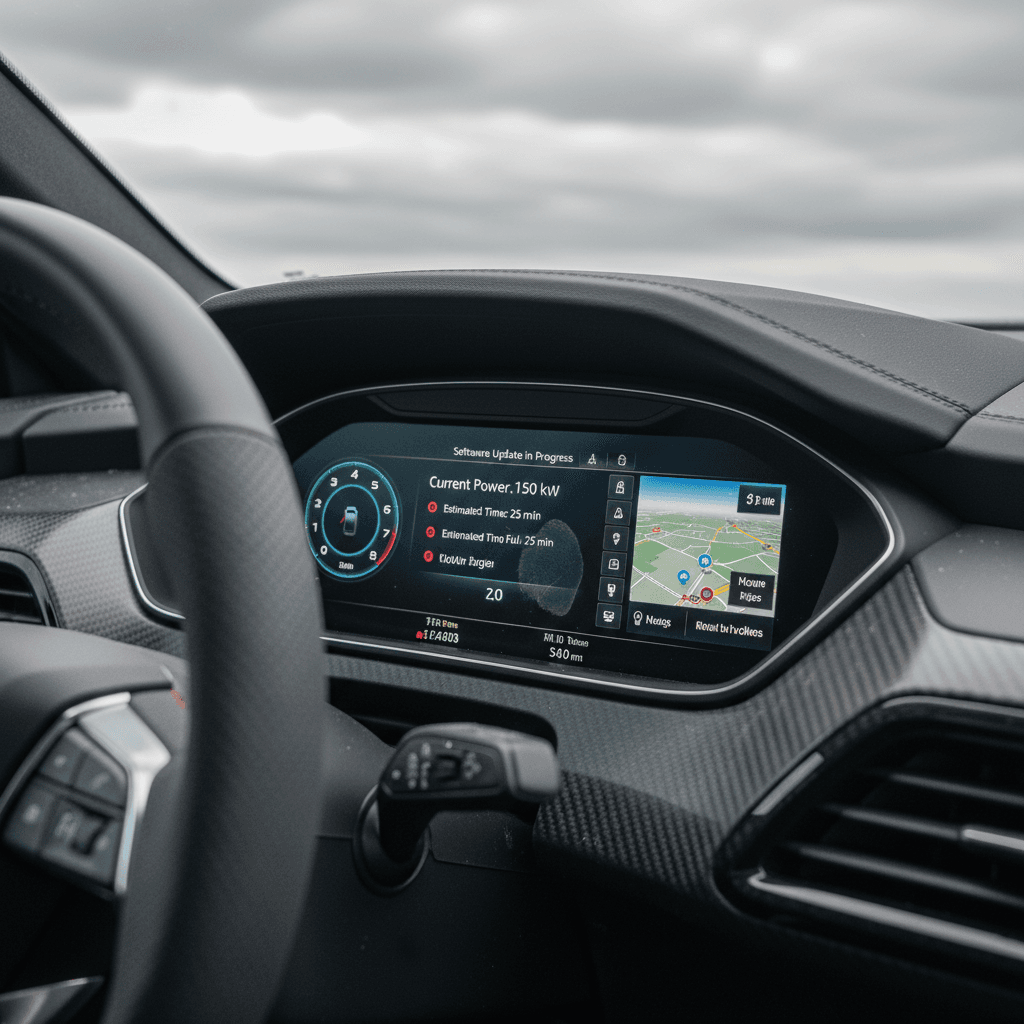
On 2025+ cars, the digital cockpit can show extra battery details like temperature and fast-charging guidance. Their presence is a quick visual cue that you’re on a newer software generation tied to the updated hardware.
Take screenshots or photos
Dealer updates vs. OTA: what you can and can’t do yourself
Unlike some newer EVs that push major changes over the air, the e-tron GT still leans heavily on dealership infrastructure for core software updates. That has a few implications for you as an owner, or future owner.
What you can typically do yourself
- Map updates: Newer builds support over-the-air map updates that download and install transparently in the background, or via USB if needed.
- Online services: You control subscriptions, Wi‑Fi hotspot options and some online features directly in the myAudi app or MMI menus.
- Minor feature toggles: Settings for driver-assistance sensitivity, recuperation levels, charging targets and schedules are all user-adjustable.
What usually requires a dealer visit
- Core MMI version jumps: Big updates that change the base software number typically require dealer equipment and Audi-authorized campaigns.
- Control module updates: Software for the BMS, power electronics, suspension controllers and safety systems is not user‑flashable.
- Technical Service Bulletins (TSBs): Fixes for known bugs, like HUD or cluster navigation repeats, are tied to TSBs that dealers apply under warranty.
Dealers don’t always update “just because”
What software version means when you’re buying a used e-tron GT
On a used EV, software isn’t a bonus, it’s part of the value. Two 2022 RS e-tron GTs with the same mileage can drive very differently if one has never been updated and the other has seen regular campaigns and bug fixes.
Why software status matters on a used e-tron GT
Think beyond the odometer and paintwork.
Reliability & annoyance factor
Updated cars are less likely to suffer from random reboots, missing online features or stuck updates. That’s worth real money in daily frustration avoided.
Charging experience
Even pre-2025 cars benefit from revised charging curves and better preconditioning. On a road trip, that can shave meaningful time off your DC fast‑charging stops.
Resale confidence
A documented history of software campaigns and successful updates reassures the next buyer that the car hasn’t been neglected, just like service records do on an ICE car.
How Recharged bakes software into the Recharged Score
Ready to find your next EV?
Browse VehiclesChecklist: questions to ask about software on a used e-tron GT
Software questions for sellers and dealers
1. What’s the current MMI and navigation version?
Ask the seller to read out (or photograph) the MMI software and navigation database versions from the System Information screen. Compare them against what other owners of the same model year are running.
2. Have any software campaigns or TSBs been performed?
Request service records that show completed software campaigns, especially for infotainment stability, connectivity, and any charging-related updates.
3. Does the car support background map updates?
Newer builds support over-the-air background map updates that apply with minimal downtime. If the car still needs USB-only updates, it may be running older code.
4. Are online services and myAudi working today?
Have the seller demonstrate remote lock/unlock, state-of-charge reporting and trip data in the myAudi app. Intermittent or missing data may suggest account or software issues.
5. How does it behave at DC fast chargers?
On a test drive, pay attention to how quickly the car ramps up power at a DC fast charger and whether it maintains high rates. Jerky behavior or very low peak speeds might warrant a deeper look at software and battery health.
6. Any outstanding warnings about updates?
Ask if the car has ever displayed failed update messages or persistent prompts to update that never complete. These can occasionally point to corrupted data or modules that need dealer attention.
FAQ: Audi e-tron GT software updates
Frequently asked questions about e-tron GT software
Bottom line for current and future owners
If you own, or are considering, audi’s e-tron GT, software is part of the car’s DNA. Early cars benefit from years of bug fixes and refinements, while the 2025 refresh marries new code with new hardware for serious gains in performance and charging. As an owner, your job is to make sure your car isn’t stuck on an old build, and as a used buyer, to treat software history with the same respect you’d give a stamped service book.
That’s exactly why Recharged folds software status, charging behavior and independent battery health diagnostics into every Recharged Score Report on the e-tron GT. When you shop used EVs through Recharged, you’re not just test-driving a sleek Audi, you’re getting transparent insight into the invisible code that makes it work.