If you own an Acura ZDX or you’re thinking about buying one used, understanding the Acura ZDX software update history isn’t just a nerdy curiosity. It directly affects your infotainment experience, driver-assistance features, reliability and, increasingly, resale value. The ZDX sits at the intersection of Honda software, GM’s Ultium platform, and a now‑discontinued model line, so its update story is more complicated than most EVs.
Quick context
Overview: The Acura ZDX software landscape
From day one, Acura marketed the ZDX as a connected EV with Google built‑in, Android Auto, Apple CarPlay, and over‑the‑air (OTA) update capability for certain modules. Under the surface, though, software is split between multiple domains: the Ultium vehicle controllers, the Android‑based infotainment system, safety and brake controllers, and the Acura/Honda cloud services that power the Acura EV app.
- Core vehicle software (Ultium platform: battery, charging, drive systems, some driver‑assist logic)
- Infotainment OS and apps (Android‑based head unit with Google built‑in, CarPlay and Android Auto)
- Telematics and connectivity (communication module that links the car to Acura/Honda servers)
- Safety and braking modules (ABS, stability control, brake control campaigns)
- Cloud & mobile (Acura EV app, remote commands, route‑to‑vehicle, charging management)
Each of these can, in theory, be updated independently, but in practice ZDX owners have seen a patchwork of dealer-only campaigns, limited OTA pushes, and at times no visible updates at all, even while sibling GM vehicles are getting frequent releases. That’s the backdrop for a lot of owner frustration you’ll see in forums and owner groups.
How Acura ZDX software is built (and why it matters for updates)
GM Ultium foundation
- The ZDX shares its Ultium platform electronics with vehicles like the Cadillac Lyriq and Chevy Blazer EV.
- Core control software and many technical service bulletins (TSBs) originate on the GM side.
- Updates here typically require dealer tools and sometimes new hardware modules.
Acura/Honda layer on top
- Brand‑specific UX, Acura EV branding, and integration with Honda’s connected‑services backend.
- Acura controls which GM updates it adopts, how they’re packaged, and which (if any) are offered OTA.
- This extra coordination helps explain slower, less frequent updates than GM‑branded Ultium models.
Why this matters for you
Timeline: Acura ZDX software update history
High-level software history for the Acura ZDX
Because Acura hasn’t published a clean, consumer‑facing change log, most of what we know about the Acura ZDX software update history comes from owner reports, dealer bulletins, and GM Ultium parallels. Here’s a synthesized view of the major milestones so far.
Approximate Acura ZDX software update history
This table summarizes commonly reported campaigns and OTA events. Exact timing and availability can vary by VIN and region.
| Period | Update type | How delivered | What owners reported |
|---|---|---|---|
| Early 2024 (pre‑delivery) | Factory baseline software | Factory / dealer prep | Initial OS builds dated around March 2024 on many vehicles |
| Mid 2024 | Brake/ABS “critical” update | Dealer & some OTA | Campaign often labeled as a critical ABS fix; some owners saw it logged in the car’s update history. |
| Mid–late 2024 | VeSCoM / vehicle system campaigns | Mostly dealer | Multi‑module updates addressing braking behavior and other driveability quirks. |
| Late 2024–early 2025 | Misc. OTA patches | OTA (select vehicles) | Small number of OTA entries (sometimes only one or two) with vague release notes, not matching the frequency of Lyriq/Blazer updates. |
| Late 2025 | Major infotainment/CPU & comms module updates | Dealer only | Large software packages tied to TSBs (e.g., updated Android build, improved CarPlay, new cluster layouts). Some require replacement of the infotainment CPU or communication module. |
| Late 2025–early 2026 | Foundational OTA enabler & bug‑fixes | OTA + dealer | Owners report an OTA that supposedly improves OTA capability itself, while infotainment OS upgrades still require dealer visits. |
Use this as a directional guide, not a VIN‑specific record. Your dealer can pull the definitive bulletin history for your vehicle.
No official public changelog
OTA vs dealer updates on the Acura ZDX
On paper, the ZDX supports OTA. In practice, the line between what’s updated wirelessly and what requires a service visit has been blurry, and sometimes frustrating, for owners. It helps to separate expectations by system.
How different Acura ZDX systems typically get updated
Not all modules are created equal when it comes to OTA.
Small OTA patches
- Minor bug‑fixes to vehicle software and background services.
- Some safety‑related updates (like ABS) have shown up as OTA for a subset of owners.
- Occasional “platform” updates aimed at improving future OTA reliability.
Infotainment OS & Android version
- Large updates (e.g., new Android build or UI changes) have generally required dealer installation.
- These are tied to TSB numbers (e.g., 0xx‑series bulletins) and sometimes new hardware modules.
Hardware‑linked TSBs
- Updates involving the communication module or infotainment CPU are dealer‑only and can take days.
- Dealers sometimes delay if required parts are back‑ordered or if there’s bricking risk.
Owners also report that some updates are pre‑applied at the dealer before delivery, which means you might have more up‑to‑date software than your car’s OTA history suggests. Conversely, if your selling dealer skipped optional campaigns, you may leave the lot already behind.
Practical owner strategy
Major Acura ZDX software update campaigns owners talk about
Because the ZDX shares its electronic architecture with other Ultium vehicles, some of its most important software changes have followed the same pattern: addressing braking feel, infotainment bugs, connectivity stability, and Android OS upgrades. Here are the big buckets you’ll see referenced in owner discussions.
- Critical ABS/Brake update: Often logged as a critical ABS or brake system update. Intended to fix inconsistent or grabby braking behavior. Some units received this OTA; others only via dealer campaign.
- VeSCoM / chassis & system rollups: Multi‑module updates that touch chassis, braking and driveability. Typically installed at the dealer during routine service.
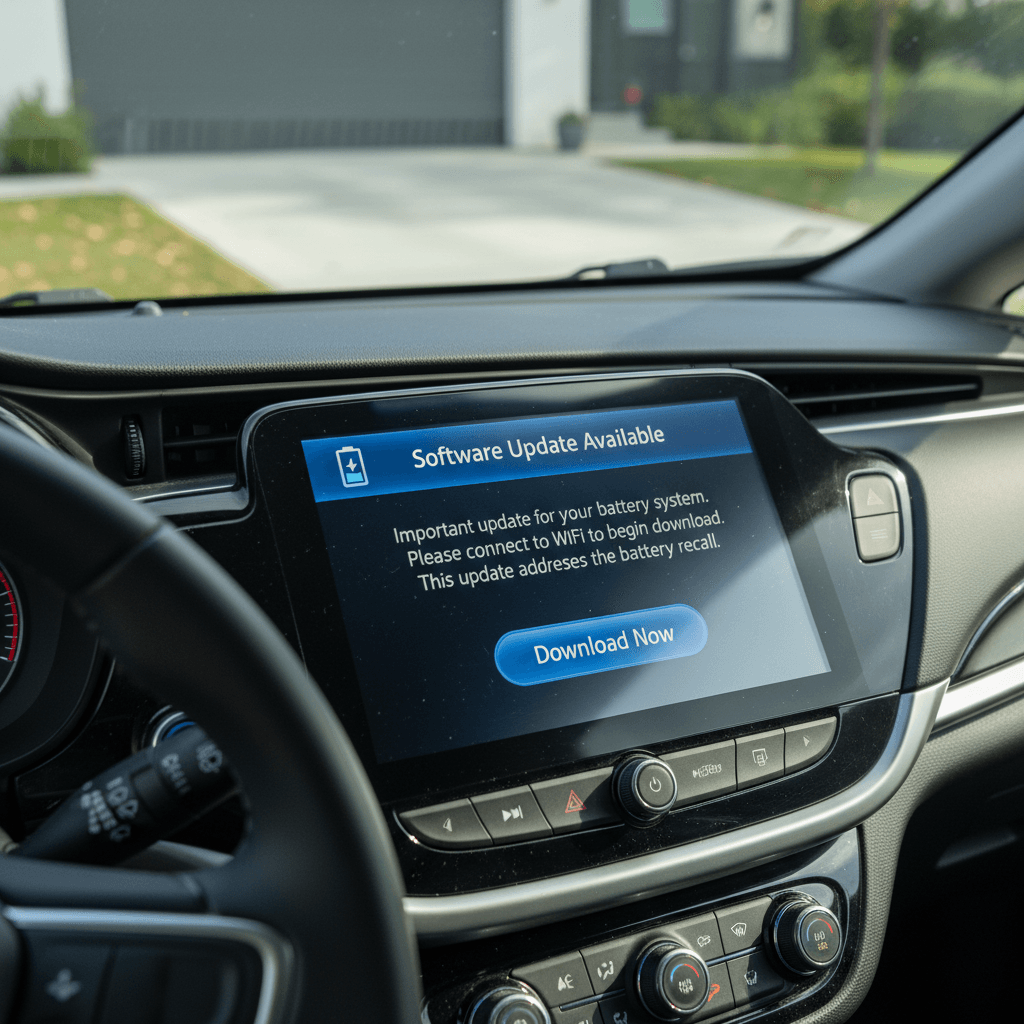
- Infotainment TSBs (Android 12 → 14 path): Large head‑unit updates, sometimes referenced by internal software numbers like SQBR5‑180.x and later builds. A subset of owners report these as multi‑day dealer jobs with CPU or comms‑module replacements.
- Communication module campaign: Updates and/or replacement of the telematics module after connectivity or Acura EV app issues. In some cases, dealers hold these until parts arrive to avoid bricking the unit.
- OTA “enabler” updates: Smaller OTA packages that claim to improve OTA reliability without materially changing features, meant to make future wireless updates safer.
Common issues and risks reported after ZDX updates
No modern EV is immune to software‑update drama, and the ZDX is no exception. While many owners complete updates without incident, there are enough negative stories that you should go in with your eyes open, especially for major infotainment or telematics work.
Owner‑reported problems tied to ZDX software updates
These don’t happen to everyone, but they’re worth understanding.
Bricked infotainment units
Some owners report dealer‑performed infotainment updates that left the head unit unusable, requiring a new CPU module. In a few cases, the car sat for days or weeks waiting on parts, with a loaner provided.
Connectivity & app instability
The Acura EV app and the ZDX’s connectivity stack have had recurring issues: failed enrollments, frequent crashes, or remote commands that simply don’t work until a dealer or server‑side fix is applied.
Update‑dependent hardware swaps
For at least one communication‑module campaign, dealers are instructed not to run the software update without a replacement module on hand, because the old hardware might fail mid‑flash and leave the car without telematics.
Perceived efficiency changes
A few owners notice different range or efficiency readouts after big updates. It’s hard to untangle software changes from weather and driving conditions, but it’s a reminder that software can meaningfully change how the car behaves and reports data.
Be cautious with non‑critical updates
How to check your ZDX software version and update status
Because ZDX update history is fragmented, you’ll want to check from three angles: in‑car menus, the Acura EV app, and dealer records. None of these alone tells the whole story.
Step‑by‑step: See where your Acura ZDX stands on software
1. Check OTA history in the car
From the infotainment home screen, dive into <strong>Settings → System → Updates</strong> (wording can vary slightly). Look for a “recent updates” or “history” section to see if your car has logged prior OTA installs like ABS fixes or small patches.
2. Note software build numbers
Still in Settings, find the “About” or “Software information” screen and note the <strong>OS build date</strong> and any version strings (for example, strings similar to SQBR5‑180.x). These are what technical bulletins will reference.
3. Review the Acura EV app
If the Acura EV app is working, check for any prompts about pending updates or service campaigns. Unfortunately, the app isn’t always reliable, many owners report crashes or incomplete data, so treat this as a secondary source.
4. Ask your dealer for a bulletin printout
Request that your Acura service advisor pull all <strong>completed and open campaigns/TSBs</strong> for your VIN, including GM‑side Ultium bulletins. This will show updates that may never appear in your on‑screen history.
5. Prioritize safety‑critical items
Review the list with your advisor and prioritize anything touching <strong>brakes, airbags, powertrain, or high‑voltage safety</strong>. These should be done even if it means leaving the car for a day or two.
6. Schedule major infotainment work strategically
If there’s a big infotainment or comms‑module update, try to time it for when a loaner is available and parts are confirmed in stock. Ask directly whether there’s any current "do not install" guidance from Acura on that campaign.
What ZDX discontinuation means for future updates
In late 2025 Honda and Acura confirmed that the Acura ZDX would be discontinued after a relatively short run, as they pivot toward in‑house EVs like the upcoming Acura RSX and expanded hybrid offerings. For software, that changes the trajectory from growth to maintenance.
What’s likely to continue
- Support for safety and compliance updates (brakes, airbags, charging safety, etc.).
- Critical bug‑fixes that could otherwise expose Acura or GM to warranty or regulatory risk.
- Basic connected‑services support for a defined period, likely measured in years, not decades.
What’s unlikely
- Frequent feature‑driven OTA updates like a Tesla or Rivian might get.
- Major new features that require deep platform investment.
- Long‑term parity with future Acura EV software stacks built on Honda’s own platform rather than Ultium.
The upside for owners
Shopping a used Acura ZDX? Software questions to ask
If you’re evaluating a used Acura ZDX, especially now that new production has ended, software history becomes part of your due diligence. It affects reliability, ownership experience and resale value. At Recharged, we treat software and connectivity the way we treat battery health: it’s part of the overall risk profile, not an afterthought.
Questions to ask before you buy a used Acura ZDX
1. Has it received the brake/ABS and VeSCoM campaigns?
Ask for documentation that the major early <strong>brake and chassis updates</strong> were completed. If the seller can’t show service records, plan on confirming with an Acura dealer.
2. What infotainment version is it running?
Have the seller share photos of the infotainment “About” screen showing software version and build date. Extremely early builds that never received later TSBs may be more glitch‑prone.
3. Does the Acura EV app currently work with this VIN?
A quick pairing test can reveal whether there are lingering telematics issues. Persistent connectivity problems may indicate the car is <strong>overdue for a comms‑module campaign</strong>.
4. Have there been any bricked‑unit or module replacements?
Ask explicitly whether a previous update <strong>bricked the infotainment system</strong> or communication module, and whether they were replaced under warranty. A clean fix is fine; an unresolved dispute is a red flag.
5. Are there any open campaigns today?
Before you sign, call an Acura service department with the VIN and ask if any campaigns or recalls are open. That will help you anticipate near‑term service time.
6. How transparent is the seller about software & battery health?
Reconditioned EVs should come with both <strong>battery diagnostics</strong> and a clear picture of software status. At <strong>Recharged</strong>, for example, every vehicle includes a Recharged Score report that covers verified battery health and key software‑related checks so you’re not buying blind.