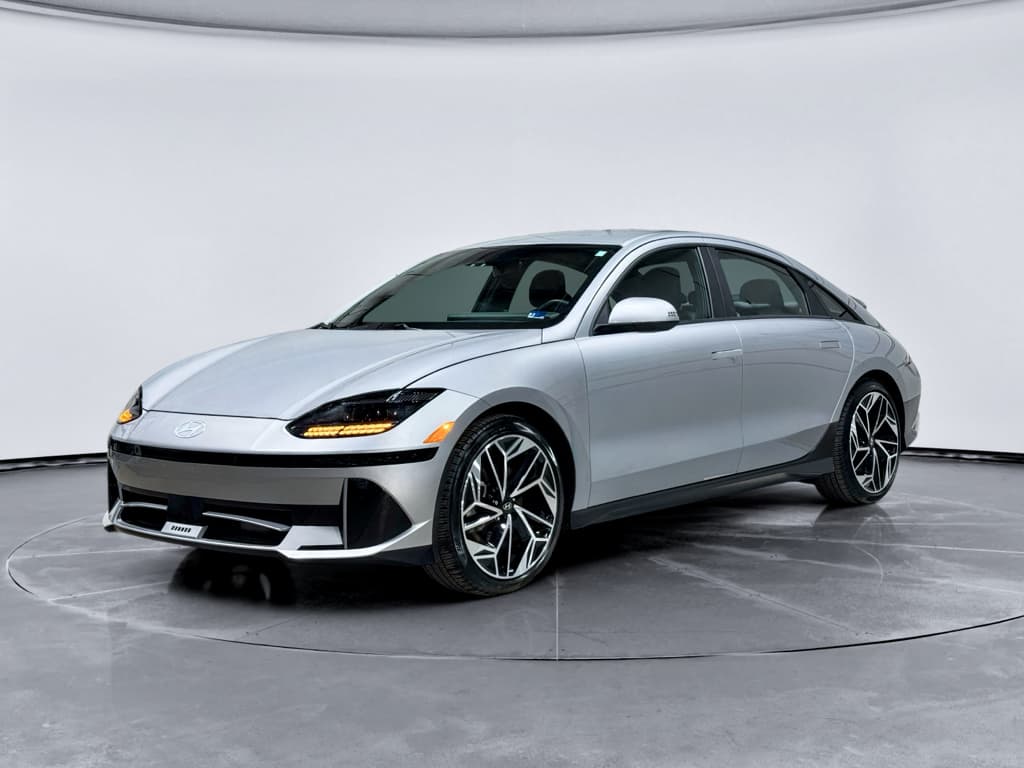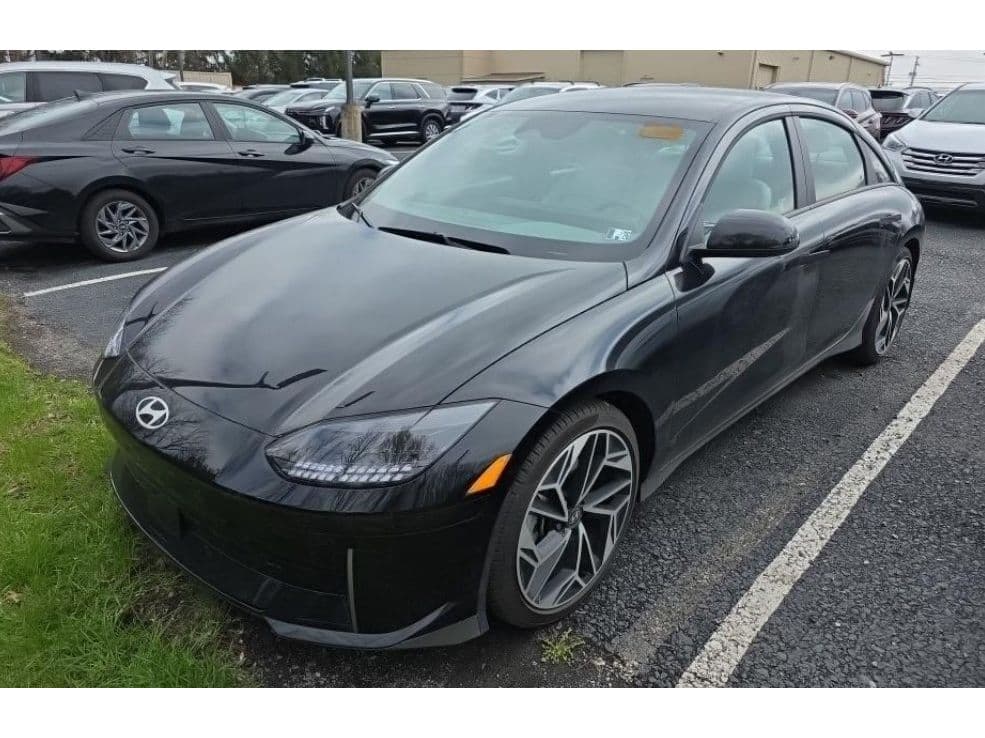
If you’re considering a 2025 Hyundai Ioniq 6, or already have one in the driveway, you’ve probably heard about ICCU failures, recalls, and the occasional software gremlin. The 2025 Ioniq 6 remains one of the most refined mainstream EV sedans on the market, but like any new‑generation electric car, it comes with a short list of known problems… and clear fixes.
2025 Ioniq 6: Big picture
2025 Hyundai Ioniq 6 reliability at a glance
Ioniq 6 reliability snapshot (through early 2026)
The 2025 Ioniq 6 rides on Hyundai’s E‑GMP platform, shared with the Ioniq 5 and Kia EV6. That means it inherits most of the same strengths, strong range, fast DC charging, and a smooth ride, as well as the same few weak spots. The big one you’ll hear about is the Integrated Charging Control Unit (ICCU), which manages the high‑voltage battery’s interaction with the 12‑volt system and charging hardware.
Model year vs. build date matters
ICCU failures and 12‑volt battery drain
If there’s one 2025 Hyundai Ioniq 6 problem you’ll see discussed again and again, it’s ICCU failure. On affected cars, the ICCU may overheat or fail internally, which can stop the 12‑volt battery from charging properly. In the worst cases, the car can go from driving normally to throwing multiple electrical warnings and then refusing to start again after you shut it off.
- Warning messages like “Check electric vehicle system” or generic powertrain/electrical faults
- The car refusing to go into Drive or shutting down unexpectedly
- A dead 12‑volt battery after the car has been parked, even for just a day or two
- High‑voltage charging sessions stopping abruptly, followed by error messages
Don’t assume every dead 12‑volt is ICCU
What causes the ICCU issue on the Ioniq 6?
Hyundai’s own recall and service‑campaign documentation points to an electrical defect in the ICCU and related software logic on E‑GMP cars. Under certain conditions, components inside the ICCU can overheat and fail. Once that happens, the unit may no longer keep the 12‑volt system properly charged, and the car can eventually shut down or refuse to restart.
How Hyundai fixes ICCU problems
Common ICCU‑related fixes on the 2025 Ioniq 6
Your exact repair steps depend on whether your car is part of a recall or simply showing symptoms.
Software update
Dealers apply updated software to the ICCU and related controllers to reduce stress on components and catch faults earlier.
Often done as part of a recall/service campaign visit.
ICCU replacement
If diagnostics show internal ICCU failure, Hyundai typically replaces the entire module under warranty or recall.
This can take days or longer if parts are back‑ordered.
12‑volt battery replacement
Because a bad ICCU can damage the 12‑volt battery, dealers often install a fresh 12‑volt at the same time.
In some cases, a weak 12‑volt alone is the only fix needed.
The good news on ICCU coverage
Charge‑port door recall for 2023–2025 Ioniq 6
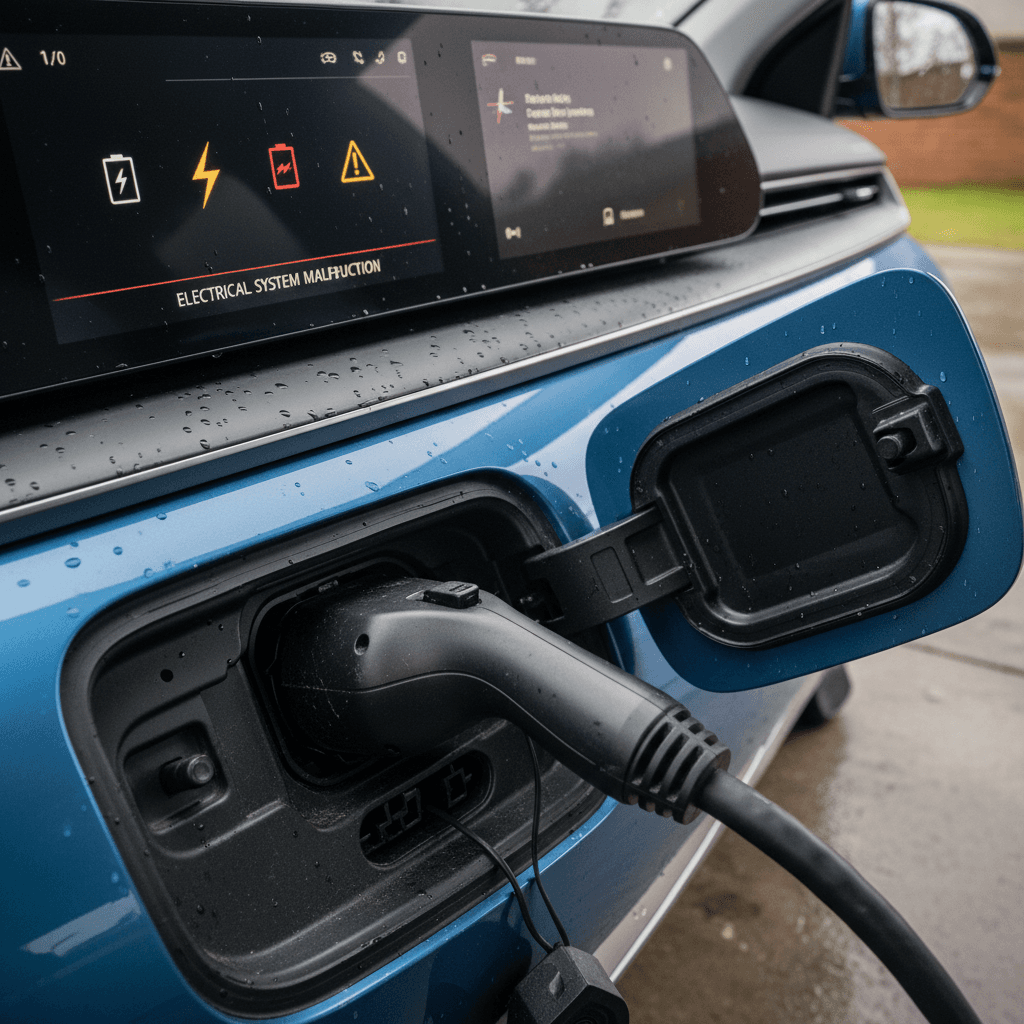
Another widely reported issue isn’t mechanical at all, it’s cosmetic and convenience‑related. On certain 2023–2025 Hyundai Ioniq 6 vehicles, the outer charge‑port door panel can loosen or detach over time. U.S. and international recall notices cover tens of thousands of Ioniq 6s for this defect.
Charge‑port door recall basics for Ioniq 6
What shoppers and owners should know about the charging‑port door problem.
| Item | Details |
|---|---|
| Problem | Outer charge‑port door panel can fail or detach over time. |
| Model years affected | 2023–2025 Ioniq 6 (exact build dates verified by VIN). |
| Risks | Inconvenience, cosmetic damage, potential water/dirt exposure around the charge opening. |
| Fix | Dealer inspects and replaces or reinforces the charge‑port door assembly. |
| Cost to owner | $0 when performed as part of the recall. |
Your dealer can confirm recall status by VIN and repair it at no cost.
Quick driveway check
Digital cluster and software glitches
Some 2025 Hyundai Ioniq 6 owners report digital instrument cluster bugs and other odd software behavior. In most cases, these are annoying rather than dangerous, but they’re still worth addressing because Hyundai has released multiple software updates and a 2025–2026 recall across several models for cluster‑blanking issues.
- Instrument cluster or center screen going temporarily blank, then rebooting
- Laggy navigation or entertainment screen responses
- Random warning chimes with no obvious cause
- Driver‑assist alerts that pop up too frequently or feel oversensitive
Cluster blanking recall
How to fix software and cluster issues
Steps to clear up most Ioniq 6 software bugs
1. Install all over‑the‑air (OTA) updates
Check your car’s settings menu for available software updates. Many minor bugs, from laggy screens to Bluetooth glitches, are patched via OTA or at the dealer.
2. Request a dealer scan for TSBs
Hyundai often publishes Technical Service Bulletins (TSBs) before full recalls. Ask the service advisor to check for open TSBs on your VIN related to the instrument cluster or infotainment.
3. Perform a soft reset of the infotainment
Consult your owner’s manual for the proper reset procedure. In many cases, a controlled system reboot clears temporary bugs without affecting your saved settings.
4. Document repeat behavior
If the screen goes blank or glitches repeatedly, take photos or short videos and note date, time, and conditions. That evidence is invaluable if you pursue warranty coverage, or, in extreme cases, lemon law relief.
Charging and fast‑charging quirks owners report
The Ioniq 6 is capable of very fast DC charging on a compatible station, but real‑world reports show a lot of variation. Some owners rave about 18–20‑minute 10–80% sessions. Others see slower curves, unexpected session stops, or compatibility issues with specific networks. Most of these are charging‑network or station problems, not defects with the car itself, but they can feel the same when you’re stuck at 40% on a road trip.
Common Ioniq 6 charging complaints
- DC fast‑charging session stops abruptly with an error.
- Charge rate falls off faster than expected above 60–70%.
- Public Level 2 stations failing to start a session on the first try.
- App or screen shows conflicting information about charge time remaining.
Typical fixes and workarounds
- Try a different stall or a different charging network.
- Update your car’s software and the charging‑network app.
- Start DC fast‑charging from 10–30% state‑of‑charge for best speeds.
- Use the car’s built‑in navigation to pre‑condition the battery where available.
If multiple stations show the same problem, ask a dealer to run diagnostics on the charging system.
When a charging issue is a car problem
Safety‑system and hardware issues
So far, the 2025 Hyundai Ioniq 6 hasn’t drawn the kind of widespread brake or steering‑system headlines that plagued some earlier EVs. The more frequent complaints relate to driver‑assistance behavior (especially lane‑keeping aggressiveness) and some hardware items like doors, interior trim, or noisy suspension components on rough roads.
Other hardware and safety complaints to watch for
These aren’t universal problems, but they show up often enough in owner reports to be worth a quick check.
Over‑eager lane keeping
Highway Driving Assist and lane‑keeping can feel too assertive or ping‑pong between lane markings on some roads.
Fix: Adjust settings or disable features on challenging road surfaces.
Door and latch issues
Some owners have reported door latch or warning‑light quirks, sometimes tied to broader Hyundai recalls on other models.
Fix: Dealer exam, lubricate or adjust latches, update door‑module software.
Suspension noises
Clunks or squeaks over speed bumps or rough pavement occasionally show up on forums.
Fix: Inspect bushings, sway‑bar links, and shock mounts; usually minor warranty repairs.
How to diagnose what’s really wrong
Because many 2025 Hyundai Ioniq 6 problems end up sounding alike (“warning lights and it won’t start”), your first job is to narrow things down. Is this a simple 12‑volt battery, a deeper ICCU or high‑voltage issue, or just cranky software? A little detective work before you visit the dealer can speed up the fix and improve your odds of getting the right repair the first time.
DIY diagnostic checklist before you see the dealer
1. Note every warning light and message
Write down or photograph exactly what appears on the dash and central screen. Vague descriptions like “it freaked out” won’t help the technician pin down a fault.
2. Check 12‑volt battery behavior
If the interior lights dim, the car struggles to wake up, or accessories act erratically, a weak 12‑volt battery may be at least part of the problem.
3. Try a different charger or outlet
If the car refuses to charge or stops early, test it at another charger, and if possible, another network, before concluding the car is at fault.
4. Record when the problem appears
Does it happen only after fast‑charging? In extreme temperatures? After using a particular feature? Patterns help separate software quirks from hardware failures.
5. Pull app or OBD data if you can
The Hyundai app may show basic diagnostic codes. Enthusiasts with compatible OBD tools can capture more detail to share with the service department.
When to stop driving immediately
Warranty, recalls, and what Hyundai actually covers
The 2025 Hyundai Ioniq 6 is still early in its lifecycle, so virtually every example in the U.S. is under comprehensive factory warranty. On top of that, most of the big‑ticket concerns, ICCU failures, charge‑port doors, instrument‑cluster software, are already covered by recalls or service campaigns.
Typical coverage for 2025 Hyundai Ioniq 6 issues
Always confirm exact terms for your VIN and state, but this gives you a working roadmap.
| Issue/Component | Likely Coverage on a 2025 Ioniq 6 | Owner Cost |
|---|---|---|
| ICCU failure & 12‑volt not charging | Recall / service campaign / EV‑component warranty | $0 for recall/warranty repairs |
| Charge‑port door detaching | Charge‑port recall | $0 for recall repair |
| Cluster blanking / major software defect | Software recall or TSB + basic warranty | $0 when repaired under campaign/warranty |
| 12‑volt battery wear after several years | Basic warranty early on; later considered wear item | Possible cost if out of basic warranty |
| Minor trim / rattle issues | Basic bumper‑to‑bumper warranty | Usually $0 during coverage period |
Use recalls and the EV‑component warranty to your full advantage before paying out of pocket.
How to check recall status by VIN
Shopping a used Ioniq 6? What to check first
If you’re eyeing a used 2025 Hyundai Ioniq 6, you’re in a sweet spot: early‑life depreciation has likely taken a bite out of the price, but most of the major recall and software fixes should already be available. The key is to verify that the particular car you’re considering has had those fixes completed and isn’t quietly hiding an unresolved ICCU or charging problem.
Used 2025 Ioniq 6: must‑do checks
Treat these as non‑negotiables before you sign anything or send a wire.
Full recall & campaign history
Ask for documentation showing completion of ICCU‑related campaigns, the charge‑port door recall, and any cluster/software updates. If the seller can’t confirm, assume the work still needs to be done.
Charging and range test drive
On your test drive, charge the car at least once, ideally at both Level 2 and DC fast chargers. Look for smooth charging behavior, realistic range estimates, and no error messages.
Instrument cluster & software behavior
Cycle through menus and drive long enough to confirm the digital cluster and infotainment stay stable. Any blanking, freezing, or random reboots should go on the inspection list.
Third‑party inspection & battery health
For added peace of mind, get an independent EV inspection that includes battery health data and a scan for stored trouble codes.
How Recharged can help with a used Ioniq 6
Ready to find your next EV?
Browse VehiclesFAQ: 2025 Hyundai Ioniq 6 problems and fixes
Frequently asked questions about 2025 Ioniq 6 problems
Bottom line: Should these issues stop you?
The 2025 Hyundai Ioniq 6 isn’t a trouble‑free appliance, no modern EV is, but its list of common problems is relatively short and increasingly well understood. ICCU failures and cluster glitches grabbed headlines, yet they also prompted recalls, software updates, and extended coverage that work in your favor as an owner or shopper.
If you take the time to verify recall completion, test charging behavior, and document any warnings early, the Ioniq 6 still offers an appealing mix of design, efficiency, and comfort. And if you’d rather not go it alone, Recharged can help you evaluate a used Ioniq 6 with a battery‑health verified Recharged Score Report, fair‑market pricing, and EV‑savvy guidance from first click to delivery.