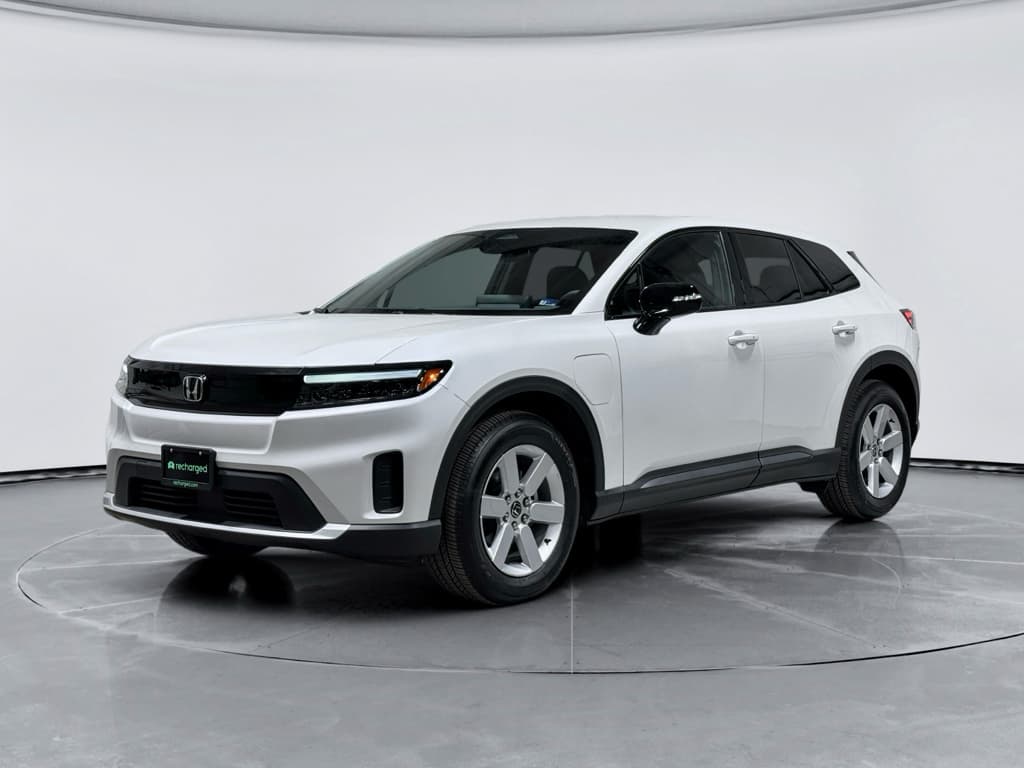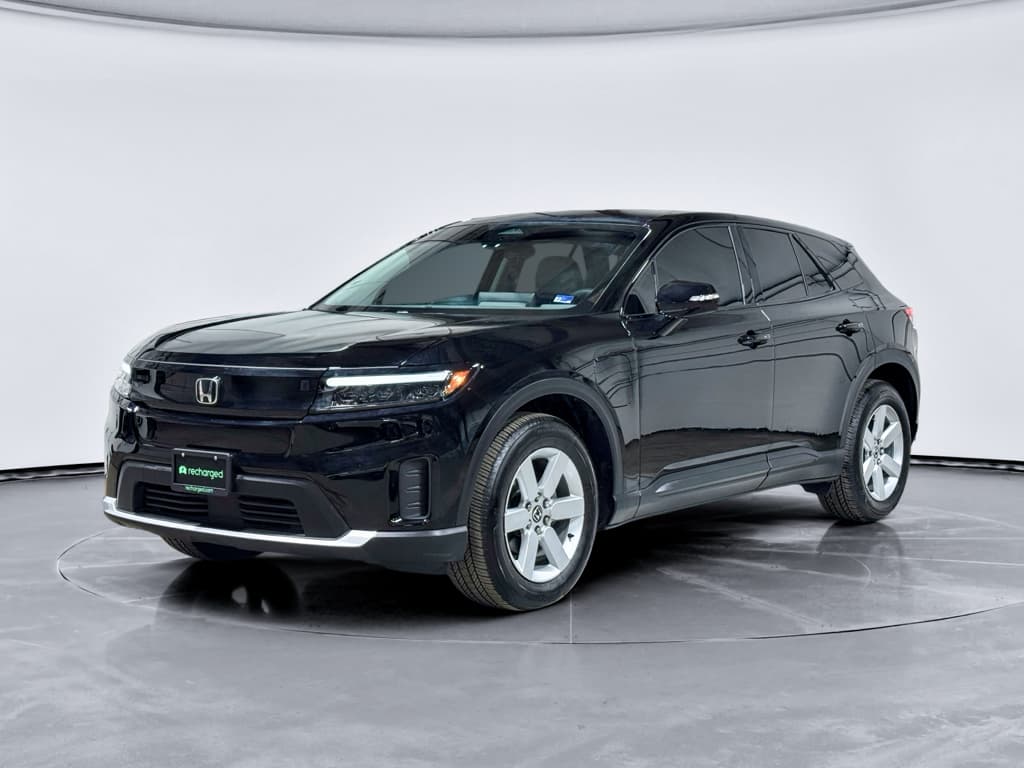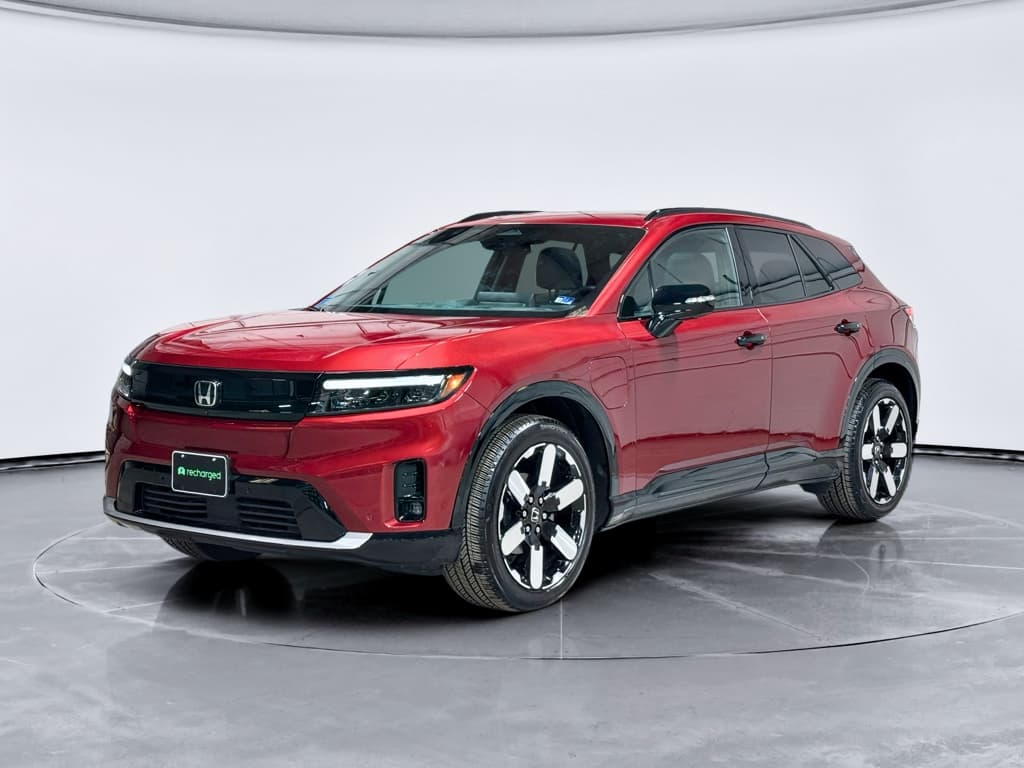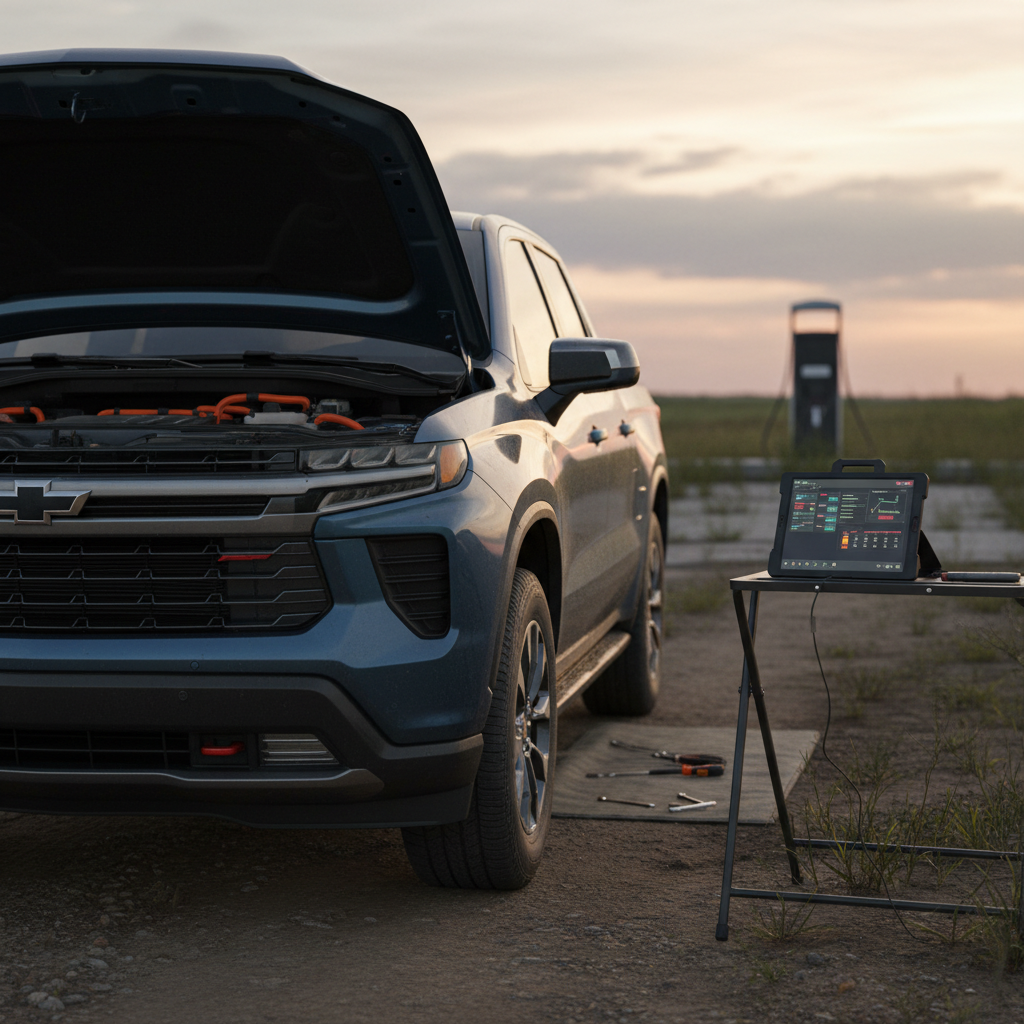
If you’re eyeing a 2025 Honda Prologue, or already have one in the driveway, you’ve probably heard rumblings about early software bugs, charging quirks, and recall headlines. This guide walks through the **real-world 2025 Honda Prologue problems and fixes**, what changed from the glitchier 2024 launch year, and what you should watch for if you’re buying or leasing one today.
Quick Take
Overview: How Worried Should You Be About 2025 Honda Prologue Problems?
Honda’s first long-range EV, the Prologue, rides on **GM’s Ultium platform**. That’s good for range and charging capability, but it also means Honda inherited some of GM’s early software headaches. The 2024 Prologue and its Acura ZDX cousin saw a flurry of software-related complaints and a major safety recall to fix screens that could go blank while driving.
2024–2025 Prologue Problem Snapshot (What It Means for 2025 Buyers)
For the **2025 model year**, Honda and GM have pushed updated software into production. That doesn’t mean the Prologue is problem‑free; it means the problems you’re likely to face are **less severe and more fixable**, if you know what to look for and how to talk to your dealer.
Big Picture for Owners
What’s Different on the 2025 Prologue vs. 2024 (and Why It Matters for Problems)
2024 Prologue: Rough First Year
- Software issues caused instrument clusters and infotainment screens to go blank while driving.
- Charging reliability complaints, especially with scheduled charging and certain home chargers.
- Early builds shipped with older infotainment software (Android 12 base) and needed dealer updates.
- A large safety recall was launched in 2025 to reprogram affected 2024 Prologue and Acura ZDX vehicles.
2025 Prologue: Fixes Baked Into Production
- Honda’s recall documentation notes that improved software was implemented into production on January 11, 2025 for the Prologue.
- Later builds roll off the line with updated control-module software that addresses the worst screen glitches.
- Subsequent technical bulletins target things like seat-memory issues and drive-axle noises rather than fundamental safety defects.
- Owners still report quirks, but these are often resolved with software updates or replacement of a faulty component.
Model-Year vs. Build-Date Matters
Most Common 2025 Honda Prologue Problems
Top Problem Areas on the 2025 Prologue
These are the issues most often mentioned by owners and in technical bulletins.
1. Software & Screens
Cluster and infotainment screens that freeze, reboot, or go blank, plus laggy menus and stability issues after updates.
Most addressed by recall software and later updates, but some owners still see residual glitches.
2. Charging & Scheduling
Charging sessions that stop unexpectedly, incompatibility messages with certain Level 2 chargers, and scheduled charging that ignores set times.
Often tied to software logic between the car, charger, and app.
3. Seat & Memory Functions
Driver’s seat not returning to the saved memory position or behaving unpredictably, sometimes linked to a known software bug.
4. Noises & Drivetrain Feel
Clicking or ratcheting noises when turning, or low‑speed whines and clunks that may trace back to front drive axles or regenerative braking behavior.
Beyond those, you’ll see the usual EV learning-curve complaints, range that doesn’t match the window sticker in winter, fast chargers that don’t cooperate, and confusion over how Honda’s app talks to the car. The good news: **none of these are automatic deal‑breakers** if you understand the likely causes and fixes.
Software & Screen Glitches: Blank Displays, Slow Response, App Weirdness
If there’s one theme that unites Ultium‑based EVs, it’s software drama. On the Prologue, that has shown up as instrument clusters and infotainment screens that **go dark or reboot**, laggy touch responses, Bluetooth dropouts, and a HondaLink app that seems to live in its own time zone.
- Screens intermittently going blank or rebooting while driving
- Lane-keeping or driver-assist icons disappearing after a software update
- HondaLink notifications arriving very late, or not at all, for charging events
- Android Auto/Apple CarPlay disconnects when switching drivers or profiles
Why Blank Screens Matter
Quick Fixes for Software & Screen Problems
1. Confirm All Recalls and Updates
Use your VIN on Honda’s recall lookup and ask your dealer to verify that the **instrument cluster/infotainment software recall** and any later patches have been completed. For 2025 models, these should already be present, but don’t assume.
2. Hard Reboot the Infotainment
If the screen freezes, use the owner’s manual procedure to perform a soft or hard reboot (usually holding the power/volume button). This won’t fix underlying software, but it can get you back on the road.
3. Avoid “Stacking” App Commands
Several owners report fewer issues when they avoid rapidly flipping between profiles, starting climate preconditioning, and changing charging targets all at once in the HondaLink app. Give the car a few seconds to process one command before sending another.
4. Request a Dealer Software Reflash
If problems persist after updates, ask for a full software reflash of the infotainment and related control modules. Document dates, mileage, and symptoms so the dealer can open a formal case if needed.
5. Keep Documentation for Lemon-Law Thresholds
In states with strong lemon laws, you may need a certain number of repair attempts for the same issue. Keep every repair order and note whether the problem is intermittent or constant.
Charging Problems on the 2025 Prologue, and Simple Fixes
Charging issues are where many Prologue owners lose patience. The pattern looks familiar: the car charges fine for weeks, then suddenly refuses a particular Level 2 charger, or a once‑reliable schedule stops working. Messages like “unable to charge, use a different cord” show up on the screen, but the hardware itself often checks out.
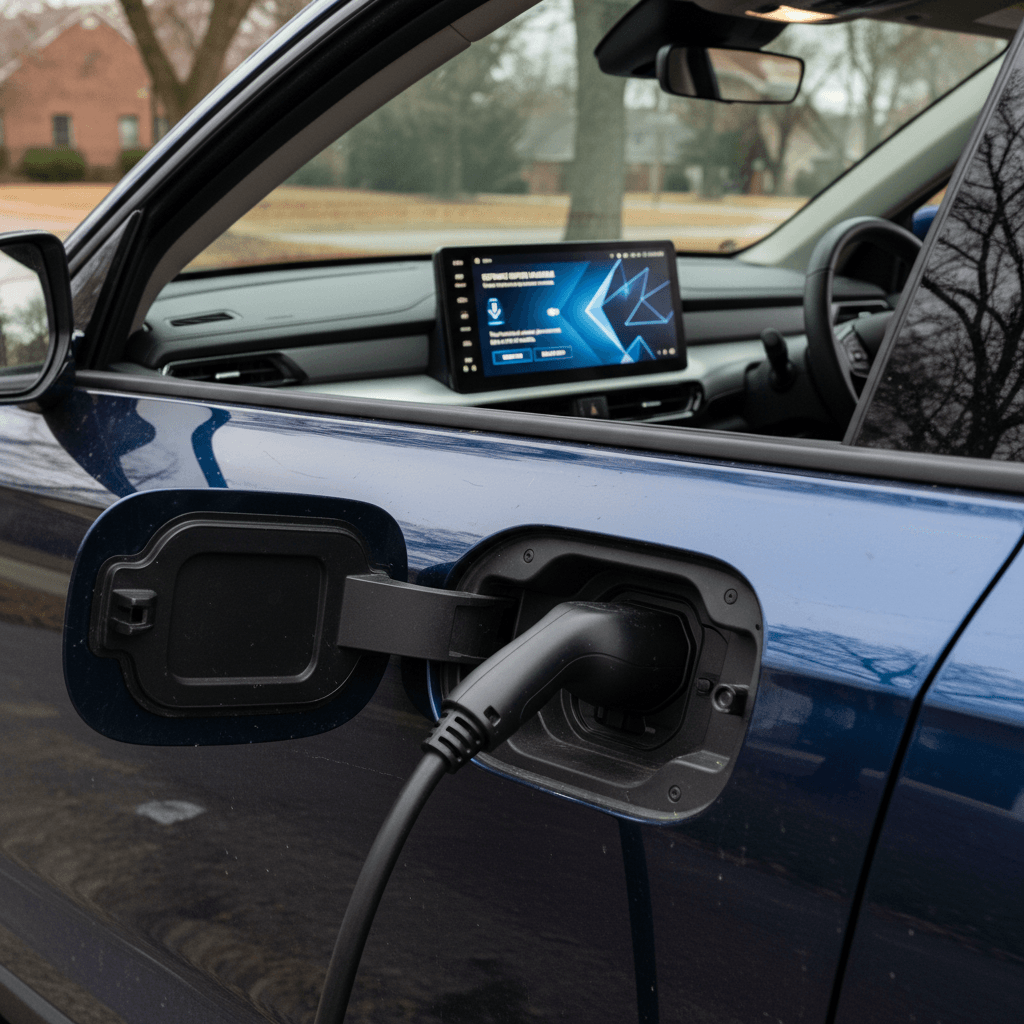
- Car won’t start charging with a specific home Level 2 EVSE, even though other EVs use it fine
- Charging stops partway through the session with an error in the car or app
- Scheduled charging ignores start time and charges immediately, or never starts
- Public fast chargers that worked before now time out or require multiple plug‑in attempts
Start With the Simple Stuff
Common 2025 Prologue Charging Problems and Likely Fixes
Use this as a starting point before you panic about a bad battery pack.
| Symptom | Likely Cause | Owner-Level Fix | When to See a Dealer |
|---|---|---|---|
| “Unable to charge, use a different cord” message | Handshake logic between Prologue and EVSE; finicky software | Try a different Level 2 charger or cable; disable charge schedule; power‑cycle the charger at the breaker | Message appears on multiple chargers; HV system or port warnings appear; car logs fault codes |
| Scheduled charge never starts | Buggy scheduled‑charging logic in car or app | Turn off all car-based schedules and set the schedule in the charger or utility app instead; try a one‑time “charge now” session | Even manual “charge now” sessions fail; car throws charging‑system warnings |
| Charging sessions randomly stop | Overly sensitive communication or temperature thresholds; flaky EVSE | Test with another charger brand/location; ensure your outlet and wiring are up to spec if at home | Repeated failures across several chargers; DC fast charging also unreliable |
| Fast‑charging slower than expected | Battery temperature, charger limitations, state of charge near 80%+ | Precondition battery if possible; arrive at fast charger near 10–30% state of charge; try another station | Fast charging never exceeds very low power even on multiple high‑power chargers and in mild weather |
Always consult your owner’s manual and dealer for HV battery or charging‑system warnings.
Don’t Ignore High-Voltage Warnings
Seat & Comfort Issues: Memory Seats and Interior Quirks
Compared with software and charging glitches, the **seat complaints** on the Prologue sound minor, but when you drive every day, they add up. Owners and aftermarket repair guides highlight a pattern where the driver’s seat doesn’t reliably return to its saved memory position, or it moves unexpectedly when entering or exiting.
- Seat fails to move to the saved memory position when you open the door or press the memory button
- Seat moves only partway, then stops, or needs the button held down
- Easy‑entry/exit feature behaves inconsistently or not at all
- Seat controls feel laggy or disconnected from the car’s “profile” system
Known Software vs. Hardware Problems
What to Do if Your Prologue’s Seat Has a Mind of Its Own
1. Re‑Save Your Memory Positions
Set the seat, mirrors, and steering exactly where you want them, then follow the manual to re‑save to a memory button. This can clear corrupted profile data.
2. Test Both Keys and Profiles
Some owners find odd behavior tied to a specific key fob or driver profile. Try using the second key, or temporarily disable linked profiles, to see if the problem persists.
3. Ask About the Seat-Module TSB
Call your Honda service department and ask whether your VIN is covered by the latest **memory-seat software update or TSB** for the Prologue. If so, the fix may be a simple reprogramming.
4. Rule Out a Bad Switch or Motor
If the seat won’t move smoothly in any direction, or stops and groans, you may have a physical component issue. That’s a warranty repair on a relatively young Prologue.
Clicks, Clunks, and Whines: Noises From Drivetrain and Brakes
Electric vehicles sound different from gas cars. Some of what you’re hearing in a Prologue, the faint high‑pitched whine under acceleration, or the gentle hum at low speeds, is just **inverter and motor noise you can now hear without an engine masking it**. But owners and Honda’s own technical guidance also point to two problem areas: front‑axle noises and brake-system quirks.
- Clicking or ratcheting noise when making tight turns, especially at low speed
- Clunks or pops when shifting between drive and reverse on slopes
- Grinding or groaning sound at low speeds that changes with brake pressure
- Whistles or squeals at very light brake pedal inputs
When Noise Is Normal
How to Capture and Diagnose Prologue Noises
1. Note When It Happens
Is the noise tied to turning, braking, bumps, or speed? “Only when I turn left into my driveway” is more useful than “it’s noisy.”
2. Record Audio or Video
Use your phone to capture a short clip from inside the cabin with the windows up. Service departments take complaints more seriously when they can hear the issue.
3. Ask About Axle or Brake TSBs
Honda has issued technical guidance for Prologue owners about clicking or ratcheting noises when turning, traced to **front drive axles**. Ask whether your build is covered and whether parts or lubrication updates are available.
4. Don’t Ignore Brake Feel Changes
If the brake pedal suddenly feels soft, pulses abnormally, or the car pulls to one side, that’s a safety concern. Schedule service immediately, even if the noise is minor.
Recalls and Technical Service Bulletins That Affect the Prologue
By spring 2026, the Prologue had already seen a handful of **formal recalls** and an expanding list of **technical service bulletins (TSBs)**. For a 2025 model, the big question isn’t “Is there a recall?” but “Has my car already been built or updated with the fix?”
Key Recalls & TSB Themes for 2024–2025 Prologue
Exact campaign numbers change, but these are the main issues you should ask a dealer about by VIN.
| Issue Type | Affected Model Years | What It Does | Owner Action |
|---|---|---|---|
| Instrument cluster / infotainment screens may go blank while driving | Primarily 2024; improved software built into 2025 production | Software bug can cause critical displays to reset or go dark; recall reprograms control modules | Confirm via VIN that recall is closed; ensure your 2025 build has the later software level |
| Back‑up camera / back‑over prevention software bugs | Early 2024 Prologue and Acura ZDX | Camera or alerts may not function properly when reversing | Verify that any back‑over prevention recall or TSBs are completed before purchase |
| Drive‑axle clicking or ratcheting when turning | 2024–2026 Prologue (all trims) | Front drive axles can make noise when turning; addressed by updated parts or service procedure | If you hear the noise, have a dealer reference the relevant TSB and inspect the axles |
| Seat-memory / comfort module glitches | 2024–2025 Prologue | Seat may not return to memory position or easy‑entry behavior is inconsistent | Ask your dealer to apply the latest seat-control software and verify operation with you present |
Always verify current recall status using Honda’s official VIN lookup before buying or driving a Prologue.
How to Check Your 2025 Prologue’s Status in 5 Minutes
DIY vs. Dealer: How to Diagnose 2025 Prologue Problems
With the Prologue, a surprising number of headaches trace back to software settings or how the car and charger talk to each other. But there’s a hard line between **owner‑friendly fixes** and **high‑voltage territory** you should never cross.
What You Can Tackle Yourself, and What You Shouldn’t
Use this to decide when to pull out your phone vs. your warranty booklet.
Reasonable DIY / Owner Checks
- Toggling or deleting charging schedules in the car, charger, and app.
- Testing different Level 2 chargers or outlets.
- Rebooting the infotainment system and cycling power on the EVSE.
- Updating the HondaLink app and logging out/in.
- Recording noises, screen glitches, or charging errors on your phone.
Dealer-Only Territory
- Any work involving high‑voltage wiring, the battery pack, or orange‑cable components.
- Persistent instrument‑cluster or airbag warning lights.
- Drive‑system, power‑reduced, or HV battery warnings.
- Physical replacement of seat motors, axle shafts, or brake components on a warrantied car.
- Flashing or reprogramming control modules beyond normal OTA updates.
Leverage Your Warranty
Shopping for a Used 2025 Honda Prologue? How to Avoid a Problem Child
The Prologue is still new enough that many examples in the used market will be low‑mileage lease returns or trades from early adopters who didn’t want to ride out the software growing pains. That can be **an opportunity or a trap**, depending on how you shop.
Used 2025 Prologue Pre‑Purchase Checklist
1. Confirm Build Date and Recall Status
Check the build date on the driver’s door jamb and run the VIN through Honda’s recall tool. A later‑build 2025 with all campaigns closed is worth more than an early‑build car missing updates.
2. Demand Charging Proof
Ask the seller for screenshots from public‑charging sessions or home logs that show successful Level 2 and DC fast charging. During a test drive, plug into a nearby public Level 2 station and verify it charges without errors.
3. Test Every Screen and Feature
Cycle through the entire infotainment system, driver-assist settings, profiles, and the HondaLink app pairing. Look for lag, freezes, or functions that mysteriously don’t stick.
4. Listen for Axle Clicks and Brake Groans
In an empty lot, do full‑lock turns in both directions at walking speed and then moderate braking from 25–30 mph. Any clicking, ratcheting, or grinding should be noted and addressed before you sign.
5. Get a Third‑Party EV‑Savvy Inspection
Not all shops understand Ultium‑based EVs. Look for an inspection that includes **battery health, charging behavior, brake condition, and suspension**, not just a quick visual once‑over.
How Recharged Can Help
Frequently Asked Questions: 2025 Honda Prologue Problems & Fixes
2025 Honda Prologue Problems & Fixes FAQ
Bottom Line: Is the 2025 Honda Prologue a Problem Car?
The 2025 Honda Prologue isn’t a disaster, but it’s not a bulletproof appliance either. It’s a first‑generation Honda EV riding on GM’s still‑maturing Ultium platform, and that means **software quirks, occasional charging drama, and a steady stream of updates** are part of the ownership story. The upside is that most of the real trouble spots we’ve seen, blank screens, odd noises, memory-seat weirdness, are fixable with the right combination of software, TSBs, and dealer attention.
If you stay on top of updates, document issues early, and insist that your dealer treat software bugs as real problems, especially when they touch safety systems, the 2025 Prologue can be a comfortable, long‑range EV that does what you bought it to do. And if you’re shopping used and want someone else to do the worrying, buying through a platform like Recharged, where every vehicle comes with a Recharged Score battery report, verified recall status, and EV‑savvy support, is a smart way to enjoy the Prologue’s strengths without getting blindsided by its weak spots.