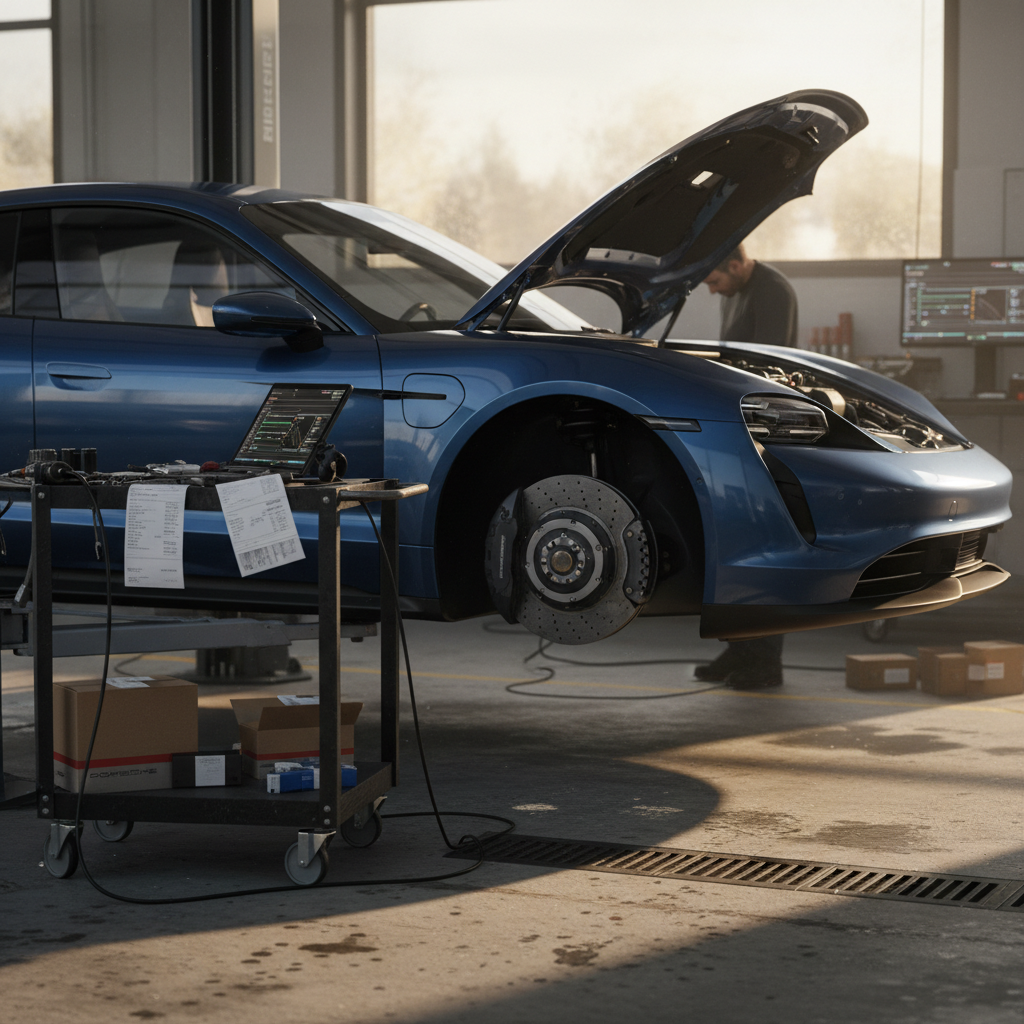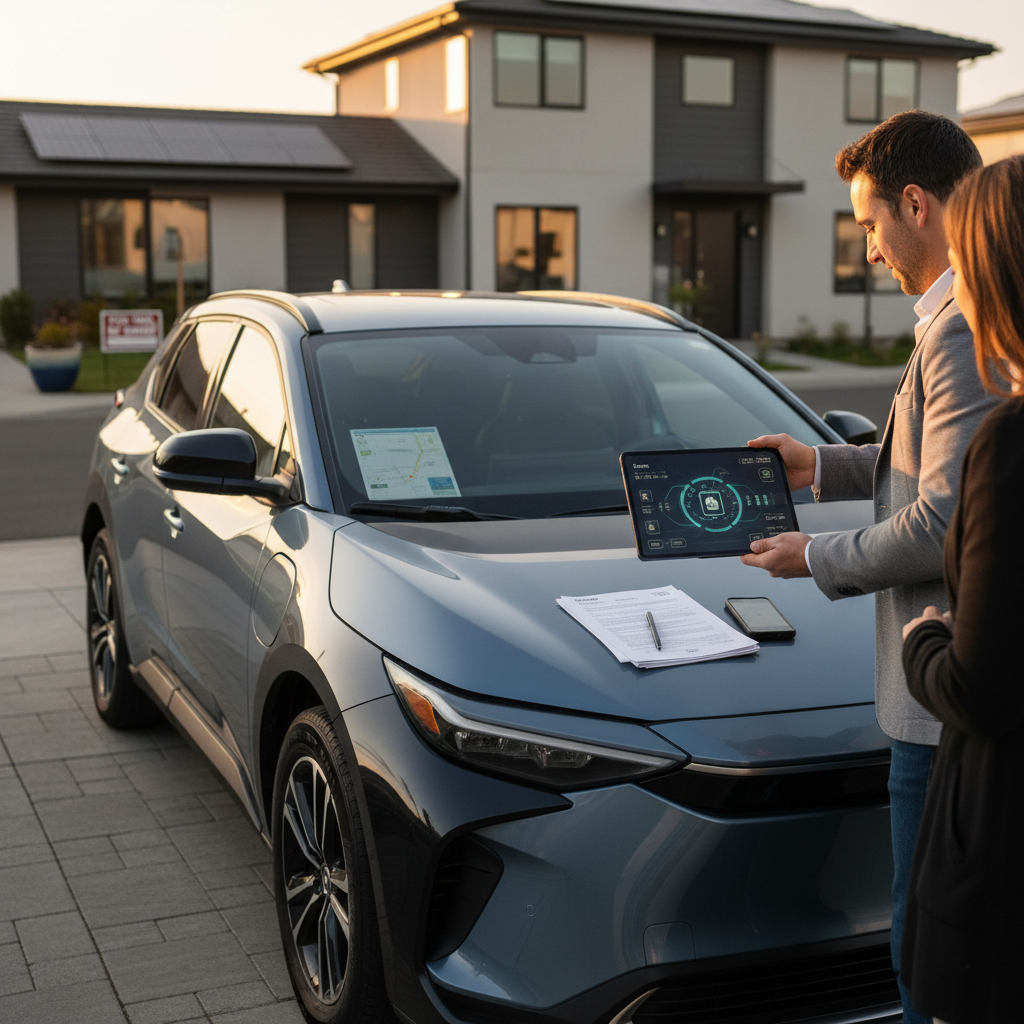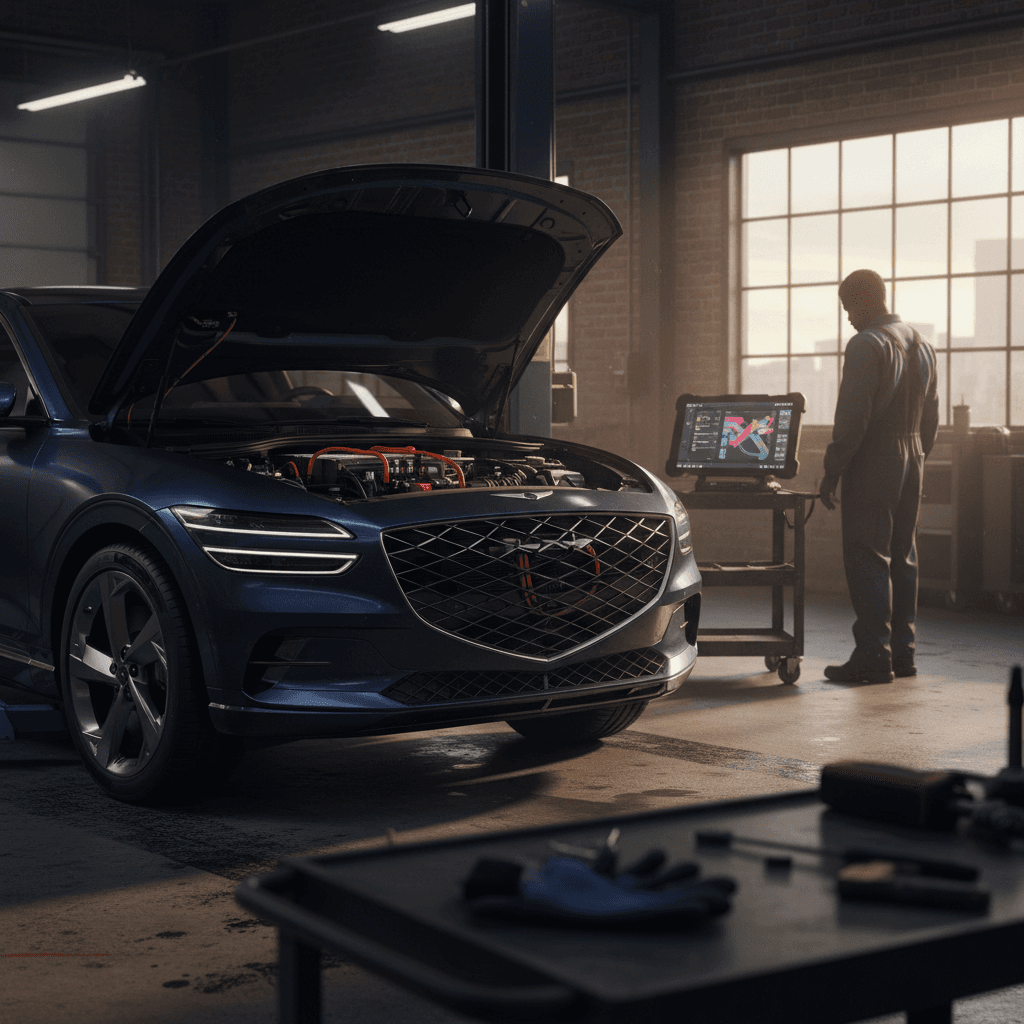
The 2025 Genesis GV60 is one of the most refined small luxury EVs on the market, riding on Hyundai Motor Group’s E‑GMP platform it shares with the Ioniq 5/6 and Kia EV6. But like any early‑generation electric SUV, it has a few recurring problems and recalls you should understand, especially if you’re looking at a used 2025 GV60 or wondering what it will be like to live with over the next 5–10 years.
Quick take
Overview: How Reliable Is the 2025 Genesis GV60?
By 2025, the GV60 is no longer a brand‑new experiment. Genesis has had several model years to refine the software and hardware, and a number of early issues on 2022–2024 cars have been addressed through recalls and service campaigns. At the same time, 2025 models are now included in some of those campaigns, and a few owners have still reported serious failures, including power loss related to the high‑voltage charging components and blank or frozen digital displays.
2025 Genesis GV60 at a Glance
Remember the platform
Major Known Issues on the 2025 GV60
Top 2025 GV60 Problem Areas
Where issues most often show up for owners and shoppers
Instrument cluster & screens
Charging & ICCU concerns
Software & connected services
In addition, owners occasionally report range falling short of the EPA estimate, wind or road noise that feels out of step with the premium pricing, and sporadic HVAC or electronic‑module failures. Most of these are repairable under warranty, but they can mean more dealership time than you might expect from a luxury nameplate.
2025 Genesis GV60 Recalls and Campaigns
By April 2026, the 2025 GV60 has already been swept up in several recall or limited‑coverage actions, many of them software‑related. That’s typical for a tech‑heavy EV, but you want to verify that any car you own, or are thinking of buying used, has had these campaigns completed.
Key Recalls & Campaigns Affecting 2025 GV60
Always confirm coverage and completion by VIN with a Genesis retailer or NHTSA before you buy.
| Issue | Model years affected | Typical symptoms | Fix | Owner cost |
|---|---|---|---|---|
| Instrument cluster blank screen (Recall 027G / similar) | 2023–2025 GV60 | Cluster may boot to a blank or frozen display at startup; warning chimes without visible prompts. | Dealer updates the instrument‑cluster software to a fixed version; in rare cases the cluster is replaced. | $0 (safety recall) |
| Rear transverse trim inspection (Campaign L06G) | Certain 2025–2026 GV60 | Possible loose rear underbody trim that could detach or rub, causing noise or damage. | Inspection and, if needed, replacement of the rear transverse trim piece. | $0 (limited coverage campaign) |
| Broader Genesis software recalls affecting GV line | Select 2025 GV60 among other Genesis models | Various warning lights, electronic‑stability or safety‑system messages tied to buggy software. | Dealer applies updated software/firmware across control modules. | $0 (recall/campaign, when applicable) |
This table summarizes major US campaigns known to touch 2023–2025 GV60s, including the 2025 model year.
How to check recall status
Battery & Charging Problems (ICCU, Level 2, Range)
Most 2025 Genesis GV60s charge quickly and reliably, especially on DC fast chargers that take advantage of the 800‑volt architecture. But E‑GMP cars have a history: earlier GV60s, Ioniq 5/6s, and EV6s saw ICCU (Integrated Charging Control Unit) failures that led to reduced Level 2 charging speeds, warning lights, and even complete loss of motive power in a small number of cases.
1. ICCU and 12‑V Support Issues
For 2025, Genesis has updated ICCU hardware and software compared with the earliest builds, and many 2022–2024 cars received replacement units under campaign. Still, a few 2025 owners have reported abrupt power loss or charging anomalies similar to earlier ICCU failures. In almost every case, the fix has been dealer‑level diagnosis and module replacement, handled under EV‑component warranty.
- Symptoms: sudden "Check EV System" warnings, drastically slower Level 2 charging, refusal to charge, or the vehicle going into limp mode.
- Best fix: get the vehicle flat‑bedded to a Genesis retailer; do not keep driving a car that shows persistent high‑voltage warnings.
- Owner leverage: EV component warranties typically run 8–10 years on high‑voltage parts, so you shouldn’t be paying out of pocket for a confirmed ICCU defect on a 2025 GV60.
Don’t ignore high‑voltage warnings
2. Level 2 Home Charging Quirks
Owners across the E‑GMP family have talked about picky behavior with some Level 2 chargers: sessions that stop early, lower‑than‑expected charge rates, or scheduled‑charging that doesn’t always start when it should. On 2025 GV60s, these issues are usually software or charger‑compatibility related rather than a fundamental hardware defect.
Troubleshooting Level 2 Charging Problems
1. Test with a different EVSE
Before you blame the car, try a different Level 2 charger, ideally one at a public station or a friend’s home. If the GV60 charges normally elsewhere, your home EVSE or wiring may be at fault.
2. Disable scheduled charging temporarily
Turn off scheduled charging in the GV60’s settings and in your charger’s app (if it has one). Conflicting schedules are a common reason for missed sessions.
3. Check for software updates
Ask the dealer to confirm your GV60 has the latest charging‑system and ICCU software. Some owners have seen charging stability improve dramatically after updates.
4. Verify your circuit and breaker
A 40‑ or 48‑amp EVSE needs a correctly sized breaker and properly installed 240‑volt circuit. Undersized wiring or a weak breaker can cause nuisance shut‑offs or reduced current.
3. Real‑World Range vs. EPA Rating
Several GV60 drivers, particularly in colder climates, report that they never see the full rated range on a charge. That’s not a uniquely Genesis problem; it’s the reality of winter driving and high‑performance dual‑motor setups. But if you’re shopping used, it’s smart to treat the EPA figure as a ceiling, not a guarantee.
Range sanity check
Electronics and Software Glitches
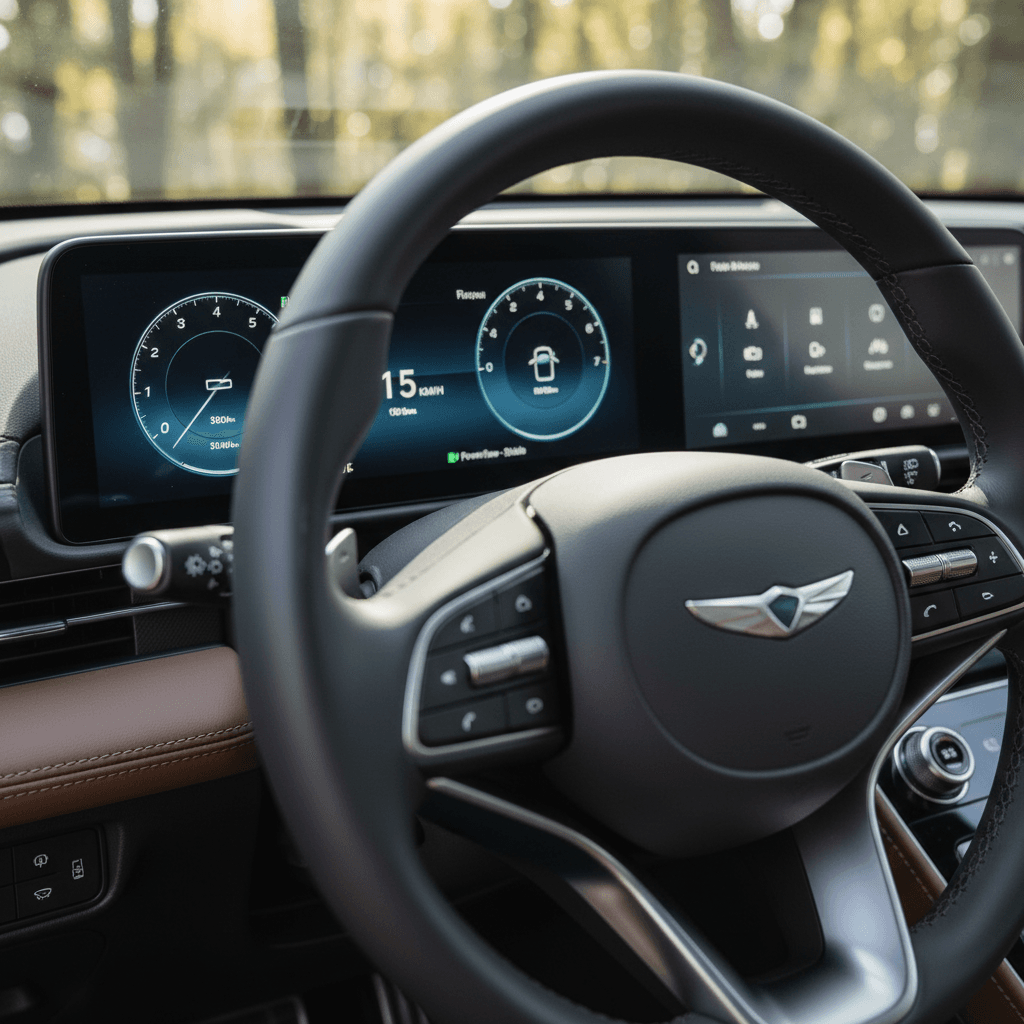
The GV60 is a rolling electronics lab: dual 12.3‑inch screens (or updated OLED variants), an augmented‑reality‑style head‑up display, and a full suite of driver‑assist features. The upside is a very modern cockpit. The downside is a lot of software that has to play nicely together.
1. Instrument Cluster Blank or Frozen
A recurring complaint on 2023–2025 GV60s is a blank or frozen instrument cluster on startup. The car may still drive, but you lose speed, warnings, and essential visibility, serious enough that Hyundai/Genesis issued a safety recall covering 2023–2025 GV60s built through mid‑May 2025. The underlying cause is software that can crash or fail to boot correctly.
- Short‑term workaround: turn the car off, open the door, wait a minute, and restart. Sometimes the cluster will reboot normally.
- Permanent fix: have the dealer confirm recall completion. In most cases, a software update solves it; in a few, the cluster itself is replaced under recall or warranty.
- Buying used: ask for paperwork showing that the instrument‑cluster recall has been performed. Don’t take a verbal “we did all the updates” as proof, ask for the RO (repair order).
2. App Connectivity and OTA Oddities
GV60 owners sometimes report the Genesis Connected Services app dropping connection, failing to update vehicle status, or refusing remote commands. OTA updates have also, on occasion, broken small features like wireless phone charging or custom settings until the system is reset or reflashed.
Simple Fixes for App & OTA Glitches
Log out and reinstall the app
Delete and reinstall the Genesis app, then log in again and re‑add the vehicle. It’s surprising how many connection problems vanish with a clean install.
Power‑cycle the car fully
Shut the GV60 off, exit, lock it, and let it sit for 10–15 minutes to allow modules to go to sleep. Then unlock and restart. This often clears minor bugs after an OTA update.
Ask for a full software health check
During service, ask the advisor to verify that *all* applicable software bulletins have been applied, not just recalls. These minor updates can fix annoying glitches before they become big headaches.
Why EVs feel “buggier”
3. Driver‑Assist and Sensor Quirks
Owners occasionally mention overly sensitive lane‑keeping or collision‑avoidance interventions, as well as sporadic warnings that sensors are blocked. These are often weather‑ or dirt‑related, ice, road salt, and bug splatter can partially obstruct radar or cameras and trigger phantom alerts.
- If the system feels jumpy, clean the radar and camera areas with a soft cloth and mild cleaner.
- Make sure your wheel alignment is in spec; misalignment can confuse lane‑keeping.
- If warnings persist in clear weather, have the dealer perform a sensor calibration. This is not typically a DIY task.
Noise, Ride, and Build-Quality Complaints
Genesis aims the GV60 at the same shoppers looking at an Audi Q4 e‑tron or Volvo C40 Recharge, so expectations for refinement are high. While many owners praise the cabin, some report wind noise around the mirrors and roof rails, plus squeaks or rattles from interior trim or the rear cargo area.
Common noises owners report
- Wind noise at highway speeds, especially in crosswinds.
- Rattles from the rear seatbacks or cargo cover.
- Occasional creaks from the dash on rough pavement.
Typical fixes
- Dealer adjustments to door seals or mirror trim.
- Felt tape or revised clips added behind interior panels.
- Re‑torquing seat and cargo‑area hardware.
Good news on hardware
Preventive Maintenance: How to Avoid Big Problems
You can’t control factory defects, but you can stack the deck in your favor. With a 2025 GV60, the goal is to keep the battery and charging system happy, apply software updates promptly, and document everything while the car is under warranty.
Preventive Steps for a Healthier 2025 GV60
Follow a gentle charging routine
Use Level 2 charging for most daily needs, keep DC fast‑charging for trips, and avoid parking at 100% or near 0% state of charge for long periods when you can.
Stay on top of software and recall visits
When Genesis releases new software or recalls, schedule service sooner rather than later. Many high‑profile problems, like cluster failures, are software‑driven and fixable.
Document all warning messages
If you see an EV‑system or charging warning, snap phone photos of the dashboard and note the mileage and conditions. That documentation can be invaluable if you need warranty help later.
Rotate tires and check alignment
Heavy EVs are hard on tires. Regular rotations and a yearly alignment check will reduce noise and vibration complaints and keep range where it should be.
Use your warranty aggressively
Shopping Used: 2025 GV60 Problems to Check Before You Buy
If you’re shopping a used 2025 GV60, you’re in a sweet spot: depreciation has already taken a bite, but the car is still young and covered by multiple factory warranties. The flip side is that you’re inheriting whatever recall or campaign history, and dealership experiences, the first owner had.
Used 2025 GV60 Pre‑Purchase Checklist
1. Verify all recalls and campaigns
Ask the seller for a dealer printout showing completed recalls and service campaigns, including the instrument‑cluster software update and any ICCU‑related work.
2. Test every charging scenario you can
If possible, plug into a Level 2 charger and watch the charge rate, then visit a DC fast charger. Any unexpected cut‑offs or warnings should be investigated before you buy.
3. Stress‑test the screens
Start the car multiple times from cold and warm states, watching for any blank or frozen cluster behavior. Cycle through drive modes, driver‑assist screens, and navigation to check for lag or crashes.
4. Listen for noises on varied roads
Drive at city and highway speeds over smooth and rough pavement. Pay attention to rattles from the rear, wind noise around the mirrors, or clunks over bumps.
5. Get a professional EV inspection
Consider buying from an EV‑focused retailer like <strong>Recharged</strong>, where every vehicle includes a Recharged Score battery‑health report, or have an independent EV specialist inspect the car before you sign.
How Recharged can help
DIY Fixes vs. Dealer Visits: What You Can (and Can’t) Do
Modern EVs like the 2025 GV60 don’t leave much room for shade‑tree mechanics, especially around the high‑voltage and software side. Still, there are a few issues you can safely tackle on your own, and some you absolutely shouldn’t.
Reasonable DIY tasks
- Interior rattle chasing (adding felt tape or adjusting loose cargo items).
- Cleaning cameras and sensors to resolve blocked‑sensor warnings.
- Basic 12‑V battery care or replacement, if you’re comfortable with modern cars.
- Updating the navigation/map data if Genesis offers an owner‑friendly process.
Dealer‑only territory
- Any high‑voltage battery or ICCU diagnosis and repair.
- Instrument‑cluster software updates or replacement.
- ADAS (driver‑assist) radar/camera calibration.
- HVAC compressor or electronic‑module replacement.
Respect high voltage
FAQ: 2025 Genesis GV60 Problems and Fixes
Frequently Asked Questions About 2025 GV60 Problems
Bottom Line: Is a 2025 Genesis GV60 a Risky Bet?
The 2025 Genesis GV60 isn’t a trouble‑free appliance, but it’s also not a problem child by EV standards. Most serious issues, instrument‑cluster failures, ICCU‑style charging problems, and trim campaigns, have clear dealer fixes, many of them backed by recalls or generous EV component warranties. Where owners tend to struggle is less with the car itself and more with inconsistent dealer service and communication.
If you’re willing to stay on top of software updates, document any odd behavior, and insist on proper warranty coverage, a 2025 GV60 can be a compelling luxury EV with cutting‑edge tech and quick charging. And if you’d rather not navigate all of that alone, working with a specialist retailer like Recharged, with battery‑health diagnostics, recall checks, financing help, and nationwide delivery, can turn a potentially stressful purchase into a straightforward, transparent experience.