If you own, or are eyeing, a 2024 Tesla Model X, you’ve probably heard about Tesla’s recalls. Between over‑the‑air software fixes and a few old‑fashioned service visits, it can be hard to tell what actually matters. This guide walks you through the 2024 Tesla Model X recalls list, what each recall fixes in real‑world terms, and how to protect yourself if you’re buying used.
Quick reality check
Overview: 2024 Model X recalls at a glance
2024 Model X recall snapshot
When you hear that Tesla “had the most recalls in 2024,” that headline includes every over‑the‑air (OTA) software tweak that NHTSA classifies as a recall. On a 2024 Model X, that translates into a handful of meaningful safety fixes you should know about, seat‑belt reminders, rearview camera behavior, driver airbag concerns on a small batch of vehicles, and various warning‑light visibility and hood‑latch updates. The good news: most are quick to remedy if they aren’t already.
How Tesla recalls work (and why many feel invisible)
Traditional recall: service‑center fix
In a conventional recall, an automaker mails you a letter, you book a dealer visit, and a technician replaces a part or updates software. A few Model X campaigns still work this way, for example, physical inspections for driver airbags or exterior trim that might detach at speed.
These visits take time and require a trip to a Tesla Service Center, but once they’re done, the recall is closed and logged in federal databases.
Tesla’s twist: over‑the‑air recall
Many 2024 Model X recalls are handled by OTA software updates. Tesla pushes new software to the car via cellular or Wi‑Fi; you get a notification on the touchscreen or in the app; you schedule the update, and that’s it. No appointment. No wrench.
The catch? If the update never gets installed, or the car sits offline, the recall can remain “open” even though the fix is available. That’s why checking recall status is crucial, especially on a used Tesla.
Don’t assume a recent build is recall‑free
2024 Tesla Model X recalls list
Below is a consolidated, consumer‑friendly look at the major recalls that include 2024 Tesla Model X vehicles. Exact eligibility depends on build date, options, and software/hardware version, so always confirm against the VIN.
Major 2024 Model X recalls and campaigns
Key safety recalls that affect at least some 2024‑model‑year Tesla Model X SUVs in the U.S. and Canada.
| Short name | Primary issue | Fix type | Typical impact on driver | Applies to some 2024 X? |
|---|---|---|---|---|
| Seat belt reminder chime | Seat belt warning chime/visuals may not trigger as required, reducing crash‑safety compliance. | OTA software update | Driver may not get the usual nag to buckle up; safety systems still work once buckled. | Yes |
| Warning‑light visibility | Instrument‑panel telltales (e.g., brake, ABS) may be too small or hard to see, violating Federal standards. | OTA software update | Tiny icons become more legible; improves compliance and clarity, not core braking performance. | Yes |
| Rearview camera image loss | Backup camera image may intermittently fail to display when shifting into Reverse on vehicles with certain computers/software. | OTA software update (occasionally paired with hardware inspection) | Momentary loss of camera view when backing up; mirrors and driver attention remain critical. | Yes |
| Hood latch / frunk closure logic | Software logic could allow the front trunk (frunk) to appear latched when it isn’t fully secured, increasing risk of it opening while driving. | OTA software update | Reduces the risk of a “popped” hood blocking forward vision at speed. | Yes, on 2021–2024 builds |
| Roof trim detachment | Decorative roof trim piece could loosen and separate from the vehicle at speed. | Physical inspection & trim re‑attachment or replacement | Noise, water intrusion, or in worst case, trim detaching and creating road debris. | Some 2021–2024 X, including a portion of 2024 |
| Driver airbag tear risk (small 2024 batch) | Driver airbag in a narrow production window could tear during deployment, reducing protection in a crash. | Physical airbag inspection and, if needed, replacement | Increases the chance the airbag performs as designed in a serious frontal crash. | Limited subset of late‑2024 Model X |
| Autosteer / driver‑attention behavior | Autosteer/Autopilot may not do enough to keep drivers engaged, increasing misuse risk. | OTA software update with new warnings, engagement checks, and limitations | More chimes, nags, and restrictions when using lane‑keeping and cruise on certain roads. | Yes, if equipped with Autosteer / FSD |
| Misc. lighting & headlight issues (very small population) | On a very small number of 2024 X, front lights can flicker or not behave as intended in certain modes. | Software reflash and/or headlight hardware replacement | Annoying flicker, possible reduced lighting performance until fixed. | Small number of early‑2024 vehicles |
This table is a guide, not a substitute for an official NHTSA or Tesla VIN lookup.
This is a living list
Key 2024 Model X recalls explained in plain English
Seat belt reminder recall: annoying chime, important fix
One of the broadest 2024 campaigns covers seat belt reminder systems on Model X (and other Teslas). In certain scenarios, the audible chime and dash icon might not activate when they’re supposed to, say, if you sit in the driver’s seat without buckling. That’s a violation of federal rules designed to encourage belt use.
The remedy is purely software. Tesla pushes an update that makes the reminder rely on the buckle status and ignition, not a sometimes‑finicky seat‑occupancy sensor. You won’t notice anything beyond perhaps a slightly more persistent chime, but regulators are satisfied, and you’re safer for it.
Rearview camera and warning‑light visibility recalls
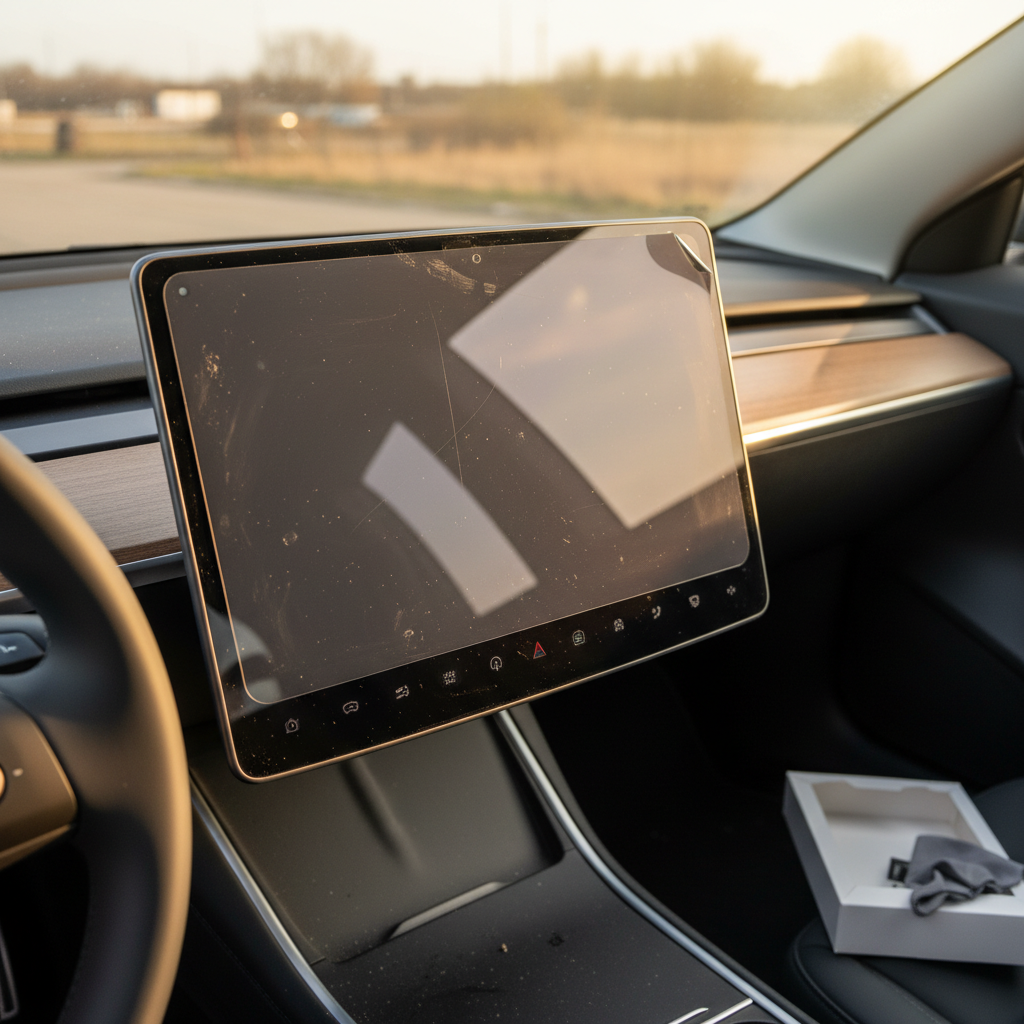
Several 2023–2025 recalls revolve around what you see, or don’t see, on the screen. On some 2024 Model X SUVs, the rearview camera image may not appear every single time you shift into Reverse, especially on cars with certain newer computers running earlier software builds. Other campaigns address tiny warning icons on the instrument cluster that don’t meet minimum‑size rules.
These are classic OTA fixes: Tesla revises the software that controls the display layout and camera feed. Once you install the update, there’s nothing else for you to do. From a shopper’s perspective, though, an uncompleted camera or telltale recall is a red flag that the car’s software hasn’t been kept current.
Hood‑latch logic and roof‑trim recalls
A different set of campaigns combine software and physical inspection. On some 2021–2024 Model X SUVs, the front trunk latch logic could let the hood appear closed when it isn’t fully engaged. That’s unnerving: if the frunk pops open at speed, it can block your view. Tesla’s fix sharpens the software checks and warnings around hood status.
Separately, a 2024 recall on roughly nine thousand Model X vehicles covers decorative roof trim that might loosen over time. Here the repair is old‑school: a technician inspects the trim and re‑secures or replaces it. It’s a quick visit, but if you’re test‑driving a used Model X, pay attention to wind noise, visible gaps, or trim that looks lifted.
Driver airbag inspection on late‑2024 Model X
At the very end of 2024, Tesla and NHTSA flagged a small batch of 2024–2025 Model S and Model X vehicles for potential driver‑airbag defects. The concern: the airbag fabric could tear in a very specific way during deployment, which might reduce protection in a serious frontal crash.
This is not something a software patch can fix. Affected vehicles require an in‑person inspection and, if your VIN falls in the suspect range, a new driver airbag module. If you’re looking at a late‑2024 build, confirm that any airbag‑related recall shows as completed before you sign.
How to check your 2024 Model X for open recalls
Three ways to see if a 2024 Model X has open recalls
Use more than one method if you’re buying used or the car has changed hands.
1. NHTSA VIN lookup
Head to the federal recall‑lookup site and enter the full 17‑digit VIN. You’ll see all open safety recalls that still need to be addressed in the U.S.
This is the gold standard because every automaker, Tesla included, must report here.
2. Tesla app & in‑car alerts
If you already own the car, open the Tesla app or check the Service menu on the touchscreen. Open recalls and service campaigns typically appear there with scheduling options.
Make sure the car is online and has recent software, older, offline vehicles can lag behind.
3. Service history & seller proof
Ask for Tesla service invoices and screenshots showing that recalls were completed. For OTA‑only campaigns, you’re looking for software version that meets or exceeds the recall’s required build.
On a used car, take “it’s all up to date” as a starting point, not the last word.
Pro move when shopping used
Shopping used Model X? How recalls should shape your inspection
If you’re considering a used 2024 Model X, recalls are less about shaming the brand and more about gauging how the car was cared for. A Tesla with a long list of completed recalls tells you the owner paid attention. One with multiple open campaigns, especially year‑old ones, might have been neglected.
Red flags to watch for
- Several open OTA recalls that have been available for months. That can signal an owner who ignored software updates entirely.
- Unresolved physical recalls like roof trim or airbag inspections. These should be handled before sale, full stop.
- Visible symptoms of recall issues: flickering headlights, glitchy camera feed, noisy or misaligned roof trim, hood that feels hard to latch.
Green flags that build confidence
- Clean NHTSA screen showing no open safety recalls for the VIN.
- Documented Tesla service visits with recall campaign numbers and completion dates.
- Recent software version that matches or exceeds the builds mentioned in recall bulletins.
Put together, those signs suggest a car that’s been kept up to date and treated well.
How Recharged handles recalls and battery health on used Teslas
Used EVs add a twist: you’re not just worrying about oil changes anymore, you’re balancing software history, battery health, and recall completion. That’s exactly where Recharged comes in if you’re shopping for a pre‑owned Model X.
What you get with a used Model X from Recharged
Recalls are only one piece of the safety and confidence puzzle.
Verified battery health
Every Tesla we list comes with a Recharged Score Report, including battery diagnostics that go far beyond a simple state‑of‑charge screenshot. You see how the pack is performing compared to similar vehicles.
Recall & safety transparency
Our specialists review open recall status and service bulletins when evaluating inventory. If a safety recall still needs attention, that’s addressed or clearly disclosed before you commit.
Simple buying experience
From financing and trade‑in to nationwide delivery and our Experience Center in Richmond, VA, Recharged is built to make EV ownership feel less like a science project and more like getting the right car, right now.
Ready to find your next EV?
Browse VehiclesWhy this matters for 2024 Model X shoppers
Owner checklist: What to do after a recall notice
Step‑by‑step plan when your Model X is recalled
1. Read the recall details, not just the headline
Open the Tesla notification or mailed letter and note what system is affected (camera, airbag, hood, etc.), whether it’s software‑only, and whether the car is safe to drive in the meantime.
2. Confirm your current software version
On the touchscreen, check your software version against the version mentioned in the recall notice. If your car is already on the specified or later build, it may already be remedied, though Tesla may still need to formally mark it complete.
3. Schedule updates promptly
For OTA recalls that require a specific update, connect to reliable Wi‑Fi and schedule installation as soon as possible. Don’t ignore those “update available” prompts for weeks on end.
4. Book service for hardware fixes
If the recall involves physical parts, like an airbag, roof trim, or latch, use the Tesla app to schedule a Service Center or mobile service appointment. These are free; you’re only paying with your time.
5. Keep proof of completion
After the work is done, save any digital invoices, screenshots, or Tesla messages showing the recall campaign as completed. This paperwork helps your resale value and simplifies life if you later trade in or sell to a retailer like Recharged.
6. Re‑check with NHTSA after a few weeks
It can take some time for completion status to sync to government databases. A month or so after the fix, run your VIN again on the NHTSA site to make sure nothing still shows as open.
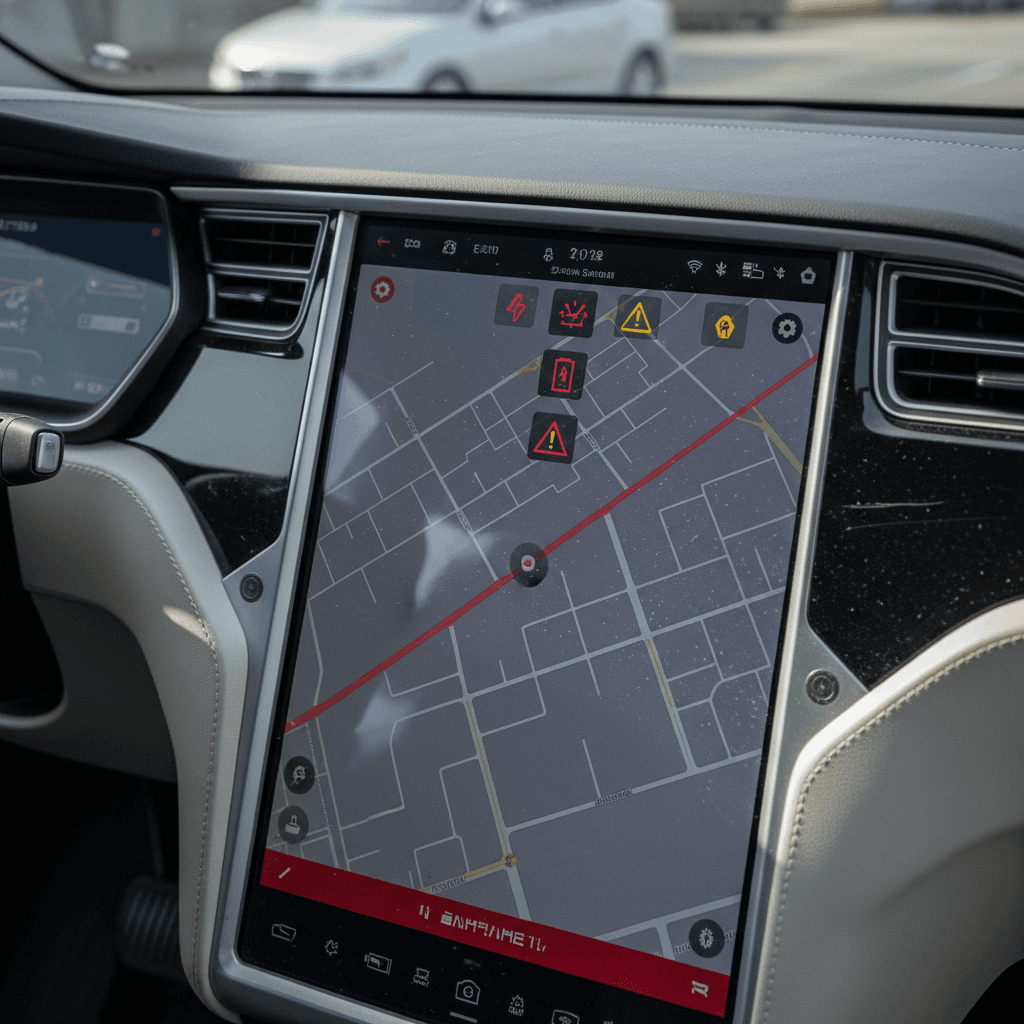
2024 Tesla Model X recalls FAQ
Common questions about 2024 Model X recalls
Bottom line: Should 2024 Model X recalls worry you?
Viewed from a distance, the 2024 Tesla Model X recalls list can look intimidating. Up close, most of those campaigns are the EV equivalent of a software patch, important, but not a sign that the vehicle is fundamentally flawed. The real risk isn’t that recalls exist; it’s owning or buying a Model X that hasn’t had them completed.
If you own a 2024 Model X today, stay on top of software updates, watch for recall notices, and handle hardware campaigns promptly. If you’re shopping used, treat recalls as one more data point alongside battery health, service history, and price. And if you’d rather have a specialist do that homework, consider exploring used Teslas on Recharged, where every vehicle comes with a Recharged Score Report, EV‑savvy guidance, and the kind of transparency that makes living with a high‑tech SUV a whole lot easier.