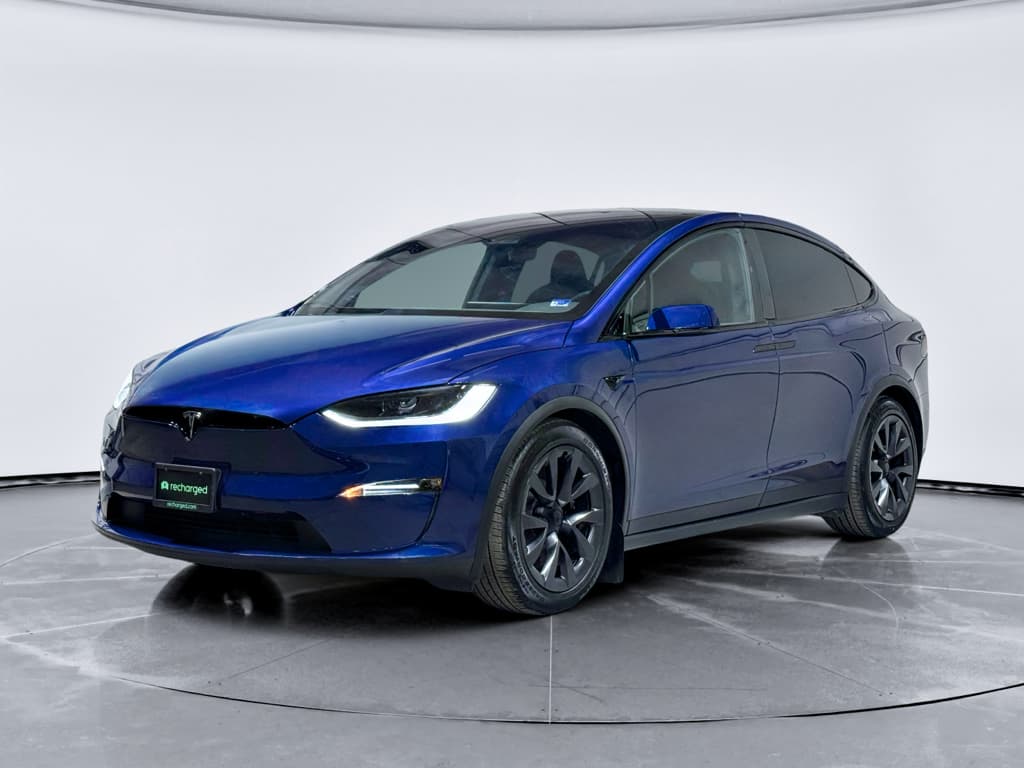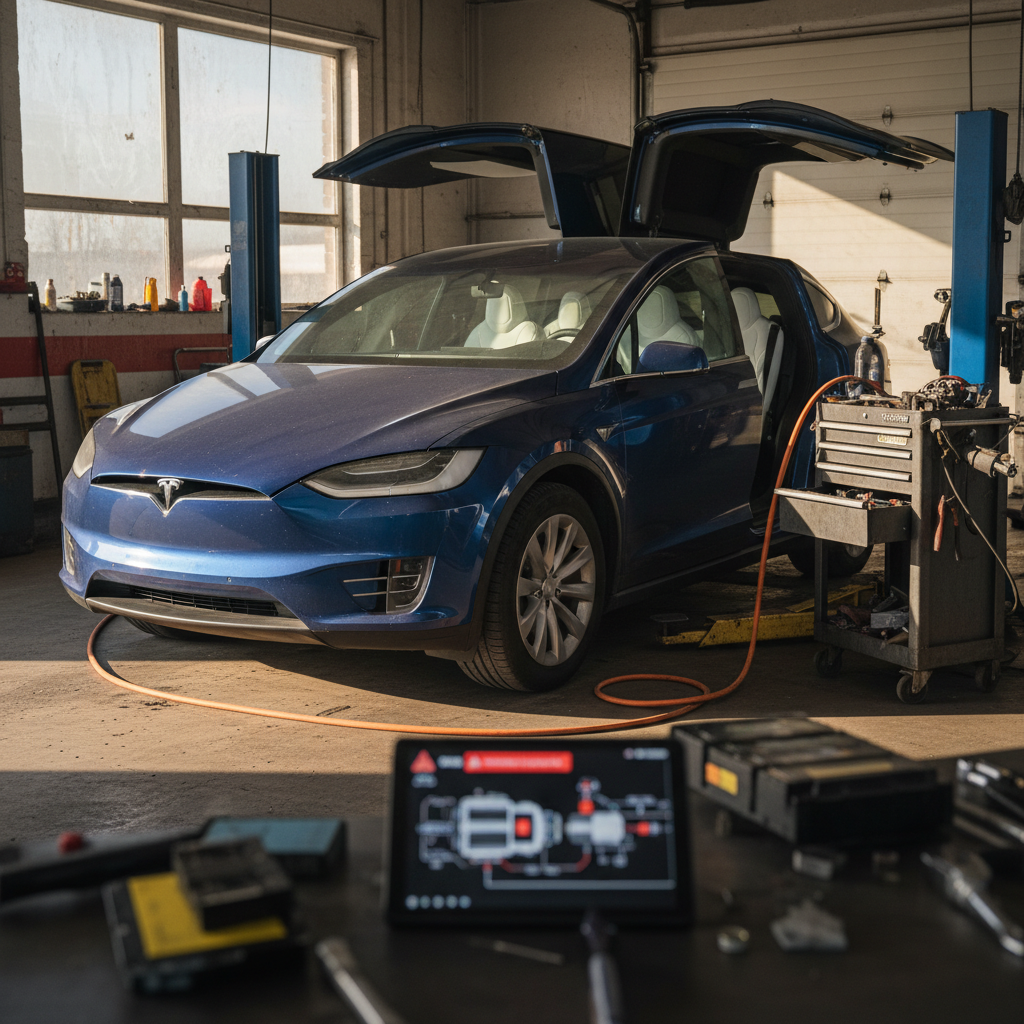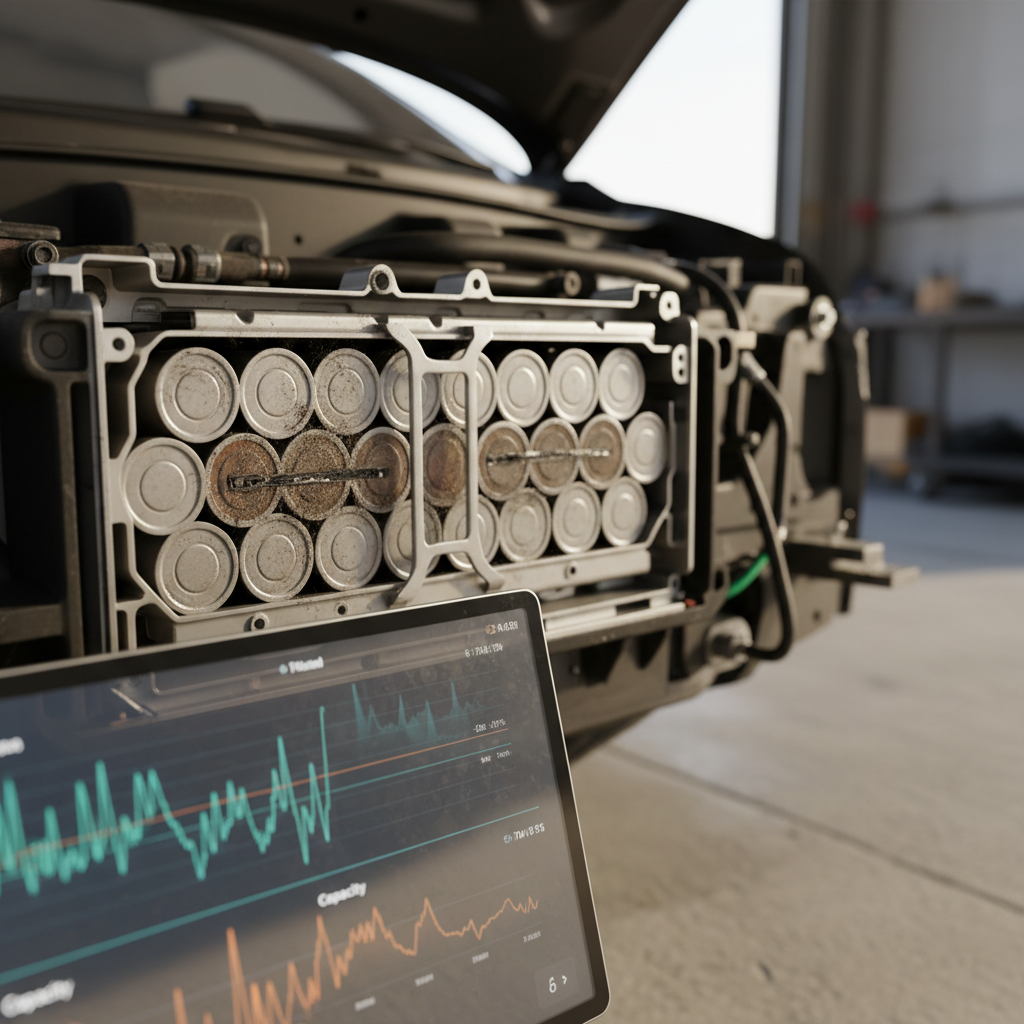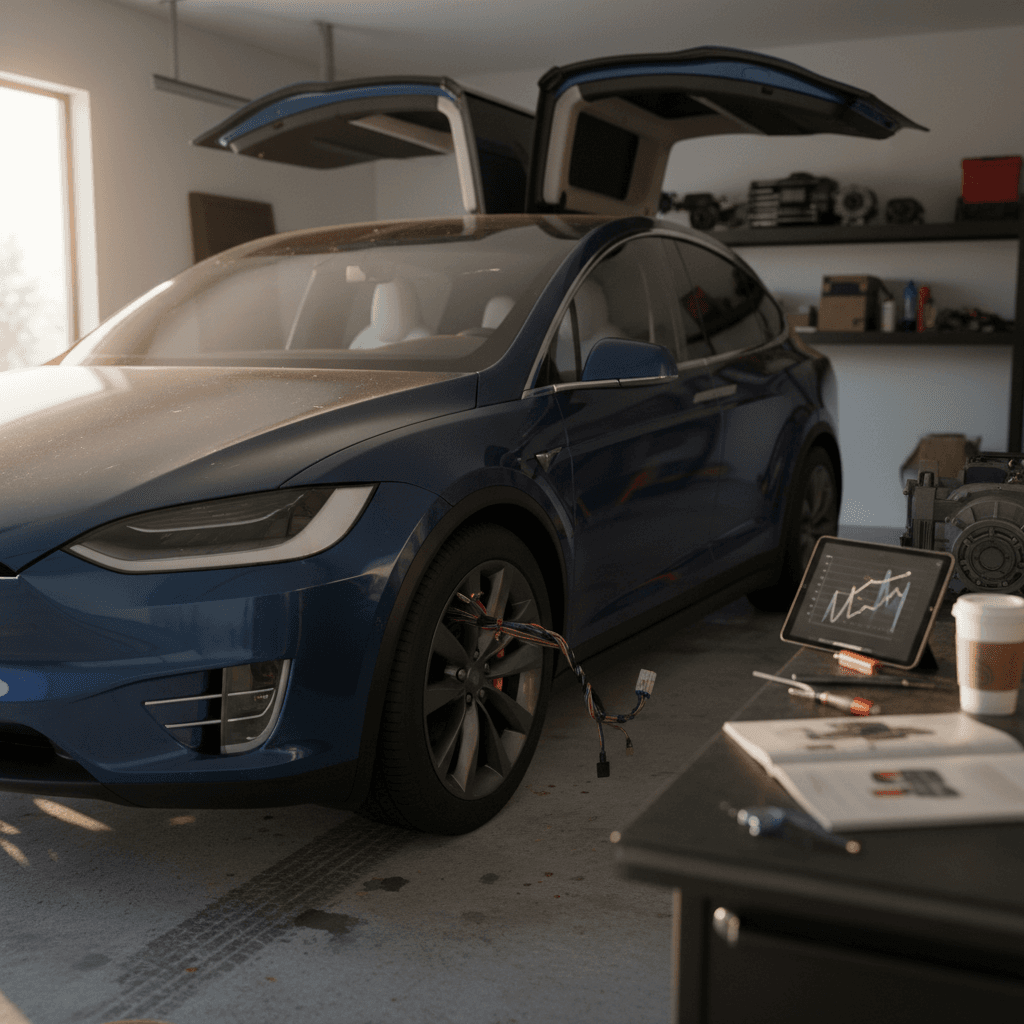
The 2024 Tesla Model X is still the Ludicrous family shuttle: doors that open like a sci‑fi prop, supercar thrust, and a quiet, glass‑roof lounge for six or seven. It’s also a rolling stress test for air suspension, complex doors, and ambitious software. If you’re wondering about 2024 Tesla Model X problems and fixes, whether you already own one or you’re shopping used, this guide walks through the real issues we see, what they cost, and how to avoid the worst of them.
Big picture on 2024 Model X reliability
2024 Model X reliability at a glance
2024 Tesla Model X by the numbers
The 2024 Model X is better screwed‑together than the early 2016–2018 cars, but the same themes keep popping up in owner reports: quirky doors, sensitive air suspension, and software that sometimes behaves like an over‑caffeinated intern. The motor, battery and core drivetrain tend to be stout; the nuisances live at the edges, how you get into the car, how it rides, and how the software behaves.
How Recharged helps
Battery and range: what’s actually going wrong?
Let’s start with the giant, floor‑mounted elephant in the room: the battery pack. The good news is that wholesale pack failures on 2024 Model X are rare. What owners typically complain about is range reality falling short of the marketing brochure, especially in cold weather and at highway speeds.
- Noticeable range loss on long highway trips vs EPA rating, especially above 70 mph
- Winter driving cutting usable range by 25–40% depending on climate and wheel size
- State-of-charge estimates that jump a few percent after parking (battery management recalibrating), especially on newer packs that haven’t been driven long distances yet
- Occasional DC fast‑charge sessions tapering earlier than expected on very hot or very cold days
Cold weather exaggerates every EV problem
Battery‑related fixes and best practices
Battery fixes and habits that actually help
1. Use scheduled charging
Charge overnight and finish just before you leave. This warms the pack and reduces time spent at high state of charge, both good for longevity and real‑world range.
2. Stay between ~10% and 80–90%
For daily use, keep your charge limit around 80–90%. Save 100% charges for road trips. This is the single biggest thing you can do for long‑term battery health.
3. Do one long calibration drive
If your state‑of‑charge gauge seems jumpy, do a long highway run from ~80% down to about 10–15% in one shot, then recharge. This helps the BMS recalibrate on a newer pack.
4. Precondition before fast charging
Use the ‘Navigate to Supercharger’ function so the car warms the pack en route. You’ll get faster charging and less tapering, especially in cold weather.
5. Check real‑world range, not just EPA
On a test drive, reset the trip meter and watch watt‑hours per mile at 65–75 mph. Multiply by pack size to estimate realistic road‑trip range for your driving style.
How Recharged evaluates packs
Ready to find your next EV?
Browse VehiclesFalcon‑wing doors: cool party trick, fussy hardware
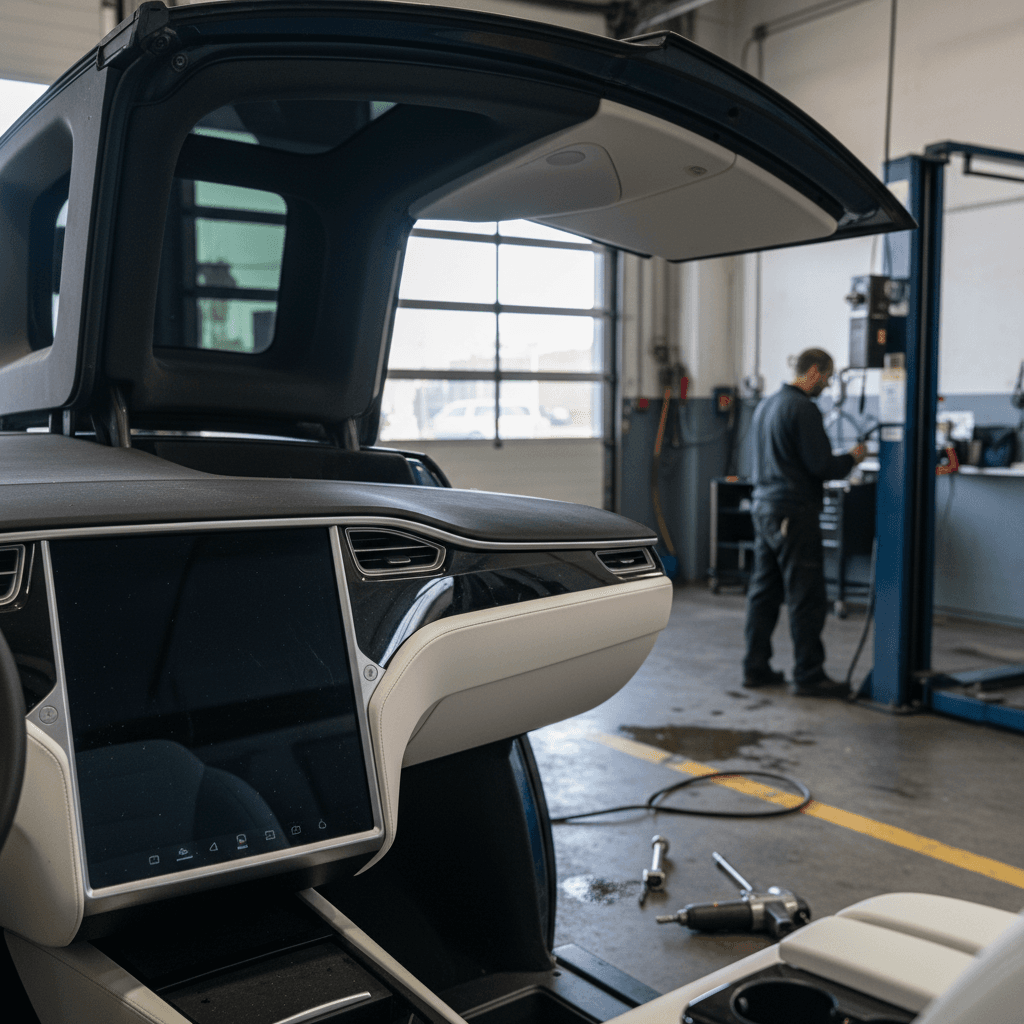
The falcon‑wing doors are the Model X’s signature move and its longest‑running headache. By 2024 the design is more sorted than the early cars, but owners still report issues you’ll never see on a boring, hinged door.
- Intermittent failure to open fully because a sensor thinks there’s an obstruction
- Creaks, pops or squeaks over driveways and angled ramps
- Slight misalignment so the door kisses the weatherstripping instead of sealing cleanly
- Occasional ‘door not latched’ warnings that clear after a re‑close
- Water drips from top seals in high‑pressure car washes or heavy storms
Common falcon‑wing door fixes and costs
Typical falcon‑wing door issues and fixes (2024 Model X)
Actual pricing will vary by region and warranty status, but this gives you a sense of what’s DIY‑able versus Tesla‑only.
| Problem | Likely Cause | DIY‑friendly? | Typical Fix | Ballpark Cost* |
|---|---|---|---|---|
| Won’t open fully / ghost obstruction alerts | Over‑sensitive or slightly mis‑calibrated ultrasonic sensors | Sometimes | Clean sensors; Tesla can recalibrate or replace sensor | $0–$400 |
| Loud creaks over driveways | Door frame and body flex, dry seals | Yes | Lubricate hinges/strikers, treat rubber seals | $20–$150 |
| Water drip at top edge | Aged or mis‑seated weatherstripping | Partially | Reseat seals; Tesla can replace sections of weatherstrip | $150–$500 |
| ‘Door not latched’ warnings | Latch micro‑switch or striker misalignment | No | Service center adjustment or latch replacement | $250–$800 |
If you’re shopping used, ask which door components have already been replaced, fresh struts and seals are a meaningful value add.
Buying tip: cycle the doors like you mean it
Suspension clunks and expensive tire wear
Under the Model X’s clean bodywork is a lot of heavy hardware: big battery, big motors, and an air suspension system that has to juggle all that mass. By 2024, the parts are improved, but physics is physics. Owners still complain about premature inner tire wear and the occasional front‑end clunk.
How the 2024 Model X beats up its own suspension
Most issues are wear‑and‑tear, but the bills can sting if you’re out of warranty.
Weight + torque
The X is a three‑row, all‑wheel‑drive EV with instant torque. Launch it hard on 22‑inch wheels and you’re sending every pound straight through bushings, control arms, and air struts.
Aggressive camber
To keep that tall body planted, Tesla runs fairly aggressive alignment. The result: sharp turn‑in, but also faster inner‑edge wear if you don’t rotate tires religiously.
- Front‑end clunks or knocks when going over speed bumps, often upper control arm bushings or ball joints starting to go
- Uneven inner tire wear on the rear, especially on 20–22" wheels with infrequent rotations
- Occasional air suspension compressor noise or slow rising in very cold weather
- Height sensor quirks leading to uneven stance after parking, usually fixed with a software reset or sensor replacement
The expensive bits to watch
Quick suspension and tire inspection checklist
1. Check inner tread
Turn the front wheels full lock and feel the inner edge of all four tires. Feathered or bald inner strips are a sign the alignment and rotations have been neglected.
2. Listen for low‑speed clunks
Drive slowly over a speed bump with the windows cracked. Any front‑end clunk, knock, or metallic tap is worth a pre‑purchase inspection.
3. Test ride heights
Cycle between suspension height settings (Low/Standard/High). The X should raise and lower consistently without error messages or a heavily nose‑up stance.
4. Look for leak clues
Check for oily residue on struts or damp spots on the garage floor under the air compressor/tank area.
Software glitches, screens and key access issues
Tesla’s killer app is software, until it isn’t. The 2024 Model X ships with Tesla’s latest infotainment hardware, which is quick and feature‑rich, but the constant over‑the‑air updates mean you’re living on the bleeding edge. The most common complaints aren’t total failures; they’re small frustrations that add up.
- Center screen reboots or freezes requiring a scroll‑wheel reset
- Bluetooth key or phone‑as‑key occasionally failing to unlock until the app wakes up
- Glitchy USB media playback or random disconnects with some phones
- Park Assist warnings appearing late in tight spots after certain software updates
- Short‑lived bugs introduced by an update and fixed a few weeks later by another patch
Easy owner fixes
- Soft reset: Hold both steering‑wheel scroll buttons until the screen goes black and the Tesla logo appears. This clears many temporary glitches.
- Re‑pair your phone key: Delete and re‑add your phone in the Tesla app if lock/unlock becomes flaky.
- Check for updates: Some bugs are known and already fixed in the next software push, install when convenient.
When to call service
- Persistent camera or sensor errors that don’t clear after a reboot.
- Screen ghosting, lines or color blotches suggesting a failing panel.
- Frequent, spontaneous reboots while driving, especially when using navigation or FSD.
Document repeat issues with photos or short videos. It makes warranty conversations much easier.
Why recalls look scary, but often aren’t
Autopilot, FSD and phantom braking on 2024 Model X
Spend five minutes in any Tesla forum and you’ll see the same phrases on repeat: phantom braking, lane selection weirdness, ‘nagging’ steering wheel prompts. On the 2024 Model X, running newer hardware and FSD versions, owner reports are mixed. Some drivers swear it’s the best it’s ever been; others describe sudden hard slows on empty highways after specific updates.
- Random, brief hard braking on divided highways with no obvious obstacle, often shadows, overpasses or road markings that confuse the vision system
- Over‑cautious slowing when approaching intersections, even on a green light, depending on software build
- Sudden disengagements with ‘take over immediately’ messages in poor visibility or complex urban situations
- Inconsistent lane choice on multi‑lane roads, ‘ping‑ponging’ between lanes on some builds
Treat FSD like a jumpy student driver
Practical ways to tame phantom braking
Dialing in Autopilot and FSD on a 2024 Model X
1. Use the right follow distance
Increase following distance in the Autopilot settings. A little extra space makes minor phantom slows less dramatic and gives you room to gently counter with the accelerator.
2. Try different profiles
If braking feels too aggressive on ‘Assertive’, drop to ‘Chill’ or ‘Average’. It won’t cure every phantom event, but it often softens the severity.
3. Avoid marginal conditions
Fog, heavy rain, low sun and poorly marked rural roads are still tough for camera‑only systems. In those conditions, think of FSD as a novelty and drive manually.
4. Report bad behavior
Use the steering‑wheel snapshot/report function (where available) when something egregious happens. Those clips feed the training pipeline that may fix the exact case that spooked you.
Rattles, wind noise and the occasional leak
High‑end EVs are supposed to be sensory‑deprivation chambers. The 2024 Model X comes close, until a loose trim clip or mis‑aligned glass spoiler ruins your highway zen. Compared with the worst early builds, 2024s are improved, but owners still note intermittent build‑quality gremlins.
- Buzzes or rattles from the dashboard or door panels on rough pavement
- Wind noise around the mirrors or A‑pillars at 70+ mph
- Creaks from the panoramic windshield area on steep driveways
- Water intrusion in the rear hatch area if seals are damaged or the hatch is mis‑adjusted
- Squeaks from the third‑row seats when folded or partially latched
Test drive in your worst‑case scenario
Key recalls touching 2024 Model X
By 2024, the Model X had accumulated a long recall history, but most of the recent actions are software‑based corrections deployed over the air: instrument‑cluster font sizes, driver‑assist behavior tweaks, rear‑camera timings, and more. A few 2024–2025 campaigns also covered all S/X/3/Y vehicles for items like hood‑latch detection and computer protection to keep the reverse camera online.
Recent recall themes impacting 2023–2025 Model X
Not an exhaustive list, always run the VIN on NHTSA and Tesla’s site, but these are the categories you’ll see most often on a 2024 X.
| Recall theme | Typical model years | What it addressed | Owner inconvenience |
|---|---|---|---|
| Warning font / display behavior | Wide: 2012–2024 S/X/3/Y | Instrument‑cluster font and warning display compliance; fixed over the air | Usually none beyond installing an update |
| Driver‑assist behavior | 2016–2024 S/X/3/Y with Autopilot/FSD | Adjusted how Autopilot/FSD handles certain conditions to reduce crash risk | May change how the car accelerates/brakes vs prior behavior |
| Rear camera / computer | 2023–2025 X and others | Software changes to reduce risk of the computer shorting and killing the rearview camera feed | Typically OTA; physical work only if hardware is faulty |
| Hood‑latch detection | 2016–2024 S/X/3/Y | Ensures the car can’t be driven with the hood unlatched; software plus inspection | Quick inspection at service if required |
Ask any seller for proof that recall work is complete; most software‑only recalls show as done as soon as the car installs the relevant update.
How to check recall status in 60 seconds
DIY fixes vs Tesla service: what’s realistic?
The Model X is not a ‘shade‑tree’ car in the classic sense. High‑voltage hardware, airbags, and integrated driver‑assist sensors live everywhere. That said, many common 2024 Tesla Model X problems have simple, owner‑friendly fixes, and knowing where the line is will save you both money and frustration.
What you can fix vs what you shouldn’t touch
Use this as a sanity check before you start pulling panels off a six‑figure SUV.
Good DIY candidates
- Lubricating door seals and latches
- Replacing wiper blades and cabin filters
- Rotating tires (with proper jack points)
- Simple trim rattle fixes with felt tape
Gray‑area DIY
- Replacing 12‑V battery with proper procedure
- Swapping non‑sensor wheels/tires
- Basic sensor cleaning and visual inspection
Safe if you follow guides carefully and are comfortable around modern cars.
Leave to Tesla or an EV specialist
- High‑voltage battery, inverter, or drive‑unit work
- Air suspension repair and calibration
- Falcon‑wing door actuator and sensor replacement
- Anything involving airbags or seat‑belt pretensioners
Where Recharged fits in
Buying a used 2024 Model X: red flags and must‑checks
Shopping a used 2024 Model X is a bit like buying a used private jet: the basic machine is fantastic, but the maintenance history matters more than the paint color. The upside is that depreciation works in your favor, if you avoid the wrong examples.
Pre‑purchase checklist for a 2024 Model X
1. Pull the software and service history
From the touchscreen, note software version and any persistent alerts. Ask the seller for a Tesla service history printout, this will show repeat visits for doors, suspension or electronics.
2. Battery and range reality check
On a highway test drive, reset the trip meter and drive at 70 mph for at least 15–20 minutes. Note energy use and extrapolate range; compare that to what the seller is claiming.
3. Door and hatch torture test
Cycle every door, including falcon‑wings and hatch, multiple times on level ground and a slight incline. Look for misalignment, squeaks, or sensor misbehavior.
4. Suspension and tire health
Inspect inner tire tread, listen for clunks, and check that ride‑height adjustments work without errors. Out‑of‑spec tires and obvious noises are either bargaining chips or deal‑breakers.
5. Check for panel gaps and leaks
Run a car wash test or hose along the windshield, doors and hatch, then check for drips. Uneven gaps plus water intrusion often signal sloppy earlier repairs.
6. Confirm recall completion
Run the VIN through official recall tools and verify that required software updates are installed. For recent campaigns, confirm that any needed inspections were actually done.
If you’re buying private party
You’re doing all of the above yourself, plus handling payment, title, and transport. That can be worth it for a smoking deal, but factor in the cost of a third‑party inspection by someone who actually knows EVs.
Don’t skip that step on a 2024 X, the right mechanic can save you from a $3,000 suspension surprise.
If you’re buying through Recharged
Recharged specializes in used EVs, including the Model X. Each vehicle gets a Recharged Score report with battery diagnostics, charging performance data, and checks on items like air suspension, door operation and software health.
You can also get financing, trade‑in options and nationwide delivery, all handled online, with EV‑savvy specialists to walk you through the details.
FAQ: 2024 Tesla Model X problems and fixes
Frequently asked questions about 2024 Model X problems
The 2024 Tesla Model X is a contradiction on wheels: breathtakingly quick, eerily quiet, convenient in ways that make gasoline SUVs feel primitive, and at the same time, fussy around the margins. Most 2024 Tesla Model X problems and fixes aren’t existential; they’re the cumulative effect of complex doors, heavy suspension and restless software. If you understand those trade‑offs, inspect carefully, and lean on tools like a Recharged Score battery report, you can enjoy the spaceship without getting stranded by its quirks.