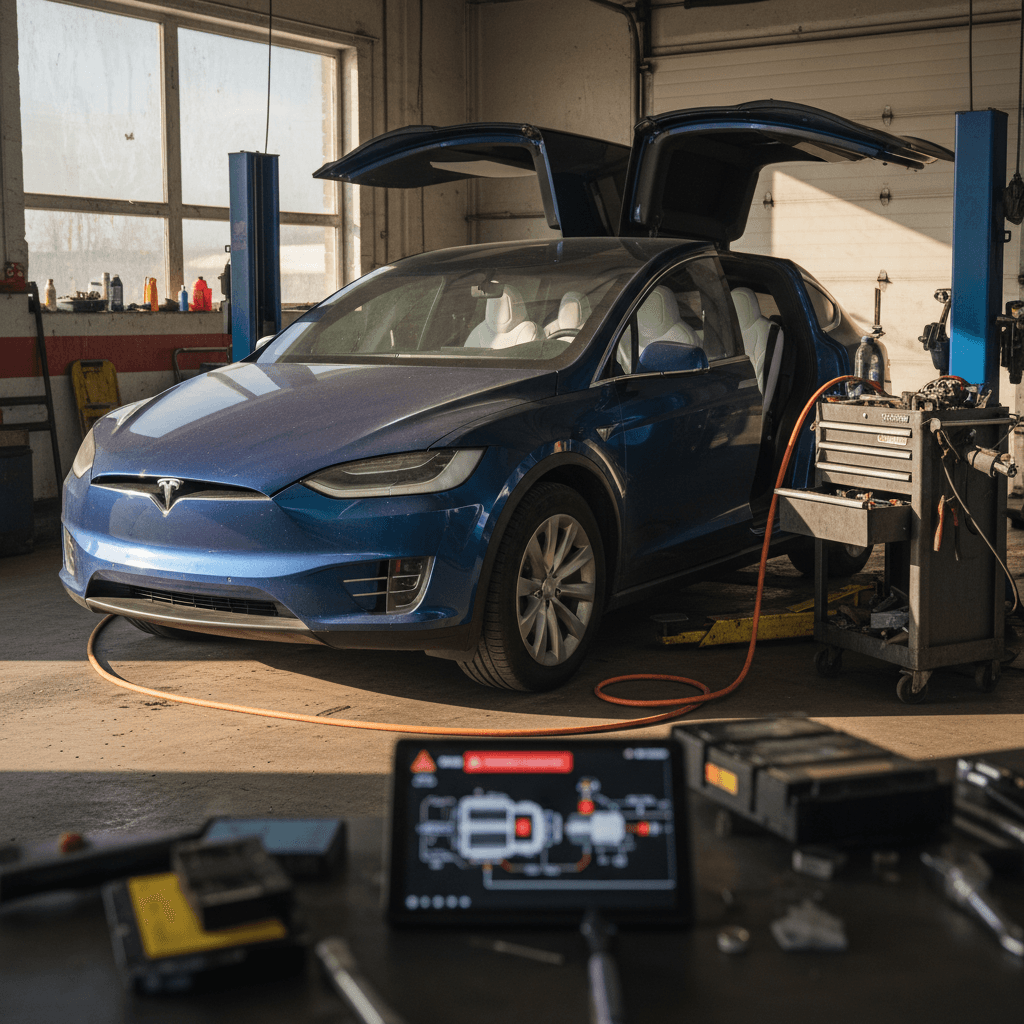
If you’re looking at a used 2020 Tesla Model X, you’re probably juggling two competing thoughts: the appeal of a long-range, seven-seat electric SUV, and the reputation for quirky problems, from falcon wing doors to suspension and electronics. This guide walks through the most common 2020 Tesla Model X problems and fixes, what’s typically covered by warranty, and how to shop smart so you get the upside of the X without inheriting someone else’s headache.
How the 2020 Model X is different
2020 Tesla Model X reliability at a glance
2020 Model X reliability snapshot
The 2020 Model X sits in an odd place: it pairs a mature battery/drive unit with build quality and complexity that can create annoyance and expense. You’re not usually looking at catastrophic failures so much as cumulative nuisances: wind noise, trim, suspension clunks, and door issues that need attention as mileage approaches or passes 60,000–80,000 miles.
Know the difference between ‘problems’ and ‘pattern failures’
Drivetrain shudder and front half-shafts
Owners of earlier Model X years made the "acceleration shudder" infamous: a vibration under hard acceleration, especially in Standard or higher ride height. By 2020 Tesla had iterated the design, but you still see front half‑shaft and motor mount wear show up in owner reports, especially on higher‑mileage Long Range Plus cars.
- Buzzing or shudder under strong acceleration between 20–50 mph, often worse in Standard suspension height
- Vibration felt through the steering wheel or floor when pulling onto the freeway
- Noise/clunk from the front end under load or after sharp direction changes
What’s actually happening
How to diagnose and fix Model X half-shaft shudder
Simple road tests and the right repair strategy go a long way
DIY diagnosis
1. Find a safe, straight road. Put the suspension in your normal ride height.
- From ~20 mph, accelerate briskly to 50–60 mph.
- Note any vibration through the wheel or floor.
- Repeat with suspension set to Low; if symptoms improve, that’s another clue.
If the shudder is repeatable, assume half‑shaft or related wear.
Typical repair & cost
Most service centers address this with:
- Replacement front half‑shafts
- Sometimes revised mounts or shims
Out of warranty, expect a four‑figure bill if both axles are replaced. Ask for documentation that updated parts, not old stock, were used.
Reduce shudder without touching a wrench
Suspension and steering complaints
Across the Model X lineup, including 2020 cars, you’ll see recurring complaints about front control arms, bushings, and general suspension clunks. The combination of vehicle weight, big wheels, and frequent full‑lock parking maneuvers can accelerate wear. Some owners also report intermittent steering heaviness or noises as components age.
- Clunks or creaks over low‑speed bumps or when turning into driveways
- Clicking or popping sounds at low steering angles
- Uneven front tire wear, especially cupping on the inner edges
- Steering that feels notchy or has a brief loss of assist (rare, but serious if present)
Best way to inspect suspension on a test drive
- At low speed in a parking lot, turn the wheel full left and full right while moving slowly. Listen for pops or grinding.
- Drive over speed bumps at 10–15 mph with windows cracked. Note any hollow clunks from the front.
- After the drive, look at inner tire shoulders for abnormal wear.
Any of these can indicate worn control arms, ball joints or bushings that will need attention.
Typical fixes and costs
- Front control arm or link replacement
- Alignment and sometimes new front tires
- In severe cases, steering rack or power steering service
If you’re buying out of warranty, budgeting low four figures for catch‑up suspension work on a high‑mileage 2020 Model X is prudent.
Take steering issues seriously
Falcon wing doors, windows, and water leaks
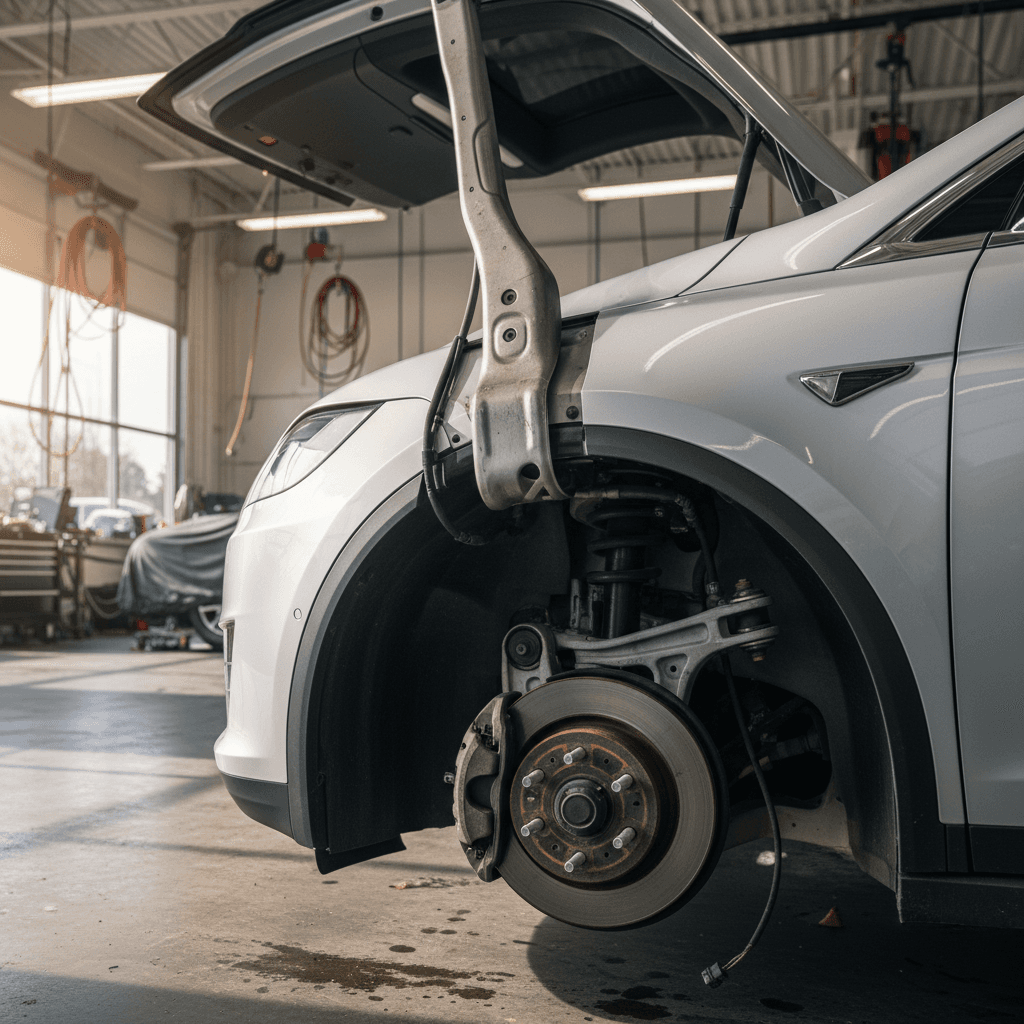
The Model X’s party trick, the falcon wing doors, is also one of its most common sources of owner frustration. By 2020, Tesla had improved the hinges, seals, and sensors compared to early builds, but you still see misalignment, sensor errors, and water leaks, especially in climates with heavy rain or snow.
- Door stopping halfway with a warning about an obstacle when nothing is nearby
- Door traveling too far and lightly contacting a garage opening or passenger
- Drips or small streams of water entering after a wash or heavy rain, often at the top rear of the doors
- Wind noise around the frameless front doors or falcon wing seals at highway speeds
- Side windows or the driver’s window failing to drop/raise correctly when opening or closing doors
Common 2020 Model X door & window problems and typical fixes
Use this to quickly map symptoms to likely fixes and questions to ask a seller or service advisor.
| Symptom | Likely Cause | Typical Fix | What to Ask the Seller |
|---|---|---|---|
| Falcon wing door stops mid‑travel, constant obstruction warnings | Over‑sensitive or miscalibrated sensors, hinge wear | Sensor recalibration, software update, sometimes hinge or strut replacement | Has Tesla recalibrated or replaced any falcon wing components? Any remaining warnings? |
| Water drips from top of doors after rain | Aged seals, misalignment | Seal replacement, door alignment, updated trim pieces | Do you see water marks or mildew around headliner or rear seats? |
| Loud wind noise from front doors at 65+ mph | Door glass not sealing perfectly, worn seals | Window adjustment, seal replacement, sometimes added sound‑deadening | Has Tesla attempted wind‑noise repairs? Were they successful? |
| Window doesn’t drop slightly when opening door | Window regulator or calibration issue | Recalibration via service menu, regulator or switch replacement if needed | Has the regulator been replaced, and is it still under parts warranty? |
Note that exact pricing varies by region, warranty status, and whether parts are revised or reused.
Fast wind-noise test on a test drive
Electronics, MCU glitches, and HVAC problems
The Model X routes almost everything, including basic climate and drive settings, through the central touchscreen, or MCU. Earlier S/X cars had severe issues with eMMC memory wear that led to black screens and a major recall. By 2020, hardware had improved and the recall has largely been addressed, but you can still see occasional reboots, camera glitches, and HVAC oddities.
- Screen randomly reboots while driving, then returns to normal
- Laggy interface, especially when loading maps or switching apps
- Backup camera or side cameras intermittently black
- A/C that goes warm after long drives or blows weakly even on high fan
- Heater performance dropping off in very cold weather
Owner-level troubleshooting
- Two‑scroll reboot: Hold both steering‑wheel scroll wheels until the screen goes black and the Tesla logo appears.
- HVAC reset: Turn climate off for a minute, then back on; listen for blower or compressor noises.
- Check software version: Ensure the car is on current or recent firmware; some HVAC and camera bugs are software‑related.
If reboots are rare and everything works afterward, it’s usually a nuisance, not a fatal flaw.
When it’s time for service
- Screen stays black for extended periods or frequently reboots.
- Camera feeds are consistently missing.
- HVAC blows completely warm air when A/C is commanded cold, or vice versa.
These can point to MCU hardware issues, wiring faults, or failing A/C components. Out of basic warranty, a full MCU replacement can be expensive, so documentation of prior replacement or upgrade is a big plus.
How Recharged approaches electronics on used Model X
Ready to find your next EV?
Browse VehiclesBattery health, range loss, and charging behavior
Compared with many luxury SUVs, one of the 2020 Model X’s strengths is its long‑term battery durability. Tesla’s own fleet data for S/X suggests roughly 90% capacity retention around 200,000 miles, and independent analyses cluster around similar numbers. In practical terms, that means a 2020 Long Range X that started life around 320–350 miles EPA may still offer 275–310 miles at high mileage if it’s been treated reasonably.
- Displayed full‑charge range that seems lower than expected (e.g., low‑ to mid‑200s on a high‑mileage car)
- Supercharging that ramps quickly but then tapers earlier than you’d like
- Occasional "charging reduced" messages due to hot battery or repeated fast charges
- Range swings in cold weather, sometimes 20–30% drops on frigid days
What’s normal vs. a red flag
Simple habits that protect a 2020 Model X battery
None of these are mandatory, but together they help slow degradation
Prioritize Level 2 at home
Use home or workplace Level 2 charging for most energy needs. Reserve Superchargers for road trips or when you truly need a fast turnaround.
Avoid extreme SOC storage
Try not to leave the battery at 0–5% or 100% for days at a time. Parking long‑term around 40–70% is easier on the pack.
Plan for cold-weather loss
In winter, expect less range. Pre‑condition while plugged in and build a buffer, especially on highway drives with family and cargo.
How Recharged measures battery health
Autopilot updates, recalls, and software fixes
Because the 2020 Model X relies so heavily on software, many of its "problems" have been addressed with over‑the‑air updates rather than mechanical repairs. That includes a long list of Autopilot and safety‑related recalls where Tesla’s remedy was to change user interface, driver‑monitoring behavior, or system limits via software.
- Autopilot or Traffic‑Aware Cruise Control (TACC) occasionally disengaging with a chime and message
- Stricter nagging for steering‑wheel input after recall updates
- Changes in how quickly the car accelerates from a stop while Autopilot is active
- Updated alerts for door, hood, or trunk status while driving after more recent recall campaigns
Don’t treat Autopilot as self-driving
On a test drive, always verify that Autopilot and related features work as expected: clear visualizations, consistent lane‑keeping on marked highways, and predictable behavior in traffic. If the car has had major safety recalls applied via software, this should be reflected in its service history; Tesla service can provide a summary, and Recharged documents this in our condition reports.
What Tesla’s warranty still covers on a 2020 Model X
As of 2026, most 2020 Model X vehicles in the U.S. are aging out of their 4‑year / 50,000‑mile basic warranty, but they’re still protected by Tesla’s 8‑year / 150,000‑mile battery and drive unit warranty with at least 70% capacity retention. Where a given car sits relative to these limits has a big impact on how you should think about problems and fixes.
Quick warranty status check for a 2020 Model X
1. Confirm in-service date
The factory warranty clock starts when the car was first delivered, not when it was built. Ask the seller for the original purchase date or pull it from the Tesla app if they’ll show you.
2. Look at current odometer
Basic coverage ends at 50,000 miles, but the battery and drive unit warranty runs to 150,000 miles. A 2020 Model X with ~80,000 miles left has lots of powertrain coverage but no bumper‑to‑bumper safety net.
3. Ask about prior warranty repairs
Suspension, doors, and MCU repairs done under warranty are not necessarily bad signs, in fact, they can be positives if they addressed known weak points with updated parts.
4. Check for extended service plans
Some owners purchase third‑party extended coverage once Tesla’s basic warranty lapses. Understand what’s covered and whether the plan is transferable if you buy the car.
5. Verify recall completion
Ensure that any open safety recalls, especially those related to Autopilot, doors, or latches, have been completed. Tesla can confirm this by VIN, and Recharged documents it as part of our intake process.
How Recharged de-risks used 2020 Model X ownership
Practical inspection checklist for used 2020 Model X shoppers
If you remember nothing else from this article, take this short checklist with you when you evaluate a 2020 Model X, whether that’s at a Tesla store, an independent dealer, or a private seller. These steps are simple, but they’re surprisingly effective at surfacing the platform’s most common problems.
On-the-ground checks before you drive
Walk the body and doors
Look closely at panel gaps around the falcon wing doors, front doors, and rear hatch. Small variations are normal; obvious misalignment, paint rubs, or chips where panels touch suggest repeat visits for adjustment.
Inspect seals and interior for water marks
Check the headliner around the rear doors, the third row, and under floor mats for staining or mildew smells, a sign of past leaks.
Check tires and suspension stance
Uneven tire wear, especially on the inner shoulders, can hint at alignment or suspension issues. Make sure the car sits evenly side to side in Standard suspension height.
Confirm screens and cameras
With the car in Park, cycle through the rear and side cameras. Make sure the main screen responds quickly and doesn’t lag heavily when you open apps or maps.
Test basic functions without driving
Open and close every door, window, and seat fold mechanism. Make sure the falcon wing doors clear your garage or parking structure without drama.
Test-drive checks that reveal hidden issues
Accelerate onto a freeway
From 20–60 mph, accelerate briskly in Standard ride height; note any shudder. Repeat in Low height to see if it improves. Persistent vibration suggests half‑shaft wear.
Drive over rough pavement
With the windows cracked, listen for front‑end clunks over small bumps and expansion joints. Sharp or metallic noises can indicate worn suspension parts.
Assess wind noise and comfort
At 65–75 mph, listen for whistling around mirrors or the top of the windshield. Some wind noise is normal, but loud whistles can be tough to chase down.
Try Autopilot on a marked highway
If equipped and enabled, test Autopilot in clear conditions. You’re not checking perfection, just that engagement, lane‑keeping, and basic behavior are consistent and predictable.
Note any warning lights or alerts
After the drive, look for persistent alerts about suspension, Autopilot, doors, or charging. A clean instrument cluster is what you’re aiming for.
FAQ: 2020 Tesla Model X problems and fixes
Frequently asked questions about 2020 Model X problems
The 2020 Tesla Model X is neither the horror story its harshest critics describe nor the flawless spaceship fans sometimes imagine. It’s a complex, fast, comfortable EV with a handful of well‑understood weak points. If you go in armed with realistic expectations, a clear sense of how the battery and drive unit age, and a checklist for suspension, doors, and electronics, you can separate the problem cars from the promising ones. And if you’d rather have experts do that legwork, buying through a platform like Recharged, with verified battery health, a Recharged Score Report, and EV‑savvy support from start to finish, can make 2020 Model X ownership a lot more predictable.