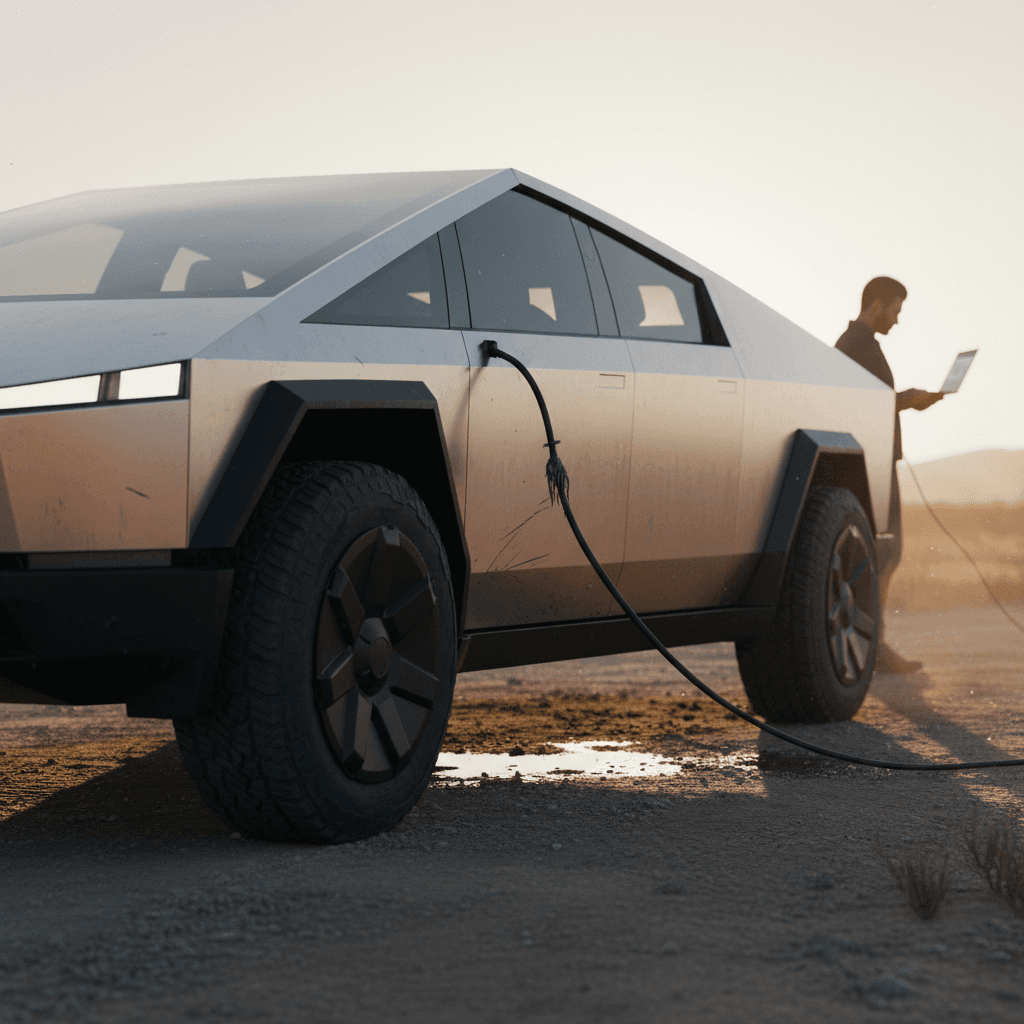
If you follow EVs, you’ve seen the stories: stuck accelerator pedals, bright headlight recalls, early rust spots, panels that don’t quite line up. The 2024 Tesla Cybertruck has generated as many headlines for problems as it has for performance. This guide breaks down the most common 2024 Tesla Cybertruck problems and fixes, how Tesla is addressing them, and what you should look for if you own one now or are eyeing a used Cybertruck in the next few years.
First-year vehicle reality
Overview: How serious are 2024 Tesla Cybertruck problems?
Early Cybertruck reliability snapshot
From a safety standpoint, the most serious 2024 Cybertruck problems center on the accelerator pedal recall, lighting behavior, and certain inverter and motor issues. Cosmetic and convenience problems, panel gaps, stainless-steel finish quirks, wiper and trim complaints, are common but less critical. Software glitches range from annoying (random warnings) to temporarily disabling (loss of redundancy or steering‑assist faults) but are often fixed via over‑the‑air updates or revised hardware.
Don’t ignore recall notices
Major safety recalls on the 2024 Tesla Cybertruck
By early 2025, the 2024 Tesla Cybertruck had already accumulated multiple recalls. Here are the most important ones for owners and used buyers, plus what the fixes look like in the real world.
Key safety recalls affecting 2024 Cybertrucks
This table summarizes the headline Cybertruck recalls that a 2024 owner or shopper should verify have been completed.
| Issue | Model years affected | Typical symptom/risk | Official fix |
|---|---|---|---|
| Accelerator pedal pad can slip and stick | 2024 | Pedal cover can slide forward and get trapped in trim, causing unintended acceleration | Replace or rework pedal assembly with new part; early interim fix added a retaining rivet |
| Overly bright or mis-aimed front lighting | 2024–2026 (built late 2023–2025) | Headlights or DRLs can glare and distract other drivers | Free software update adjusts lighting behavior and intensity |
| Drive inverter / power loss | 2024–2025 | Warning messages, sudden loss of drive power in certain conditions | Replace front and/or rear inverters per Tesla recall bulletin |
| Wiper motor / single giant wiper | 2024 | Loss of windshield wiping or streaking in heavy rain | Replace wiper motor or related components; software calibration updates |
| Misc. software-related safety behaviors | 2024+ | Incorrect alerts, warning lights, or assist limitations | Over‑the‑air software updates pushed by Tesla |
Always confirm recall completion by VIN through Tesla or the NHTSA database before buying a used Cybertruck.
How to check Cybertruck recall status
If you’re already an owner, Tesla generally pushes recall notifications through the app and your online account. For hardware campaigns (like the accelerator pedal and inverter replacements), you’ll need a Service Center visit or mobile service appointment. For software‑only campaigns (like some lighting updates), Tesla may complete the recall via over‑the‑air update without you ever stepping into a shop.
Build quality, rust spots and cosmetic complaints
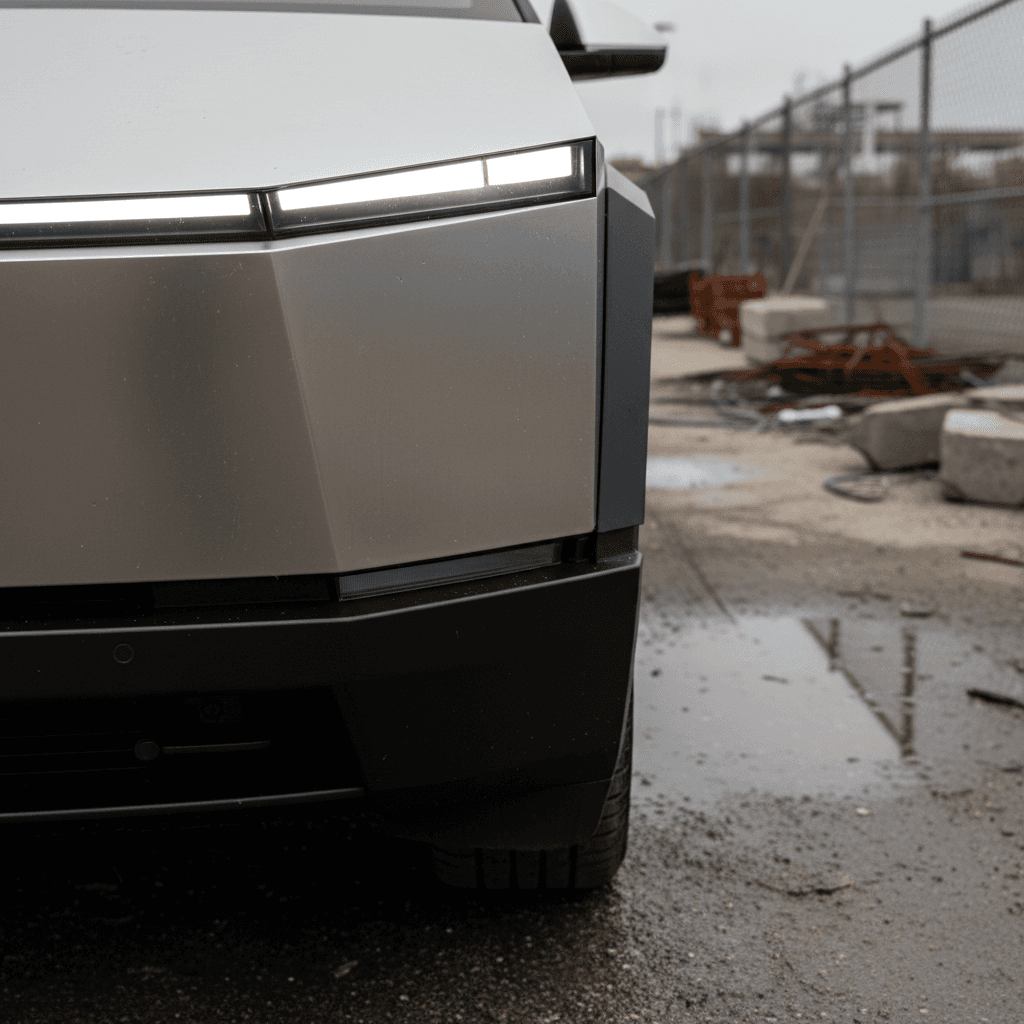
Quality complaints around the 2024 Cybertruck fall into familiar Tesla territory: inconsistent panel gaps, trim alignment, paint or sealant overspray and wind noise, but the stainless-steel exoskeleton adds a few twists. Owners have reported small orange rust‑colored spots after rain, uneven brushing patterns in the metal, and door or tonneau covers that don’t sit perfectly flush.
- Panel gaps and misaligned doors or tailgate
- Uneven or wavy stainless-steel finish
- Early surface corrosion spots (“rust blooms”) in harsh or salty environments
- Water intrusion around the bed or tonneau cover
- Squeaks, rattles or wind noise from trim and seals
What owners can do
- Inspect all body seams in bright, even light, look for doors or panels that sit proud or recessed.
- Check for any orange spotting on stainless surfaces; often it’s surface contamination and can be cleaned.
- Run a hose over the roof, windshield, doors and bed to test for leaks.
- Document everything with photos in the Tesla app before your service visit.
How Tesla typically responds
- Minor panel gaps: adjust latches or hinges at a Service Center.
- Surface corrosion: clean and, if necessary, refinish or replace affected trim under warranty.
- Water leaks: reseal weatherstripping, adjust glass or tonneau, sometimes replace bed/trunk seals.
- Wind noise: adjust window frameless glass, seals or mirror caps.
When cosmetic becomes structural
Software, electronics and drive-system glitches
Tesla leans heavily on software for everything from steering assistance to traction control, and the Cybertruck is no exception. Early 2024 trucks saw a mix of bugs and hardware/software interactions that produced attention‑grabbing failures in road tests and on owner forums.
Common Cybertruck software and electronics complaints
Many of these were rare but high‑profile when they occurred, and most have associated updates or bulletins.
Critical error messages
Some trucks have thrown “loss of system redundancy” or steering‑related warnings that temporarily disable certain driver‑assist features or, in rare cases, trigger a shutdown until reboot.
Center screen bugs
Frozen or rebooting center screens, non‑responsive climate controls, map lag and random UI glitches, most resolved by software updates or a hard reset.
Motor / inverter faults
Inverter issues can cause power‑loss events or warnings requiring a tow and component replacement. Tesla has issued service bulletins and recalls to swap certain inverters.
Soft reset vs. hard reset
If you’re shopping used, don’t just scan for warning lights on the test‑drive. Dig into the service history for repeated inverter, steering, or high‑voltage battery work. One clean repair isn’t necessarily a red flag; multiple visits for the same system suggest a truck you may want to pass on.
Battery, range and charging-related concerns
Compared with Tesla’s earlier sedans and crossovers, the Cybertruck’s battery story is still developing. We haven’t yet seen large‑scale degradation data, but we do see patterns in early complaints and technical notes that matter to owners and buyers.
- Range swings dramatically with speed, payload and cold weather, more than some buyers expected.
- Some trucks have thrown high‑voltage battery warnings after underbody impacts or off‑road use, prompting inspections.
- Occasional DC fast‑charging hiccups, where certain public chargers fail to initiate or sustain a session.
- Tire and wheel choices that can meaningfully affect real‑world efficiency and ride quality.
Battery inspections after impacts
For daily driving, the best “fix” for range and battery complaints is realistic expectations and good charging habits: avoid frequent 0–100% cycles, keep software up to date, and use scheduled charging to take advantage of off‑peak rates. If you’re evaluating a used Cybertruck, ask for screenshots of current rated range at 100% and compare that to the original EPA figure to get a rough sense of degradation.
DIY fixes vs Tesla Service Center: what you can actually do
Owners coming from traditional pickups often expect to handle more repairs themselves. The Cybertruck, however, is a tightly integrated EV with high‑voltage systems and software‑locked components. The line between smart DIY and “let Tesla handle it” is stricter than on a gas truck.
Cybertruck problems: DIY vs professional fixes
1. Cosmetic stainless care
Light rust spots or tea‑staining on stainless are often surface contamination. You can usually remove them with non‑abrasive stainless cleaner and a microfiber cloth, always following the factory brushing direction.
2. Simple interior rattles and squeaks
Loose trim clips or minor rattles can sometimes be addressed with felt tape, adjusted clips or foam, if you’re comfortable with interior disassembly. Document issues first in the Tesla app in case they qualify as warranty work.
3. Software reboot and basic troubleshooting
Rebooting the infotainment system, checking for available software updates, or power‑cycling the car are fair DIY steps. Don’t try to “code” around faults or ignore persistent alerts.
4. High-voltage, steering, braking or pedal issues
Anything involving the accelerator, brakes, steering, airbags or high‑voltage components should go straight to Tesla. These systems are safety‑critical and can’t legally be repaired at home in most scenarios.
5. Wiper, lighting and inverter recalls
Even if a symptom seems minor, if it’s tied to an official recall or service bulletin, let Tesla do the work. It’s free and ensures the fix is logged for future owners.
6. Alignment and suspension
Cybertruck suspension and four‑wheel alignment require specialized equipment and procedures. Use Tesla Service or a shop that demonstrably understands EV trucks and can follow Tesla specs.
Good news for owners
Used Cybertruck inspection checklist: how to spot problem trucks
If you’re considering a 2024 Cybertruck on the used market, early build issues can either scare you away, or give you leverage. The difference is how well you inspect the truck and verify repairs. Here’s a focused checklist to separate solid candidates from science projects.
Pre-purchase inspection checklist for a 2024 Cybertruck
Confirm all recalls are closed
Run the VIN through NHTSA’s recall lookup and verify every Cybertruck‑specific campaign (accelerator pedal, lighting, inverter, wiper, etc.) shows as repaired. Ask the seller for Tesla service invoices or screenshots.
Inspect stainless panels in bright light
Walk the truck slowly and look for mismatched panel gaps, wavy panels, deep scratches or evidence of amateur refinishing. Light surface marks are common; large distortions or color differences can indicate collision repair.
Check for rust spots and contamination
Look closely around lower door edges, wheel arches and bed edges for any orange spotting or pitting. Light tea‑staining that wipes away is minor; heavy pitting or bubbling suggests more serious corrosion or damage.
Look under the truck for impact damage
Use a flashlight to inspect the battery pack area, skid plates and suspension arms. Dents or gouges in the pack enclosure warrant a professional inspection before you buy.
Road-test for noises and warnings
On the test‑drive, note any clunks, squeaks, steering wander or vibration. Watch the screen for warnings related to drive system, steering, battery or stability control.
Review digital service history
Ask the seller to open the Tesla app and show prior service visits. Repeated visits for inverters, steering or unexplained power loss are bigger red flags than one‑off fixes.
Bring data to the negotiation
What problems mean for warranty, costs and resale value
The 2024 Cybertruck’s growing list of recalls and technical notes cuts both ways for owners. On one hand, frequent headlines can dent mainstream demand and resale values. On the other, Tesla’s standard warranties and recall obligations cushion many of the repair costs, especially in the first several years.
How Tesla’s warranty helps
- Basic limited warranty typically covers most non‑wear defects for 4 years/50,000 miles.
- Battery and drive unit coverage usually extends to 8 years with a high mileage cap.
- Recall work is free and mandatory, regardless of ownership changes.
- Goodwill repairs are not guaranteed but more common on high‑profile problems.
Where owners still pay
- Cosmetic fixes outside delivery and early‑ownership windows (dings, deep scratches, curb rash).
- Damage from off‑roading, underbody impacts or aftermarket modifications.
- Tires, alignments and typical wear items.
- Out‑of‑warranty electronic failures once the 4‑year coverage window closes.
Resale impact and opportunity
At Recharged, we lean into that nuance. Our used EV listings include a Recharged Score Report with verified battery health, recall status and market‑based pricing, so you’re not guessing how a vehicle’s problem history affects its value. That’s particularly useful with an early‑production, headline‑heavy model like the Cybertruck.
FAQ: 2024 Tesla Cybertruck problems and fixes
Frequently asked questions about 2024 Cybertruck issues
Bottom line for Cybertruck owners and used buyers
The 2024 Tesla Cybertruck is a classic first‑year story: bold engineering, big performance and a very public set of growing pains. The headline problems, sticking accelerator pedals, bright‑light behavior, inverter and wiper recalls, and early quality complaints, are real, but many already have clear, documented fixes. For current owners, the playbook is simple: stay ahead of recall work, document any issues thoroughly, and let Tesla handle safety‑critical repairs under warranty.
For used‑truck shoppers, the Cybertruck’s problem history is less a reason to panic than a reason to prepare. Trucks with completed recalls, clean underbodies and stable drive systems, backed by transparent records and a verified battery report, can offer strong value precisely because casual buyers are wary of the headlines. Whether you’re comparing a Cybertruck to other electric pickups or trying to price your own truck for sale, tools like the Recharged Score, instant offers, and EV‑specialist guidance can turn a complicated story into a clear decision.