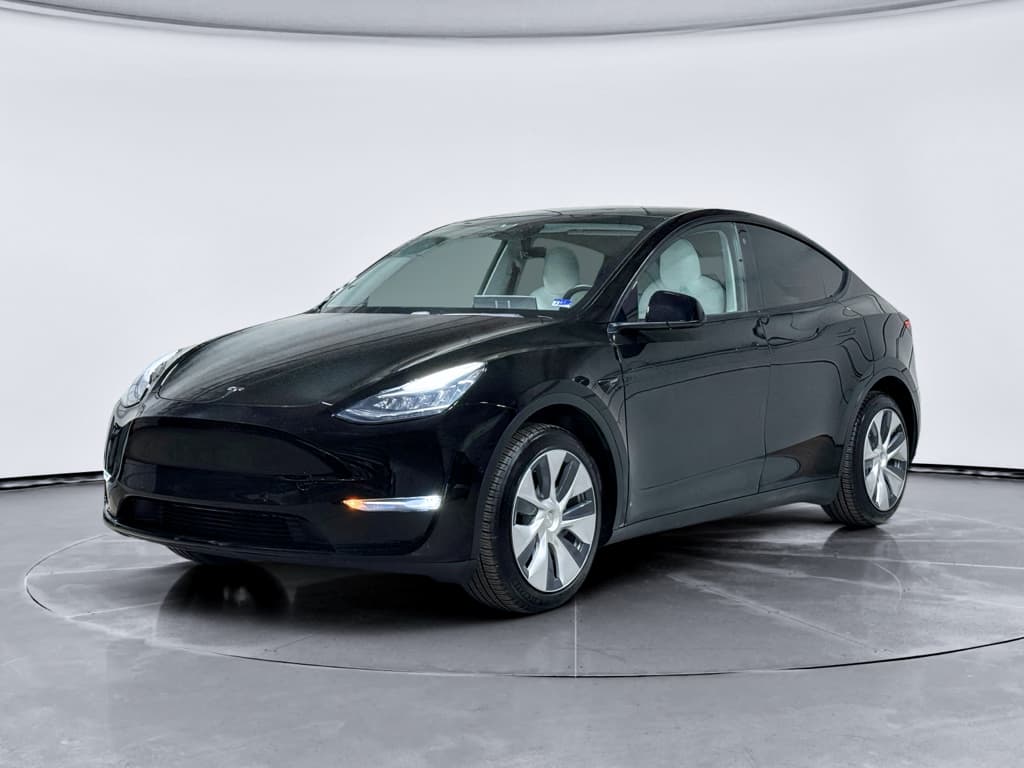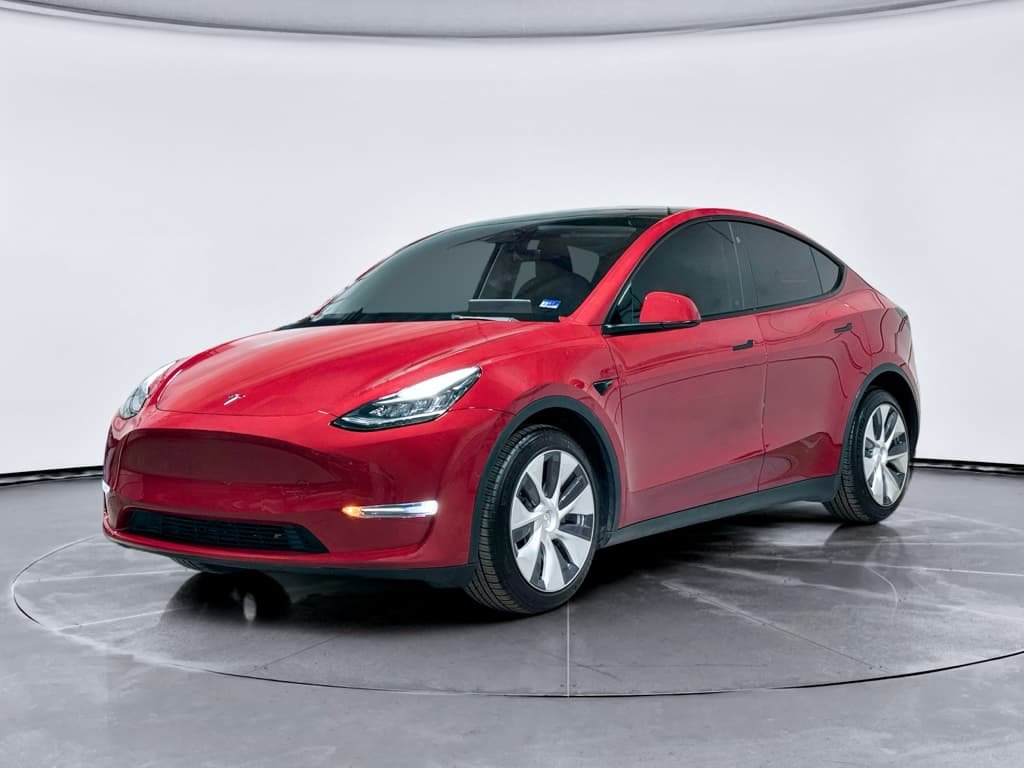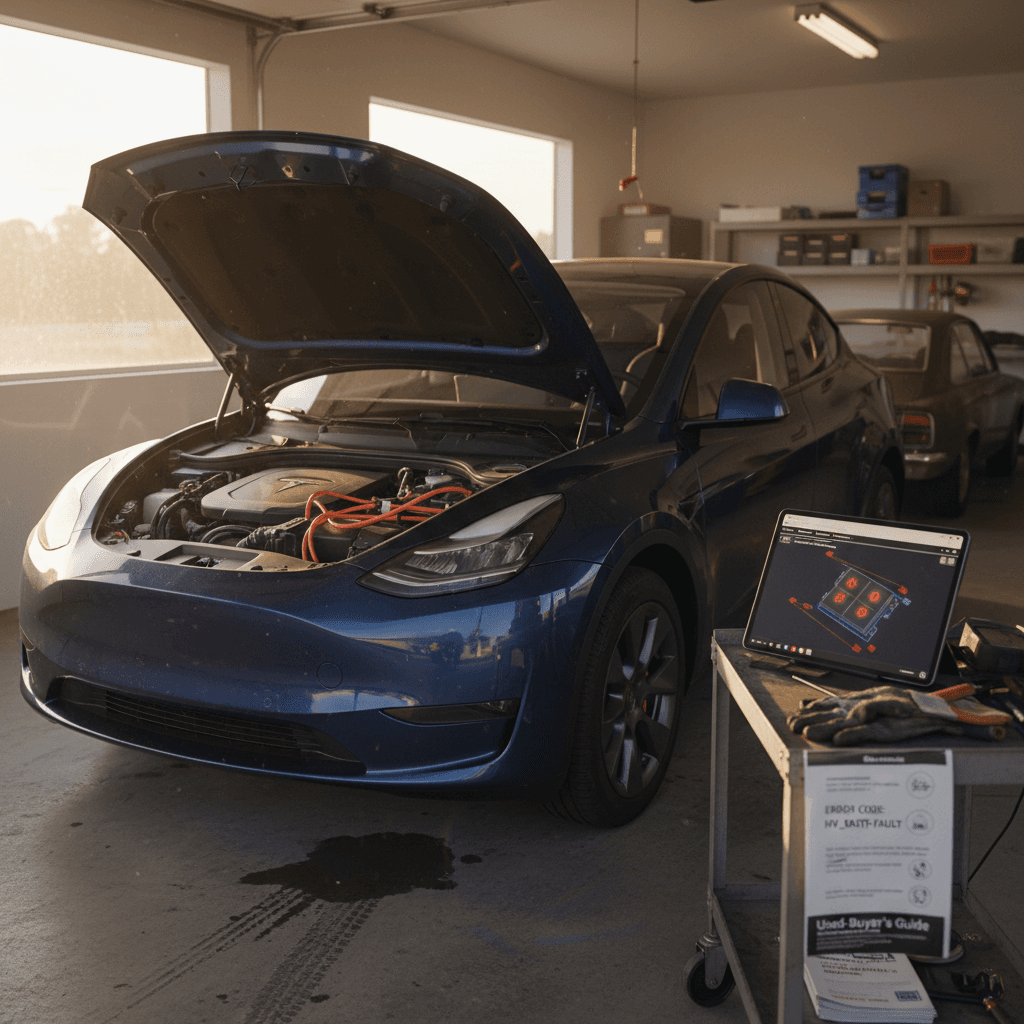
If you’re looking at a used 2022 Tesla Model Y, you’re not alone, this model year hits a sweet spot of updated hardware, modern software, and still‑fresh batteries. But like any high‑volume vehicle, it has its share of common problems and fixes that smart shoppers and current owners should understand before they sign or swipe in the Tesla app.
What this guide covers
Why focus on the 2022 Tesla Model Y?
By 2022, the Tesla Model Y had moved past its very early production teething trouble and into high‑volume, relatively mature production. Many of the drivetrain and battery fundamentals are solid, and plenty of owners report essentially trouble‑free operation for years. At the same time, survey data and complaint databases still flag a “mixed” reliability picture, with most headaches showing up in software, HVAC, trim, and noise/vibration rather than catastrophic mechanical failures.
2022 Model Y reliability at a glance
Used‑buyer sweet spot
Quick overview: common 2022 Model Y problems
- Software and screen glitches (audio, Bluetooth, cameras, driver‑assist prompts) that usually resolve with updates or module replacements.
- HVAC and heat‑pump issues that can cause weak or no cabin heat in cold weather until updated or repaired.
- Front suspension rattles or clunks over bumps, plus steering‑wheel vibration at certain speeds.
- Wind noise around mirrors and doors, plus occasional water leaks or loose trim.
- Rapid tire wear and ride harshness complaints, often tied to wheel choice and alignment.
- Multiple software‑related recalls (Autosteer, safety chimes, warning icons) that require confirming updates on any used example.
Not every car has every issue
Software and electronics glitches
Electronics are the Model Y’s greatest strength and its biggest headache. Large over‑the‑air updates add features and fix bugs, but they can also introduce new glitches, especially on the 2022 cars that were along for major software transitions.
Typical 2022 Model Y electronics problems
Most are annoying, not catastrophic, here’s what to expect and how they’re fixed.
Center screen bugs
Owners report frozen screens, laggy maps, or blank camera views after an update or on hot days.
- Likely cause: Software bug or overheating display computer.
- Typical fix: Hard reset, followed by software update; in stubborn cases, Tesla replaces the infotainment module under warranty or paid service.
Audio & Bluetooth issues
Intermittent Bluetooth drops, no sound from speakers, or loss of voice commands.
- Likely cause: Firmware bugs in specific releases or low‑voltage system hiccups.
- Typical fix: Software update; occasionally a replacement amplifier or USB hub module.
Driver‑assist warnings
Random Autopilot/FSD unavailable messages, chimes, or steering‑assist errors.
- Likely cause: Camera miscalibration, temporary loss of visibility, or software conflict.
- Typical fix: Camera recalibration drive, software update, or replacement camera/sensor in rare cases.
Simple owner steps before booking service
1. Perform a steering‑wheel reboot
Press and hold both scroll wheels on the steering wheel until the center display goes black, then wait for it to fully restart. This resolves many one‑off glitches.
2. Check for pending software updates
On the main screen, go to <strong>Controls → Software</strong> and see if an update is available. Installing the latest release often cures known bugs for 2022 cars.
3. Document the behavior
Take short videos of the issue and note temperatures, speeds, and recent updates. This helps Tesla, or a third‑party technician, reproduce and diagnose the problem faster.
4. Power off fully
In <strong>Controls → Safety → Power Off</strong>, shut the car down and let it sit untouched for a few minutes, then wake it up. This can clear low‑level quirks in the low‑voltage system.
When software issues become safety issues
Heat pump and HVAC: loss of cabin heat
Tesla adopted a heat‑pump HVAC system in the Model Y to improve cold‑weather efficiency, but early implementations, including some 2021–2022 vehicles, have had issues. Owners in northern climates have reported sudden loss of cabin heat during freezing weather, sometimes coupled with windshield fogging or error messages.
Typical symptoms
- Cabin blows cold air only, even with climate set to HI.
- Heat works briefly, then cuts out during highway driving.
- HVAC runs loudly with little actual heating.
- Defrost struggles to keep the windshield clear in freezing or very damp conditions.
Likely causes on 2022 builds
- Software calibration issues with valves in the heat‑pump circuit.
- Faulty pressure or temperature sensors.
- Refrigerant leaks or moisture contamination affecting the receiver/drier.
- Less commonly, a failed compressor or related hardware.
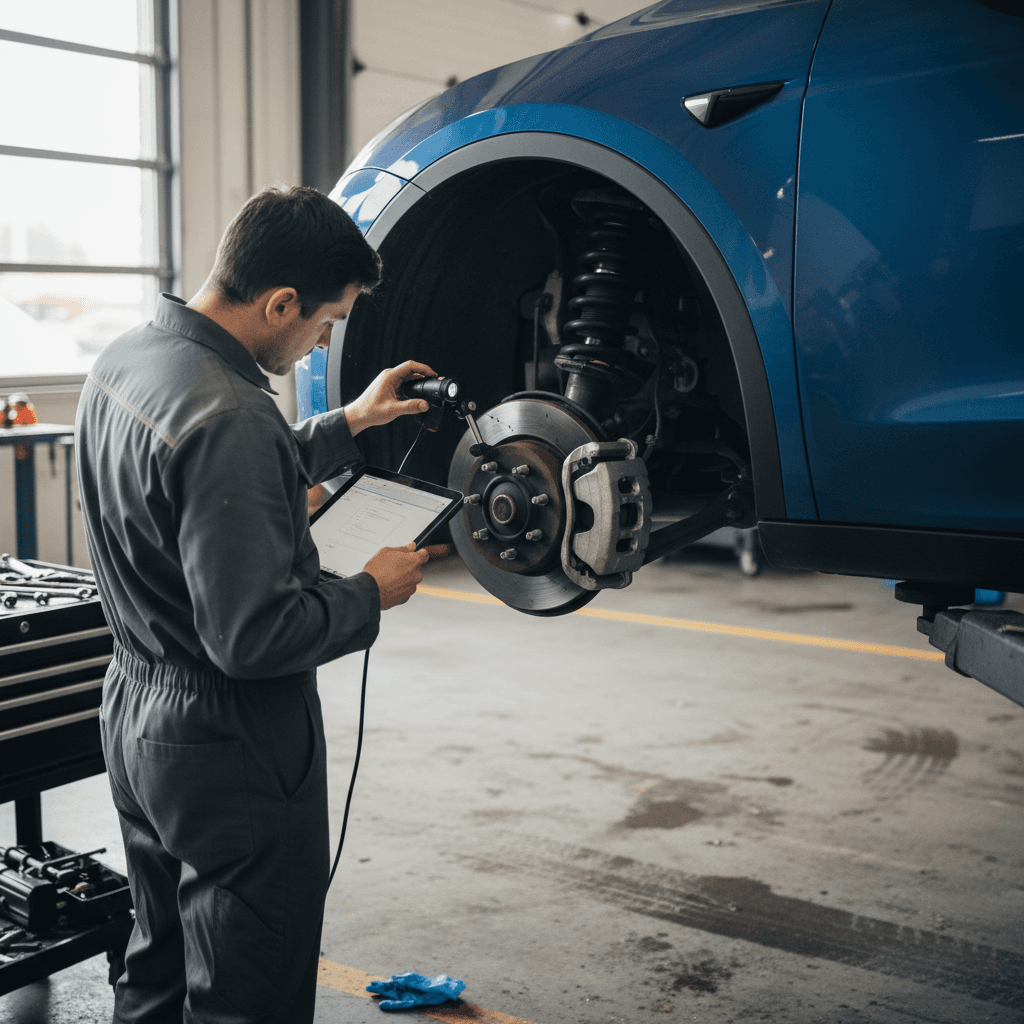
- Run the climate system on both full heat and full A/C for several minutes, with the car in Park, before buying or after a major update.
- If you notice weak or no heat in freezing conditions, schedule service promptly; driving with poor defrost can be unsafe.
- Ask the seller for proof of any HVAC‑related repair orders on a used 2022 Model Y, especially from cold‑weather states.
The good news on HVAC fixes
Suspension rattles and steering vibration
Noise, vibration, and harshness (NVH) is one of the biggest splits between happy and unhappy Model Y owners. Many 2022 vehicles are quiet and solid; others exhibit front suspension rattles over small bumps or a steering‑wheel vibration at highway speeds that can be tough to chase down.
Common ride and steering complaints on 2022 Model Y
Here’s what owners describe, and where to start with fixes.
Front suspension rattle
A clunk or rattle over potholes and speed bumps, often sounding like it’s coming from the front corners or firewall.
- Possible causes: Loose sway‑bar links, top strut mounts, brake hardware, or even frunk trim pieces rattling.
- Typical fix: Tesla service re‑torques and, if needed, replaces links, bushings, or top mounts; some cars need updated components.
Steering‑wheel shake at speed
Noticeable vibration in the wheel between about 65–80 mph, sometimes only on certain road surfaces.
- Possible causes: Wheel/tire imbalance, flat‑spotted tires, or alignment out of spec; rarely, a worn suspension component.
- Typical fix: Road‑force balance, alignment, and inspection of control arms and tie‑rods.
Groaning or grinding on tight turns
A low‑speed groan or shudder when you turn the wheel near full lock, especially in parking lots.
- Possible causes: Front suspension geometry under high load, or occasionally steering‑column or power‑steering quirks.
- Typical fix: Document with video and pursue warranty diagnosis; Tesla often classifies mild versions as “normal,” but severe cases may receive updated parts.
On your test drive: how to spot a problem child
Drive on rough and smooth pavement
Use neighborhood streets, patched asphalt, and a smooth highway. Listen for rattles, clunks, or buzzes from the front and rear.
Vary speeds up to 75 mph
At U.S. highway speeds, feel for any steering‑wheel shake or seat vibration. A well‑sorted 2022 Model Y should track straight and feel composed.
Make tight, slow turns
In an empty lot, perform full‑lock turns in both directions. Note any grinding, hopping, or loud groans; subtle tire scrub is normal, but strong shudder isn’t.
Check tire condition carefully
Uneven wear on the inner shoulders, cupping, or mismatched tires can all mask or create NVH that isn’t obvious at a glance.
Bring a second set of ears
Wind noise, water leaks, and fit-and-finish
Fit‑and‑finish complaints are still more common on Tesla’s crossover than on some legacy‑brand rivals. For 2022, the big structural issues of early builds are mostly behind us, but you can still run into wind noise, misaligned panels, and occasional water leaks around liftgates and glass.
Quick body and interior checks for a used 2022 Model Y
Use this table as a walk‑around checklist before or after your test drive.
| Area | What to Look For | Why It Matters |
|---|---|---|
| Front doors & mirrors | Run your hand around seals; look for uneven gaps or loose trim. | Poor sealing often leads to wind noise at highway speeds. |
| Liftgate & taillights | Spray lightly with water or visit a car wash; check for moisture inside and around seals. | Water leaks can damage electronics and interior trim over time. |
| Glass roof & windshield | Inspect for chips, cracks, or evidence of resealing. | Glass replacement is expensive, and poor reseals can creak or leak. |
| Interior trim & seats | Listen for squeaks over bumps; press gently on panels to check for looseness. | Rattles are common complaints and can be tricky to chase down. |
| Charge port door | Open and close several times; look for paint damage around the hinge. | Misalignment here can signal prior impact or sloppy repair work. |
Minor alignment or seal issues are usually fixable, but several at once can be a red flag about build quality or prior damage.
Cosmetic vs. structural issues
Brakes, tires, and ride quality complaints
Because the 2022 Model Y is heavy, quick, and often equipped with big wheels, owners frequently report fast tire wear, harsh ride quality, and in some climates, noisy or rusty‑looking brake hardware. These are usually wear‑and‑tear rather than design defects, but they affect your real‑world costs and comfort.
Tires
- Performance variants and cars on 20–21 inch wheels can chew through tires in 20,000–30,000 miles if driven aggressively.
- Check all four tires for matching brand, size, and tread depth; mismatched or budget replacements can worsen noise and handling.
- An alignment printout is a bonus, these cars are sensitive to toe settings.
Brakes
- Because of strong regenerative braking, pad wear is often low, but rotors can develop surface rust in humid or salty regions.
- Go for a few hard manual stops to clean the rotors and verify the brake pedal feels firm and consistent.
- Any grinding, pulling to one side, or ABS warnings warrants professional inspection.
Ride comfort hack
Major recalls affecting the 2022 Model Y
Like most modern Teslas, the 2022 Model Y has been involved in multiple recalls, many of them software‑related. The advantage is that many fixes are delivered over the air; the downside is that a used vehicle’s status can be murky unless you verify it.
Key recall themes that touch 2022 Model Y builds
Exact applicability depends on build date, hardware, and installed software, but these categories should be on your radar.
| Recall Category | What It Affects | Typical Fix |
|---|---|---|
| Autosteer / Autopilot behavior | Driver‑assist limits, alerts, and driver‑monitoring behavior across millions of Teslas, including 2020–2023 Model Y. | Software update modifying Autosteer engagement rules, warnings, and driver‑attention checks. |
| Heat‑pump / HVAC performance | Loss of cabin heat or poor defrost in certain cold‑weather conditions on early heat‑pump cars, including some 2022 builds. | Software calibration update; in some cases, replacement of valves, sensors, or HVAC components. |
| Door / hood / latch detection | Incorrect open‑state detection for hood or doors, which could affect warnings while driving. | Software update and, if needed, sensor or latch replacement. |
| Lighting and chimes | Turn‑signal sounds, seat‑belt reminders, or side‑marker lighting not conforming to regulations on certain cars. | Over‑the‑air update; physical lamp or wiring repair if hardware‑related. |
Always run a VIN check and confirm recall completion with Tesla before buying a used Model Y.
Always verify recall status by VIN
How to inspect a used 2022 Tesla Model Y
Whether you’re buying from a private party, a franchise dealer, or an online marketplace, you should approach a used 2022 Model Y with a structured checklist. These cars pack a lot of software and unique hardware, so a traditional “kick the tires and glance at the oil” approach doesn’t cut it.
Pre‑purchase checklist for a 2022 Model Y
1. Battery health and range
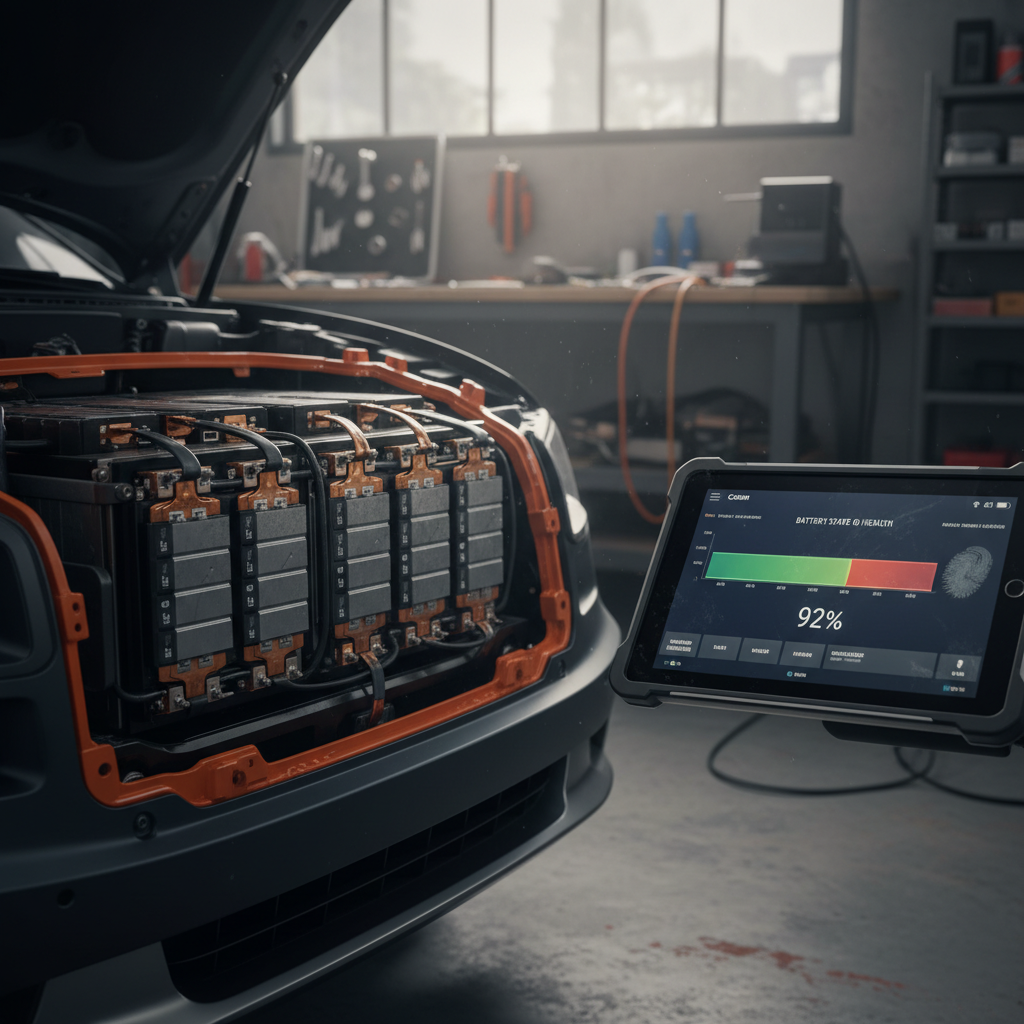
Compare displayed full‑charge range to the original EPA figure for that trim. A modest drop with mileage is normal; a dramatic loss can signal abuse or a pack‑level issue. A <strong>Recharged Score battery report</strong> takes the guesswork out by measuring real‑world capacity.
2. Software version and warning lights
On the main screen, check that the car is on a reasonably current software build and that no warnings are present. Look for messages related to Autopilot, airbags, charging, or the 12‑volt system.
3. HVAC and climate control
Test heat and A/C thoroughly. Activate front and rear defrost and feel for consistent air temperature and flow. In cold climates, pay extra attention to warm‑up time and windshield clarity.
4. Suspension and steering behavior
Follow the NVH test‑drive steps earlier in this guide. Any persistent clunking, pulling, or vibration deserves a professional inspection and could warrant renegotiation or walking away.
5. Body, glass, and interior
Use the fit‑and‑finish table as a roadmap. Look down the sides of the car for ripples, verify paint consistency, and check the glass roof edges closely for chips or prior repairs.
6. Charging and charge port
Plug into a Level 2 station if possible and verify that charging starts promptly and continues without errors. Inspect the charge port for cracks or signs of forced closure.
How Recharged does it
When to walk away vs. when a fix is easy
Usually easy (or reasonable) fixes
- Minor rattles traced to loose interior trim or frunk panels.
- Single‑axis wheel imbalance causing mild steering shake, confirmed by a tire shop.
- Cosmetic wheel rash, as long as the wheel itself is not bent or cracked.
- Software glitches that disappear after an update and stay gone.
- Slightly uneven panel gaps with no signs of collision repair.
Good reasons to walk away
- Multiple unresolved warning lights, especially for airbags, Autopilot, or the high‑voltage battery.
- Persistent heat‑pump or defrost problems after at least one prior repair attempt.
- Visible structural damage, poor collision repairs, or airbag deployment in the vehicle history.
- Severe steering vibration or suspension clunks that a seller is unwilling to diagnose.
- Salvage/rebuilt title unless you fully understand the risks and reduced resale value.
Don’t “fall in love” too early
How Recharged helps used Model Y buyers
If you like the idea of a 2022 Model Y but not the idea of decoding its history alone, that’s exactly the gap Recharged was built to fill. As a used‑EV marketplace focused on transparency, Recharged bundles the kind of due diligence that’s hard for an individual shopper to do on their own.
Why consider a 2022 Model Y through Recharged?
Less guesswork, more confidence.
Recharged Score battery health
Every vehicle includes a Recharged Score Report that measures real‑world battery health, so you’re not guessing whether a 2022 pack still has the range you need.
Problem & recall transparency
We verify open recalls, review service history when available, and flag issues that matter to long‑term ownership, such as repeated HVAC or suspension visits.
Financing, trade‑in & delivery
Recharged offers financing options, trade‑in or instant offer, and nationwide delivery. You can shop and complete the purchase fully online or visit our Experience Center in Richmond, VA.
Ready to find your next EV?
Browse VehiclesLeverage expert guidance
FAQ: 2022 Tesla Model Y problems and fixes
Frequently asked questions
Bottom line: is the 2022 Model Y worth it?
For many shoppers, a well‑chosen 2022 Tesla Model Y hits the sweet spot between cutting‑edge EV tech and everyday usability. The battery and motors are generally robust, and once you address or avoid the known problem areas, HVAC, electronics quirks, and noise/vibration, you’re left with a quick, efficient crossover that’s easy to live with.
The key is not assuming “it’s a Tesla, so it must be fine.” Instead, use the checklists in this guide, verify recall and software status, and insist on objective battery‑health data. If you’d like to shortcut that homework, exploring 2022 Model Ys that already carry a Recharged Score Report can give you far more confidence about the car you’re actually buying, not just the badge on the nose.