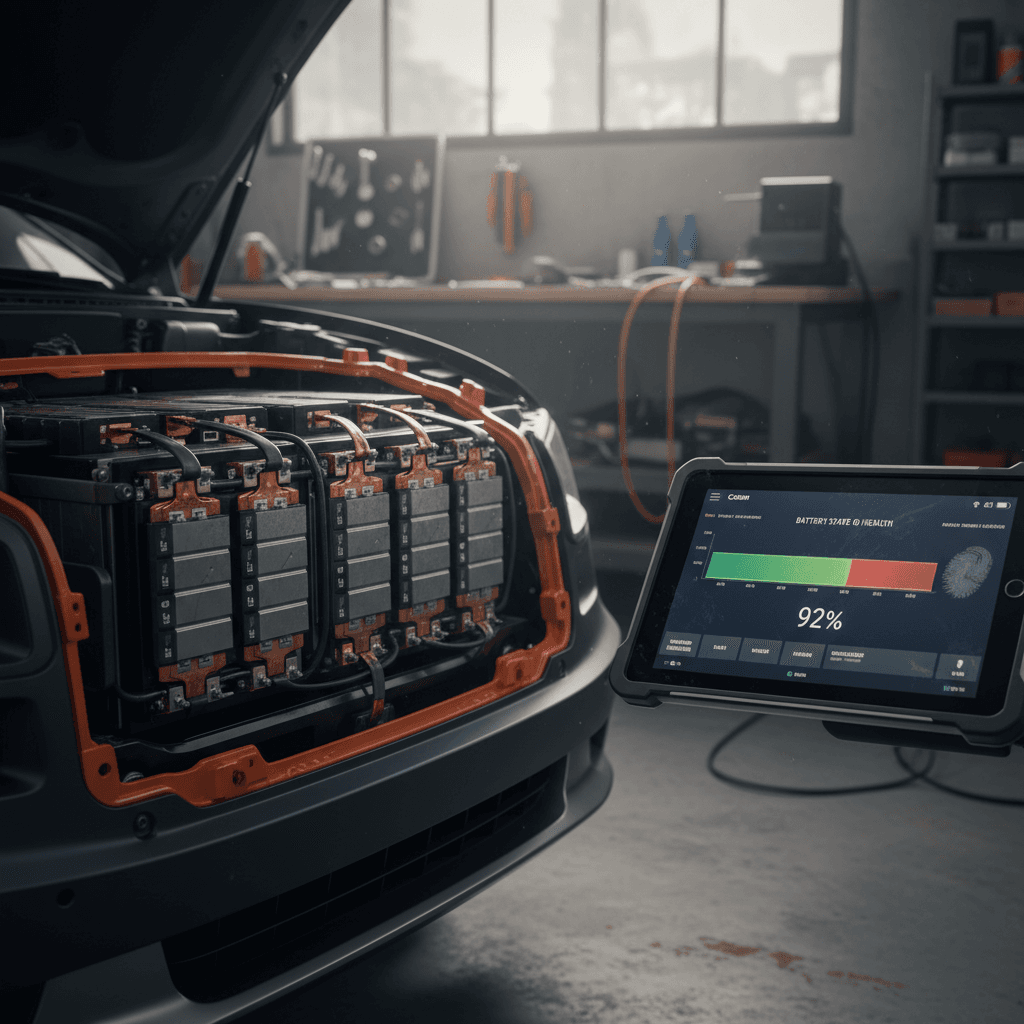
If you own a Kia EV9 or you’re shopping for a used one, understanding how to check EV9 battery health is one of the smartest things you can do. The high‑voltage pack is the most valuable component in the vehicle, and its condition has a huge impact on real‑world range, warranty coverage, and resale value.
Good news for EV9 owners
Why Kia EV9 battery health matters
- Range confidence: A healthy battery means your EV9 can comfortably cover family trips and daily commutes without white‑knuckle range anxiety.
- Warranty protection: Knowing your battery’s state of health (SOH) helps you understand whether you’re approaching Kia’s capacity warranty threshold.
- Resale value: For a used EV9, documented battery health can add thousands of dollars in value and make the sale much smoother.
- Shopping used: If you’re evaluating a pre‑owned EV9, a clear battery health check separates a great deal from a future headache.
Where Recharged fits in
Kia EV9 battery basics and warranty limits
Before you run a Kia EV9 battery health check, it helps to understand what’s under the floor. The EV9 rides on Hyundai–Kia’s E-GMP platform with a large lithium‑ion pack (about 76 kWh usable on the standard‑range model and roughly 100 kWh gross on long‑range trims). It’s designed for fast DC charging and long life, but like any lithium‑ion battery, capacity slowly declines over time.
Kia EV9 battery at a glance
Warranty vs. real‑world health
Quick Kia EV9 battery health checks from the driver’s seat
You won’t see an official “battery health: 95%” screen anywhere in the EV9, but you can get a surprising amount of insight just by using the built‑in displays and your normal driving routine. Here’s where to start.
3 simple in‑car battery health checks
No tools required, just pay attention to what the EV9 is already telling you.
1. Rated vs. real‑world range
Charge the EV9 to a known percentage, ideally 80%, and note the estimated range shown on the cluster.
- Compare it to the EPA‑rated range for your trim.
- Factor in highway speeds, temps, roof racks, and big wheels, all of which cut range.
If you’re consistently seeing far less range than similar owners under similar conditions, that’s a flag worth investigating.
2. Percent drop per mile
Reset your trip meter, then drive a familiar route at your normal pace.
- Note how many % of battery you use over, say, 20–30 miles.
- Healthy, newer EV9s should roughly track their expected efficiency unless you’re pushing very high speeds or towing.
Large, unpredictable swings in % used, especially in mild weather, can hint at pack or calibration issues.
3. Watch temperature & conditioning
The EV9 has a battery conditioning mode that pre‑warms or cools the pack to protect performance, especially around DC fast charging.
If you frequently see reduced DC fast‑charge speeds in mild weather, or conditioning warnings that don’t match conditions, it could be a sign the pack isn’t behaving as expected.
Why you won’t see an SOH % on screen
Deeper Kia EV9 battery health checks with apps & scan tools
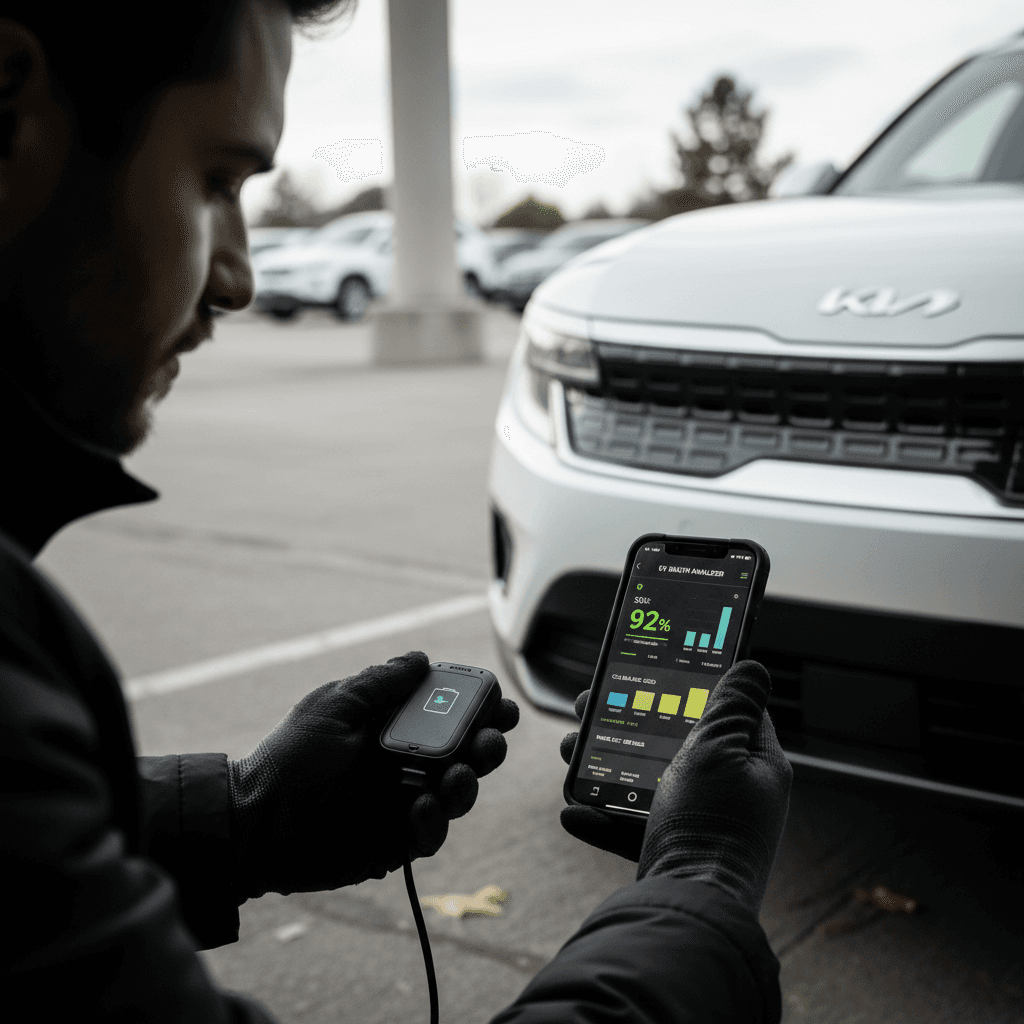
If you want a more technical Kia EV9 battery health check, especially when evaluating a used vehicle, you’ll need to read data directly from the BMS. The good news: you don’t have to be a dealer technician to get useful insight. A smartphone, a compatible OBD2 dongle, and the right app can surface state‑of‑health information and pack behavior.
What tools you need
- OBD2 adapter: A reputable Bluetooth or Wi‑Fi dongle that supports modern CAN protocols. Avoid ultra‑cheap clones.
- Battery/EV app: A third‑party app that supports Kia/Hyundai EVs and can display parameters like state of health (SOH), pack voltage, cell imbalance, and charge cycles.
- Smartphone or tablet: iOS or Android, depending on the adapter and app you choose.
Many EV9 owners use the same tools originally popular with EV6 and Ioniq 5 drivers; compatibility tends to carry over because they share the E‑GMP platform.
How to connect safely
- Park the EV9 safely, set it to P, and engage the parking brake.
- Locate the OBD2 port (typically under the lower dash, near the steering column).
- Plug in the adapter, then turn the EV9 to "ON"/"Ready" so the high‑voltage systems are awake.
- Pair your phone to the adapter (Bluetooth or Wi‑Fi) and open your EV app.
- Select the Kia EV9 profile (or closest supported model) and start a live data session.
Never change configuration values unless you know exactly what you’re doing. For health checks, you’re just reading data, not writing it.
Key battery data points to review on a Kia EV9
These BMS values won’t all be labeled the same way in every app, but together they paint a solid picture of your EV9’s pack health.
| Parameter | What it tells you | What “healthy” usually looks like | What’s concerning |
|---|---|---|---|
| State of Health (SOH) | Estimated remaining capacity vs. new | Mid‑ to high‑90s on newer EV9s; low‑ to mid‑90s after several years is common | Below mid‑80s, or dropping quickly from one check to the next |
| Total pack voltage | Overall energy potential at a given state of charge | Consistent with other EV9s at same % and temperature | Much lower than peers at same % and temp |
| Cell/module balance | Voltage difference between highest and lowest cells | Very small spread (often under ~20–30 mV) | Large or growing spread under light load, may indicate a weak cell |
| Battery temperature | Thermal condition of the pack | Moderate temps most of the time; brief peaks during fast charging or hard use | Frequent extreme temps or unexplained hot spots |
| Charge/discharge limits | How much power the BMS will allow in or out | Limits that match expectations for your SOC and temp | Permanent, unexplained reductions in output or fast‑charge speed |
Treat these numbers as indicators, not gospel, no single value tells the whole story.
Don’t override or “tune” battery settings
How to check a used Kia EV9’s battery before you buy
Used EV9s are starting to hit the market in real numbers. Battery condition is where great deals stand apart from cheap mistakes, especially on a large, fast‑charging pack like the EV9’s. Here’s a practical sequence you can follow whether you’re buying from a private seller, a franchise dealer, or an online marketplace.
Used Kia EV9 battery health checklist
1. Ask for charging history
Find out how the previous owner charged: mostly home Level 2 and kept below 100%, or lots of DC fast‑charging to full? Frequent fast‑charging and sitting at 100% isn’t an automatic deal‑breaker, but gentle habits usually mean a healthier pack.
2. Verify software and recalls
Make sure the EV9 has all relevant software updates and any battery‑related recalls or service bulletins addressed. Ask for dealer records; these often include notes about battery diagnostics or module replacements.
3. Compare displayed range to spec
Charge the EV9 to 80% and check the displayed range. Compare it to the original EPA rating for that trim, adjusted for your wheels, roof box, and climate. Big unexplained gaps between expectation and reality deserve a deeper look.
4. Run an SOH scan if possible
If the seller allows it, connect an OBD2 dongle and EV app to read SOH, cell balance, and temperature data. Take screenshots and note ambient temperature, mileage, and state of charge so you can compare later or share with an expert.
5. Look for warning messages or derating
During your test drive, watch for messages like "Check Electric Vehicle System" or suddenly reduced power/charge speed. These can point to BMS faults or failing modules, issues that can sideline the vehicle for weeks while parts and engineers are scheduled.
6. Get a professional EV inspection
For high‑dollar EVs like the EV9, a pre‑purchase inspection by a shop familiar with Kia EVs is money well spent. At Recharged, our <strong>Recharged Score</strong> includes deep battery diagnostics and range testing specifically for used‑EV buyers.
Buying through Recharged
Ready to find your next EV?
Browse VehiclesCharging and driving habits that keep your EV9 battery healthy
Checking battery health is only half the story. The other half is how you treat the pack over tens of thousands of miles. Like most modern EVs, the EV9’s battery management system is robust, but your day‑to‑day choices still matter.
Everyday habits that extend Kia EV9 battery life
You don’t have to baby the pack, but a few simple rules go a long way.
Use Level 2 charging as your default
Home or workplace Level 2 charging at 240V is the sweet spot for the EV9. It’s fast enough to refill overnight but gentler than frequent DC fast‑charging.
Reserve DC fast‑charging for road trips or when you truly need a quick top‑up.
Avoid sitting at 100% for long periods
It’s fine to go to 100% before a trip, but don’t leave the EV9 parked at full charge for days on end.
For daily use, many owners target a charge limit of 70–80%, only topping to 100% occasionally to help the BMS recalibrate its readings.
Do a “calibration” charge once in a while
Some EV9 owners and Kia guidance recommend charging to near 100% about once a month. This doesn’t magically heal the battery, but it can help the BMS better estimate capacity, which makes range predictions more accurate.
Watch temperature extremes
Very hot or very cold conditions stress any lithium‑ion pack.
- In summer, avoid repeated fast‑charging sessions back‑to‑back if possible.
- In winter, use the EV9’s battery conditioning when heading to a DC fast charger to reduce stress and improve speed.
Drive smoothly when you can
Heavy right‑foot abuse won’t instantly kill your battery, but constant max‑power launches mean high current draws and extra heat.
Using Eco or Normal mode for routine driving helps keep the battery in a friendlier operating window most of the time.
Store with some charge, not empty
If you’re parking the EV9 for an extended period (say, a few weeks), aim to leave it around 40–60% state of charge and avoid both 0% and 100% long‑term.
DC fast‑charging and long‑term health
Warning signs it’s time for a professional battery diagnostic
Most EV9 packs will quietly do their job for years. But certain symptoms mean you should stop guessing and let an experienced shop or Kia dealer pull a full battery report. Catching problems early can keep you mobile and protect your warranty rights.
- Repeated "Check Electric Vehicle System" or BMS‑related warnings, especially if they come back after a software update or simple reset.
- Sudden, permanent‑feeling drop in range (for example, the car that used to show ~260 miles at 80% now only shows ~210 miles in similar conditions).
- Fast‑charge sessions that stall at very low speeds in mild weather, even on known‑good chargers, after ruling out station issues.
- Noticeable power limitation (reduced acceleration) with no clear cause like cold weather or low state of charge.
- Visible pack or under‑body damage after an impact, debris strike, or off‑pavement excursion.
- A used EV9 that fails basic health checks but the seller can’t, or won’t, provide recent battery diagnostics.
Document everything for warranty claims
FAQ: Kia EV9 battery health checks
Frequently asked questions about Kia EV9 battery health
Bottom line: EV9 battery health and resale value
The Kia EV9’s battery is engineered for the long haul and backed by one of the stronger warranties in the segment, but it still pays to know how to check battery health and spot early warning signs. A few simple in‑car checks, an occasional scan‑tool session, and smart charging habits will keep your EV9 delivering the range and performance you bought it for.
If you’re evaluating a used Kia EV9, don’t treat the battery as a mystery box. Ask for records, compare range, and, whenever possible, review real BMS data. Or let Recharged handle the heavy lifting: our Recharged Score Report pairs battery diagnostics with transparent pricing, trade‑in options, and nationwide delivery so you can shop EVs with the same confidence you expect from a new‑car showroom.