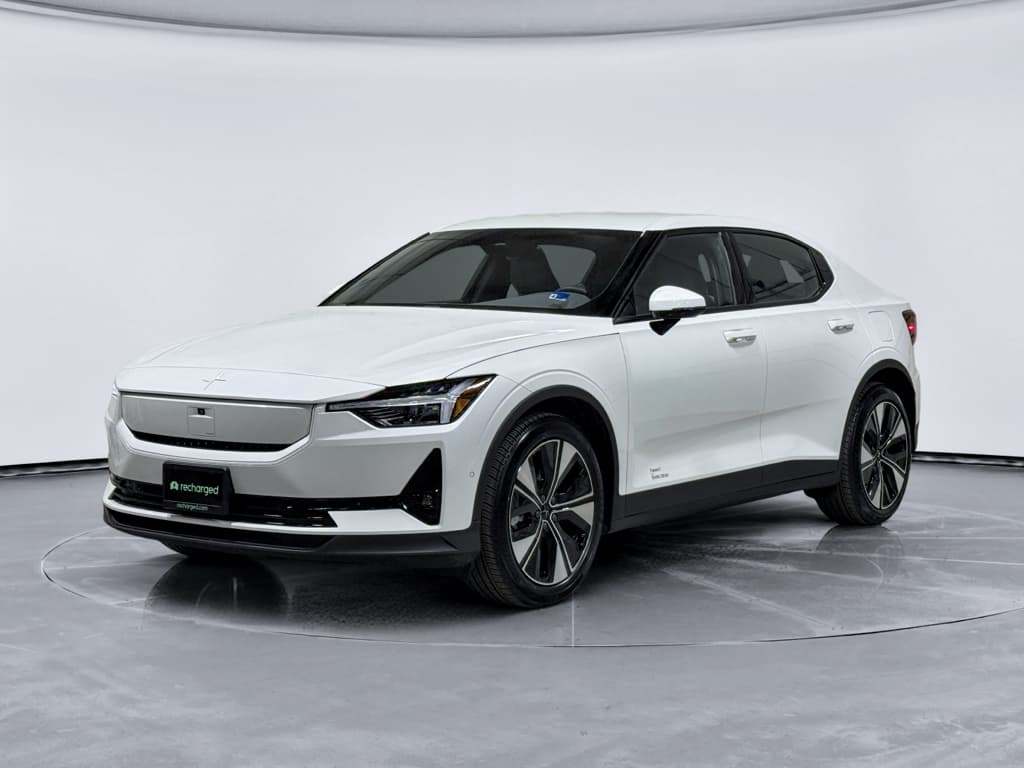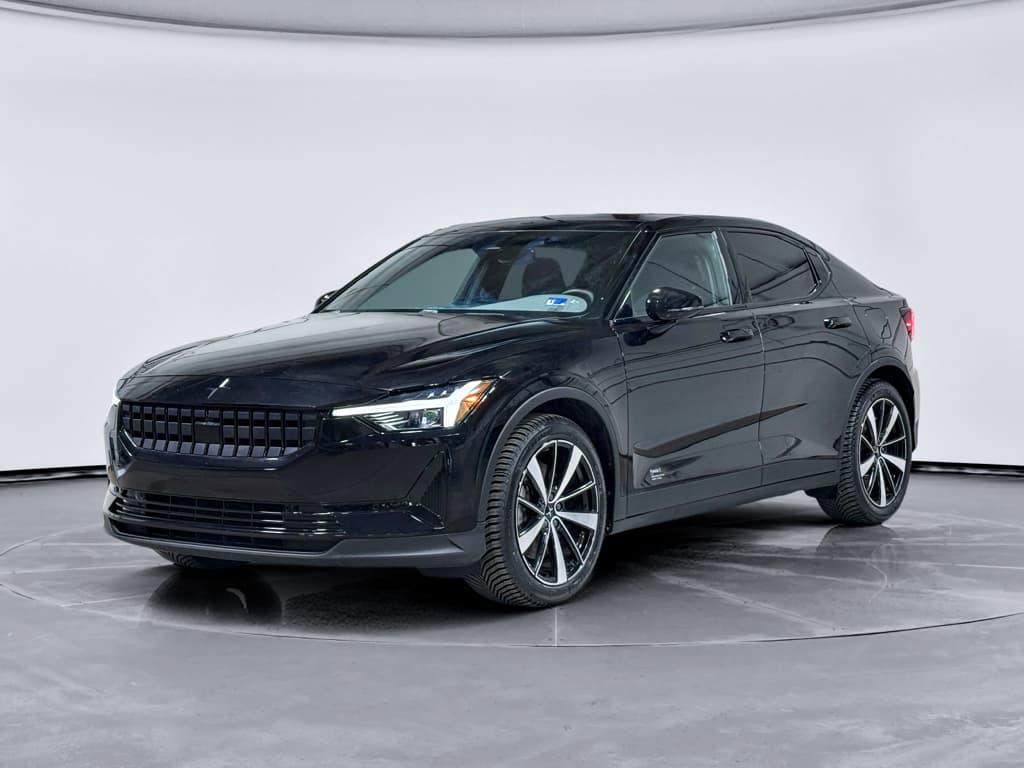
If you’re considering a used 2022 Polestar 2, you’ve probably heard about software bugs, 12V battery trouble, and the occasional braking or charging scare. The reality is more nuanced: the 2022 Polestar 2 is generally a solid EV, but like many software‑heavy models, certain 2022 Polestar 2 problems and fixes come up again and again in owner reports and service bulletins.
Big picture on 2022 Polestar 2 reliability
Overview: How Worried Should You Be About 2022 Polestar 2 Problems?
2022 Polestar 2 reliability snapshot
Where the 2022 Polestar 2 tends to stumble is software polish and low‑voltage electrics, not its core EV hardware. That makes it a good candidate as a used buy if you’re methodical: verify updates, check the 12V system, and confirm recall work. At Recharged, we bake a lot of that diligence into our Recharged Score and battery/vehicle health checks so you’re not guessing.
Quick list: Common 2022 Polestar 2 problems
- Software bugs: frozen Google built‑in screen, random reboots, missing or incorrect driver‑assist warnings.
- Connectivity & app issues: TCAM (telematics module) failures, no data connection, remote app not updating vehicle status.
- 12V battery issues: low‑charge warnings, no‑start situations, repeated jump‑start needs.
- Charging problems: public DC fast chargers failing to start sessions, AC charging interruptions, charge‑port locking glitches.
- Braking and one‑pedal driving concerns: rare but serious recall‑related software behavior around regen and pedal feel.
- Noises and trim: interior rattles, squeaks over rough pavement, occasional wind noise from mirrors/window seals.
- Climate quirks: uneven cabin temperature left/right, weak airflow, or compressor/vent actuator noises.
How to use this guide
Software bugs & infotainment glitches
The 2022 Polestar 2 leans heavily on software: a Google‑based infotainment system, software‑defined driver‑assist features, and frequent over‑the‑air (OTA) updates. That’s great when everything works; less great when an update misbehaves or a module crashes.
Typical 2022 Polestar 2 software symptoms
Most are annoying, not unsafe, but they’re still worth addressing
Frozen or blank center screen
The main Google built‑in screen may boot slowly, freeze, or go black mid‑drive. You may lose navigation and media, though basic driving remains unaffected.
Driver‑assist warnings
Messages about Pilot Assist, lane keeping, or camera/radar availability popping up more than occasionally can indicate calibration or software issues.
App mismatch or delays
The car’s status in the Polestar app doesn’t match reality: wrong SoC, stale location, or climate status out of sync with what you see in the car.
When a screen bug becomes a safety issue
Software fixes and owner steps
1. Perform a soft reset
Hold the home button on the center screen for about 20 seconds until it reboots. This clears many superficial glitches without affecting your saved settings.
2. Check for pending updates
In the vehicle settings, verify that the car is on a recent software version. Many 2022 Polestar 2 bugs were mitigated in later 2023–2025 OTA updates.
3. Test driver‑assist features
On a safe, straight road, test adaptive cruise and Pilot Assist. Watch for sudden disengagements or repeated alerts, which may point to calibration or sensor problems.
4. Document repeat issues
If the same warning or crash occurs, take photos or short videos and note the mileage and conditions. This makes it much easier for a Polestar/Volvo service center to diagnose.
5. Ask for update history
When buying used, request service records showing software campaign completion. A car that has lagged on updates is more likely to exhibit older, already‑fixed bugs.
On a Recharged vehicle, the Recharged Score report will call out software campaign status and any stored diagnostic trouble codes, so you know whether you’re inheriting someone else’s software gremlins or a car that’s been kept current.
Connectivity and Polestar app issues
Early Polestar 2s became infamous for TCAM (Telematics and Connectivity Antenna Module) glitches. On 2022 cars, many of the worst bugs have been addressed, but owners still report intermittent connectivity, SOS call errors, or the Polestar app failing to wake the car reliably.
Common connectivity symptoms
- No LTE/data icon and online features like live traffic or streaming fail.
- Polestar app shows the car as offline or can’t start remote climate.
- Persistent SOS error messages related to emergency call functions.
Likely causes
- TCAM module software bugs or, less often, TCAM hardware failure.
- Account issues in the Polestar app or Google profile.
- Weak cell coverage where the car is regularly parked.
Simple connectivity checks first
Fixes for connectivity and app issues
1. Reboot infotainment and log out/in
Perform a center‑screen reboot, then log out and back into your Polestar and Google accounts. This alone resolves a surprising number of app sync issues.
2. Toggle data and privacy settings
In settings, toggle mobile data and connectivity privacy options off and on. Make sure online services are allowed for your driver profile.
3. Test in a different area
If possible, drive to an area with strong cell coverage and see if LTE connectivity returns. That helps distinguish coverage from hardware problems.
4. Ask about TCAM campaigns
Polestar has issued software campaigns for connectivity; when buying used, ask whether any TCAM‑related recalls or service actions have been completed.
5. Escalate persistent SOS errors
If SOS or emergency‑call faults persist, book a Polestar/Volvo service visit. Faulty TCAM hardware or antenna wiring needs professional diagnosis.
12V battery and startup problems
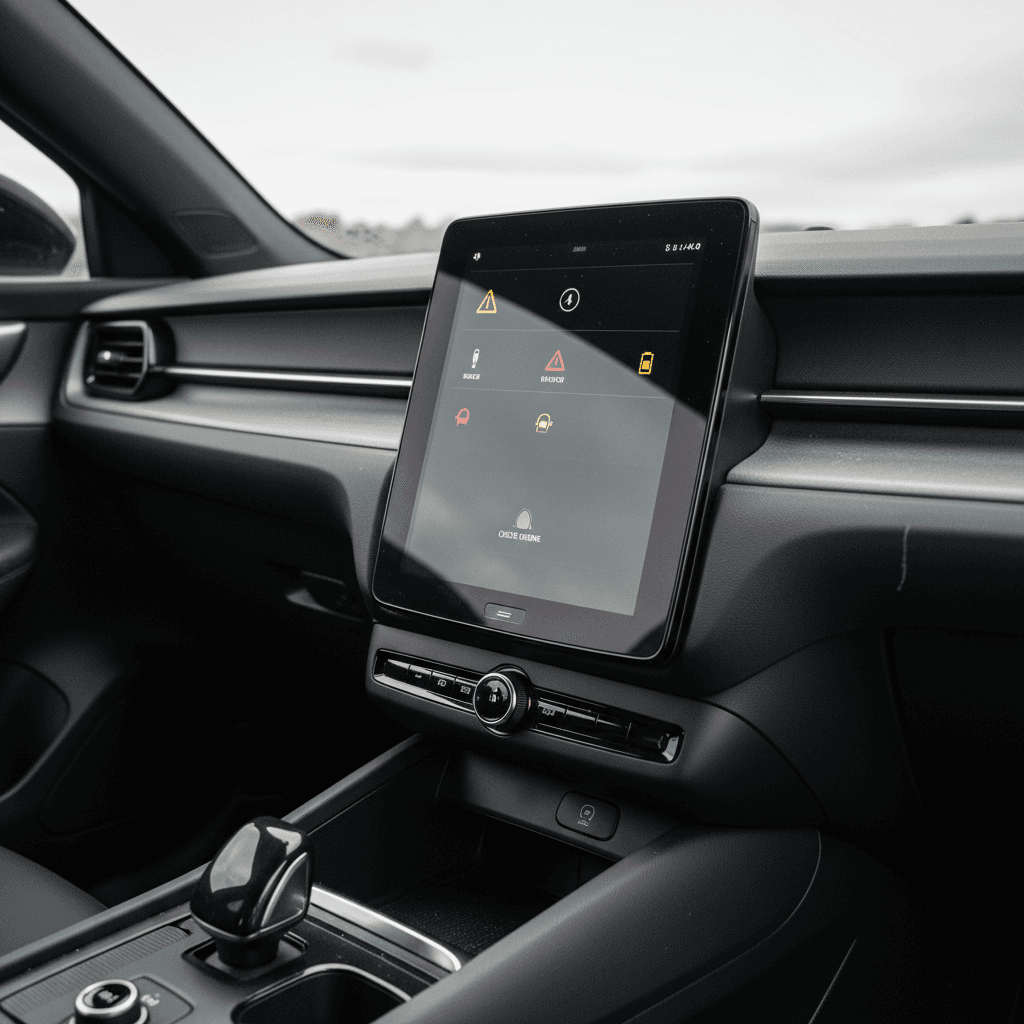
Like almost every modern EV, the Polestar 2 still uses a traditional 12V battery to power control modules, locks, and other low‑voltage systems. On 2022 cars, owners report occasional low 12V warnings in the app, slow wake‑ups, or in worst cases, a car that won’t start despite a healthy main battery.
Typical 12V battery symptoms on a 2022 Polestar 2
These often show up around the 2–4 year mark
Low 12V warning in app
The Polestar app flags low 12V state of charge even when the car seems to drive normally. That can be an early warning or, occasionally, a false alert.
Slow to recognize key fob
Doors take longer than usual to unlock or the car wakes slowly when you approach or press the brake, especially after sitting overnight.
No‑start with multiple errors
A weak 12V can produce a blitz of random error messages, then a no‑start condition. Jump‑starting often revives the car temporarily.
Don’t ignore 12V warnings
12V diagnosis and fixes
1. Check car usage pattern
Lots of very short trips or long idle periods can prevent the DC‑DC converter from keeping the 12V topped up. If the car mostly sits, plan for periodic longer drives or scheduled charging.
2. Confirm software level
Polestar has tuned charging logic for the 12V over time. Make sure the car has recent software; some early builds were more prone to 12V under‑ or over‑charging.
3. Test the 12V battery
Have a shop load‑test the 12V. If it’s original on a 2022 car, replacement is often the most straightforward solution, especially in harsh climates.
4. Watch for parasitic drains
Aftermarket accessories wired to the 12V system, or modules that don’t sleep properly, can drain the battery. If replacement doesn’t help, deeper diagnosis is needed.
5. Use roadside support if stranded
If the car won’t start, Polestar roadside assistance or a qualified tow provider can jump the 12V so you can reach service. Repeated jump‑starts are a sign the battery or DC‑DC system needs attention.
At Recharged, every Polestar 2 we list gets a 12V health check as part of the Recharged Score. If a 2022 car still has its original 12V battery and test results are marginal, we either replace it or price the car accordingly so you’re not ambushed a month after purchase.
Charging problems: AC and DC fast charging
Charging complaints on the 2022 Polestar 2 tend to cluster around public infrastructure: failed DC fast‑charge sessions, charge ports that won’t lock or unlock smoothly, or AC charging that stops prematurely. Often the culprit is the charger, network, or a handshake bug rather than broken hardware on the car.
Common 2022 Polestar 2 charging problems and likely fixes
Use this as a quick reference when a charge session doesn’t go as planned.
| Symptom | Likely causes | Quick owner actions | When to see service |
|---|---|---|---|
| DC fast charging won’t start | Network handshake bug, station fault, outdated software | Try a different stall, reboot car, start session via app instead of plug‑and‑go | If multiple networks fail, request a diagnostic on charge module and software |
| AC charging stops early | Timer settings, smart‑home chargers, thermal limits | Check car’s charge schedule, wallbox settings, and ambient temperature | If it repeats on multiple outlets/EVSEs, have onboard charger checked |
| Charge port door/lock stuck | Debris, ice, actuator wear | Gently clear debris, unlock via app, warm area if frozen | If physical resistance or error messages persist, actuator/service visit needed |
| Public charger reports fault | Faulty station hardware or cable | Try another station or provider, report the fault in the network’s app | If your car triggers faults on many stations, request a charging systems inspection |
Many charging problems are fixable with software updates or by changing how you initiate sessions, rather than replacing hardware outright.
Test multiple networks when shopping used
Braking and one-pedal driving recalls
Polestar has issued limited recalls related to braking and one‑pedal driving behavior on certain Polestar 2 model years, including 2022 cars built within specific ranges. In rare, very specific downhill coasting scenarios, software could reduce hydraulic brake assistance more than intended.
Why this matters even if it’s rare
How to check your 2022 Polestar 2 for brake‑related recalls
1. Run the VIN on official sites
Enter the VIN on NHTSA’s recall lookup and Polestar’s own recall page. This will show any open campaigns, including braking or one‑pedal‑related updates.
2. Ask for recall proof
When buying used, ask the seller for documentation showing recall completion. A brief dealer visit with a software flash is often all that’s required.
3. Test one‑pedal behavior
On a safe downhill stretch, test one‑pedal driving at moderate speed. Pay attention to transition between regen and friction braking, and whether pedal feel remains consistent.
4. Don’t ignore odd pedal feel
If the brake pedal feels unusually hard, long, or inconsistent, or if any brake warning lights appear, have the car inspected immediately.
Rattles, wind noise, and climate control quirks
On the nuisance side of the ledger, some 2022 Polestar 2 owners report interior rattles, wind noise from mirrors or seals at highway speed, and HVAC behavior that doesn’t always match the set temperature, particularly side‑to‑side differences or weak airflow.
Annoying but fixable comfort issues
These rarely make the car unsafe, but they matter on a premium EV
Wind noise
Whistling or rushing sound near the A‑pillars or mirrors above 60 mph can often be traced to alignment or seals. Minor adjustments and updated seals can help.
Interior squeaks & rattles
Loose trim panels, seat rails, or cargo‑area covers can cause rattles over rough roads. Dealers can often track these down with test drives and felt pads.
HVAC quirks
Uneven left/right temperatures, delayed heating, or clicking from vents may point to blend door actuators or calibration issues, not a failing heat pump by default.
Negotiation leverage on a used 2022 Polestar 2
How to diagnose a used 2022 Polestar 2 before you buy
If you’re evaluating a single 2022 Polestar 2 at a dealer or from a private seller, it’s easy to get swept up in the design and Google interface. Slow down and treat the car like what it is: a rolling computer on a high‑voltage skateboard. Here’s a structured way to vet it.
Pre‑purchase checklist for a 2022 Polestar 2
1. Scan for software and recall history
Ask for service records, including OTA or dealer‑installed software updates and recall documents. A car that’s up‑to‑date is less likely to surprise you with old bugs.
2. Inspect 12V and main battery health
Have the 12V battery tested and ask for any available high‑voltage battery reports. On a Recharged car, the Recharged Score will summarize battery condition and charging behavior.
3. Test all charging modes
Verify the car charges on Level 2 at home or a public station, and, if possible, try at least one DC fast charger. Confirm the charge port door and lock operate smoothly.
4. Drive at mixed speeds
Include city streets, broken pavement, and highway speeds in your test drive. Listen for rattles, wind noise, and make sure steering and braking feel consistent.
5. Stress‑test the software
Use navigation, voice control, streaming, and the Polestar app. Lock/unlock with the key and app, test driver‑assist functions, and watch for warnings or crashes.
6. Check tires, brakes, and alignment
Uneven tire wear or pulling to one side can indicate alignment issues or suspension wear, problems that may stem from curb hits or potholes rather than electronics.
Shopping through Recharged simplifies a lot of this. Every used Polestar 2 gets a standardized digital inspection, a Recharged Score battery and systems report, and transparent pricing that reflects any remaining quirks. You can also pre‑qualify for financing online with no impact to your credit.
DIY fixes vs. when to see a Polestar/Volvo service center
Reasonable DIY / owner fixes
- Screen reboots and app re‑logins when infotainment or connectivity acts up.
- Checking charge schedules and wallbox settings when AC charging stops early.
- Basic 12V maintenance like cleaning battery terminals or replacing the battery with the correct spec, if you’re comfortable working around low‑voltage systems.
- Seal and trim tweaks like adjusting a loose cargo cover or adding felt tape to a minor rattle, if you’ve pinpointed the source.
When to go straight to service
- Persistent brake or ABS warnings, or any change in pedal feel.
- Repeated 12V failures after battery replacement, which may point to DC‑DC converter or wiring issues.
- Charging failures across multiple networks, especially if other EVs charge normally on the same stations.
- TCAM and SOS faults that don’t clear after software resets.
- Any high‑voltage system warnings, including battery cooling problems or isolation faults.
High‑voltage systems are not DIY territory
FAQ: 2022 Polestar 2 problems and reliability
Frequently asked questions about 2022 Polestar 2 problems
Is a 2022 Polestar 2 still worth it?
Viewed through an analyst’s lens, the 2022 Polestar 2 is a classic early‑generation EV story: impressive core engineering wrapped in software that’s steadily maturing in the field. The main battery, motors, and chassis have held up well; the headaches tend to come from screens, connectivity, and that unimpressive little 12V battery.
If you’re buying used, you don’t need to fear 2022 Polestar 2 problems, you just need to price them in. Look for a car with up‑to‑date software, completed recalls, a healthy or recently replaced 12V, and clean charging behavior. That’s exactly the profile Recharged targets when we source Polestar 2s, and we document it in a Recharged Score report so you can see battery health, pricing fairness, and any remaining watch‑items at a glance.
Do that work up front, or let a retailer like Recharged do it for you, and a 2022 Polestar 2 can be a smart, distinctive EV that gives you more of the Scandinavian design and Google‑native experience you want, and far fewer of the surprises you don’t.