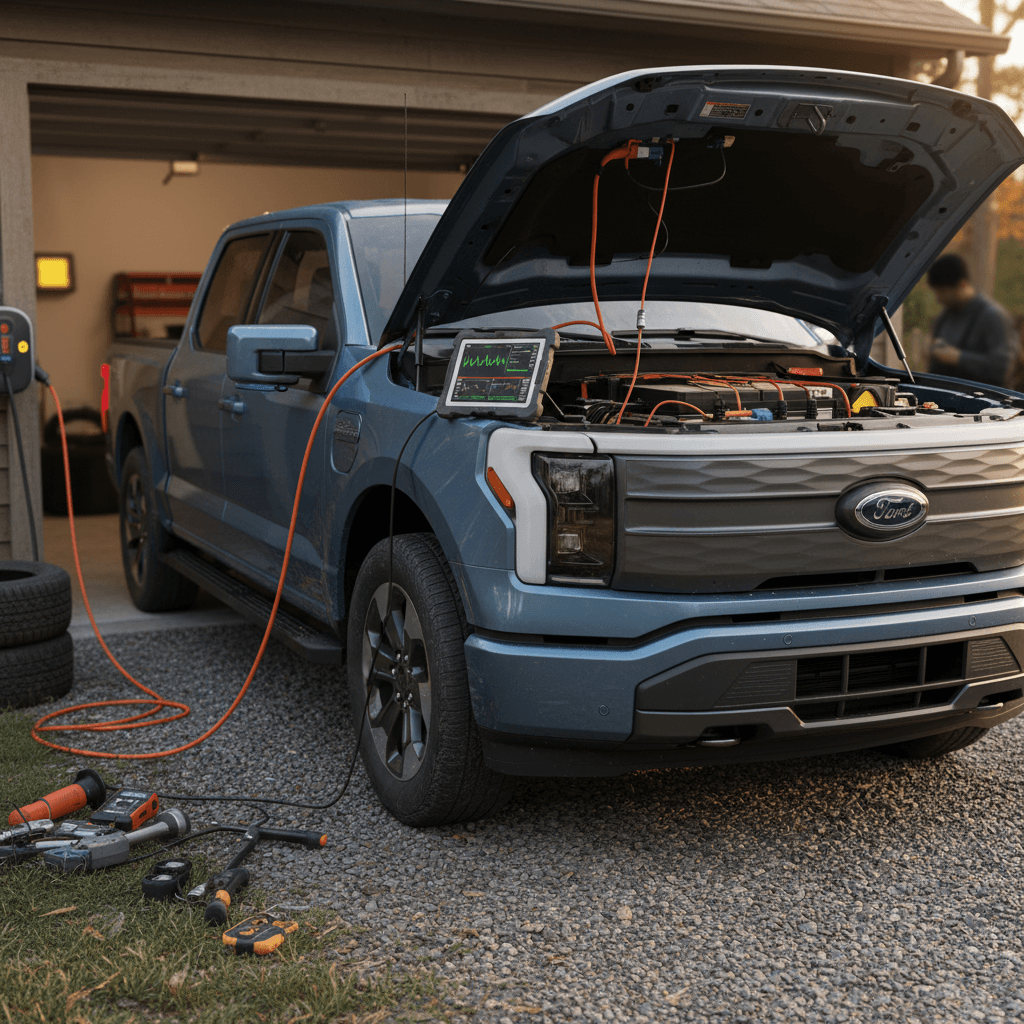
If you own, or are shopping for, a 2022 Ford F-150 Lightning, you’ve probably heard stories about 12‑volt battery failures, weird software glitches, and high‑profile recalls. This guide walks through the most common 2022 F-150 Lightning problems and fixes, in plain English, so you can separate normal EV behavior from real trouble and know exactly when to handle it yourself and when to get a dealer or expert involved.
Context: Early-build EV trucks
Quick look: Common 2022 Lightning issues
Most-talked-about 2022 Lightning problems
None of these problems are universal, and plenty of 2022 Lightnings rack up miles with few issues. But if you understand the pattern, you can catch small problems early, treat normal EV quirks as just that, and avoid getting stranded.
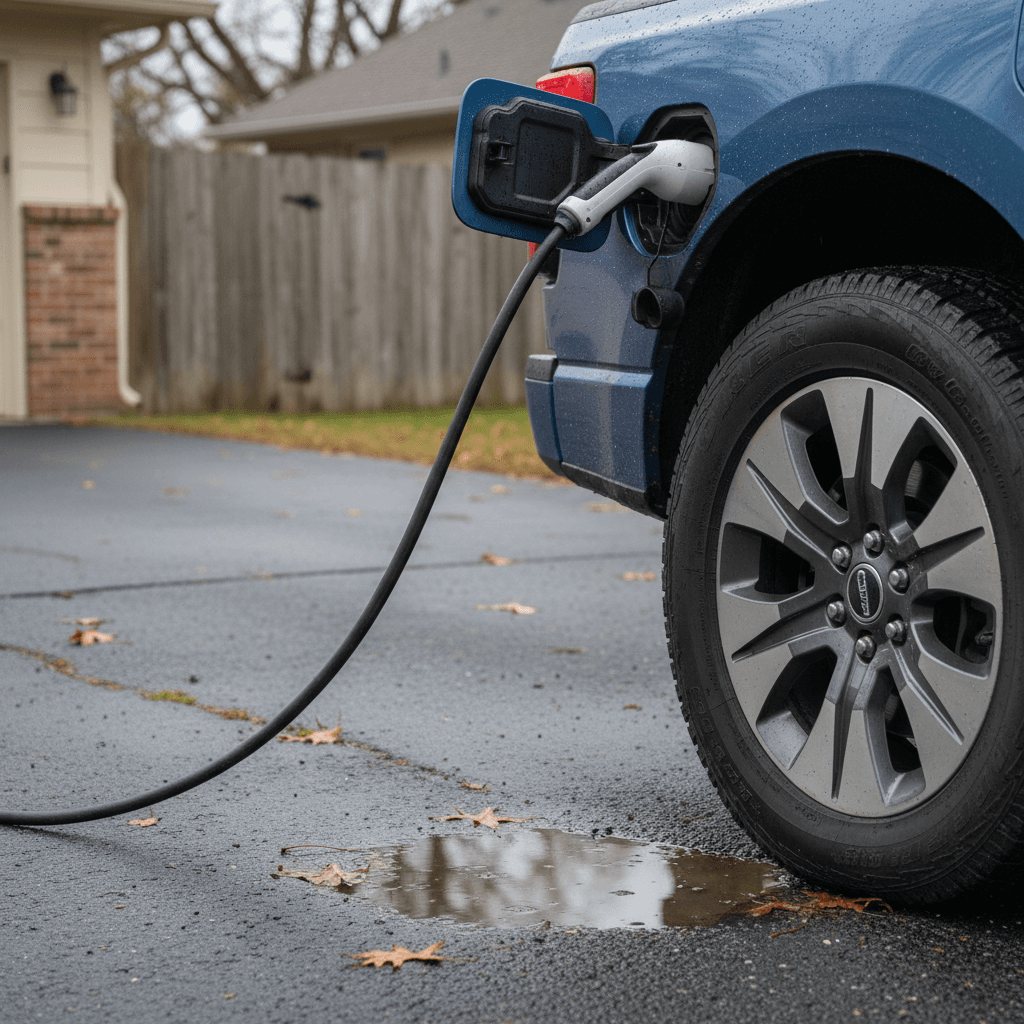
Battery behavior vs real battery problems
Start with a critical distinction: what looks like a battery problem isn’t always a defect. A 2022 Lightning will naturally lose range faster in winter, charge more slowly when the pack is cold, and display range that changes quickly when you tow. Those are normal physics, not failures.
Is it normal Lightning behavior or a real battery problem?
Use this as a quick mental checklist before you panic.
Likely normal EV behavior
- Range drops 20–40% in very cold weather.
- DC fast charging starts slow when the pack is cold, then speeds up.
- State of charge (SOC) swings more when towing or hauling heavy loads.
- The truck runs the battery conditioning system after you park.
Likely real problem
- Sudden, large range loss with no temperature change.
- Very slow Level 2 charging (e.g., stuck at 3–4 kW) on a healthy 240‑volt circuit.
- Repeated "Stop Safely Now" or high‑voltage battery warnings.
- Truck refuses to charge at multiple different stations with known-good equipment.
Check the simple stuff first
12V battery failures and warning signs
Like almost every EV, the Lightning uses a small, traditional 12‑volt battery to boot the computers, power locks, and run accessories. On some 2022 trucks, this low‑voltage battery has been a weak link: owners report warning messages, random no‑start conditions, or the truck bricking itself in a driveway or parking lot even with plenty of high‑voltage charge left.
- Intermittent "Electrical system drain" or low‑voltage battery warnings that keep coming back.
- Truck takes longer than usual to "wake up" when you open the door or press the start button.
- Interior chimes play through the gauge cluster instead of the sound system, often a sign the 12V battery is sagging.
- Multiple failed OTA updates, especially if the truck sits for long periods or only does very short trips.
- Dead truck after sitting for days with accessories plugged in (dash cams, OBD devices, bed lights, etc.).
Why the 12V matters so much
2022 Lightning 12V battery: DIY checks and fixes
1. Read every warning message carefully
Photograph 12‑volt or "electrical system" warnings and note temperature, how long the truck sat, and whether accessories were plugged in. This history helps your service advisor pinpoint the cause.
2. Inspect for obvious drains
Unplug anything wired to 12V (dash cams, bed lights, inverters, aftermarket electronics). If problems go away, you’ve probably found the culprit.
3. Check usage patterns
Lots of short trips and long idle periods can leave the 12V battery undercharged. Plan a few longer drives or leave the truck plugged in so it can top off the low‑voltage system.
4. Test the 12V battery
A shop or dealer can do a proper load test; some owners find that their original 12V is marginal after 2–3 years and benefits from replacement even if it “passes” a quick test.
5. Don’t ignore repeat warnings
If you keep seeing low‑voltage alerts or experience slow wake‑ups, schedule dealer service. Documented 12V issues on a 2022 still under warranty should be handled at Ford’s expense.
6. Know when to tow, not drive
If the truck won’t shift into gear, shows red warnings, or repeatedly restarts, arrange a tow to the dealer. Repeatedly trying to start can finish off a marginal 12V battery.
Charging issues: Home and DC fast charging
The 2022 Lightning can charge quickly on a strong Level 2 setup and decent DC fast chargers, but owners do report several recurring complaints: home charging sessions that stop unexpectedly, charge rates far below the station’s advertised speed, and public chargers that just won’t talk to the truck.
Common home charging problems
- Breaker trips on a 40–80 amp circuit during charging.
- Lightning reports reduced charging power or "Charge fault" messages.
- Charging stops at a certain state of charge (for example 80%) when you expected 100%.
- Truck doesn’t start scheduled charging when you planned.
Common DC fast charging problems
- Truck ramps up slowly and never reaches the station’s max kW, especially on cold days.
- Session disconnects after a few minutes with a generic error.
- One brand of charger consistently fails while others work fine.
- Charge curve feels "slower than advertised" above ~60–70% state of charge.
Quick rule of thumb on DC speed
Troubleshooting 2022 Lightning charging issues
Work through these checks before assuming a truck-side defect.
| Symptom | Most Likely Cause | Quick Checks / Fixes |
|---|---|---|
| Home charger keeps stopping | Weak or miswired circuit; loose connection; oversize breaker | Have an electrician verify wiring, breaker size, and that the outlet matches your charger’s requirements. Try a different Level 2 charger if possible. |
| Very slow Level 2 charging | Limited onboard setting or shared circuit | Check the truck’s max current setting in charging menus. Make sure nothing else big is running on that circuit (dryer, range, etc.). |
| One DC fast charger always fails | Station/network issue, not the truck | Test another stall or another brand of charger. Log errors in the station’s app and your FordPass app for documentation. |
| Multiple DC fast chargers fail | Vehicle communication or software glitch | Reboot the truck (full power cycle), verify OTA updates, then schedule a dealer visit for diagnostic codes if failures continue. |
| Truck won’t charge past 80% | Charge limit setting or battery protection | Check target charge level in the truck and FordPass app. Many owners limit daily use to 80–90% to reduce degradation. Raising the limit usually resolves this. |
If the same problem follows you to multiple different stations and cables, it’s more likely truck-related than infrastructure-related.
Software glitches and over-the-air updates
If there’s a single theme that ties many 2022 F-150 Lightning problems together, it’s software. Ford leaned hard on over‑the‑air (OTA) updates to roll out new features, patch bugs, and support major recall campaigns. That’s good news long‑term, but it also means some early owners have fought through failed downloads, stuck updates, or half‑working features.
- FordPass shows an update pending for weeks, but the truck never actually installs it.
- OTA updates repeatedly fail with generic "Installation unsuccessful" messages.
- Phone As A Key, BlueCruise, or driver-assist features that work only intermittently until a dealer installs module updates.
- Random infotainment reboots, audio dropouts, or cameras going black, usually improved by later software builds.
- Confusion about which software version is actually installed on the truck.
Where to see your Lightning’s software status
Making software work for you, not against you
1. Enable automatic updates
In the truck’s settings, turn on automatic OTA updates and allow them during overnight windows when the truck is parked, locked, and has good cell or Wi‑Fi coverage.
2. Keep the 12V battery happy
OTA updates are sensitive to low 12V voltage. If you’re seeing persistent failures, have the 12V battery tested and replace it under warranty if marginal.
3. Use Wi‑Fi when possible
Large updates download more reliably over a strong home Wi‑Fi connection. Add your home network and park within range when you know a big update is coming.
4. Don’t stack updates
If one update fails, avoid queuing more. Call Ford’s software support number or your dealer and have them clear the failed job before trying again.
5. Ask for a full module reflash if needed
For stubborn issues (Phone As A Key, BlueCruise, camera glitches), many owners have had success asking the dealer to update all relevant modules using Ford’s in‑house diagnostic system rather than just pushing OTA.
Key safety recalls that affect 2022 Lightnings
Because the F‑150 Lightning shares a lot of hardware and software with other F‑150 variants, some recall campaigns are EV‑specific while others mirror gas‑truck issues like roll‑away risks or wiper motor failures. The exact list for your truck depends on build date and options, so you’ll want to run the VIN through Ford or NHTSA, but here are the big buckets to understand.
Recall categories 2022 Lightning owners should be aware of
Not every recall applies to every truck, always check by VIN.
High-voltage & power electronics
Roll-away and park system issues
Wipers, lighting & cameras
Do this today: Check your recall status
Suspension, brakes, and other hardware quirks
Compared with software, the 2022 Lightning’s mechanical hardware has been relatively drama‑free. But you’ll still see some recurring complaints that are worth checking on a test drive or at your next service visit.
- Clunks or squeaks from the suspension over low‑speed bumps, often bushings or shock mounts needing lubrication or replacement.
- Uneven front tire wear if alignment is off, especially on trucks that tow heavy or run oversized all‑terrain tires.
- Brake feel that’s grabby at low speeds or inconsistent modulation as the truck blends regenerative and friction braking, sometimes improved with software updates.
- Tailgate alignment and bed hardware rattles, which are usually simple adjustments but can be annoying on rough roads.
- Wind noise around mirrors or the windshield at highway speeds on some trucks.
Test drive with your ears open
How to diagnose problems at home
You don’t need to be a master technician to narrow down most 2022 F‑150 Lightning problems. A systematic approach saves you time at the dealer and helps you describe symptoms clearly, which is half the battle in getting something fixed right the first time.
Step-by-step: Smart troubleshooting for your Lightning
Step 1: Document the problem
Write down exactly what you were doing when the issue happened (charging, towing, using Pro Power, etc.).
Snap photos of all warning lights and messages on the dash and in FordPass.
Note temperature, state of charge, and whether the truck had just been driven or sat for hours.
Step 2: Rule out environment & equipment
Try a different outlet, Level 2 charger, or DC fast charger brand when dealing with charging issues.
Disconnect aftermarket gear: bed lights, inverters, dash cams, or OBD dongles.
Test whether the issue appears only in extreme cold or heat, which can point to normal EV behavior rather than a defect.
Step 3: Check for updates & recalls
Open the Software Updates menu in the truck and in FordPass to see if any updates are waiting.
Run your VIN through Ford’s site or NHTSA to spot open recalls.
If a known campaign matches your symptom, schedule that work first, you may solve the issue in one visit.
Step 4: Escalate smartly
If the issue persists, book dealer service with a detailed written description and photos.
Ask the advisor to check for recent Technical Service Bulletins (TSBs) related to your symptoms.
After the repair, verify what software versions or parts were updated, and keep the invoice in your records.
Buying a used 2022 Lightning: problems to screen for
If you’re eyeing a used 2022 Lightning, the same issues owners complain about are exactly what you should screen for before you sign. Early EV trucks can be fantastic buys if you verify battery health, software status, and recall completion up front.
Used 2022 Lightning problem checklist
Questions to ask and items to verify before you buy.
| Area | What to Check | Why It Matters |
|---|---|---|
| High-voltage battery | State of charge after a long test drive; no HV warnings; realistic range for your climate and driving style. | Confirms the pack is behaving normally and that you understand real‑world range vs the sticker number. |
| 12V system | Any warning history; age of the 12V battery; records of replacement. | A tired 12V battery is cheap to fix but can cause no‑start headaches. Many 2022s are now due for their first replacement. |
| Charging | Does it charge normally on both Level 2 and at least one DC fast charger? | Verifies the truck communicates well with common infrastructure and doesn’t have obvious onboard charger issues. |
| Software & features | Are Phone As A Key, cameras, and driver‑assist systems reliable? Any history of failed OTA updates? | Glitchy features may just need software, but repeated failures can hint at deeper module problems. |
| Recalls | Printout showing all open recalls completed, including any EV‑specific campaigns. | Closed recalls mean fewer surprises later and better safety and resale value. |
| Service history | Regular maintenance and recall visits; no repeated visits for the same unresolved complaint. | Helps you avoid a truck that’s been a chronic trouble case. |
A thorough pre‑purchase check is the difference between a great used Lightning and someone else’s unfinished service project.
How Recharged simplifies this step
Ready to find your next EV?
Browse VehiclesFAQ: 2022 Ford F-150 Lightning problems
Frequently asked questions about 2022 Lightning issues
Bottom line: Is a 2022 F-150 Lightning a bad bet?
For all the headlines, the typical 2022 Ford F-150 Lightning problems are more about software, low‑voltage batteries, and teething issues than catastrophic EV failures. If you stay on top of recalls, treat the 12V battery as a wear item, and verify that charging and driver‑assist systems behave normally, a 2022 Lightning can be a very capable, quiet, and quick truck that handles work and family duty with ease.
If you’re shopping used, don’t buy blind. Whether you work with a trusted independent shop or lean on a Recharged Score Report from Recharged, insist on clear evidence of battery health, charging behavior, and completed campaigns. Do that, and you’re far more likely to end up with the right 2022 Lightning, one that does its job without drama and keeps its focus on hauling, towing, and silent acceleration instead of unexpected warning lights.